
TableView使用CATransform3D特效动画
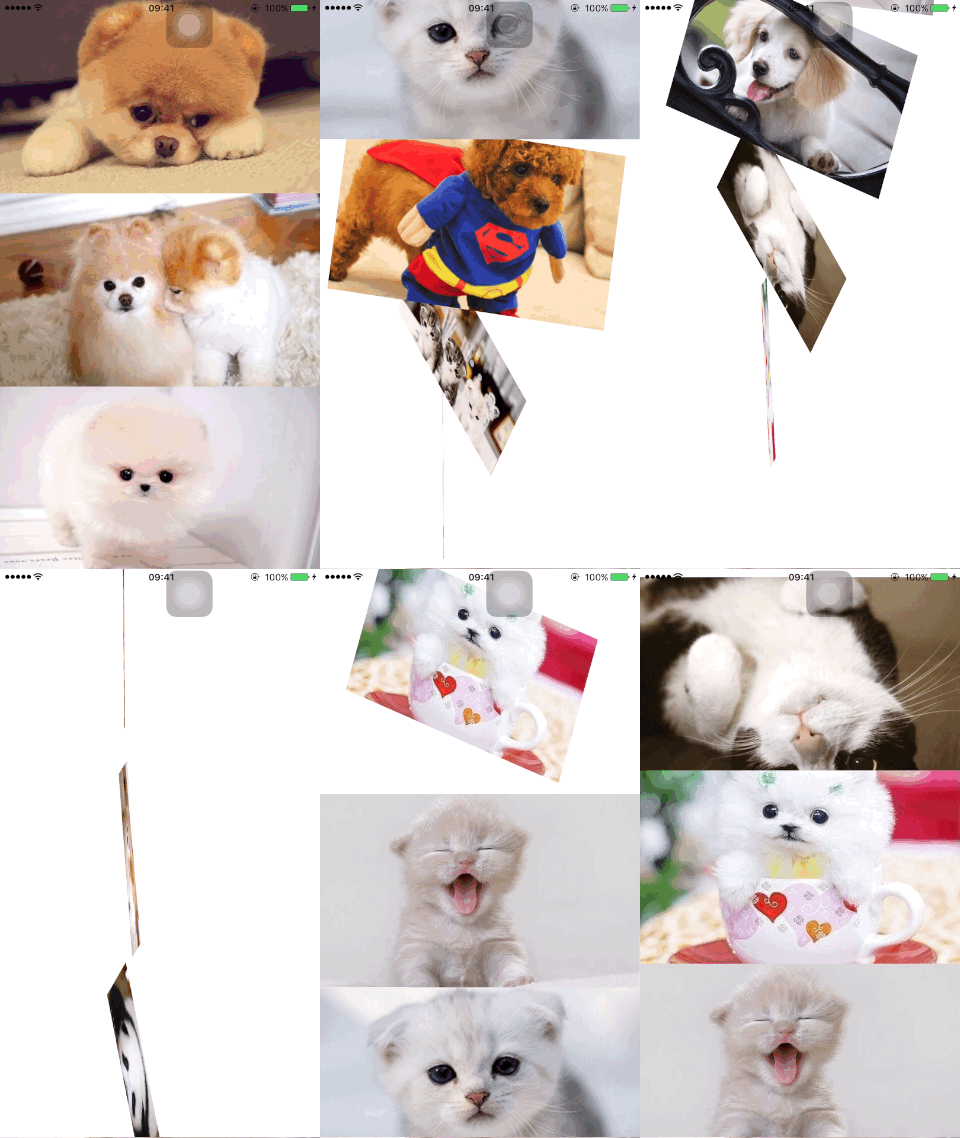
效果一:

在代理方法中实现:
- (void)tableView:(UITableView *)tableView willDisplayCell:(UITableViewCell *)cell forRowAtIndexPath:(NSIndexPath *)indexPath {

    CATransform3D transform = CATransform3DIdentity;

    // CA_EXTERN CATransform3D CATransform3DTranslate (CATransform3D t, CGFloat tx, CGFloat ty, CGFloat tz)  tx: 左右移动 ty: 上下移动

    transform = CATransform3DTranslate(transform, , , );

    cell.layer.transform = transform;

    [UIView animateWithDuration:0.5 animations:^{

        cell.layer.transform = CATransform3DIdentity;

    }];

}
效果二:
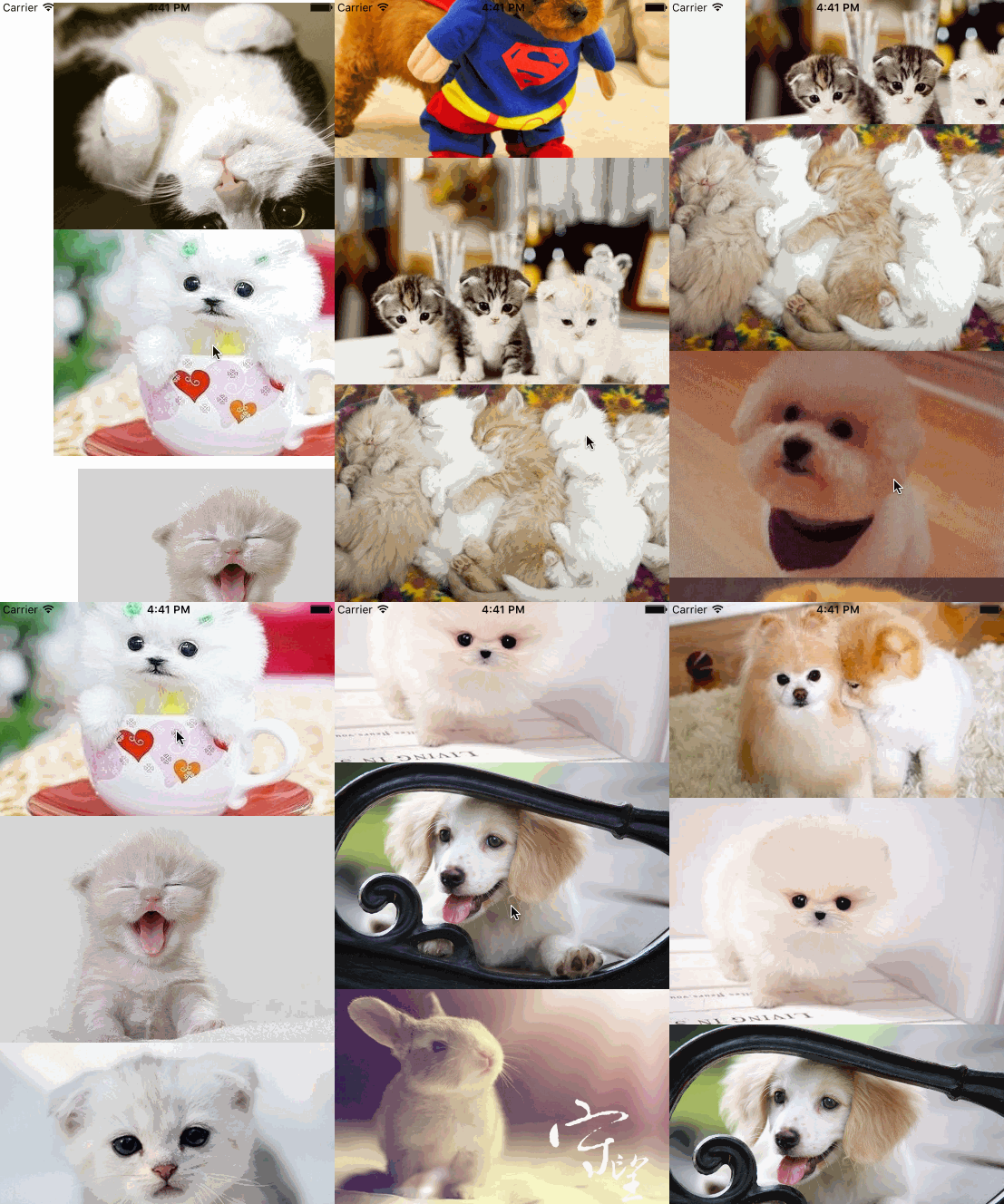
代码:
- (void)tableView:(UITableView *)tableView willDisplayCell:(UITableViewCell *)cell forRowAtIndexPath:(NSIndexPath *)indexPath {

    CATransform3D transform = CATransform3DIdentity;

    // CA_EXTERN CATransform3D CATransform3DTranslate (CATransform3D t, CGFloat tx, CGFloat ty, CGFloat tz)  tx: 左右移动 ty: 上下移动

    transform = CATransform3DTranslate(transform, , , );

    cell.layer.transform = transform;

    [UIView animateWithDuration:0.5 animations:^{

        cell.layer.transform = CATransform3DIdentity;

    }];

}
效果三:

效果四:
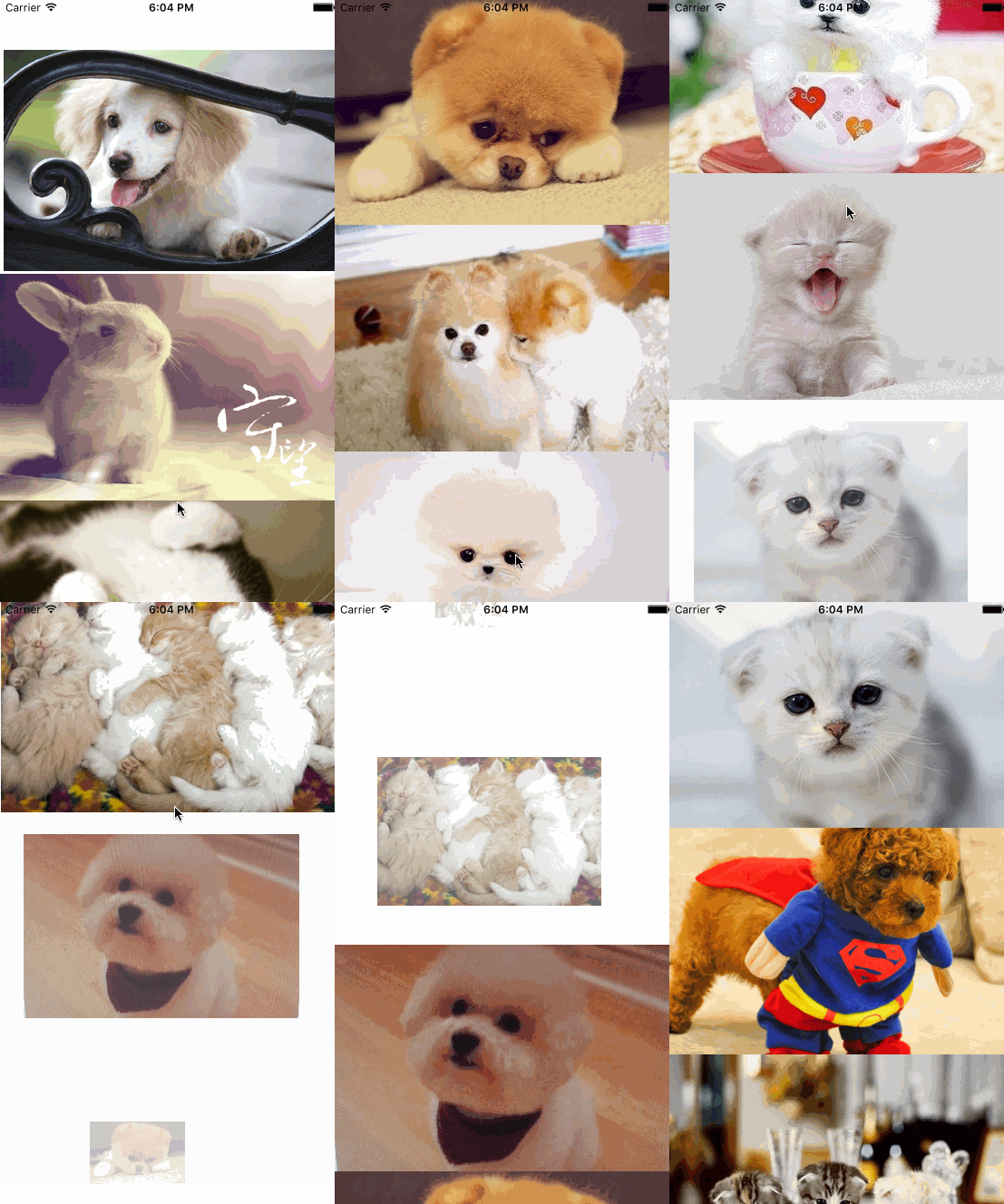
- (void)tableView:(UITableView *)tableView willDisplayCell:(UITableViewCell *)cell forRowAtIndexPath:(NSIndexPath *)indexPath {

    CATransform3D transform = CATransform3DIdentity;

    transform = CATransform3DRotate(transform, M_PI_2, , , );

    transform = CATransform3DTranslate(transform, , , );

    transform = CATransform3DScale(transform, 0.0, 0.0, 0.0); //由小变大

    cell.layer.transform = transform;

    cell.layer.opacity = 0.0;

    [UIView animateWithDuration:0.6 animations:^{

        cell.layer.transform = CATransform3DIdentity;

        cell.layer.opacity = ;

    }];

}
效果五:
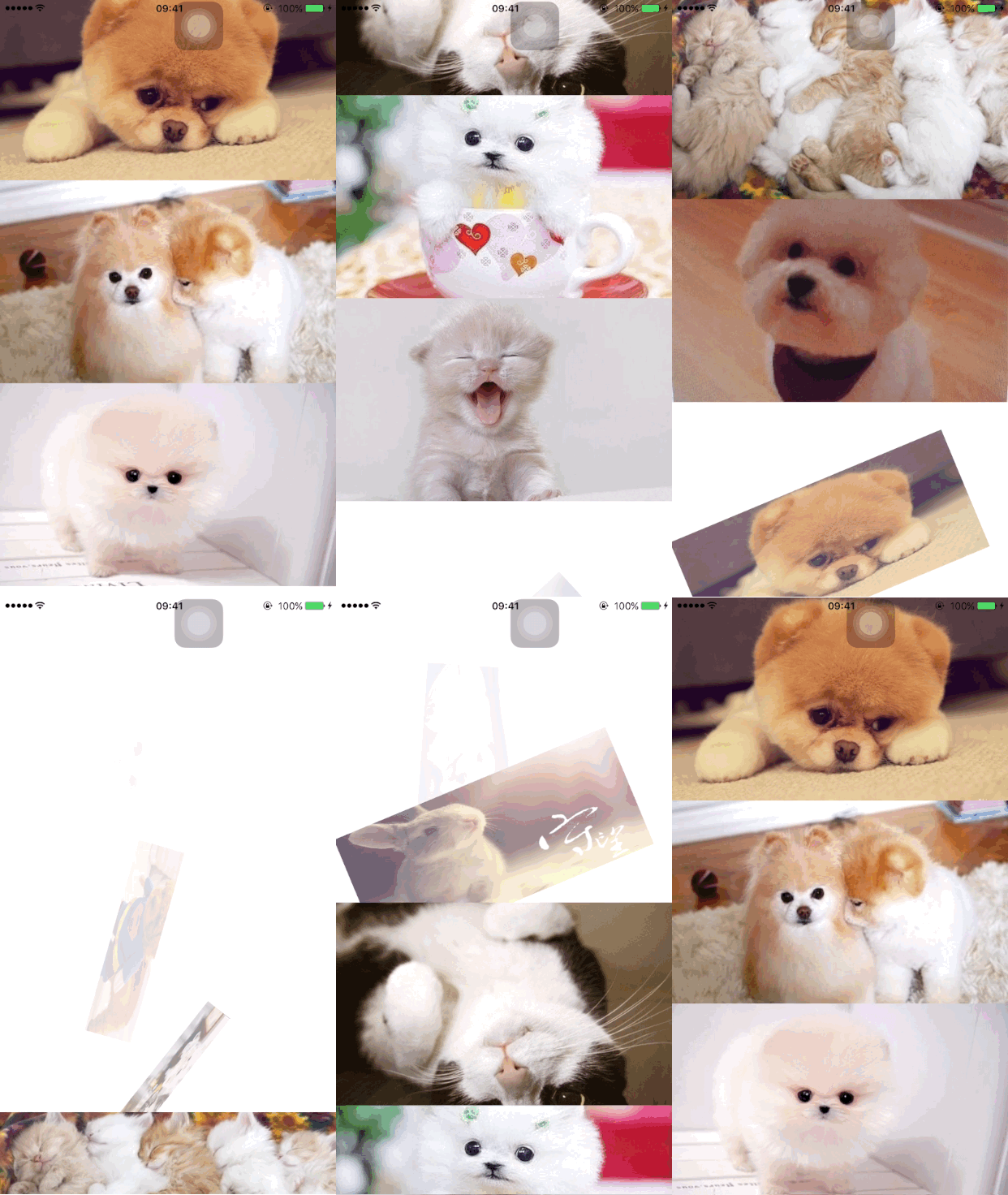
- (void)tableView:(UITableView *)tableView willDisplayCell:(UITableViewCell *)cell forRowAtIndexPath:(NSIndexPath *)indexPath {

    CATransform3D transform = CATransform3DIdentity;

    // CA_EXTERN CATransform3D CATransform3DRotate (CATransform3D t, CGFloat angle, CGFloat x, CGFloat y, CGFloat z)

    transform = CATransform3DRotate(transform, M_PI_2, , , );//渐变

    // CA_EXTERN CATransform3D CATransform3DTranslate (CATransform3D t, CGFloat tx, CGFloat ty, CGFloat tz)  tx: 左右移动 ty: 上下移动

    transform = CATransform3DTranslate(transform, , , );//左边水平移动

    transform = CATransform3DScale(transform, -0.5, 0.5, ); // sx sy 的任意一个为负

    cell.layer.transform = transform;

    cell.layer.opacity = 0.0;

    [UIView animateWithDuration:0.6 animations:^{

        cell.layer.transform = CATransform3DIdentity;

        cell.layer.opacity = ;

    }];

}
效果六:
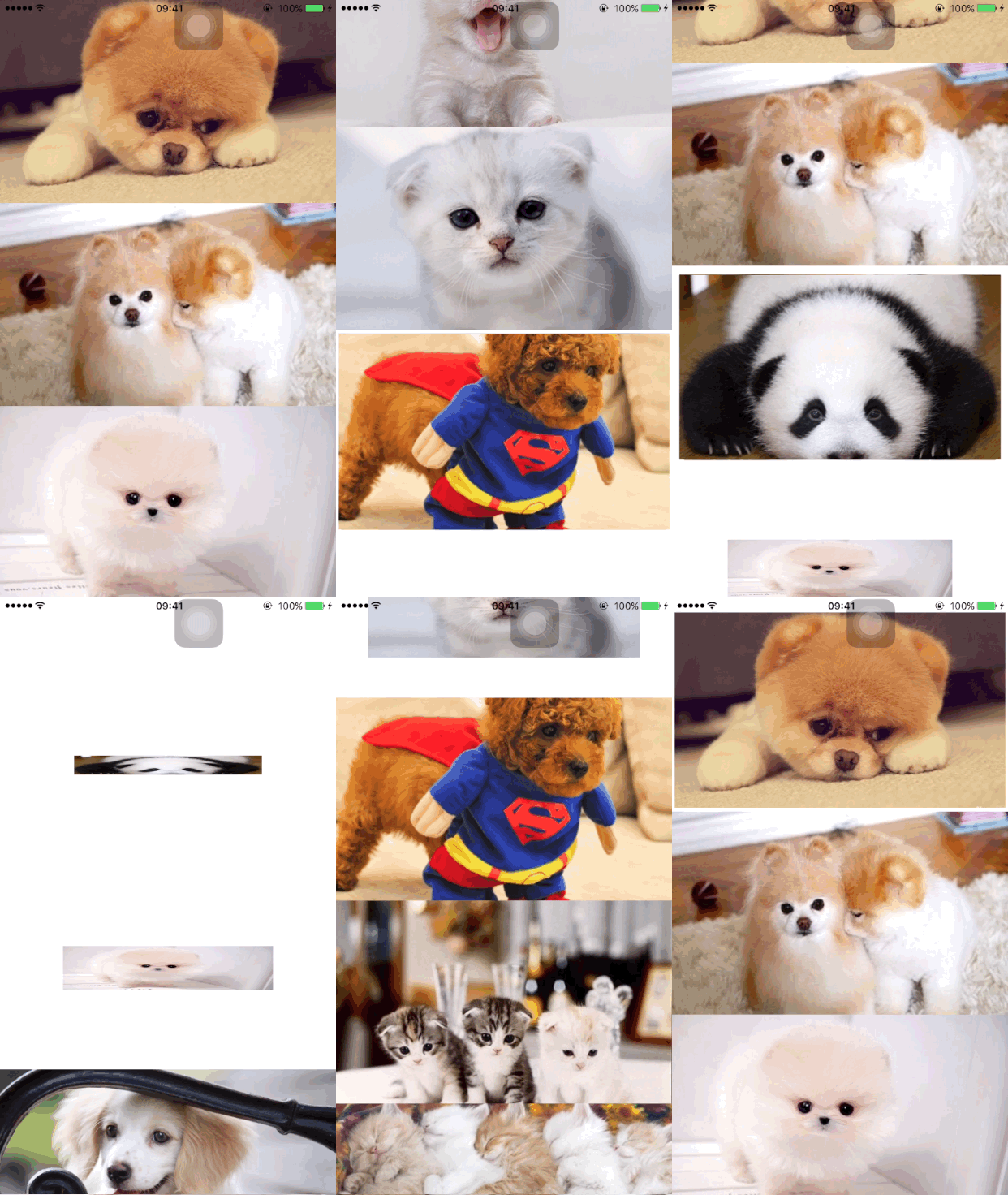
- (void)tableView:(UITableView *)tableView willDisplayCell:(UITableViewCell *)cell forRowAtIndexPath:(NSIndexPath *)indexPath {

    CATransform3D transform = CATransform3DIdentity;

    // CA_EXTERN CATransform3D CATransform3DRotate (CATransform3D t, CGFloat angle, CGFloat x, CGFloat y, CGFloat z)

    transform = CATransform3DRotate(transform, M_PI_2, 0.5, 0.0, );// 变化的角度

     // CA_EXTERN CATransform3D CATransform3DTranslate (CATransform3D t, CGFloat tx, CGFloat ty, CGFloat tz)  tx: 左右移动 ty: 上下移动

    transform = CATransform3DTranslate(transform, , , );

//  transform = CATransform3DScale(transform, 0.5, 0.0, 1); // sx sy 的任意一个为负

    transform = CATransform3DScale(transform, 0.5, 0.0, ); // sx sy 的任意一个为负

    cell.layer.transform = transform;

    [UIView animateWithDuration:0.6 animations:^{

        cell.layer.transform = CATransform3DIdentity;

    }];

}
效果七:

- (void)tableView:(UITableView *)tableView willDisplayCell:(UITableViewCell *)cell forRowAtIndexPath:(NSIndexPath *)indexPath {

    CATransform3D transform = CATransform3DIdentity;

    // CA_EXTERN CATransform3D CATransform3DRotate (CATransform3D t, CGFloat angle, CGFloat x, CGFloat y, CGFloat z)

    transform = CATransform3DRotate(transform, M_PI_2, 0.5, 0.0, );// 变化的角度

    // CA_EXTERN CATransform3D CATransform3DTranslate (CATransform3D t, CGFloat tx, CGFloat ty, CGFloat tz)  tx: 左右移动 ty: 上下移动

    transform = CATransform3DTranslate(transform, , , );

    transform = CATransform3DScale(transform, 0.0, 0.5, ); // sx sy 的任意一个为负

    cell.layer.transform = transform;

    [UIView animateWithDuration:0.6 animations:^{

        cell.layer.transform = CATransform3DIdentity;

    }];

}
效果八:
- (void)tableView:(UITableView *)tableView willDisplayCell:(UITableViewCell *)cell forRowAtIndexPath:(NSIndexPath *)indexPath {

    CATransform3D transform = CATransform3DIdentity;

    transform = CATransform3DRotate(transform, M_PI_2, 0.0, 0.5, );// 变化的角度  x = 0.5  y = 0.5

    transform = CATransform3DTranslate(transform, , , );

    transform = CATransform3DScale(transform, 0.5, 0.5, );

    cell.layer.transform = transform;

    [UIView animateWithDuration:0.6 animations:^{

        cell.layer.transform = CATransform3DIdentity;

    }];

}
效果九:
- transform = CATransform3DRotate(transform, M_PI_2, 0.5, 0.0, 0);// 变化的角度 x = 0.5 y = 0.5
- (void)tableView:(UITableView *)tableView willDisplayCell:(UITableViewCell *)cell forRowAtIndexPath:(NSIndexPath *)indexPath {

    CATransform3D transform = CATransform3DIdentity;

    transform = CATransform3DRotate(transform, M_PI_2, 0.0, 0.0, );// 变化的角度  x = 0.5  y = 0.5

    transform = CATransform3DTranslate(transform, -, , );

    transform = CATransform3DScale(transform, 0.5, 0.0, );

    cell.layer.transform = transform;

    [UIView animateWithDuration:0.6 animations:^{

        cell.layer.transform = CATransform3DIdentity;

    }];

}
TableView使用CATransform3D特效动画的更多相关文章
- 超炫数字特效动画AE模板
下载方式: 网盘地址+迅雷地址+迅雷地址+备份地址 <ignore_js_op> 本AE模板是由Videohive机构出品的超炫数字特效动画AE模板,Videohive The Numbe ...
- 用TableView写带特效的cell
用TableView写带特效的cell 效果: 源码地址: https://github.com/YouXianMing/UI-Component-Collection 分析: 在UIScrollVi ...
- 关于UI功能解锁,UI特效动画,UI tips的再思考
之前写过一篇这样的文章,但当时的思路可行性太低 首先所有的UI面板通过发送字符串消息来告知,是否触发了解锁检测,tips检测,动画特效.可以理解为这样的接口: AsyncResult SendUIMe ...
- tableview cell添加3D动画
当cell显示之前,会先调用该方法,因此给cell添加动画,在这个方法里面即可. -(void)tableView:(UITableView *)tableView willDisplayCell:( ...
- collectionView/tableview刷新时关闭动画无效
collectionView/tableview reloadSections/reloaddata时去掉动画无效时可以尝试使用 [UIView performWithoutAnimation:^{ ...
- 踏得网互联网新技术垂直搜索服务和分享 - HTML5动效/特效/动画搜索
版权声明:本文为博主原创文章,未经博主同意不得转载. https://blog.csdn.net/iefreer/article/details/34917729 当前主流搜索引擎在解决互联网技术创意 ...
- swift - tableView数据向上收缩动画
// // TTTableViewController.swift // tableVIewAnimation // // Created by su on 15/12/11. // Copy ...
- 腾讯开源:Kotlin 高性能特效动画组件!
先看一下效果展示: 1. VAP VAP(Video Animation Player)是企鹅电竞开发,用于播放酷炫动画的实现方案. 相比Webp, Apng动图方案,具有高压缩率(素材更小).硬件解 ...
- css3的动画特效--动画序列(animation)
首先复习一下animation动画添加各种参数 (1)infinite参数,表示动画将无限循环.在速度曲线和播放次数之间还可以插入一个时间参数,用以设置动画延迟的时间.如希望使图标在1秒钟后再开始旋转 ...
随机推荐
- C#日志记录函数
错误日志记录在程序运行的实际维护中定位问题具有很大作用,日志越详细,反馈处理问题越方便. 常用的一个B/S架构下的日志函数. //日志记录函数 private void WriteLog( strin ...
- follow me learning sqlserver transql
create DATABASE 教务管理系统on (name=教务管理系统_data,filename='E:\sql\教务管理系统_data.mdf ',size=5mb,maxsize=20mb ...
- zookeeper初识之原理
ZooKeeper 是一个分布式的,开放源码的分布式应用程序协调服务,它包含一个简单的原语集,分布式应用程序可以基于它实现同步服务,配置维护和命名服务等. Zookeeper是hadoop的一个子项目 ...
- mouseover 移入某个元素后停留一段时间再执行函授,我用于解决轮播图下面计数用的元素快速移入后会出BUG的问题。
var stop; $(this).bind("mouseover",function(){ stop= setTimeout(function(){ },200); }).bin ...
- supervisor安装配置与使用
supervisor:C/S架构的进程控制系统,可使用户在类UNIX系统中监控.管理进程.常用于管理与某个用户或项目相关的进程. 组成部分supervisord:服务守护进程supervisorctl ...
- Smart210学习记录------linux串口驱动
转自:http://blog.chinaunix.net/xmlrpc.php?r=blog/article&uid=27025492&id=327609 一.核心数据结构 串口驱动有 ...
- attention 机制
参考:modeling visual attention via selective tuning attention问题定义: 具体地, 1) the need for region of inte ...
- StatisticalOutlierRemoval源码
源代码 * * Software License Agreement (BSD License) * * Point Cloud Library (PCL) - www.pointclouds.org ...
- django1.9.6 使用 DjangoUeditor (python3.5)
DjangoUeditor https://github.com/zhangfisher/DjangoUeditor 1 DjangoUeditor 安装 pip install DjangoUedi ...
- 如何清除某条SQL的执行计划
如果遇到绑定窥探导致执行计划慢的情况,想要清除某条SQL的执行计划,让它硬解析,找了很久都没有找到直接操作share pool的方法(除非alter system flush shared_pool) ...