
CSS:CSS定位和浮动
CSS2.1规定了3种定位方案
1.Normal flow:普通流(相对定位 position relative、静态定位 position static)
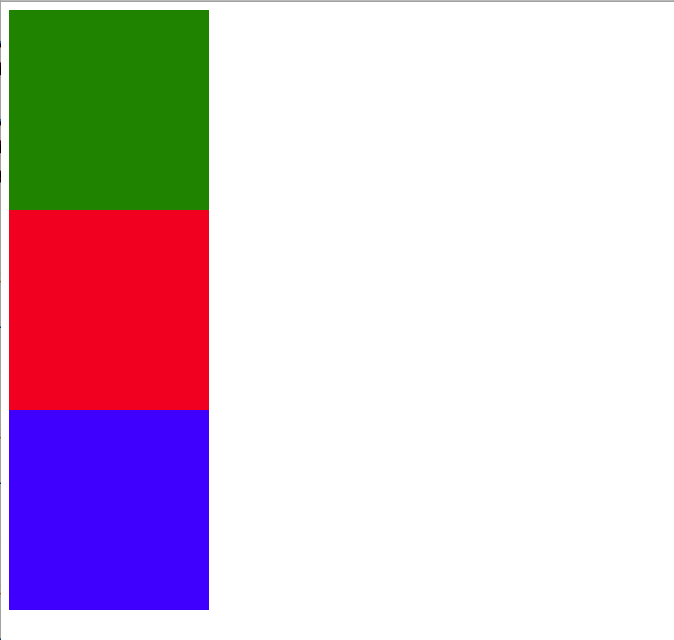
普通流(normal flow,国内有人翻译为文档流):普通流默认是静态定位,将窗体自上而下分成一行一行,块级元素从上至下、 行内元素在每行中按从左至右的挨次排放元素,即为文档流。
2.Float:浮动流
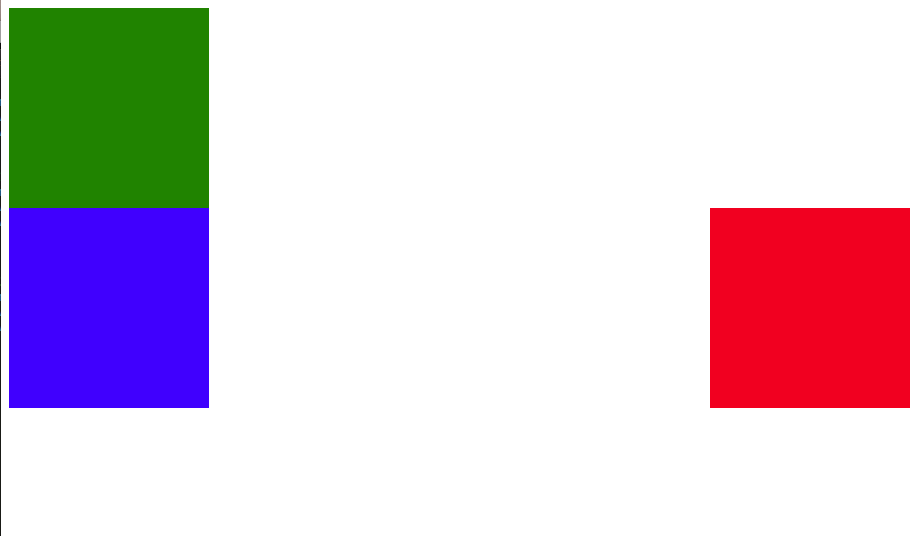
浮动流:元素的浮动,即可以让一个元素脱离原来的文档流,漂到另一个地方,漂到左边或右边等等。
3.Absolute position:绝对定位
绝对定位:就是直接将元素的位置写清楚,距离它的外层元素的左边、右边等多少距离。
第一部分、普通流Normal Flow演示:
代码:
CSS_Position.html
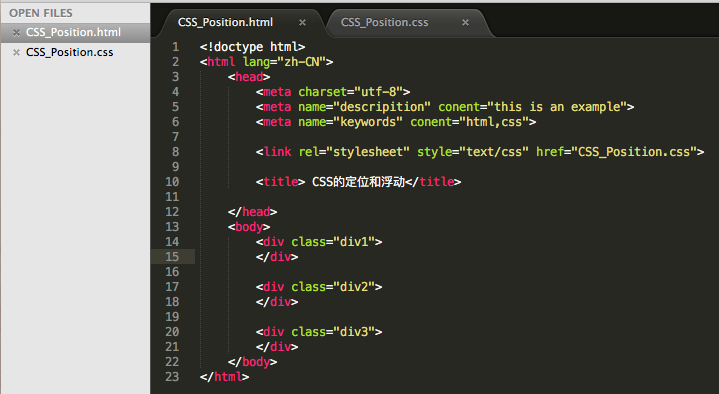
<!doctype html>

<html lang="zh-CN">

    <head>

        <meta charset="utf-8">

        <meta name="descripition" conent="this is an example">

        <meta name="keywords" conent="html,css">

        <link rel="stylesheet" style="text/css" href="CSS_Position.css">

        <title> CSS的定位和浮动</title>

     </head>

     <body>

         <div class="div1">

         </div>

         <div class="div2">

         </div>

         <div class="div3">

         </div>

     </body>

</html>
CSS_Position.css:静态定位 <position static 从上到下>
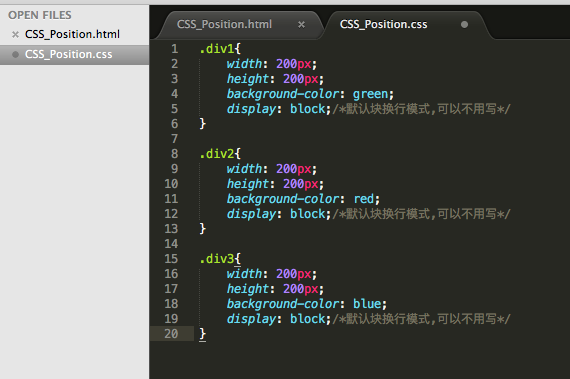
.div1{

    width: 200px;

    height: 200px;

    background-color: green;

    display: block;/*默认块换行模式,可以不用写*/

}

.div2{

    width: 200px;

    height: 200px;

    background-color: red;

    display: block;/*默认块换行模式,可以不用写*/

}

.div3{

    width: 200px;

    height: 200px;

    background-color: blue;

    display: block;/*默认块换行模式,可以不用写*/

}
效果图:
CSS_Position.css:静态定位 <position static 从左到右>
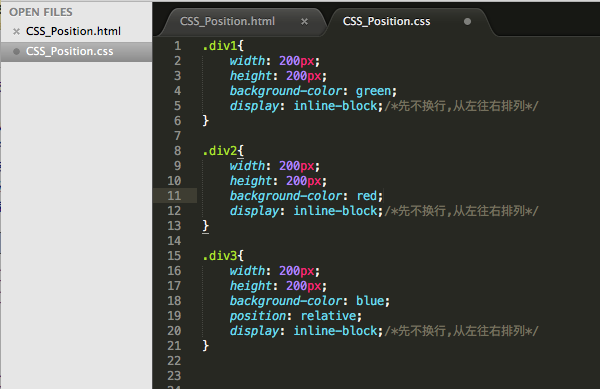
.div1{

    width: 200px;

    height: 200px;

    background-color: green;

    display: inline-block;/*先不换行,从左往右排列*/

}

.div2{

    width: 200px;

    height: 200px;

    background-color: red;

    display: inline-block;/*先不换行,从左往右排列*/

}

.div3{

    width: 200px;

    height: 200px;

    background-color: blue;

    position: relative;

    display: inline-block;/*先不换行,从左往右排列*/

}
效果图:

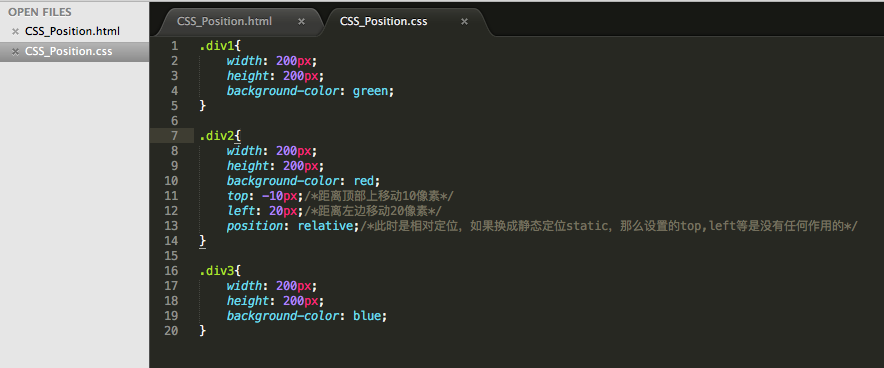
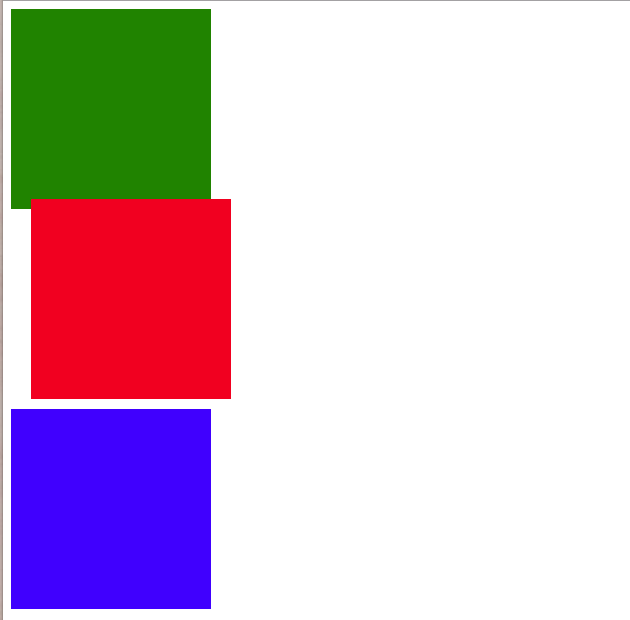
CSS_Position.css:相对定位 <position relative>
.div1{

    width: 200px;

    height: 200px;

    background-color: green;

}

.div2{

    width: 200px;

    height: 200px;

    background-color: red;

    top: -10px;/*距离顶部上移动10像素*/

    left: 20px;/*距离左边移动20像素*/

    position: relative;/*此时是相对定位,如果换成静态定位static,那么设置的top,left等是没有任何作用的*/

}

.div3{

    width: 200px;

    height: 200px;

    background-color: blue;

}
效果图:
第二部分、Float 浮动流演示:
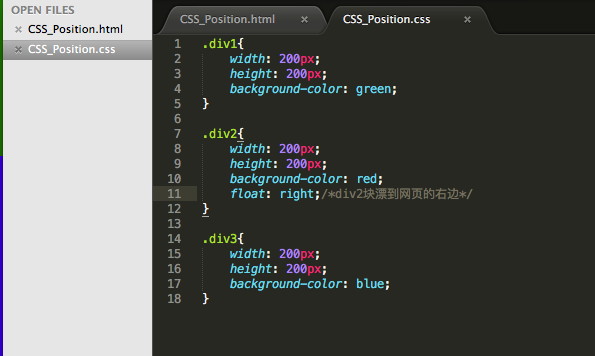
CSS_Position.css:浮动一个元素
.div1{

    width: 200px;

    height: 200px;

    background-color: green;

}

.div2{

    width: 200px;

    height: 200px;

    background-color: red;

    float: right;  /*div2块浮动到网页的右边*/

}

.div3{

    width: 200px;

    height: 200px;

    background-color: blue;

}
效果图:
CSS_Position.css:三个元素全部浮动
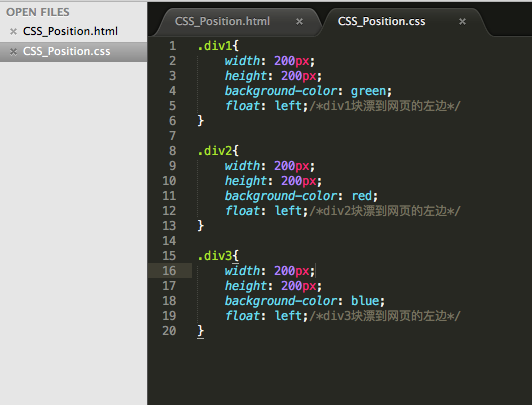
.div1{

    width: 200px;

    height: 200px;

    background-color: green;

    float: left;/*div1块浮动到网页的左边*/

}

.div2{

    width: 200px;

    height: 200px;

    background-color: red;

    float: left;/*div2块浮动到网页的左边*/

}

.div3{

    width: 200px;

    height: 200px;

    background-color: blue;

    float: left;/*div3块浮动到网页的左边*/

}
效果图:

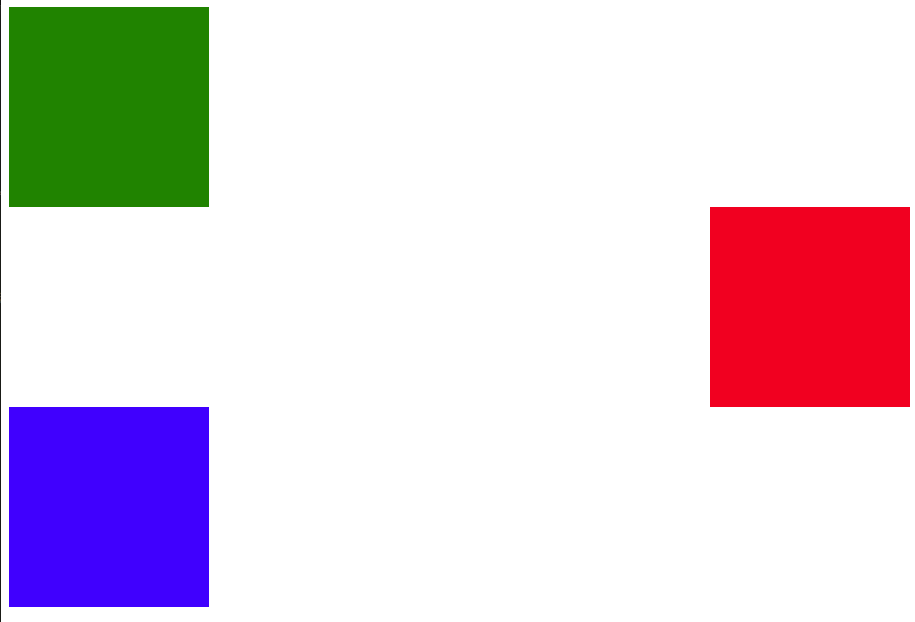
CSS_Position.css:清除浮动元素

.div1{

    width: 200px;

    height: 200px;

    background-color: green;

}

.div2{

    width: 200px;

    height: 200px;

    background-color: red;

    float: right;/*div2块浮动到右边*/

}

.div3{

    width: 200px;

    height: 200px;

    background-color: blue;

    clear: right;/*清除div3右边的浮动,当然也可以左边left、两边both*/

}
效果图:
第三部分、Absolute position绝对定位演示:
CSS_Position.html
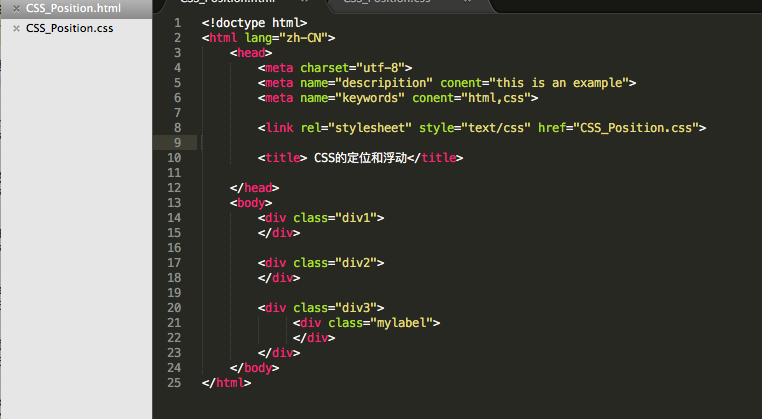
<!doctype html>

<html lang="zh-CN">

    <head>

        <meta charset="utf-8">

        <meta name="descripition" conent="this is an example">

        <meta name="keywords" conent="html,css">

        <link rel="stylesheet" style="text/css" href="CSS_Position.css">

        <title> CSS的定位和浮动</title>

     </head>

     <body>

         <div class="div1">

         </div>

         <div class="div2">

         </div>

         <div class="div3">

              <div class="mylabel">

              </div>

         </div>

     </body>

</html>
CSS_Position.css: mylabel的默认位置
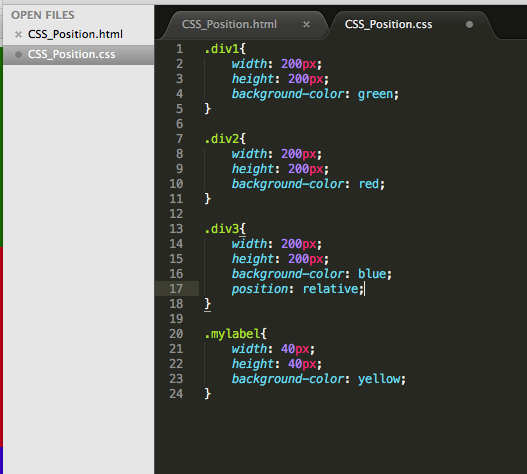
.div1{

    width: 200px;

    height: 200px;

    background-color: green;

}

.div2{

    width: 200px;

    height: 200px;

    background-color: red;

}

.div3{

    width: 200px;

    height: 200px;

    background-color: blue;

     position: relative;

}

.mylabel{

    width: 40px;

    height: 40px;

    background-color: yellow;

}
效果图:
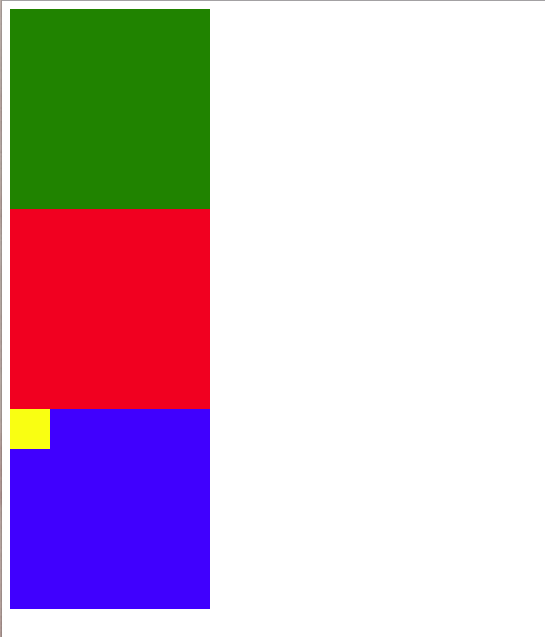
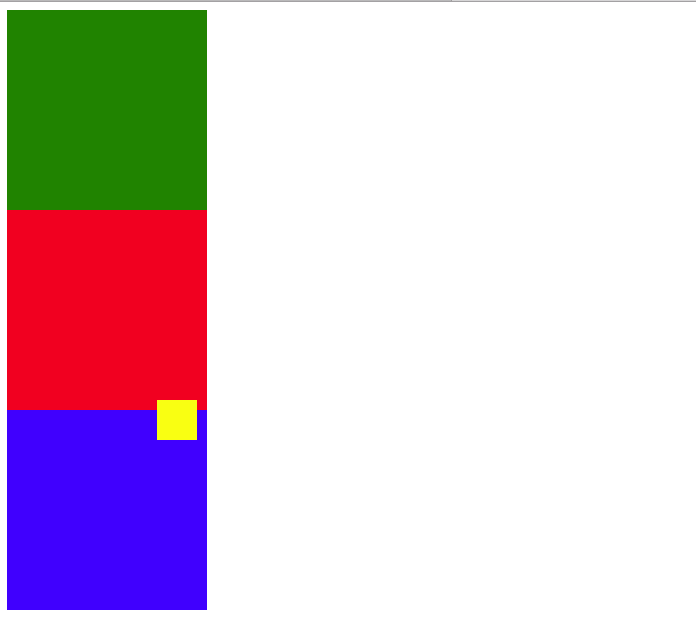
CSS_Position.css:绝对定位、使用绝对定位改变mylabel的位置,使mylabel距离外层顶部-10px,距离外层右边10px:
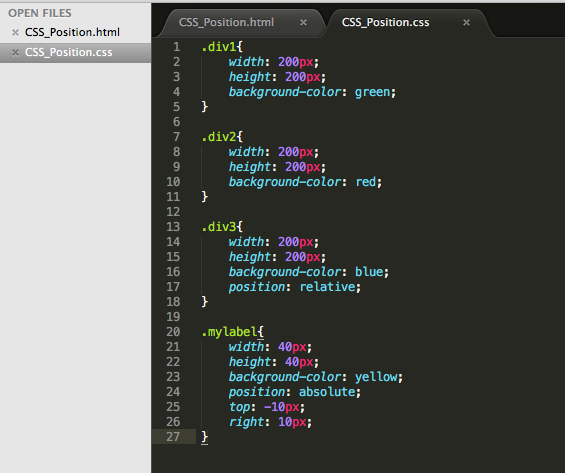
.div1{

    width: 200px;

    height: 200px;

    background-color: green;

}

.div2{

    width: 200px;

    height: 200px;

    background-color: red;

}

.div3{

    width: 200px;

    height: 200px;

    background-color: blue;

    position: relative;

}

.mylabel{

    width: 40px;

    height: 40px;

    background-color: yellow;

    position: absolute;

    top: -10px;

    right: 10px;

}
效果图:
CSS:CSS定位和浮动的更多相关文章
- css区块定位之浮动与清除属性
float属性将所属标记的显示空间指定为一个浮动元素,并使其周围对象按一定的方式环绕它排列. float属性的作用就象图像和表格的align属性一样,但可以用到任何元素上. clear属性的作用是禁止 ...
- css的定位和浮动
定位 浮动 float代码 <!DOCTYPE html> <html> <head> <meta charset="UTF-8"> ...
- CSS入门(定位之浮动定位、伪类之鼠标悬停、光标修改和透明度修改和列表样式)
一.定位 所为定位,实际上就是定义元素框相对于其正常位置,应该出现在哪儿 定位就是改变元素在页面上的默认位置 分类: 普通流定位(元素默认的定位方式) 浮动定位 相对定位 绝对定位 固定定位 1.普通 ...
- CSS中定位和浮动对行内元素的宽高的影响
行内元素的大小是由元素里面的内容撑开的宽高决定的,就算在css中对行内元素设置width,height.行内元素也会忽略宽高的设置. 但是当行内元素使用position:absolute或者posit ...
- CSS学习笔记——CSS中定位的浮动float
昨天在解决了盒模型的问题之后又出现了新的知识模糊点:浮动和绝对定位?今天先解决浮动相关的问题,首先列举出想要解决的问题: 1.浮动到底是怎么样的? 2.浮动对元素的影响有什么? 3.浮动主要用来干什么 ...
- CSS彻底研究(3) - 浮动,定位
Github pages 博文 CSS彻底研究(3)-浮动,定位 一 . 浮动float I . 定义及规则 float默认为none,对应标准流的情况.当float : left;时,元素就会向其父 ...
- CSS中的定位与浮动
CSS中的定位与浮动 本文主要讲述CSS中的三种定位样式static.relative和absolute的区别以及浮动元素的特征. 定位样式 CSS中定位样式position的取值有三个,默认值:st ...
- 深入css布局篇(2) — 定位与浮动
深入css布局(2) - 定位与浮动 在css知识体系中,除了css选择器,样式属性等基础知识外,css布局相关的知识才是css比较核心和重要的点.今天我们来深入学习一下css布局相关的知识 ...
- {前端CSS} 语法 Css的几种引入方式 css选择器 选择器的优先级 CSS属性相关 背景属性 边框 CSS盒子模型 清除浮动 overflow溢出属性 定位(position)z-index
前端CSS CSS介绍 CSS(Cascading Style Sheet,层叠样式表)定义如何显示HTML元素,给HTML设置样式,让它更加美观. 当浏览器读到一个样式表,它就会按照这个样式表来对文 ...
随机推荐
- <META http-equiv=X-UA-Compatible content=IE=EmulateIE7>
未来兼容性中的 META 标记和锁定 注意:本文档是预备文档,随时可能变更. 对于 Web 开发人员来说,文本兼容性是一个要考虑的重要问题.Windows Internet Explorer 8 引入 ...
- sql对应C#的类型
- 《Lucene实战(第2版)》 配书代码在IDEA下的编译方法
参考: hankcs http://www.hankcs.com/program/java/lucene-combat-2nd-edition-book-with-code-compiled-unde ...
- CentOS源列表
vi /etc/yum.repos.d/CentOS-Base.repo CentOS 5: # CentOS-Base.repo # # The mirror system uses the con ...
- 使用安捷伦波形编辑软件产生GK101 任意波数据文件的方法(支持手绘)
软件安装包下载地址: 链接: http://pan.baidu.com/s/1bn8Lmhx 密码: v5xz 一.安捷伦IO套件安装 1.将压缩包解压,首先双击IOLibSuite_16_3_179 ...
- JavaWEB中读取配置信息
第一种方法是使用java.io和java.util包,缺点是路径的概念要清晰, 例子: Properties prop = new Properties(); InputStream in = get ...
- 移动Web应用开发入门指南——交互篇
交互篇 从PC到移动端,视觉和交互是用户能直接感受到的差异.在视觉篇中已经提到,移动设备的物理属性一部分影响到视觉,另外一些部分将影响到交互.那么,移动设备影响交互的物理属性都有哪些变化呢?对于这个问 ...
- artDialog ( v 6.0.2 ) content 参数引入页面 html 内容
/*! artDialog v6.0.2 | https://github.com/aui/artDialog */ 将页面某一隐藏的 div 的 html 内容传到 artdialog 的弹窗中,并 ...
- IS_POST:判断是否存在POST提交
IS_POST:判断是否存在POST提交 在程序中可以使用IS_POST来做优化..如果有提交.我们再执行下一步动作.节省开销
- Turing Test
Computer Science An Overview _J. Glenn Brookshear _11th Edition In the past the Turing test (propose ...