
NPM Error:gyp: No Xcode or CLT version detected!
问题
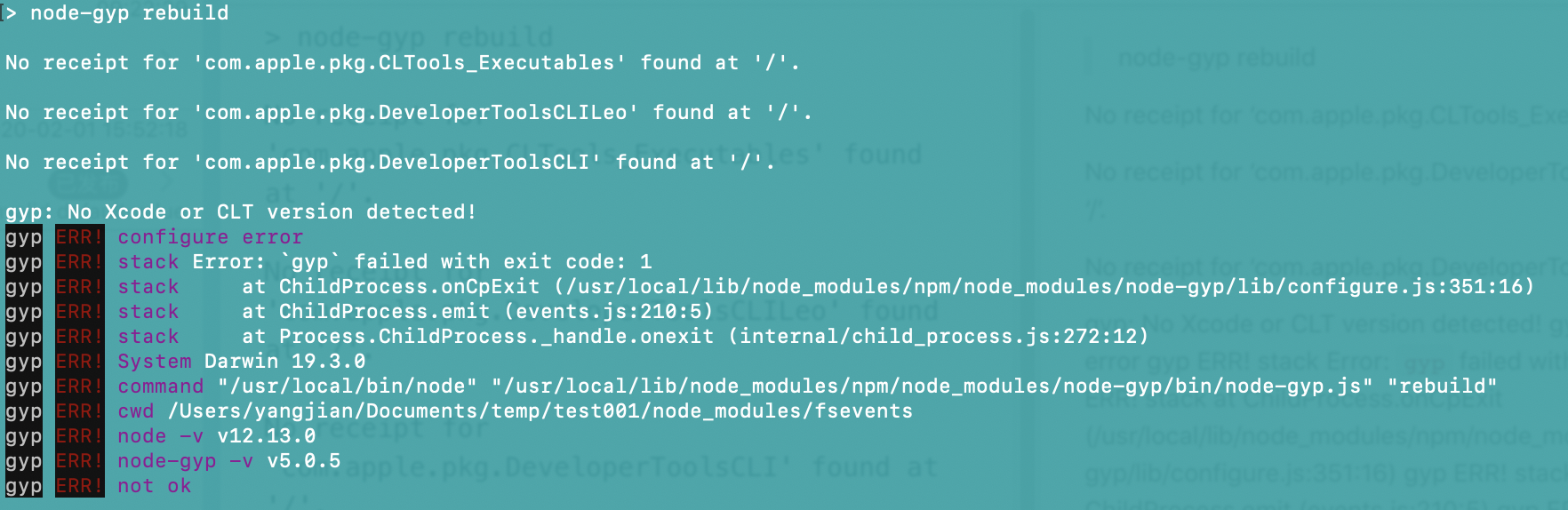
最近在macOS Catalina中使用npm安装模块,经常会出现如下错误:
> node-gyp rebuild

No receipt for 'com.apple.pkg.CLTools_Executables' found at '/'.

No receipt for 'com.apple.pkg.DeveloperToolsCLILeo' found at '/'.

No receipt for 'com.apple.pkg.DeveloperToolsCLI' found at '/'.

gyp: No Xcode or CLT version detected!

gyp ERR! configure error

gyp ERR! stack Error: `gyp` failed with exit code: 1

gyp ERR! stack     at ChildProcess.onCpExit (/usr/local/lib/node_modules/npm/node_modules/node-gyp/lib/configure.js:351:16)

gyp ERR! stack     at ChildProcess.emit (events.js:210:5)

gyp ERR! stack     at Process.ChildProcess._handle.onexit (internal/child_process.js:272:12)

gyp ERR! System Darwin 19.3.0

gyp ERR! command "/usr/local/bin/node" "/usr/local/lib/node_modules/npm/node_modules/node-gyp/bin/node-gyp.js" "rebuild"

gyp ERR! cwd /Users/yangjian/Documents/temp/test001/node_modules/fsevents

gyp ERR! node -v v12.13.0

gyp ERR! node-gyp -v v5.0.5

gyp ERR! not ok
- 截图如下
解决方案
1. 尝试用如下命令进行修复
$ xcode-select --install
系统提示如下信息:
xcode-select: error: command line tools are already installed, use "Software Update" to install updates
而事实上并没有所谓的"Software Update"可以更新
2. 正确姿势
一筹莫展之际,找到如下解决方案:
$ sudo rm -rf $(xcode-select -print-path)

$ xcode-select --install
请参见:
NPM Error:gyp: No Xcode or CLT version detected!的更多相关文章
- npm install 提示 `gyp: No Xcode or CLT version detected!` MacOS 10.15
https://github.com/nodejs/node-gyp/issues/569 https://github.com/nodejs/node-gyp/issues/1927 解决链接:ht ...
- System Error:/usr/lib64/libstdc++.so.6: version `GLIBCXX_3.4.15' not found
System Error:/usr/lib64/libstdc++.so.6: version `GLIBCXX_3.4.15' not found 1.运行程序是,系统报错库文件libstdc++. ...
- Mac下idea启动H5报错:xcode-select: error: tool 'xcodebuild' requires Xcode, but active developer directory '/Library/Deve
1. 执行“ xcodebuild -showsdks ”,报错如下“xcode-select: error: tool 'xcodebuild' requires Xcode, but active ...
- 使用bootstrap的dropdown部件时报错:error:Bootstrap dropdown require Popper.js
前言:前端小白一枚,刚注册博客,先发个学习过程中新碰到小问题试试水吧~ 摘要:最近在学习bootstrap,偶然碰到了一个小问题,bootstrap网站也没有做过多的解释,今天分享给大家. 问题描述: ...
- ios 自动化构建 code-select: error: tool 'xcodebuild' requires Xcode, but active developer directory.....
问题描述: Pod installation complete! There are 2 dependencies from the Podfile and 3 total pods installe ...
- 关于error:Cannot assign to 'self' outside of a method in the init family
有时候我们重写父类的init方法时不注意将init后面的第一个字母写成了小写,在这个方法里面又调用父类的初始化方法(self = [super init];)时会报错,错误信息如下:error:Can ...
- Xcode - xcode-select: error: tool 'xcodebuild' requires Xcode报错解决方案
用mac 自带的终端执行的命令,安装安装Vapor和toolbox 安装指令: macdeMacBook-Pro:~ mac$ curl -sL check.vapor.sh| bash 结果报这个错 ...
- stderr: xcode-select: error: tool 'xcodebuild' requires Xcode, but active developer directory '/Library/Developer/CommandLineTools' is a command line tools instance
错误提示: (1). stderr: xcode-select: error: tool 'xcodebuild' requires Xcode, but active developer direc ...
- Mac Angular打包报错xcode-select: error: tool 'xcodebuild' requires Xcode
Mac Angular打包报错: Error: xcode-select: error: tool 'xcodebuild' requires Xcode, but active developer ...
随机推荐
- IO流入门+简单案例实现
IO流 总结内容 1. IO流是什么 2. 字符流和字节流 3. File常用API(前面类型为返回类型) 4. 编码转换 5. IO流实现流程 6. 输入输出流简单实现 7. 输入输出流简单实现 总 ...
- Math类、Random类、System类、BigInteger类、BigDecimal类、Date类、SimpleDateFormat、Calendar类
Math类* A:Math类概述 * Math 类包含用于执行基本数学运算的方法,如初等指数.对数.平方根和三角函数. * B:成员方法 * public static int abs(int a) ...
- scss使用方法以及相关内容
我们平时都称之为 Sass,其实可分成sass和scss, 其中Sass 是以严格的缩进式语法规则来书写,不带大括号({})和分号(;),以".sass"后缀为扩展名:而 SCSS ...
- Spring4Shell的漏洞原理分析
Spring框架最新的PoC 这两天出来的一个RCE漏洞,但是有以下的条件限制才行: 必须是jdk9及以上 必须是部署在tomcat的应用 是springmvc的或者webflux的应用 具体的可以查 ...
- Blazor组件自做七 : 使用JS隔离制作定位/持续定位组件
1. 运行截图 演示地址 2. 在文件夹wwwroot/lib,添加geolocation子文件夹,添加geolocation.js文件 本组件主要是调用浏览器两个API实现基于浏览器的定位功能,现代 ...
- 文件上传——IIS6.0解析漏洞
介绍 IIS6.0漏洞可分为目录漏洞和文件漏洞 目录漏洞 访问*.asp格式命令的文件夹下的文件,都会被当成asp文件执行 文件漏洞 畸形文件命名 123.asp -> 123.asp;.txt ...
- python---复杂度、斐波那切数列、汉诺塔
时间复杂度 用来估计算法运行时间的一个式子. 一般来说, 时间复杂度高的算法比复杂度低的算法慢. 常见的时间复杂度: O(1) < O(logn) < O(n) < O( ...
- coolshell-初见
首页:https://coolshell.cn/tag/programmer 我是怎么招聘程序员的 https://coolshell.cn/articles/1870.html 程序员需要具备的基本 ...
- 几种比较经典的波形及其FFT变换(正弦波,三角波,方波和锯齿波)
之前上学时我的信号学得最差了,主要原因还是我高数学得不怎么样.可能是人总敬畏自己最不会的,所以我觉得我学过诸多科目中,数学是最博大精深而最妙的,从最开始的一次函数到反比例函数,二次三次函数和双曲线,椭 ...
- Kubernetes部署单元-Pod
在 k8s 搞出 pod 概念的时候,其实 docker 官方就已经推出自己的容器编排应用 swarm.这一套服务可以帮助在不同节点上的容器,进行统一的管理,主要针对容器的启停,运维,还有部署,注意我 ...