
LaTex中文article模板(支持代码、数学、TikZ)
代码
请使用XeLatex编译
main.tex
\documentclass{article}

\usepackage{ctex}

%%%%%%%%%%%%%%%%%%%%%%%%%%%%%%%%%%%%%%%%%%%%%%%%%%%%%%%%%%%%%%%%%%%%%%

% 页面设置

\usepackage{geometry}

\geometry{a4paper,scale=0.8}

%\usepackage{fontspec}

%\setmonofont{Consolas}

\usepackage{chngpage}

%%%%%%%%%%%%%%%%%%%%%%%%%%%%%%%%%%%%%%%%%%%%%%%%%%%%%%%%%%%%%%%%%%%%%%

% 表格

\usepackage{diagbox}

% 超链接

\usepackage{hyperref}

\hypersetup{hidelinks}

% 图片

\usepackage{graphicx}

\usepackage{subfigure} % \subfigure[]{}

\usepackage{caption} % \caption*{}

% 浮动

\usepackage{float} % [H]

% 列表

\usepackage{enumerate}

% pandoc markdown转latex

\newcommand{\tightlist}{\setlength{\itemsep}{0pt}\setlength{\parskip}{0pt}}

\usepackage{longtable}

\usepackage{booktabs}% \toprule, \midrule, \bottomrule

%%%%%%%%%%%%%%%%%%%%%%%%%%%%%%%%%%%%%%%%%%%%%%%%%%%%%%%%%%%%%%%%%%%%%%

% 数学

\usepackage{mathrsfs} % \mathscr

\usepackage{amssymb,amsfonts,amsmath,amsthm,mathtools}

\usepackage{xcolor}

\usepackage{mdframed}

\mdfdefinestyle{shadeStyle}{backgroundcolor=gray!10,linewidth=0pt,innerleftmargin=1ex,innertopmargin=-0.5ex}

\theoremstyle{plain}

\newmdtheoremenv[style=shadeStyle]{theorem}{定理}[section]

\newmdtheoremenv[style=shadeStyle]{lemma}[theorem]{引理}

\newmdtheoremenv[style=shadeStyle]{proposition}[theorem]{命题}

\newmdtheoremenv[style=shadeStyle]{corollary}[theorem]{推论}

\theoremstyle{definition}

\newtheorem{definition}[theorem]{定义}

\newtheorem{exercise}[theorem]{习题}

\newtheorem{question}[theorem]{问题}

\newtheorem{example}[theorem]{例}

\theoremstyle{remark}

\newtheorem{remark}[theorem]{注}

\newtheorem{notation}[theorem]{记号}

\newtheorem{summary}[theorem]{总结}

\swapnumbers

\newcommand{\nameOfIt}{}

% customized theorem

\theoremstyle{plain}

\newmdtheoremenv[style=shadeStyle]{custhm}[theorem]{\nameOfIt}

\newenvironment{mytheorem}[1]{\renewcommand{\nameOfIt}{#1}\begin{custhm}}{\end{custhm}}

% customized definition

\theoremstyle{definition}

\newtheorem{cusdef}[theorem]{\nameOfIt}

\newenvironment{mydefinition}[1]{\renewcommand{\nameOfIt}{#1}\begin{cusdef}}{\end{cusdef}}

% customized remark

\theoremstyle{remark}

\newtheorem{cusrmk}[theorem]{\nameOfIt}

\newenvironment{myremark}[1]{\renewcommand{\nameOfIt}{#1}\begin{cusrmk}}{\end{cusrmk}}

%%%%%%%%%%%%%%%%%%%%%%%%%%%%%%%%%%%%%%%%%%%%%%%%%%%%%%%%%%%%%%%%%%%%%%

% 代码

\usepackage{listings}

%\usepackage{xcolor}

\lstset{

	%language=Octave,

	numbers=left,

	numberstyle=\small,

	stepnumber=1,	% the step between two line-numbers. If it's 1, each line will be numbered

  	numbersep=5pt,	% how far the line-numbers are from the code

  	backgroundcolor=\color{white},	% You must add \usepackage{color}

  	showspaces=false,	% show spaces adding particular underscores

  	showstringspaces=false,	% underline spaces within strings

  	showtabs=false,	% show tabs within strings adding particular underscores

  	frame=shadowbox,	% single / shadowbox

  	%rulecolor=\color{black},	% if not set, the frame-color may be changed on line-breaks within not-black text (e.g. commens (green here))

  	rulesepcolor=\color{red!20!green!20!blue!20},

  	tabsize=2,	% sets default tabsize to 2 spaces

  	captionpos=b,	% sets the caption-position to bottom

  	breaklines=true,	% sets automatic line breaking

  	breakatwhitespace=false,	% sets if automatic breaks should only happen at whitespace

  	title=\lstname,	% show the filename of files included with \lstinputlisting; also try caption instead of title

	basicstyle=\ttfamily,

  	%keywordstyle=\color{red},

  	commentstyle=\color{grey},

  	%stringstyle=\color{mauve},

  	escapeinside={\%*}{*)},	% if you want to add LaTeX within your code

  	morekeywords={*,...}	% if you want to add more keywords to the set

}

%%%%%%%%%%%%%%%%%%%%%%%%%%%%%%%%%%%%%%%%%%%%%%%%%%%%%%%%%%%%%%%%%%%%%%

% 算法/伪代码

\usepackage{algorithm}

\usepackage{algorithmicx}

\usepackage{algpseudocode}

\floatname{algorithm}{算法}

\renewcommand{\algorithmicrequire}{\textbf{输入:}}

\renewcommand{\algorithmicensure}{\textbf{输出:}}

%%%%%%%%%%%%%%%%%%%%%%%%%%%%%%%%%%%%%%%%%%%%%%%%%%%%%%%%%%%%%%%%%%%%%%

%TikZ

\usepackage{tikz}

\usepackage{mathdots}

\usepackage{yhmath}

\usepackage{cancel}

\usepackage{color}

\usepackage{siunitx}

\usepackage{array}

\usepackage{multirow}

%\usepackage{gensymb}

\usepackage{tabularx}

\usetikzlibrary{fadings}

\usetikzlibrary{patterns}

%%%%%%%%%%%%%%%%%%%%%%%%%%%%%%%%%%%%%%%%%%%%%%%%%%%%%%%%%%%%%%%%%%%%%%

\title{中文article模板}

\author{maoruimas}

%\date{}

\setlength{\parindent}{0pt} % 首行不缩进

\begin{document}

\maketitle

% 正文

\input{body}

\end{document}
body.tex
请使用XeLaTeX编译. 推荐\url{https://www.overleaf.com/}.

\section{表格}

\begin{table}[H]

\centering

\begin{tabular}{c|ccccccc}

\diagbox[height=2em]{$p$}{$k$} & 0 & 1 & 2 & 3 & 4 \\

\hline

0 & 1	& 0	& 0	& 0	& 0	\\

1 & 0	& 1	& 0	& 0	& 0	\\

2 & 0	& 1	& 1	& 0	& 0	\\

3 & 0	& 2	& 3	& 1	& 0	\\

4 & 0	& 6	& 11	& 6	& 1	\\

\end{tabular}

\caption*{斯特林数$s(p,k)$}

\end{table}

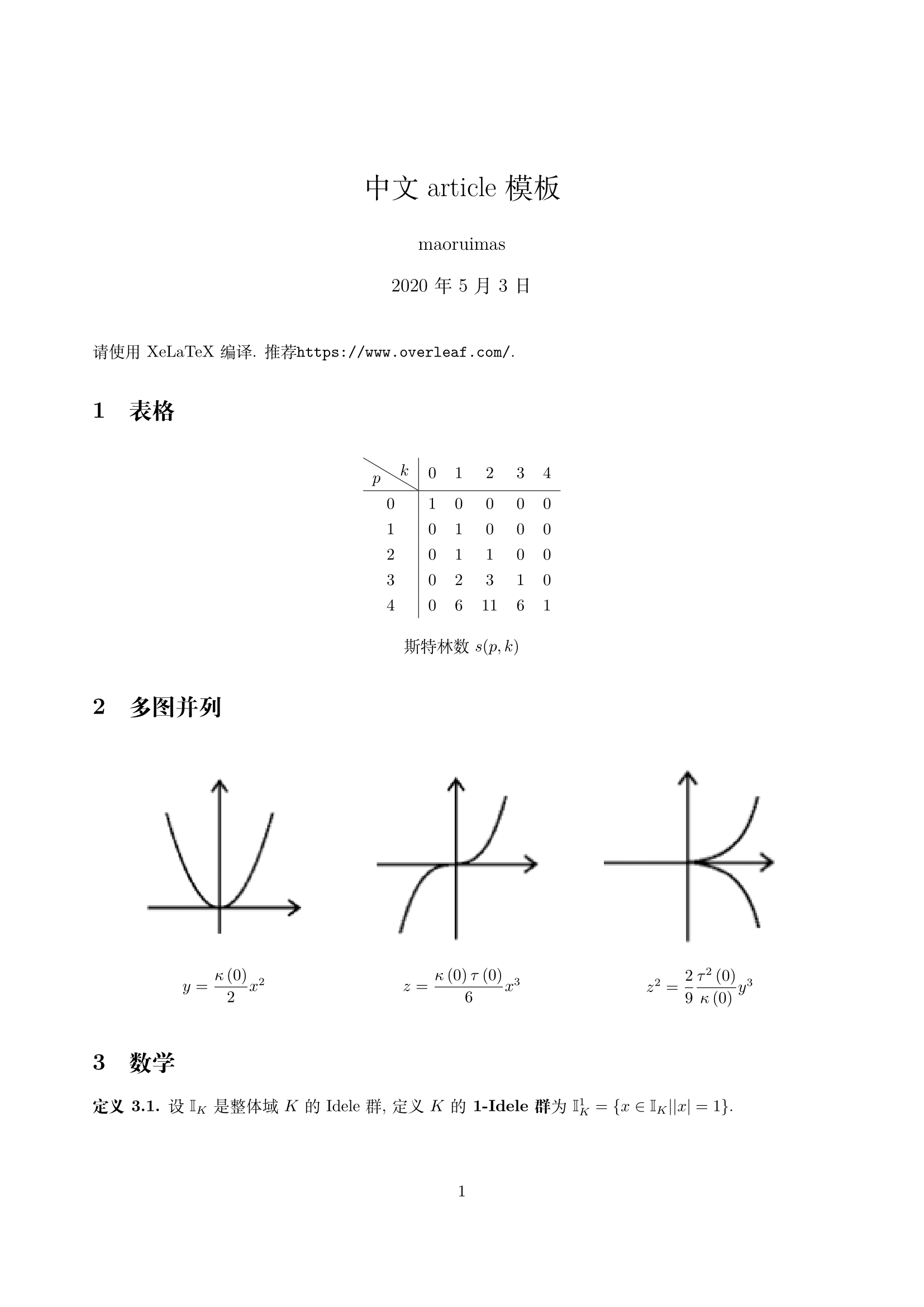
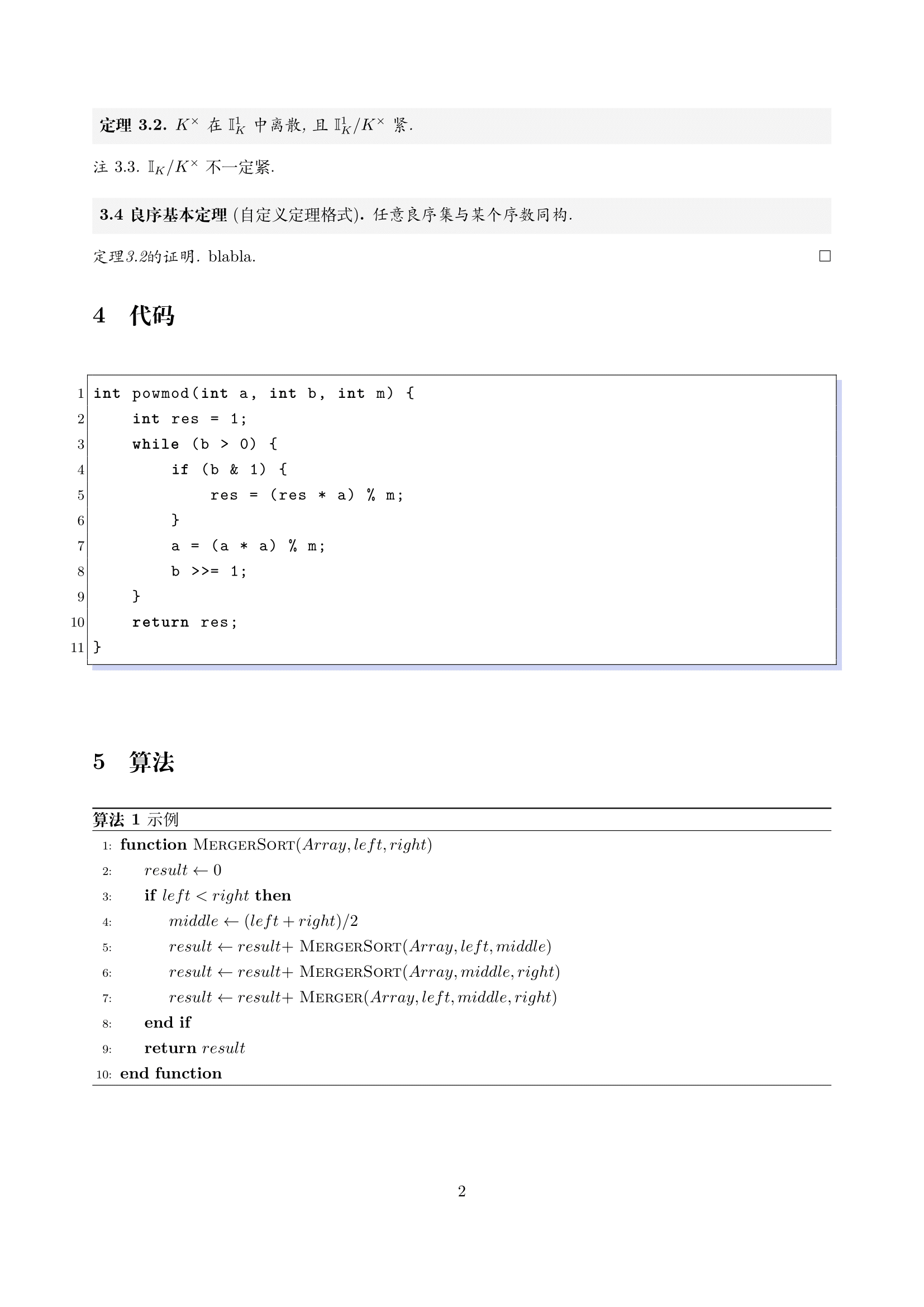
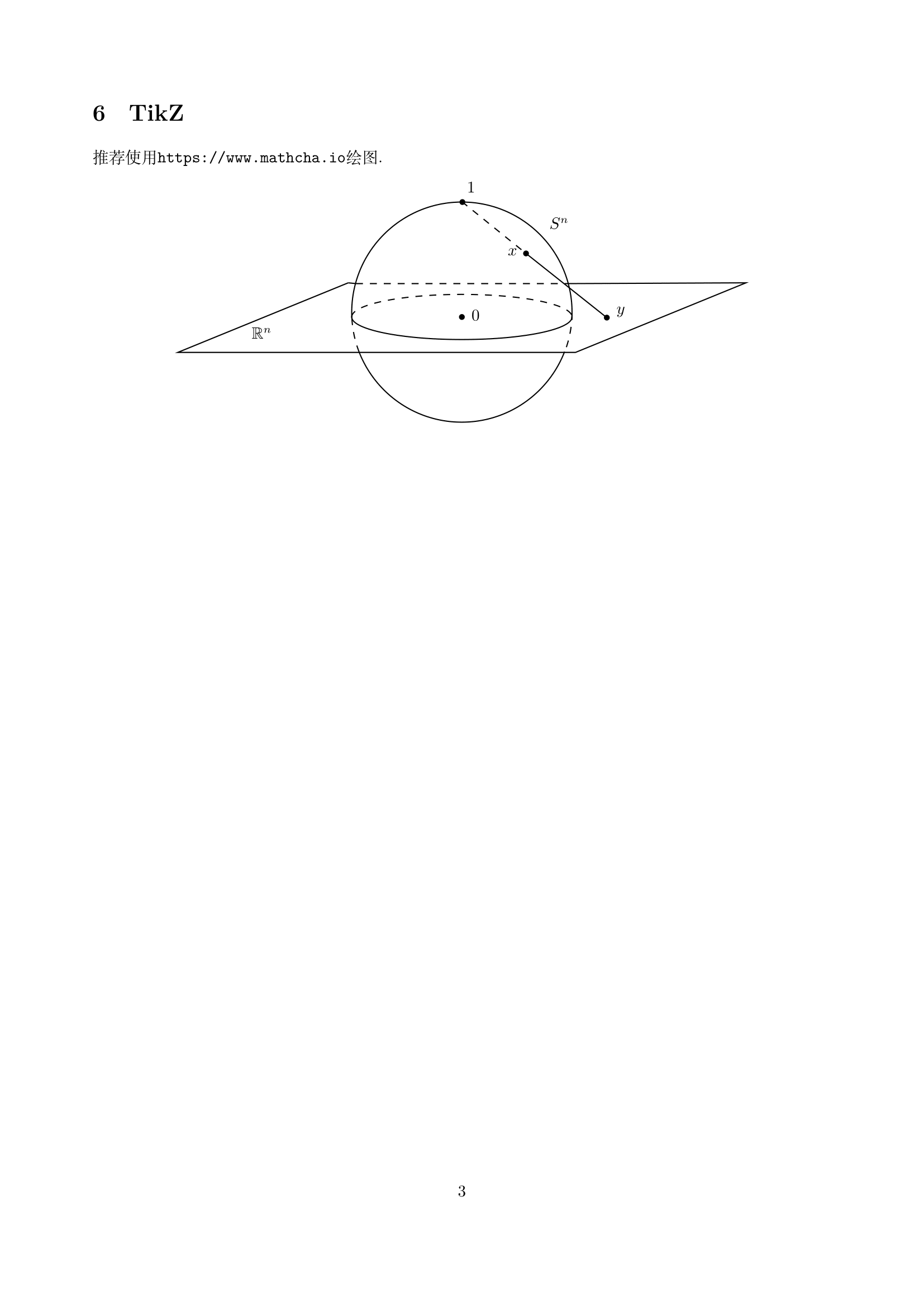
\section{多图并列}

\begin{figure}[H]

    \centering

    \subfigure{

        \begin{minipage}[t]{0.3\linewidth}

        \centering

        \includegraphics[width=\linewidth]{y-x.png}

        \caption*{$y=\dfrac {\kappa \left( 0\right) }{2}x^{2}$}

        \end{minipage}

    }

    \subfigure{

        \begin{minipage}[t]{0.3\linewidth}

        \centering

        \includegraphics[width=\linewidth]{z-x.png}

        \caption*{$z=\dfrac {\kappa \left( 0\right) \tau \left( 0\right) }{6}x^{3}$}

        \end{minipage}

    }

    \subfigure{

        \begin{minipage}[t]{0.3\linewidth}

        \centering

        \includegraphics[width=\linewidth]{z-y.png}

        \caption*{$z^{2}=\dfrac {2}{9}\dfrac {\tau ^{2}\left( 0\right) }{\kappa \left( 0\right) }y^{3}$}

        \end{minipage}

    }

\end{figure}

\section{数学}

\begin{definition}

设$\mathbb{I}_{K}$是整体域$K$的Idele群, 定义$K$的\textbf{1-Idele群}为$\mathbb{I}^{1}_{K} = \{x\in \mathbb{I}_{K}||x|=1\}$.

\end{definition}

\begin{theorem}\label{ik}

$K^{\times }$在$\mathbb{I}^{1}_{K}$中离散, 且$\mathbb{I}^{1}_{K} /K^{\times }$紧.

\end{theorem}

\begin{remark}

$\mathbb{I}_{K} /K^{\times }$不一定紧.

\end{remark}

\begin{mytheorem}{良序基本定理}[自定义定理格式]

任意良序集与某个序数同构.

\end{mytheorem}

\begin{proof}[定理\ref{ik}的证明]

blabla.

\end{proof}

\section{代码}

\begin{lstlisting}[language={C++}]

int powmod(int a, int b, int m) {

    int res = 1;

    while (b > 0) {

        if (b & 1) {

            res = (res * a) % m;

        }

        a = (a * a) % m;

        b >>= 1;

    }

    return res;

}

\end{lstlisting}

\section{算法}

\begin{algorithm}

\caption{示例}

\begin{algorithmic}[1] %行号

\Function {MergerSort}{$Array, left, right$}

\State $result \gets 0$

\If {$left < right$}

\State $middle \gets (left + right) / 2$

\State $result \gets result +$ \Call{MergerSort}{$Array, left, middle$}

\State $result \gets result +$ \Call{MergerSort}{$Array, middle, right$}

\State $result \gets result +$ \Call{Merger}{$Array,left,middle,right$}

\EndIf

\State \Return{$result$}

\EndFunction

\end{algorithmic}

\end{algorithm}

\section{TikZ}

推荐使用\url{https://www.mathcha.io}绘图.

\tikzset{every picture/.style={line width=0.75pt}} %set default line width to 0.75pt

\begin{center}

\begin{tikzpicture}[x=0.75pt,y=0.75pt,yscale=-1,xscale=1]

\draw  [draw opacity=0][dash pattern={on 4.5pt off 4.5pt}] (250,159.56) .. controls (250,159.52) and (250,159.49) .. (250,159.46) .. controls (250,148.71) and (292.53,140) .. (345,140) .. controls (397.47,140) and (440,148.71) .. (440,159.46) .. controls (440,159.5) and (440,159.53) .. (440,159.57) -- (345,159.46) -- cycle ; \draw  [color={rgb, 255:red, 0; green, 0; blue, 0 }  ,draw opacity=1 ][dash pattern={on 4.5pt off 4.5pt}] (250,159.56) .. controls (250,159.52) and (250,159.49) .. (250,159.46) .. controls (250,148.71) and (292.53,140) .. (345,140) .. controls (397.47,140) and (440,148.71) .. (440,159.46) .. controls (440,159.5) and (440,159.53) .. (440,159.57) ;

\draw  [draw opacity=0] (440,159.36) .. controls (440,159.39) and (440,159.42) .. (440,159.46) .. controls (440,170.2) and (397.47,178.91) .. (345,178.91) .. controls (292.53,178.91) and (250,170.2) .. (250,159.46) .. controls (250,159.42) and (250,159.38) .. (250,159.34) -- (345,159.46) -- cycle ; \draw  [color={rgb, 255:red, 0; green, 0; blue, 0 }  ,draw opacity=1 ] (440,159.36) .. controls (440,159.39) and (440,159.42) .. (440,159.46) .. controls (440,170.2) and (397.47,178.91) .. (345,178.91) .. controls (292.53,178.91) and (250,170.2) .. (250,159.46) .. controls (250,159.42) and (250,159.38) .. (250,159.34) ;

\draw  [draw opacity=0][dash pattern={on 4.5pt off 4.5pt}] (256.4,189.71) .. controls (252.35,179.27) and (250.09,167.94) .. (250,156.09) -- (345,155.36) -- cycle ; \draw  [dash pattern={on 4.5pt off 4.5pt}] (256.4,189.71) .. controls (252.35,179.27) and (250.09,167.94) .. (250,156.09) ;

\draw  [draw opacity=0] (250.11,160.04) .. controls (250.04,158.49) and (250,156.93) .. (250,155.36) .. controls (250,102.9) and (292.53,60.36) .. (345,60.36) .. controls (397.47,60.36) and (440,102.9) .. (440,155.36) .. controls (440,157.58) and (439.92,159.78) .. (439.77,161.96) -- (345,155.36) -- cycle ; \draw   (250.11,160.04) .. controls (250.04,158.49) and (250,156.93) .. (250,155.36) .. controls (250,102.9) and (292.53,60.36) .. (345,60.36) .. controls (397.47,60.36) and (440,102.9) .. (440,155.36) .. controls (440,157.58) and (439.92,159.78) .. (439.77,161.96) ;

\draw  [draw opacity=0] (433.56,189.39) .. controls (419.82,224.94) and (385.31,250.15) .. (344.92,250.15) .. controls (304.64,250.15) and (270.22,225.09) .. (256.4,189.71) -- (344.92,155.15) -- cycle ; \draw   (433.56,189.39) .. controls (419.82,224.94) and (385.31,250.15) .. (344.92,250.15) .. controls (304.64,250.15) and (270.22,225.09) .. (256.4,189.71) ;

\draw  [draw opacity=0][dash pattern={on 4.5pt off 4.5pt}] (440,156.03) .. controls (439.92,167.62) and (437.76,178.72) .. (433.88,188.97) -- (345,155.36) -- cycle ; \draw  [dash pattern={on 4.5pt off 4.5pt}] (440,156.03) .. controls (439.92,167.62) and (437.76,178.72) .. (433.88,188.97) ;

\draw    (247,130) -- (100,190) -- (443,190) -- (590,130) -- (437,130.67) ;

\draw    (247,130) -- (253.67,130.67) ;

\draw  [dash pattern={on 4.5pt off 4.5pt}]  (253.67,130.67) -- (437,130.67) ;

\draw  [dash pattern={on 4.5pt off 4.5pt}]  (345,60) -- (400.33,104.67) ;

\draw    (400.33,104.67) -- (470,160) ;

\draw  [draw opacity=0][fill={rgb, 255:red, 0; green, 0; blue, 0 }  ,fill opacity=1 ] (467.5,160) .. controls (467.5,158.62) and (468.62,157.5) .. (470,157.5) .. controls (471.38,157.5) and (472.5,158.62) .. (472.5,160) .. controls (472.5,161.38) and (471.38,162.5) .. (470,162.5) .. controls (468.62,162.5) and (467.5,161.38) .. (467.5,160) -- cycle ;

\draw  [draw opacity=0][fill={rgb, 255:red, 0; green, 0; blue, 0 }  ,fill opacity=1 ] (342.5,159.46) .. controls (342.5,158.08) and (343.62,156.96) .. (345,156.96) .. controls (346.38,156.96) and (347.5,158.08) .. (347.5,159.46) .. controls (347.5,160.84) and (346.38,161.96) .. (345,161.96) .. controls (343.62,161.96) and (342.5,160.84) .. (342.5,159.46) -- cycle ;

\draw (419,72.4) node [anchor=north west][inner sep=0.75pt]    {$S^{n}$};

\draw (162.14,166.97) node [anchor=north west][inner sep=0.75pt]    {$\mathbb{R}^{n}$};

\draw (351.71,151.97) node [anchor=north west][inner sep=0.75pt]    {$0$};

\draw (348,41.69) node [anchor=north west][inner sep=0.75pt]    {$1$};

\draw (383.14,98.83) node [anchor=north west][inner sep=0.75pt]    {$x$};

\draw (476.86,149.11) node [anchor=north west][inner sep=0.75pt]    {$y$};

\draw [fill={rgb, 255:red, 0; green, 0; blue, 0 }  ,fill opacity=1 ]  (345.45, 60.37) circle [x radius= 2, y radius= 2]   ;

\draw [fill={rgb, 255:red, 0; green, 0; blue, 0 }  ,fill opacity=1 ]  (400.33, 104.67) circle [x radius= 2, y radius= 2]   ;

\end{tikzpicture}

\end{center}
效果
LaTex中文article模板(支持代码、数学、TikZ)的更多相关文章
- latex中文支持ubuntu
latex安装: sudo apt install texlive-full 中文字体安装: sudo apt-get install latex-cjk-all 字体包中包含bsmi,bk ...
- Latex中文utf-8编码的三种方式
我们知道Latex一般用CJK和CTEX宏包支持中文编辑,CJK和CTEX的默认编码是GBK,而windows下的默然编码就是GBK,因此CJK和CTEX不需要特殊配置就可以直接支持中文Latex编译 ...
- Latex中插入C语言代码
Latex是一个文本排版的语言,能排版出各种我们想要的效果.而且用代码排版的优点是易于修改板式,因此在文本内容的排版时,Latex应用十分广泛. 当我们需要在Latex中插入代码时,就需要用到 \us ...
- Ubuntu下LaTex中文环境安装与配置
转载自:http://www.linuxidc.com/Linux/2012-06/62456.htm LaTeX是一个强大的排版软件,但是其最初只是为英文排版而设计的.为了使其能够胜任中文排版的重任 ...
- (转)关于Tomcat的点点滴滴(体系架构、处理http请求的过程、安装和配置、目录结构、设置压缩和对中文文件名的支持、以及Catalina这个名字的由来……等)
转自:http://itfish.net/article/41668.html 总结Tomcat的体系架构.处理http请求的过程.安装和配置.目录结构.设置压缩和对中文文件名的支持.以及Cata ...
- heredoc(实现模板与代码的分离)
heredoc(实现模板与代码的分离) 一.总结 heredoc实现模板与代码的分离,实现的是在后台编程语言中批量输出html代码,在这个批量输出的html代码中又可以嵌套编程语言变量.所以很方便. ...
- Mac LaTex中文环境搭建
为了在博客上写公式,折腾了一晚上Mac上的LaTex的环境搭建,本文对步骤进行记录. 系统:Mac OSX 10.10.5 软件准备 1) MacTex 2015 Distribution (Tex的 ...
- ASP.NET MVC:多模板支持
原文 http://www.cnblogs.com/happyframework/p/3224278.html 背景 准备写个博客练习一下WEB编程,有一个需求就是多模板支持,类似博客园的自定义模板一 ...
- C++模板类代码只能写在头文件?
这个问题,实际上我几年前就遇到了.最近写个模板类玩的时候,再次遇到. 当我非常仔细的将定义和实现分开,在头文件中保留了最少的依赖后,一切就绪.cpp单独编过.但是当使用的时候,就会报告所有的函 ...
随机推荐
- B. Lost Number【CF交互题 暴力】
B. Lost Number[CF交互题 暴力] This is an interactive problem. Remember to flush your output while communi ...
- Git版本控制 Git、github,gitlab相关操作
目录 关于版本控制 版本管理工具 集中式管理 分布式管理 git版本管理 git介绍 软件安装 Git工作状态 原理流程步骤 git基本操作 对文件进行修改 分支 共享仓库 创建共享仓库: 共享仓库上 ...
- JMeter中聚合报告的各项参数详解
下面我们来共同学习这些参数的作用: 1.Lable:Label:每个 JMeter 的 element(例如 HTTP Request)都有一个 Name 属性,这里显示的就是 Name 属性的值: ...
- 使用IDEA编写JDBC
省去下载MySQL的过程,创建数据库demo 首先在下载的Java服务中将此jar包复制到项目中的一个空文件夹中 在当前工程下新建目录lib(名字可自定) 找到MySQL的Java服务的jar包 打开 ...
- JDK12不包含JAXB-API
##用JDK12环境下 做EUREKA的的时候 报错如下 java.lang.TypeNotPresentException: Type javax.xml.bind.JAXBContext not ...
- spring中BeanPostProcessor之二:CommonAnnotationBeanPostProcessor(01)
在上篇博客中分享了InstantiationAwareBeanPostProcessor接口中的四个方法,分别对其进行了详细的介绍,在文末留下了一个问题,那就是postProcessPropertie ...
- 使用 python 创建&更改 word 文档
使用 python 修改 word 文档 说明:这个需求是老师想要一个自动识别 word 文档中指定位置的分数,并填入相应表格. 使用库 python-docx 的官方文档地址是:python-doc ...
- Linux下修改efi启动项
Linux下有一个efibootmgr工具可以编辑efi启动项,十分方便,简单介绍如下 直接运行efibootmgr会显示出当前所有efi启动项,每个启动项前都有相应编号, 可以使用efibootmg ...
- 在IDEA导入maven项目
1.依次打开File—New—Module from Existing Sources...
- .Net Core结合AspNetCoreRateLimit实现限流
前言 相信使用过WebApiThrottle的童鞋对AspNetCoreRateLimit应该不陌生,AspNetCoreRateLimit是一个ASP.NET Core速率限制的解决方案,旨在控制客 ...