
【Properties文件】Java使用Properties来读取配置文件
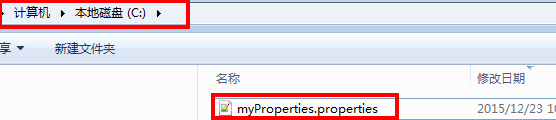
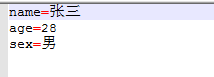
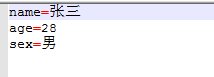
配置文件位置及内容
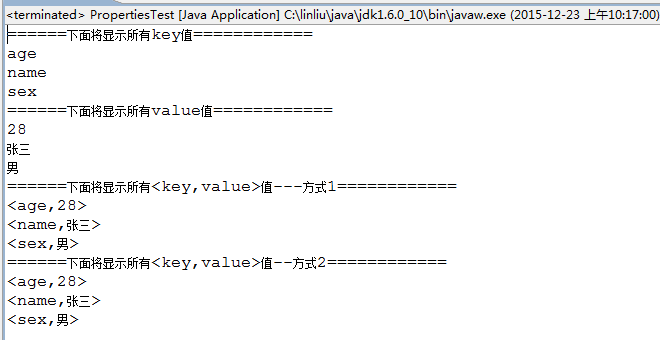
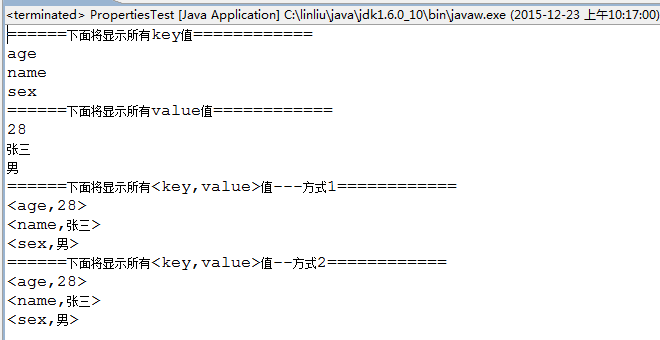
执行结果
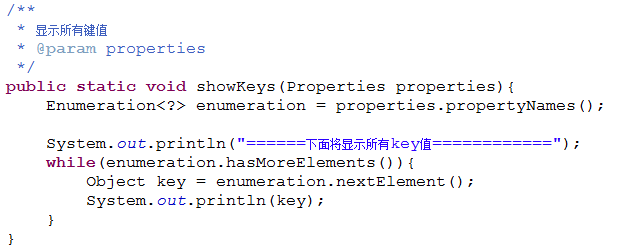
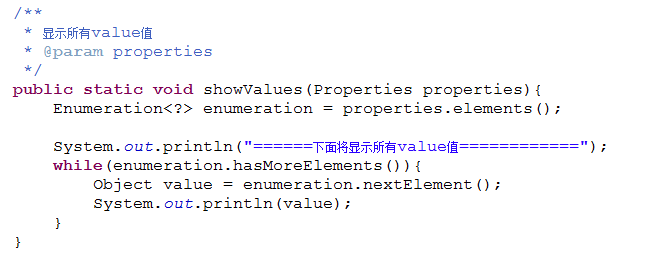
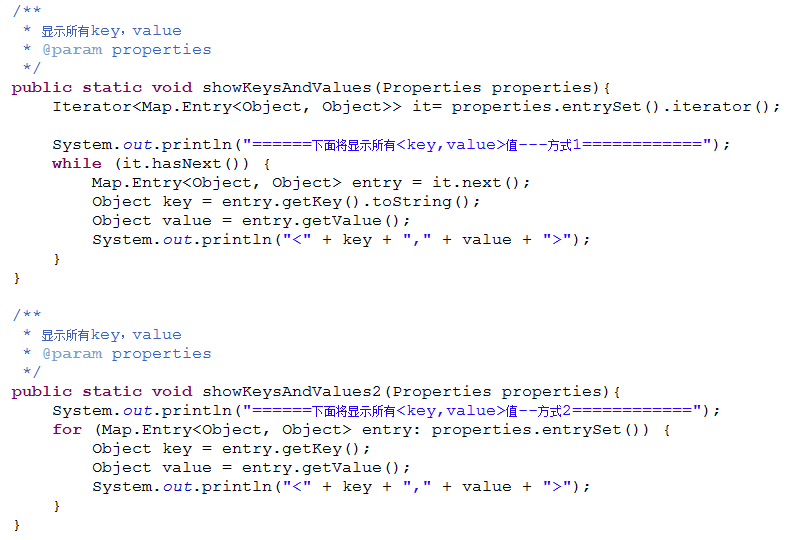
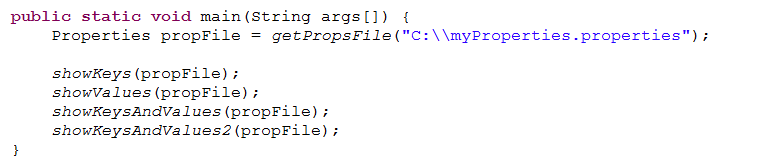
程序代码
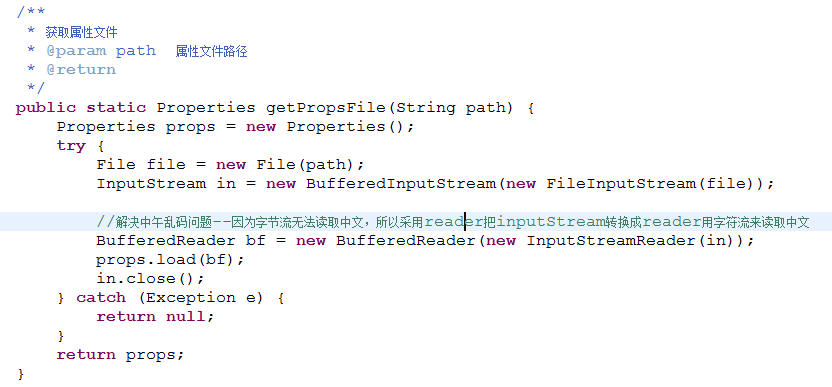
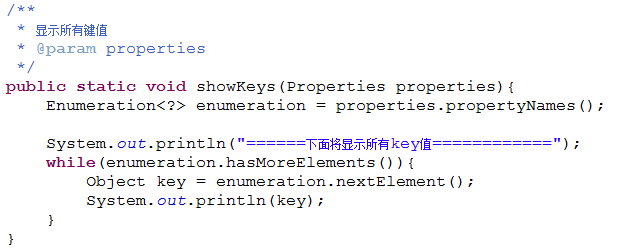
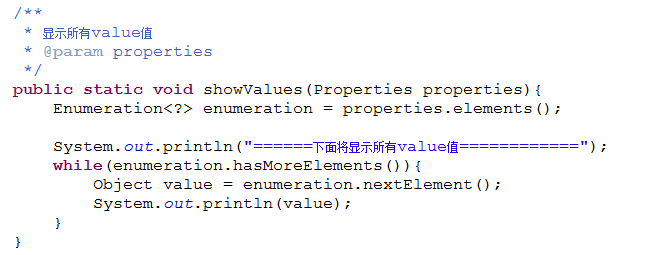
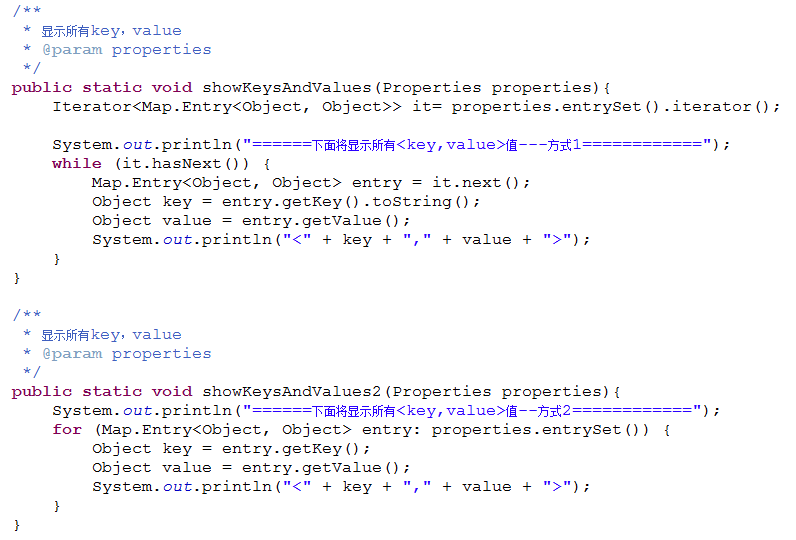
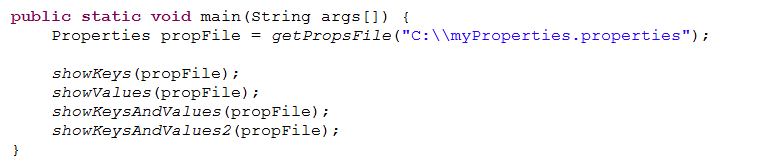
package Utils.ConfigFile;import java.io.BufferedInputStream;import java.io.BufferedReader;import java.io.File;import java.io.FileInputStream;import java.io.InputStream;import java.io.InputStreamReader;import java.util.Enumeration;import java.util.Iterator;import java.util.Map;import java.util.Properties;public class PropertiesTest {/*** 获取属性文件* @param path 属性文件路径* @return*/public static Properties getPropsFile(String path) {Properties props = new Properties();try {File file = new File(path);InputStream in = new BufferedInputStream(new FileInputStream(file));//解决中午乱码问题--因为字节流无法读取中文,所以采用reader把inputStream转换成reader用字符流来读取中文BufferedReader bf = new BufferedReader(new InputStreamReader(in));props.load(bf);in.close();} catch (Exception e) {return null;}return props;}/*** 显示所有键值* @param properties*/public static void showKeys(Properties properties){Enumeration<?> enumeration = properties.propertyNames();System.out.println("======下面将显示所有key值============");while(enumeration.hasMoreElements()){Object key = enumeration.nextElement();System.out.println(key);}}/*** 显示所有value值* @param properties*/public static void showValues(Properties properties){Enumeration<?> enumeration = properties.elements();System.out.println("======下面将显示所有value值============");while(enumeration.hasMoreElements()){Object value = enumeration.nextElement();System.out.println(value);}}/*** 显示所有key,value* @param properties*/public static void showKeysAndValues(Properties properties){Iterator<Map.Entry<Object, Object>> it= properties.entrySet().iterator();System.out.println("======下面将显示所有<key,value>值---方式1============");while (it.hasNext()) {Map.Entry<Object, Object> entry = it.next();Object key = entry.getKey().toString();Object value = entry.getValue();System.out.println("<" + key + "," + value + ">");}}/*** 显示所有key,value* @param properties*/public static void showKeysAndValues2(Properties properties){System.out.println("======下面将显示所有<key,value>值--方式2============");for (Map.Entry<Object, Object> entry: properties.entrySet()) {Object key = entry.getKey();Object value = entry.getValue();System.out.println("<" + key + "," + value + ">");}}public static void main(String args[]) {Properties propFile = getPropsFile("C:\\myProperties.properties");showKeys(propFile);showValues(propFile);showKeysAndValues(propFile);showKeysAndValues2(propFile);}}


【Properties文件】Java使用Properties来读取配置文件的更多相关文章
- JAVA使用相对路径读取配置文件
JAVA使用相对路径读取配置文件[align=center][/align][size=medium][/size] 在软件开发中经常遇到读取配置文件,以及文件定位问题.今天做个总结. (一) ...
- 读取properties文件------servletcontext及dao层读取
用servletcontext读取properties文件-------1) 重点在于:InputStream in=this.getServletContext().getResourceAsStr ...
- 利用Properties属性集结合类加载器读取配置文件
配置文件test.properties a=123 测试类Demo1.java public class Demo1 { public static void main(String[] args) ...
- 如何读取jar包外的properties文件和log4j.properties
http://jrails.iteye.com/blog/1705464 ***************************************' 一般在项目中使用properties配置文件 ...
- 将properties文件放在Jar包并读取
有时候需要在一个library内部打包一个properties文件,包含一些配置信息,而不能部署在外部. 在maven工程里面,将properties文件放在src/main/resources目录下 ...
- Java工程中如何读取配置文件中参数信息
Java中读取配置文件中参数: 方法一:通过JDK中Properties来实现对配置文件的读取. Properties主要用于读取Java的配置文件,不同的编程语言有自己所支持的配置文件,配置文件中很 ...
- java 4种方式读取配置文件 + 修改配置文件
版权声明:本文为博主原创文章,未经博主允许不得转载. 目录(?)[-] 方式一采用ServletContext读取读取配置文件的realpath然后通过文件流读取出来 方式二采用ResourceB ...
- java读取package中的properties文件java.util.MissingResourceException
文件结构: /build/classes/d914/Hello.class /build/classes/d914/mess.properties /build/classes/d914/mess_z ...
- Java读取Properties文件 Java加载配置Properties文件
static{ Properties prop = new Properties(); prop.load(Thread.currentThread().getContextClassLoader() ...
- java web编程 servlet读取配置文件参数
新建一个servlet. 然后在web.xml文件里面自动帮助你创建好了<servlet-name><servlet-class><servlet-mapping> ...
随机推荐
- postgresql copy命令介绍
COPY 命令可以快速的导入数据到postgresql数据库中,文件格式类似TXT.CVS之类.适合批量导入数据,速度比较快.注意COPY只能用于表,不能用于视图. COPY 命令里面的文件必须是由服 ...
- Linux系统入门学习:在CentOS上安装phpMyAdmin
问题:我正在CentOS上运行一个MySQL/MariaDB服务,并且我想要通过网络接口来用phpMyAdmin来管理数据库.在CentOS上安装phpMyAdmin的最佳方法是什么? phpMyAd ...
- editplus查找替换的正则表达式应用
表达式 说明\t 制表符.\n 新行.. 匹配任意字符.| 匹配表达式左边和右边的字符. 例如, "ab|bc" ...
- android中的生命周期(新增2个函数)
onPostOnCreate()和OnPostResme()这两个函数 onPostResume() Called when activity resume is complete (after on ...
- 4-3 yum命令
1.常用yum命令 <1>查询 yum list #查询所有可用软件包列表(以 包名 - 版本 - yum源所在名称 格式显示) yum search 关键字 #搜索服务器上所有和关键字相 ...
- Javascript对象属性与方法汇总
Javascript对象属性与方法汇总 发布时间:2015-03-06 编辑:www.jquerycn.cn 详细介绍下,javascript对象属性与对象方法的相关知识,包括javascript字符 ...
- ExtJS4.2.1自定义主题(theme)样式详解
(基于Ext JS 4.2.1版本) UI组件 学习ExtJS就是学习组件的使用.ExtJS4对框架进行了重构,其中最重要的就是形成了一个结构及层次分明的组件体系,由这些组件形成了Ext的控件. Ex ...
- DRL之:策略梯度方法 (Policy Gradient Methods)
DRL 教材 Chpater 11 --- 策略梯度方法(Policy Gradient Methods) 前面介绍了很多关于 state or state-action pairs 方面的知识,为了 ...
- MicroSoft Visual C++ 6.0怎么建立C++文件工程?
1.打开VC6.02.选择菜单中的"文件"->"新建",弹出"新建"对话框3.在"新建"对话框中选择四个Sheet ...
- 网络-CIDR地址分类介绍
CIDR(Classless Inter Domain Routing)改进了传统的IPv4地址分类.传统的IP分类将IP地址直接对应为默认的分类,从而将Internet分割为网络.CIDR在路由表中 ...