
【Properties文件】Java使用Properties来读取配置文件
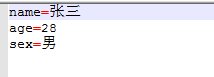
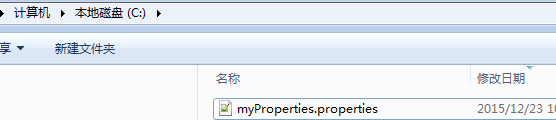
配置文件位置及内容
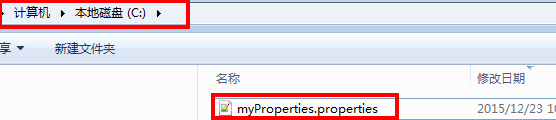
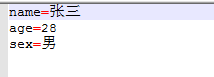
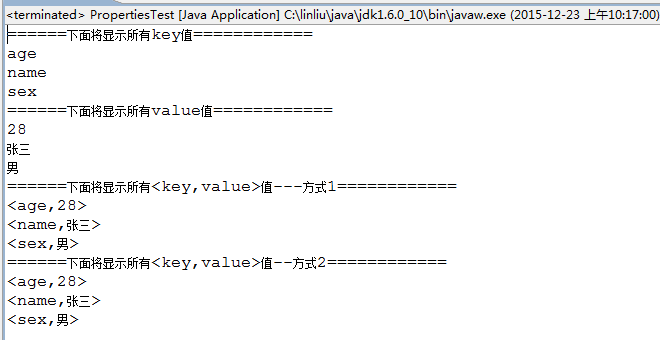
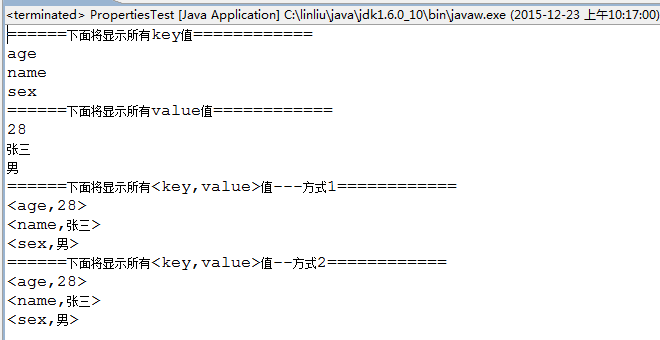
执行结果
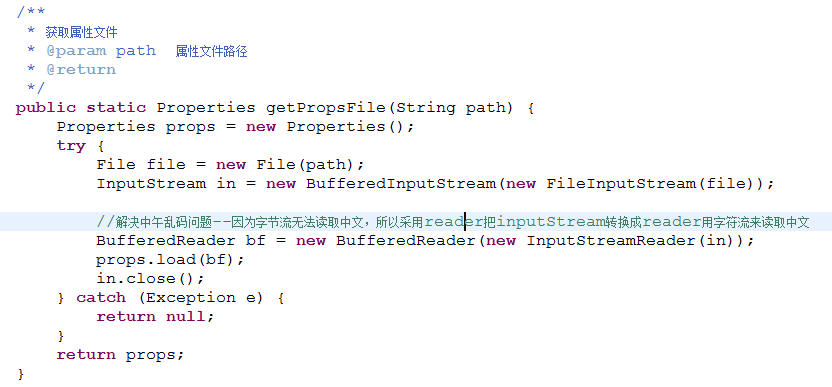
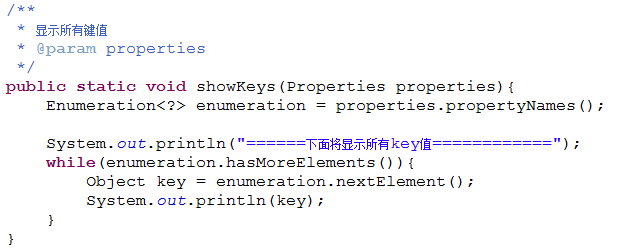
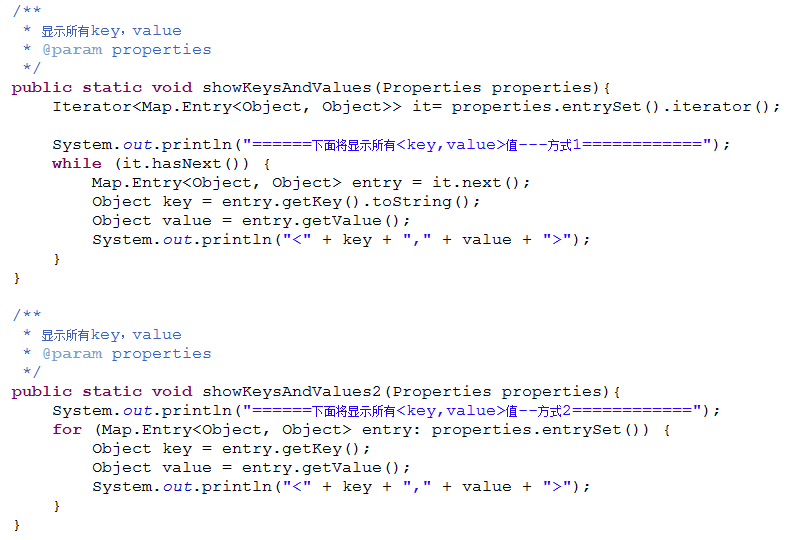
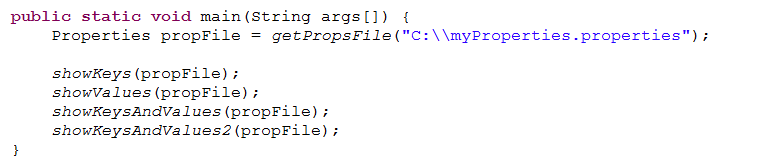
程序代码
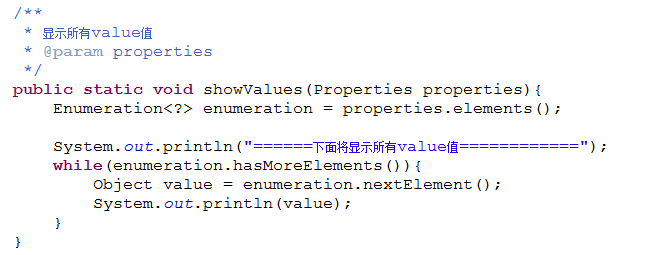
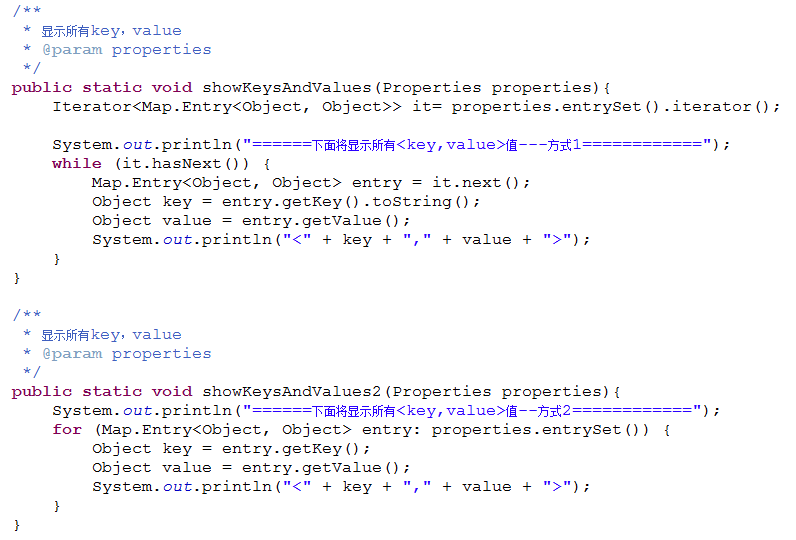
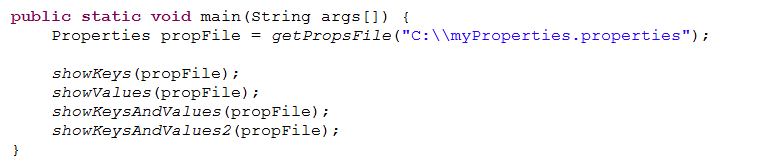
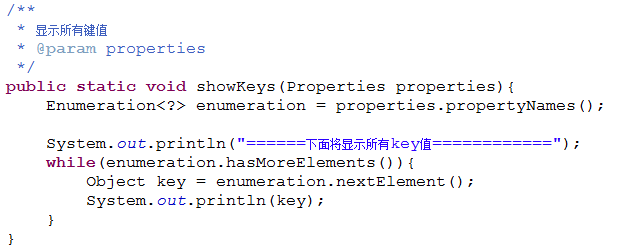
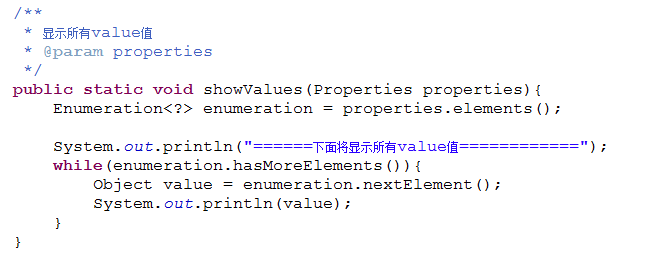
package Utils.ConfigFile;import java.io.BufferedInputStream;import java.io.BufferedReader;import java.io.File;import java.io.FileInputStream;import java.io.InputStream;import java.io.InputStreamReader;import java.util.Enumeration;import java.util.Iterator;import java.util.Map;import java.util.Properties;public class PropertiesTest {/*** 获取属性文件* @param path 属性文件路径* @return*/public static Properties getPropsFile(String path) {Properties props = new Properties();try {File file = new File(path);InputStream in = new BufferedInputStream(new FileInputStream(file));//解决中午乱码问题--因为字节流无法读取中文,所以采用reader把inputStream转换成reader用字符流来读取中文BufferedReader bf = new BufferedReader(new InputStreamReader(in));props.load(bf);in.close();} catch (Exception e) {return null;}return props;}/*** 显示所有键值* @param properties*/public static void showKeys(Properties properties){Enumeration<?> enumeration = properties.propertyNames();System.out.println("======下面将显示所有key值============");while(enumeration.hasMoreElements()){Object key = enumeration.nextElement();System.out.println(key);}}/*** 显示所有value值* @param properties*/public static void showValues(Properties properties){Enumeration<?> enumeration = properties.elements();System.out.println("======下面将显示所有value值============");while(enumeration.hasMoreElements()){Object value = enumeration.nextElement();System.out.println(value);}}/*** 显示所有key,value* @param properties*/public static void showKeysAndValues(Properties properties){Iterator<Map.Entry<Object, Object>> it= properties.entrySet().iterator();System.out.println("======下面将显示所有<key,value>值---方式1============");while (it.hasNext()) {Map.Entry<Object, Object> entry = it.next();Object key = entry.getKey().toString();Object value = entry.getValue();System.out.println("<" + key + "," + value + ">");}}/*** 显示所有key,value* @param properties*/public static void showKeysAndValues2(Properties properties){System.out.println("======下面将显示所有<key,value>值--方式2============");for (Map.Entry<Object, Object> entry: properties.entrySet()) {Object key = entry.getKey();Object value = entry.getValue();System.out.println("<" + key + "," + value + ">");}}public static void main(String args[]) {Properties propFile = getPropsFile("C:\\myProperties.properties");showKeys(propFile);showValues(propFile);showKeysAndValues(propFile);showKeysAndValues2(propFile);}}

【Properties文件】Java使用Properties来读取配置文件的更多相关文章
- JAVA使用相对路径读取配置文件
JAVA使用相对路径读取配置文件[align=center][/align][size=medium][/size] 在软件开发中经常遇到读取配置文件,以及文件定位问题.今天做个总结. (一) ...
- 读取properties文件------servletcontext及dao层读取
用servletcontext读取properties文件-------1) 重点在于:InputStream in=this.getServletContext().getResourceAsStr ...
- 利用Properties属性集结合类加载器读取配置文件
配置文件test.properties a=123 测试类Demo1.java public class Demo1 { public static void main(String[] args) ...
- 如何读取jar包外的properties文件和log4j.properties
http://jrails.iteye.com/blog/1705464 ***************************************' 一般在项目中使用properties配置文件 ...
- 将properties文件放在Jar包并读取
有时候需要在一个library内部打包一个properties文件,包含一些配置信息,而不能部署在外部. 在maven工程里面,将properties文件放在src/main/resources目录下 ...
- Java工程中如何读取配置文件中参数信息
Java中读取配置文件中参数: 方法一:通过JDK中Properties来实现对配置文件的读取. Properties主要用于读取Java的配置文件,不同的编程语言有自己所支持的配置文件,配置文件中很 ...
- java 4种方式读取配置文件 + 修改配置文件
版权声明:本文为博主原创文章,未经博主允许不得转载. 目录(?)[-] 方式一采用ServletContext读取读取配置文件的realpath然后通过文件流读取出来 方式二采用ResourceB ...
- java读取package中的properties文件java.util.MissingResourceException
文件结构: /build/classes/d914/Hello.class /build/classes/d914/mess.properties /build/classes/d914/mess_z ...
- Java读取Properties文件 Java加载配置Properties文件
static{ Properties prop = new Properties(); prop.load(Thread.currentThread().getContextClassLoader() ...
- java web编程 servlet读取配置文件参数
新建一个servlet. 然后在web.xml文件里面自动帮助你创建好了<servlet-name><servlet-class><servlet-mapping> ...
随机推荐
- 使用dropbox 同步任意文件夹(MAC)
使用dropbox自动同步自己mac上的文件夹: -My_Programs /Users/foreverycc/Dropbox/My_Program # . must be full absolute ...
- UI学习笔记---第八天
UINavigationController的用法 界面间传值 UInavigationController继承于UIViewController,以栈的方式管理所控制的师徒控制器,至少要有一个被 ...
- jquery节点操作
很久没有jquery写东西了,最近使用jquery的时候发现很多节点的操作都不太熟悉了,于是就进行了一个小小的总结. 创建节点:var dom=$('<div></div>') ...
- CentOS6.3 Hostname设定修改
今天装了个CentOS6.3恩,基本上是参照百度文库上面的文章来安装的 http://wenku.baidu.com/link?url=K0tqotryKLFHhJGicx1nC-hsgfWhL3OI ...
- php部分--面向对象三大特性-封装(另加连续调用的一个例子)、继承(重写、重载的例子)、多态;
一.封装性: 目的:为了使类更加安全. 做法:1设置私有成员 2在类中建方法,访问私有成员 3在方法里边加控制(if) 私有成员访问的两种方法: 方法一:set(可写) get(可读)做方法(可读可写 ...
- ps调整图层
自然饱和度:自然饱和度命令和色相饱和度命令里的饱和度相比最大的区别是自然饱和度只增加未达到饱和的颜色的饱和度,而饱和度命令则增加整个图像的饱和度,可能会导致图像颜色过于饱和,而自然饱和度不会出现这种问 ...
- Linux-Memcache分布式部署方案(magent代理解决单点故障)
Memcached的特点 Memcached作为高速运行的分布式缓存服务器具有以下特点. 1. 协议简单:memcached的服务器客户端通信并不使用复杂的MXL等格式, 而是使用简单的基于文本的协议 ...
- 安装postgreSQL出现configure:error:readline library not found解决方法
要安装 readline , readline-dev 开发包,要么使用 --without-readline 选项关闭 readline 功能. #yum install readline; #yu ...
- OCR文字识别软件 怎么识别包含非常规符号的文本
ABBYY FineReader 12 是一款OCR图文识别软件,可快速方便地将扫描纸质文档.PDF文件和数码相机的图像转换成可编辑.可搜索的文本,有时文本中可能会包含一些非常规的符号,此时ABBYY ...
- 写window应用程序日志System.Diagnostics.EventLog.WriteEntry
System.Diagnostics.EventLog.WriteEntry( MySource , Writing to event log. ); 可以写window应用程序日志 查看的地方:右击 ...