
【代码笔记】iOS-先选择城市,然后,跳转Tabbar
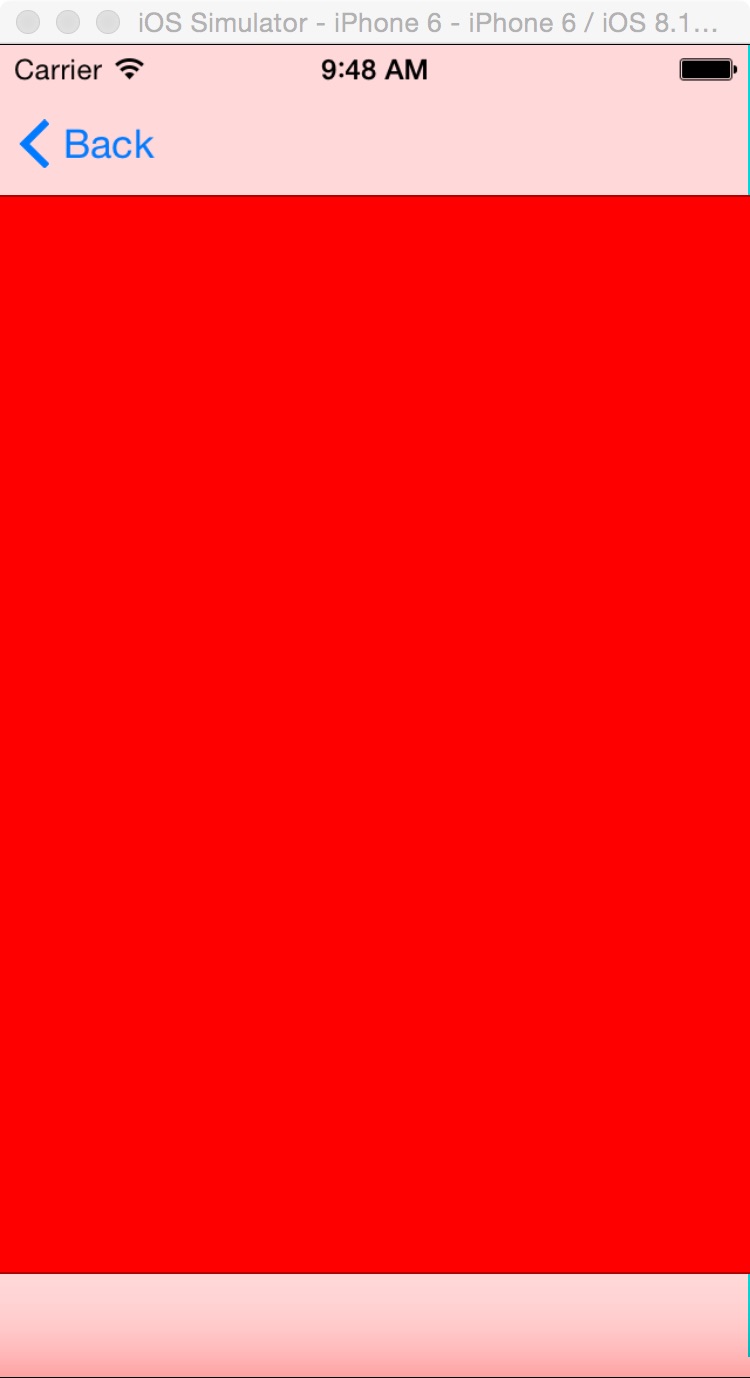
一,效果图。

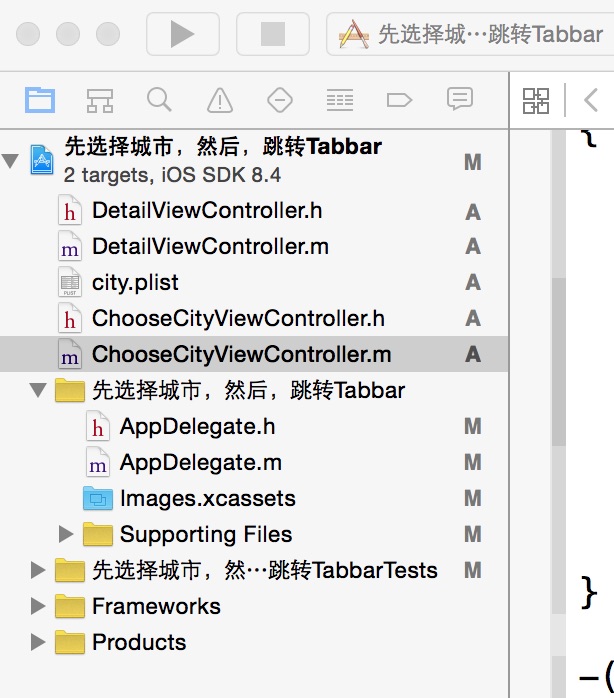
二,工程图。
三,代码。
ChooseCityViewController.h

#import <UIKit/UIKit.h>

@interface ChooseCityViewController : UIViewController

<UITableViewDelegate,UITableViewDataSource>

{

    NSMutableArray * dataArray;

    UITableView * mTableView;

}

@end
ChooseCityViewController.m
#import "ChooseCityViewController.h"

#import "DetailViewController.h"

@interface ChooseCityViewController ()

@end

@implementation ChooseCityViewController

- (id)initWithNibName:(NSString *)nibNameOrNil bundle:(NSBundle *)nibBundleOrNil

{

    self = [super initWithNibName:nibNameOrNil bundle:nibBundleOrNil];

    if (self) {

        // Custom initialization

    }

    return self;

}

- (void)viewDidLoad

{

    [super viewDidLoad];

    // Do any additional setup after loading the view.

    //读取plist文件

    [self readPlistFile];

    //初始化tableView

    [self initTableView];

}

#pragma -mark -functions

-(void)readPlistFile

{

    dataArray = [[NSMutableArray alloc] initWithCapacity:0];

    NSString * path = [[NSBundle mainBundle] pathForResource:@"city" ofType:@"plist"];

    NSDictionary * dict = [[NSDictionary alloc] initWithContentsOfFile:path];

    NSEnumerator * enumerator = [dict keyEnumerator];

    NSString * key;

    while (key = [enumerator nextObject]) {

        NSDictionary * t = [dict objectForKey:key];

        [dataArray addObject:t];

    }

    NSLog(@"%@",dataArray);

}

-(void)initTableView

{

    mTableView = [[UITableView alloc] initWithFrame:self.view.bounds style:UITableViewStylePlain];

    mTableView.delegate = self;

    mTableView.dataSource = self;

    mTableView.autoresizingMask = UIViewAutoresizingFlexibleHeight;

    [self.view addSubview:mTableView];

}

#pragma -UITableViewDelegate

-(NSInteger)tableView:(UITableView *)tableView numberOfRowsInSection:(NSInteger)section

{

    return [dataArray count];

}

-(UITableViewCell *)tableView:(UITableView *)tableView cellForRowAtIndexPath:(NSIndexPath *)indexPath

{

    static NSString * ID = @"cellID";

    UITableViewCell * cell = [tableView dequeueReusableCellWithIdentifier:ID];

    if (cell == nil)

    {

        cell = [[UITableViewCell alloc] initWithStyle:UITableViewCellStyleSubtitle reuseIdentifier:ID];

    }

    NSDictionary *dict = [dataArray objectAtIndex:indexPath.row];

    cell.textLabel.text = [dict objectForKey:@"city_name"];

    return cell;

}

-(void)tableView:(UITableView *)tableView didSelectRowAtIndexPath:(NSIndexPath *)indexPath

{

    NSDictionary * dict = [dataArray objectAtIndex:indexPath.row];

    //把所选择的城市保存到本地

    [[NSUserDefaults standardUserDefaults] setObject:[dict objectForKey:@"city_id"] forKey:@"city_id"];

    [[NSUserDefaults standardUserDefaults] setObject:[dict objectForKey:@"city_name"] forKey:@"city_name"];

    //跳转到另一个有tabbar的页面

    DetailViewController *detail=[[DetailViewController alloc]init];

    [self.navigationController pushViewController:detail animated:NO];

}

- (void)didReceiveMemoryWarning

{

    [super didReceiveMemoryWarning];

    // Dispose of any resources that can be recreated.

}
【代码笔记】iOS-先选择城市,然后,跳转Tabbar的更多相关文章
- 【代码笔记】iOS-点击城市中的tableView跳转到旅游景点的tableView,下面会有“显示”更多。
一,效果图. 二,工程图. 三,代码. RootViewController.h #import <UIKit/UIKit.h> @interface RootViewController ...
- 【代码笔记】iOS-页面之间的跳转效果
一,工程图. 二,代码. RootViewController.m -(void)touchesBegan:(NSSet *)touches withEvent:(UIEvent *)event { ...
- 【代码笔记】iOS-plist获得城市列表
一,工程图. 二,代码. - (void)viewDidLoad { [super viewDidLoad]; // Do any additional setup after loading the ...
- IOS开发笔记 IOS如何访问通讯录
IOS开发笔记 IOS如何访问通讯录 其实我是反对这类的需求,你说你读我的隐私,我肯定不愿意的. 幸好ios6.0 以后给了个权限控制.当打开app的时候你可以选择拒绝. 实现方法: [plain] ...
- h5手机端下拉选择城市
<!doctype html><html> <head> <meta http-equiv="Content-Type& ...
- jquery实现输入框聚焦,键盘上下键选择城市
在最近有个项目中 需要实现当文本框聚焦的时候,可以键盘上下键选择内容,按enter键的时候,把内容传到输入框中,如图所示: 实现代码如下: /** *输入框聚焦,键盘上下键选择城市 */ ;(func ...
- 【hadoop代码笔记】hadoop作业提交之汇总
一.概述 在本篇博文中,试图通过代码了解hadoop job执行的整个流程.即用户提交的mapreduce的jar文件.输入提交到hadoop的集群,并在集群中运行.重点在代码的角度描述整个流程,有些 ...
- 笔记-iOS 视图控制器转场详解(上)
这是一篇长文,详细讲解了视图控制器转场的方方面面,配有详细的示意图和代码,为了使得文章在微信公众号中易于阅读,seedante 辛苦将大量长篇代码用截图的方式呈现,另外作者也在 Github 上附上了 ...
- IOS 如何选择delegate、notification、KVO?
IOS 如何选择delegate.notification.KVO? 博客分类: IOS 前面分别讲了delegate.notification和KVO的实现原理,以及实际使用步骤,我们心中不禁有 ...
随机推荐
- 基于keepalived搭建MySQL的高可用集群
MySQL的高可用方案一般有如下几种: keepalived+双主,MHA,MMM,Heartbeat+DRBD,PXC,Galera Cluster 比较常用的是keepalived+双主,MHA和 ...
- 把《c++ primer》读薄(3-2 标准库vector容器+迭代器初探)
督促读书,总结精华,提炼笔记,抛砖引玉,有不合适的地方,欢迎留言指正. 标准库vector类型初探,同一种类型的对象的集合(类似数组),是一个类模版而不是数据类型,学名容器,负责管理 和 存储的元素 ...
- Cesium原理篇:6 Render模块(5: VAO&RenderState&Command)
VAO VAO(Vertext Array Object),中文是顶点数组对象.之前在<Buffer>一文中,我们介绍了Cesium如何创建VBO的过程,而VAO可以简单的认为是基于VBO ...
- 让 OpenAL 也支持 S16 Planar(辅以 FFmpeg)
正在制作某物品,现在做到音频部分了. 原本要采用 SDL2_mixer 的,不过实验结果表明其失真非常严重,还带有大量的电噪声.不知道是不是我打开的方式不对…… 一气之下去看 OpenAL,结果吃了闭 ...
- Net设计模式实例之单例模式( Singleton Pattern)
一.单例模式简介(Brief Introduction) 单例模式(Singleton Pattern),保证一个类只有一个实例,并提供一个访问它的全局访问点.单例模式因为Singleton封装它的唯 ...
- QTableWidget行选中/删除/添加行
1 均分各列 tableWidget->horizontalHeader()->setStretchLastSection(true); //就是这个地方 tableWidget-> ...
- Android使用ViewPager实现左右循环滑动及轮播效果
边界的时候会看到一个不能翻页的动画,可能影响用户体验.此外,某些区域性的ViewPager(例如展示广告或者公告之类的ViewPager),可能需要自动轮播的效果,即用户在不用滑动的情况下就能够看到其 ...
- 解决WebApi入参时多对象的问题
我们的项目是用WebApi提供数据服务,且WebPage跟APP中都有调用到. WebApi提供的接口一多,就发现一个问题,我们项目中有很多接口是接收POST(安全原因,我们采用的是https)请求的 ...
- [C#] .NET4.0中使用4.5中的 async/await 功能实现异
好东西需要分享 原文出自:http://www.itnose.net/detail/6091186.html 在.NET Framework 4.5中添加了新的异步操作库,但是在.NET Framew ...
- Java程序员必须掌握的8大排序算法
分类: 1)插入排序(直接插入排序.希尔排序)2)交换排序(冒泡排序.快速排序)3)选择排序(直接选择排序.堆排序)4)归并排序5)分配排序(基数排序) 所需辅助空间最多:归并排序所需辅助空间最少:堆 ...