
在Windows中使用MinGW编译X264
转自:http://www.cnblogs.com/xiongjiaji/archive/2012/06/08/2541265.html
参考:http://ayobamiadewole.com/Blog/Others/x264compilation.aspx
注意:安装完MinGW后,要把“安装路径\MinGW\bin”加到PATH环境变量中。否则在./configure的时候会“No working C compiler found”。
具体步骤如下:
For someone coming from a windows background, where you do virtually everything, using GUI probably with Visual studio or an equivalent IDE, compiling a program from the command line can be a daunting task.
This blog post will guide you through compiling and building the popular open source video encoding library on windows using the MinGW(Minimalist GNU on Windows).
First you need to download the x264 source code from http://x264.nl/ Or if you know how to use git, you can git clone the x264 from git://git.videolan.org/x264.git.
Then you should download MinGW from http://sourceforge.net/projects/mingw/files Download the mingw-get-inst-20111118.exe (591.9 kB) install it and during the installation steps, select all the check boxes. (直接到这里下载就可以了:http://sourceforge.net/projects/mingw/)
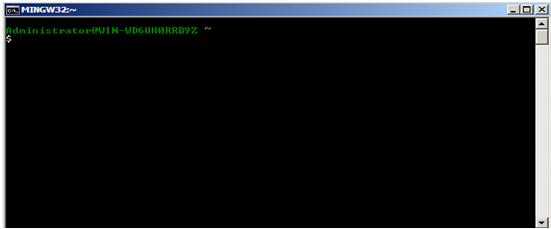
After the installation is completed(然后还要把环境变量加上), then from Start button , click All program, then click MinGW and then Click on MinGW shell, this brings up the following window
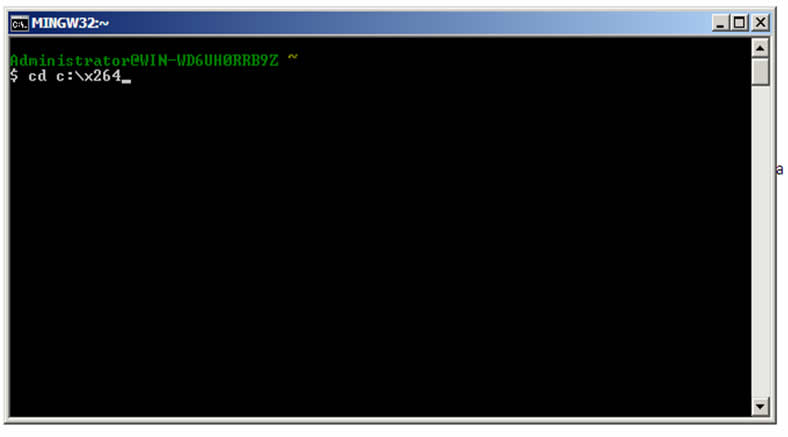
From the msys shell change your directory to the location where your x264 source code is, in my own case the x264 code is in the c: drive so I will simply Type cd c:\x264
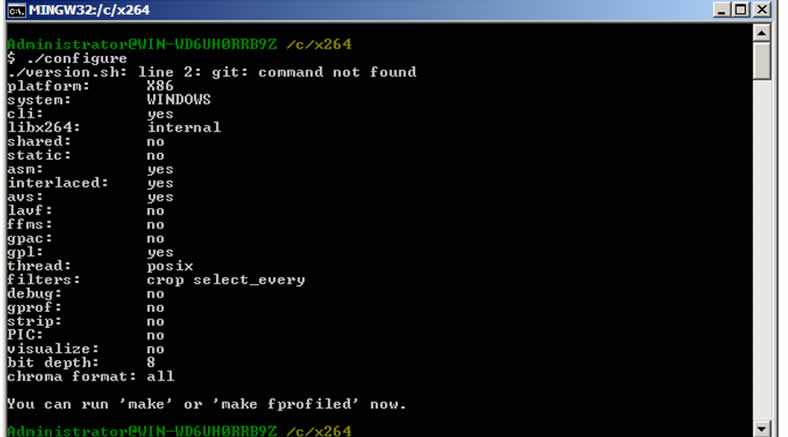
Then type ./configure and press enter, this screen waits for some seconds and the bring
Then you can now type make and press enter, this will bring up the window below, showing the progress of the compilation process.
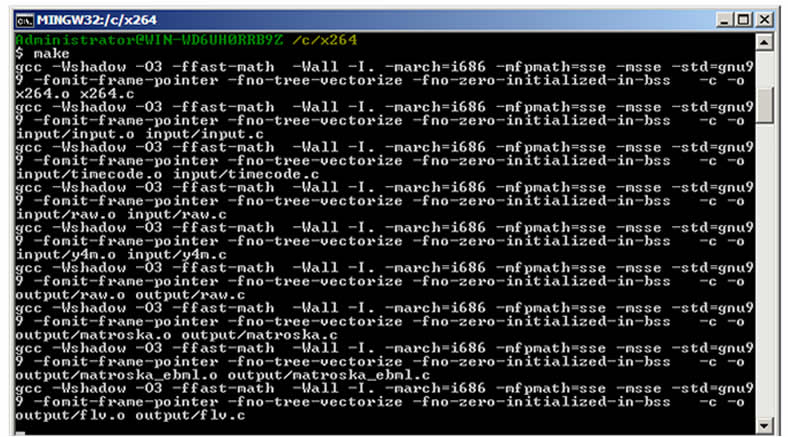
After the compilation is finished, if you look into your x264 directory you will find x264.exe file there.
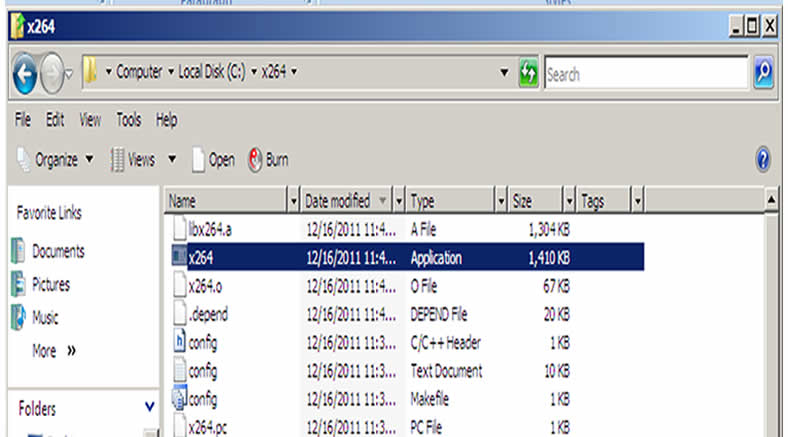
Now compiling the x264 into a dynamic link library that can be used in Visual studio takes another process entirely. Open the MinGW bash once again and change the directory to the location of your x264 source code, just like you did previously.
Then type
./configure --disable-cli --enable-shared --extra-ldflags=-Wl,--output-def=libx264-120.def
or just
./configure --disable-cli --enable-shared --extra-ldflags=-Wl,--output-def=libx264.def
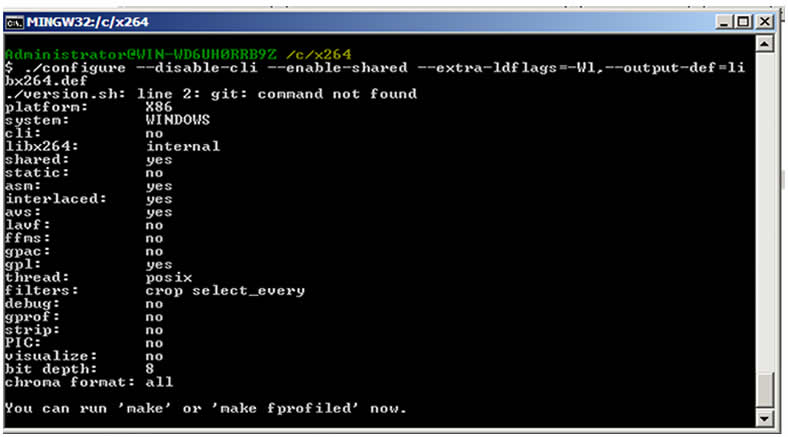
Now in libx264-120.def “120” is the version of the x264 you are using, you can find the version of the x264 you are using by opening the x264.h file in your x264 source folder you will see something like this #define X264_BUILD 120 depending on your version.
You can now type the make command and press enter and you will find the libx264-120.dll in your x264 source folder. Then rename libx264-120.dll to libx264.dll and you have you dynamic link library to work with.
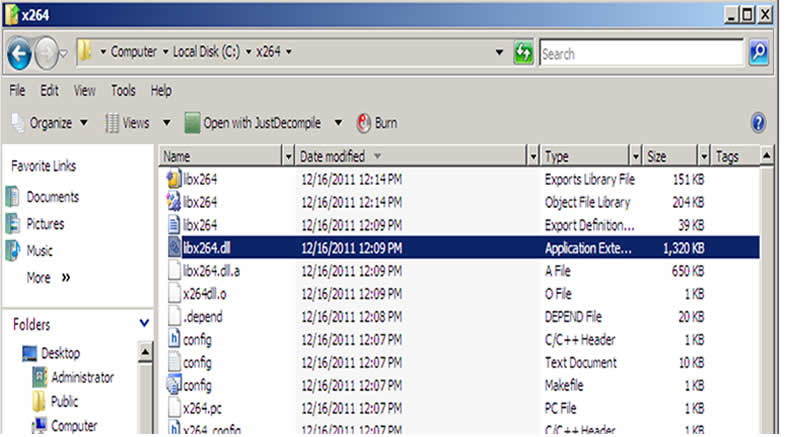
If you wish to generate the Visual Studio .lib file to work with then open a Visual Studio command prompt, and change the directory to the location of the x264 source .
Then run this command
LIB /DEF:libx264.def
Then press enter
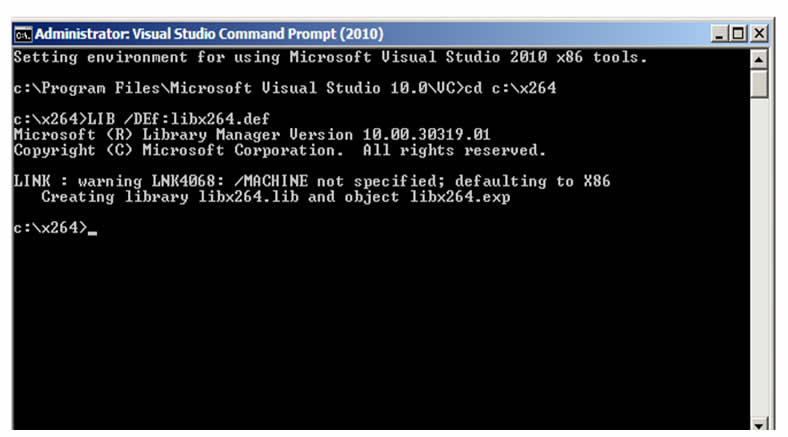
And your libx264.lib would be generated.
在Windows中使用MinGW编译X264的更多相关文章
- 手把手教你在Windows下使用MinGW编译libav(参考libx264的编入)
转自:http://www.th7.cn/Program/cp/201407/242762.shtml 手把手教你在Windows下使用MinGW编译libav libav是在Linux下使用纯c语言 ...
- QT中使用MinGW 编译的protobuf库--包含库的生成和使用
QT中使用MinGW 编译的protobuf库--包含库的生成和使用 0前言 1准备工作 2生成protobuf库文件 3在QT中测试protobuf的使用 4结语 0前言 最近要在QT中使用prot ...
- 在Windows下利用MinGW编译FFmpeg
目录 [隐藏] 1 环境与软件 2 第一步:安装MinGW 3 第二步:配置编译环境 4 第三步:配置SDL 5 第四步:编译 5.1 编译faac 5.2 编译fdk-aac 5.3 编译x264 ...
- Windows 系统 vs2012 MinGW 编译ffmpeg 静态库
Windows系统下 vs2012编译ffmpeg 动态库 前面已经有文章讲述,本文将讲述如果编译生成ffmpeg静态库以方便 在vs2012下调用. 准备工作:安装MinGW环境,修改ffmpeg配 ...
- [X264] MinGW编译x264,VC中调用libx264.dll-------------<参考转>
1. 下载并按照MinGW,最好就缺省按照 http://sourceforge.net/projects/ ... ler/mingw-get-inst/ 把C:\MinGW\bin添加 ...
- MinGW和MSYS区别和关系以及MinGW&MSYS在Win7中安装并编译x264
http://blog.csdn.net/freeape/article/details/50555003
- Windows下使用MINGW编译ffplay
之前考虑到需要快速配置编译ffplay,使用了比较暴力的方法,具体可以参考编译ffplay.exe简化版. 这里介绍下相对规范的做法. 前提:已经安装了Windows下GCC开发环境--MINGW+m ...
- 再次尝试windows下msys+MinGW编译ffmpeg
电脑上安装太多的开源库,环境变量里面一些常用的头文件都有几种,以前使用的编译ffmpeg的方法现在常常提示错误.从config.log中看,这些错误往往都是一些头文件引用错误导致.由于项目中继续编译自 ...
- windows下使用mingw编译python扩展模块
环境: 1.python2.7.2 2.mingw20120426 说明: PYTHON_HOME:不做特殊说明的话,默认代表python的安装路径. MINGW_HOME:不做特殊说明的话,默认代表 ...
随机推荐
- 修改php执行用户,并使其拥有root权限
useradd apachephp vi /etc/httpd/conf/httpd.conf 将组和用户修改成apachephp,重启apache,然后用lsof -i:80查看apache的执行用 ...
- 字符串数组元素排列与组合的Java递归实现
我们在笔试面试过程中经常会遇到关于排列与组合的问题,其实这些可以通过递归简单的实现,看下面两个例子: (1)关于字符串排列的问题 输入一个字符串,打印出该字符串中字符的所有排列.例如输入字符串ab ...
- Flume-NG内置计数器(监控)源码级分析
Flume的内置监控怎么整?这个问题有很多人问.目前了解到的信息是可以使用Cloudera Manager.Ganglia有图形的监控工具,以及从浏览器获取json串,或者自定义向其他监控系统汇报信息 ...
- shell安装MySQL二进制包
现在解压MySQL二进制包,稍作配置,就能用了,安装速度快,安装来练习最好不过了,哈哈 该脚本只是安装二进制的MySQL包,my.cnf只修改了简单的选项,没有过多进行设置,若朋友们用我的脚本安装作为 ...
- linux下搭建Nginx
Linux上搭建nginx,及简单配置 在上家公司都是运维安装nginx,到新公司后代码开发完成部署测试服务器要求自己装nginx,研究了好久安装好之后,到正式上线还要自己安装,索性把安装步骤自己记 ...
- UIView中UIButton设置监听
红色框框是一个uibutton _priceValueLabel是他的父视图, 必须要把button的父视图设置userInteractionEnabled = YES, button的 监听才会生效 ...
- 关于mac安装rails报错clang: error: unknown argument
文章都是从我的个人博客上转载过来的,大家可以点击我的个人博客. www.iwangzheng.com mac上安装rails的时候报错, 安装rails的在终端执行了一句命令: $sudo gem i ...
- [BZOJ1477]青蛙的约会
[BZOJ1477]青蛙的约会 试题描述 两只青蛙在网上相识了,它们聊得很开心,于是觉得很有必要见一面.它们很高兴地发现它们住在同一条纬度线上,于是它们约定各自朝西跳,直到碰面为止.可是它们出发之前忘 ...
- ASP注入靶机
ASP: <% Dim Db,MyDbPath dim conn '可修改设置一:========================定义数据库类别,1为SQL数据库,0为Access数据库 ...
- 常州Day4题解
1. 高精度 这题略水,字符串可过,还不加压位等,操作只有BitShift和add/sub,不过编程复杂度有些高.(输出都是二进制我能说些什么...) 2. N皇后问题 (警告! 不是平时你见到的N皇 ...