
text recognizer (OCR) Engine 光学字符识别
https://github.com/tesseract-ocr/tesseract/wiki
https://github.com/UB-Mannheim/tesseract/wiki
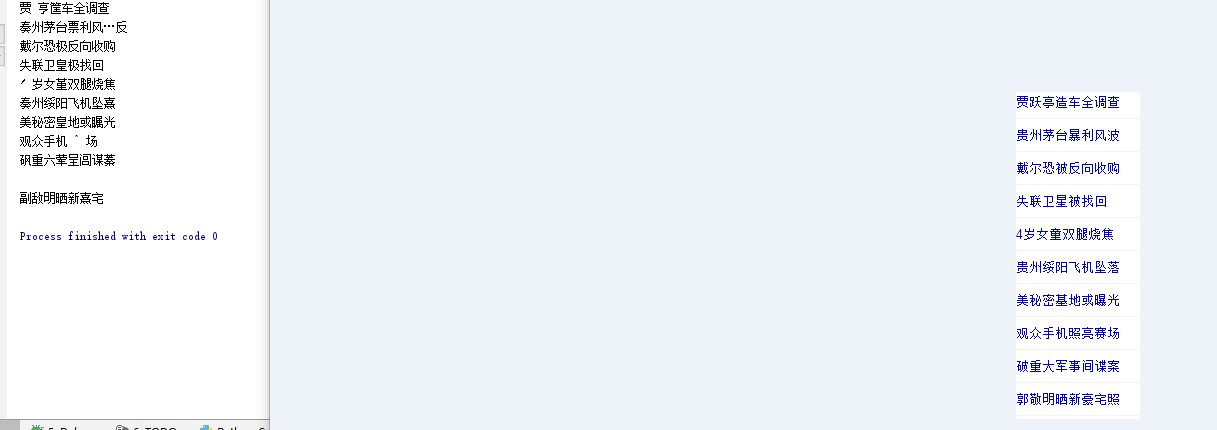
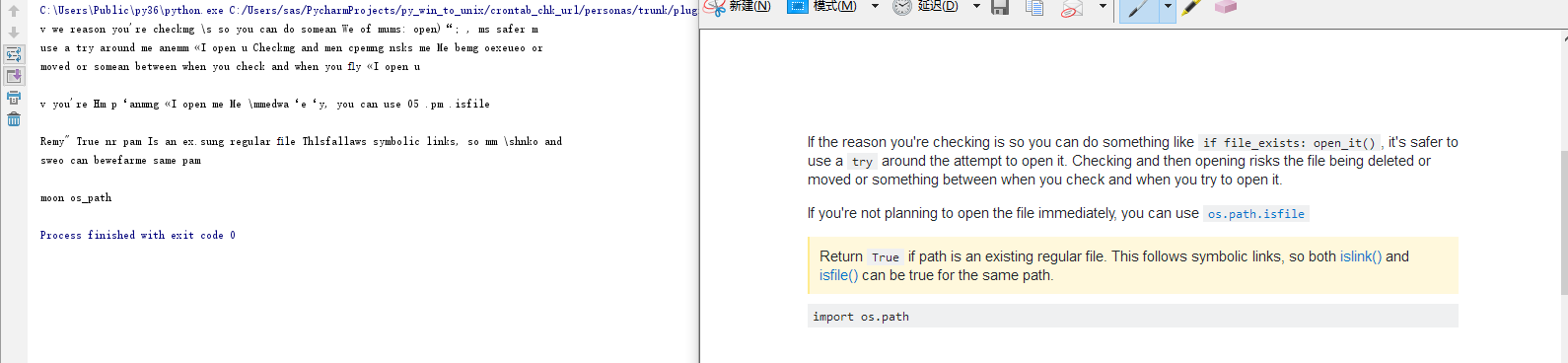
C:\Users\Public\py36\Lib\site-packages\pytesseract
#!/usr/bin/env python
'''
Python-tesseract. For more information: https://github.com/madmaze/pytesseract
'''
try:
import Image
except ImportError:
from PIL import Image
import os
import sys
import subprocess
from pkgutil import find_loader
import tempfile
import shlex
from glob import iglob
numpy_installed = True if find_loader('numpy') is not None else False
if numpy_installed:
from numpy import ndarray
__all__ = ['image_to_string']
# CHANGE THIS IF TESSERACT IS NOT IN YOUR PATH, OR IS NAMED DIFFERENTLY
#tesseract_cmd = 'tesseract'
#tesseract_cmd = 'C:\Users\Public\py36\Lib\site-packages\pytesseract\gImageReader_3.2.1_qt5_x86_64_tesseract4.0.0.git2f10be5.exe'
tesseract_cmd = 'C:/Users/Public/py36/Lib/site-packages/pytesseract/gImageReader_3.2.1_qt5_x86_64_tesseract4.0.0.git2f10be5.exe'
tesseract_cmd = 'C:/Program Files (x86)/gImageReader/gimagereader-qt5.exe'
tesseract_cmd = 'C:\Program Files (x86)\Tesseract-OCR\tesseract.exe'
tesseract_cmd = 'C:/Program Files (x86)/Tesseract-OCR/tesseract.exe'
class TesseractError(Exception):
def __init__(self, status, message):
self.status = status
self.message = message
self.args = (status, message)
def get_errors(error_string):
return u' '.join(
line for line in error_string.decode('utf-8').splitlines()
).strip()
def cleanup(temp_name):
''' Tries to remove files by filename wildcard path. '''
for filename in iglob(temp_name + '*'):
try:
os.remove(filename)
except OSError:
pass
def run_tesseract(input_filename,
output_filename_base,
lang=None,
boxes=False,
config=None,
nice=0):
'''
runs the command:
`tesseract_cmd` `input_filename` `output_filename_base`
returns the exit status of tesseract, as well as tesseract's stderr output
'''
command = []
if not sys.platform.startswith('win32') and nice != 0:
command += ('nice', '-n', str(nice))
command += (tesseract_cmd, input_filename, output_filename_base)
if lang is not None:
command += ('-l', lang)
if config:
command += shlex.split(config)
if boxes:
command += ('batch.nochop', 'makebox')
proc = subprocess.Popen(command, stderr=subprocess.PIPE)
status_code, error_string = proc.wait(), proc.stderr.read()
proc.stderr.close()
return status_code, error_string
def prepare(image):
if isinstance(image, Image.Image):
return image
if numpy_installed and isinstance(image, ndarray):
return Image.fromarray(image)
raise TypeError('Unsupported image object')
def image_to_string(image, lang=None, boxes=False, config=None, nice=0):
'''
Runs tesseract on the specified image. First, the image is written to disk,
and then the tesseract command is run on the image. Tesseract's result is
read, and the temporary files are erased.
Also supports boxes and config:
if boxes=True
"batch.nochop makebox" gets added to the tesseract call
if config is set, the config gets appended to the command.
ex: config="-psm 6"
If nice is not set to 0, Tesseract process will run with changed priority.
Not supported on Windows. Nice adjusts the niceness of unix-like processes.
'''
image = prepare(image)
if len(image.getbands()) == 4:
# In case we have 4 channels, lets discard the Alpha.
image = image.convert('RGB')
temp_name = tempfile.mktemp(prefix='tess_')
input_file_name = temp_name + '.bmp'
output_file_name_base = temp_name + '_out'
output_file_name = output_file_name_base + '.txt'
if boxes:
output_file_name = output_file_name_base + '.box'
try:
image.save(input_file_name)
status, error_string = run_tesseract(input_file_name,
output_file_name_base,
lang=lang,
boxes=boxes,
config=config,
nice=nice)
if status:
raise TesseractError(status, get_errors(error_string))
with open(output_file_name, 'rb') as output_file:
return output_file.read().decode('utf-8').strip()
finally:
cleanup(temp_name)
def main():
if len(sys.argv) == 2:
filename, lang = sys.argv[1], None
elif len(sys.argv) == 4 and sys.argv[1] == '-l':
filename, lang = sys.argv[3], sys.argv[2]
else:
sys.stderr.write('Usage: python pytesseract.py [-l lang] input_file\n')
exit(2)
try:
print(image_to_string(Image.open(filename), lang=lang))
except IOError:
sys.stderr.write('ERROR: Could not open file "%s"\n' % filename)
exit(1)
if __name__ == '__main__':
main()
from PIL import Image
import pytesseract
import os.path

img_dir = 'C:\\Users\\sas\\PycharmProjects\\py_win_to_unix\\crontab_chk_url\\personas\\trunk\\plugins\\pyos\\'
img_n = 'en1.PNG'
img_n = 'en1.PNG'
img = '{}{}'.format(img_dir, img_n)
chk_exist=os.path.isfile(img)

# d=Image.open('pil0.PNG')
# 上面都是导包,只需要下面这一行就能实现图片文字识别
text = pytesseract.image_to_string(Image.open(img), lang='eng') #chi_sim
print(text)

d = 5

Python人工智能之图片识别,Python3一行代码实现图片文字识别 - 邱石的专栏 - CSDN博客 http://blog.csdn.net/qiushi_1990/article/details/78041375
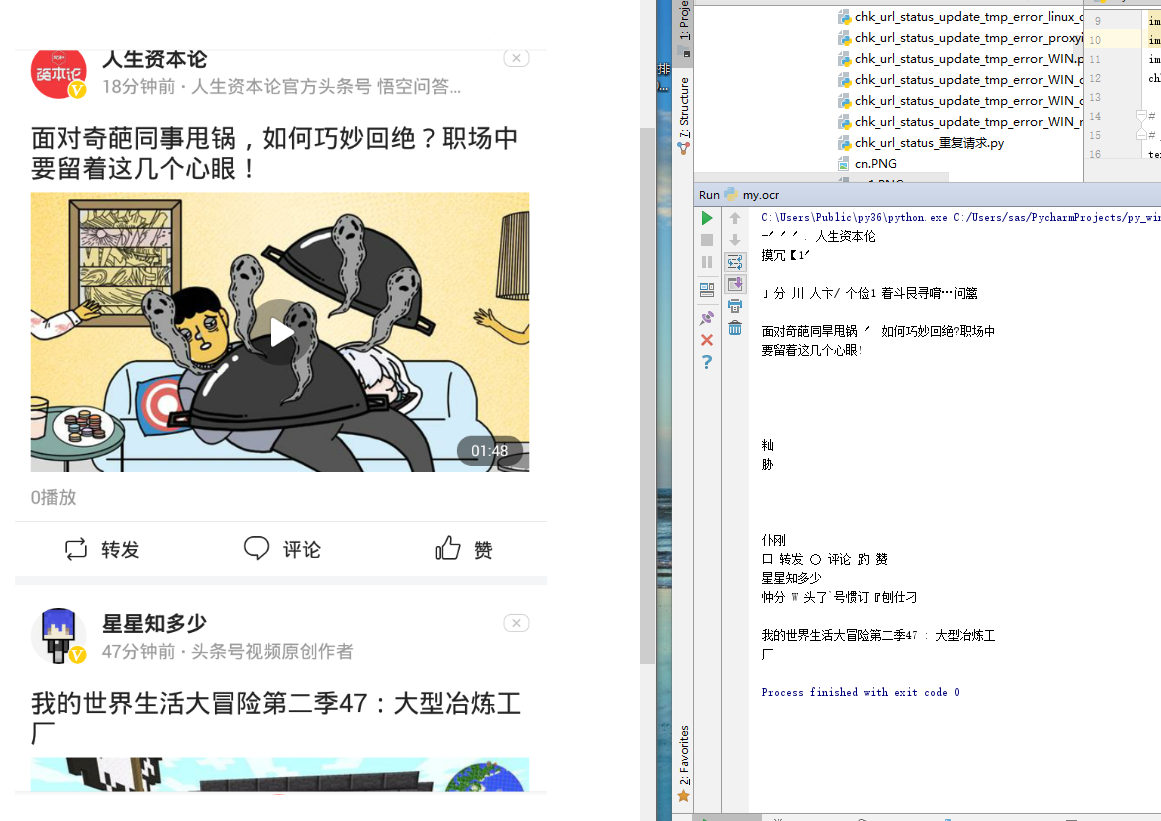



对新浪验证码的识别结果为空字符串】
for i in range(1, 9):
    img = 't0 (1).png'.replace('1', str(i))
    print(img)
    img = '{}{}'.format(img_dir, img)
    print(os.path.isfile(img))
    text = pytesseract.image_to_string(Image.open(img), lang='chi_sim')  # chi_sim eng
    print(text)
text = pytesseract.image_to_string(Image.open(img), lang='jpn') # chi_sim eng jpn

q爽UAG
工作流程
影像输入
- 二值化:由于彩色图像所含信息量过于巨大,在对图像中印刷体字符进行识别处理前,需要对图像进行二值化处理,使图像只包含黑色的前景信息和白色的背景信息,提升识别处理的效率和精确度。
- 图像降噪:由于待识别图像的品质受限于输入设备、环境、以及文档的印刷质量,在对图像中印刷体字符进行识别处理前,需要根据噪声的特征对待识别图像进行去噪处理,提升识别处理的精确度。
对比识别
人工校正
结果输出
text recognizer (OCR) Engine 光学字符识别的更多相关文章
- OCR 即 光学字符识别
OCR (Optical Character Recognition,光学字符识别)是指电子设备(例如扫描仪或数码相机)检查纸上打印的字符,通过检测暗.亮的模式确定其形状,然后用字符识别方法将形状翻译 ...
- 吴恩达机器学习笔记 —— 19 应用举例:照片OCR(光学字符识别)
http://www.cnblogs.com/xing901022/p/9374258.html 本章讲述的是一个复杂的机器学习系统,通过它可以看到机器学习的系统是如何组装起来的:另外也说明了一个复杂 ...
- Andrew Ng-ML-第十九章-应用举例:照片OCR(光学字符识别)
1.问题描述与 OCR pipeline 图1.图像文字识别流水线 首先是输入图片->进行文字检测->字符分割->字符识别. 这些阶段分别需要1-5人这样子. 2.滑动窗口 主要讲滑 ...
- OCR(光学字符识别)技术简介
OCR技术起源 OCR最早的概念是由德国人Tausheck最先提出的,1966年他们发表了第一篇关于汉字识别的文章,采用了模板匹配法识别了1000个印刷体汉字.早在60.70年代,世界各国就开始有OC ...
- OCR (光学字符识别技术)安装
一.安装homebrew 1)打开终端直接输入安装命令: /usr/bin/ruby -e "$(curl -fsSL https://raw.githubusercontent.c ...
- Ocrad.js – JS 实现 OCR 光学字符识别
Ocrad.js 相当于是 Ocrad 项目的纯 JavaScript 版本,使用 Emscripten 自动转换.这是一个简单的 OCR (光学字符识别)程序,可以扫描图像中的文字回文本. 不像 G ...
- Windows Azure Marketplace 为新增的 50 个国家/地区提供,并推出了令人振奋的新增内容,包括我们自己的 Bing 光学字符识别服务
尊敬的 Windows Azure Marketplace 用户: 我们有一些让人激动的新闻与您分享:我们现在为新增的 50 个国家/地区提供 Marketplace.自此,我们提供支持的国家/地区总 ...
- 6 个优秀的开源 OCR 光学字符识别工具
转自:http://sigvc.org/bbs/thread-870-1-1.html 纸张在许多地方已日益失宠,无纸化办公谈论40多年,办公环境正限制纸山的生成.而过去几年,无纸化办公的概念发生了显 ...
- 光学字符识别OCR
1.功能: 光学字符识别(OCR,Optical Character Recognition)是指对文本资料进行扫描,然后对图像文件进行分析处理,获取文字及版面信息的过程 2.典型应用: 名片扫描 3 ...
随机推荐
- 去掉PhpStorm打开自动启动的项目
有时候启动的项目很大,导致很卡,而且在编辑器中更改也没效果,简单暴力的办法 找到项目的目录,删除其中的.idea文件夹
- 牛客网 nowcoder TG test-172
# solution-nowcoder-172 # A-中位数 $30\%:n\le 200$ 直接枚举 $n-len+1$ 个区间,将这段里的数重新排序直接找到中位数 $60\%:n\le 2000 ...
- docker配置国内加速器
一.登录到daocloud网站后选择如下地址的加速器 二.根据配置提示在linux上执行对应的配置命令: curl -sSL https://get.daocloud.io/daotools/set_ ...
- ubuntu14.04 mysql-workbench Connecting to MySQL server ... Native table 'performance_schema'.'session_variables' has the wrong structure错误解决
使用的mysql版本: mysql Ver 14.14 Distrib 5.7.9, for Linux (x86_64) using EditLine wrapper 打开shell命令 1.输 ...
- (贪心) Vacations 求休息的最少天数
Description Vasya has n days of vacations! So he decided to improve his IT skills and do sport. Vasy ...
- Hdu 5274 Dylans loves tree (树链剖分模板)
Hdu 5274 Dylans loves tree (树链剖分模板) 题目传送门 #include <queue> #include <cmath> #include < ...
- A - 栈
Description You are given a string consisting of parentheses () and []. A string of this type is s ...
- 调试24L01经验总结
注意的地方: 1.调试24L01的时候,信号的初始状态一定要设置,否则在设置模块的状态的时候容易出错.( CE=0; CSN=1; SCK=0; MOSI = 1; IRQ = 1;)IRQ设置成1是 ...
- jquery对JSON字符串的解析--eval函数
jquery eval解析JSON中的注意点介绍----https://www.jb51.net/article/40842.htm
- BNUOJ 3278 Candies
Candies Time Limit: 1500ms Memory Limit: 131072KB This problem will be judged on PKU. Original ID: 3 ...