
纯CSS实现内容放大缩小效果
先搭架子
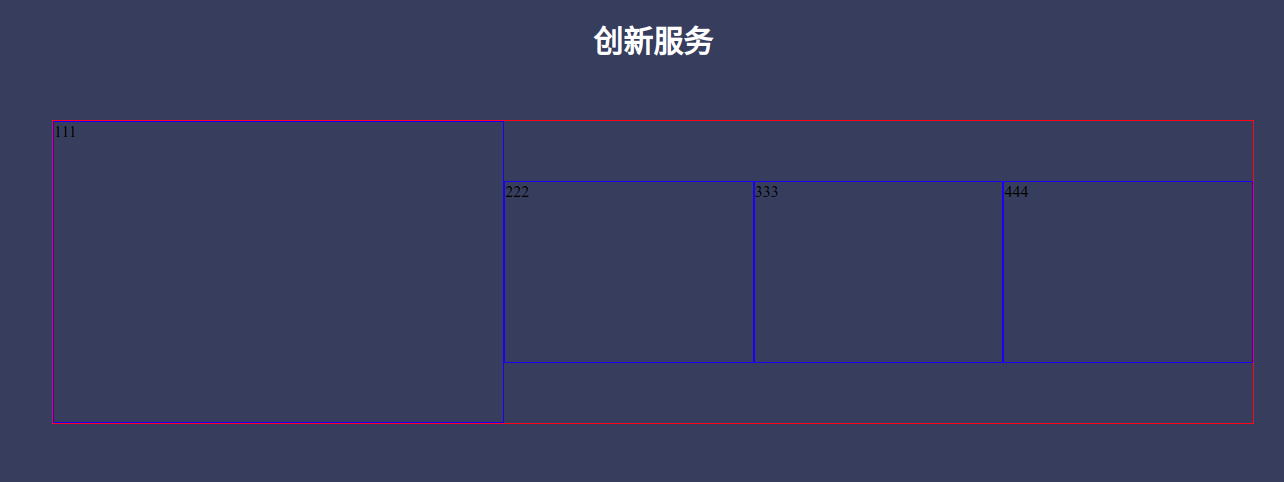
再实现第一个内容
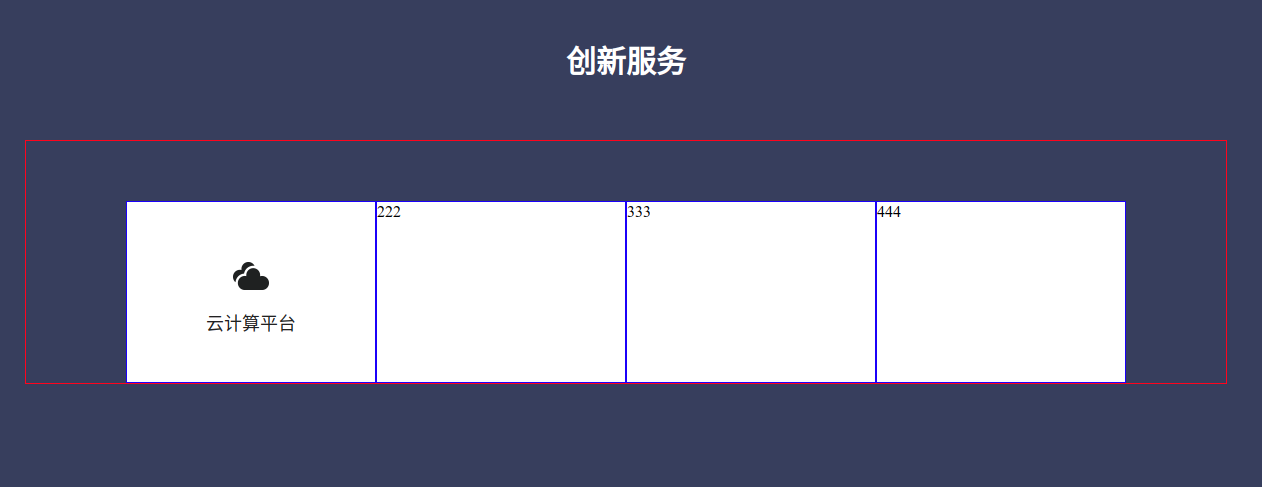

填充更多内容
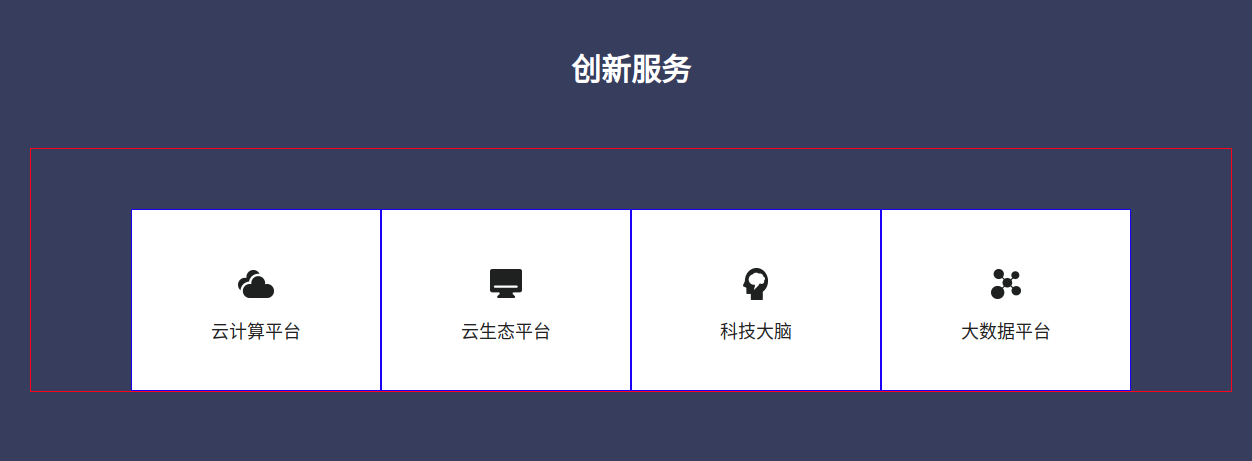
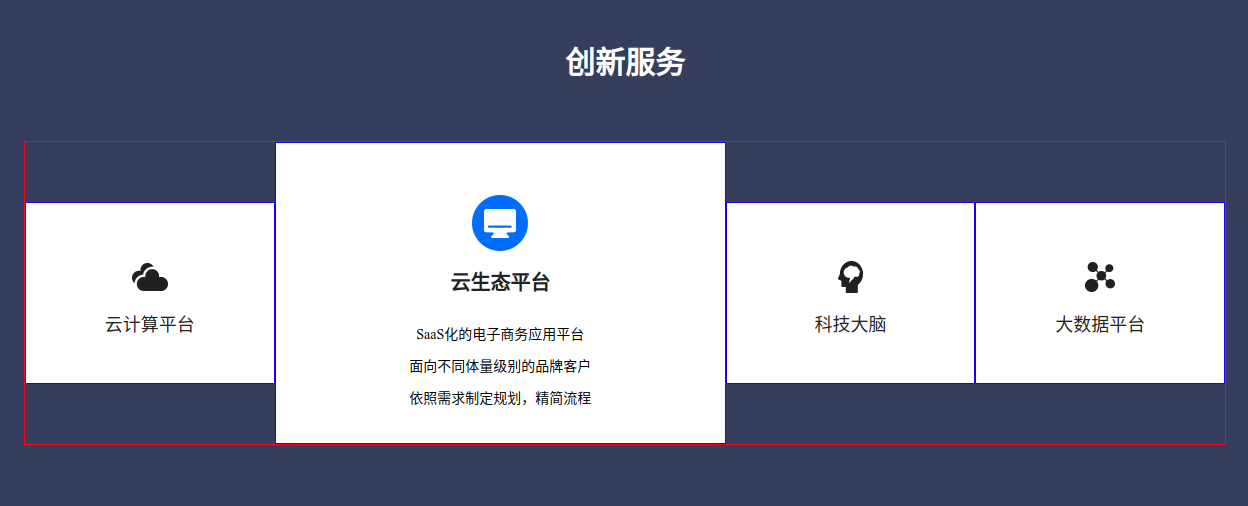
拆掉border,查看最终效果
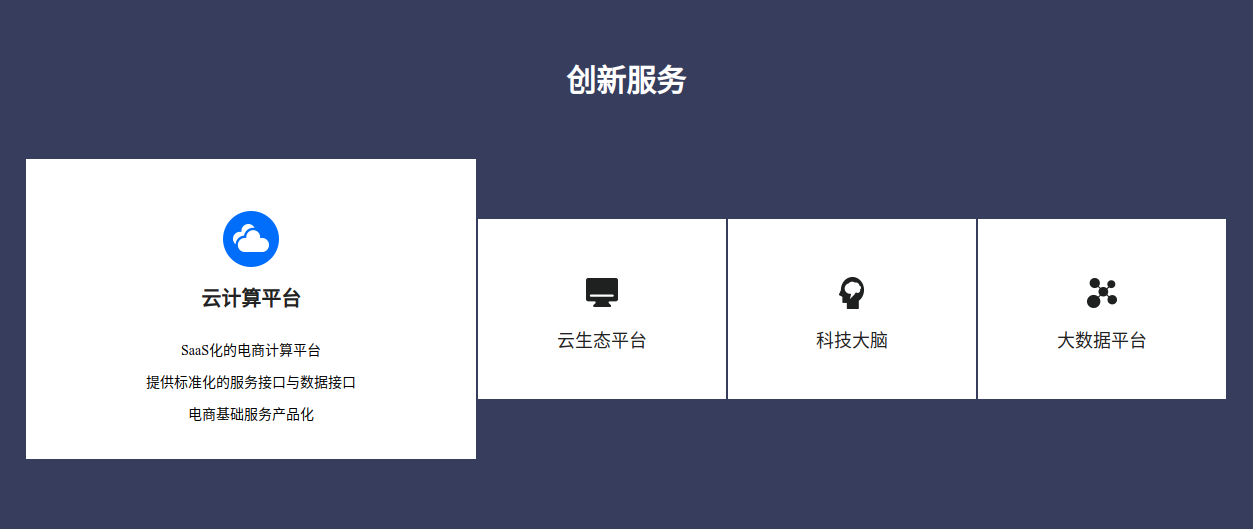
html代码
<!-- 服务 -->
<div class="service">
<div class="service-title">
创新服务
</div>
<div class="service-container">
<div class="service-item">
<div class="service-item-common">
<div class="service-item-icon">
<img src="/Index/Index/image/innovate/yunjisuan.png" alt="">
</div>
<div class="service-item-title">
云计算平台
</div>
</div>
<div class="service-item-hover">
<div class="service-item-icon-hover">
<img src="/Index/Index/image/innovate/yunjisuan1.png" alt="">
</div>
<div class="service-item-title-hover">
云计算平台
</div>
<div class="service-item-content-hover">
<p>SaaS化的电商计算平台</p>
<p>提供标准化的服务接口与数据接口<p>
<p>电商基础服务产品化<p>
</div>
</div>
</div>
<div class="service-item">
<div class="service-item-common">
<div class="service-item-icon">
<img src="/Index/Index/image/innovate/yunshengtai.png" alt="">
</div>
<div class="service-item-title">
云生态平台
</div>
</div>
<div class="service-item-hover">
<div class="service-item-icon-hover">
<img src="/Index/Index/image/innovate/yunshengtai1.png" alt="">
</div>
<div class="service-item-title-hover">
云生态平台
</div>
<div class="service-item-content-hover">
<p>SaaS化的电子商务应用平台</p>
<p>面向不同体量级别的品牌客户<p>
<p>依照需求制定规划,精简流程<p>
<!-- <p>优化预算支出与业务能力<p>-->
</div>
</div>
</div>
<div class="service-item">
<div class="service-item-common">
<div class="service-item-icon">
<img src="/Index/Index/image/innovate/danao.png" alt="">
</div>
<div class="service-item-title">
科技大脑
</div>
</div>
<div class="service-item-hover">
<div class="service-item-icon-hover">
<img src="/Index/Index/image/innovate/danao1.png" alt="">
</div>
<div class="service-item-title-hover">
科技大脑
</div>
<div class="service-item-content-hover">
<p>用AI技术解决电商场景问题,轻松实现提升</p>
<p>基于大数据和深度学习,识别图片、视频中的视觉内容<p>
<p>构建知识图谱,挖掘潜在商业机会<p>
</div>
</div>
</div>
<div class="service-item">
<div class="service-item-common">
<div class="service-item-icon">
<img src="/Index/Index/image/innovate/dashuju.png" alt="">
</div>
<div class="service-item-title">
大数据平台
</div>
</div>
<div class="service-item-hover">
<div class="service-item-icon-hover">
<img src="/Index/Index/image/innovate/dashuju1.png" alt="">
</div>
<div class="service-item-title-hover">
大数据平台
</div>
<div class="service-item-content-hover">
<p>以核心技术能力为依托,提供数据产品和分析服务</p>
<p>AI人工智能决策<p>
<!-- <p>与国内外知名学府深度合作智能工具<p>-->
<p>提升商业效率,开拓业务场景,优化用户体验<p>
</div>
</div>
</div>
</div>
</div>
css代码
.service {

    height: 608px;

    background-color: #373F5E;

    .service-title {

        font-size: 30px;

        font-weight: bold;

        color: #FFFFFF;

        margin-top: 100px;

        text-align: center;

    }

    .service-container {

        width: 1200px;

        //border:1px solid red;

        margin:0 auto;

        margin-top: 60px;

        display: flex;

        justify-content: center;

        .service-item {

            width: 248px;

            height: 180px;

            //border:1px solid blue;

            margin-top: 60px;

            transition: all 0.4s ease; /* 柔和过渡 */

            background-color: #FFFFFF;

            .service-item-icon {

                display: flex;

                justify-content: center;

                margin-top: 56px;

            }

            .service-item-title {

                font-size: 18px;

                color: #222222;

                text-align: center;

                margin-top: 20px;

            }

            .service-item-hover {

                display: none;

            }

        }

        .service-item:hover {

            //transform: scale(1.66, 1.66); /* 其他元素位移不会变动 */

            width: 450px;

            height: 300px;

            margin-top: 0px;

            .service-item-common {

                display: none;

            }

            .service-item-hover {

                display: block;

                .service-item-icon-hover {

                    display: flex;

                    justify-content: center;

                    margin-top: 52px;

                }

                .service-item-title-hover {

                    font-size: 20px;

                    color: #222222;

                    font-weight: bold;

                    text-align: center;

                    margin-top: 20px;

                }

                .service-item-content-hover {

                    margin-top: 24px;

                    text-align: center;

                    line-height: 32px;

                    font-size: 14px;

                }

            }

        }

        .service-item:nth-child(n+2) {

            margin-left: 2px;

        }

    }

}
这里巧妙的运用了hover属性,结合transition平滑过渡。不需要js,一样可以实现动态效果。
纯CSS实现内容放大缩小效果的更多相关文章
- css scale 元素放大缩小效果
<style> .trans-scale { width: 300px; height:300px; margin:100px auto; background:#99F; transit ...
- 纯CSS实现3D正方体动画效果
前言 纯CSS实现3D正方体动画效果,此方法是通过transform的旋转(rotate)和位移(translate)实现的,具体效果是鼠标滑过时正方体的一个面会产生位移 效果图
- 制作一个顶部图片可以拉伸放大缩小效果的tableViewHeader
最近负责公司项目个人中心的项目模块研发,首页是一个头部图片可以拉伸放大缩小效果的tableViewHeader,今天这个demo和教程我增加了模糊效果和头像缩小效果.具体效果如图: 如果这个效果是想要 ...
- 纯CSS实现的风车转动效果特效演示
<!DOCTYPE html> <html> <head> <meta http-equiv="Content-Type" content ...
- 【CSS】纯css实现立体摆放图片效果
1. 元素的 width/height/padding/margin 的百分比基准 设置 一个元素 width/height/padding/margin 的百分比的时候,大家可知道基准是什么? 举 ...
- 自定义ImageView实现图片手势滑动,多点触摸放大缩小效果
首先呢,还是一贯作风,我们先来看看众多应用中的示例:(这种效果是很常见的,可以说应用的必须品.) 搜狐客户端 ...
- html 图片在一个div中放大缩小效果
<html xmlns="http://www.w3.org/1999/xhtml"> <head runat="server"> &l ...
- 纯CSS实现轮播图效果,你不知道的CSS3黑科技
前言 轮播图已经是一个很常见的东西,尤其是在各大App的首页顶部栏,经常会轮番显示不同的图片. 一提到轮播图如何实现时,很多人的第一反应就是使用Javascript的定时器,当然这种方法是可以实现的. ...
- 一个CSS+jQuery的放大缩小动画效果
日期: 2013年9月23日 作者:铁锚 // 今天帮朋友写了一些代码,自己觉得写着写着,好几个版本以后,有点满意,于是就贴出来. // 都是定死了的.因为需求就只有4个元素.如果是要用CSS的cla ...
随机推荐
- Hive on MR调优
当HiveQL跑不出来时,基本上是数据倾斜了,比如出现count(distinct),groupby,join等情况,理解 MR 底层原理,同时结合实际的业务,数据的类型,分布,质量状况等来实际的考虑 ...
- spring MVC 3.2中@ResponseBody(Post接口)返回乱码的完美解决方案
本来因为ajax跨域http远程调用时有问题,在服务端响应时用以下方式解决了,但IE8及下有问题. response.addHeader("Access-Control-Allow-Orig ...
- Java POI 导出EXCEL经典实现
import java.io.FileNotFoundException; import java.io.FileOutputStream; import java.io.IOException; i ...
- 使用VMware WorkStation虚拟机软件安装CentOS 8
使用VMware WorkStation虚拟机软件安装CentOS 8 说明:本章我们使用的虚拟机软件是VMware WorkStation15.5 PRO,镜像包是CentOS-8.2.2004-x ...
- “科大讯飞杯”第18届上海大学程序设计联赛春季赛暨高校网络友谊赛 G 血压游戏
[血压游戏] (https://ac.nowcoder.com/acm/contest/5278/G) 神奇的tag数组...,巧妙弥补了高度损失. 方法一:dsu on tree 类似长链剖分,不过 ...
- Educational Codeforces Round 94 (Rated for Div. 2) D. Zigzags (枚举,前缀和)
题意:有一长度为\(n(4\le n\le 3000)\)的数组,选择四个位置\((i,j,k,l)\ (1\le i<j<k\le n)\),使得\(a_i=a_k\)并且\(a_j=a ...
- CodeForces - 1250J The Parade 二分
题目 题意: 一共n种身高,每一个士兵有一个身高.你需要把他们安排成k行(士兵不需要全部安排),每一行士兵身高差距小于等于1.你要找出来最多能安排多少士兵 题解: 这道题很容易就能看出来就是一道二分, ...
- 六、Python集合定义和基本操作方法
一.集合的定义方法及特点 1.特点: (1)由不同元素组成 #集合由不同元素构成 s={1,2,3,3,4,3,3,} print(s)#运行结果:{1, 2, 3, 4} (2)集合无序 #集合无序 ...
- .net core mvc 获取Web根目录和内容根目录的物理路径
从ASP.NET Core RC2开始,可以通过注入 IHostingEnvironment 服务对象来取得Web根目录和内容根目录的物理路径,如下所示: using Microsoft.AspNet ...
- MySQL菜鸟实录(一):MySQL服务安装实战
CentOS 7 基本信息 系统版本: CentOS 7.3 64bit 系统配置: 4vCPUs | 8GB 磁盘空间: [root@ecs-ce5a-0001 ~]# df -h Filesyst ...