
How to implement an accurate countdown timer with js
How to implement an accurate countdown timer with js
如何用 js 实现一个精确的倒计时器
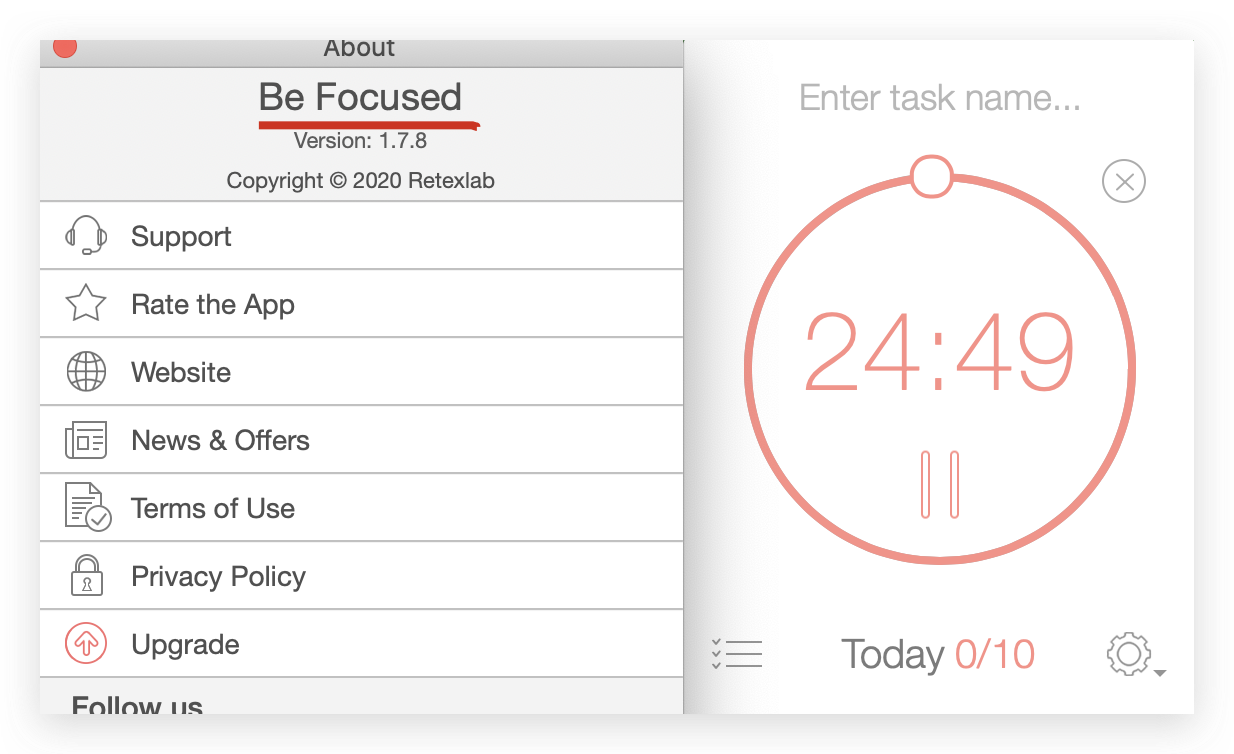
原理剖析
web worker
js custom timer
setTimeout / setInterval async bug (宏任务)
"use strict";

/**

 *

 * @author xgqfrms

 * @license MIT

 * @copyright xgqfrms

 * @created 2020-07-0

 * @modified

 *

 * @description 使用 JavaScript 实现精确的 setTimeout 和 setInterval

 * @difficulty Easy Medium Hard

 * @complexity O(n)

 * @augments

 * @example

 * @link

 * @solutions

 *

 */

const log = console.log;

// 同步: 使用 js 实现精确的 setTimeout

function setTimeoutPreciseSimulator(callback, time = 0) {

  const begin = new Date().getTime();

  while (true) {

    const end = new Date().getTime();

    if(end - begin >= time) {

      log(`end - begin`, end - begin);

      callback();

      break;

    }

  }

}

// 同步: 使用 js 实现精确的 setInterval

function setIntervalPreciseSimulator(callback, time = 0, count = 10) {

  function interval(callback, time) {

    const begin = new Date().getTime();

    while (true) {

      const end = new Date().getTime();

      if(end - begin >= time) {

        log(`end - begin`, end - begin);

        callback();

        break;

      }

    }

    if(count) {

      log(`\ncount =`, count);

      count--;

      interval(callback, time);

    }

  }

  // init

  interval(callback, time);

}
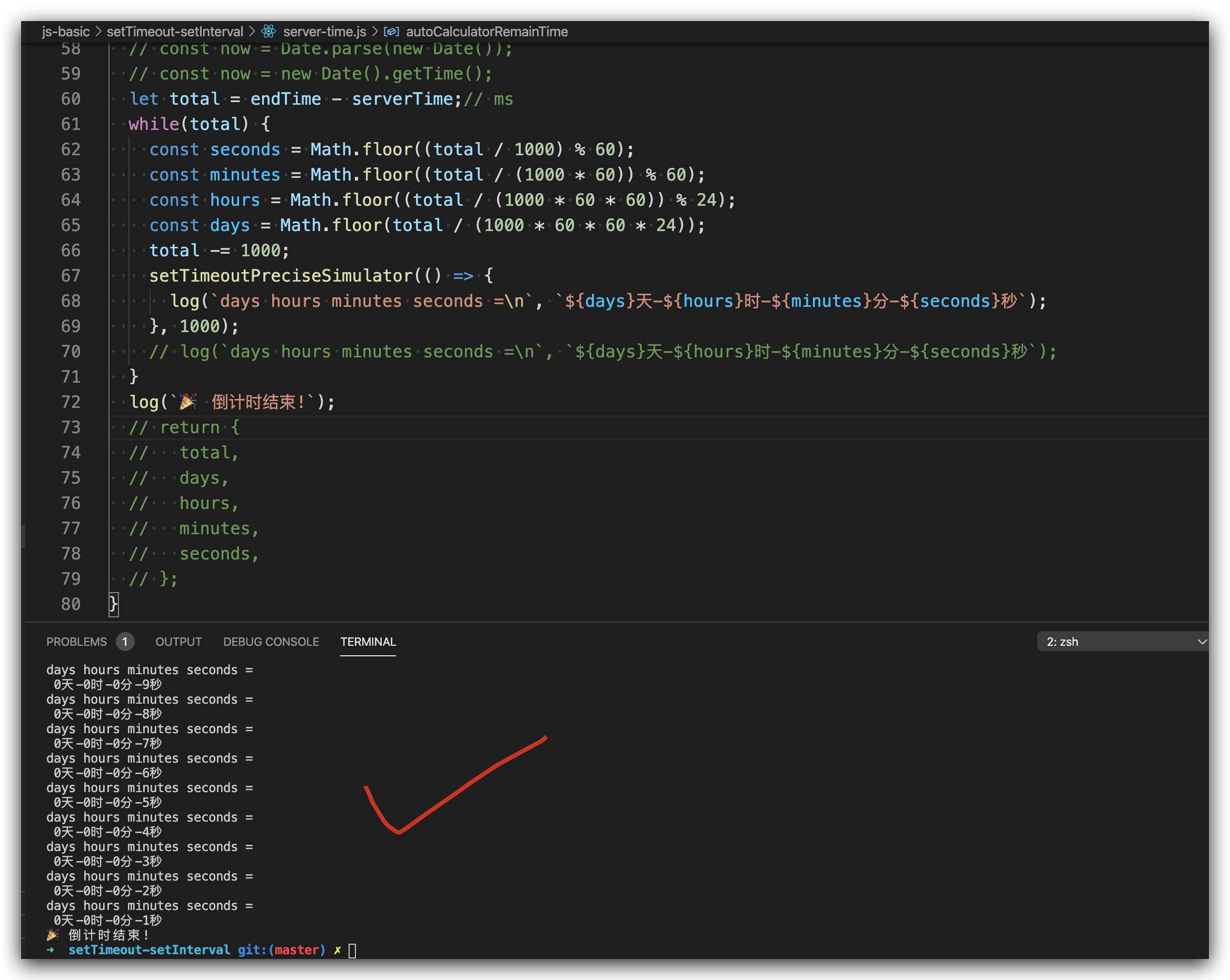
solution
"use strict";

/**

 *

 * @author xgqfrms

 * @license MIT

 * @copyright xgqfrms

 * @created 2020-07-24

 * @modified

 *

 * @description 如何用 js 实现一个精确的倒计时器

 * @difficulty Easy Medium Hard

 * @complexity O(n)

 * @augments

 * @example

 * @link https://gaohaoyang.github.io/2016/11/25/how-to-write-a-count-down/

 * @solutions

 *

 */

const log = console.log;

// 同步: 使用 js 实现精确的 setTimeout

function setTimeoutPreciseSimulator(callback, time = 0) {

  const begin = new Date().getTime();

  while (true) {

    const end = new Date().getTime();

    if(end - begin >= time) {

      // log(`end - begin`, end - begin);

      callback();

      break;

    }

  }

}

// 同步: 使用 js 实现精确的 setInterval

function setIntervalPreciseSimulator(callback, time = 0) {

  function interval(callback, time) {

    const begin = new Date().getTime();

    while (true) {

      const end = new Date().getTime();

      if(end - begin >= time) {

        // log(`end - begin`, end - begin);

        callback();

        break;

      }

    }

    if(!hasFished) {

      interval(callback, time);

    }

  }

  // init

  interval(callback, time);

}

// 首次进入页面获取 server 的时间和 server 剩余的时间 / server 结束的时间

const autoCalculatorRemainTime = (serverTime, endTime) => {

  // const now = Date.parse(new Date());

  // const now = new Date().getTime();

  let total = endTime - serverTime;// ms

  while(total) {

    const seconds = Math.floor((total / 1000) % 60);

    const minutes = Math.floor((total / (1000 * 60)) % 60);

    const hours = Math.floor((total / (1000 * 60 * 60)) % 24);

    const days = Math.floor(total / (1000 * 60 * 60 * 24));

    total -= 1000;

    setTimeoutPreciseSimulator(() => {

      log(`days hours minutes seconds =\n`, `${days}天-${hours}时-${minutes}分-${seconds}秒`);

    }, 1000);

    // log(`days hours minutes seconds =\n`, `${days}天-${hours}时-${minutes}分-${seconds}秒`);

  }

  log(` 倒计时结束!`);

  // return {

  //   total,

  //   days,

  //   hours,

  //   minutes,

  //   seconds,

  // };

}

// DOM demo

new Date(`2020-07-30 11:00:00`).getTime();

// 1596078000000

new Date(`2020-07-30 11:00:01`).getTime();

// 1596078001000

// 3分钟后, 1s === 1000ms, 3 * 60 * 1000 === 180000ms

new Date(`2020-07-30 11:00:00`).getTime() + 3 * 60 * 1000;

// 1596078180000

const serverTime = new Date().getTime();

// 3分钟后

const endTime = new Date(serverTime + 3 * 60 * 1000).getTime();

autoCalculatorRemainTime(serverTime, endTime);

// let hasFished = false;

// setIntervalPreciseSimulator();
- new Date() 获取时间差,计算
/**

 * 获取剩余时间

 * @param  {Number} endTime      截止时间

 * @param  {Number} deviceTime 设备时间

 * @param  {Number} serverTime  服务端时间

 * @return {Object}                         剩余时间对象

 */

const getRemainTime = (endTime, deviceTime, serverTime) => {

    let t = endTime - Date.parse(new Date()) - serverTime + deviceTime;

    let seconds = Math.floor((t / 1000) % 60);

    let minutes = Math.floor((t / 1000 / 60) % 60);

    let hours = Math.floor((t / (1000 * 60 * 60)) % 24);

    let days = Math.floor(t / (1000 * 60 * 60 * 24));

    return {

        'total': t,

        'days': days,

        'hours': hours,

        'minutes': minutes,

        'seconds': seconds,

    };

}
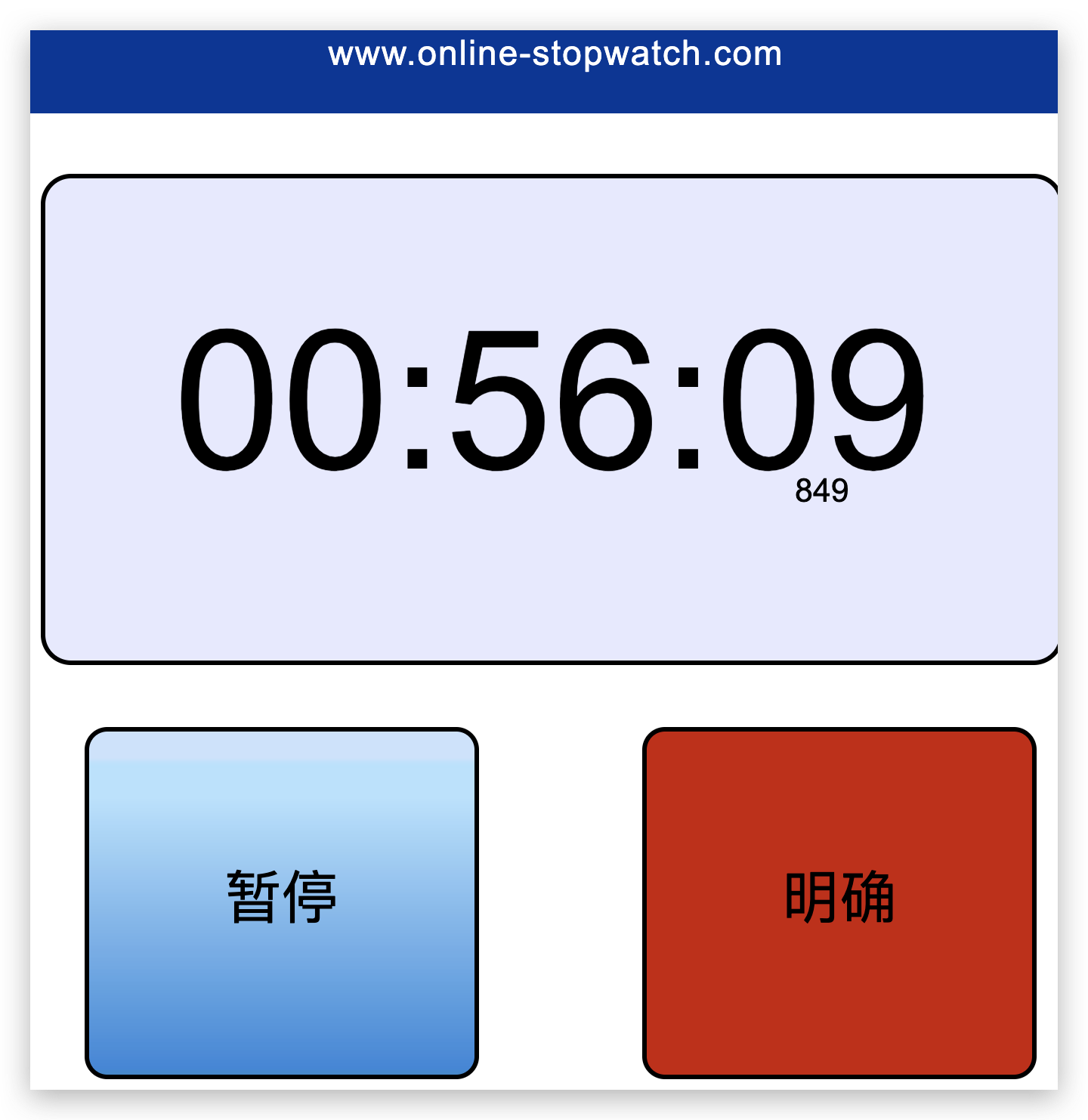
demo
https://www.online-stopwatch.com/chinese/
https://www.online-stopwatch.com/chinese/full-screen-stopwatch.php
refs
xgqfrms 2012-2020
www.cnblogs.com 发布文章使用:只允许注册用户才可以访问!
How to implement an accurate countdown timer with js的更多相关文章
- jQuery Countdown Timer 倒计时效果
这个一款简单的 jQuery 倒计时插件,用于显示剩余的天数,小时,分钟和秒.倒计时功能是非常有用的一个小功能,可以告诉用户多久以后您的网站将会发布或者关闭进行维护,还可以用于举办活动的开始和停止的倒 ...
- A WPF/MVVM Countdown Timer
Introduction This article describes the construction of a countdown timer application written in C# ...
- 深入出不来nodejs源码-timer模块(JS篇)
鸽了好久,最近沉迷游戏,继续写点什么吧,也不知道有没有人看. 其实这个node的源码也不知道该怎么写了,很多模块涉及的东西比较深,JS和C++两头看,中间被工作耽搁回来就一脸懵逼了,所以还是挑一些简单 ...
- Implement Custom Cache Dependencies in ASP.NET 1.x
Code download available at:CuttingEdge0407.exe(128 KB) Contents What's a Cache Dependency, Anyway? ...
- Java中定时器相关实现的介绍与对比之:Timer和TimerTask
Timer和TimerTask JDK自带,具体的定时任务由TimerTask指定,定时任务的执行调度由Timer设定.Timer和TimerTask均在包java.util里实现. 本文基于java ...
- System and method for controlling switching between VMM and VM using enabling value of VMM timer indicator and VMM timer value having a specified time
In one embodiment, a method includes transitioning control to a virtual machine (VM) from a virtual ...
- JUC回顾之-ScheduledThreadPoolExecutor底层实现原理和应用
项目中经常使用定时器,比如每隔一段时间清理下线过期的F码,或者应用timer定期查询MQ在数据库的配置,根据不同version实现配置的实时更新等等.但是timer是存在一些缺陷的,因为Timer在执 ...
- Adaptively handling remote atomic execution based upon contention prediction
In one embodiment, a method includes receiving an instruction for decoding in a processor core and d ...
- Adaptive partitioning scheduler for multiprocessing system
A symmetric multiprocessing system includes multiple processing units and corresponding instances of ...
随机推荐
- 现有以下关系型数据库中的表(见表4-20表4-21和表4-22),要求将具转换为适合Hbase存储的表并插入数据。
① createTable(String tableName, String[] fields) 创建表,参数tableName为表的名称,字符串数组fields为存储记录各个域名称的数组.要 求当H ...
- 数据库内核——基于HLC的分布式事务实现深度剖析
DTCC 2019 | 深度解码阿里数据库实现 数据库内核--基于HLC的分布式事务实现深度剖析-阿里云开发者社区 https://developer.aliyun.com/article/70355 ...
- Compose 定位是 「定义和运行多个 Docker 容器的应用(Defining and running multi-container Docker applications)」
Compose 简介 | Docker 从入门到实践 https://vuepress.mirror.docker-practice.com/compose/introduction.html Com ...
- Beating JSON performance with Protobuf https://auth0.com/blog/beating-json-performance-with-protobuf/
Beating JSON performance with Protobuf https://auth0.com/blog/beating-json-performance-with-protobuf ...
- C段错误等调试
本文参考 http://stackoverflow.com/questions/2179403/how-do-you-read-a-segfault-kernel-log-message和http:/ ...
- 济南学习D1T5__HEAP
死亡 [问题描述] 现在有个位置可以打sif,有个人在排队等着打sif.现在告诉你前个人每个人需要多长的时间打sif,问你第个人什么时候才能打sif.(前个人必须按照顺序来) [输入格式] 第一行两个 ...
- 四:Spring Security 登录使用 JSON 格式数据
Spring Security 登录使用 JSON 格式数据 1.基本登录方案 1.1 创建 Spring Boot 工程 1.2 添加 Security 配置 2.使用JSON登录 江南一点雨-Sp ...
- Java 操作 HBase 教程
Java 操作 HBase 教程 一.简介 二.hbase-client 引入 三.连接操作 四.表操作 五.运行测试 相关博文原文地址: 博客园:美码师:HBase(2) Java 操作 HBase ...
- Spark——DataFrames,RDD,DataSets、广播变量与累加器
Spark--DataFrames,RDD,DataSets 一.弹性数据集(RDD) 创建RDD 1.1RDD的宽依赖和窄依赖 二.DataFrames 三.DataSets 四.什么时候使用Dat ...
- 输入DStream之基础数据源以及基于HDFS的实时wordcount程序
输入DStream之基础数据源以及基于HDFS的实时wordcount程序 一.Java方式 二.Scala方式 基于HDFS文件的实时计算,其实就是,监控一个HDFS目录,只要其中有新文件出现,就实 ...