
cocos2dx切换播放的动画
版本:cocos2dx 2.2.6
IDE: VS2012
语言:C++98
美术资源一共有两段动画的序列帧,一个是手绘马行走图,一个是分子人行走图。
程序要实现的目的就是在同一个位置,点击按钮可以实现2段动画的切换。
因为动画最终是通过sprite的runAction执行的,所以我做了一个封装,返回一个带动画的精灵。
CCSprite* HelloWorld::createAnimateSprite( int start, int end, CCString* startFrame, CCString* formatStr)

{

    CCSize visibleSize = CCDirector::sharedDirector()->getVisibleSize();

    CCPoint origin = CCDirector::sharedDirector()->getVisibleOrigin();

    CCSprite* pSprite = CCSprite::createWithSpriteFrameName(startFrame->getCString());

    pSprite->setPosition(ccp(origin.x + visibleSize.width / , origin.y + visibleSize.height / ));

    CCArray* pArray = CCArray::create();

    char name[];

    for (int i = start;i <= end; i++)

    {

        sprintf(name, formatStr->getCString(), i);

        pArray->addObject(CCSpriteFrameCache::sharedSpriteFrameCache() ->spriteFrameByName(name));

    }

    CCAnimation* pAnimation = CCAnimation::createWithSpriteFrames(pArray,0.1f);

    CCAnimate* pAnimate = CCAnimate::create(pAnimation);

    pSprite->runAction(CCRepeatForever::create(pAnimate));

    return pSprite;

}
函数签名中的start和end表示图片名称后缀的起始数字和结束数字,startFrame是起始动画帧的名称,format是通用格式,配合数字组成完整的动画帧名称
CCSpriteFrameCache* cache = CCSpriteFrameCache::sharedSpriteFrameCache();

cache->addSpriteFramesWithFile("walk.plist");

this->addChild(createAnimateSprite(, , CCString::create("zzlx1.JPG"), CCString::create("zzlx%d.JPG")), , );

this->getChildByTag()->setVisible(true);

this->addChild(createAnimateSprite(, , CCString::create("Horse1.jpg"), CCString::create("Horse%d.jpg")), , );

this->getChildByTag()->setVisible(false);
将2个带动画的精灵加入层中,然后在鼠标点击的回调中进行动画的切换,切换采用设置sprite的visible属性的方式
void HelloWorld::menuCloseCallback(CCObject* pSender)

{

    CCNode* child1 = this->getChildByTag();

    CCNode* child2 = this->getChildByTag();

    bool flag = child1->isVisible();

    child1->setVisible(!flag);

    child2->setVisible(flag);

}
上真相
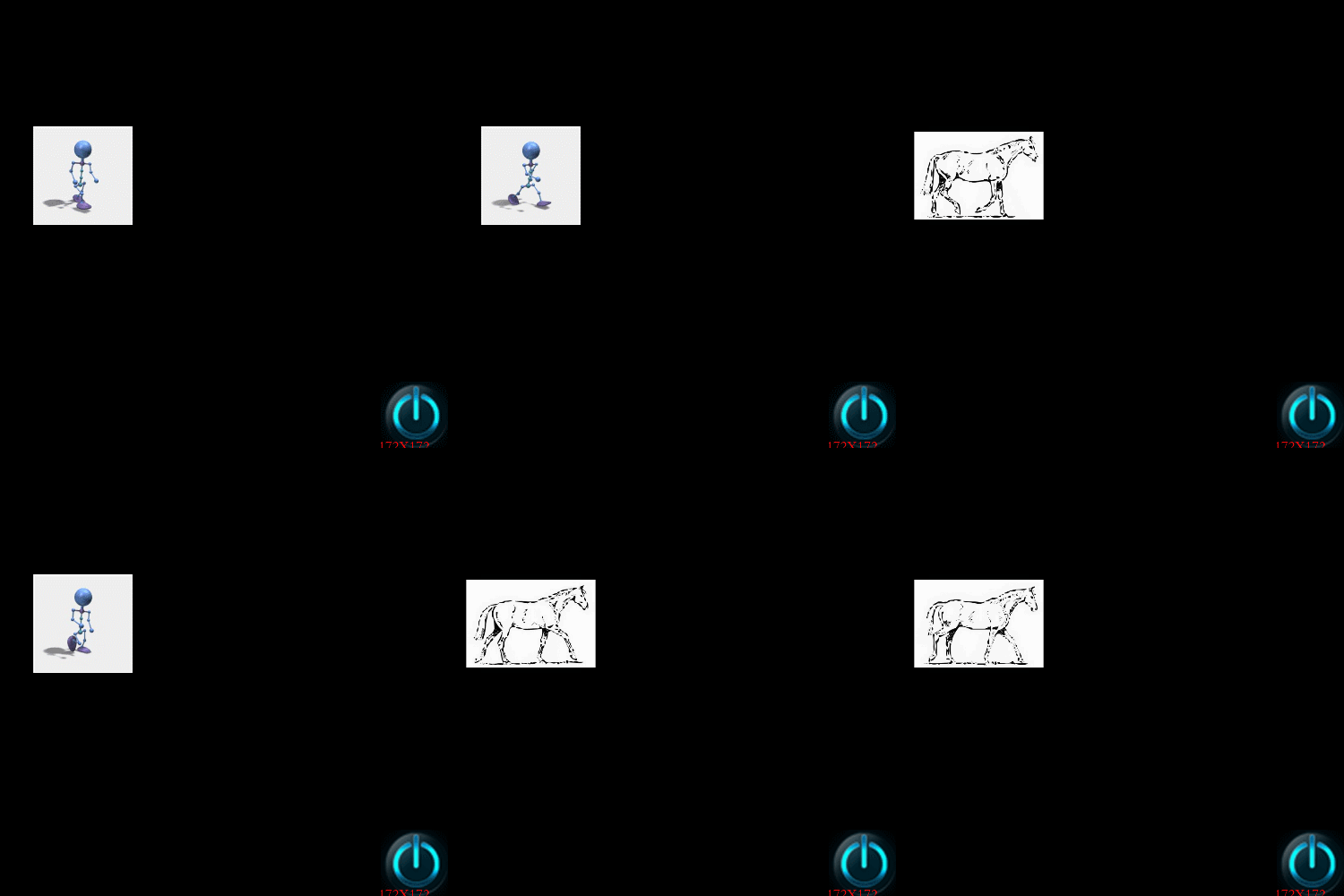
还有另外一种方法来实现动画的切换,使用AnimationCache和ActionManager,这样是从本质上移除A动画,加入B动画
void HelloWorld::createAnimation( int start, int end, CCString* formatStr, CCString* animationName )

{

    CCArray* pArray = CCArray::create();

    char name[];

    for (int i = start;i <= end; i++)

    {

        sprintf(name, formatStr->getCString(), i);

        pArray->addObject(CCSpriteFrameCache::sharedSpriteFrameCache() ->spriteFrameByName(name));

    }

    CCAnimation* pAnimation = CCAnimation::createWithSpriteFrames(pArray,0.1f);

    CCAnimationCache::sharedAnimationCache()->addAnimation(pAnimation,animationName->getCString());

}
这里是将一段动画加入AnimationCache,并且设置对应的key,然后通过动画缓存创建一个动画精灵
CCSpriteFrameCache* cache = CCSpriteFrameCache::sharedSpriteFrameCache();

cache->addSpriteFramesWithFile("walk.plist");

createAnimation(, , CCString::create("zzlx%d.JPG"), CCString::create("man"));

createAnimation(, , CCString::create("Horse%d.jpg"), CCString::create("horse"));

CCSprite* pSprite = CCSprite::createWithSpriteFrameName("zzlx1.JPG");

pSprite->setPosition(ccp(origin.x + visibleSize.width / , origin.y + visibleSize.height / ));

pSprite->runAction(CCRepeatForever::create(CCAnimate::create(CCAnimationCache::sharedAnimationCache()->animationByName("man"))));

this->addChild(pSprite, , );
上面代码把2段动画man和horse加入了动画缓存,在通过key"man"创建了一个动画精灵
void HelloWorld::menuCloseCallback(CCObject* pSender)

{

    static std::string str = "man";

    CCNode* node = this->getChildByTag();

    CCActionManager* actionManager = CCDirector::sharedDirector()->getActionManager();

    actionManager->removeAllActionsFromTarget(this->getChildByTag());

    if (str == "man")

    {

        str = "horse";

    }

    else

    {

        str = "man";

    }

    node->runAction(CCRepeatForever::create(CCAnimate::create(CCAnimationCache::sharedAnimationCache()->animationByName(str.c_str()))));

}
CCActionManager管理所有对象的action,removeAllActionsFromTarget可以移除指定对象的所有动画,先移除再添加另外一段动画则完成了切换功能。
CCActionManager还有几种移除的api,比如可以移除特定对象特定tag的action,可以灵活的使用。
上图
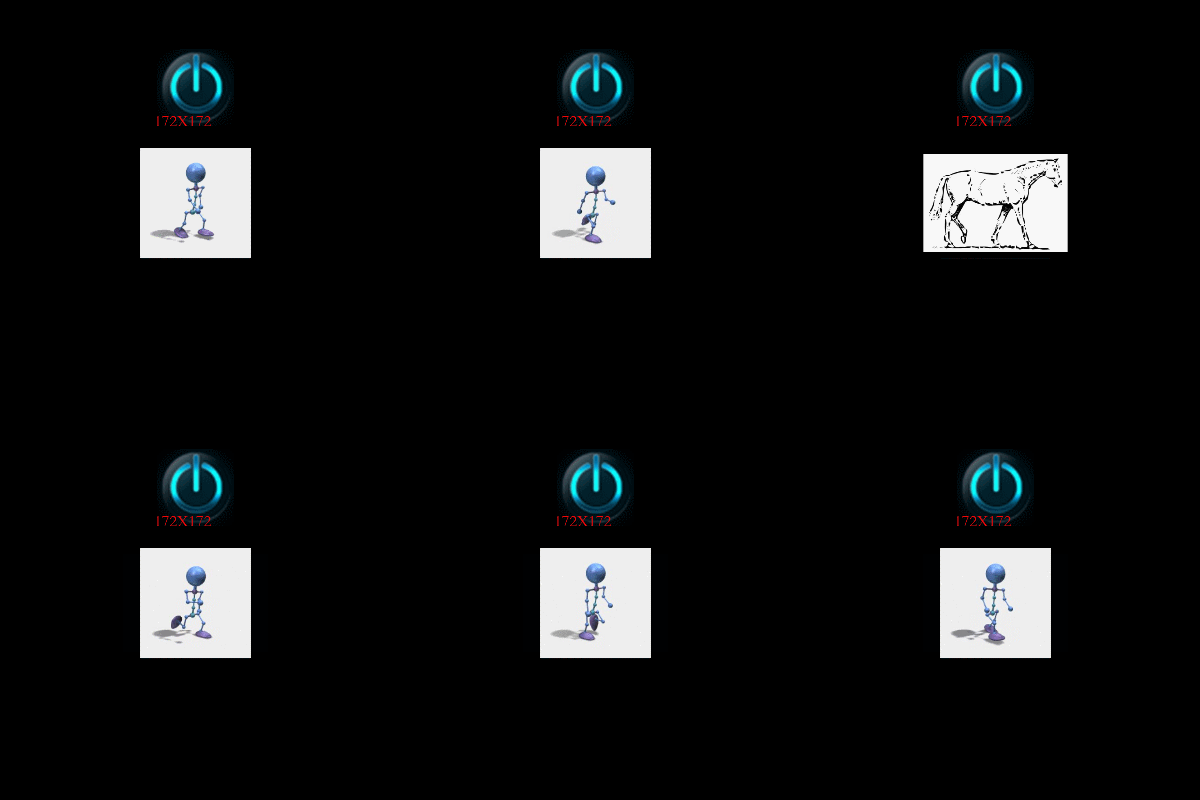
如果对一个动画需要暂停和继续播放功能需要使用ccnode的pauseSchedulerAndActions和resumeSchedulerAndActions方法
void HelloWorld::menuCloseCallback(CCObject* pSender)

{

    static bool flag = false;

    if (!flag)

    {

        this->getChildByTag()->pauseSchedulerAndActions();

        flag = true;

    }

    else

    {

        this->getChildByTag()->resumeSchedulerAndActions();

        flag = false;

    }

}

cocos2dx切换播放的动画的更多相关文章
- [Cocos2d-x v3.x]序列帧动画
简单介绍 Cocos2d-x中.动画的详细内容是依靠精灵显示出来的,为了显示动态图片,我们须要不停切换精灵显示的内容.通过把静态的精灵变为动画播放器从而实现动画效果. 动画由帧组成,每一帧都是一个 ...
- Cocos2d-x Lua中帧动画
帧动画就是按一定时间间隔.一定的顺序.一帧一帧地显示帧图片.我们的美工要为精灵的运动绘制每一帧图片,因此帧动画会由很多帧组成,按照一定的顺序切换这些图片就可以了. 在Cocos2d-x Lua中播放帧 ...
- jQuery演示10种不同的切换图片列表动画效果以及tab动画演示 2
很常用的一款特效纯CSS完成tab实现5种不同切换对应内容效果 实例预览 下载地址 实例代码 1 2 3 4 5 6 7 8 9 10 11 12 13 14 15 16 17 18 19 20 21 ...
- use SWF / Flash in cocos2d-x; cocos2d(cocos2d-x) 直接播放flash / SWF文件
前段时间移植一个页游到手游,原先页游的项目里面有1000+的Flash人物,宠物动画,特效. 这要是全部重新做一遍,还不累死人?所以就想干脆直接在Cocos2d(x)里面播放SWF文件.(包括场景,过 ...
- [置顶] 使用红孩儿工具箱完成基于Cocos2d-x的简单游戏动画界面
[Cocos2d-x相关教程来源于红孩儿的游戏编程之路CSDN博客地址:http://blog.csdn.net/honghaier 红孩儿Cocos2d-X学习园地QQ3群:205100149,47 ...
- 关于Cocos Creator用js脚本代码播放骨骼动画的步骤和注意事项
步骤: 1.用cc.find()方法找到相应的骨骼动画节点,并把这个对象赋值给一个var出来的新对象. 具体代码:var spineboy_anim = cc.find("UI_Root/a ...
- Android播放gif动画,增加屏幕掉金币效果
前言:播放gif的版本有很多,我这边使用Android自带的Movie类播放gif动画,也是在别人的基础上进行修改.有同样需求的朋友可以参考我的demo. 1.效果图如下: 2.部分主要代码 Main ...
- jQuery演示10种不同的切换图片列表动画效果
经常用到的图片插件演示jQuery十种不同的切换图片列表动画效果 在线演示 下载地址 实例代码 <!DOCTYPE html> <html lang="en" c ...
- HTML5骨骼动画Demo | 使用min2d、createjs、pixi播放spine动画
Spine做骨骼动画是比较流行的,使用起来可能相对复杂,但功能毕竟强大,所以市场占有率较大. 在unity.cocos2d.starling中使用spine已经很成熟了,而HTML5这一块可能刚刚起步 ...
随机推荐
- QUnit使用
什么是单元测试 每个单元测试就是一段用于测试一个模块或接口是否能达到预期结果的代码. QUnitjs 概念Qunit是一款强大的用于帮助调试代码的,JavaScript单元测试框架.是jQuery的官 ...
- 跟踪Makefile输出调试信息
/********************************************************************* * 跟踪Makefile输出调试信息 * 说明: * 有时 ...
- using中StreamWriter XmlWriter 区别
使用StreamWriter using (var writer = new StreamWriter(File.Create(path))) { writer.WriteLine("sdf ...
- skywalking探针tomcat8.0.28报错解决
在部署skywalking agent的时候遇到一个异常 环境如下: tomcat8.0.28 catalina.out 日志报如下错误 30-Apr-2019 10:25:57.664 INFO [ ...
- Uoj 73 未来程序
Uoj 73 未来程序 神仙提答. Subtask 1 仔细阅读,发现是要计算 \(a*b\ \%\ c\).用龟速乘或者 \(python\) 直接算. Subtask 2 仔细阅读并手算一下,发现 ...
- 流畅设计 Fluent Design System 中的光照效果 RevealBrush,WPF 也能模拟实现啦!
UWP 才能使用的流畅设计效果好惊艳,写新的 UWP 程序可以做出更漂亮的 UI 啦!然而古老的 WPF 项目也想解解馋怎么办? 于是我动手实现了一个! 迫不及待看效果 ▲ 是不是很像 UWP 中 ...
- HTML CSS 表格换行禁止 超出指定长度自动截断
word-break:keep-all; white-space:nowrap; overflow:hidden; min-width:30px; max-width:100px;
- BW建模开发入门
本文档主要指导具体操作步骤,一些技术名称和描述可能在各步骤中不对应,可以忽略 一.模型建立 1.建立信息区和信息对象目录 1)进入BW工作台 2)创建信息区 输入技术名称和描述 3)创建特性和关键值的 ...
- Terraform 多云管理工具
1. 介绍 Terraform is a tool for building, changing, and versioning infrastructure safely and efficie ...
- Ubuntu 破解密码及用户管理
Ubuntu 破解密码及用户管理 ubuntu 16.04 破解密码 useradd 实现以下要求 1.ubuntu16.04破解密码 2.创建下面的用户.组和组成员关系 名字为xipudata 的组 ...