
NancyFx 2.0的开源框架的使用-Authentication
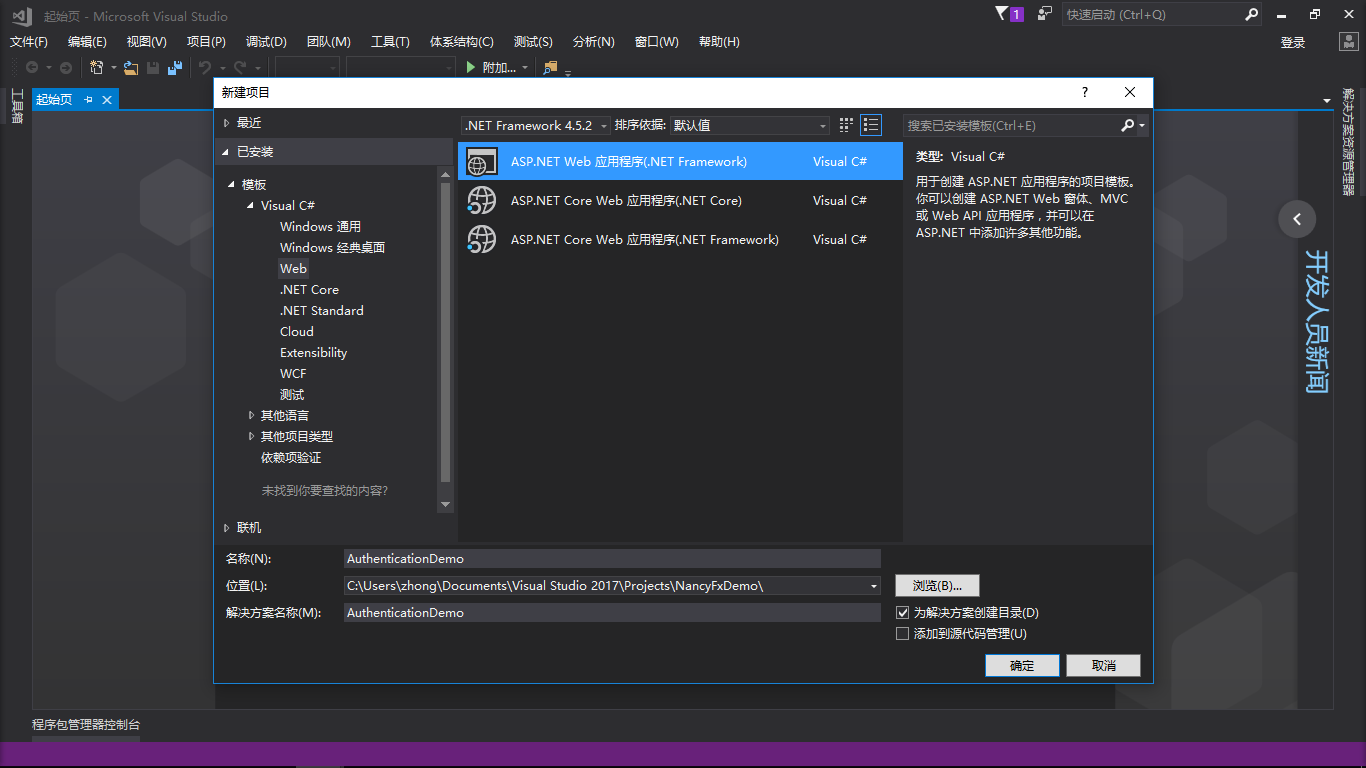
新建一个空的项目
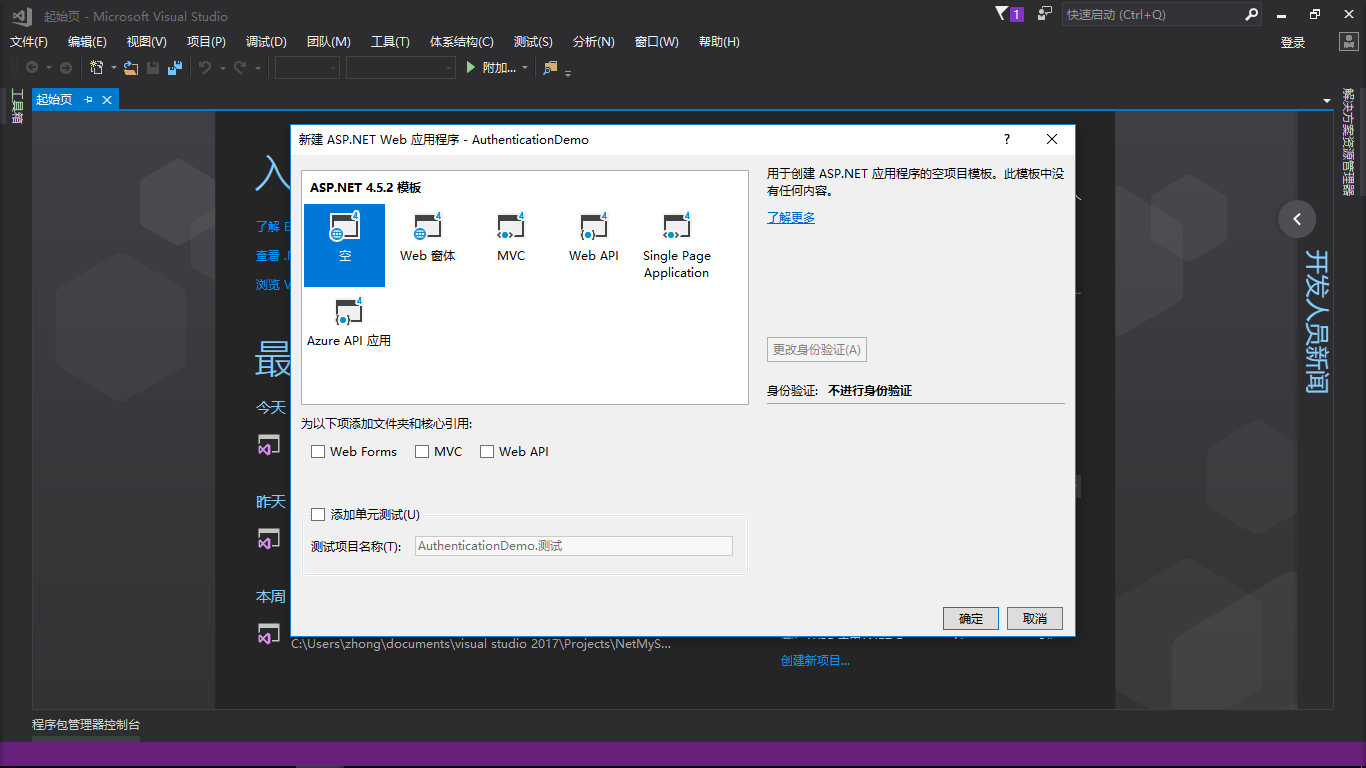
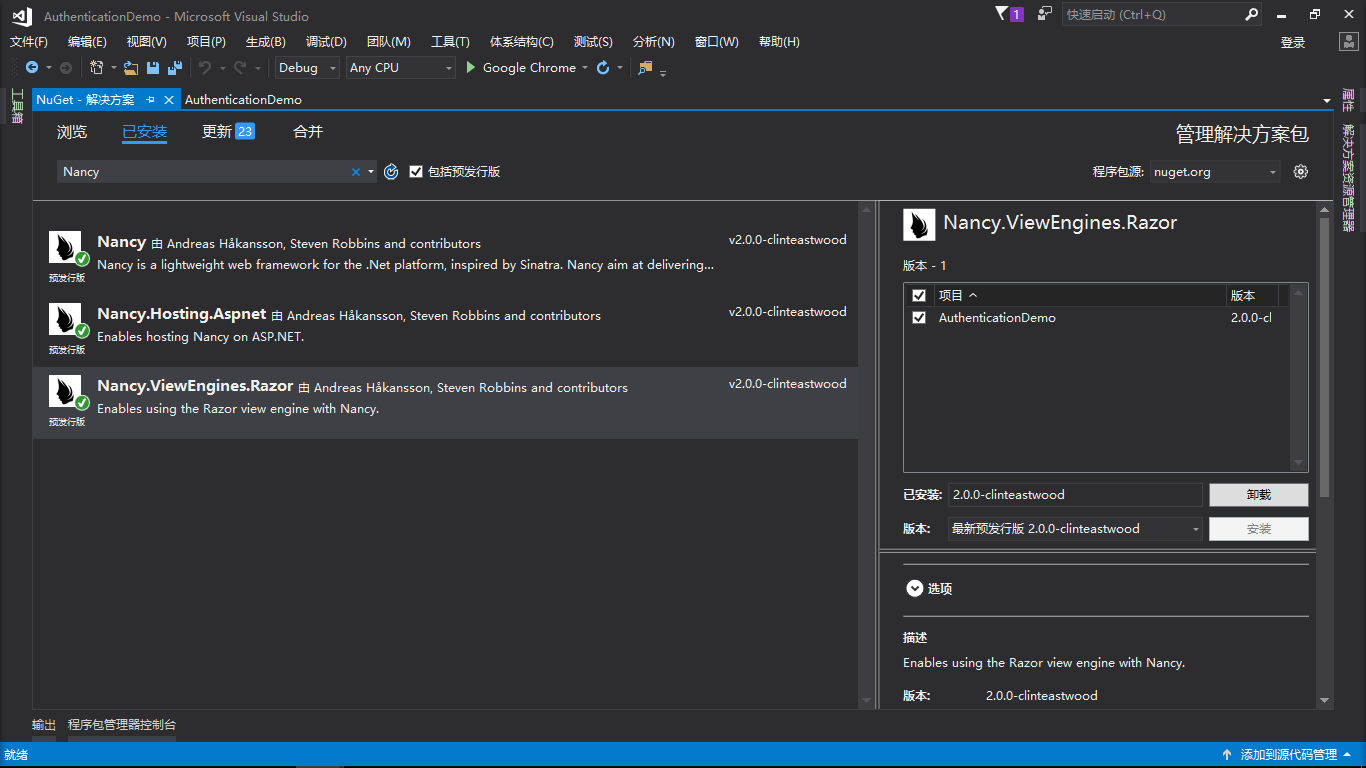
新建好了空的项目以后,接着通过NuGet安装一下三个包
- Nancy
- Nancy.Hosting.Aspnet
- Nancy.ViewEnglines.Razor
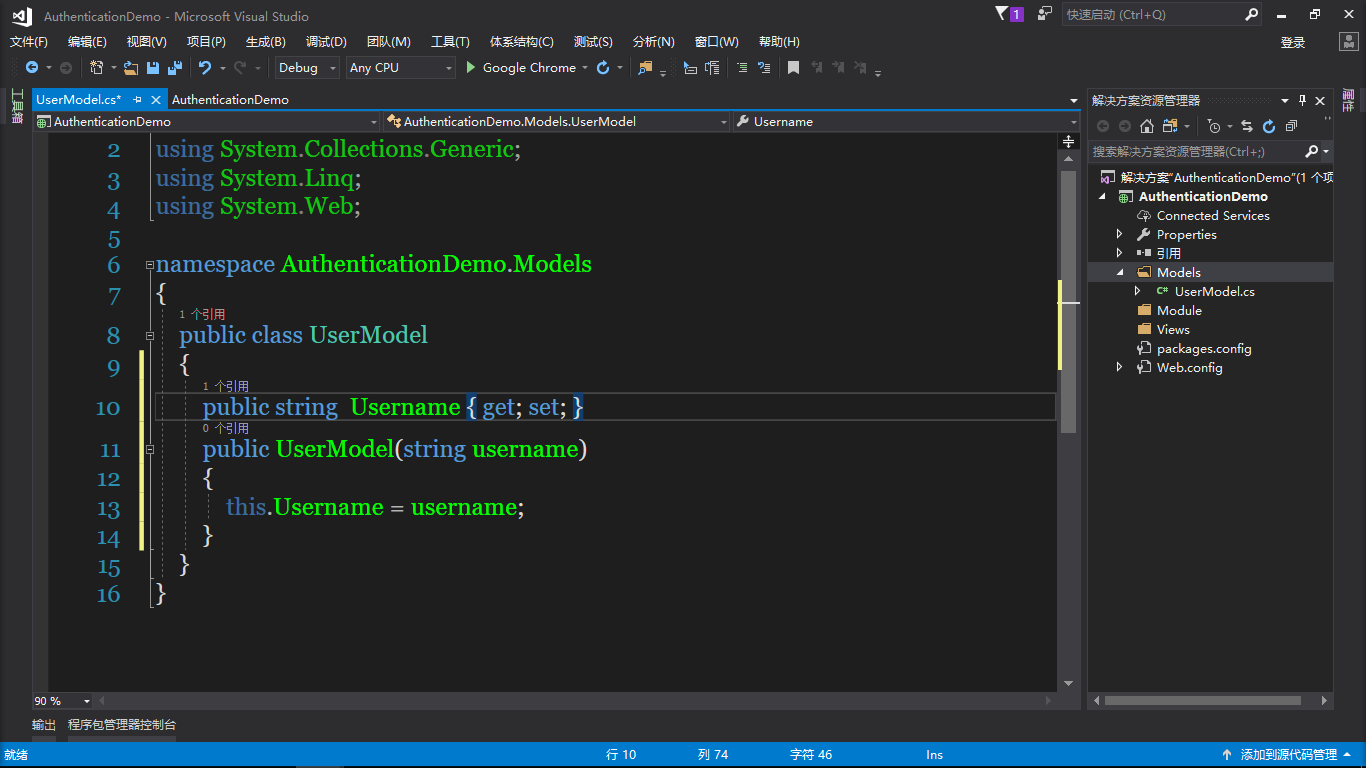
然后在项目中添加Models,Module,Views三个文件夹,并在Models中添加UserModel类
        public string  Username { get; set; }

        public UserModel(string username)

        {

            this.Username = username;

        }
然后往Module文件夹里面添加MainModule类
 Get("/", Lexan => { return View["index.cshtml"]; });

            Get("/login", Lexan => { return View["login.cshtml",this.Request.Query.returnUrl]; });
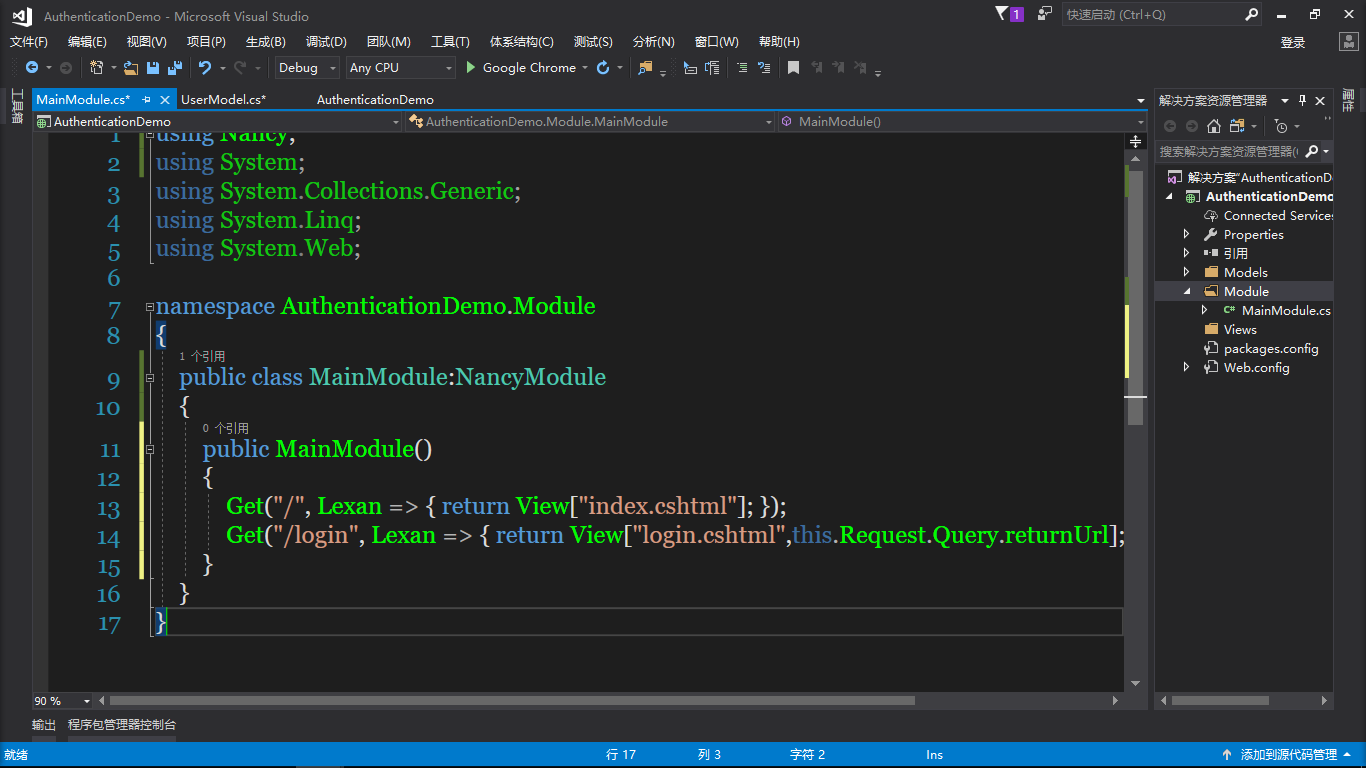
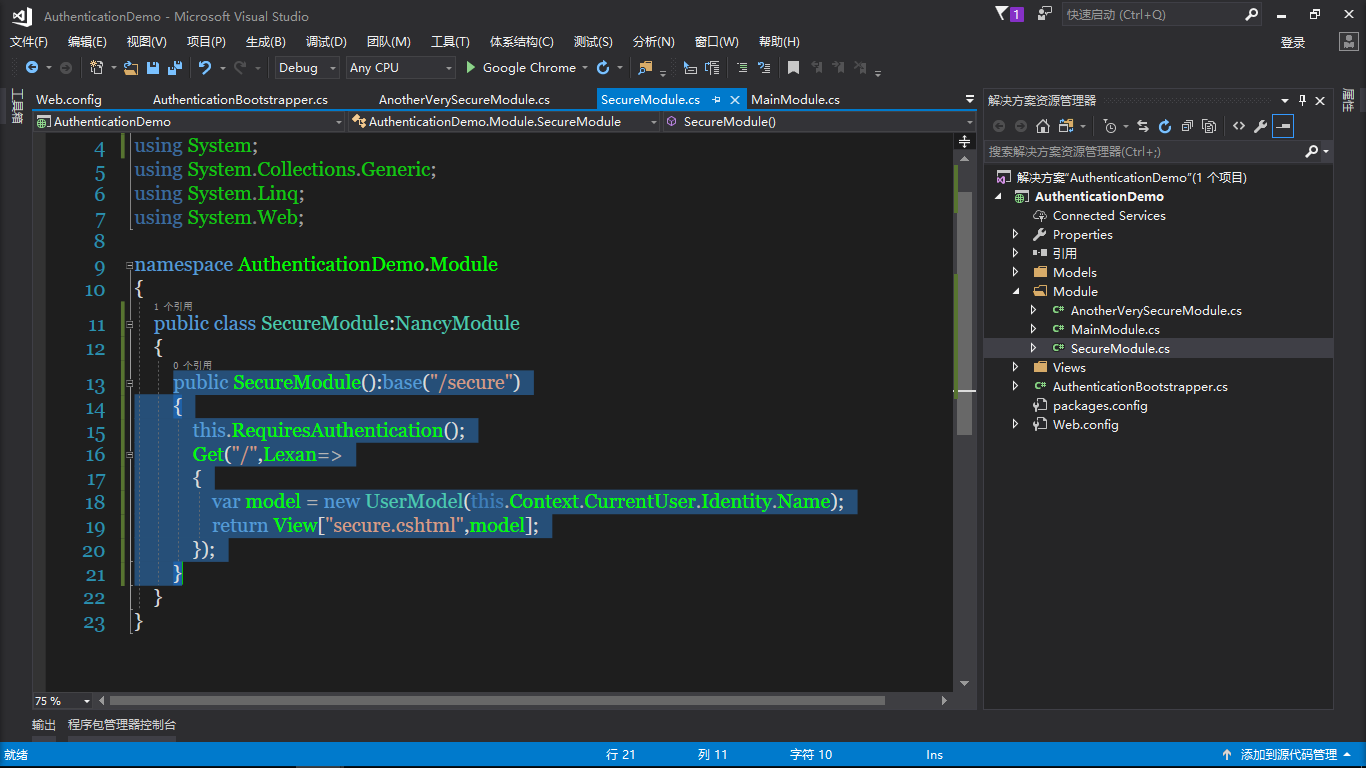
再继续添加SecureModule类,AnotherVerySecureModule类
        public SecureModule():base("/secure")

        {

            this.RequiresAuthentication();

            Get("/",Lexan=>

            {

                var model = new UserModel(this.Context.CurrentUser.Identity.Name);

                return View["secure.cshtml",model];

            });

        }
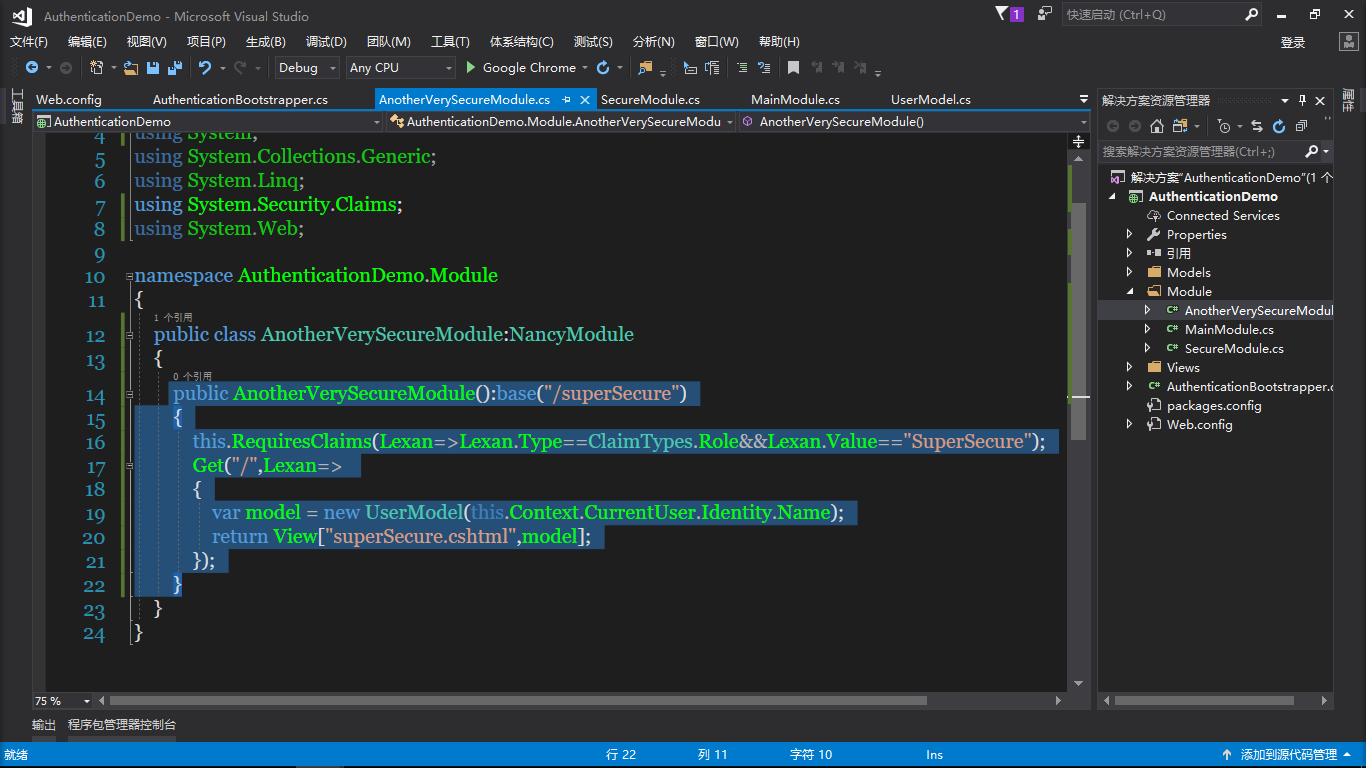
 public AnotherVerySecureModule():base("/superSecure")

        {

            this.RequiresClaims(Lexan=>Lexan.Type==ClaimTypes.Role&&Lexan.Value=="SuperSecure");

            Get("/",Lexan=>

            {

                var model = new UserModel(this.Context.CurrentUser.Identity.Name);

                return View["superSecure.cshtml",model];

            });

        }
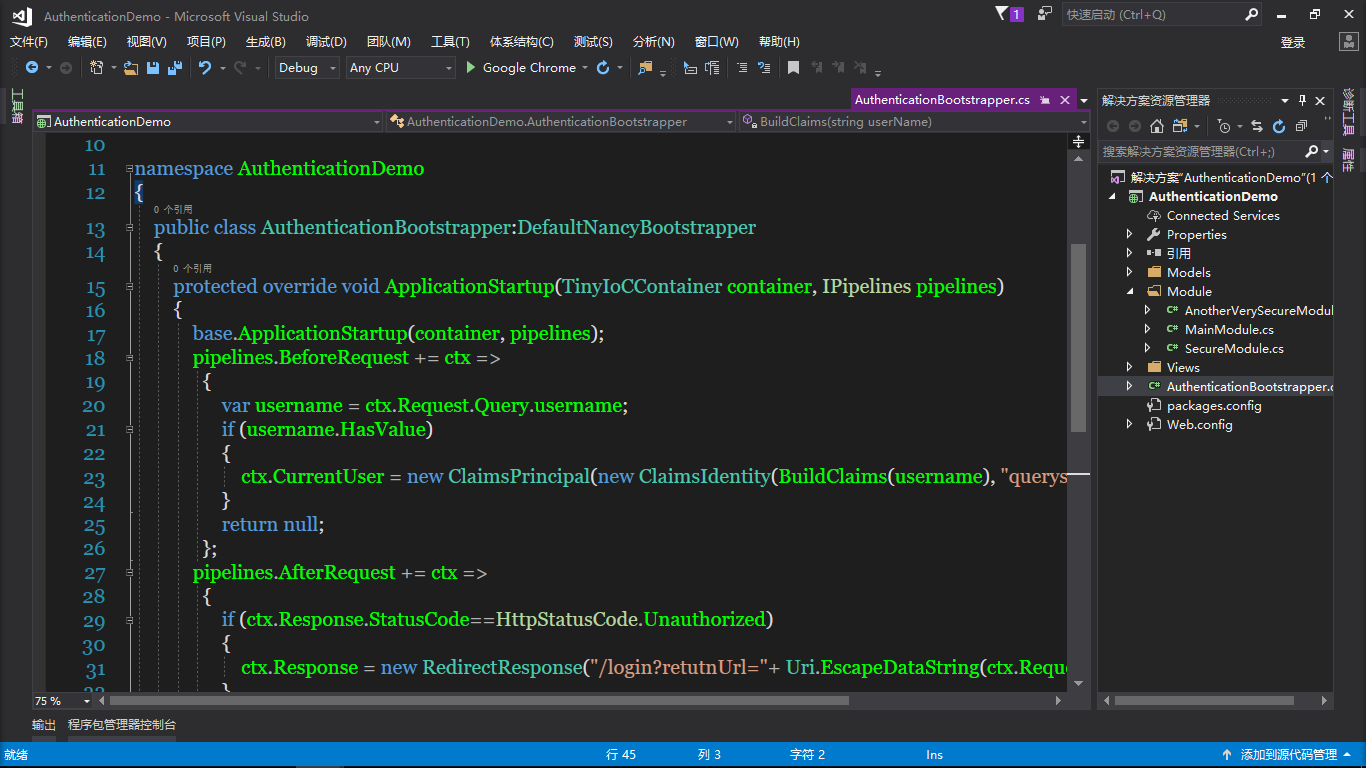
根目录添加AuthenticationBootstrapper类
        protected override void ApplicationStartup(TinyIoCContainer container, IPipelines pipelines)

        {

            base.ApplicationStartup(container, pipelines);

            pipelines.BeforeRequest += ctx =>

              {

                  var username = ctx.Request.Query.username;

                  if (username.HasValue)

                  {

                      ctx.CurrentUser = new ClaimsPrincipal(new ClaimsIdentity(BuildClaims(username), "querystring"));

                  }

                  return null;

              };

            pipelines.AfterRequest += ctx =>

              {

                  if (ctx.Response.StatusCode==HttpStatusCode.Unauthorized)

                  {

                      ctx.Response = new RedirectResponse("/login?retutnUrl="+ Uri.EscapeDataString(ctx.Request.Path));

                  }

              };

        }

        private static IEnumerable<Claim> BuildClaims(string userName)

        {

            var claims = new List<Claim>();

            if (String.Equals(userName,"Lexan",StringComparison.OrdinalIgnoreCase))

            {

                claims.Add(new Claim(ClaimTypes.Role,"SuperSecure"));

            }

            return claims;

        }
继续在Views里添加视图index,login,secure,superSecure
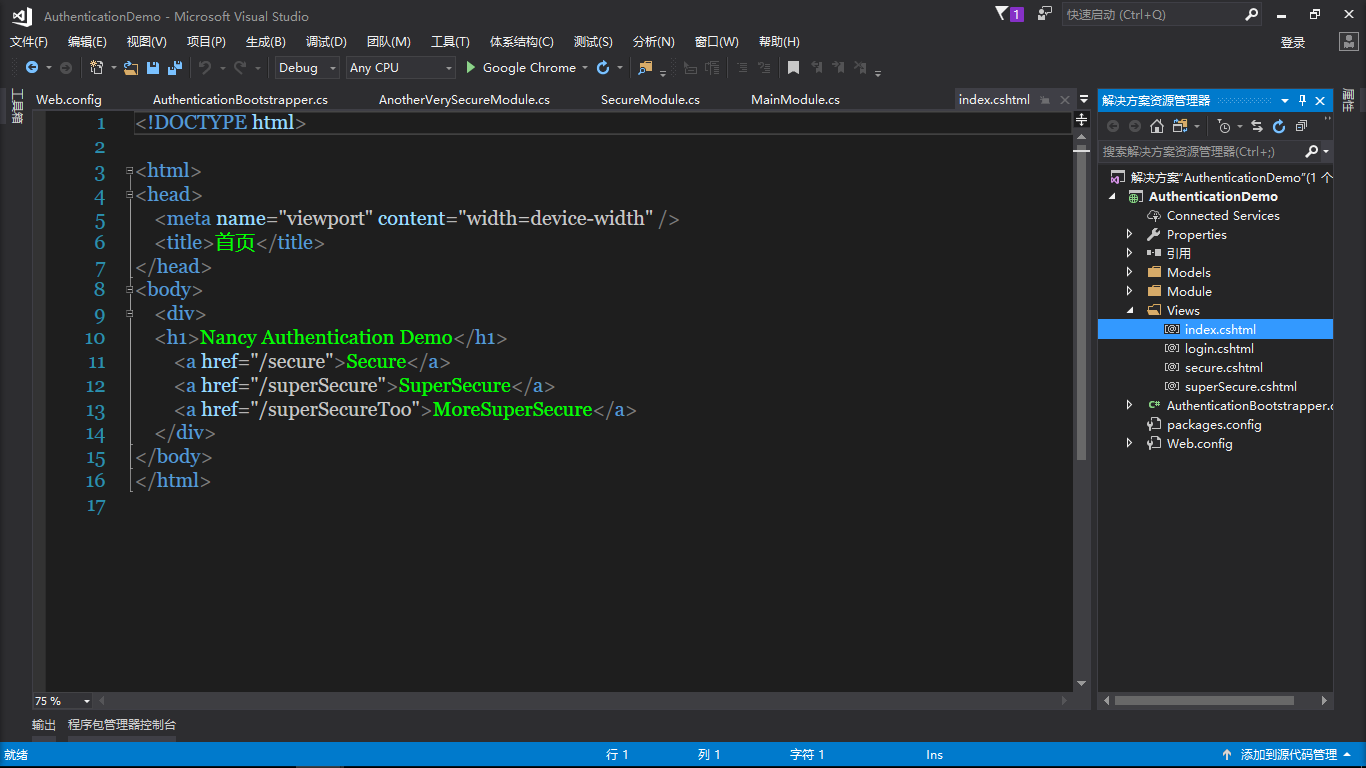
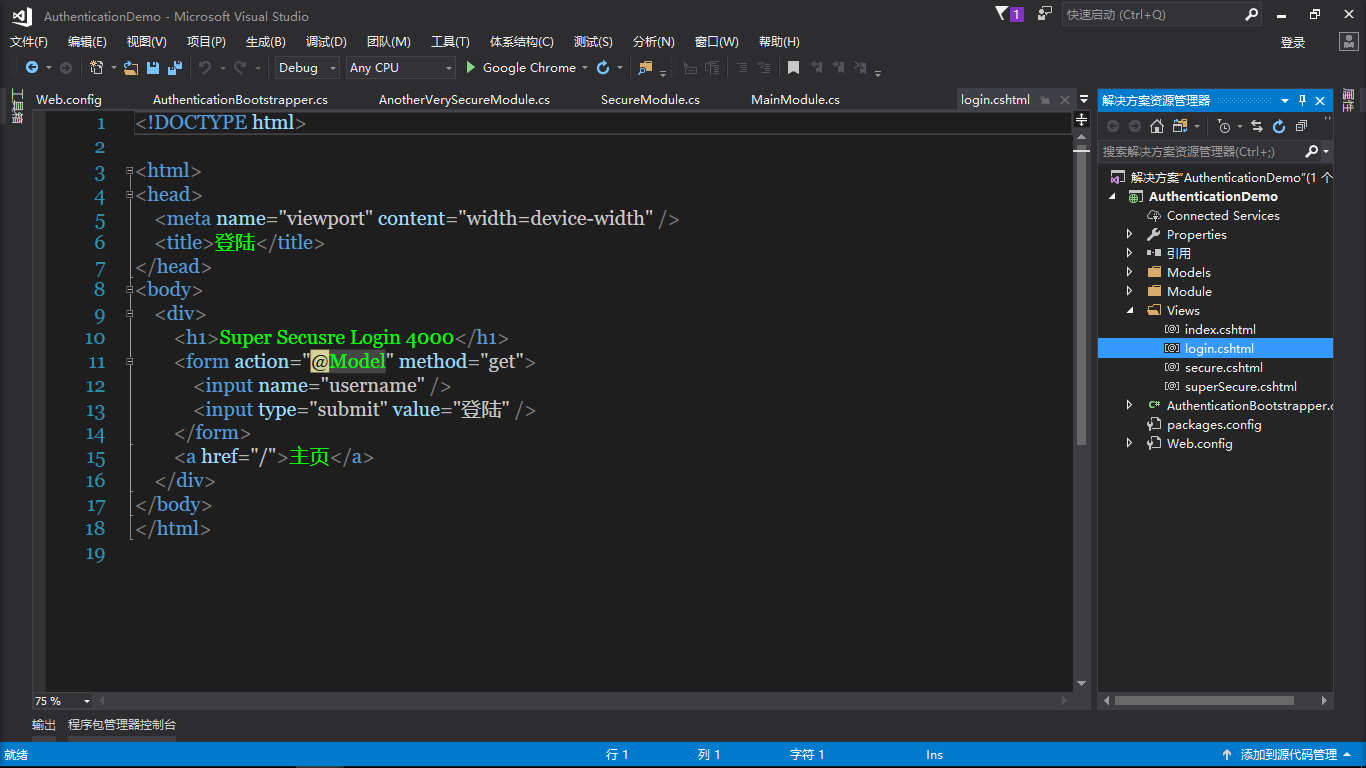
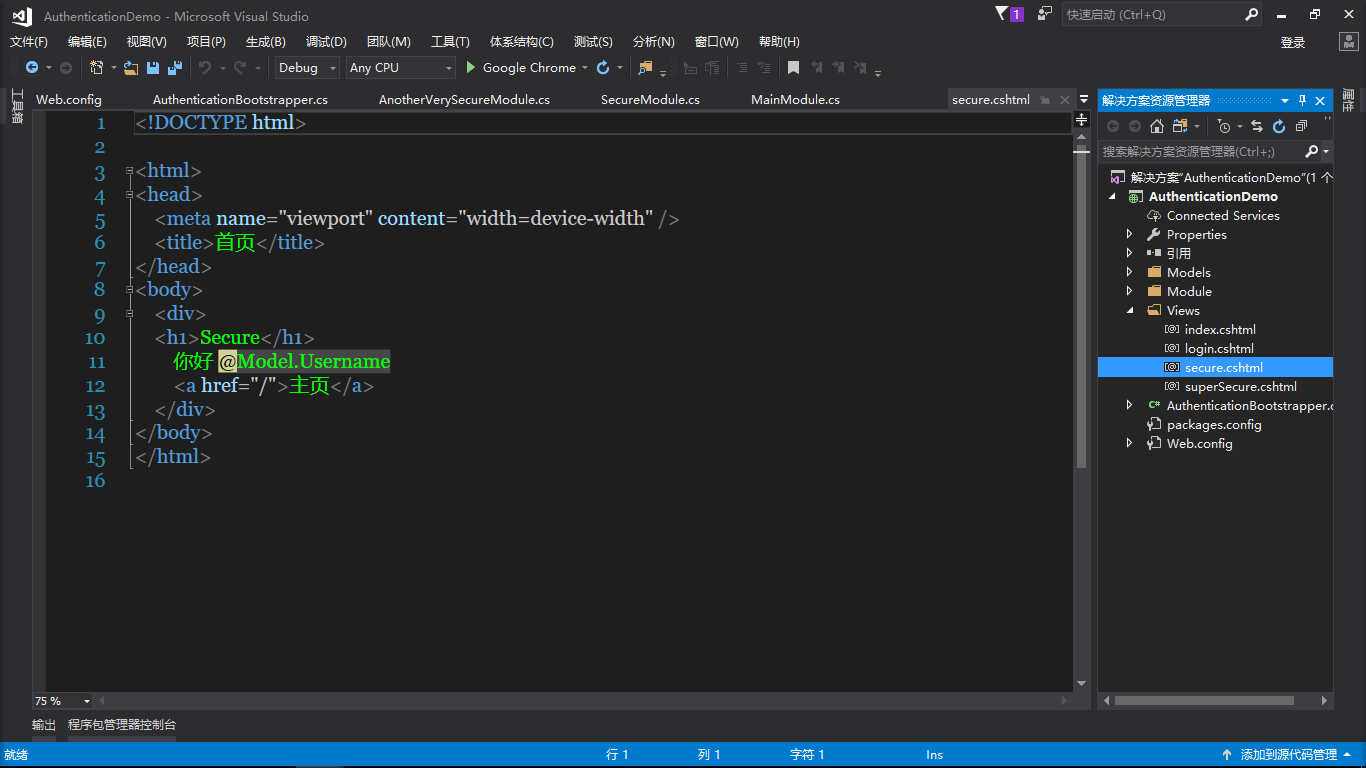
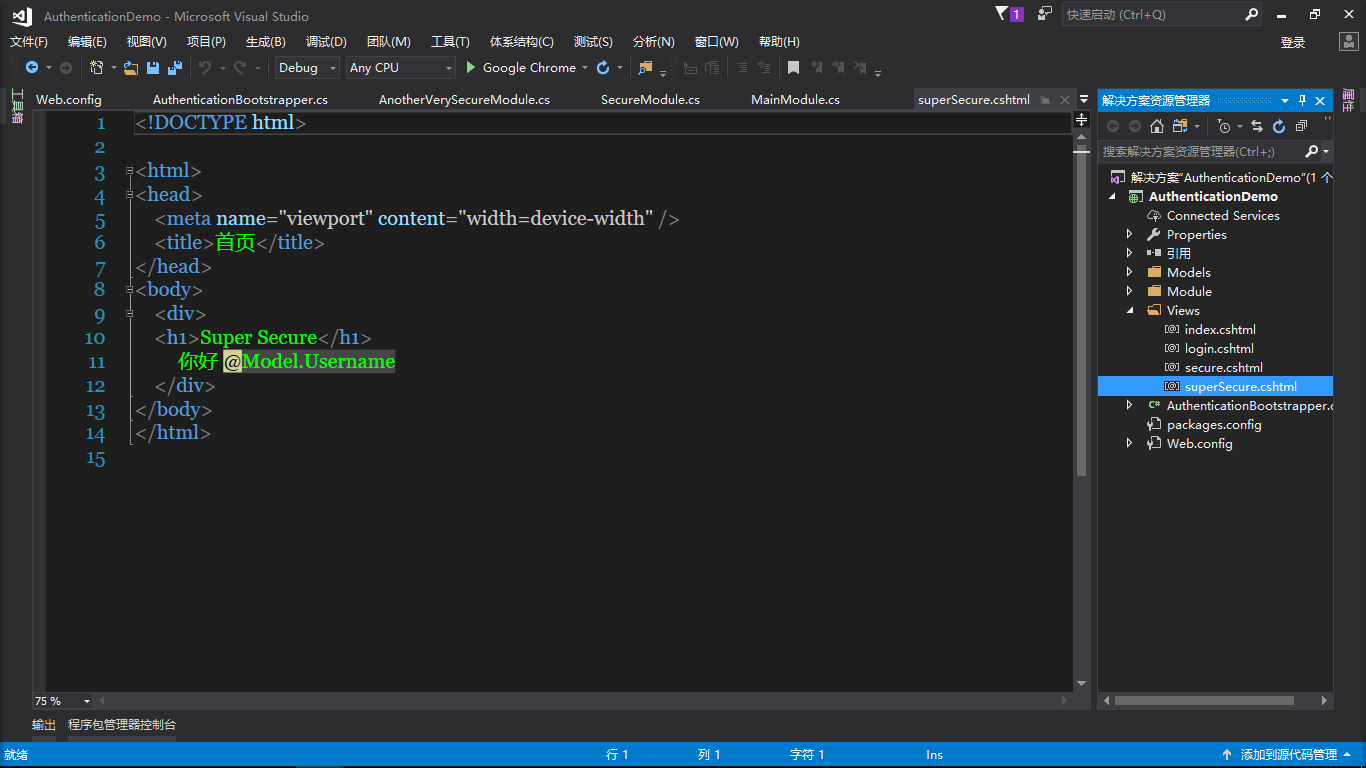
再然后修改一下Web.config如下图
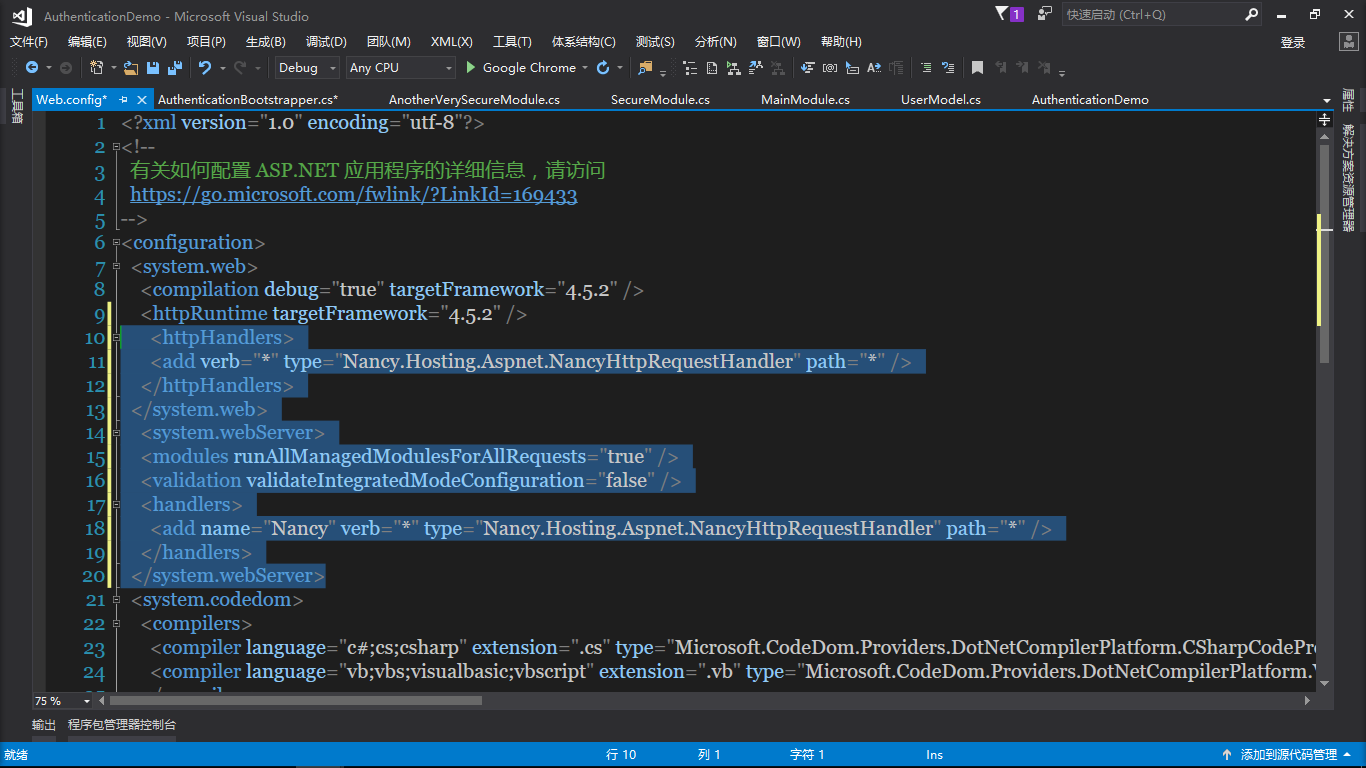
运行如下图
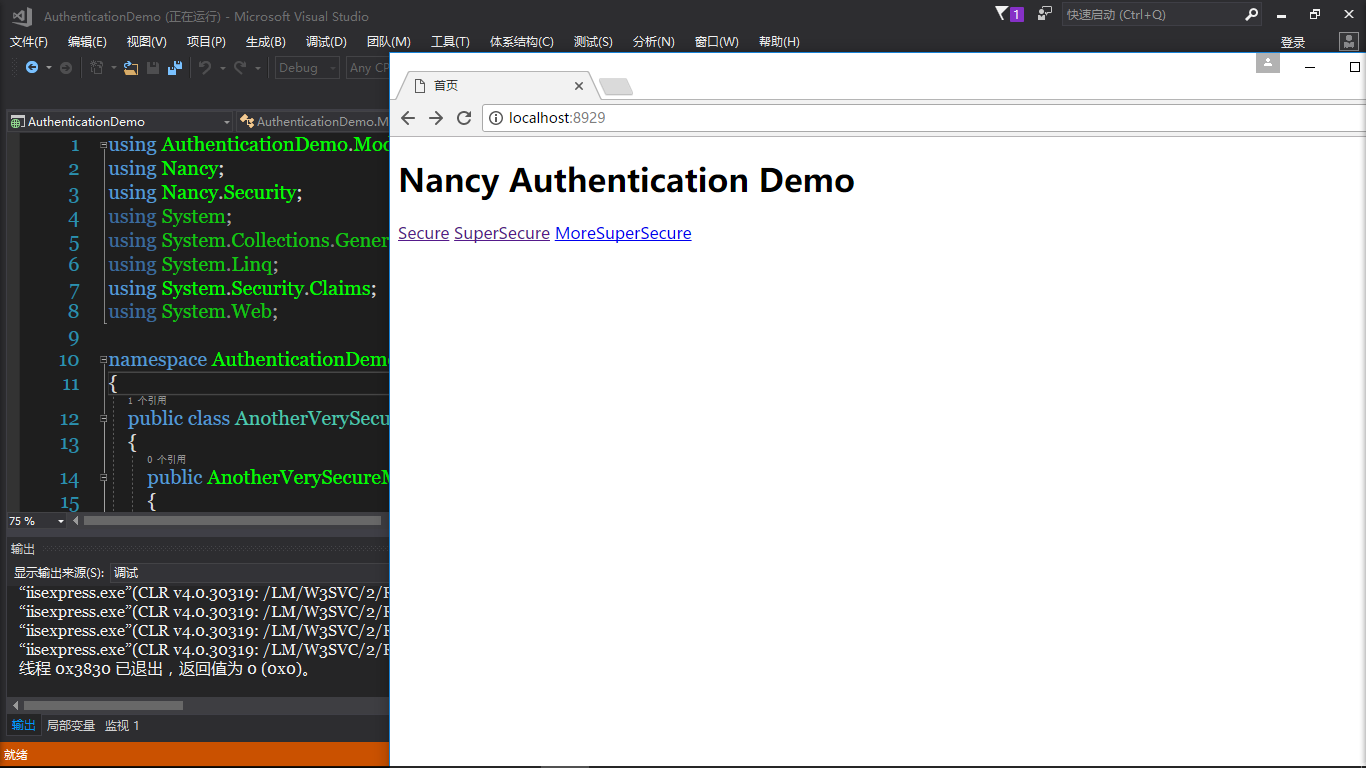
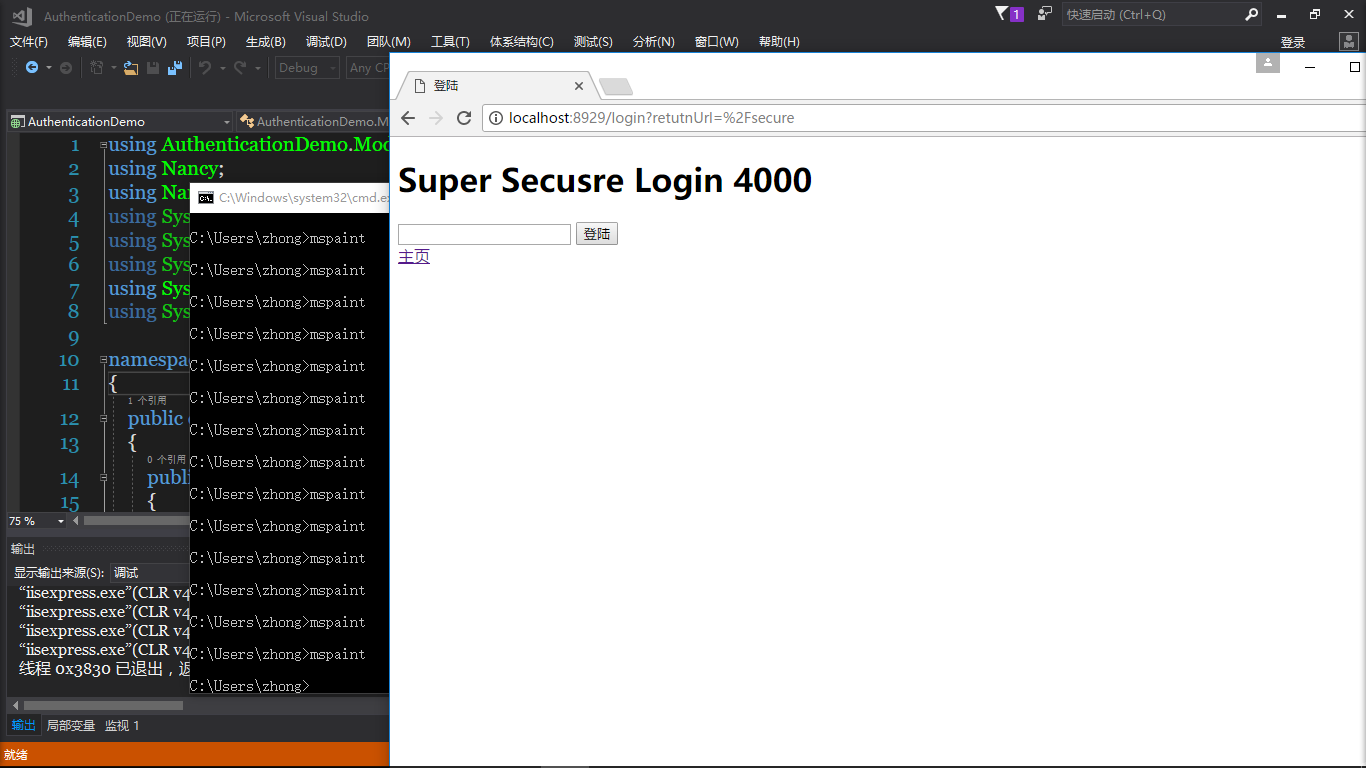
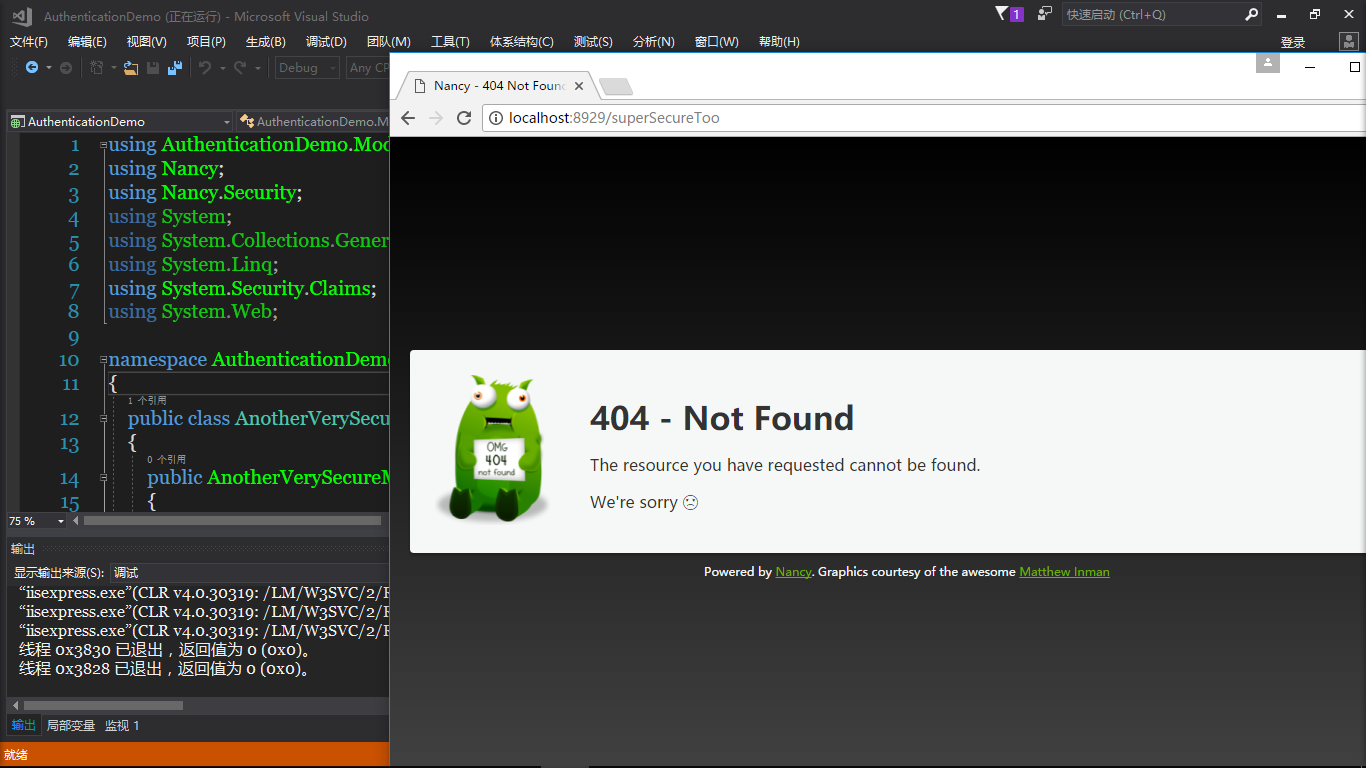
谢谢观看!
NancyFx 2.0的开源框架的使用-Authentication的更多相关文章
- NancyFx 2.0的开源框架的使用-Basic
这是NancyFx开源框架中的Basic认证,学习一下! 首先当然是新建一个空的Web,BasicDemo 继续在项目中添加Nuget包,记得安装的Nuget包是最新的预发行版 Nancy Nancy ...
- NancyFx 2.0的开源框架的使用-CustomModule(自定义模块)
NancyFx框架的自定义模块 新建一个空的Web项目 然后通过NuGet库安装下面的包 Nancy Nancy.Hosting.Aspnet 然后添加Models,Module,Views三个文件夹 ...
- NancyFx 2.0的开源框架的使用-ModelBinding(实现绑定)
NancyFx框架中使用绑定模型 新建一个空的Web程序 然后安装Nuget库里面的包 Nancy Nancy.Hosting.Aspnet Nancy.ViewEnglines.Spark 并在We ...
- NancyFx 2.0的开源框架的使用-HosingOwin
Nancy框架的Owin使用 先建一个空的Web项目 然后往Nuget库里面添加Nancy包 Nancy Nancy.Owin Nancy.ViewEnglines.Spark 然后添加Models, ...
- NancyFx 2.0的开源框架的使用-Forms
同样的像前面2篇博文一样,每个项目的开始基本都是建个空的Web项目 在NuGet库中安装以下几个NuGet包 Nancy Nancy.Authentication.Forms Nancy.Hostin ...
- NancyFx 2.0的开源框架的使用-Stateless
同样和前面一样新建一个空的Web项目,都在根目录添加Module,Models,Views文件夹 添加Nuget包 在Models文件夹里面添加UserModel类 public string Use ...
- NancyFx 2.0的开源框架的使用-Stateless(二)
继续上一篇Stateless的博文,在上一篇的博文的基础上稍微加点东西 接下来右键解决方案添加新项目,一样建一个空的Web项目 然后在StatelessDemoWeb项目里面添加Views文件夹,Sc ...
- NancyFx 2.0的开源框架的使用-AspnetBootstrapping
新建一个空的Web项目AspnetBootstrappingDemo 然后添加NuGet组件 Nancy Nancy.Hosting.Aspnet Nancy.ViewEngines.Razor 继续 ...
- NancyFx 2.0的开源框架的使用-Caching
新建一个空的Web项目,命名CachingDemo 然后添加三个Nuget安装包 Nancy Nancy.Hosting.Aspnet Nancy.ViewsEngines.Razor 然后往项目里面 ...
随机推荐
- 从编译安装Keepalived 到 配置 负载均衡(LVS-DR)
最近在研究服务器高可用集群 (HA)…… Keepalived 是用C写的软路由.提供负载均衡与高可用特性. 负载均衡利用IPVS技术 高可用通过VRRP协议实现 更难能的贵的是,一直到最近还在更新 ...
- 解决VIM编辑器中文乱码
追加如下内容到/etc/vimr (或者不同的用户家目录下的.vimrc文件中) set encoding=utf8filetype plugin indent onsyntax on" s ...
- 关于SQL调优(Distinct 和 Exits)
今天写了一段查询人员Id和人员编号的,由于需要从其他的表中取条件,因为人员表和另外的表对应的是一对多的关系,所以我使用了Distinct关键字对用户编号进行去重复,然后发现那个效率简直没法看,然后旁边 ...
- 老李分享:网页爬虫java实现
老李分享:网页爬虫java实现 poptest是国内唯一一家培养测试开发工程师的培训机构,以学员能胜任自动化测试,性能测试,测试工具开发等工作为目标.如果对课程感兴趣,请大家咨询qq:908821 ...
- 如何在IDEA中调试 Jar文件
原创文章,转载请注明出处:http://www.cnblogs.com/acm-bingzi/p/6668333.html 问题: 一般情况下,可以打成Jar包的项目,它的源码运行Applicat ...
- 关于WdatePicker.js的结束时间大于开始时间
简单笔记 : WdatePicker.js 要使结束时间大于开始时间只要在线束时间的 minDate:'#F{$dp.$D(\'stimeParam\')}' 即可:不多说 详细代码如下: <t ...
- linux 常用命令之一
---恢复内容开始--- Applications->Accessories->Terminal(终端) 终端运行起来会启动一个Shell为我们服务 1.提示符是"#" ...
- linux sort命令详解(转)
sort命令是帮我们依据不同的数据类型进行排序,其语法及常用参数格式: sort [-bcfMnrtk][源文件][-o 输出文件] 补充说明:sort可针对文本文件的内容,以行为单位来排序. 参 数 ...
- iOS 从url中获取文件名以及后缀
//这里有一个模拟器沙盒路径(完整路径) NSString* index=@"/Users/junzoo/Library/Application Support/iPhone Simulat ...
- jQuery小测的总结
1.在div元素中,包含了一个<span>元素,通过has选择器获取<div>元素中的<span>元素的语法是? 提示使用has() 答案: $(div:has(s ...