
前端工具 - 15个最佳的 JavaScript 表单验证库
客户端验证在任何项目都是不够的,因为 JavaScript 可以直接忽略,人们可以提交请求到服务器。 然而这并不意味着客户端验证都没必要了,很多时候我们需要在用户提交到服务器之前给予提示。JavaScript 表单验证库允许开发人员自定义样式、错误消息和样式以及简化验证规则的创建。
在本文中,您将找到最好的15个 JavaScript 表单验证库,可以帮助你让表单验证对用户更友好的和美观。
1. ApproveJS
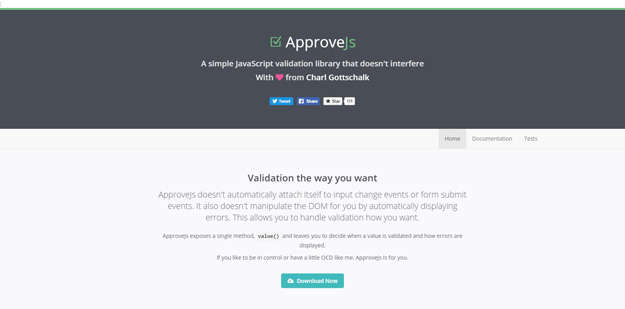
ApproveJs doesn’t automatically attach itself to input change events or form submit events. It also doesn’t manipulate the DOM for you by automatically displaying errors. This allows you to handle validation how you want. ApproveJs exposes a single method, value() and leaves you to decide when a value is validated and how errors are displayed. If you like to be in control or have a little OCD like me, ApproveJs is for you.
2. Validator.js
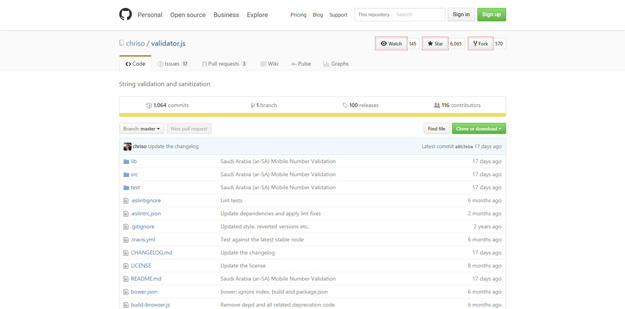
validator.js is a library of string validators and sanitizers. It can be used both on client side and server side.
3. Valid.js
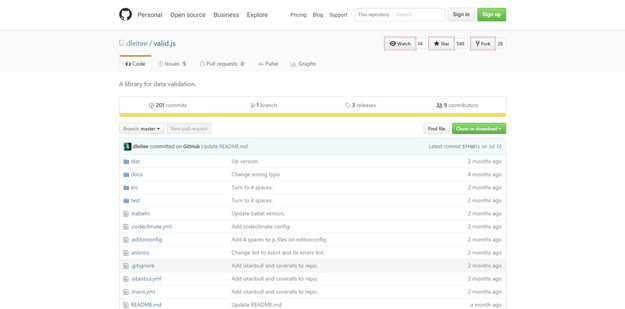
Valid.js is a simple JavaScript library for data validation. Here are validation functions.
• String : isString, minLength(min), maxLength(max), length(min, max), regex(reg)
• Number: isNumber, minNumber, maxNumber, between
• Date: isDate, minDate(min), maxDate(max), between(min, max)
• Bool: isTrue, isFalse
• Util: isRequired, isEmail, isCep
4. Validate.js
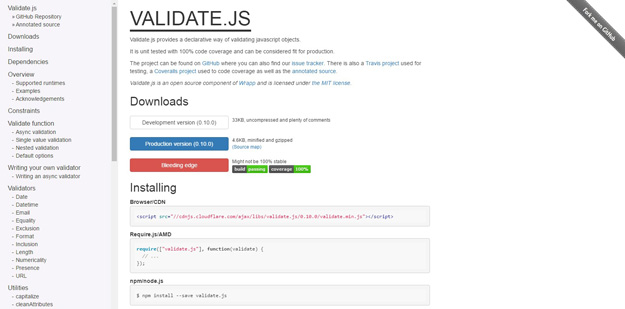
Validate.js provides a declarative way of validating JavaScript objects. It is unit tested with 100% code coverage and can be considered fit for production. The goal of validate.js is to provide a cross framework and cross language way of validating data. The validation constraints can be declared in JSON and shared between clients and the server.
5. jQuery.mobilePhoneNumber
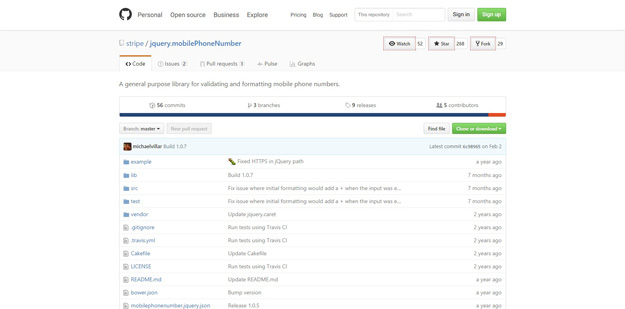
jQuery.mobilePhoneNumber is a general purpose library for validating and formatting mobile phone numbers.
6. xTypejs
xtype.js is an elegant, highly efficient data validation for JavaScript. it provides concise, performant, readable, data and type validation for JavaScript, using close to 40 highly efficient, data-validating pseudo types.
It Improves application efficiency and readability by unifying the most basic but common data and type validations in JavaScript apps, into single, concise, highly optimized operations.
And employs bitwise operations, data pre-processing, and memory-efficient memoization for fast, robust performance in small and large apps and libraries.
7. Payform
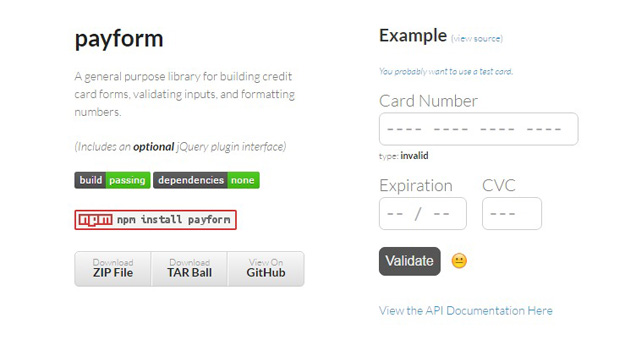
Payform is a JavaScript library for building credit card forms, validating inputs, and formatting numbers. This library also includes ajQuery plugin.
8. Mailcheck
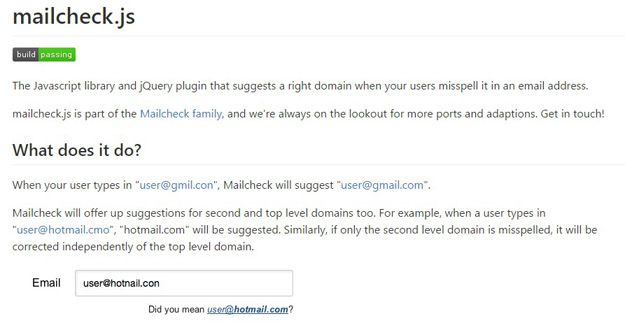
mailcheck is a JavaScript library and jQuery plugin that suggests a right domain when your users misspell it in an email address. When your user types in “user@hotnail.con”, Mailcheck will suggest “user@hotmail.com”.
9. Formance.js
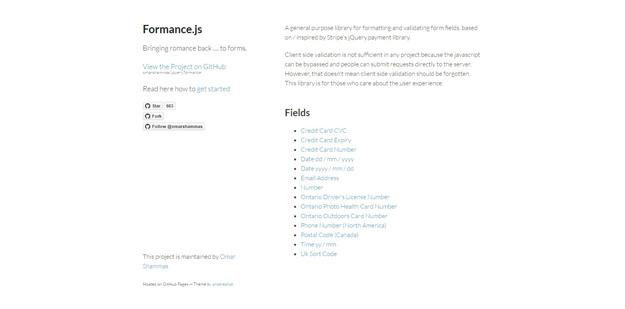
A jQuery library for formatting and validating form fields, based on Stripe’sjQuery.payment library. It supports various fields like credit card cvc, credit card expiry, credit card number, email address, date, number, Ontario driver’s license number and much more.
10. Verify.js
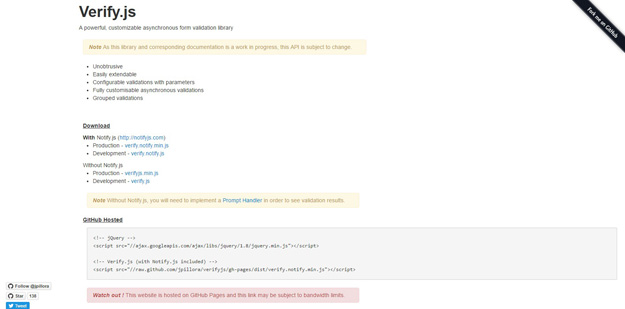
Verify.js is a powerful, customizable asynchronous form validation library. It is fully customizable, easily extendable, unobtrusive, and includes grouped validations as well as asynchronous validations.
11. Seahorse
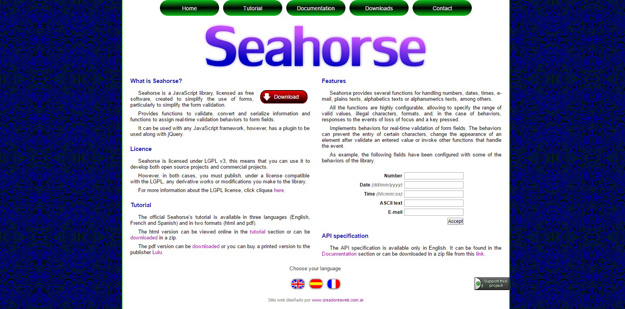
Seahorse is a JavaScript library, licensed as free software, created to simplify the use of forms, particularly to simplify the form validation. It provides functions to validate convert and serialize information and functions to assign real-time validation behaviors to form fields. It can be used with any JavaScript framework, however, has a plugin to be used along with jQuery.
12. Parsleyjs
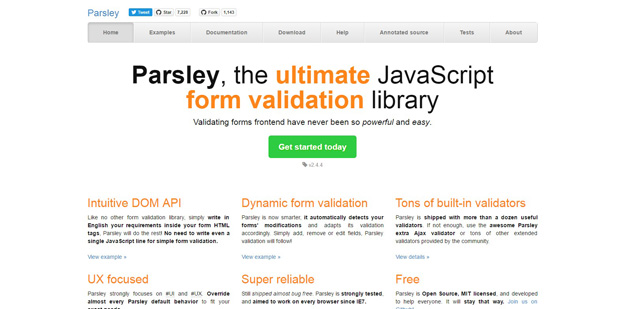
Parsley is a JavaScript form validation library. It helps you provide your users with feedback on their form submission before sending it to your server. It saves you bandwidth, server load and it saves time for your users.
JavaScript form validation is not necessary, and if used, it does not replace strong backend server validation.
That’s why Parsley is here: to let you define your general form validation, implement it on the backend side, and simply port it frontend-side, with maximum respect to user experience best practices.
13. Form Validation Made Easy
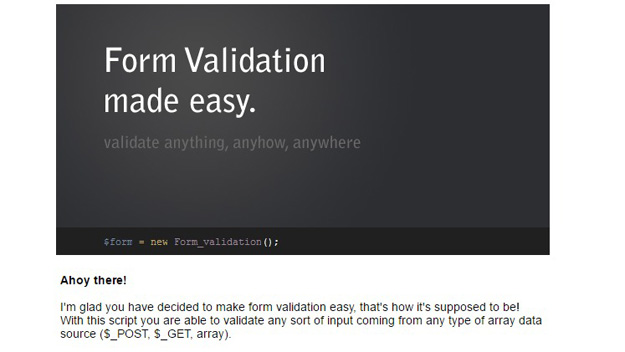
The Form Validation – made easy script allows you to very easily set up validation rules and validate these rules against any sort of input coming from any type of array data source such as $_POST, $_GET or a key/value filled array.
The script can with ease be plugged in with existing HTML form code without drastically changing the HTML code. Or be implemented from scratch. The script also handles the population of input values for input fields, textareas, checkboxes, radio buttons and select lists if a default value has been specified and when a form is posted and returned to the user. This means the user never has to type in the same information twice when a form is invalid!
The script comes with a bunch of predefined rules but how you want to validate each and every input in your form is all up to you. With custom functions you are able to hook up with the script and supply your own validation rules and error messages.
14. JavaScript Form Validation Library
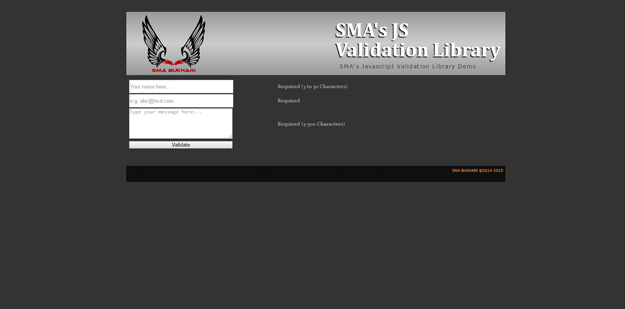
This is a complete library to validate client-side input and provide feedback accordingly. The JavaScript library contains 12 base validation functions that can validate all types of form fields. This library includes simple integration, visual feedback, range check, textual feedback, check minimum length, value retrieval, check date format, validate email, validate URL and much more.
15. Easy to Setup Form Validator JavaScript
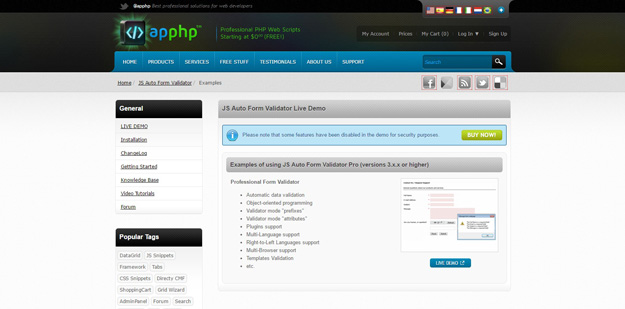
The JS Auto Form Validator is an easy-to-setup form validation script which enables you to handle the whole form validation process using the ready-to-use JavaScript class. This script allows you to specify certain form elements as “required” or “non-required” and also a specific type they have: text, password, numeric, zip code etc. It works on the native JavaScript, meaning page will be loaded much faster – especially on mobile devices – as NO jQuery is needed!
本文链接:前端工具集 - 15个最佳的 JavaScript 表单验证库
编译来源:梦想天空 ◆ 关注前端开发技术 ◆ 分享网页设计资源
前端工具 - 15个最佳的 JavaScript 表单验证库的更多相关文章
- 15个最佳的 JavaScript 表单验证库
客户端验证在任何项目都是不够的,因为 JavaScript 可以直接忽略,人们可以提交请求到服务器. 然而这并不意味着客户端验证都没必要了,很多时候我们需要在用户提交到服务器之前给予提示.JavaSc ...
- 10个强大的Javascript表单验证插件推荐
创建一个JavaScript表单验证插件,可以说是一个繁琐的过程,涉及到初期设计.开发与测试等等环节.实际上一个优秀的程序员不仅是技术高手,也应该是善假于外物的.本文介绍了10个不错的JavaScri ...
- JavaScript 表单验证正则表达式大全
JavaScript 表单验证正则表达式大全[转载] 匹配中文字符的正则表达式: [u4e00-u9fa5] 评注:匹配中文还真是个头疼的事,有了这个表达式就好办了 匹配双字节字符(包括汉字在内):[ ...
- JavaScript表单验证年龄
JavaScript表单验证年龄,判断一个输入量是否符合年龄,通过正则表达式实现. //检查年龄 function isAge(str){ var mydate=new Date; var now=m ...
- JavaScript表单验证和正则表达式
JavaScript表单验证 分为四类: 1.非空验证 常用于用户名等 2.相等验证 常用于验证两次输入的密码 3.范围验证 常用于年龄等 4.正则验证 用于手机号,邮箱号等 以下是实例: <! ...
- JavaScript 表单验证入门
JavaScript 表单验证 JavaScript 可用来在数据被送往服务器前对 HTML 表单中的这些输入数据进行验证. 被 JavaScript 验证的这些典型的表单数据有: 用户是否已填写表单 ...
- JavaScript 表单验证 案例
JavaScript 表单验证 案例 版权声明:未经授权,严禁转载! 编写 HTML 文件,搭建主体界面 <html> <head> <meta charset=&q ...
- java工具类(二)之java正则表达式表单验证
java正则表达式表单验证类工具类(验证邮箱.手机号码.qq号码等) 这篇文章主要介绍了java使用正则表达式进行表单验证工具类,可以验证邮箱.手机号码.qq号码等方法,需要的朋友可以参考下. jav ...
- jdbc工具类的封装,以及表单验证数据提交后台
在之前已经写过了jdbc的工具类,不过最近学习了新的方法,所以在这里重新写一遍,为后面的javaEE做铺垫: 首先我们要了解javaEE项目中,文件构成,新建一个javaEE项目,在项目中,有一个we ...
随机推荐
- javascript 正则介绍
1.正则直接量字符 \o NUL字符(\u000)\t 制表符\n 换行符(\u000A)\v 垂直制表符\f 换页符\xnn 由16进制nn指定的拉丁字符\uXXXX 由16进制XXXX指定的unc ...
- Katana介绍以及使用
Katana介绍以及使用 接上篇OWIN产生的背景以及简单介绍,在了解了OWIN规范的来龙去脉后,接下来看一下Katana这个OWIN规范的实现,并看看如何使用在我们的Web开发中. 阅读目录: 一. ...
- svn搭建
原文:svn搭建 二.Subversion的安装与测试 Subversion的配置方式有很多种,同时也可以配置不同的操作系统之上,本文我讲解的是Subversion 1.5.4 for Apache2 ...
- TodoList开发笔记 – Part Ⅳ
跌跌撞撞总算是把客户端开发好了,后台的代码因为不复杂,就写了些单元测试跑一跑就算通过了,大部分时间都是在调整脚本. 这一节开始部署TodoList项目. 一.了解IIS(Internet Infoma ...
- jQuery Tags Input 插件显示选择记录
利用jQuery Tags Input 插件显示选择记录 最近花了不少时间在重构和进一步提炼我的Web开发框架上,力求在用户体验和界面设计方面,和Winform开发框架保持一致,而在Web上,我主要采 ...
- Fitnesse集成TestLink
TestLink作为开源测试管理工具,可以进行测试工程.测试计划以及执行计划的管理,而且TestLink团队提供了XML-PRC的接口供第三方工具调用,接口支持程度也比较好. Fitnesse作为开源 ...
- centos 4.4配置使用 and Nutch搜索引擎(第1期)_ Nutch简介及安装
centos 4.4配置使用 1.Nutch简介 Nutch是一个由Java实现的,开放源代码(open-source)的web搜索引擎.主要用于收集网页数据,然后对其进行分析,建立索引,以提供相应的 ...
- 用户故事(User Story)
用户故事(User Story) 用户故事是描述对用户有价值的功能,好的用户故事应该包括角色.功能和商业价值三个要素.用户故事通常的格式为:作为一个<角色>, 我想要<功 ...
- linux网卡驱动安装及锐捷使用
原创博文,转载请注明出处 先吐槽一下,以前装了个Centos win7双系统, 然后手贱一不小心把启动文件给删了,接下来就用grub恢复启动文件,整了一天也没搞出来还把win7的Boot Manage ...
- Coding Dojo
Coding Dojo 发表于 2012-10-25 什么是Coding Dojo? Coding Dojo是一个学习的过程.一些程序员(通常是15-20人)在一起编程解决一个程序问题.一边编程,一边 ...