
html5摇一摇[转]
写在前面
年底了,有些公司会出一个摇奖的活动,今天在家没事就搜了一下这方面的资料。
原文地址:http://www.cnblogs.com/waitingbar/p/4682215.html
测试
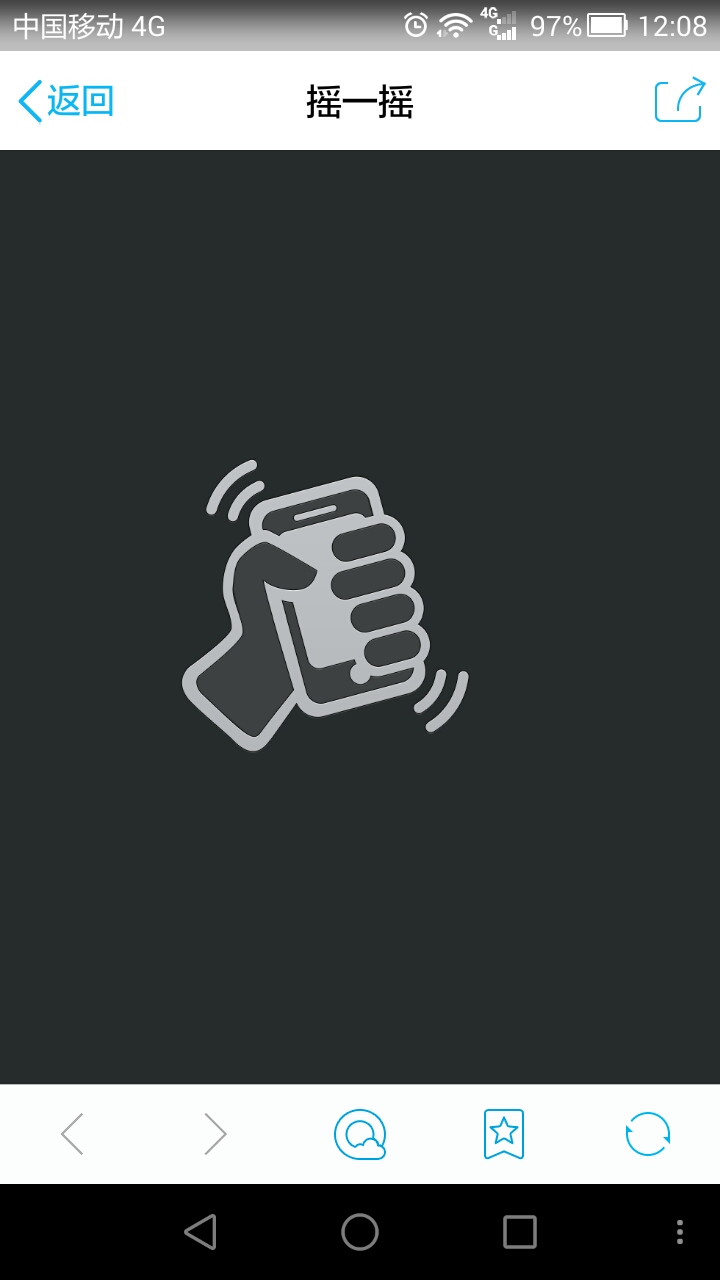
效果还行。
 <!DOCTYPE html>

 <html>

     <head>

         <meta charset="utf-8">

         <title>摇一摇</title>

         <style type="text/css">

             *{padding:;margin: }

             .shake_box {

                 background: url(images/xiaolian.png) no-repeat #1e2020 center center;

                 position: fixed;

                 top : ;

                 left: ;

                 width  : %;

                 height : %;

             }

             .shakTop,.shakBottom {

                 background: #282c2d;

                 position : fixed;

                 left  : ;

                 width : %;

                 height: %;

             }

             .shakTop    {top    : ;}

             .shakBottom {bottom : ;}

             .shakTop span,.shakBottom span{

                 background: url(images/shakBox.png) no-repeat;

                 position : absolute;

                 left: %;

                 width : 450px;

                 height: 254px;

                 margin:    -275px;

             }

             .shakTop    span{bottom : ;}

             .shakBottom span{

                 background-position:  -254px;

                 top : ;

             }

             .shake_box_focus .shakTop{

                 animation        : shakTop 1s  linear;

                 -moz-animation   : shakTop 1s  linear;

                 -webkit-animation: shakTop 1s  linear;

                 -ms-animation    : shakTop 1s  linear;

                 -o-animation     : shakTop 1s  linear;

             }

             .shake_box_focus .shakBottom{

                 animation        : shakBottom 1s  linear;

                 -moz-animation   : shakBottom 1s  linear;

                 -webkit-animation: shakBottom 1s  linear;

                 -ms-animation    : shakBottom 1s  linear;

                 -o-animation     : shakBottom 1s  linear;

             }

             /* 向上拉动画效果 */

             @-webkit-keyframes shakTop   {

                 %   {top: ;}

                 %  {top: -200px;}

                 % {top: ;}

             }

             @-moz-keyframes shakTop      {

                 %   {top: ;}

                 %  {top: -200px;}

                 % {top: ;}

             }

             @-ms-keyframes shakTop       {

                 %   {top: ;}

                 %  {top: -200px;}

                 % {top: ;}

             }

             @-o-keyframes shakTop        {

                 %   {top: ;}

                 %  {top: -200px;}

                 % {top: ;}

             }

             /* 向下拉动画效果 */

             @-webkit-keyframes shakBottom   {

                 %   {bottom: ;}

                 %  {bottom: -200px;}

                 % {bottom: ;}

             }

             @-moz-keyframes shakBottom      {

                 %   {bottom: ;}

                 %  {bottom: -200px;}

                 % {bottom: ;}

             }

             @-ms-keyframes shakBottom       {

                 %   {bottom: ;}

                 %  {bottom: -200px;}

                 % {bottom: ;}

             }

             @-o-keyframes shakBottom        {

                 %   {bottom: ;}

                 %  {bottom: -200px;}

                 % {bottom: ;}

             }

         </style>

         <script type="text/javascript" src="js/jquery-2.1.4.min.js"></script>

         <script type="text/javascript">

             //先判断设备是否支持HTML5摇一摇功能

             if (window.DeviceMotionEvent) {

                 //获取移动速度,得到device移动时相对之前某个时间的差值比

                 window.addEventListener('devicemotion', deviceMotionHandler, false);

             }else{

                 alert('您好,你目前所用的设置好像不支持重力感应哦!');

             }

             //设置临界值,这个值可根据自己的需求进行设定,默认就3000也差不多了

             var shakeThreshold = ;

             //设置最后更新时间,用于对比

             var lastUpdate     = ;

             //设置位置速率

             var curShakeX=curShakeY=curShakeZ=lastShakeX=lastShakeY=lastShakeZ=;

             function deviceMotionHandler(event){

                 //获得重力加速

                 var acceleration =event.accelerationIncludingGravity;

                 //获得当前时间戳

                 var curTime = new Date().getTime();

                 if ((curTime - lastUpdate)> ) {

                     //时间差

                     var diffTime = curTime -lastUpdate;

                         lastUpdate = curTime;

                     //x轴加速度

                     curShakeX = acceleration.x;

                     //y轴加速度

                     curShakeY = acceleration.y;

                     //z轴加速度

                     curShakeZ = acceleration.z;

                     var speed = Math.abs(curShakeX + curShakeY + curShakeZ - lastShakeX - lastShakeY - lastShakeZ) / diffTime * ;

                     if (speed > shakeThreshold) {

                         //TODO 相关方法,比如:

                         //播放音效

                         shakeAudio.play();

                         //播放动画

                         $('.shake_box').addClass('shake_box_focus');

                         clearTimeout(shakeTimeout);

                         var shakeTimeout = setTimeout(function(){

                             $('.shake_box').removeClass('shake_box_focus');

                         },)

                     }

                     lastShakeX = curShakeX;

                     lastShakeY = curShakeY;

                     lastShakeZ = curShakeZ;

                 }

             }

             //预加摇一摇声音

             var shakeAudio = new Audio();

                 shakeAudio.src = 'sound/shake_sound.mp3';

             var shake_options = {

                 preload  : 'auto'

             }

             for(var key in shake_options){

                 if(shake_options.hasOwnProperty(key) && (key in shakeAudio)){

                     shakeAudio[key] = shake_options[key];

                 }

             }

         </script>

     </head>

     <body>

         <div class="shake_box">

             <div class="shakTop"><span></span></div>

             <div class="shakBottom"><span></span></div>

         </div>

     </body>

 </html>
html5摇一摇[转]的更多相关文章
- HTML5实现摇一摇
一.原理: 利用devicemotion获取移动速度,得到device移动时相对之前某个时间的差值比 二.效果图: 三.源码: //先判断设备是否支持HTML5摇一摇功能 if (window.Dev ...
- html5实现摇一摇功能
原理:使用DeviceMotion实现,关于DeviceMotion介绍可以查看 https://developer.mozilla.org/en-US/docs/Web/Reference/Even ...
- html5实现微信摇一摇功能
在HTML5中,DeviceOrientation特性所提供的DeviceMotion事件封装了设备的运动传感器时间,通过改时间可以获取设备的运动状态.加速度等数据(另还有deviceOrientat ...
- 用HTML5实现手机摇一摇的功能(转)
在百度开发者大会上我介绍过HTML5另外一个重要特性就是DeviceOrientation,它将底层的方向传感器和运动传感器进行了高级封装,提供了DOM事件的支持.这个特性包括两种事件: 1.devi ...
- Adobe Edge Animate --使用HTML5实现手机摇一摇功能
Adobe Edge Animate --使用HTML5实现手机摇一摇功能 版权声明: 本文版权属于 北京联友天下科技发展有限公司. 转载的时候请注明版权和原文地址. HTML5的发展日新月异,其功能 ...
- js html5 仿微信摇一摇
看微信摇一摇之后忽然想知道他是怎么写的.于是就在网上查了一些资料,有些是借鉴别人的.大家共同学习啊 先放代码 <body onload="init()"> <p& ...
- HTML5实现“摇一摇”效果
在HTML5中,DeviceOrientation特性所提供的DeviceMotion事件封装了设备的运动传感器时间,通过改时间可以获取设备的运动状态.加速度等数据(另还有deviceOrientat ...
- 利用HTML5+Socket.io实现摇一摇控制PC端歌曲切换
我比较喜欢听音乐,特别是周末的时候,电脑开着百度随心听fm,随机播放歌曲,躺在床上享受.但碰到了一个烦人的事情,想切掉不喜欢的曲子,还得起床去操作电脑换歌.于是思考能不能用手机控制电脑切换歌曲,经过一 ...
- 利用HTML5的devicemotion事件实现手机摇一摇抽奖,年会抽奖
摇一摇JS脚本逻辑:接下来是移动端JS脚本逻辑的实现,摇一摇的实现需借助html5新增的devicemotion事件,获取设备在位置和方向上的改变速度的相关信息,该事件的基本使用如下: if (win ...
随机推荐
- JS 模板引擎之JST模板
项目中有用到JST模板引擎,于是抽个时间出来,整理了下关于JST模板引擎的相关内容. 试想一个场景,当点击页面上列表的翻页按钮后,通过异步请求获得下一页的列表数据并在页面上显示出来.传统的JS做法是编 ...
- [CareerCup] 3.1 Implement Three Stacks using Array 使用数组来实现三个栈
3.1 Describe how you could use a single array to implement three stacks. 这道题让我们用一个数组来实现三个栈,书上给了两种方法, ...
- Python Web实战 - 基于Flask实现的黄金点游戏
一.简介 团队成员: 领航者:张旭 驾驶员:张国庆 项目简介: 项目名称:基于B/S模式的黄金点游戏 采用技术: 后端:Python + Sqlite3 前端:HTML + CSS + JS + Bo ...
- Git差异比对
一. 查看变更还未载入(changed but unstaged,当前没有add 的内容)的文件比对: 只需运行不带任何参数的'git diff'命令即可 二. 查看载入(stage,即已经add)而 ...
- javascript模块化详解
模块化:每个模块只完成一个独立的功能,然后提供该功能的接口.模块间通过接口访问.模块中的(过程和数据)对于其它模块来说是私有的(不能访问修改) 原始人写法: function m1(){ //... ...
- 由外边距合并到BFC
置顶文章:<纯CSS打造银色MacBook Air(完整版)> 上一篇:<JavaScript实现Ajax小结> 作者主页:myvin 博主QQ:851399101(点击QQ和 ...
- Qt程序启动画面播放(gif与swf两种动画格式)
学习Qt有一段时间了,发现一个小问题,网上关于Qt的资料或者总结性的学习及应用文章有点少. 比如,Qt完整的API,程序运行之前的启动画面如何按理想效果播放等,每次想在项目中添加一些应用的时候,总是找 ...
- sql 随机函数newid()
newid()返回的是uniqueidentifier类型的唯一值.newid()每次产生的值都不一样 从表中随机获取前N条记录 select top N * from table_name ord ...
- iOS -- 给model赋值时走了[self setValuesForKeysWithDictionary:dic]不走setvalue: forked:
这是一个小坑, 看看你的BaseModel的便利构造器的方法: + (__kindof BaseModel *)modelWithDic:(NSDictionary *)dic { return [[ ...
- 今天学习到的关于mysql数据库的linux命令
1. 登录mysql数据库: mysql -uroot -p 2.安装会提示的mysql的数据库软件:mycli sudo apt-get install mycli 3.安装依赖包: sudo ap ...