
JQuery插件制作动态网页
JQuery插件 制作具有动态效果的网页
前 言
JQuery
今天我给大家介绍一个运用JQuery插件制作的动态网页——iphone 5C 宣传页面。这个网页中运用到了fullpage.js和move.js两个插件。
|
动态效果 |
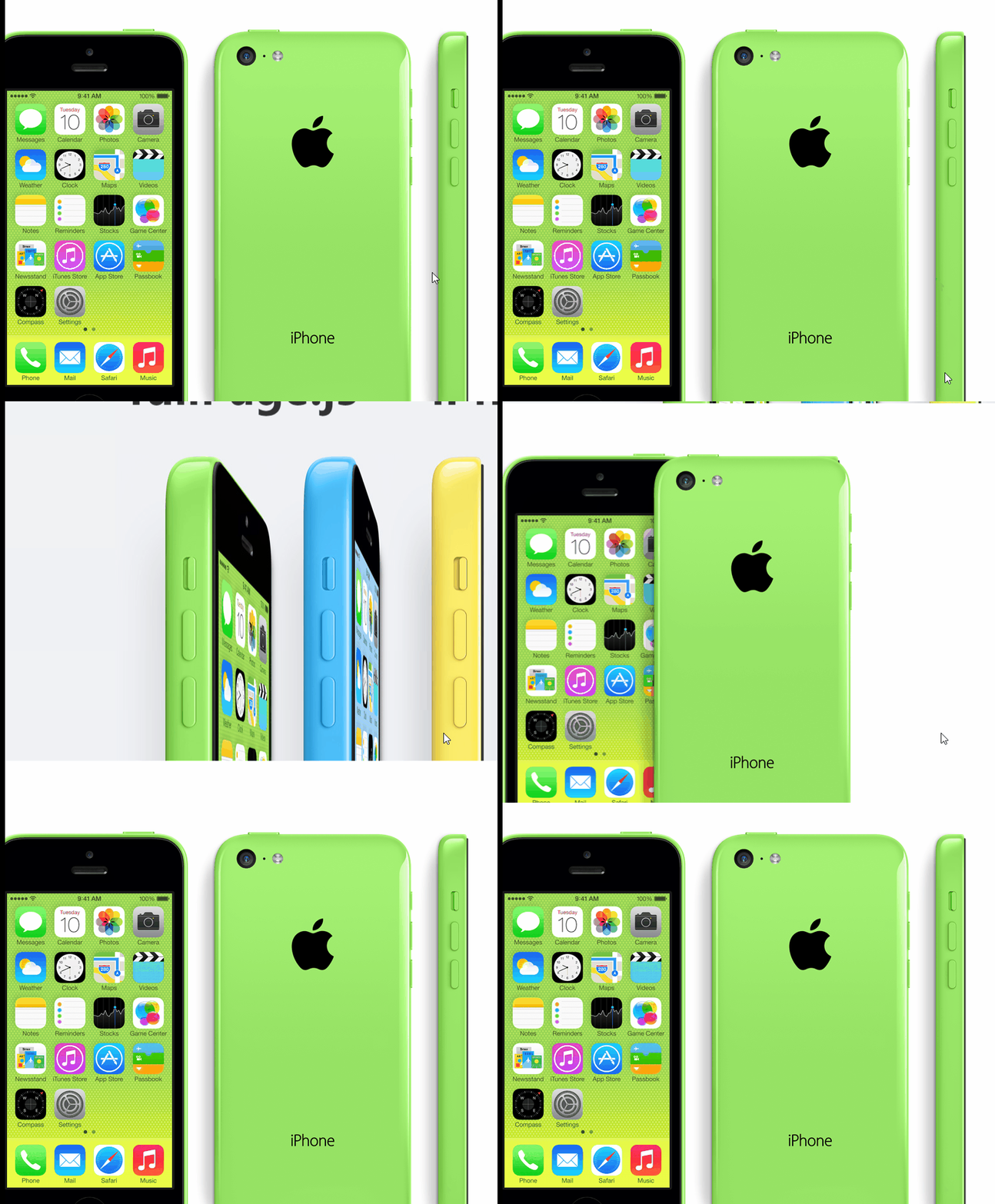
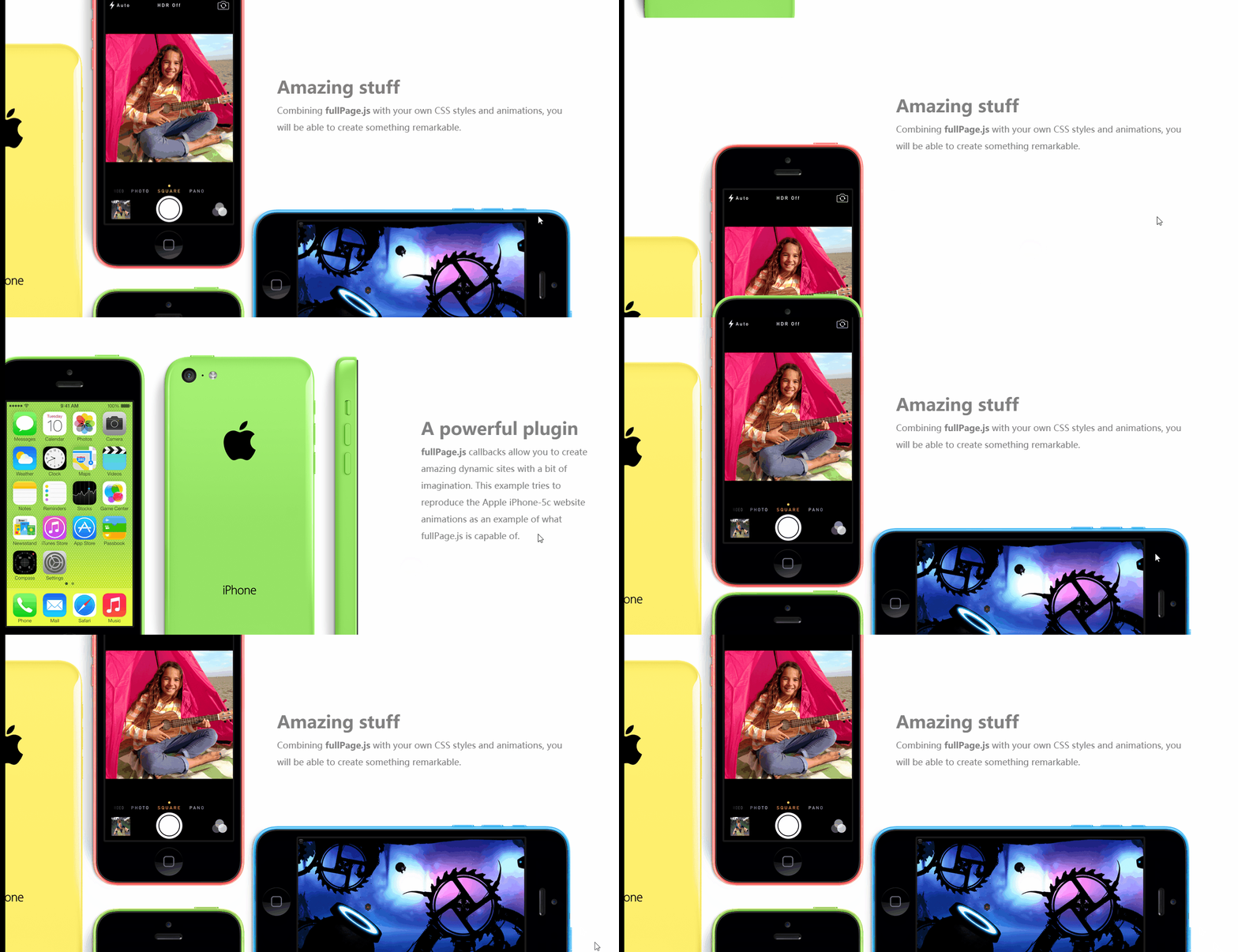
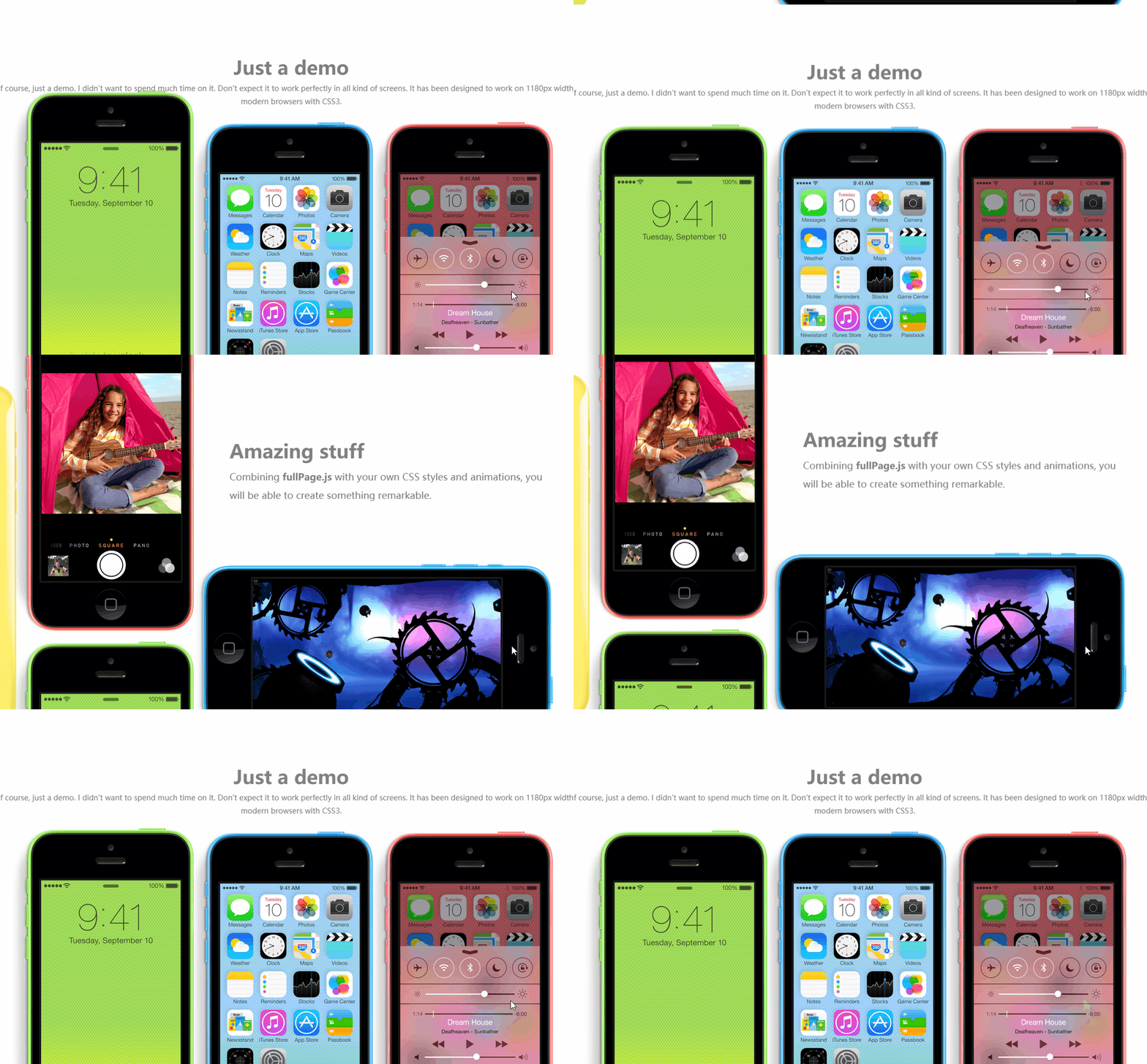
1导入插件
在这个页面中需要用到三款插件,分别是jquery-3.1.1.js(JQuery 3.1.1版本)、jquery.fullPage.js(附带jquery.fullPage.css)和 move.js 动画插件。
导入顺序也如上所示,因为后两款是使用JQuery编写的,因而需要优先导入jquery-3.1.1.js,还需要一并将jquery.fullPage.css导入HTML文件。
结构如下,导入完成后,我们开始编写HTML代码。
<link rel="stylesheet" type="text/css" href="../css/jquery.fullPage.css"/>

<link rel="stylesheet" type="text/css" href="../css/iphone.css"/>

<script type="text/javascript" src="../js/jquery-3.1.1.js"></script>

<script type="text/javascript" src="../js/jquery.fullPage.js"></script>

<script type="text/javascript" src="../js/move.js"></script>
2HTML
<body>

        <div id="fullpage">

            <div class="section" id="section1">

                <h1>fullPage.js — iPhone 5C演示</h1>

                <img src="../img/iphone1.jpg"/>

            </div>

            <div class="section" id="section2">

                <img src="../img/iphone2.png" class="img2"/>

                <img src="../img/iphone3.png" class="img3"/>

                <img src="../img/iphone4.png" class="img4"/>

                <div class="description">

                    <h1>A powerful plugin</h1>

                    <strong>fullPage.js</strong> callbacks allow you to create amazing dynamic sites with a bit of imagination. This example tries to reproduce the Apple iPhone-5c website animations as an example of what fullPage.js is capable of.

                </div>

            </div>

            <div class="section" id="section3">

                <img src="../img/iphone-yellow.png" class="yellow"/>

                <img src="../img/iphone-red.png"/ class="red">

                <img src="../img/iphone-blue.png" class="blue"/>

                <div class="description">

                    <h1>Amazing stuff</h1>

                    Combining <strong>fullPage.js</strong> with your own CSS styles and animations, you will be able to create something remarkable.

                </div>

            </div>

            <div class="section" id="section4">

                <img src="../img/iphone-green.png"  class="green"/>

                <img src="../img/iphone-two.png"  class="two"/>

                    <div class="description">

                        <h1>Just a demo</h1>

                        This is, of course, just a demo. I didn't want to spend much time on it.

                        Don't expect it to work perfectly in all kind of screens.

                        It has been designed to work on 1180px width or over on modern browsers with CSS3.

                    </div>

            </div>

        </div>

    </body>
3CSS样式
*{

    margin: 0px;

    padding: 0px;

}

#fullpage{

    min-width:1250px ;

}

.section{

    min-height: 600px;

}

#section1{

    background-color: #F0F2F4;

    overflow: hidden;

    text-align: center;

}

#section1 h1{

    font-size: 70px;

    color: #333333;

    text-align: center;

    margin: 60px 0px;

}

#section2{

    position: relative;

    overflow: hidden;

}

#section2 .description{

    width: 370px;

    position: absolute;   <!--首先固定动画执行之前,图片的位置-->

    top: 200px;

    right: 130px;

    color: #808080;

    font-size: 18px;

    line-height: 35px;

}

#section2 .description h1{

    font-size: 36px;

    margin-top: 15px;

    margin-bottom: 15px;

}

#section2 img{

    position: absolute;

    left: 0px;

    bottom: -60px;

}

#section2 .img3{

    z-index:;

}

#section3{

    position: relative;

    overflow: hidden;

}

#section3 .description{

    width: 600px;

    position: absolute;

    top: 150px;

    right: 200px;

    color: #808080;

    font-size: 18px;

    line-height: 35px;

}

#section3 .description h1{

    font-size: 36px;

    margin-top: 15px;

    margin-bottom: 15px;

}

#section3 img{

    position: absolute;

}

#section3 .red{

    left: 150px;

    top: 260px;

}

#section3 .yellow{

    left: -180px;

    bottom: -420px;

}

#section3 .blue{

    bottom: -420px;

    left: 490px;

}

#section3{

    position: relative;

    overflow: hidden;

}

#section4 .green{

    position: absolute;

    top: 200px;

    left: 150px;

}

#section4 .description{

    width: 90%;

    position: absolute;

    top: 100px;

    left: 5%;

    color: #808080;

    font-size: 14px;

    line-height: 25px;

    text-align: center;

}

#section4 .description h1{

    font-size: 36px;

    margin-top: 15px;

    margin-bottom: 15px;

}

#section4 .two{

    position: absolute;

    bottom: -200px;

    left: 490px;

}
4各种调用JQuery插件
<script type="text/javascript">

            $(function(){

                $("#fullpage").fullpage({      //调用fullpage插件

                    navigation : true,

                    verticalCentered : false,

                    anchors:["page1","page2","page3","page4"],

                    onLeave:function(index,nextIndex,direction){    // 当页面即将滚动离开的时候触发。设置目的:为了使动画循环执行。

                        switch(index){   // index:当前所在页面的序号

                            case 2:

                                move(".img2").delay(600).x(0).duration("0s").end();

                                move(".img3").delay(600).x(0).duration("0s").end();

                                move(".img4").delay(600).x(0).duration("0s").end();

                                break;

                            case 3:

                                if(nextIndex != 4){

                                    move(".red").delay(0).y(0).duration("0s").end();

                                    move(".blue").delay(0).y(0).duration("0s").end();

                                    move(".yellow").delay(0).y(0).duration("0s").end();

                                }

                                move(".green").delay(0).y(30).duration("1.5s").end();

                                break;

                            default:

                                break;

                        }

                        switch(nextIndex){        // nextIndex:即将去往页面的序号;

                            case 2:

                                move(".img2").delay(300).x(-65).duration(".5s").end();

                                move(".img3").delay(300).x(290).duration(".5s").end();

                                move(".img4").delay(300).x(630).duration(".5s").end();

                                break;

                            case 3:

                                move(".red").delay(0).y(-400).duration("1.5s").end();   // 调用move 调整动画显示位置,执行时间

                                move(".blue").delay(0).y(-400).duration("1.5s").end();

                                move(".yellow").delay(0).y(-400).duration("1.5s").end();

                                move(".green").delay(0).y(-360).duration("1.5s").end();

                            break;

                            default:

                                break;

                        }

                    },

                });

            });  // 文档就绪函数

 </script>
|
结束语 |
到这里,这个模拟iphone 5C动态效果的网页就完成了。如果有不妥当的地方还请大神们指教,ths!
JQuery插件制作动态网页的更多相关文章
- jQuery插件制作之全局函数用法实例
原文地址:http://www.jb51.net/article/67056.htm 本文实例讲述了jQuery插件制作之全局函数用法.分享给大家供大家参考.具体分析如下: 1.添加新的全局函数 所谓 ...
- jQuery插件制作方法详解
jQuery插件制作方法详解 jquery插件给我的感觉清一色的清洁,简单.如Jtip,要使用它的功能,只需要在你的元素的class上加 上Jtip,并引入jtip.js及其样式即可以了. ...
- JQuery插件:动态列和无间隙网格布局Mason.js
来源:GBin1.com 在线演示 JavaScript提供很多强有力的方案,解决动态列的网格布局(例如:Pinterest).这些方案很有效,但是,有时候,会造成网格的间隙或粗糙的边缘. Mason ...
- jquery插件制作,下拉菜单
要求输入框点击出现下拉菜单,并实现以下功能: 1.首先点击地点标签页,选择好地点: 2.自动显示相应节点标签页显示节点信息,选择好节点 3.自动显示相应的连接点,选择连接点,连接点被选中并被传送的输入 ...
- 利用Highcharts插件制作动态图表
向大家推荐一款js插件,用于绘制图表Highcharts,具体操作可参考官方网站:http://www.hcharts.cn/ 1.如下为本人制作的图形效果如下,当然其效果远不止这些,大家还可以深入研 ...
- jQuery——插件制作
1.$.fn.extend:扩展 jQuery 元素集来提供新的方法(通常用来制作插件),使用时是$('选择器').方法 2.$.extend:扩展jQuery对象本身,用来在jQuery命名空间上增 ...
- jQuery插件制作
模板:(function($){ $.fn.plugins=function(options){ var defaults = { } var options = $.extend(defaults, ...
- jquery插件制作教程 txtHover(转载)
http://www.jb51.net/article/31082.htm 该系列文章是我阅读<jQuery Plugin Development Beginner's Guide>后的总 ...
- 【实战】如何通过html+css+mysql+php来快速的制作动态网页(以制作一个博客网站为列)
一.开发环境的搭建 (1)apache+php+mysql环境搭建 因为要用apache来做服务器,mysql作为数据库来存储数据,php来写代码以此实现网页与数据库的交互数据,所以需要下载上述软件, ...
随机推荐
- attr(),addClass()使用方法练习
这次我主要是想要完成2个li之间样式的变化.方法比较傻,如果有人有更好的办法或者有别问题,希望可以不吝指教. <!DOCTYPE html><html> <head> ...
- [小北De编程手记] Lesson 01 - AutoFramework构建 之 从一个简单的Demo聊起
写在最前面 这个系列的主旨是要跟大家分享一下关于自动化测试框架的构建的一些心得.这几年,做了一些自动化测试框架以及团队的构建的工作.过程中遇到了很多这样的同学,他们在学习了某一门语言和一些自动化测试的 ...
- numastat的理解
numa的统计数据及理解如下, [root@localhost kernel]# numastat node0 node1numa_hit ...
- 136. Single Number【LeetCode】异或运算符,算法,java
Given an array of integers, every element appears twice except for one. Find that single one. Note:Y ...
- getNextElement( )函数——获取下一个特定的元素节点
function getNextElement(node){ //定义getNextElement()函数 if (node.nodeType==){ //条件:如果node参数nodetype属性为 ...
- 三种Join方法
NESTED LOOP JOIN (NLJOIN) 对于被连接的数据子集较小的情况,nested loop连接是个较好的选择.nested loop就是扫描一个表,每读到一条记录,就根据索引去另一个 ...
- Android图片轮播控件
Android广告图片轮播控件,支持无限循环和多种主题,可以灵活设置轮播样式.动画.轮播和切换时间.位置.图片加载框架等! 使用步骤 Step 1.依赖banner Gradle dependenci ...
- 借助VBScript让Windows系统发出声音
借助VBScript让Windows系统发出声音.. 文件I Love You.VBS中的内容是: CreateObject("SAPI.SpVoice").Speak" ...
- VMware Workstation 12 Pro 之安装XP系统
使用VMware Workstation 12 Pro 安装XP系统 ... <个人觉得现在没有必要再给自己的电脑装XP系统了.虽然XP很小..但是功能相比现在的Windows差很多.兼容性与 ...
- 8.23.4 IO-输入输出16个流
字节流: FileInputStream FileInputStream fIn = new FileInputStream("1.avi"); FileOutputStrea ...