
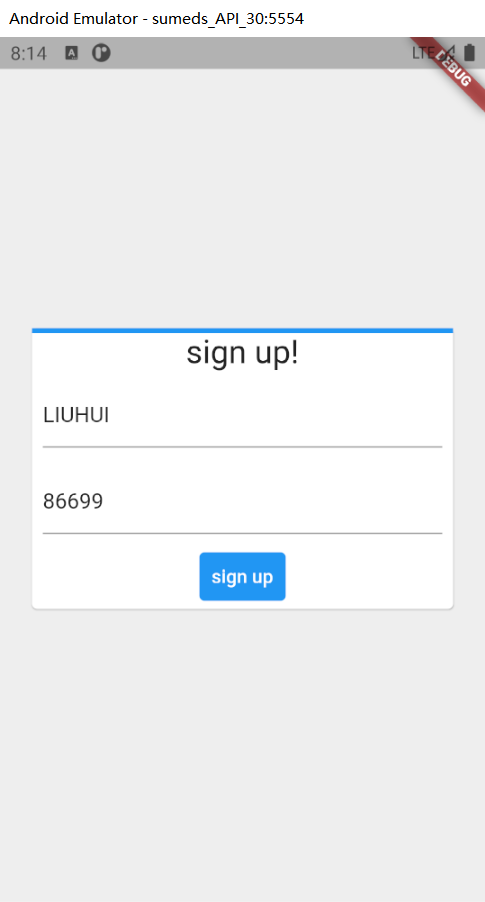
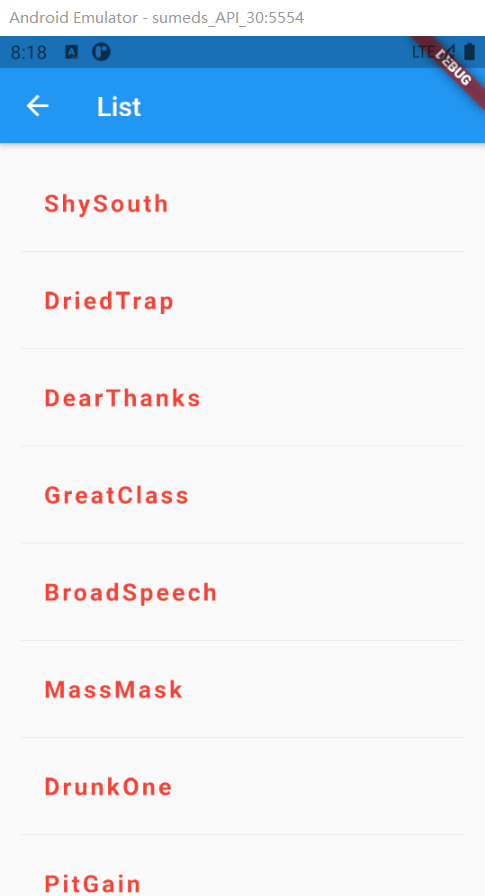
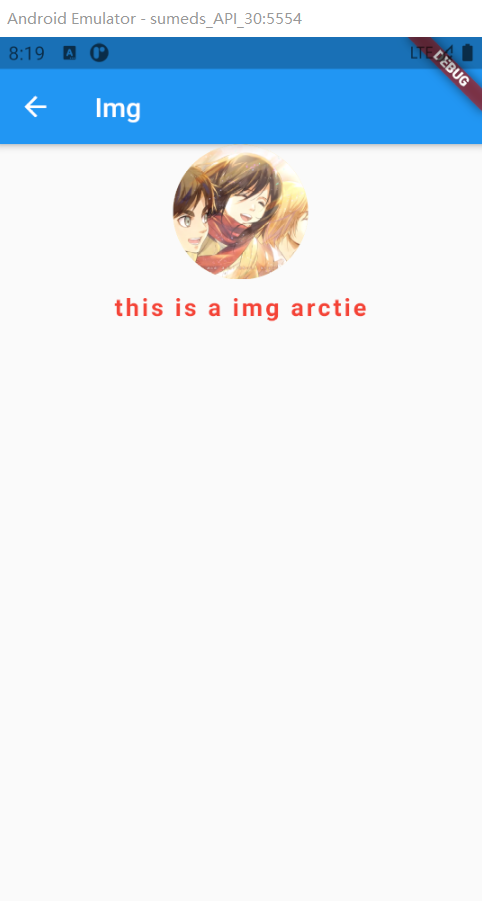
Flutter 登录与list列表demo
import 'package:flutter/material.dart';

void main() => runApp(DemoApp());

class DemoApp extends StatelessWidget {

  @override

  Widget build(BuildContext context) {

    return MaterialApp(

      title: 'SingleChildScrollView Demo',

      home: new Scaffold(

        appBar: AppBar(

          // 去掉导航栏下面的阴影

          elevation: 0.0,

          title: Text('SingleChildScrollView Demo'),

        ),

        body: SingleChildScrollView(

          physics: BouncingScrollPhysics(),

          child: Center(

            child: Column(

              children: <Widget>[

                Container(

                  color: Colors.blue,

                  child: BigImgs(),

                ),

                Container(

                  height: 200.0,

                  child: HomePage(),

                ),

                SizedBox(height: 10), //保留高度间距10,在垂直下Column

                Container(

                  // width: 320.0,

                  height: 140.0,

                  // color: Colors.pink,

                  child: Row(

                    mainAxisAlignment: MainAxisAlignment.center,

                    crossAxisAlignment: CrossAxisAlignment.center,

                    children: [

                      BigImgsRadius(),

                      TextIntroduce(),

                      SizedBox(width: 10), //保留宽度间距20,在水平下Row

                      TextIntroduceSpan(),

                    ],

                  ),

                ),

                SizedBox(width: 10),

                Container(

                  width: 320.0,

                  // height: 200.0,

                  color: Colors.blue,

                  child: _buildCard(),

                ),

                SizedBox(height: 10),

                Container(

                  width: 320.0,

                  height: 110.0,

                  // color: Colors.yellow,

                  child: Column(

                    children: [

                      _buildStack(),

                      SizedBox(height: 10),

                      TextIntroduce(),

                    ],

                  ),

                ),

                Container(

                  width: 320.0,

                  height: 200.0,

                  color: Colors.pink,

                  child: Horizontal(),

                ),

                Container(

                  width: 320.0,

                  height: 200.0,

                  color: Colors.blue,

                ),

              ],

            ),

          ),

        ),

      ),

    );

  }

}

// StatelessWidget 无状态控件,没有自己的私有数据,纯展示控件

class BigImgs extends StatelessWidget {

  @override

  Widget build(BuildContext context) {

    return Container(

      // child: _buildStack(),

      // width: 100,

      height: 160,

      decoration: BoxDecoration(

          color: Colors.amberAccent,

          // borderRadius: BorderRadius.circular(300),

          image: DecorationImage(

              image: NetworkImage(

                  "https://gimg2.baidu.com/image_search/src=http%3A%2F%2Fb-ssl.duitang.com%2Fuploads%2Fitem%2F201808%2F06%2F20180806140035_nnbed.thumb.700_0.png&refer=http%3A%2F%2Fb-ssl.duitang.com&app=2002&size=f9999,10000&q=a80&n=0&g=0n&fmt=jpeg?sec=1616430520&t=b40681968ba087b3533e17b9aa036450"),

              fit: BoxFit.cover)),

    );

  }

}

// StatefulWidget 有状态控件,有自己私有数据

class HomePage extends StatefulWidget {

  HomePage({Key key}) : super(key: key);

  _HomePageState createState() => _HomePageState();

}

class _HomePageState extends State<HomePage> {

  @override

  Widget build(BuildContext context) {

    return Container(

      child: ListView(

        children: <Widget>[

          ListTile(

            leading: Icon(Icons.map),

            title: Text('Map'),

            // 跳转的路径

            onTap: () {

              Navigator.push(context,

                  MaterialPageRoute(builder: (BuildContext context) {

                return BigImgs();

              }));

            },

          ),

          Divider(), //设置分割线

          ListTile(

            leading: Icon(Icons.photo_album),

            title: Text('Album'),

          ),

          Divider(), //设置分割线

          ListTile(

            leading: Icon(Icons.phone),

            title: Text('Phone'),

          ),

        ],

      ),

    );

  }

}

// 文字超出显示...

class TextIntroduce extends StatelessWidget {

  @override

  Widget build(BuildContext context) {

    return Container(

      // child: _buildCard(),

      child: Text(

        "Lorem ipsum",

        maxLines: 1, //

        overflow: TextOverflow.ellipsis,

        textAlign: TextAlign.center,

        style: TextStyle(

          fontSize: 24,

          fontWeight: FontWeight.w900,

          fontFamily: "Georgia",

        ),

      ),

      // child: Text(

      //   'Lorem ipsum,hello world!Lorem ipsum,hello world!Lorem ipsum,hello world',

      //   style: TextStyle(

      //       color: Color.fromARGB(0xFF, 0x42, 0xA5, 0xF5),

      //       backgroundColor: Colors.red,

      //       fontSize: 30.0,

      //       letterSpacing: 6.0,

      //       fontStyle: FontStyle.italic,

      //       wordSpacing: 15.0,

      //       height: 2.0, //'height: 用在Text控件上的时候,会乘以fontSize做为行高,所以这个值不能设置过大',

      //       background: Paint()..color = Colors.blue,

      //       textBaseline: TextBaseline.alphabetic,

      //       fontFamily: "Georgia",

      //       shadows: [

      //         Shadow(color: Colors.black, offset: Offset(5, 6), blurRadius: 3)

      //       ],

      //       decoration: TextDecoration

      //           .underline, //underline:下划线,none:无划线,overline:上划线,lineThrough:中划线,combine:这个就厉害了,可以传入一个List,三线齐划

      //       // decoration: TextDecoration.combine(

      //       //     [TextDecoration.underline, TextDecoration.overline]),

      //       decorationColor: Colors.black,

      //       decorationStyle: TextDecorationStyle.wavy, //默认实线,dashed是虚线

      //       decorationThickness: 3.0,

      //       debugLabel: 'text'),

      //   textAlign: TextAlign.justify,

      //   textDirection: TextDirection.rtl,

      //   locale: Locale('fr', 'CH'),

      //   softWrap: true, //文本超出容器时是否自动换行,默认为true,为false时文本超出容器部分默认被剪切

      //   maxLines: 2, //文本的最大行数,

      //   overflow: TextOverflow.visible,

      //   textScaleFactor: 1.5,

      //   semanticsLabel:

      //       'test', //图像的语义描述,用于向Andoid上的TalkBack和iOS上的VoiceOver提供图像描述

      // ),

      width: 100,

      // color: Colors.grey[300], //backgroundColor

    );

  }

}

// 文字改变颜色

class TextIntroduceSpan extends StatelessWidget {

  @override

  Widget build(BuildContext context) {

    return Container(

      child: Text.rich(TextSpan(children: [

        TextSpan(text: 'hello: '),

        TextSpan(text: 'world', style: TextStyle(color: Colors.red))

      ])),

    );

  }

}

class BigImgsRadius extends StatelessWidget {

  @override

  Widget build(BuildContext context) {

    return Container(

      // child: _buildStack(),

      width: 100,

      height: 100,

      decoration: BoxDecoration(

          color: Colors.amberAccent,

          borderRadius: BorderRadius.circular(300),

          image: DecorationImage(

              image: NetworkImage(

                  "https://gimg2.baidu.com/image_search/src=http%3A%2F%2Fb-ssl.duitang.com%2Fuploads%2Fitem%2F201808%2F06%2F20180806140035_nnbed.thumb.700_0.png&refer=http%3A%2F%2Fb-ssl.duitang.com&app=2002&size=f9999,10000&q=a80&n=0&g=0n&fmt=jpeg?sec=1616430520&t=b40681968ba087b3533e17b9aa036450"),

              fit: BoxFit.cover)),

    );

  }

}

class Horizontal extends StatelessWidget {

  @override

  Widget build(BuildContext context) {

    return Container(

      child: ListView(

        // This next line does the trick.

        scrollDirection: Axis.horizontal,

        children: <Widget>[

          Container(

            color: Colors.red,

            child: BigImgs(),

          ),

          Container(

            color: Colors.green,

            child: _buildStack(),

          ),

          Container(

            color: Colors.yellow,

            child: BigImgs(),

          ),

          Container(

            color: Colors.orange,

            child: _buildStack(),

          ),

          Container(

            color: Colors.yellow,

            child: BigImgs(),

          ),

          Container(

            color: Colors.orange,

            child: _buildStack(),

          ),

        ],

      ),

    );

  }

}

// Card卡片

Widget _buildCard() => SizedBox(

      height: 210,

      child: Card(

        child: Column(

          children: [

            ListTile(

              title: Text('1625 Main Street',

                  style: TextStyle(fontWeight: FontWeight.w500)),

              subtitle: Text('My City, CA 99984'),

              leading: Icon(

                Icons.restaurant_menu,

                color: Colors.blue[500],

              ),

            ),

            Divider(),

            ListTile(

              title: Text('(408) 555-1212',

                  style: TextStyle(fontWeight: FontWeight.w500)),

              leading: Icon(

                Icons.contact_phone,

                color: Colors.blue[500],

              ),

            ),

            ListTile(

              title: Text('costa@example.com'),

              leading: Icon(

                Icons.contact_mail,

                color: Colors.blue[500],

              ),

            ),

          ],

        ),

      ),

    );

//个人图像

Widget _buildStack() => Stack(

      alignment: const Alignment(0.6, 0.6),

      children: [

        // CircleAvatar(

        //   backgroundImage: AssetImage('https://picsum.photos/250?image=9'),

        //   radius: 100,

        // ),

        CircleAvatar(

          child: Image.network('https://picsum.photos/250?image=9'),

          backgroundColor: Color(0xffff0000),

          radius: 32.0,

          foregroundColor: Color(0x55000000),

        ),

        Container(

          decoration: BoxDecoration(

            color: Colors.black45,

          ),

          child: Text(

            'Mia B',

            style: TextStyle(

              fontSize: 20,

              fontWeight: FontWeight.bold,

              color: Colors.white,

            ),

          ),

        ),

      ],

    );
Flutter 登录与list列表demo的更多相关文章
- flutter 登录后跳转到根路由
flutter 登录以后 会有返回箭头显示 因为 路由的切换导致不是路由的第一个页面,解决办法清空路由. Navigator.of(context).pushAndRemoveUntil( new ...
- 二维码扫码登录原理及简单demo
扫码登录原理转载自: https://www.cnblogs.com/liyasong/p/saoma.html 需求介绍 首先,介绍下什么是扫码登录.现在,大部分同学手机上都装有qq和淘宝,天猫等这 ...
- Flutter中的可滚动列表组件-PageView
PageVIew,可滚动的视图列表组件,而且每一个子组件的大小都和视图窗口大小一样. 属性: controller -> PageController 用于控制视图页面滚动到的位置 childr ...
- 微信第三方登录(原生)demo
在一家ecstore二开公司有一段时间了,公司希望往自己研发产品上面走,一直在培养新人. 最近要自己去微信登录,自己就在ectore的框架基础上,写的原生微信第三方登录以此来熟悉微信第三方登录,在 ...
- flutter登录页部分内容
import 'package:flutter/material.dart'; class MyIdPage extends StatelessWidget { @override Widget bu ...
- thinkphp写的登录注册的小demo
和asp.net类似,一个FormAction对应Form文件夹 demo结构: ‘ 对于项目结构有疑问的: http://www.thinkphp.cn/document/60.html login ...
- Flutter 流式布局列表实例+上拉加载
页面变化的几种方式: 一.StatefulWidget的setState形式 先声明两个变量. ; List<Map> list = []; 写了一个方法,获取数据: void _getH ...
- last, lastb - 显示最近登录的用户列表
总览 last [-R] [-num] [ -n num ] [-adiox] [ -f file ] [name...] [tty...] lastb [-R] [-num] [ -n num ] ...
- [iOS基础控件 - 6.9.3] QQ好友列表Demo TableView
A.需求 1.使用plist数据,展示类似QQ好友列表的分组.组内成员显示缩进功能 2.组名使用Header,展示箭头图标.组名.组内人数和上线人数 3.点击组名,伸展.缩回好友组 code so ...
- 开源微信Http协议Sdk【实现登录/获取好友列表/修改备注/发送消息】
基于微信Http协议封装的一个Sdk,目前实现了以下功能:. 1:扫码登录(检测二维码扫描状态) 2:获取最近联系人.群组.所有联系人 3:修改好友备注 4:给好友发送消息 暂且这么多,也没多余的时间 ...
随机推荐
- 真正“搞”懂HTTP协议07之body的玩法(实践篇)
我真没想到这篇文章竟然写了将近一个月,一方面我在写这篇文章的时候阳了,所以将近有两周没干活,另外一方面,我发现在写基于Node的HTTP的demo的时候,我不会Node,所以我又要一边学学Node,一 ...
- [C++]模版特例化和模版偏特化
函数模版特例化 例子: //第一个版本;可以比较任意两个类型 template<typename T> int compare(const &T,const T&); // ...
- BC2-小飞机
题目描述 KiKi 学会了 printf 在屏幕输出信息,他想输出一架小飞机.请帮他编写程序输出这架小飞机. 输入描述 无 输出描述 解题思路 方案一: 将小飞机的图形按照行进行划分,总共可以分成 6 ...
- Python导入Excel表格数据并以字典dict格式保存
本文介绍基于Python语言,将一个Excel表格文件中的数据导入到Python中,并将其通过字典格式来存储的方法. 我们以如下所示的一个表格(.xlsx格式)作为简单的示例.其中,表格共有两 ...
- 疯狂吐槽 MAUI 以及 MAUI 入坑知识点
目录 窗口 窗口管理 如何限制一次只能打开一个程序 MAUI 程序安装模式 为 MAUI Blazor 设置语言 坑 ① 坑 ② 坑 ③ 配置 MAUI 项目使用管理员权限启动 问题背景 定制编译过程 ...
- 今天学到的新知识--自己的电脑可以像Github Pages、码云 Pages一样发布静态资源
大佬教我的,感觉这个很神奇哦 假设下面这个路径是我的本地电脑静态资源路径 打开powershell窗口 然后按照下图的样子执行命令 复制网址就可以访问啦 然后可以通过 https://iplocati ...
- HashMap存储自定义类型键值-Linked Hash集合
HashMap存储自定义类型键值 练习∶每位学生(姓名,年龄)都有自己的家庭住址.那么,既然有对应关系,则将学生对象和家庭住址存储到map集合中.学生作为键,家庭住址作为值.注意,学生姓名相同并且年龄 ...
- ubuntu20.04 gnome桌面系统添加开机自启动GUI程序
在终端执行 gnome-session-properties,点击添加自己的脚本或执行文件,便可以在用户登录后自动执行.
- 复杂环境下ocr与印章识别技术理解及研发趋势
引言 随着社会经济的发展,印章作为企事业单位.社会团体.政府部门乃至国家的一种具有法律意义的标志和证据,在现代社会生活中发挥着重要作用.随着现代商务活动的不断发展,企业在业务开展的过程中通常会涉及大量 ...
- Stochastic Methods in Finance (1)
Bootcamp Topics related to measure theory. 略去,详见测度论专栏中的文章 Expectations 令 \(X\) 为 \((\Omega, \mathcal ...