
封装CoreGraphics的API简化绘图操作
封装CoreGraphics的API简化绘图操作
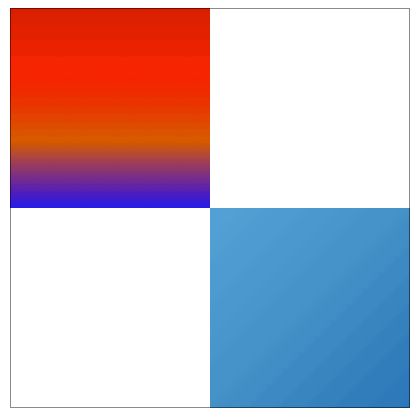
效果

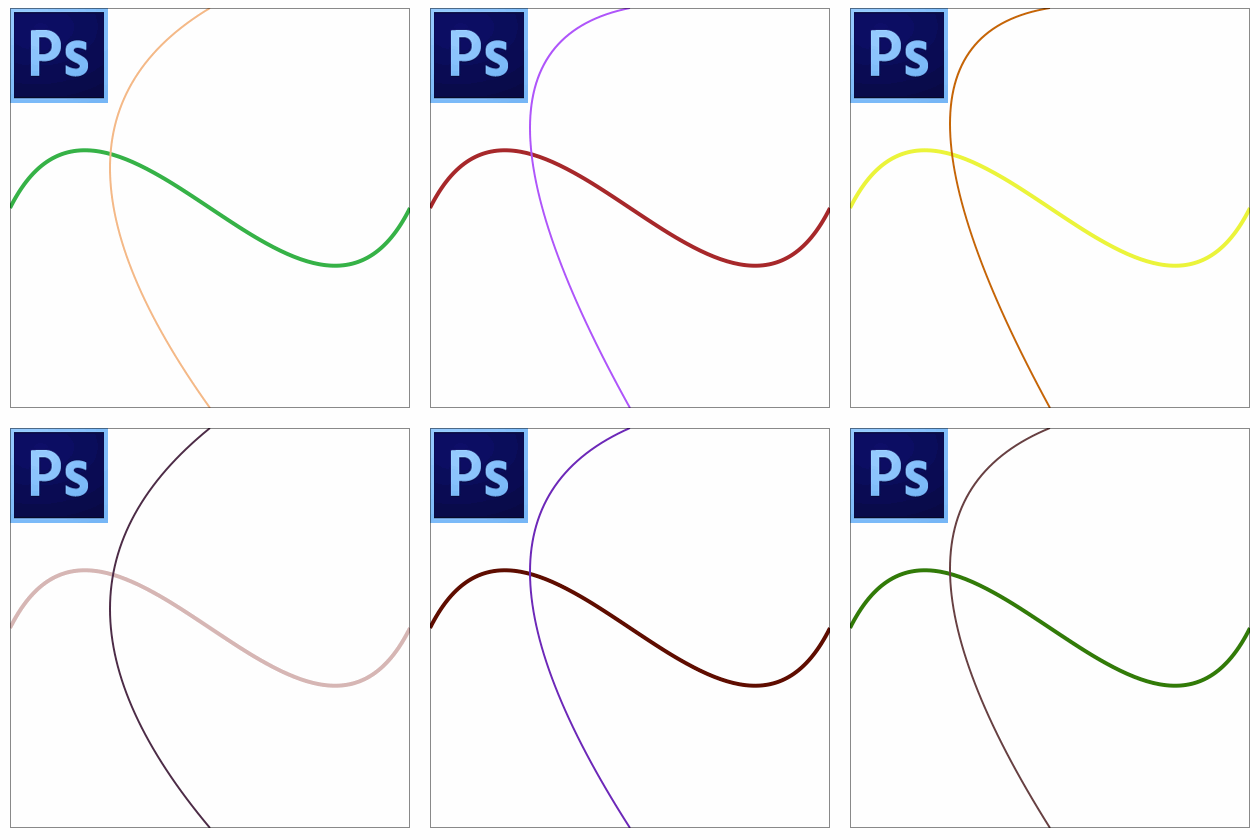
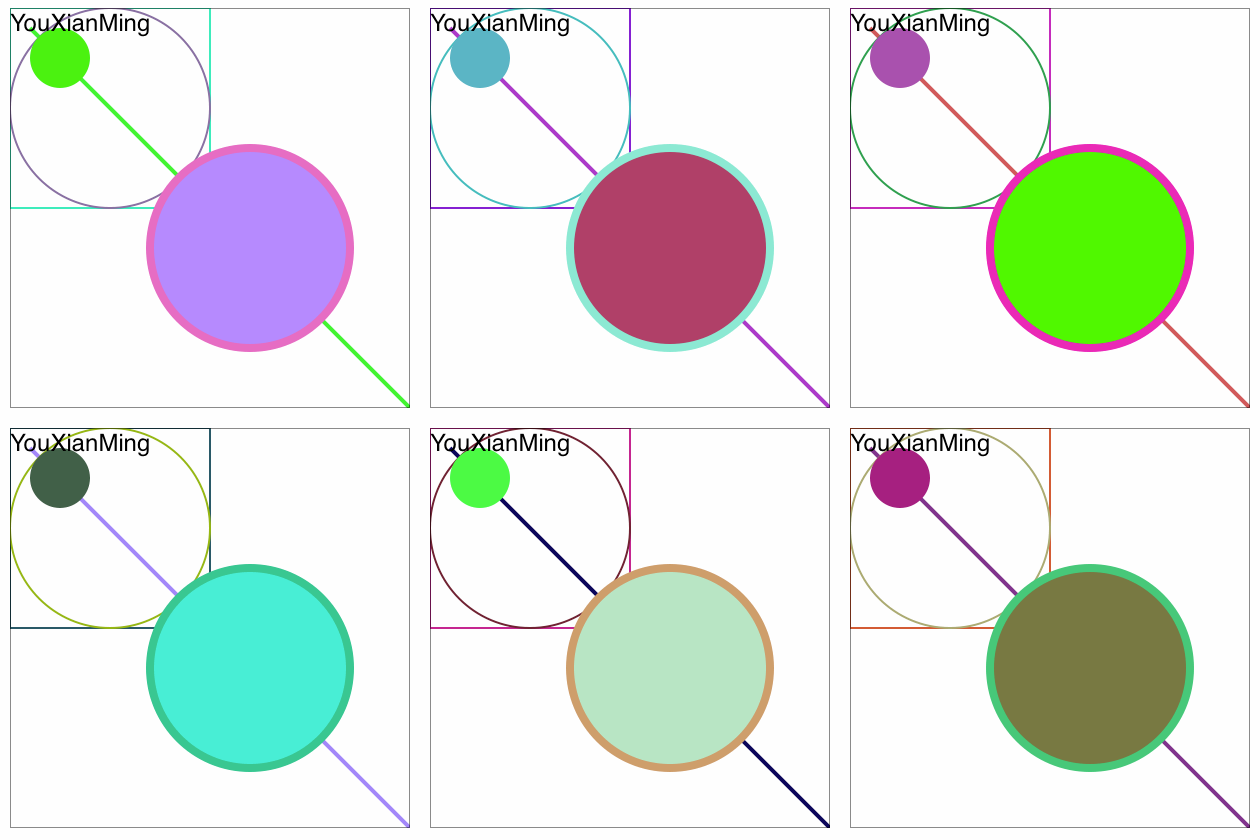
说明
1. 将CoreGraphics的API接口抽象为对象,让绘图变得简单易懂
2. 简化常用的绘制操作
3. 源码长期更新
源码
https://github.com/YouXianMing/CGContextObject
//

//  CGContextObject.h

//  DrawRect

//

//  Created by YouXianMing on 15/7/2.

//  Copyright (c) 2015年 YouXianMing. All rights reserved.

//

#import <Foundation/Foundation.h>

#import <CoreGraphics/CoreGraphics.h>

#import "RGBColor.h"

#import "GradientColor.h"

@class CGContextObject;

typedef void(^CGContextObjectDrawBlock_t)(CGContextObject *contextObject);

@interface CGContextObject : NSObject

/**

 *  操作句柄

 */

@property (nonatomic)          CGContextRef   context;

/**

 *  线头样式

 */

@property (nonatomic)          CGLineCap      lineCap;

/**

 *  线条宽度

 */

@property (nonatomic)          CGFloat        lineWidth;

/**

 *  线条颜色

 */

@property (nonatomic, strong)  RGBColor      *strokeColor;

/**

 *  填充颜色

 */

@property (nonatomic, strong)  RGBColor      *fillColor;

/**

 *  由context进行初始化

 *

 *  @param context 绘制句柄

 *

 *  @return 绘制对象

 */

- (instancetype)initWithCGContext:(CGContextRef)context;

#pragma mark - 绘制操作流程

/**

 *  开始path

 */

- (void)beginPath;

/**

 *  关闭path

 */

- (void)closePath;

/**

 *  线条绘制

 */

- (void)strokePath;

/**

 *  填充绘制

 */

- (void)fillPath;

/**

 *  线条绘制 + 填充绘制

 */

- (void)strokeAndFillPath;

/**

 *  绘制线条用block (beginPath + closePath + 你绘制的代码 + strokePath)

 *

 *  @param block 绘制用block

 */

- (void)drawStrokeBlock:(CGContextObjectDrawBlock_t)block;

/**

 *  填充区域用block (beginPath + closePath + 你绘制的代码 + fillPath)

 *

 *  @param block 填充用block

 */

- (void)drawFillBlock:(CGContextObjectDrawBlock_t)block;

/**

 *  绘制加填充

 *

 *  @param block 绘制加填充用block

 */

- (void)drawStrokeAndFillBlock:(CGContextObjectDrawBlock_t)block;

/**

 *  绘制线条用block (beginPath + closePath + 你绘制的代码 + strokePath)

 *

 *  @param block     绘制用block

 *  @param closePath 是否关闭曲线

 */

- (void)drawStrokeBlock:(CGContextObjectDrawBlock_t)block closePath:(BOOL)closePath;

/**

 *  填充区域用block (beginPath + closePath + 你绘制的代码 + fillPath)

 *

 *  @param block     绘制用block

 *  @param closePath 是否关闭曲线

 */

- (void)drawFillBlock:(CGContextObjectDrawBlock_t)block closePath:(BOOL)closePath;

/**

 *  绘制加填充

 *

 *  @param block     绘制用block

 *  @param closePath 是否关闭曲线

 */

- (void)drawStrokeAndFillBlock:(CGContextObjectDrawBlock_t)block closePath:(BOOL)closePath;

#pragma mark - 绘制图片API

- (void)drawImage:(UIImage *)image atPoint:(CGPoint)point;

- (void)drawImage:(UIImage *)image atPoint:(CGPoint)point blendMode:(CGBlendMode)blendMode alpha:(CGFloat)alpha;

- (void)drawImage:(UIImage *)image inRect:(CGRect)rect;

- (void)drawImage:(UIImage *)image inRect:(CGRect)rect blendMode:(CGBlendMode)blendMode alpha:(CGFloat)alpha;

- (void)drawImage:(UIImage *)image asPatternInRect:(CGRect)rect;

#pragma mark - 保存操作

/**

 *  将当前设置存取到栈区中(入栈操作)

 */

- (void)saveStateToStack;

/**

 *  从栈区中取出之前保存的设置(出栈操作)

 */

- (void)restoreStateFromStack;

#pragma mark - 图形绘制API

/**

 *  移动到起始点

 *

 *  @param point 起始点

 */

- (void)moveToStartPoint:(CGPoint)point;

/**

 *  添加一个点(与上一个点直线相连)

 *

 *  @param point 点

 */

- (void)addLineToPoint:(CGPoint)point;

/**

 *  添加二次贝塞尔曲线

 *

 *  @param point    结束点

 *  @param pointOne 控制点1

 *  @param pointTwo 控制点2

 */

- (void)addCurveToPoint:(CGPoint)point controlPointOne:(CGPoint)pointOne controlPointTwo:(CGPoint)pointTwo;

/**

 *  添加一次贝塞尔曲线

 *

 *  @param point        结束点

 *  @param controlPoint 控制点

 */

- (void)addQuadCurveToPoint:(CGPoint)point controlPoint:(CGPoint)controlPoint;

/**

 *  在指定的区域填充彩色的矩形(此为直接绘制)

 *

 *  @param rect          指定的区域

 *  @param gradientColor 渐变色对象

 */

- (void)drawLinearGradientAtClipToRect:(CGRect)rect gradientColor:(GradientColor *)gradientColor;

#pragma mark -

/**

 *  添加一个矩形

 *

 *  @param rect

 */

- (void)addRect:(CGRect)rect;

/**

 *  在给定的矩形中绘制椭圆

 *

 *  @param rect

 */

- (void)addEllipseInRect:(CGRect)rect;

/**

 *  将string绘制在指定的点上

 *

 *  @param string     字符串

 *  @param point      点

 *  @param attributes 富文本设置(可以为空)

 */

- (void)drawString:(NSString *)string atPoint:(CGPoint)point withAttributes:(NSDictionary *)attributes;

/**

 *  将string绘制在制定的区域

 *

 *  @param string     字符串

 *  @param rect       区域

 *  @param attributes 富文本设置(可以为空)

 */

- (void)drawString:(NSString *)string inRect:(CGRect)rect withAttributes:(NSDictionary *)attributes;

/**

 *  将富文本绘制在制定的点上

 *

 *  @param string 富文本

 *  @param point  点

 */

- (void)drawAttributedString:(NSAttributedString *)string atPoint:(CGPoint)point;

/**

 *  将富文本绘制在制定的矩形中

 *

 *  @param string 富文本

 *  @param rect   矩形

 */

- (void)drawAttributedString:(NSAttributedString *)string inRect:(CGRect)rect;

@end
//

//  CGContextObject.m

//  DrawRect

//

//  Created by YouXianMing on 15/7/2.

//  Copyright (c) 2015年 YouXianMing. All rights reserved.

//

#import "CGContextObject.h"

@interface CGContextObject ()

@end

@implementation CGContextObject

- (instancetype)initWithCGContext:(CGContextRef)context {

    self = [super init];

    if (self) {

        self.context = context;

    }

    return self;

}

- (void)moveToStartPoint:(CGPoint)point {

    if (_context) {

        CGContextMoveToPoint(_context, point.x, point.y);

    }

}

- (void)addLineToPoint:(CGPoint)point {

    if (_context) {

        CGContextAddLineToPoint(_context, point.x, point.y);

    }

}

- (void)addCurveToPoint:(CGPoint)point controlPointOne:(CGPoint)pointOne controlPointTwo:(CGPoint)pointTwo {

    if (_context) {

        CGContextAddCurveToPoint(_context, pointOne.x, pointOne.y, pointTwo.x, pointTwo.y, point.x, point.y);

    }

}

- (void)addQuadCurveToPoint:(CGPoint)point controlPoint:(CGPoint)controlPoint {

    if (_context) {

        CGContextAddQuadCurveToPoint(_context, controlPoint.x, controlPoint.y, point.x, point.y);

    }

}

- (void)drawLinearGradientAtClipToRect:(CGRect)rect gradientColor:(GradientColor *)gradientColor {

    [self saveStateToStack];

    if (_context) {

        CGContextClipToRect(_context, rect);

        CGContextDrawLinearGradient(_context,

                                    gradientColor.gradientRef,

                                    gradientColor.gradientStartPoint,

                                    gradientColor.gradientEndPoint, kCGGradientDrawsBeforeStartLocation);

    }

    [self restoreStateFromStack];

}

- (void)addRect:(CGRect)rect {

    if (_context) {

        CGContextAddRect(_context, rect);

    }

}

- (void)addEllipseInRect:(CGRect)rect {

    if (_context) {

        CGContextAddEllipseInRect(_context, rect);

    }

}

- (void)drawString:(NSString *)string atPoint:(CGPoint)point withAttributes:(NSDictionary *)attributes {

    [string drawAtPoint:point withAttributes:attributes];

}

- (void)drawString:(NSString *)string inRect:(CGRect)rect withAttributes:(NSDictionary *)attributes {

    [string drawInRect:rect withAttributes:attributes];

}

- (void)drawAttributedString:(NSAttributedString *)string atPoint:(CGPoint)point {

    [string drawAtPoint:point];

}

- (void)drawAttributedString:(NSAttributedString *)string inRect:(CGRect)rect {

    [string drawInRect:rect];

}

- (void)beginPath {

    if (_context) {

        CGContextBeginPath(_context);

    }

}

- (void)closePath {

    if (_context) {

        CGContextClosePath(_context);

    }

}

- (void)strokePath {

    if (_context) {

        CGContextStrokePath(_context);

    }

}

- (void)fillPath {

    if (_context) {

        CGContextFillPath(_context);

    }

}

- (void)strokeAndFillPath {

    if (_context) {

        CGContextDrawPath(_context, kCGPathFillStroke);

    }

}

- (void)drawStrokeBlock:(CGContextObjectDrawBlock_t)block {

    [self beginPath];

    __weak CGContextObject *weakSelf = self;

    block(weakSelf);

    [self closePath];

    [self strokePath];

}

- (void)drawFillBlock:(CGContextObjectDrawBlock_t)block {

    [self beginPath];

    __weak CGContextObject *weakSelf = self;

    block(weakSelf);

    [self closePath];

    [self fillPath];

}

- (void)drawStrokeAndFillBlock:(CGContextObjectDrawBlock_t)block {

    [self beginPath];

    __weak CGContextObject *weakSelf = self;

    block(weakSelf);

    [self closePath];

    [self strokeAndFillPath];

}

- (void)drawStrokeBlock:(CGContextObjectDrawBlock_t)block closePath:(BOOL)closePath {

    [self beginPath];

    __weak CGContextObject *weakSelf = self;

    block(weakSelf);

    if (closePath) {

        [self closePath];

    }

    [self strokePath];

}

- (void)drawFillBlock:(CGContextObjectDrawBlock_t)block closePath:(BOOL)closePath {

    [self beginPath];

    __weak CGContextObject *weakSelf = self;

    block(weakSelf);

    if (closePath) {

        [self closePath];

    }

    [self fillPath];

}

- (void)drawStrokeAndFillBlock:(CGContextObjectDrawBlock_t)block closePath:(BOOL)closePath {

    [self beginPath];

    __weak CGContextObject *weakSelf = self;

    block(weakSelf);

    if (closePath) {

        [self closePath];

    }

    [self strokeAndFillPath];

}

- (void)drawImage:(UIImage *)image atPoint:(CGPoint)point {

    [image drawAtPoint:point];

}

- (void)drawImage:(UIImage *)image atPoint:(CGPoint)point blendMode:(CGBlendMode)blendMode alpha:(CGFloat)alpha {

    [image drawAtPoint:point blendMode:blendMode alpha:alpha];

}

- (void)drawImage:(UIImage *)image inRect:(CGRect)rect {

    [image drawInRect:rect];

}

- (void)drawImage:(UIImage *)image inRect:(CGRect)rect blendMode:(CGBlendMode)blendMode alpha:(CGFloat)alpha {

    [image drawInRect:rect blendMode:blendMode alpha:alpha];

}

- (void)drawImage:(UIImage *)image asPatternInRect:(CGRect)rect {

    [image drawAsPatternInRect:rect];

}

- (void)saveStateToStack {

    if (_context) {

        CGContextSaveGState(_context);

    }

}

- (void)restoreStateFromStack {

    if (_context) {

        CGContextRestoreGState(_context);

    }

}

#pragma mark - 重写setter,getter方法

@synthesize strokeColor = _strokeColor;

- (void)setStrokeColor:(RGBColor *)strokeColor {

    if (_context) {

        _strokeColor = strokeColor;

        CGContextSetRGBStrokeColor(_context, strokeColor.red, strokeColor.green, strokeColor.blue, strokeColor.alpha);

    }

}

- (RGBColor *)strokeColor {

    return _strokeColor;

}

@synthesize fillColor = _fillColor;

- (void)setFillColor:(RGBColor *)fillColor {

    if (_context) {

        _fillColor = fillColor;

        CGContextSetRGBFillColor(_context, fillColor.red, fillColor.green, fillColor.blue, fillColor.alpha);

    }

}

- (RGBColor *)fillColor {

    return _fillColor;

}

@synthesize lineWidth = _lineWidth;

- (void)setLineWidth:(CGFloat)lineWidth {

    if (_context) {

        _lineWidth = lineWidth;

        CGContextSetLineWidth(_context, lineWidth);

    }

}

- (CGFloat)lineWidth {

    return _lineWidth;

}

@synthesize lineCap = _lineCap;

- (void)setLineCap:(CGLineCap)lineCap {

    if (_context) {

        _lineCap = lineCap;

        CGContextSetLineCap(_context, lineCap);

    }

}

- (CGLineCap)lineCap {

    return _lineCap;

}

@end
细节

封装CoreGraphics的API简化绘图操作的更多相关文章
- javaCV入门指南:调用FFmpeg原生API和JavaCV是如何封装了FFmpeg的音视频操作?
通过"javaCV入门指南:序章 "大家知道了处理音视频流媒体的前置基本知识,基本知识包含了像素格式.编解码格式.封装格式.网络协议以及一些音视频专业名词,专业名词不会赘述,自行搜 ...
- 八:SpringBoot-集成JPA持久层框架,简化数据库操作
SpringBoot-集成JPA持久层框架,简化数据库操作 1.JPA框架简介 1.1 JPA与Hibernate的关系: 2.SpringBoot整合JPA Spring Data JPA概述: S ...
- 深入浅出话VC++(3)——VC++实现绘图操作
VC++实现绘图操作,说白了也就是对API熟练操作了,下面介绍几种绘图 1. 绘制线条 具体实现代码如下: // 鼠标左键按下时的处理函数 void CDrawView::OnLButtonDown( ...
- 利用SolrJ操作solr API完成index操作
使用SolrJ操作Solr会比利用httpClient来操作Solr要简单.SolrJ是封装了httpClient方法,来操作solr的API的.SolrJ底层还是通过使用httpClient中的方法 ...
- HBase篇--HBase操作Api和Java操作Hbase相关Api
一.前述. Hbase shell启动命令窗口,然后再Hbase shell中对应的api命令如下. 二.说明 Hbase shell中删除键是空格+Ctrl键. 三.代码 1.封装所有的API pa ...
- C# 使用 Index 和 Range 简化集合操作
C# 使用 Index 和 Range 简化集合操作 Intro 有的语言数组的索引值是支持负数的,表示从后向前索引,比如:arr[-1] 从 C# 8 开始,C# 支持了数组的反向 Index,和 ...
- Web API与文件操作
前段时间,一直有练习ASP.NET MVC与Web API交互,接下来,Insus.NET再做一些相关的练习,Web API与文件操作,如POST文件至Web API,更新或是删除等. 不管怎样,先在 ...
- Java封装自己的Api
转自:http://www.2cto.com/kf/201404/291555.html 随着学习的深入,我们都想封装自己的Api,但对于新手这并不是一件简单容易的事! 我要达到的效果:自己封装一些方 ...
- Asp.Net Web API 2(CRUD操作)第二课
Asp.Net Web API 2(CRUD操作)第二课 Asp.Net Web API 导航 Asp.Net Web API第一课:入门http://www.cnblogs.com/aehyok ...
随机推荐
- jQuery为图片添加链接(创建新的元素来包裹选中的元素)
主要用到 wrap()函数 http://www.w3school.com.cn/jquery/manipulation_wrap.asp 这个函数是创建新的的元素去包裹所执行这个方法的元素 如下例子 ...
- NodeJS调用jar包
我们在实际的生产.开发实践中,其实要和许多第三方服务商进行打交道,这其中包括使用他们提供的批量与联机服务,但与别的互联网企业不大相同的是,银行作为传统企业,其一贯重视安全性,许多在互联网企业看似理所当 ...
- Maven 映像
国内连接maven官方的仓库更新依赖库,网速一般很慢,收集一些国内快速的maven仓库镜像以备用. ====================国内OSChina提供的镜像,非常不错=========== ...
- Apache Thrift - 可伸缩的跨语言服务开发框架 ---转载
src:http://www.ibm.com/developerworks/cn/java/j-lo-apachethrift/ http://thrift.apache.org/
- Formtastic: Forms Made Crazy Easy for Rails Developers
Formtastic is a Rails plugin by Justin French that aims to take the headaches out of building forms ...
- Fiddler——PC上实现手机的抓包(转载 http://www.jianshu.com/p/13f8a81d7c7c)
Fiddler是15年初,在千牛中做超级促销插件时,发现没有root的Android机和没有越狱的iPhone无法修改host,因此没办法测试.为了让我这个磨人的PD也能看到,开发推荐了Fiddler ...
- django2.1---中间件
在http请求 到达视图函数之前 和视图函数return之后,django会根据自己的规则在合适的时机执行中间件中相应的方法. Django1.9版本以后中间件的执行流程 1.执行完所有的requ ...
- Python魔法方法之属性访问 ( __getattr__, __getattribute__, __setattr__, __delattr__ )
通常情况下,我们在访问类或者实例对象的时候,会牵扯到一些属性访问的魔法方法,主要包括: ① __getattr__(self, name): 访问不存在的属性时调用 ② __getattribute_ ...
- 使用JS导出页面内容到Excel
JS代码 <script> $(function(){ // 使用outerHTML属性获取整个table元素的HTML代码(包括<table>标签),然后包装成一个完整的HT ...
- [转]LINQ: Using INNER JOIN, Group and SUM
本文转自:https://stackoverflow.com/questions/530925/linq-using-inner-join-group-and-sum SELECT T1.Column ...