
springboot处理单个文件上传
1. 引入pom.xml
<dependencies>

        <dependency>

            <groupId>org.springframework.boot</groupId>

            <artifactId>spring-boot-starter-web</artifactId>

        </dependency>

        <dependency>

            <groupId>org.springframework.boot</groupId>

            <artifactId>spring-boot-starter-test</artifactId>

        </dependency>

    </dependencies>
2. 编写application.yml
server:

  port: 8082

spring:

  application:

    name: upload-service

  servlet:

    multipart:

      max-file-size: 5MB
3. 编写UploadService
package com.leyou.upload.service;

import com.leyou.upload.controller.UploadController;

import org.apache.commons.lang.time.DateFormatUtils;

import org.slf4j.Logger;

import org.slf4j.LoggerFactory;

import org.springframework.stereotype.Service;

import org.springframework.web.multipart.MultipartFile;

import javax.imageio.ImageIO;

import java.awt.image.BufferedImage;

import java.io.File;

import java.io.IOException;

import java.util.Arrays;

import java.util.Date;

import java.util.List;

import java.util.UUID;

/**

 * @author john

 * @date 2019/11/30 - 15:20

 */

@Service

public class UploadService {

    private static final Logger LOGGER = LoggerFactory.getLogger(UploadController.class);

    //设置文件的contentType

    private static final List<String> CONTENT_TYPES = Arrays.asList("image/jpg", "image/jpeg", "image/gif");

    //设置文件存储的基路径

    private static final String BASE_PATH = "D:\\imooc\\project\\images\\";

    //设置文件返回的url

    private static final String IMAGE_URL = "http://image.leyou.com/";

    public String uploadImage(MultipartFile file) {

        String originalFilename = file.getOriginalFilename();

        String contentType = file.getContentType();

        String ext = null;

        if (originalFilename == null || !originalFilename.contains(".")) {

            //图片名错误直接返回

            return null;

        }

        ext = originalFilename.substring(originalFilename.lastIndexOf("."));

        // 1. 文件类型

        if (contentType == null) {

            LOGGER.info("文件{}获取不到contentType", originalFilename);

            return null;

        }

        if (!CONTENT_TYPES.contains(contentType.toLowerCase())) {

            LOGGER.info("文件上传失败: {},文件类型{}不合法", originalFilename, contentType);

            return null;

        }

        try {

            // 2. 校验文件的内容

            BufferedImage bufferImage = ImageIO.read(file.getInputStream());

            if (bufferImage == null || bufferImage.getWidth() <= 0 || bufferImage.getHeight() <= 0) {

                LOGGER.info("文件上传失败: {},文件内容不合法", originalFilename);

                return null;

            }

            //设置文件上传后的生成的新名字

            String uuid = UUID.randomUUID().toString().replaceAll("-", "");

            String newfileName = uuid + ext;

            //设置上传图片的实际存储目录

            String dirPath = DateFormatUtils.format(new Date(), "yyyyMMdd");

            String filepath = BASE_PATH + File.separator + dirPath;

            //创建新路径文件夹

            File targetFile = new File(filepath);

            if (!targetFile.exists()) {

                targetFile.mkdirs();

            }

            // 3. 保存到服务器

            file.transferTo(new File(filepath + File.separator + newfileName));

            // 4. 返回url路径

            return IMAGE_URL + dirPath + File.separator + newfileName;

        } catch (IOException e) {

            e.printStackTrace();

            LOGGER.info("文件{}上传失败:服务器异常 {}", originalFilename, e.getMessage());

            return null;

        }

    }

}
3. 编写UploadController
package com.leyou.upload.controller;

import com.leyou.upload.service.UploadService;

import org.apache.commons.lang.StringUtils;

import org.springframework.beans.factory.annotation.Autowired;

import org.springframework.http.HttpStatus;

import org.springframework.http.ResponseEntity;

import org.springframework.stereotype.Controller;

import org.springframework.web.bind.annotation.PostMapping;

import org.springframework.web.bind.annotation.RequestMapping;

import org.springframework.web.bind.annotation.RequestParam;

import org.springframework.web.multipart.MultipartFile;

/**

 * @author john

 * @date 2019/11/30 - 15:18

 */

@Controller

@RequestMapping("upload")

public class UploadController {

    @Autowired

    private UploadService uploadService;

    @PostMapping("image")

    public ResponseEntity<String> uploadImage(@RequestParam("file") MultipartFile file) {

        String url = uploadService.uploadImage(file);

        if (StringUtils.isBlank(url)) {

            return ResponseEntity.badRequest().build();

        }

        return ResponseEntity.status(HttpStatus.CREATED).body(url);

    }

}
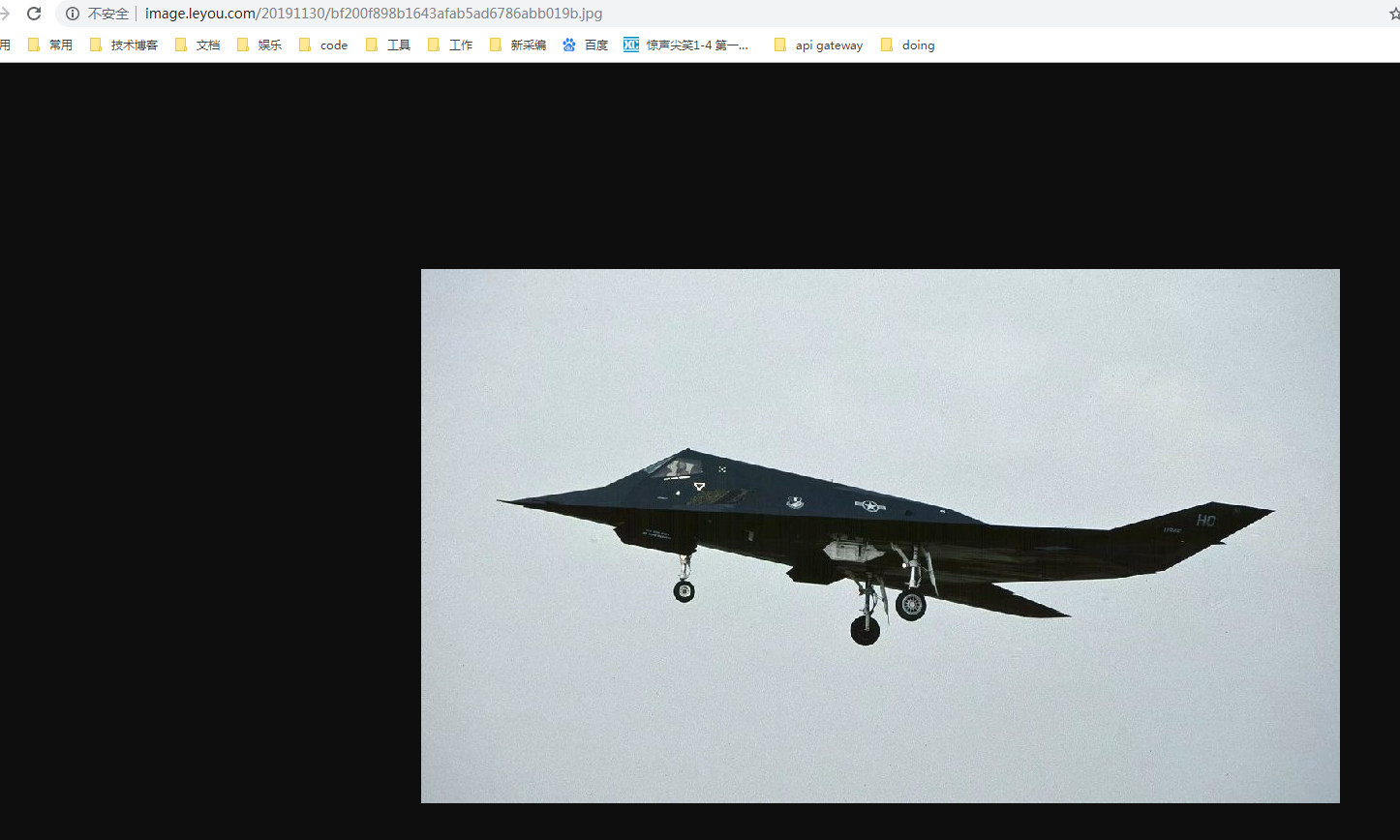
测试上传

springboot处理单个文件上传的更多相关文章
- springboot文件上传: 单个文件上传 和 多个文件上传
单个文件上传 //文件上传统一处理 @RequestMapping(value = "/upload",method=RequestMethod.POST) @ResponseBo ...
- SpringBoot: 6.文件上传(转)
1.编写页面uploadFile.html <!DOCTYPE html> <html lang="en"> <head> <meta c ...
- Springboot如何启用文件上传功能
网上的文章在写 "springboot文件上传" 时,都让你加上模版引擎,我只想说,我用不上,加模版引擎,你是觉得我脑子坏了,还是觉得我拿不动刀了. springboot如何启用文 ...
- spring mvc文件上传(单个文件上传|多个文件上传)
单个文件上传spring mvc 实现文件上传需要引入两个必须的jar包 1.所需jar包: commons-fileupload-1.3.1.jar ...
- sruts2:单个文件上传,多个文件上传(属性驱动)
文件上传功能在Struts2中得到了很好的封装,主要使用fileUpload上传组件. 1. 单个文件上传 1.1 创建上传单个文件的JSP页面.显示提交结果的JSP页面 uploadTest1.js ...
- Struts2 单个文件上传/多文件上传
1导入struts2-blank.war所有jar包:\struts-2.3.4\apps\struts2-blank.war 单个文件上传 upload.jsp <s:form action= ...
- SpringBoot项目实现文件上传和邮件发送
前言 本篇文章主要介绍的是SpringBoot项目实现文件上传和邮件发送的功能. SpringBoot 文件上传 说明:如果想直接获取工程那么可以直接跳到底部,通过链接下载工程代码. 开发准备 环境要 ...
- SpringBoot+BootStrap多文件上传到本地
1.application.yml文件配置 # 文件大小 MB必须大写 # maxFileSize 是单个文件大小 # maxRequestSize是设置总上传的数据大小 spring: servle ...
- springboot升级导致文件上传自动配置/tmp目录问题解决
1,..\web\src\main\resources\spring\web-men-applicationContext.xml 保留原有的bean配置 <bean id="mult ...
随机推荐
- List集合的方法总结
1. 添加方法 boolean add(E e): 向集合的末尾添加指定的元素 boolean addAll(Collection<? extends E> c): 向集合的末尾添加一个指 ...
- TCP如何保证可靠传输
TCP 协议如何保证可靠传输 一.综述 1.确认和重传:接收方收到报文就会确认,发送方发送一段时间后没有收到确认就重传. 2.数据校验 3.数据合理分片和排序: UDP:IP数据报大于1500字节 ...
- 【转】HDU-6035-Colorful Tree
转自http://blog.csdn.net/Bahuia/article/details/76141574 题意: 题目链接:http://acm.hdu.edu.cn/showproblem.ph ...
- @ControllerAdvice 全局异常处理
使用@ControllerAdvice 定义 全局异常处理 package com.app; import java.io.IOException; import java.io.PrintWrite ...
- C++入门经典-例6.5-连接字符串
1:运行代码如下: // 6.5.cpp : 定义控制台应用程序的入口点. // #include "stdafx.h" #include<iostream> usin ...
- C++入门经典-例3.15-使用do-while循环计算1到10的累加
1:代码如下: // 3.15.cpp : 定义控制台应用程序的入口点. // #include "stdafx.h" #include <iostream> usin ...
- JS 类和继承
function User(name, pass) { this.name = name this.pass = pass } User.prototype.showName = function ( ...
- 第八周学习总结&实验报告(6)
实验六 异常 一.实验目的: (1)理解异常的基本概念: (2)掌握异常处理方法及熟悉常见异常的捕获方法. 二.实验要求: (1)练习捕获异常.声明异常.抛出异常的方法.熟悉try和catch子句的使 ...
- 树莓派安装parrot linux记录
手头这台树莓派3b安装parrot linux arm遇到了不少问题,写篇博客记录一下. 1.下载和刻录 网址:https://www.parrotsec.org/download-other.php ...
- Oracle 数据自动备份 通过EXP备份
先写个批处理文件(.bat),具体如下:@echo off@echo ================================================@echo windows环境下 ...