
Session for SSRS Report of Microsoft Dynamics AX
Session for SSRS Report of Microsoft Dynamics AX
版权声明:本文为博主原创文章,未经博主允许不得转载。
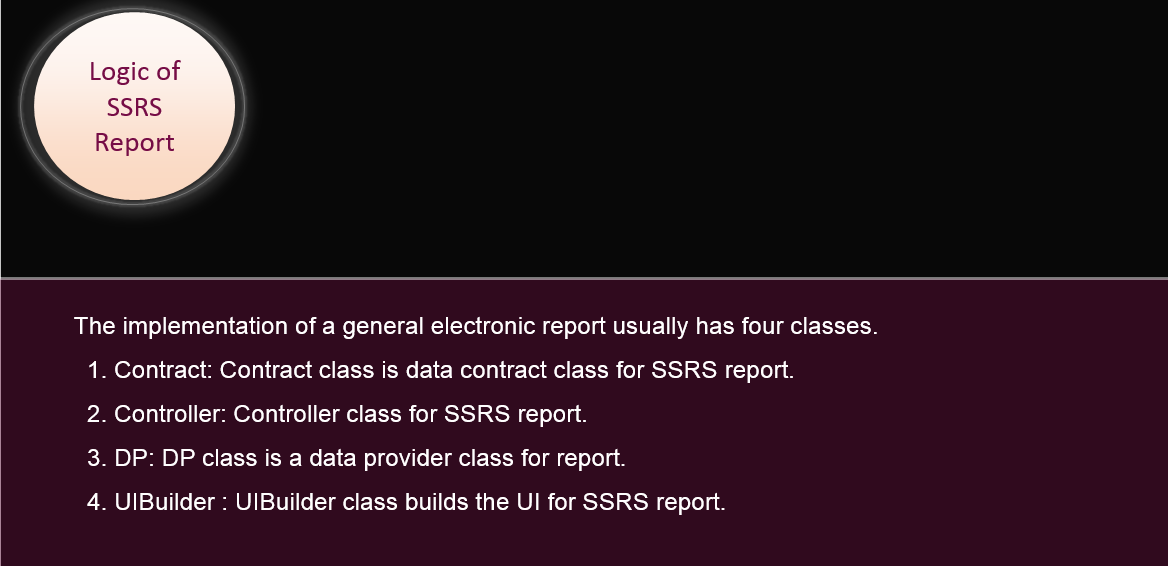
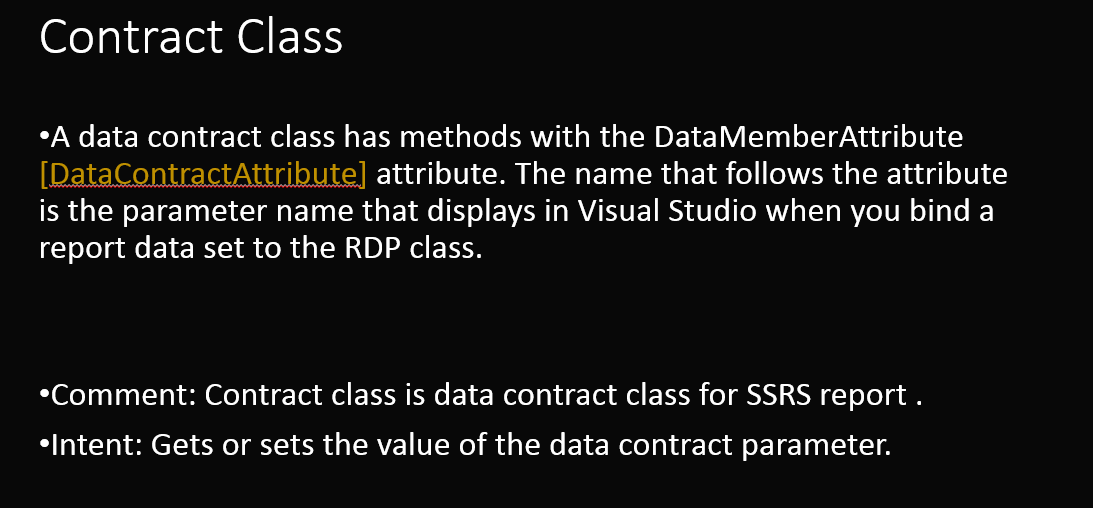
Contract
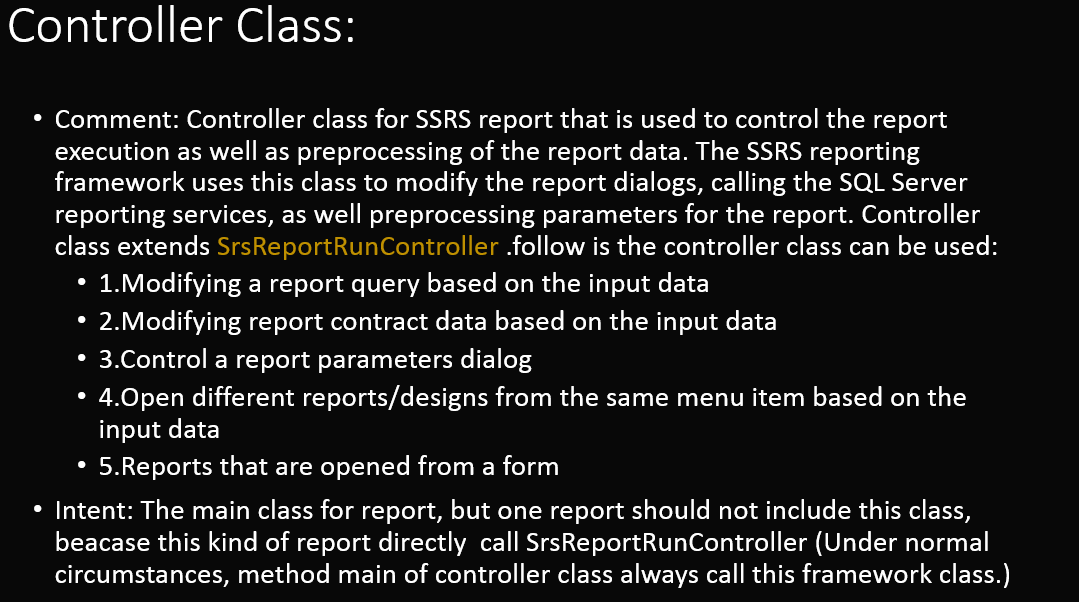
Controller:
Comment: Controller class for SSRS report that is used to control the report execution as well as preprocessing of the report data. The SSRS reporting framework uses this class to modify the report dialogs, calling the SQL Server reporting services, as well preprocessing parameters for the report. Controller class extends SrsReportRunController .follow is the controller class can be used:
1. Modifying a report query based on the input data
2. Modifying report contract data based on the input data
3. Control a report parameters dialog
4. Open different reports/designs from the same menu item based on the input data
5. Reports that are opened from a form
Intent: The main class for report, but one report should not include this class, beacase this kind of report directly call SrsReportRunController (Under normal circumstances, method main of controller class always call this framework class.)
DP:
Comment: DP class is a data provider class for report.
Intent: The key method ‘ProcessReport’ is in DP class, DP class include all process of data processing, eg: processes the report business logic and insert data to table.
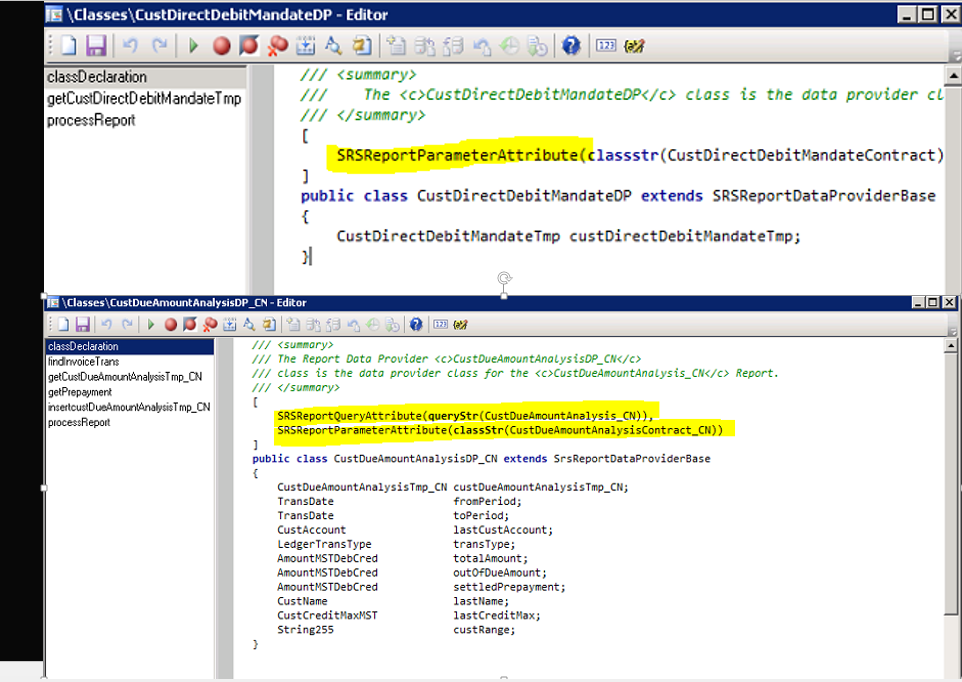
Two important attributes are used in DP classes:
- SRSReportQueryAttribute: specifies which AOT query will be used in this report. If the DP class uses an AOT query to process data, define this attribute at the beginning of the class.
- SRSReportParameterAttribute: defines the data contract class that will be used by this report to prompt for parameter values. If the DP class contains any parameters this define this attribute at the beginning of the class.
Both the attributes are optional. If the report does not use any query or does not want any parameter to filter report data, these attributes do not need to be used.
UIBuilder
Comment: User Interface (UI) Builder class builds the UI for SSRS report , this Class is used to define the layout of the parameter dialog box that opens before a report is run in Microsoft Dynamics AX. It is used to add the customizations as well as additional fields in the dialog. follow is the UIBuilder class can be used:
1. Grouping dialog fields
2. Overriding dialog field events
3. Adding a customized lookup to a dialog field
4. Binding dialog fields with Report contract parameters
5. Changing the layout of the dialog
6. Adding custom controls to the dialog
Intent: Build a UI dialog, user can use this dialog to input some data parameter to print report.












博主:海宁
联系:whnsspu@163.com
Session for SSRS Report of Microsoft Dynamics AX的更多相关文章
- Microsoft Dynamics AX 2012 X++ Editor Extensions
Microsoft Dynamics AX 2012 X++ Editor Extensions Initial version of this project is based on the MSD ...
- [eBook]Inside Microsoft Dynamics AX 2012 R3发布
最近一本关于Microsoft Dynamics AX 2012开发的书<Inside Microsoft Dynamics AX 2012 R3> 发布. Book Descriptio ...
- 转:Microsoft Dynamics AX内部版本号概述
Overview of Microsoft Dynamics AX build numbers 转自:https://community.dynamics.com/ax/b/axsupport/arc ...
- Microsoft Dynamics AX 7 新特性探索 - Demo 部署(Part 1)
Dynamics AX 7已经发布了一段时间了,我们知道这次微软为我们带来了许多令人激动的新特性.在这个系列里,Reinhard将揭开New Dynamics AX的神秘面纱,和大家一起探索这些新的特 ...
- Microsoft Dynamics AX 2012: How to get Company,Customer and Vendor address in AX 2012
Scenario: “How to get Addresses of “Customer, Vendor and Company” 1) First we need to identify ...
- Microsoft Dynamics AX 2009 White Paper: Close Non-Financial Transfers
http://www.microsoft.com/en-us/download/confirmation.aspx?id=12174
- Report processing of Microsoft Dynamic AX
Report processing of Microsoft Dynamic AX 版权声明:本文为博主原创文章,未经博主允许不得转载. The implementation of a general ...
- Dynamics AX 2012 R2 安装Reporting Services 扩展
今天Reinhard在VS中部署SSRS报表时,接到以下错误: 部署因错误而被取消.在报表服务器上,验证:-SQL Server Reporting Services 服务是否正在运行. 接着,Rei ...
- How to Debug Enterprise Portal Code in Dynamics AX 2009
转载 To set up debugging for pages1. Log into the server that is running the AOS.2. Open the Microsoft ...
随机推荐
- 20145223《信息安全系统设计基础》 GDB调试汇编堆栈过程分析
20145223<信息安全系统设计基础> GDB调试汇编堆栈过程分析 分析的c语言源码 生成汇编代码--命令:gcc -g example.c -o example -m32 进入gdb调 ...
- python求数字位数的方法
第一种:利用str()函数将数字转化成字符串,再利用len()函数判断位长. a=Int(raw_input("the number you want type in:") b=l ...
- 分布式大数据高并发的web开发框架
一.引言 通常我们认为静态网页html的网站速度是最快的,但是自从有了动态网页之后,很多交互数据都从数据库查询而来,数据也是经常变化的,除了一些新闻资讯类的网站,使用html静态化来提高访问速度是不太 ...
- sqlyog重复使用的方法(30天)
Sqlyog作为一款可视化的数据库管理工具,各种方便我就不说了,但是未经汉化或者绿色过的软件存在30天的生命期,到期后我们就不可以使用了,要摸卸载重装,我们还可以去修改注册表,来延长它的生命期,具体步 ...
- 双向链表、双向循环链表的JS实现
关于链表简介.单链表.单向循环链表.JS中的使用以及扩充方法: 单链表.循环链表的JS实现 关于四种链表的完整封装: https://github.com/zhuwq585/Data-Structu ...
- Winform中创建超链接,点击跳转网页
代码如下: System.Diagnostics.Process ie = new System.Diagnostics.Process();ie.StartInfo.FileName = " ...
- Js的typeof和Js的基本数据类型
本文将从以下几个方面介绍Js的typeof和Js的基本数据类型: ** Js的typeof的用法 ** Js的基本数据类型 ** 使用基本类型使用typeof的返回结果 ** Js的typeof的用法 ...
- 弱省互测#1 t3
题意 给出一棵n个点的树,求包含1号点的第k小的连通块权值和.(\(n<=10^5\)) 分析 k小一般考虑堆... 题解 堆中关键字为\(s(x)+min(a)\),其中\(s(x)\)表示\ ...
- POJ 3233Matrix Power Series
妈妈呀....这简直是目前死得最惨的一次. 贴题目: http://poj.org/problem?id=3233 Matrix Power Series Time Limit: 3000MS Mem ...
- Android RecyclerView 的简单使用
Android L SDK发布的,新API中最有意思的就是RecyclerView (后面为RV) 和 CardView了, 按照官方的说法, RV 是一个ListView 的一个更高级更灵活的一个版 ...