
SpringMVC学习系列(2) 之 经典的HelloWorld实现
前一篇简单介绍了Spring MVC的一些知识,下面就要开始学习如何把Spring MVC运用到具体的项目中去。
首先还是从一个简单的Hello World项目说起:
我机器的开发环境为:
Ubuntu12.04(不同操作系统对本系列项目没有影响);
开发工具:Eclipse For JavaEE;
数据库:MySql5.5.35;
运行环境:TomCat V7.0;
JDK:JDK 1.7.0_45;
项目工程为:Dynamic Web Project;
一、项目依赖的jar包:
1.Spring框架依赖的jar包:
日志:commons-logging-1.1.3.jar;
JSTL支持:jakarta-taglibs-standard-1.1.2中的jstl.jar和standard.jar;
2.Spring的jar包:
spring-framework-3.2.5.RELEASE/libs中的jar包(这里为了方便我直接把全部都复制过去了);
把以上的jar包全部复制到项目的WebContent/WEB-INF/lib目录中。
二、在/WEB-INF中添加web.xml文件,文件内容如下:
<?xml version="1.0" encoding="UTF-8"?>

<web-app xmlns:xsi="http://www.w3.org/2001/XMLSchema-instance" xmlns="http://java.sun.com/xml/ns/javaee" xmlns:web="http://java.sun.com/xml/ns/javaee/web-app_3_0.xsd" xsi:schemaLocation="http://java.sun.com/xml/ns/javaee http://java.sun.com/xml/ns/javaee/web-app_3_0.xsd" id="WebApp_ID" version="3.0">

  <display-name>SpringMVCLesson</display-name>

    <servlet>

        <servlet-name>SpringMVCLesson</servlet-name>

        <servlet-class>org.springframework.web.servlet.DispatcherServlet</servlet-class>

        <init-param>

            <param-name>contextConfigLocation</param-name>

            <param-value>classpath:springservlet-config.xml</param-value>

        </init-param>

        <load-on-startup>1</load-on-startup><!-- load-on-startup必须放在最后 -->

    </servlet>

    <!-- Spring MVC配置文件结束 -->

    <servlet-mapping>

        <servlet-name>SpringMVCLesson</servlet-name>

        <url-pattern>/</url-pattern>

    </servlet-mapping>

</web-app>
首先是配置DispatcherServlet,根据系列(1)的Spring MVC响应流程图,可以看出DispatcherServlet主要就是拦截请求,然后调用对应的Controller和Action,解析和渲染指定的视图并返回响应 。
其中classpath:springservlet-config.xml指定具体的配置文件为springservlet-config.xml。
<load-on-startup>1</load-on-startup>是启动顺序,让这个Servlet随Servletp容器一起启动,必须放在<servlet> 配置的最后。
servlet-mapping中的<servlet-name>指定配置的是哪个servlet,<url-pattern>则指定拦截哪些请求到该servlet,这里配置的是拦截全部请求。
三、springservlet-config.xml文件配置:
在项目中新建一个resources的Source Folder文件夹,并添加springservlet-config.xml文件。
<?xml version="1.0" encoding="UTF-8"?>

<beans xmlns="http://www.springframework.org/schema/beans"

  xmlns:xsi="http://www.w3.org/2001/XMLSchema-instance"

  xmlns:p="http://www.springframework.org/schema/p"

  xmlns:context="http://www.springframework.org/schema/context"

  xmlns:util="http://www.springframework.org/schema/util"

  xmlns:mvc="http://www.springframework.org/schema/mvc"

  xsi:schemaLocation="

  http://www.springframework.org/schema/beans

  http://www.springframework.org/schema/beans/spring-beans.xsd

  http://www.springframework.org/schema/util

  http://www.springframework.org/schema/util/spring-util.xsd

  http://www.springframework.org/schema/context

  http://www.springframework.org/schema/context/spring-context.xsd

  http://www.springframework.org/schema/mvc

  http://www.springframework.org/schema/mvc/spring-mvc.xsd" >

    <!-- 默认的注解映射的支持 -->

    <mvc:annotation-driven/>

    <!-- 如果当前请求为“/”时,则转发到“/helloworld/index” -->

    <mvc:view-controller path="/" view-name="forward:/helloworld/index"/>

    <!-- 静态资源映射 -->

    <mvc:resources mapping="/js/**" location="/WEB-INF/js/" />

    <mvc:resources mapping="/css/**" location="/WEB-INF/css/" />

    <mvc:resources mapping="/fonts/**" location="/WEB-INF/fonts/" />

    <mvc:resources mapping="/plugins/**" location="/WEB-INF/plugins/" />

    <mvc:resources mapping="images/**" location="/WEB-INF/images/" />

    <!-- 当上面要访问的静态资源不包括在上面的配置中时,则根据此配置来访问 -->

    <mvc:default-servlet-handler/>

    <!-- 开启controller注解支持 -->

    <!-- use-default-filters="false" 只扫描指定的注解 -->

    <context:component-scan base-package="com.demo.web.controllers" use-default-filters="false">

        <context:include-filter type="annotation" expression="org.springframework.stereotype.Controller"/>

    </context:component-scan>

    <!-- 视图解析器 -->

    <bean class="org.springframework.web.servlet.view.InternalResourceViewResolver">

       <property name="viewClass" value="org.springframework.web.servlet.view.JstlView"/>

       <property name="contentType" value="text/html"/>

       <property name="prefix" value="/WEB-INF/views/"/>

       <property name="suffix" value=".jsp"/>

    </bean>

</beans>
<mvc:annotation-driven/> 开启注解映射支持,它是为了简化配置的缩写形式,它相当于以下2个配置:
<bean class="org.springframework.web.servlet.mvc.method.annotation.RequestMappingHandlerMapping"/>
<bean class="org.springframework.web.servlet.mvc.method.annotation.RequestMappingHandlerAdapter"/>
由于我们在web.xml文件里面配置的是拦截所有的请求到该servlet,所以我们在这里要对静态资源文件映射作一下配置,否则请求这些资源文件会返回404:
<!-- 静态资源映射 -->

<mvc:resources mapping="/js/**" location="/WEB-INF/js/" />

<mvc:resources mapping="/css/**" location="/WEB-INF/css/" />

<mvc:resources mapping="/fonts/**" location="/WEB-INF/fonts/" />

<mvc:resources mapping="/plugins/**" location="/WEB-INF/plugins/" />

<mvc:resources mapping="images/**" location="/WEB-INF/images/" />

<!-- 当上面要访问的静态资源不包括在上面的配置中时,则根据此配置来访问 -->

<mvc:default-servlet-handler/>
开启Controller注解支持,并配置只扫描指定包下面的Controller:
<context:component-scan base-package="com.demo.web.controllers" use-default-filters="false">

    <context:include-filter type="annotation" expression="org.springframework.stereotype.Controller"/>

</context:component-scan>
配置视图解析器,并指定视图所在的文件夹:
<bean class="org.springframework.web.servlet.view.InternalResourceViewResolver">

   <property name="viewClass" value="org.springframework.web.servlet.view.JstlView"/>

   <property name="contentType" value="text/html"/>

   <property name="prefix" value="/WEB-INF/views/"/>

   <property name="suffix" value=".jsp"/>

</bean>
添加HelloWorldController,在项目中新建一个web的Source Folder文件夹,并在文件夹下面添加com.demo.web.controllers包,在包中添加一个HelloWorldController类,类中内容如下:
package com.demo.web.controllers;

import org.springframework.stereotype.Controller;

import org.springframework.web.bind.annotation.RequestMapping;

import org.springframework.web.bind.annotation.RequestMethod;

import org.springframework.web.servlet.ModelAndView;

@Controller

@RequestMapping(value = "/helloworld")

public class HelloWorldController {

    @RequestMapping(value="/index", method = {RequestMethod.GET})

    public ModelAndView index(){

        ModelAndView modelAndView = new ModelAndView();

        modelAndView.addObject("message", "Hello World!");

        modelAndView.setViewName("index");

        return modelAndView;

    }

}
其中@Controller 注解把该class指定为controller,controller 上的@RequestMapping 注解的 value值指定该controller所映射的请求。
方法上的@RequestMapping 注解指定该方法为一个action,value 值指定该action所映射的请求,method 中的RequestMethod.GET指定该action只接受get请求。
ModelAndView 中的setViewName指定了该action所对应的视图名称,解析视图时会在springservlet-config.xml文件指定的视图文件夹中寻找对应的视图。
添加视图,在项目/WEB-INF文件夹下新建一个views文件夹,并在views中添加index.jsp视图,视图内容如下:
<%@ page language="java" contentType="text/html; charset=UTF-8"

    pageEncoding="UTF-8"%>

<!DOCTYPE html PUBLIC "-//W3C//DTD HTML 4.01 Transitional//EN" "http://www.w3.org/TR/html4/loose.dtd">

<html>

<head>

<meta http-equiv="Content-Type" content="text/html; charset=UTF-8">

<title>Insert title here</title>

</head>

<body>

    ${message}

</body>

</html>
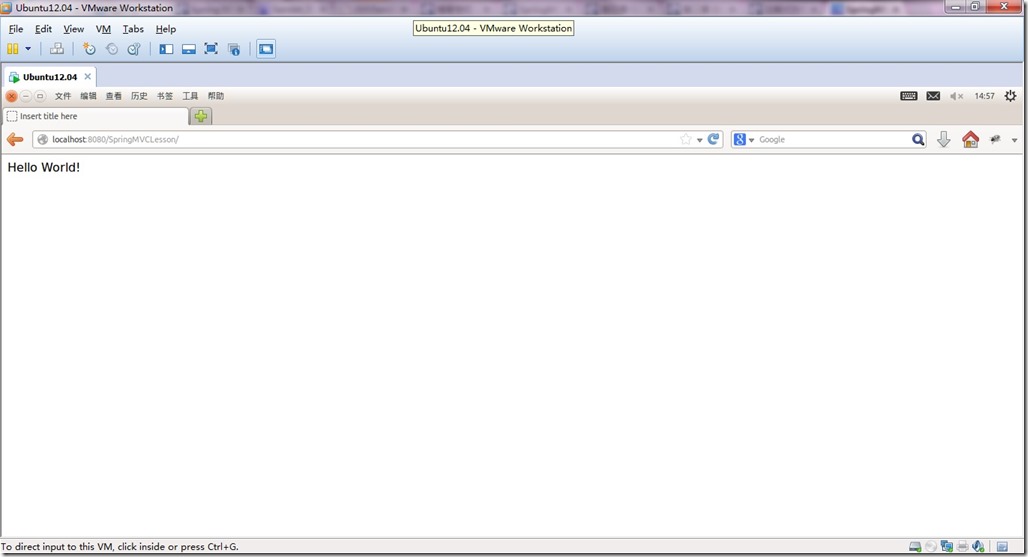
运行项目,由于我们之前配置了:<mvc:view-controller path="/" view-name="forward:/helloworld/index"/> 所以直接可以看到结果:
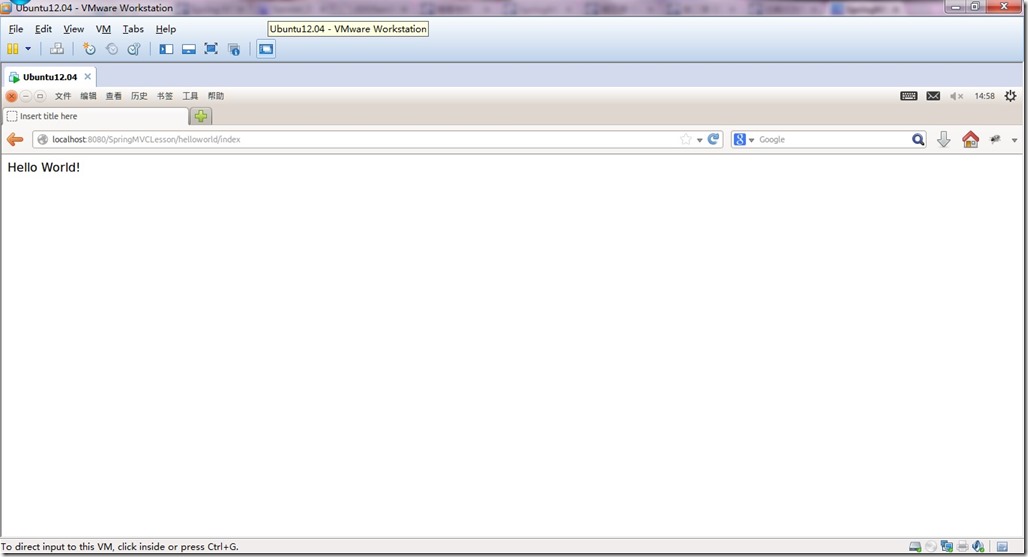
把请求的URL地址改为配置的地址:http://localhost:8080/SpringMVCLesson/helloworld/index,可以看到结果相同:
代码下载:http://pan.baidu.com/s/1o6LRw7o
注:之前没注意前11篇的示例代码,不知道为什么当时打包上传上去的是没有.project项目文件的,导致下载后不能直接导入eclipse运行,虚拟机又被我删掉了,这些示例代码也没有备份,但是代码文件还在的,所以可以新建一个Dynamic Web Project把对应的配置文件和controller还有view导入就可以了,给大家造成的不便说声抱歉。
SpringMVC学习系列(2) 之 经典的HelloWorld实现的更多相关文章
- SpringMVC学习系列-后记 解决GET请求时中文乱码的问题
SpringMVC学习系列-后记 解决GET请求时中文乱码的问题 之前项目中的web.xml中的编码设置: <filter> <filter-name>CharacterEnc ...
- SpringMVC学习系列-后记 开启项目的OpenSessionInView
在系列的 SpringMVC学习系列(12) 完结篇 的示例项目中,由于当时考虑到OpenSessionInView会对性能有一定的影响,所以就没有配置项目的OpenSessionInView.在ma ...
- SpringMVC学习系列-后记 结合SpringMVC和Hibernate-validator,根据后台验证规则自动生成前台的js验证代码
在SpringMVC学习系列(6) 之 数据验证中我们已经学习了如何结合Hibernate-validator进行后台的数据合法性验证,但是通常来说后台验证只是第二道保险,为了更好的用户体验会现在前端 ...
- SpringMVC学习系列(3) 之 URL请求到Action的映射规则
在系列(2)中我们展示了一个简单的get请求,并返回了一个简单的helloworld页面.本篇我们来学习如何来配置一个action的url映射规则. 在系列(2)中我们在HelloWorldContr ...
- SpringMVC学习系列(1) 之 初识SpringMVC
1.前言: 与SpringMVC的结识源于个人之前想做一个微信公众账号的管理平台玩玩,既然要做就需要考虑平台的选择问题.由于我的朋友只有一台运行了Linux系统的虚拟主机,且上面还运行有他自己的一些论 ...
- SpringMVC学习系列(11) 之 表单标签
本篇我们来学习Spring MVC表单标签的使用,借助于Spring MVC提供的表单标签可以让我们在视图上展示WebModel中的数据更加轻松. 一.首先我们先做一个简单了例子来对Spring MV ...
- SpringMVC学习系列(12) 完结篇 之 基于Hibernate+Spring+Spring MVC+Bootstrap的管理系统实现
到这里已经写到第12篇了,前11篇基本上把Spring MVC主要的内容都讲了,现在就直接上一个项目吧,希望能对有需要的朋友有一些帮助. 一.首先看一下项目结构: InfrastructureProj ...
- SpringMVC学习系列 之 表单标签
http://www.cnblogs.com/liukemng/p/3754211.html 本篇我们来学习Spring MVC表单标签的使用,借助于Spring MVC提供的表单标签可以让我们在视图 ...
- SpringMVC学习系列- 表单验证
本篇我们来学习Spring MVC表单标签的使用,借助于Spring MVC提供的表单标签可以让我们在视图上展示WebModel中的数据更加轻松. 一.首先我们先做一个简单了例子来对Spring MV ...
随机推荐
- Xcode7 创建HTTP请求报错
最近在Xcode 7中向服务器发送请求访问JSON数据时, 控制台打印了以下错误信息: Application Transport Security has blocked a cleartext H ...
- Django1.9开发博客(6)- 模板继承
模板继承就是网站的多个页面可以共享同一个页面布局或者是页面的某几个部分的内容.通过这种方式你就需要在每个页面复制粘贴同样的代码了. 如果你想改变页面某个公共部分,你不需要每个页面的去修改,只需要修改一 ...
- 作业3---for语句及分支结构else-if
1.本次课学习到的知识点: (1)for语句的一般表达式,执行顺序: (2)指定次序的循环程序设计:数列的累加.累乘等: (3)else-if实现的分支结构可以判断语句的真假 2.实验过程中遇到的问题 ...
- C++ | boost库 类的序列化
是的,这是今年的情人节,一篇还在研究怎么用的文章,文结的时候应该就用成功了. 恩,要有信心 神奇的分割线 不知何时装过boost库的header-only库, 所以ratslam中的boost是可以编 ...
- Java—类的封装、继承与多态
一.类和对象 1.类 类是数据以及对数据的一组操作的封装体. 类声明的格式: 类声明 { 成员变量的声明: 成员方法的声明及实现: } 1.1 声明类 [修饰符] class 类<泛型> ...
- Linux 安装图形界面及远程连接
#可查询哪些组件是否已经安装(可用来对照组件名称) yum grouplist yum groupinstall 'X Window System' -y #安装GNOME桌面环境 yum group ...
- position 定位
position属性是指本体相对于上级的定位,position又分绝对定位和相对定位.他的默认值是static,意味着元素没有被定位,出现在文档流中应该出现的位置.如果用position来布局页面,父 ...
- [转载]四大Java EE容器
转载自: https://my.oschina.net/diedai/blog/271367 现在流行的Java EE容器有很多:Tomcat.JBoss.Resin.Glassfish等等.下面对这 ...
- 【BZOJ】2719 银河之星
可以将棋子分为9种类型.且可以通过合并使得两个不同种类棋子转换为另一种棋子(不过要注意棋盘大小,有的时候硬要合并会到棋盘外面,可以先把棋盘全部转换,然后枚举每一个棋子的转换).然后把状态压成一个十位的 ...
- cookie 路径问题
Path – 路径.指定与cookie关联的WEB页.值可以是一个目录,或者是一个路径.如果http://www.zdnet.com/devhead /index.html 建立了一个cookie,那 ...