
gitblit安装使用
1.下载地址
http://www.gitblit.com/
2.安装jdk(自行安装)
3.解压gitblit
# tar -zxvf gitblit-1.8.0.tar.gz
4.配置
# cd gitblit-1.8.0/data
# vi gitblit.properties
添加以下信息:
# SINCE 1.7.0
include = defaults.properties
server.httpPort=81
server.httpBindInterface=192.168.28.130
server.httpsBindInterface=localhost
5.启动和停止
1)前台启动
# cd gitblit-1.8.0
# ./gitblit.sh
2)后台启动
# nohup ./gitblit.sh &
3)停止
# ./gitblit-stop.sh
6.访问
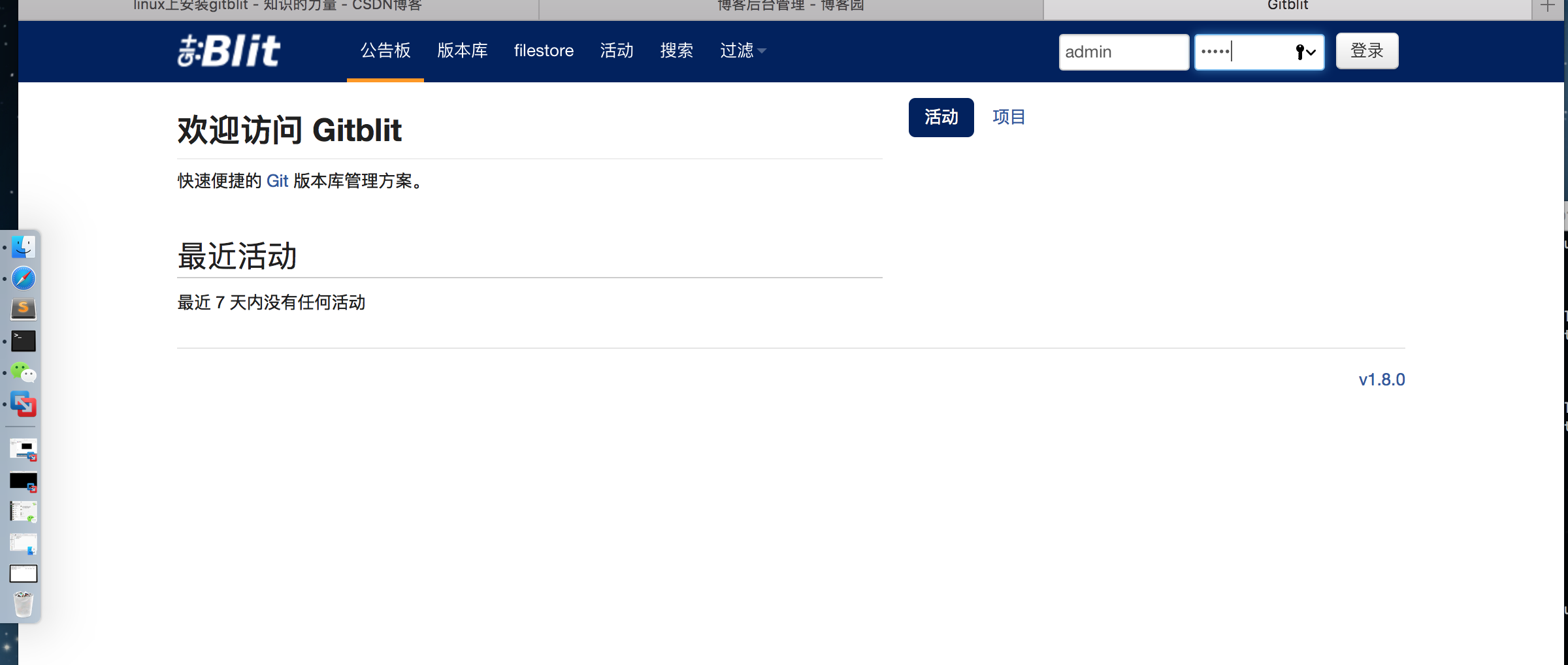
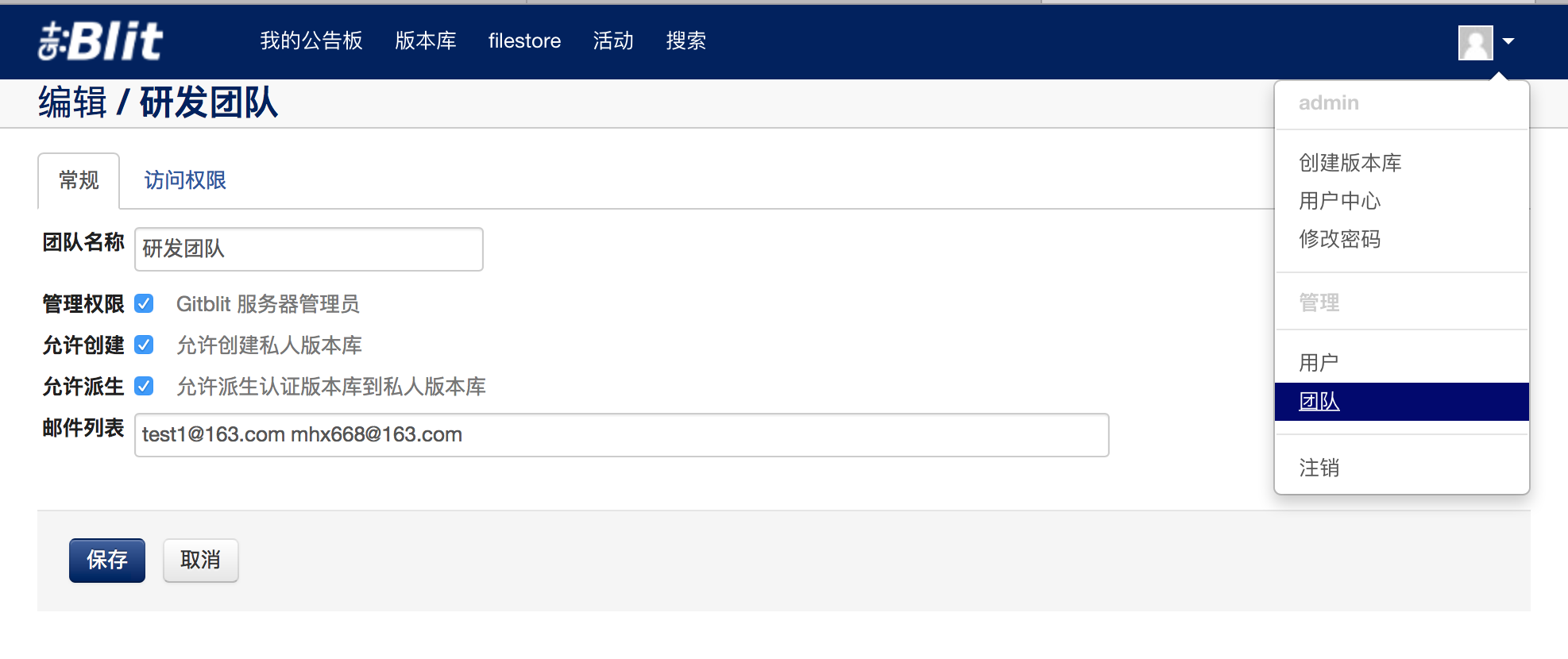
http://192.168.28.130:81
登陆密码:admin/admin
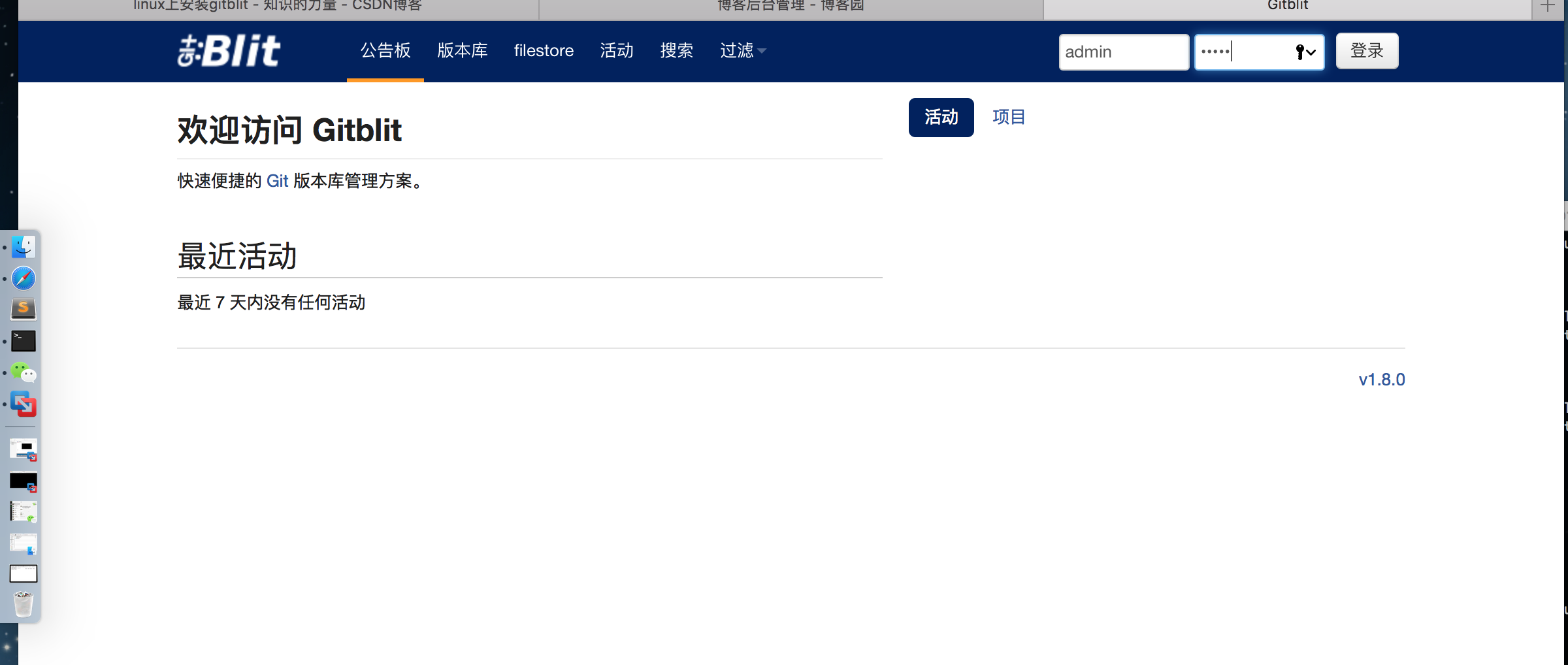
7.创建用户


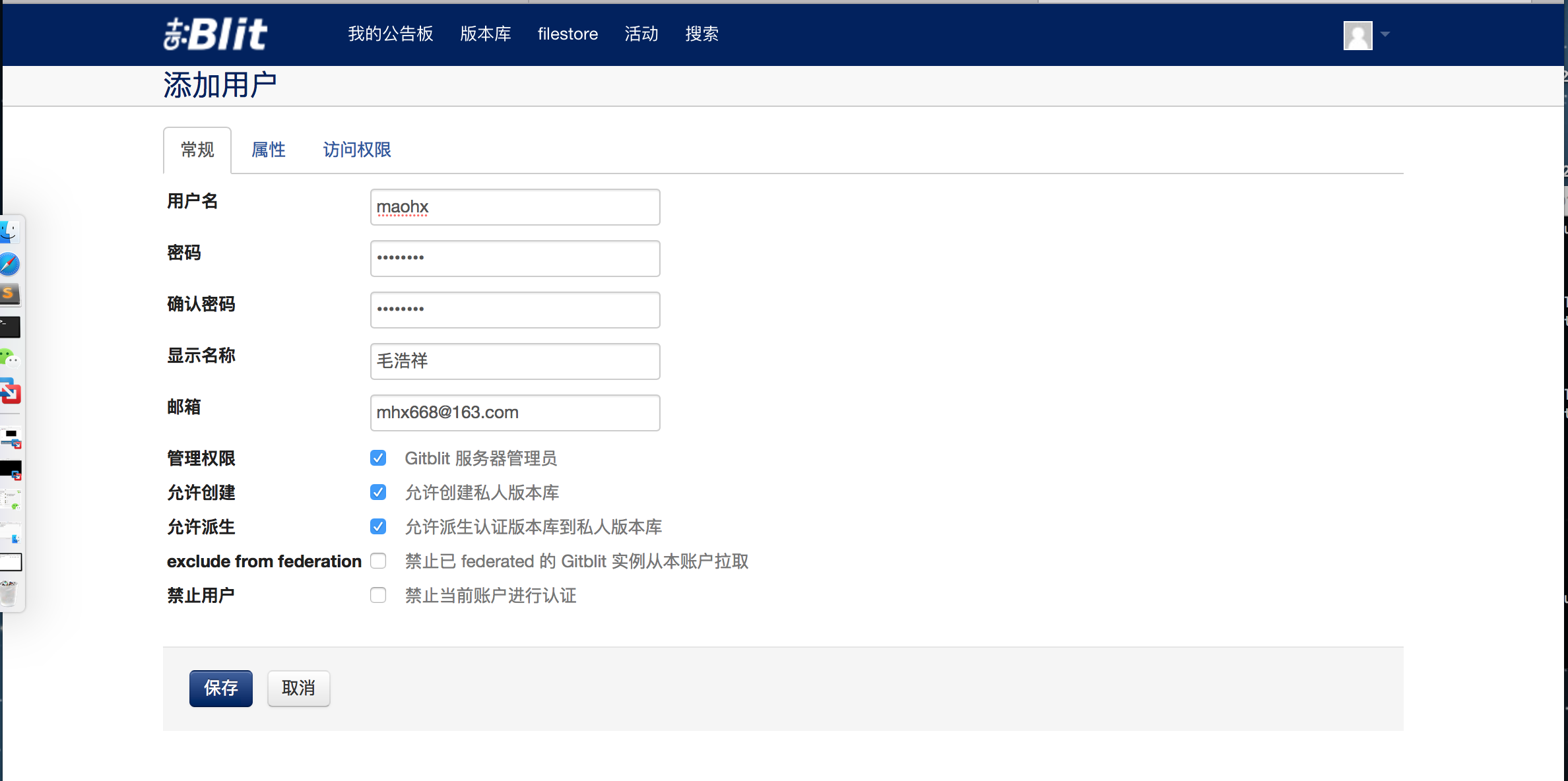
8.创建团队
9.创建版本库


10.分配项目给其他人员
先分配给组,再分配给组中的成员

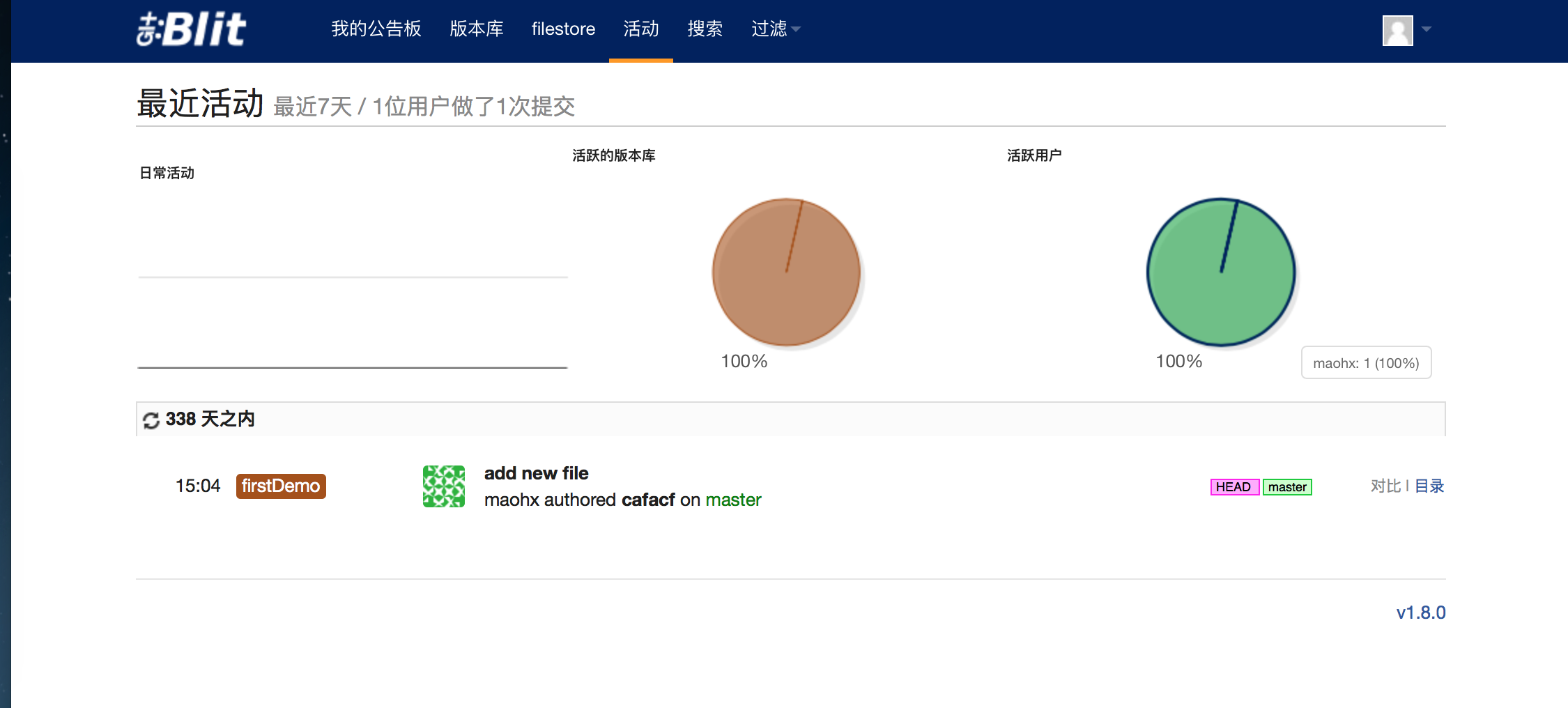
11. 把项目提交到创库中
首先需要在需要提交代码的机器上安装git
使用命令如下:
localhost:gitClient mhx$ git clone http://admin@192.168.28.130:81/r/firstDemo.git
Cloning into 'firstDemo'...
warning: You appear to have cloned an empty repository.
localhost:gitClient mhx$ ll
-bash: ll: command not found
localhost:gitClient mhx$ ls
firstDemo gitrepo
localhost:gitClient mhx$ cd firstDemo/
localhost:firstDemo mhx$ ls
localhost:firstDemo mhx$ cp -r /Users/mhx/Downloads/registerdiscovery .
localhost:firstDemo mhx$ ll
-bash: ll: command not found
localhost:firstDemo mhx$ ls
registerdiscovery
localhost:firstDemo mhx$ cd registerdiscovery/
localhost:registerdiscovery mhx$ ls
HELP.md mvnw mvnw.cmd pom.xml src
localhost:registerdiscovery mhx$ cd ..
localhost:firstDemo mhx$ ls
registerdiscovery
localhost:firstDemo mhx$ git add *
localhost:firstDemo mhx$ git commit -m "add new file"
[master (root-commit) cafacf4] add new file
16 files changed, 677 insertions(+)
create mode 100644 registerdiscovery/.DS_Store
create mode 100644 registerdiscovery/.gitignore
create mode 100644 registerdiscovery/.mvn/wrapper/MavenWrapperDownloader.java
create mode 100644 registerdiscovery/.mvn/wrapper/maven-wrapper.jar
create mode 100644 registerdiscovery/.mvn/wrapper/maven-wrapper.properties
create mode 100755 registerdiscovery/mvnw
create mode 100644 registerdiscovery/mvnw.cmd
create mode 100644 registerdiscovery/pom.xml
create mode 100644 registerdiscovery/src/.DS_Store
create mode 100644 registerdiscovery/src/main/.DS_Store
create mode 100644 registerdiscovery/src/main/java/.DS_Store
create mode 100644 registerdiscovery/src/main/java/com/.DS_Store
create mode 100644 registerdiscovery/src/main/java/com/maohx/.DS_Store
create mode 100644 registerdiscovery/src/main/java/com/maohx/registerdiscovery/RegisterdiscoveryApplication.java
create mode 100644 registerdiscovery/src/main/resources/application.properties
create mode 100644 registerdiscovery/src/test/java/com/maohx/registerdiscovery/RegisterdiscoveryApplicationTests.java
localhost:firstDemo mhx$ git push
Password for 'http://admin@192.168.28.130:81':
fatal: Authentication failed for 'http://admin@192.168.28.130:81/r/firstDemo.git/'
localhost:firstDemo mhx$ push
-bash: push: command not found
localhost:firstDemo mhx$ git push
Password for 'http://admin@192.168.28.130:81':
Counting objects: 33, done.
Delta compression using up to 4 threads.
Compressing objects: 100% (26/26), done.
Writing objects: 100% (33/33), 50.55 KiB | 12.64 MiB/s, done.
Total 33 (delta 5), reused 0 (delta 0)
remote: Resolving deltas: 100% (5/5)
remote: Updating references: 100% (1/1)
To http://192.168.28.130:81/r/firstDemo.git
* [new branch] master -> master
localhost:firstDemo mhx$
12.创建分支
localhost:firstDemo mhx$ ls
registerdiscovery
localhost:firstDemo mhx$ git checkout -b embrace1.0
Switched to a new branch 'embrace1.0'
localhost:firstDemo mhx$ git branch
* embrace1.0
master
localhost:firstDemo mhx$ git commit -m "add new branch"
On branch embrace1.0
nothing to commit, working tree clean
localhost:firstDemo mhx$ git push -u origin embrace1.0
Total 0 (delta 0), reused 0 (delta 0)
remote: Updating references: 100% (1/1)
To http://192.168.28.130:81/r/firstDemo.git
* [new branch] embrace1.0 -> embrace1.0
Branch embrace1.0 set up to track remote branch embrace1.0 from origin.
localhost:firstDemo mhx$


gitblit安装使用的更多相关文章
- mac Gitblit安装
jdk下载传送门 gitBlit是java编写的的 第一步 需要安装java jdk 传送门 JDK6的下载地址: http://www.oracle.com/technetwork/java/jav ...
- Linux(Contos7.5)环境搭建之Gitblit安装(三)
1.yum安装git(这一步暂时不清楚是否必要,因为在window上搭建并不需要)
- (转)GitBlit安装
转:https://blog.csdn.net/qq_32599479/article/details/90748371 GitBlit的安装本文是基于Windows 10系统环境,安装和测试GitB ...
- GitBlit (1)-- 在linux 安装 GitBlit 并运行
Git是一款注重速度.数据完整性.分布式支持和非线性工作流的分布式版本控制工具.Git最初由Linus Torvalds在2005年为Linux内核开发而设计,如今已经成为被广泛接受的版本控制系统. ...
- 如何在Linux下使用Gitblit工具创建Git仓库服务
嗨!朋友,今天我们将学习如何在你的Linux服务器或者PC上安装Gitblit工具.首先,我们看看什么是Git,它的功能以及安装Gitblit的步骤.Git是分布式版本控制系统,它强调速度.数据一致性 ...
- 【大话QT之十七】Jenkins介绍及安装使用文档(与Git集成)
文章文件夹结构例如以下: 1> Jenkins与Git相关介绍 2> Jenkins部署安装 3> Gitblit部署安装 4> Jenkins与Git集成使用 5> 项 ...
- Gitblit配置
Gitblit的安装配置及访问-windows (2013-09-11 11:52:31) 转载▼ 分类: android基础 Git 是现在很流行的分布式版本控制工具,github更是人人皆知. ...
- 创建Gitblit本地服务器(For windows )01
1.先下载gitblit 貌似需要FQ,百度云链接https://pan.baidu.com/s/1WUtBswj5TkFFcd_hiFFCcw,提取码: xr9n .因为gitblit是基于jav ...
- 使用Gitblit 搭建Windows Git服务器
使用Gitblit 搭建Windows Git服务器 整理使用Gitblit搭建Git服务器的步骤. 目录 使用Gitblit 搭建Windows Git服务器 目录 下载安装 配置 运行 客户端运行 ...
随机推荐
- 使用viewPage实现图片轮播
概述 图片循环播放这种效果,在许多的场合都能看到,只要一打开各大主流网站的首页几乎都有一个这样的组件,它可以很显目的提供给用户最近最火热的信息.因为它应用得如此之广泛,今天,我们就来写一下这个组件. ...
- AndroidStudio怎样导入jar包
来自:http://jingyan.baidu.com/article/e6c8503c7190b7e54f1a1893.html AndroidStudio用于开发安卓Apk非常地方便,但是它的很多 ...
- 9.【nuxt起步】-scroll分页加载
面是单页,下面实现一个列表页和分页加载的例子 1.新建pages/list.vue <template> <div> 分页加载列表页面 </div> </te ...
- CapIp.pas
unit CapIp; interface uses Windows, Messages,Classes,winsock,sysutils; const WM_CapIp = WM_USER + ; ...
- 我的Android进阶之旅------>怎样解决Android 5.0中出现的警告: Service Intent must be explicit:
我的Android进阶之旅-->怎样解决Android 5.0中出现的警告: java.lang.IllegalArgumentException: Service Intent must be ...
- Phpstorm 放大字体的快捷键是什么?
这个功能需要设置才能使用: 步骤:control+shift+A功能可以搜索对应功能 输入mouse 设置Change font size(Zoom) ...的按钮打开,然后就可以通过 ctrl+ ...
- MRP routing设置释疑
Jeffer9@gmail.com 工艺是指在不同工作中心执行的作业序列 作业的详细信息 Number of cycles 在该工作中心操作几个循环 Number of ...
- python(11)- 文件处理
文件操作 1.1 对文件操作流程 打开文件,得到文件句柄并赋值给一个变量 通过句柄对文件进行操作 关闭文件 现有文件如下: 昨夜寒蛩不住鸣. 惊回千里梦,已三更. 起来独自绕阶行. 人悄悄,帘外月胧明 ...
- MYSQL主从不同步延迟原理分析及解决方案
1. MySQL数据库主从同步延迟原理.要说延时原理,得从mysql的数据库主从复制原理说起,mysql的主从复制都是单线程的操作,主库对所有DDL和DML产生binlog,binlog是顺序写,所以 ...
- PCB常用单位转换 mil 英尺
PCB常用单位转换 mil 英尺 相关常用单位 1mil = 0.0254mm 100mil = 2.54mm 1英寸 = 1000mil = 2.54cm 1英尺 = 12英寸 ...