
install chrome in elementary os
Elementary OS Freya 0.3.2 was officially out for public. As previous release, it comes pre-installed with Midori browser – a clean, lightweight, simple but beautiful web browser. However I prefer to use Google Chrome than Midori. This post will show you how to install Google Chrome on Elementary OS Freya 0.3.2. It should be applicable for previous or newer version of this OS.
Download Google Chrome
First you need to download the Google Chrome from its official webpage. Select the Debian/Ubuntu package since Elementary OS is based-on Ubuntu.
Install Google Chrome using dpkg tool
Once the package downloaded, install it using dpkg tool via terminal app sudo dpkg -i google-chrome-stable_current_amd64.deb like below:
$ sudo dpkg -i google-chrome-stable_current_amd64.deb

[sudo] password for computechtips:

Selecting previously unselected package google-chrome-stable.

(Reading database ... 166268 files and directories currently installed.)

Preparing to unpack google-chrome-stable_current_amd64.deb ...

Unpacking google-chrome-stable (47.0.2526.106-1) ...

dpkg: dependency problems prevent configuration of google-chrome-stable:

google-chrome-stable depends on libappindicator1; however:

Package libappindicator1 is not installed.

dpkg: error processing package google-chrome-stable (--install):

dependency problems - leaving unconfigured

Processing triggers for gnome-menus (3.10.1-0ubuntu2) ...

Processing triggers for desktop-file-utils (0.22-1ubuntu1) ...

Processing triggers for bamfdaemon (0.5.1+14.04.20140409-0ubuntu1+elementary2~ubuntu14.04.1) ...

Rebuilding /usr/share/applications/bamf-2.index...

Processing triggers for mime-support (3.54ubuntu1.1) ...

Processing triggers for man-db (2.6.7.1-1ubuntu1) ...

Errors were encountered while processing:

google-chrome-stable
As you can see in the log above, the installation encountered errors while processing. It requires libappindicator1 package to be installed first.
OK let’s install it using apt-get tool
$ sudo apt-get install libappindicator1

Reading package lists... Done

Building dependency tree

Reading state information... Done

You might want to run 'apt-get -f install' to correct these:

The following packages have unmet dependencies:

libappindicator1 : Depends: libdbusmenu-gtk4 (>= 0.4.2) but it is not going to be installed

Depends: libindicator7 (>= 0.4.90) but it is not going to be installed

E: Unmet dependencies. Try 'apt-get -f install' with no packages (or specify a solution).
The installation of libappindicator1 package also failed as you can see above. Fortunately it told us the solution to run apt-get -f install with no packages. Let’s execute the command.
$ sudo apt-get -f install

Reading package lists... Done

Building dependency tree

Reading state information... Done

Correcting dependencies... Done

The following packages were automatically installed and are no longer required:

efibootmgr secureboot-db

Use 'apt-get autoremove' to remove them.

The following extra packages will be installed:

libappindicator1 libdbusmenu-gtk4 libindicator7

The following NEW packages will be installed:

libappindicator1 libdbusmenu-gtk4 libindicator7

0 upgraded, 3 newly installed, 0 to remove and 48 not upgraded.

1 not fully installed or removed.

Need to get 66,3 kB of archives.

After this operation, 334 kB of additional disk space will be used.

Do you want to continue? [Y/n] y

Get:1 http://kambing.ui.ac.id/ubuntu/ trusty-updates/main libdbusmenu-gtk4 amd64 12.10.3+14.04.20140612-0ubuntu1 [26,4 kB]

Get:2 http://kambing.ui.ac.id/ubuntu/ trusty-updates/main libindicator7 amd64 12.10.2+14.04.20141007.1-0ubuntu1 [21,7 kB]

Get:3 http://kambing.ui.ac.id/ubuntu/ trusty-updates/main libappindicator1 amd64 12.10.1+13.10.20130920-0ubuntu4.1 [18,2 kB]

Fetched 66,3 kB in 0s (794 kB/s)

Selecting previously unselected package libdbusmenu-gtk4:amd64.

(Reading database ... 166375 files and directories currently installed.)

Preparing to unpack .../libdbusmenu-gtk4_12.10.3+14.04.20140612-0ubuntu1_amd64.deb ...

Unpacking libdbusmenu-gtk4:amd64 (12.10.3+14.04.20140612-0ubuntu1) ...

Selecting previously unselected package libindicator7.

Preparing to unpack .../libindicator7_12.10.2+14.04.20141007.1-0ubuntu1_amd64.deb ...

Unpacking libindicator7 (12.10.2+14.04.20141007.1-0ubuntu1) ...

Selecting previously unselected package libappindicator1.

Preparing to unpack .../libappindicator1_12.10.1+13.10.20130920-0ubuntu4.1_amd64.deb ...

Unpacking libappindicator1 (12.10.1+13.10.20130920-0ubuntu4.1) ...

Setting up libdbusmenu-gtk4:amd64 (12.10.3+14.04.20140612-0ubuntu1) ...

Setting up libindicator7 (12.10.2+14.04.20141007.1-0ubuntu1) ...

Setting up libappindicator1 (12.10.1+13.10.20130920-0ubuntu4.1) ...

Setting up google-chrome-stable (47.0.2526.106-1) ...

update-alternatives: using /usr/bin/google-chrome-stable to provide /usr/bin/google-chrome (google-chrome) in auto mode

Processing triggers for libc-bin (2.19-0ubuntu6.6) ...
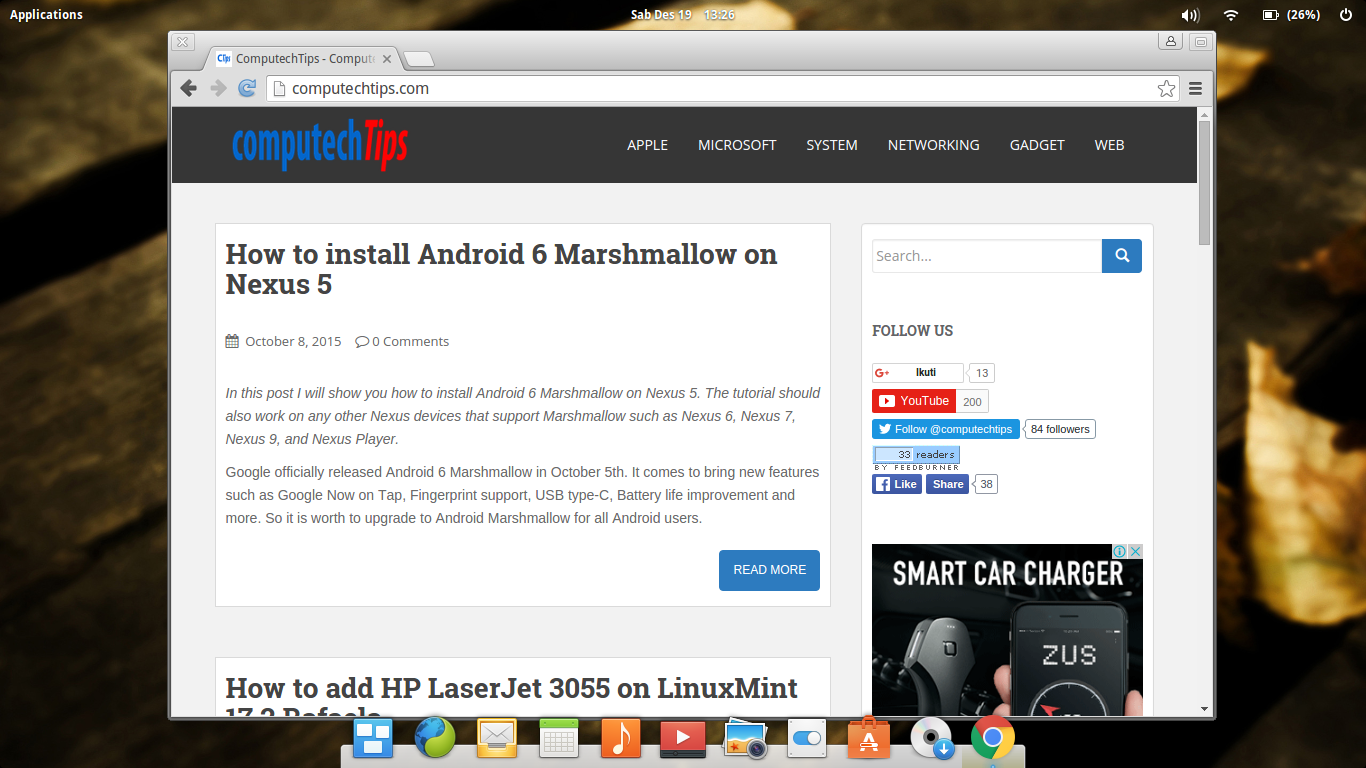
As you see above, Google Chrome has been successfully installed and configured on Elementary OS. Below is the screenshot of Google Chrome on Elementary OS Freya 0.3.2.
Hopefully this brief tutorial is helpful for you.
install chrome in elementary os的更多相关文章
- Install VirtualBox Guest Additions for elementary os
Pls refer to: Install VirtualBox Guest Additions for elementary os
- 最逼近Mac OS的Linux系统 -- Elementary OS
也不知道有多少人听说过Elementary OS?elementary Project 最开始只有一个 elementary 主题,之后延伸出了很多项目,形成了 elementary Project ...
- elementary os进入GUI桌面环境失败
问题描述:电脑上安装了elementary os,重启后系统很顺利的到达了Login图形界面,在选定用户并键入正确的密码后,电脑黑屏了一至两秒钟后又回到的Login界面,一开始以为是密码输入错误了,就 ...
- elementary os 0.4.1下编译GCC-7.1源码并安装成功
参考文章:http://www.2cto.com/os/201402/281131.html 前几天为了图个新鲜,安装了elementary os 0.4.1,的确是一股清流,可惜的是gcc版本觉得有 ...
- Elementary OS常见软件(TIM、微信、企业微信)安装(二)
前言 最终没忍住还是把开发环境迁移到了Elementary OS上来,这其中也没少折腾,试过Ubuntu 20.04 LTS和deepin V20可以(),deepin真的很不错可能是我的电脑兼容性不 ...
- VMware安装Elementary OS 后不能上网问题解决方法
具体情况:之前在学校是通过有线网上网,VMware中的系统打开就可以直接连上网,现在回家图方便是通过无线路由器上网,发现虚拟机系统上不来网. 解决方法:控制面板->网络和Internet-> ...
- Install Docker on Mac OS X(转)
Install Docker on Mac OS X You can install Docker using Boot2Docker to run docker commands at your c ...
- 解决Elementary OS和Windows时间不一致
解决方案一:把Windows从硬件时间修改成修改成UTC时间,管理员身份运行 Reg add HKLM\SYSTEM\CurrentControlSet\Control\TimeZoneInforma ...
- win10安装elementary os双系统
elementary os是ubuntu的一个分支,界面有点像苹果,比较漂亮.如图: 从已有的磁盘中划出一块空白分区,将elementary单独安装在这个分区里,这个分区需要比其他分区的剩余空间都要大 ...
随机推荐
- House Building---hdu5538(求表面积水题)
题目链接:http://acm.hdu.edu.cn/showproblem.php?pid=5538 题意:有一个三维的图形,先给出平面图是n*m的矩形,每个位置都有不同个数的方块,a[i][j]代 ...
- javac 错误: 编码GBK的不可映射字符
在java代码中有中文注释,使用javac编译时,出现编码报错. 错误: 编码GBK的不可映射字符 问题原因: 在编译的时候,如果我们没有用-encoding参数指定我们的JAVA源程序的编码格式,则 ...
- 浅谈Java回调机制
像许多网上介绍回调机制的文章一样,我这里也以一个现实的例子开头:假设你公司的总经理出差前需要你帮他办件事情,这件事情你需要花些时间去做,这时候总经理肯定不能守着你做完再出差吧,于是就他告诉你他的手机号 ...
- shell脚本编程-使用结构化命令(if/else)(转)
11.1 使用if-then语句 格式如下 if语句会执行if行定义的那个命令,如果该命令的退出状态码是0,则then部分的语句就会执行,其他值,则不会 1 2 3 4 if command th ...
- 2.准备Python编译环境
2.准备Python编译环境 2.1下载Python2.7.6.tgz.ipython1.2.1.tgz.sqlite-autoconf-3071401.tar.gz 2.2安装Python2.7.6 ...
- Android Mina框架的学习笔记
Apache MINA(Multipurpose Infrastructure for Network Applications) 是 Apache 组织一个较新的项目,它为开发高性能和高可用性的网络 ...
- Vue.2.0.5-模板语法
Vue.js 使用了基于 HTML 的模版语法,允许开发者声明式地将 DOM 绑定至底层 Vue 实例的数据.所有 Vue.js 的模板都是合法的 HTML ,所以能被遵循规范的浏览器和 HTML 解 ...
- Visual Studio 中 UNICODE 宏的设置
项目属性-> 配置属性 -> 常规 -> 字符集 (多字节字符集即没有设置UNICODE宏, 使用Unicode字符集就是设置了UNICODE宏) 设置的效果可以去 C/C++ -& ...
- Xcode 6.x 添加Empty Application模板
Xcode 6.x 添加Empty Application模板 在Apple最新的XCode6.x中没有了Empty Application模板,这对一个老人来说是不能别接受的,同时也可以看出Appl ...
- Spring AOP 问与答
AOP的实现有哪些 AOP常见的实现有: Spring AOP Aspectj Guice AOP Jboss AOP 等 AOP Alliance 是什么, 为什么Spring AOP, G UIC ...