
Java3d 案例程序
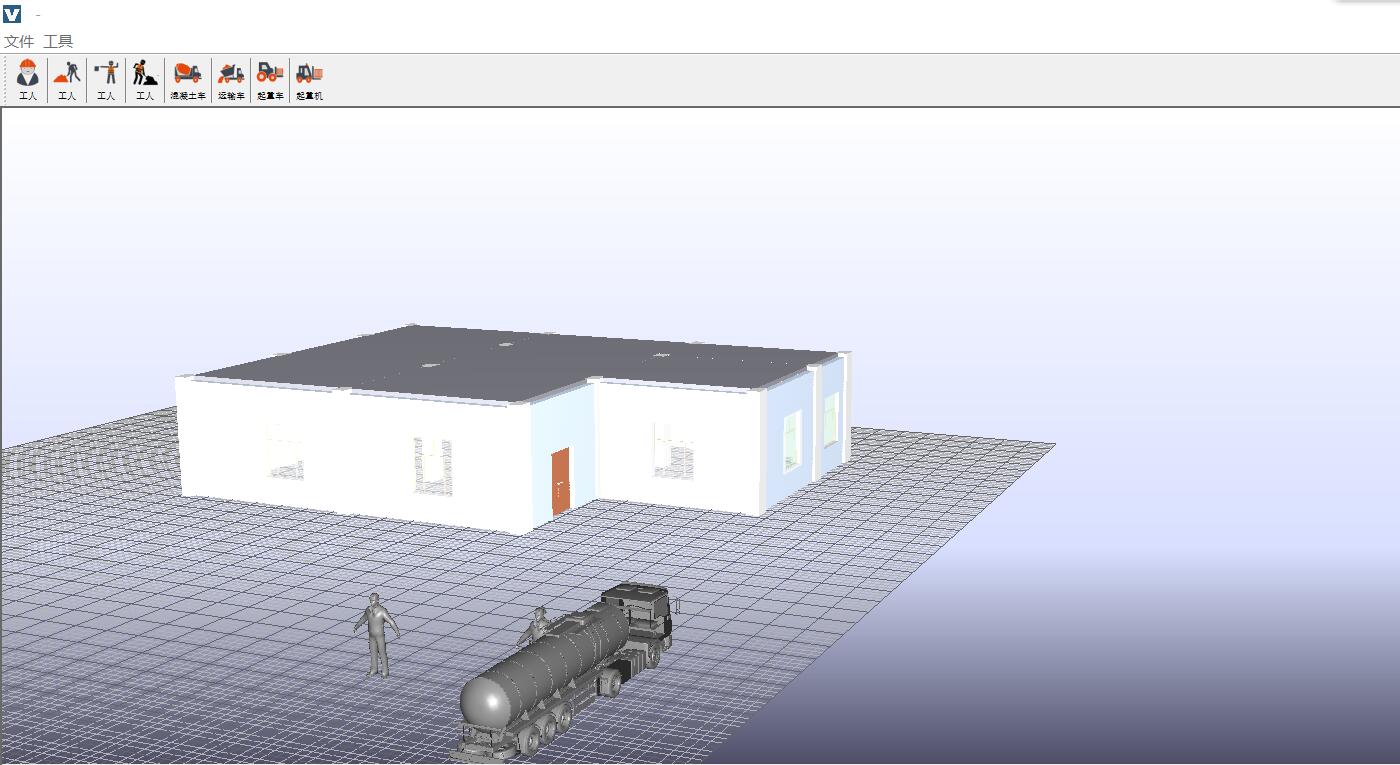
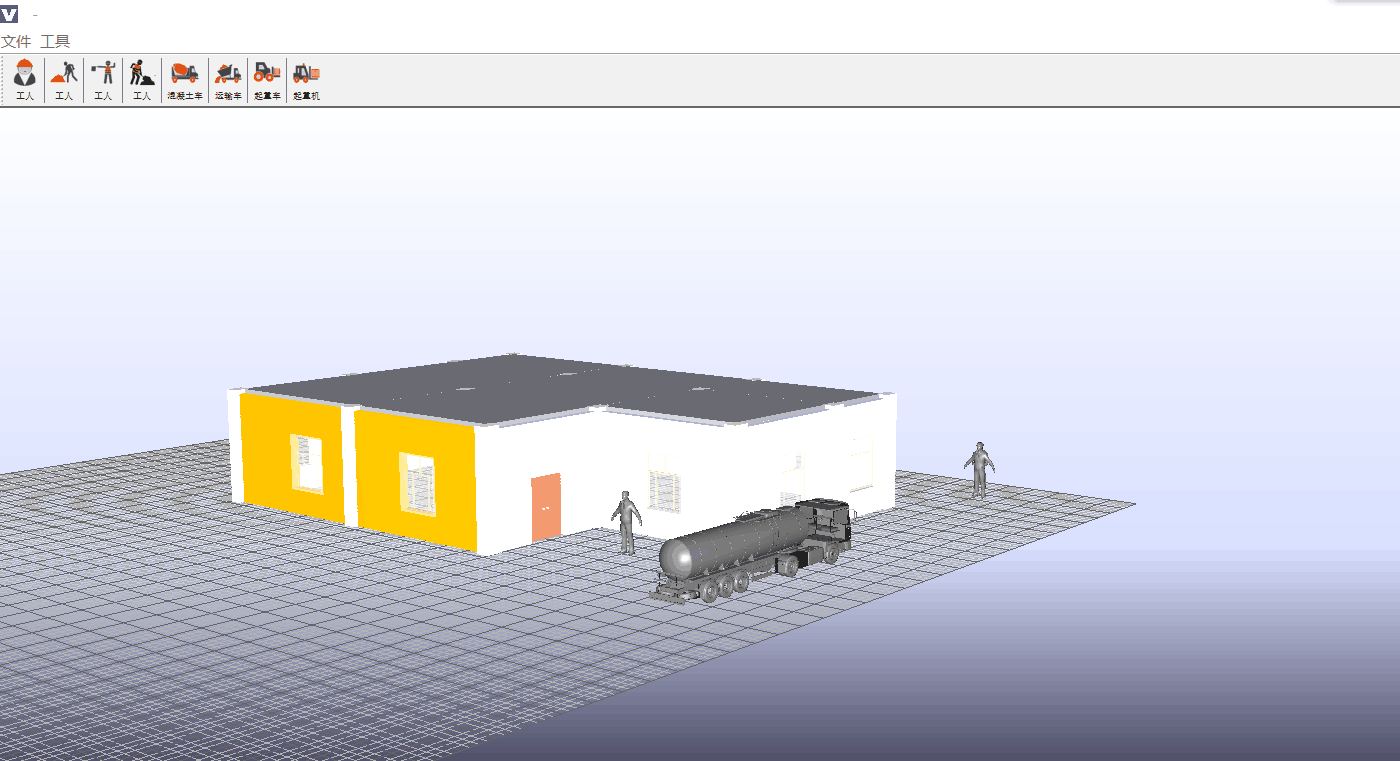
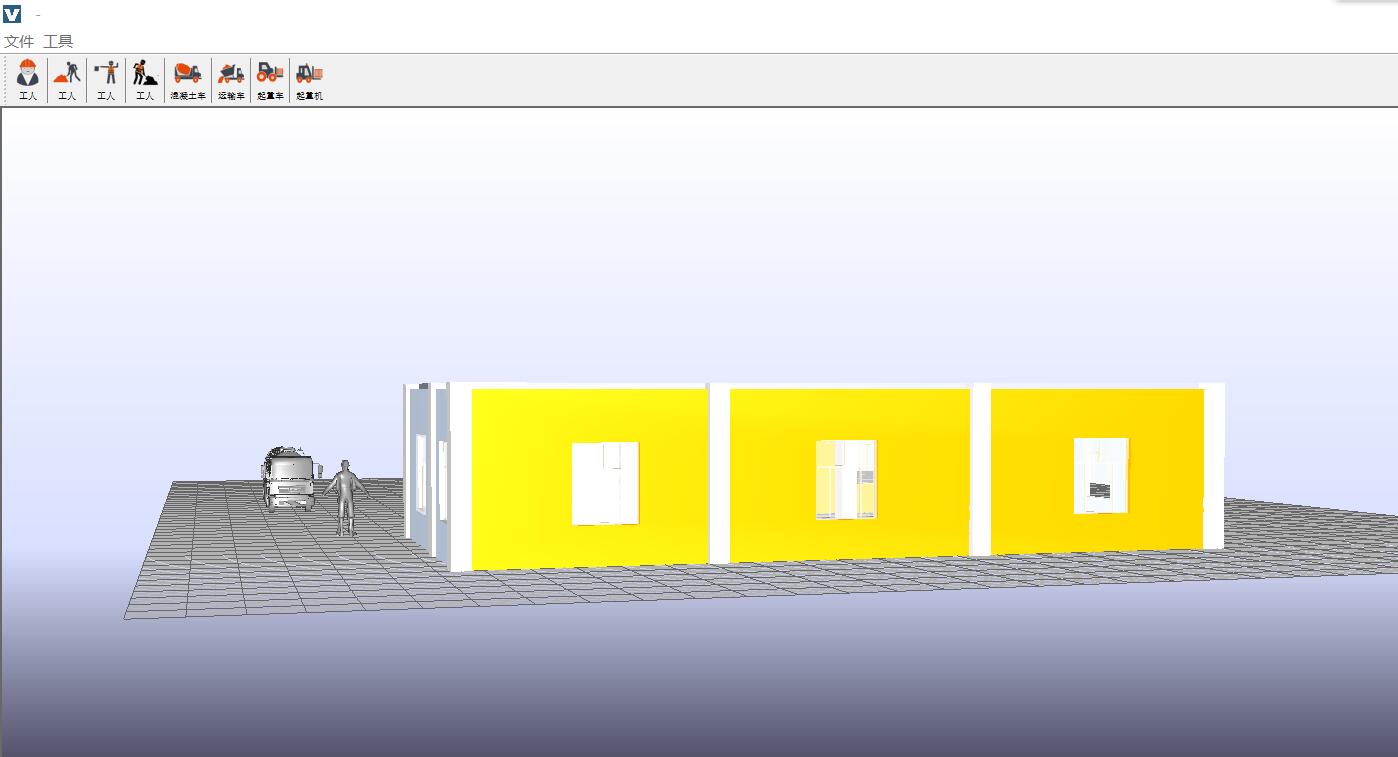
今天偶尔翻出了很久以前写的java3d程序,很怀念曾经探索java3d解析、渲染ifc数据的日子
package com.vfsd.test0621;

import java.applet.Applet;

import java.awt.BorderLayout;

import java.awt.GraphicsConfiguration;

import javax.media.j3d.Alpha;

import javax.media.j3d.Appearance;

import javax.media.j3d.Background;

import javax.media.j3d.BoundingSphere;

import javax.media.j3d.BranchGroup;

import javax.media.j3d.Canvas3D;

import javax.media.j3d.DirectionalLight;

import javax.media.j3d.Material;

import javax.media.j3d.RotPosPathInterpolator;

import javax.media.j3d.Transform3D;

import javax.media.j3d.TransformGroup;

import javax.media.j3d.TransparencyAttributes;

import javax.media.j3d.TransparencyInterpolator;

import javax.vecmath.Color3f;

import javax.vecmath.Point3d;

import javax.vecmath.Point3f;

import javax.vecmath.Quat4f;

import javax.vecmath.Vector3f;

import com.sun.j3d.utils.applet.MainFrame;

import com.sun.j3d.utils.behaviors.mouse.MouseRotate;

import com.sun.j3d.utils.geometry.Cylinder;

import com.sun.j3d.utils.geometry.Sphere;

import com.sun.j3d.utils.universe.SimpleUniverse;

import com.sun.javafx.sg.prism.NGPhongMaterial;

/*******************************************************************************************************

 * Copyright: vc1.0 2018. All rights reserved.                    <br>

 * The whole package including this class is licensed under        <br>

 *                                                                 <br>

 * @ClassName:                                        <br>

 * @Directory:                                        <br>

 * @author:           luo                                    <br>

 * @version:         v1.0.0                                        <br>

 * @date:                                                <br>

 * @Description:                                                 <br>

 *       1、                                        <br>

 *       2、                                        <br>

 * @Others: 暂无说明                                                <br>

 * @Modification History:                                        <br>

 *       1、                                            <br>

 *       Date:                              <br>

 *       Author:                                        <br>

 *       Modification:                                     <br>

 *                                                                 <br>

 *       2、                                                        <br>

 *       Date:                                                  <br>

 *       Author:                                                   <br>

 *       Modification:                                          <br>

 *

 * @Statement: If you are using the package or parts of it in any commercial way, a commercial license is required. <br>

 *   Visit <a href='http://www.bim-times.com'>http://www.bim-times.com</a> for more information.<br>

 *

*********************************************************************************************************/

public class RotPosPathInterpolatorC extends Applet{

    public BranchGroup createBranchGroupSceneGraph() {

        BranchGroup branchGroupRoot = new BranchGroup();

        BoundingSphere bounds = new BoundingSphere(new Point3d(0.0,0.0,0.0),100);

        Color3f bgColor = new Color3f(1.0f,1.0f,1.0f);

        Background bg = new Background(bgColor);

        bg.setApplicationBounds(bounds);

        branchGroupRoot.addChild(bg);

        //定义平行光

        Color3f directionalColor = new Color3f(1.0f,1.0f,0.9f);

        Vector3f vec = new Vector3f(4.0f,-7.0f,-12.0f);

        DirectionalLight directionalLight = new DirectionalLight(directionalColor,vec);

        directionalLight.setInfluencingBounds(bounds);

        branchGroupRoot.addChild(directionalLight);

        //定义总变换

        Transform3D t1 = new Transform3D();

        TransformGroup group1 = new TransformGroup(t1);

        group1.setCapability(TransformGroup.ALLOW_TRANSFORM_WRITE);

        group1.setCapability(TransformGroup.ALLOW_TRANSFORM_READ);

        branchGroupRoot.addChild(group1);

        //定义鼠标旋转对象

        MouseRotate mouseR = new MouseRotate();

        mouseR.setTransformGroup(group1);

        branchGroupRoot.addChild(mouseR);

        mouseR.setSchedulingBounds(bounds);

        //定义Apperance类的对象及TransparencyAttributes类

        Appearance app1 = new Appearance();

        TransparencyAttributes transparency = new TransparencyAttributes(1,1.0f);

        transparency.setCapability(TransparencyAttributes.ALLOW_VALUE_READ);

        transparency.setCapability(TransparencyAttributes.ALLOW_VALUE_WRITE);

        app1.setTransparencyAttributes(transparency);

        app1.setCapability(Appearance.ALLOW_TRANSPARENCY_ATTRIBUTES_READ);

        app1.setCapability(Appearance.ALLOW_COLORING_ATTRIBUTES_WRITE);

        Material material1 = new Material();

        material1.setDiffuseColor(new Color3f(1.0f,0.0f,0.0f));

        app1.setMaterial(material1);

        //外观2

        Appearance app2 = new Appearance();

        Material material2 = new Material();

        material2.setDiffuseColor(new Color3f(0.0f,1.0f,0.0f));

        app2.setMaterial(material2);

        //外观3

        Appearance app3 = new Appearance();

        Material material3 = new Material();

        material3.setDiffuseColor(new Color3f(0.0f,0.0f,1.0f));

        app3.setMaterial(material3);

        //外观4

        Appearance app4 = new Appearance();

        Material material4 = new Material();

        material4.setDiffuseColor(new Color3f(1.0f,1.0f,0.0f));

        app4.setMaterial(material4);

        //定义基本体积外观属性与坐标变换

        Transform3D t2 = new Transform3D();

        t2.setScale(1.8);

        TransformGroup group2 = new TransformGroup(t2);

        group2.setCapability(TransformGroup.ALLOW_TRANSFORM_WRITE);

        group2.setCapability(TransformGroup.ALLOW_TRANSFORM_READ);

        group2.addChild(new Sphere(0.2f,Sphere.GENERATE_NORMALS,100,app1));//装载

        //定义TransparencyInterpolator

        Alpha alpha1 = new Alpha(-1,Alpha.INCREASING_ENABLE|Alpha.DECREASING_ENABLE,0,0,3000,0,0,3000,0,0);

        TransparencyInterpolator transparency1 = new TransparencyInterpolator(alpha1, transparency,0.0f,1.0f);

        transparency1.setSchedulingBounds(bounds);

        group2.addChild(transparency1);

        t2 = new Transform3D();

        t2.setScale(1.8);

        TransformGroup group3 = new TransformGroup(t2);

        group3.addChild(new Cylinder(0.1f,0.5f,Cylinder.GENERATE_NORMALS,120,120,app2));//装载

        t2 = new Transform3D();

        t2.rotX(Math.PI*0.5);

        t2.setScale(1.8);

        TransformGroup group4 = new TransformGroup(t2);

        group4.addChild(new Cylinder(0.1f,0.5f,Cylinder.GENERATE_NORMALS,120,120,app3));//装载

        t2 = new Transform3D();

        t2.rotZ(Math.PI*0.5);

        t2.setScale(1.8);

        TransformGroup group5 = new TransformGroup(t2);

        group5.addChild(new Cylinder(0.1f,0.5f,Cylinder.GENERATE_NORMALS,120,120,app4));//装载

        //定义节点knots数组

        float[] knots = {0.0f,0.2f,0.4f,0.6f,0.8f,1.0f};

        //定义位置坐标pos数组

        Point3f[] pos = new Point3f[6];

        pos[0] = new Point3f(-0.4f,-0.4f,-0.5f);

        pos[1] = new Point3f(-0.3f,0.3f,0.3f);

        pos[2] = new Point3f(-0.0f,0.4f,-0.2f);

        pos[3] = new Point3f(-0.2f,-0.35f,0.3f);

        pos[4] = new Point3f(-0.3f,-0.3f,-0.15f);

        pos[5] = new Point3f(-0.4f,0.3f,0.4f);

        //定义标识旋转方向方向和角度的quat数组

        Quat4f[] quat = new Quat4f[6];

        quat[0] = new Quat4f(1.0f,1.0f,1.0f,0.0f);

        quat[1] = new Quat4f(0.0f,1.0f,1.0f,1.0f);

        quat[2] = new Quat4f(1.0f,1.0f,1.0f,1.0f);

        quat[3] = new Quat4f(0.0f,0.0f,1.0f,0.0f);

        quat[4] = new Quat4f(1.0f,0.0f,1.0f,1.0f);

        quat[5] = new Quat4f(01.0f,0.0f,1.0f,1.0f);

        //创建RotPosPathInterpolator类机器Alpha

        Alpha alpha2 = new Alpha(-1,Alpha.INCREASING_ENABLE|Alpha.DECREASING_ENABLE,0,0,8000,0,0,8000,0,0);

        RotPosPathInterpolator rotpos2 = new RotPosPathInterpolator(alpha2,group1,t1,knots,quat,pos);

        rotpos2.setSchedulingBounds(bounds);

        group1.addChild(rotpos2);

        group1.addChild(group2);

        group1.addChild(group3);

        group1.addChild(group4);

        group1.addChild(group5);

        branchGroupRoot.compile();

        return branchGroupRoot;

    }

    public RotPosPathInterpolatorC() {

        setLayout(new BorderLayout());

        GraphicsConfiguration config = SimpleUniverse.getPreferredConfiguration();

        Canvas3D canvas = new Canvas3D(config);

        add("Center",canvas);

        BranchGroup groupS = createBranchGroupSceneGraph();

        SimpleUniverse u1 = new SimpleUniverse(canvas);

        u1.getViewingPlatform().setNominalViewingTransform();

        u1.addBranchGraph(groupS);

    }

    public static void main(String[] args) {

        new MainFrame(new RotPosPathInterpolatorC(),780,730);

    }

}
Java3d 案例程序的更多相关文章
- spring官方案例程序
https://github.com/spring-projects/spring-data-book https://github.com/spring-projects 包含其他相关的应用程序
- 0基础入门 docker 部署 各种 Prometheus 案例 - 程序员学点xx 总集篇
目录 大家好, 学点xx 系列也推出一段时间了.虽然 yann 能力有限,但还是收到了很多鼓励与赞赏.对这个系列 yann 还是很喜欢的,特别是 Prometheus 篇,在期间经历公众号 100 篇 ...
- pc上用C语言模拟51多任务的案例程序
#include <stdio.h> #include <stdlib.h> //任务槽个数.在本例中并未考虑任务换入换出,所以实际运行的任务有多少个, //就定义多少个任务槽 ...
- Django-website 程序案例系列-16 modle.form(表单验证)
案例程序: <!DOCTYPE html> <html lang="en"> <head> <meta charset="UTF ...
- 第五节,TensorFlow编程基础案例-session使用(上)
在第一节中我们已经介绍了一些TensorFlow的编程技巧;第一节,TensorFlow基本用法,但是内容过于偏少,对于TensorFlow的讲解并不多,这一节对之前的内容进行补充,并更加深入了解讲解 ...
- openGL之着色器程序的使用
#define GLEW_STATIC #include <GL\glew.h> #include <GLFW\glfw3.h> #include<iostream> ...
- c++-多态小案例
多态小案例 C面向接口编程和C多态 函数类型语法基础 函数指针做函数参数(回调函数)思想剖析 函数指针做函数参数两种用法(正向调用.反向调用) 纯虚函数 抽象类 抽象类基本概念 抽象类在多继承中的应用 ...
- 关于C#程序的单元测试
目录 1.单元测试概念 2.单元测试的原则 3.单元测试简单示例 4.单元测试框架特性标签 5.单元测试中的断言Assert 6.单元测试中验证预期的异常 7.单元测试中针对状态的间接测试 8.单元测 ...
- 开启CAN通信学习(二)——基于Kvaser的CAN通信案例
1 案例硬件介绍 Kvaser是瑞典的一家专门提供CAN和LIN总线分析仪及数据记录仪的公司,在CAN产品开发领域已经有近30年的经验,本案例选择的CAN通信硬件型号是Kvaser Leaf Ligh ...
随机推荐
- 升级openssh漏洞
升级openssl和openssh 最近接收到客户的漏洞提醒,openssl和openssh的漏洞,解决办法就只有升级. 升级前环境 ~]# ssh -V OpenSSH_5.3p1, OpenSSL ...
- 推荐一个Web漏洞靶场
https://github.com/zhuifengshaonianhanlu/pikachu 暂时先空着 安装好是这样的 博主先去玩了,回来再写博客,2333
- 安装lamp服务器
1.安装http: $ yum install httpd 2.启动http: $ systemctl start httpd 3.访问:http://192.168.1.100 4.Installi ...
- ES6中Number中的扩展
1.Number.parseInt() , Number.parseFloat() 在ES6中将parseInt()和parseFloat()都移植到Number对象上去,方法的行为保持不变. // ...
- [LeetCode] 0200. Number of Islands 岛屿的个数
题目 Given a 2d grid map of '1's (land) and '0's (water), count the number of islands. An island is su ...
- 项目Alpha冲刺--6/10
项目Alpha冲刺--6/10 作业要求 这个作业属于哪个课程 软件工程1916-W(福州大学) 这个作业要求在哪里 项目Alpha冲刺 团队名称 基于云的胜利冲锋队 项目名称 云评:高校学生成绩综合 ...
- 项目Beta冲刺——凡事预则立
班级:软件工程1916|W 作业:项目Beta冲刺(团队) 团队名称:Echo 作业目标:规定代码规范,明确冲刺任务与计划 目录 团队博客汇总 讨论组长是否重选的议题和结论 下一阶段需要改进完善的功能 ...
- Java 第12次作业--你的生日
题目:计算自己的出生日期距今天多少天,再将自己的出生日期利用SimpleDateFormat类设定的格式输出显示. 代码: import java.util.*; import java.text.* ...
- favicon.ico设置,HtmlWebpackPlugin插件配置多页面等
- 使用docker搭建etcd
下载etcd代码然后拷贝到服务器 来自为知笔记(Wiz)