
JavaScript点击事件——美女合集
Js点击事件——美女合集
实例
效果如下图:
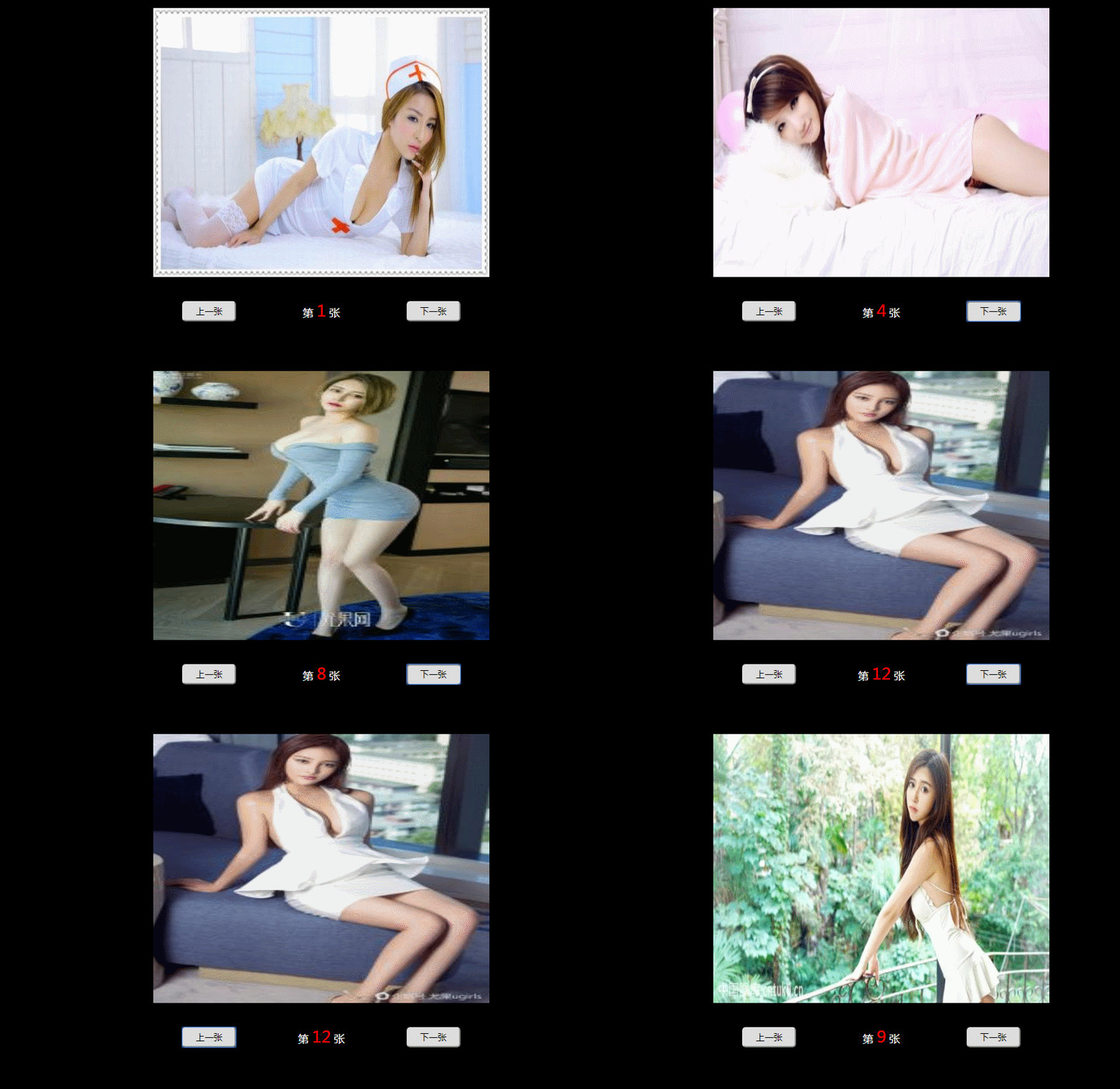
代码如下:
<!DOCTYPE html>

<html lang="en">

<head>

    <meta charset="UTF-8">

    <meta name="viewport" content="width=device-width, initial-scale=1.0">

    <meta http-equiv="X-UA-Compatible" content="ie=edge">

    <title>Js 美女合集</title>

    <style>

        * {

            padding: 0;

            margin: 0;

        }

        body{

            background: #000;

        }

        .parent {

            width: 500px;

            margin: 20px auto;

        }

        .parent .pic {

            width: 100%;

            height: 400px;

        }

        .parent .pic img {

            width: 100%;

            height: 100%;

        }

        .box {

            display: flex;

        }

        .box div {

            flex: 1;

            text-align: center;

            line-height: 100px;

            color: #fff;

        }

        .box div input {

            width: 80px;

            height: 30px;

            border-radius: 5px;

        }

        #txt{

            color: red;

            font-size: 24px;

        }

    </style>

</head>

<body>

   <div class="parent">

        <div class="pic">

            <img src="1.jpg" alt="" id="pic">

        </div>

        <div class="box">

            <div>

                <input type="button" value="上一张" id="btnLast">

            </div>

            <div>

                第 <span id="txt">1</span> 张

            </div>

            <div>

                <input type="button" value="下一张" id="btnNext">

            </div>

        </div>

    </div>

    <script>

        var index = 1;

        document.getElementById("btnNext").onclick = function () {

            if (index < 14) {

                index++;

            }

            document.getElementById("txt").innerHTML=index;

            document.getElementById("pic").src = index + ".jpg";

        };

        document.getElementById("btnLast").onclick = function () {

            if (index > 1) {

                index--;

            }

            document.getElementById("txt").innerHTML=index;

            document.getElementById("pic").src = index + ".jpg";

        };

    </script>

</body>

</html>
定义和用法
onclick 事件会在对象被点击时发生。
请注意, onclick 与 onmousedown 不同。单击事件是在同一元素上发生了鼠标按下事件之后又发生了鼠标放开事件时才发生的。
语法
HTML 中:
<element onclick="SomeJavaScriptCode">JavaScript 中:
object.onclick=function(){SomeJavaScriptCode};支持该事件的 HTML 标签:
<a>, <address>, <area>, <b>, <bdo>, <big>, <blockquote>, <body>, <button>,

<caption>, <cite>, <code>, <dd>, <dfn>, <div>, <dl>, <dt>, <em>, <fieldset>,

<form>, <h1> to <h6>, <hr>, <i>, <img>, <input>, <kbd>, <label>, <legend>,

<li>, <map>, <object>, <ol>, <p>, <pre>, <samp>, <select>, <small>, <span>,

<strong>, <sub>, <sup>, <table>, <tbody>, <td>, <textarea>, <tfoot>, <th>,

<thead>, <tr>, <tt>, <ul>, <var>
支持改事件的 JavaScript 对象:
button, document, checkbox, link, radio, reset, submit实例
代码如下:
<!DOCTYPE html>

<html lang="en">

<head>

    <meta charset="UTF-8">

    <meta name="viewport" content="width=device-width, initial-scale=1.0">

    <meta http-equiv="X-UA-Compatible" content="ie=edge">

    <title>Js 美女合集</title>

    <style>

        * {

            padding: 0;

            margin: 0;

        }

        body{

            background: #000;

        }

        .parent {

            width: 500px;

            margin: 20px auto;

        }

        .parent .pic {

            width: 100%;

            height: 400px;

        }

        .parent .pic img {

            width: 100%;

            height: 100%;

        }

        .box {

            display: flex;

        }

        .box div {

            flex: 1;

            text-align: center;

            line-height: 100px;

            color: #fff;

        }

        .box div input {

            width: 80px;

            height: 30px;

            border-radius: 5px;

        }

        #txt{

            color: red;

            font-size: 24px;

        }

    </style>

</head>

<body>

   <div class="parent">

        <div class="pic">

            <img src="1.jpg" alt="" id="pic">

        </div>

        <div class="box">

            <div>

                <input type="button" value="上一张" id="btnLast">

            </div>

            <div>

                第 <span id="txt">1</span> 张

            </div>

            <div>

                <input type="button" value="下一张" id="btnNext">

            </div>

        </div>

    </div>

    <script>

        var index = 1;

        var txt=document.getElementById("txt");

        var pic= document.getElementById("pic");

        document.getElementById("btnNext").onclick = function () {

            if (index < 14) {

                index++;

            }

            txt.innerHTML=index;

            document.getElementById("pic").src = index + ".jpg";

        };

        document.getElementById("btnLast").onclick = function () {

            if (index > 1) {

                index--;

            }

            txt.innerHTML=index;

            pic.src = index + ".jpg";

        };

    </script>

</body>

</html>
运行效果如下图:
持续更新,欢迎大家指教!
JavaScript点击事件——美女合集的更多相关文章
- Javascript 语言精粹 代码片段合集
Javascript 语言精粹 代码片段合集 标签:Douglas-Crockford Javascript 最佳实践 原文链接 更好的阅读体验 使用一个method 方法定义新方法 Function ...
- 大量Javascript/JQuery学习教程电子书合集
[推荐分享]大量Javascript/JQuery学习教程电子书合集,送给有需要的人 不收藏是你的错^_^. 经证实,均可免费下载. 资源名称 资源大小 15天学会jQuery(完整版).pd ...
- CSS伪类选择器active模拟JavaScript点击事件
一.说明 设置元素在被用户激活(在鼠标点击与释放之间发生的事件)时的样式. IE7及更早浏览器只支持a元素的:active,从IE8开始支持其它元素的:active. 另:如果需要给超链接定义:访问前 ...
- JavaScript点击事件-一个按钮触发另一个按钮
<input type="button" value="Click" id="C" onclick="Go();" ...
- JS: javascript 点击事件执行两次js问题 ,解决jquery绑定click事件出现点击一次执行两次问题
javascript 点击事件执行两次js问题 在JQuery中存在unbind()方法,先解绑再添加点击事件,解决方案为: $(".m-layout-setting").unbi ...
- EXCUTE JAVAScript点击事件
# Execute Javascript document.getElementsByClassName('chooseFile')[${index}].arguments[0].click(); # ...
- JavaScript 点击事件的三种写法
嵌入式 <button οnclick='alert("hello")'>点击按钮</button> 脚本模型 btn.onclick=function() ...
- JavaScript简易事件触发合集
1.<input id="billing" type="text" placeholder="123" onkeyup="t ...
- MUI+html5+javascript 点击事件触发页面间传值
关于如何进行页面转跳,请看 https://www.cnblogs.com/JUNELITTLEPANDA/p/15956176.html,以下跳转方法是采用的其中一种 1- 仅适用于移动端,pc端 ...
随机推荐
- .net日志的用法
public class Logs { private static Logger logger = LogManager.GetCurrentClassLogger(); //初始化日志类 /// ...
- c3p0连接池快速入门
为什么要使用连接池,这些基本也不用说那么多 以下为快速入门案例 包目录结构 配置文件c3p0-config.xml <c3p0-config> <!-- 默认配置,如果没有指定自己的 ...
- [常用类]Math、Random、System、BigInteger、BigDecimal
Math类中的成员全是静态成员,构造方法是 私有的,以避免被创建对象 常用方法: int abs() double ceil() //向上取整 double floor() //向下取整 int ma ...
- python学习第四十五天__name__用法和作用
在python导入模块导入另外一个模块的时候,有时候只是想用其一个方法,会出现其他的方法也运行了,python用到__name__==‘__main__’ 解决问题,那么__name__用法和作用 1 ...
- Vue组件通信方式(一)
组件与组件的关系,通常有父子关系,兄弟关系以及隔代关系. 针对不同的场景,如何选用适合的通信方式呢? (一) props/$emit parentComponent ==> childCompo ...
- ajaxSubmit 实现图片上传 SSM maven
文件上传依赖: <!-- 文件上传组件 --> <dependency> <groupId>commons-fileupload</groupId> & ...
- 2018-2-13-win10-uwp-参考
title author date CreateTime categories win10 uwp 参考 lindexi 2018-2-13 17:23:3 +0800 2018-2-13 17:23 ...
- sqli(9)
less9--基于时间的GET单引号盲注 前言 重写博客是为了赶作业,现在已经下定决心考研了.以后这个博客只会记录我的数学.英语.数据结构学习记录了.我还是 想使劲冲一把,但是最近羁绊太多.很多作业( ...
- Xshell设置密钥登录确保Linux
用Xshell设置密匙登陆服务器, 第一步.使用Xshell生成密钥 我们打开熟悉的XSHELL软件,然后在工具-新建用户密钥生成向导. 到了生成密钥参数界面,我们这里需要选择RSA密钥类型,以及密钥 ...
- ARM Cortex-M底层技术(3)—编译内核的原理及其应用
概述: 当前开发中,我使用的Keil开发工具较多(keil526),故以keil为例进行介绍,其他开发环境大同小异. 1. 编译链接的定义 不管我们编写的代码有多么简单,都必须经过「编译 --> ...