
06 python下
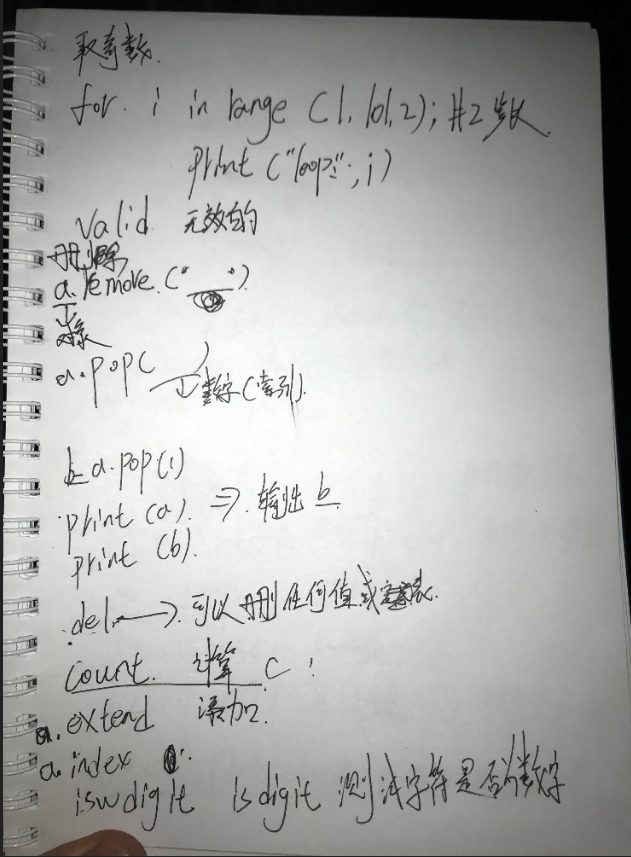
 # st='hello kitty {name} is {age}'

 #

 # print(st.count('l'))       #  统计元素个数

 # print(st.capitalize())     #  首字母大写

 # print(st.center(50,'#'))   #  居中

 # print(st.endswith('tty3')) #  判断是否以某个内容结尾

 # print(st.startswith('he')) #  判断是否以某个内容开头

 # print(st.expandtabs(tabsize=20))

 # print(st.find('t'))        #  查找到第一个元素,并将索引值返回

 # print(st.format(name='alex',age=37))  # 格式化输出的另一种方式   待定:?:{}

 # print(st.format_map({'name':'alex','age':22}))

 # print(st.index('t'))

 # print('asd'.isalnum())

 # print('12632178'.isdecimal())

 # print('1269999.uuuu'.isnumeric())

 # print('abc'.isidentifier())

 # print('Abc'.islower())

 # print('ABC'.isupper())

 # print('  e'.isspace())

 # print('My title'.istitle())

 # print('My tLtle'.lower())

 # print('My tLtle'.upper())

 # print('My tLtle'.swapcase())

 # print('My tLtle'.ljust(50,'*'))

 # print('My tLtle'.rjust(50,'*'))

 # print('\tMy tLtle\n'.strip())

 # print('\tMy tLtle\n'.lstrip())

 # print('\tMy tLtle\n'.rstrip())

 # print('ok')

 # print('My title title'.replace('itle','lesson',1))

 # print('My title title'.rfind('t'))

 # print('My title title'.split('i',1))

 # print('My title title'.title())

 #摘一些重要的字符串方法

 #1 print(st.count('l'))

 # print(st.center(50,'#'))   #  居中

 # print(st.startswith('he')) #  判断是否以某个内容开头

 # print(st.find('t'))

 # print(st.format(name='alex',age=37))  # 格式化输出的另一种方式   待定:?:{}

 # print('My tLtle'.lower())

 # print('My tLtle'.upper())

 # print('\tMy tLtle\n'.strip())

 # print('My title title'.replace('itle','lesson',1))

 # print('My title title'.split('i',1))
 # a=list()

 # print(a)

 # dic={'name':'alex'}

 # dic1={}

 # dic2=dict((('name','alex'),))

 # print(dic2)

 # dic3=dict([['name','alex'],])

 # print(dic3)
 # ret2=dic1.setdefault('hobby','girl')

 # print(dic1)

 # print(ret2)

 # dic3={'age': 18, 'name': 'alex', 'hobby': 'girl'}

 #

 # print(dic3['name'])

 #

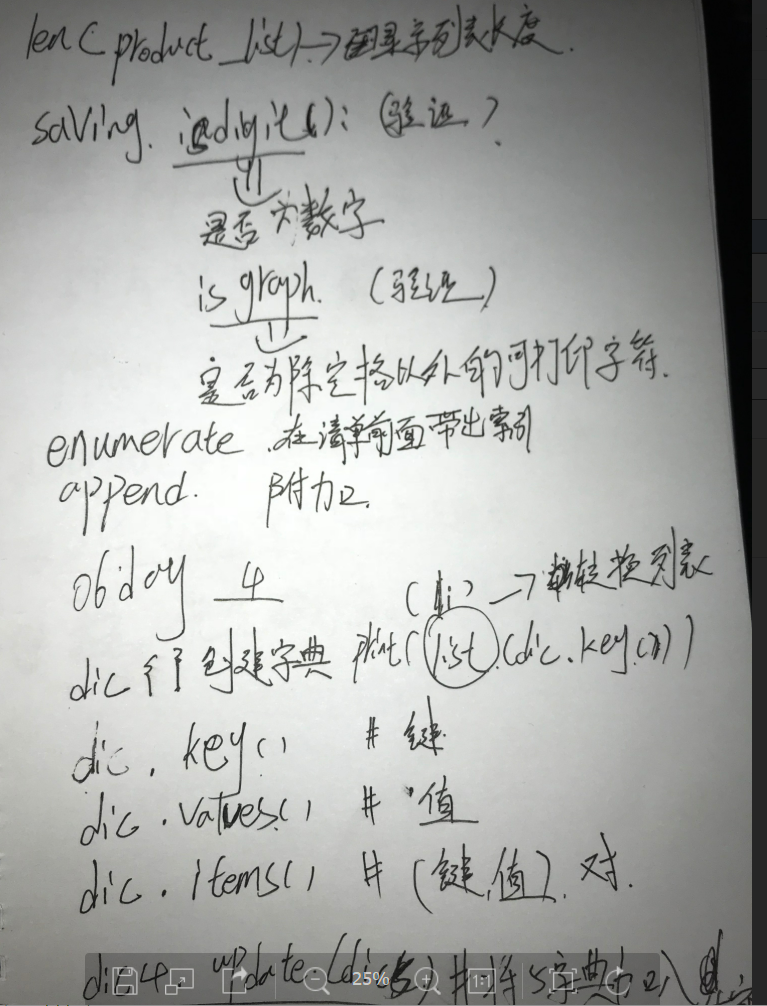
 # print(list(dic3.keys()))

 # print(list(dic3.values()))

 # print(list(dic3.items()))

 # li=[1,2,34,4]

 # li[2]=5

 # dic3={'age': 18, 'name': 'alex', 'hobby': 'girl'}

 # dic3['age']=55

 # print(dic3)

 # dic4={'age': 18, 'name': 'alex', 'hobby': 'girl'}

 # # dic5={'1':'111','2':'222'}

 # dic5={'1':'111','name':'222'}

 #

 # dic4.update(dic5)

 # print(dic4)

 # print(dic5)
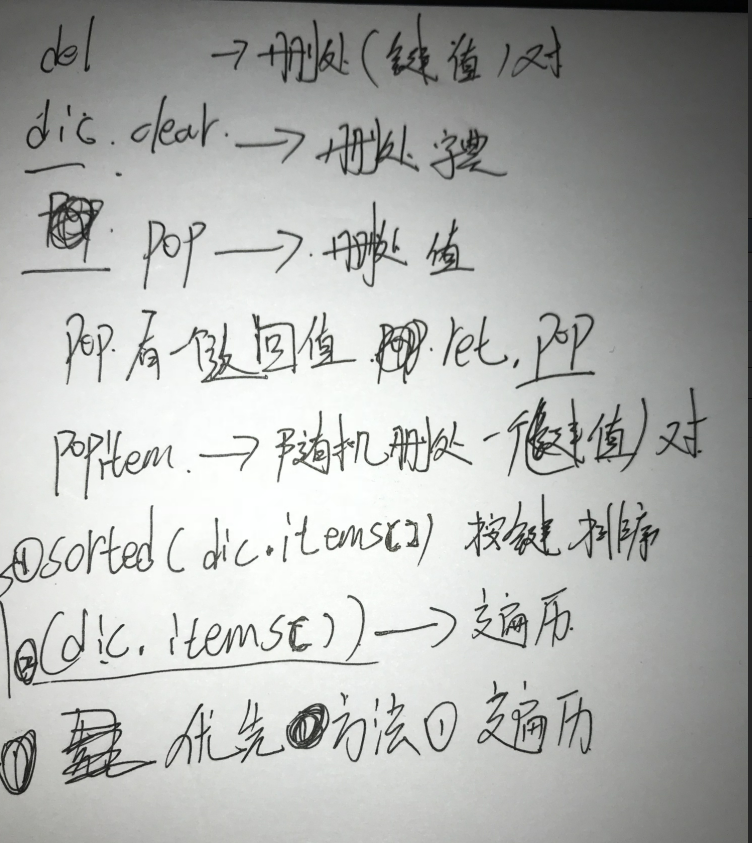
 # dic1={'name':'alex'}

 # dic1['age']=18

 # print(dic1)
 # dic5 = {'name': 'alex', 'age': 18, 'class': 1}

 # dic5.clear() # 清空字典

 # print(dic5)

 # del dic5['name'] #删除字典中指定键值对

 # print(dic5)

 # print(dic5.pop('age')) #删除字典中指定键值对,并返回该键值对的值

 # ret=dic5.pop('age')

 # print(ret)

 # print(dic5)

 # a = dic5.popitem() #随机删除某组键值对,并以元组方式返回值

 # print(a, dic5)

 # del dic5        #删除整个字典

 # print(dic5)
06 python下的更多相关文章
- python下的select模块使用 以及epoll与select、poll的区别
python下的select模块使用 以及epoll与select.poll的区别 先说epoll与select.poll的区别(总结) 整理http://www.zhihu.com/question ...
- python下ssh的简单实现
python下的ssh都需要借助第三方模块paramiko来实现,在使用前需要手动安装. 一.python实现ssh (1) linux下的ssh登录 root@ubuntu:~# ssh morra ...
- python下编译py成pyc和pyo
python下编译py成pyc和pyo 其实很简单, 用 python -m py_compile file.py python -m py_compile /root/src/{file1,f ...
- Python下划线与命名规范
Python下划线与命名规范 先看结论,节省只想知道答案你的宝贵时间: _xxx 不能用于from module import * 以单下划线开头的表示的是protected类型的变量.即保护类型只能 ...
- python下的orm基本操作(1)--Mysql下的CRUD简单操作(含源码DEMO)
最近逐渐打算将工作的环境转移到ubuntu下,突然发现对于我来说,这ubuntu对于我这种上上网,收收邮件,写写博客,写写程序的时实在是太合适了,除了刚接触的时候会不怎么完全适应命令行及各种权限管理, ...
- Python下科学计算包numpy和SciPy的安装
转载自:http://blog.sina.com.cn/s/blog_62dfdc740101aoo6.html Python下大多数工具包的安装都很简单,只需要执行 “python setup.py ...
- python下的复杂网络编程包networkx的安装及使用
由于py3.x与工具包的兼容问题,这里采用py2.7 1.python下的复杂网络编程包networkx的使用: http://blog.sina.com.cn/s/blog_720448d30101 ...
- Python学习入门基础教程(learning Python)--5.1 Python下文件处理基本过程
Python下的文件读写操作过程和其他高级语言如C语言的操作过程基本一致,都要经历以下几个基本过程. 1. 打开文件 首先是要打开文件,打开文件的主要目的是为了建立程序和文件之间的联系.按程序访问文件 ...
- python下读取excel文件
项目中要用到这个,所以记录一下. python下读取excel文件方法多种,用的是普通的xlrd插件,因为它各种版本的excel文件都可读. 首先在https://pypi.python.org/py ...
随机推荐
- hadoop 设置回收站
我的问题是:hadoop回收站为什么会保留多个过期时间的数据 我们知道hadoop的回收站是在我们删除数据后能恢复的目录,但是我们并不希望在回收站保存太久的数据,我们可以使用如下参数进行配置. ...
- SVN创建分支/合并分支/切换分支
在建立项目版本库时,可首先建好项目文件夹,并在其中建立trunk, branches, tags三个空的子目录.这样在trunk中开始进行开发 trunk是主分支,是日常开发进行的地方. branch ...
- Linux基础知识_Shell编程笔记
以下是一些 常用功能 , 基于 centos 6.5 x64 # cp /etc/localtime /etc/localtime.org # rm /etc/localtime # ln -s /u ...
- windows文件服务器的磁盘空间挂载在linux目录下使用
mount -t cifs //filesystem/serverbackup/SqlBackup/ /data/sqlbackup -o username=sqlbackup.meizu.co ...
- asp.net mvc6+ef框架做的书籍管理项目
效果图: 目录结构: book控制器代码: using System; using System.Collections.Generic; using System.Linq; using Syste ...
- mysql在查询中常见问题汇总
1.从主从表中查询外键内容(常见问题) 从主从表中查询对应的外键,需要指定外键的表,即sno=> student.sno或者score.sno 错误:select sno,sname,degre ...
- 项目配置linux上, 配置文件访问不到
/** * 读入TXT文件 */public List<String> readFile(String pathName) { List<String> list = new ...
- xshell连接linux主机时,出现错误:Could not connect to '***.***.***.***' (port 22)
xshell连接linux主机时,会出现错误:Could not connect to '192.168.89.144' (port 22): Connection failed. 但是这时能ping ...
- VSCode 常用的快捷键
R键:点击后热加载,直接查看预览结果 P键: 在虚拟机中显示网格,常用 O 键:切换iOS 和Android Q键 :退出调试 ctr +~ 打开 终端
- 20155219 mybash的实现
第五周加分题--mybash的实现 题目要求 1.使用fork,exec,wait实现mybash 2.写出伪代码,产品代码和测试代码 3.发表知识理解,实现过程和问题解决的博客(包含代码托管链接) ...