
在iOS中实现一个简单的画板App
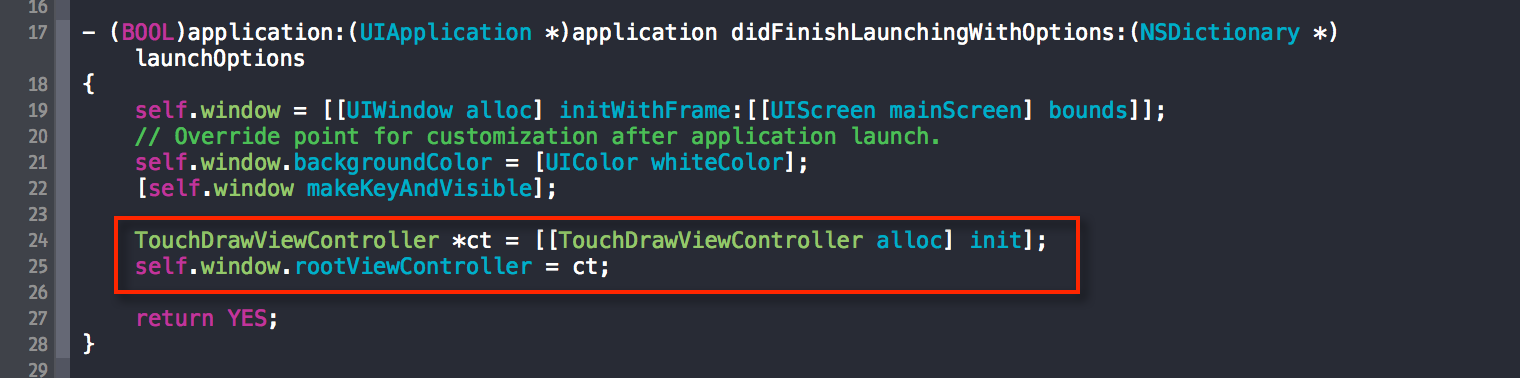
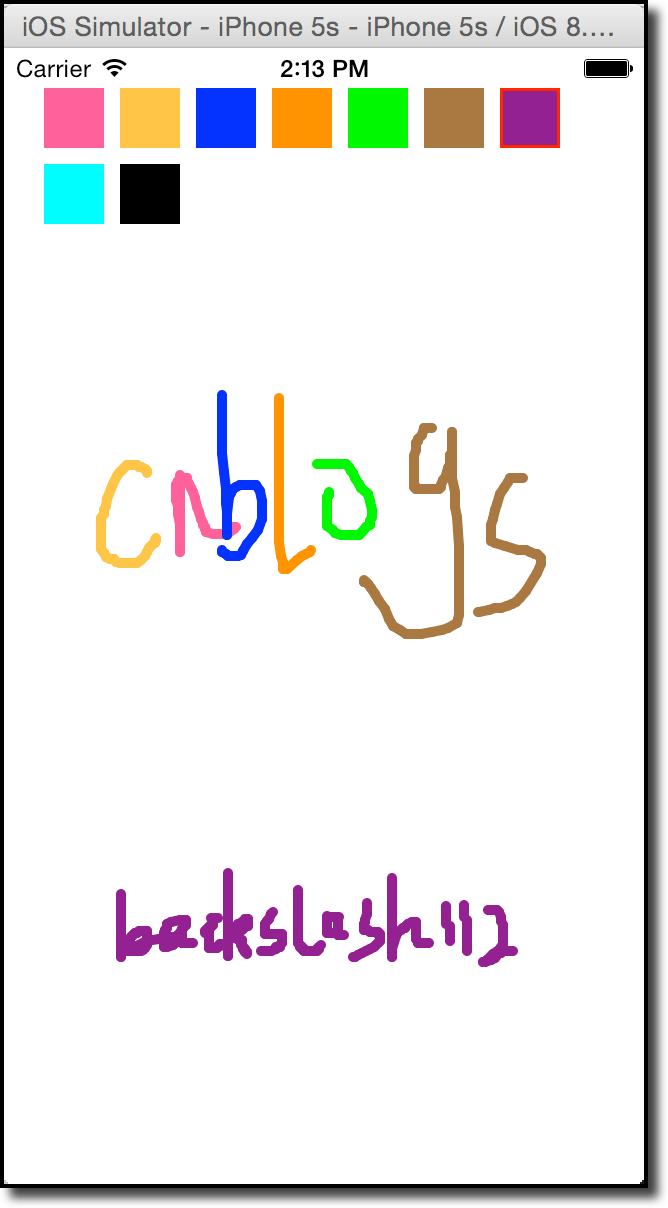
在这个随笔中,我们要为iPhone实现一个简单的画板App。
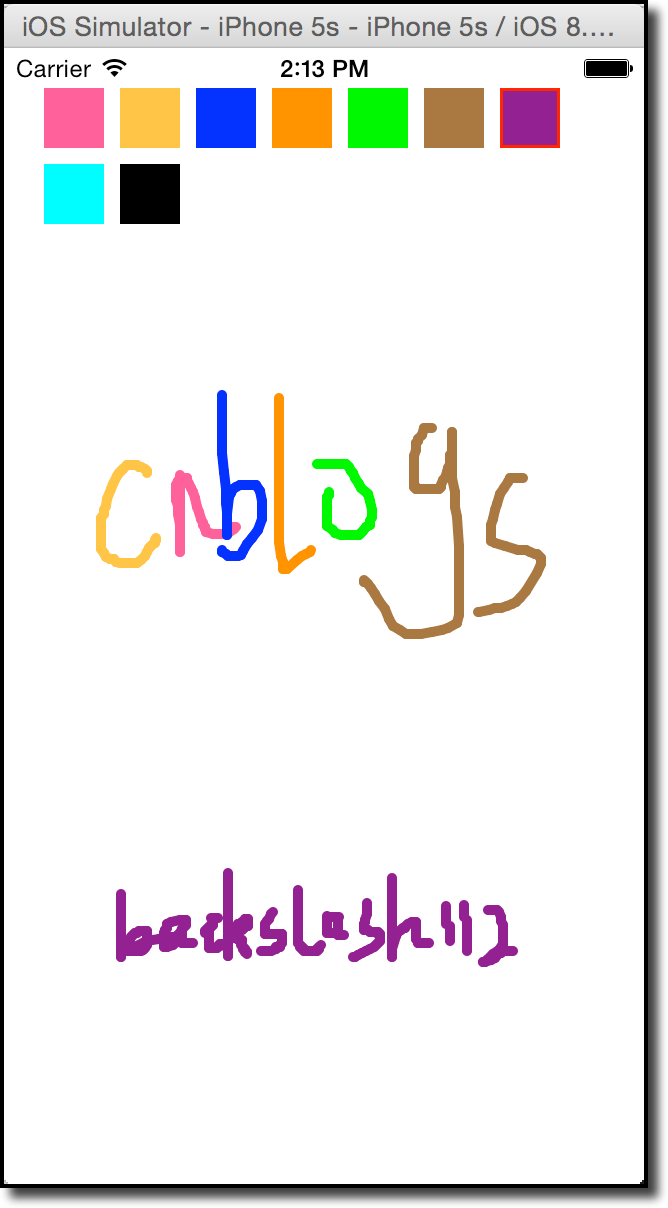
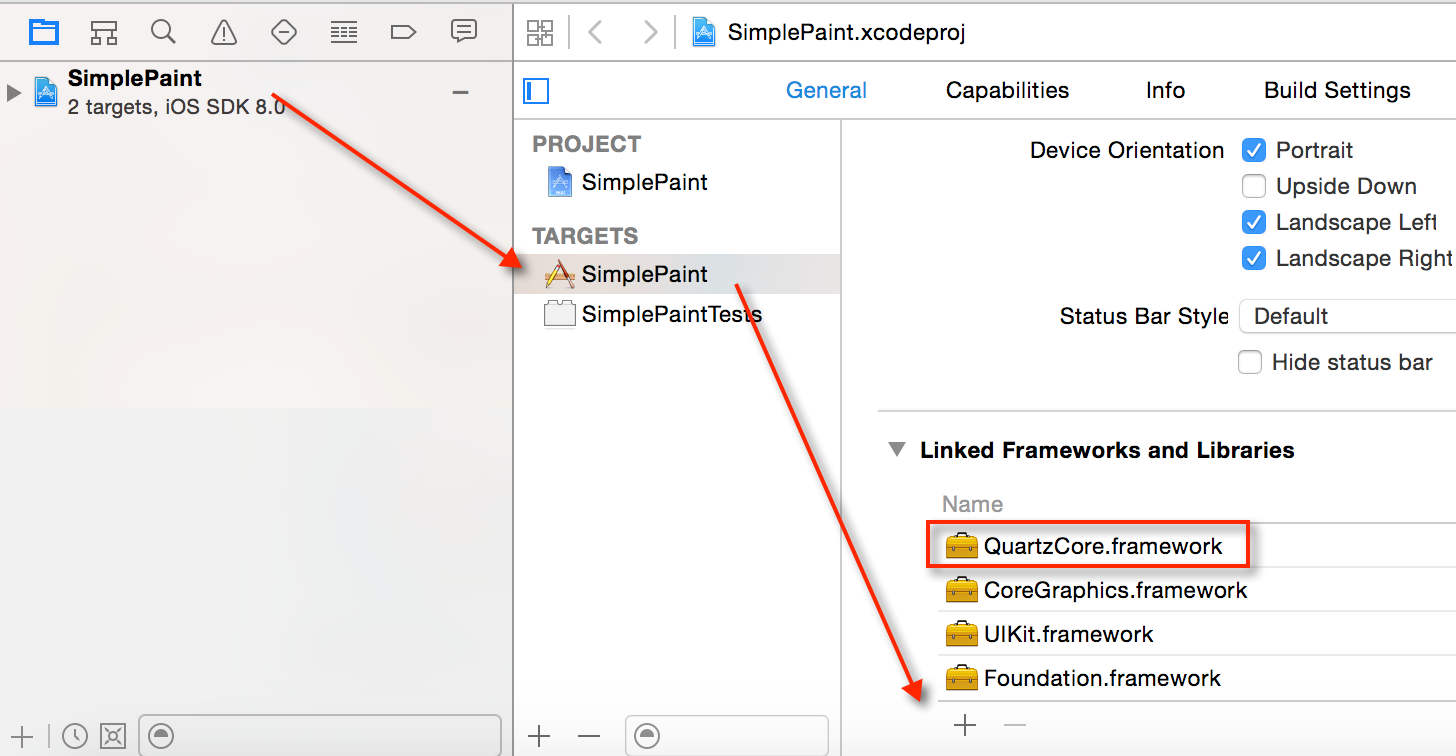
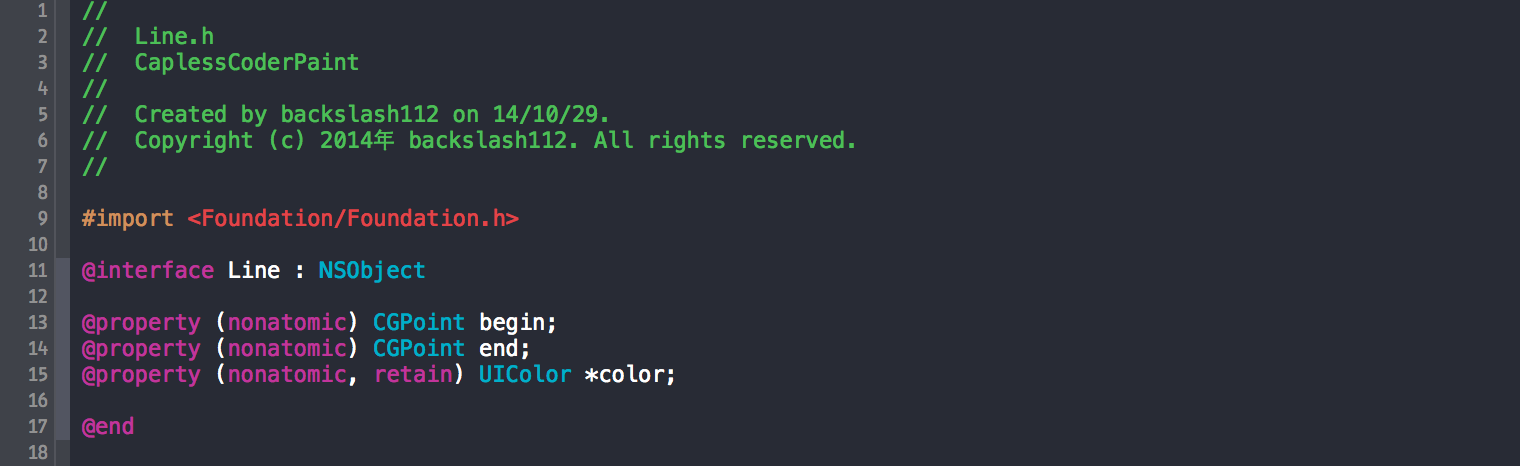
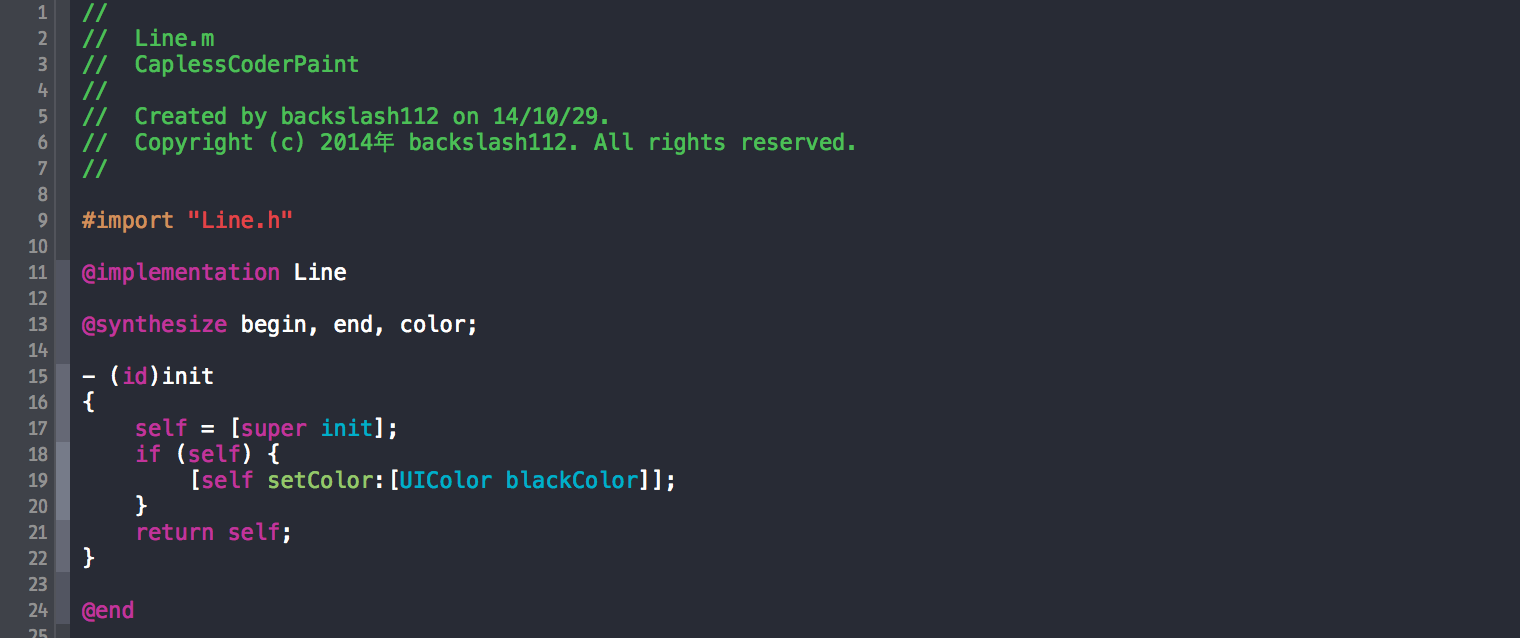
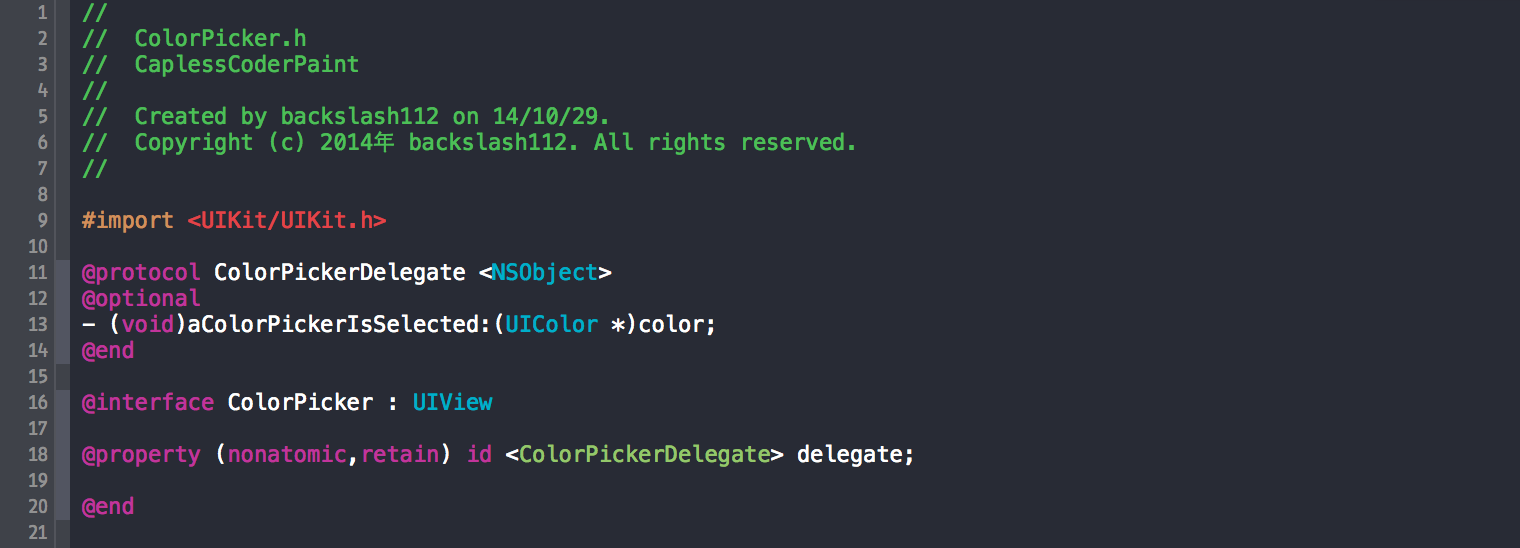
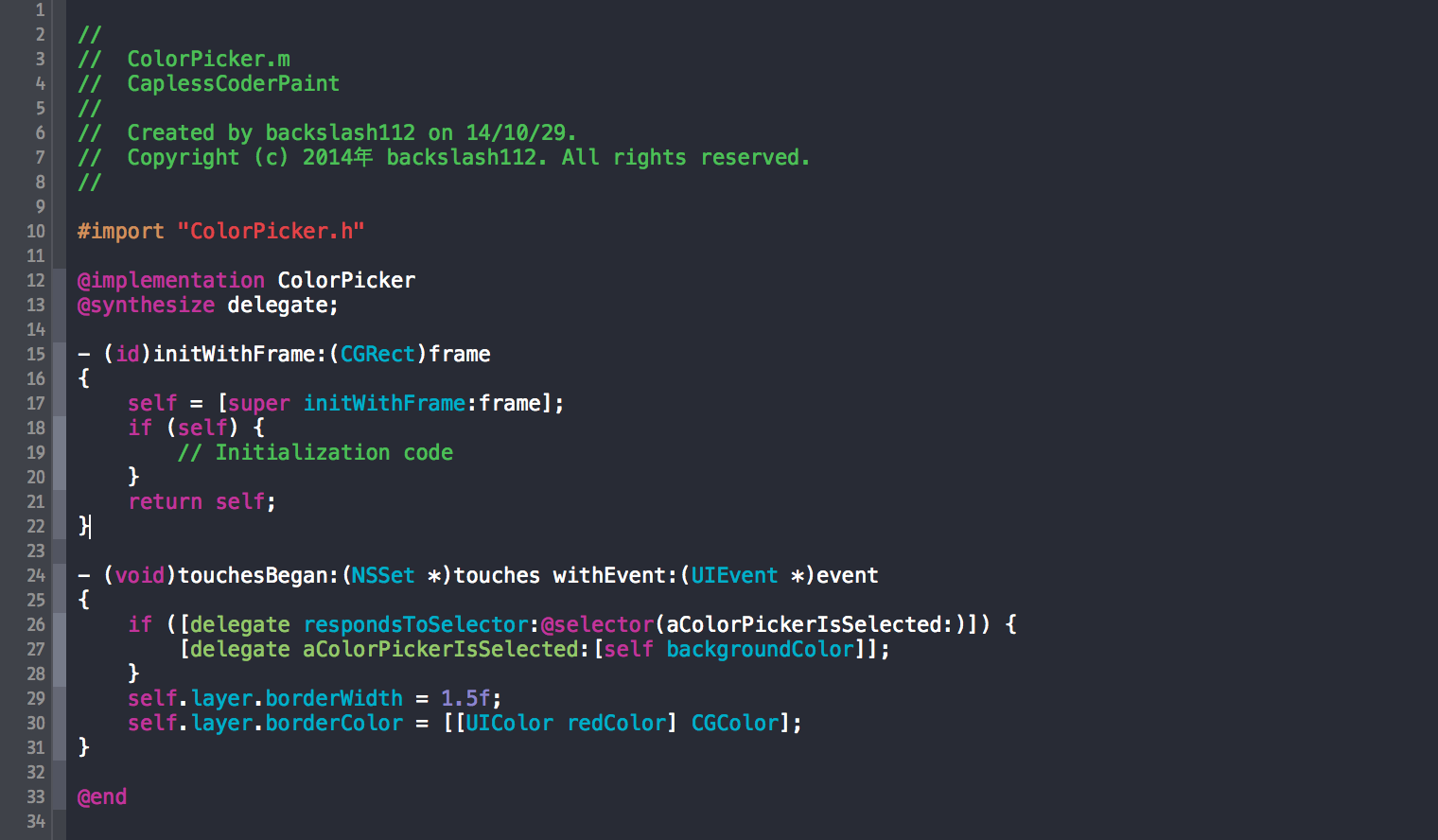
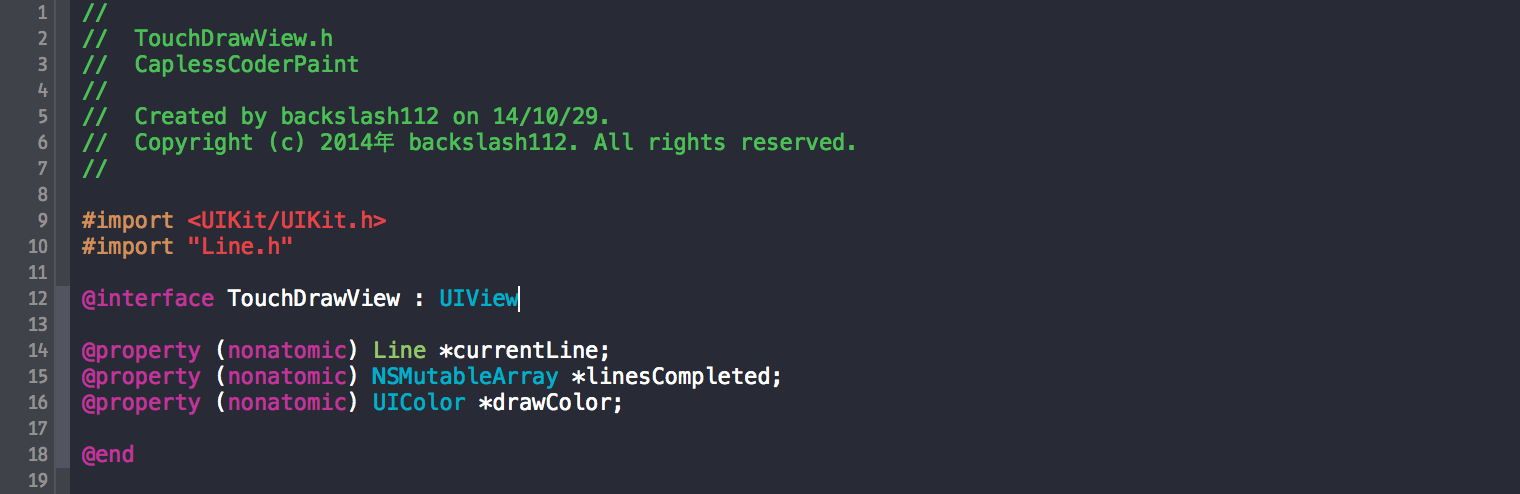
 //

 //  TouchDrawView.m

 //  CaplessCoderPaint

 //

 //  Created by backslash112 on 14/10/29.

 //  Copyright (c) 2014年 backslash112. All rights reserved.

 //

 #import "TouchDrawView.h"

 #import "Common.h"

 @implementation TouchDrawView

 {

 }

 @synthesize currentLine;

 @synthesize linesCompleted;

 @synthesize drawColor;

 - (id)initWithCoder:(NSCoder *)c

 {

     self = [super initWithCoder:c];

     if (self) {

         linesCompleted = [[NSMutableArray alloc] init];

         [self setMultipleTouchEnabled:YES];

         drawColor = [UIColor blackColor];

         [self becomeFirstResponder];

     }

     return self;

 }

 //  It is a method of UIView called every time the screen needs a redisplay or refresh.

 - (void)drawRect:(CGRect)rect

 {

     CGContextRef context = UIGraphicsGetCurrentContext();

     CGContextSetLineWidth(context, 5.0);

     CGContextSetLineCap(context, kCGLineCapRound);

     [drawColor set];

     for (Line *line in linesCompleted) {

         [[line color] set];

         CGContextMoveToPoint(context, [line begin].x, [line begin].y);

         CGContextAddLineToPoint(context, [line end].x, [line end].y);

         CGContextStrokePath(context);

     }

 }

 - (void)undo

 {

     if ([self.undoManager canUndo]) {

         [self.undoManager undo];

         [self setNeedsDisplay];

     }

 }

 - (void)touchesBegan:(NSSet *)touches withEvent:(UIEvent *)event

 {

     [self.undoManager beginUndoGrouping];

     for (UITouch *t in touches) {

         // Create a line for the value

         CGPoint loc = [t locationInView:self];

         Line *newLine = [[Line alloc] init];

         [newLine setBegin:loc];

         [newLine setEnd:loc];

         [newLine setColor:drawColor];

         currentLine = newLine;

     }

 }

 - (void)addLine:(Line*)line

 {

     [[self.undoManager prepareWithInvocationTarget:self] removeLine:line];

     [linesCompleted addObject:line];

 }

 - (void)removeLine:(Line*)line

 {

     if ([linesCompleted containsObject:line])

         [linesCompleted removeObject:line];

 }

 - (void)removeLineByEndPoint:(CGPoint)point

 {

     NSPredicate *predicate = [NSPredicate predicateWithBlock:^BOOL(id evaluatedObject, NSDictionary *bindings) {

         Line *evaluatedLine = (Line*)evaluatedObject;

         return evaluatedLine.end.x == point.x &&

         evaluatedLine.end.y == point.y;

     }];

     NSArray *result = [linesCompleted filteredArrayUsingPredicate:predicate];

     if (result && result.count > ) {

         [linesCompleted removeObject:result[]];

     }

 }

 - (void)touchesMoved:(NSSet *)touches withEvent:(UIEvent *)event

 {

     for (UITouch *t in touches) {

         [currentLine setColor:drawColor];

         CGPoint loc = [t locationInView:self];

         [currentLine setEnd:loc];

         if (currentLine) {

             [self addLine:currentLine];

         }

         Line *newLine = [[Line alloc] init];

         [newLine setBegin:loc];

         [newLine setEnd:loc];

         [newLine setColor:drawColor];

         currentLine = newLine;

     }

     [self setNeedsDisplay];

 }

 - (void)endTouches:(NSSet *)touches

 {

     [self setNeedsDisplay];

 }

 - (void)touchesEnded:(NSSet *)touches withEvent:(UIEvent *)event

 {

     [self endTouches:touches];

     [self.undoManager endUndoGrouping];

 }

 - (void)touchesCancelled:(NSSet *)touches withEvent:(UIEvent *)event

 {

     [self endTouches:touches];

 }

 - (BOOL)canBecomeFirstResponder

 {

     return YES;

 }

 - (void)didMoveToWindow

 {

     [self becomeFirstResponder];

 }

 - (id)initWithFrame:(CGRect)frame

 {

     self = [super initWithFrame:frame];

     if (self) {

         // Initialization code

     }

     return self;

 }

 @end
这个文件包含了主要的逻辑,说明下主要方法的作用:
-(id)initWithCoder:当此view被创建的时候这个方法自动调用,所以你不一定必须要实现它;当时当你想在初始化的时候做一些别的工作的时候你就需要实现它。
-(void)drawRect:每次当屏幕需要重新显示或者刷新的时候这个方法会被调用。
-(void)touchBegan:当你的手指点击到屏幕的时候这个方法会被调用。
-(void)touchMove:当你的手指点击屏幕后开始在屏幕移动,它会被调用。随着手指的移动,相关的对象会秩序发送该消息。
-(void)touchEnd:当你的手指点击屏幕之后离开的时候,它会被调用。
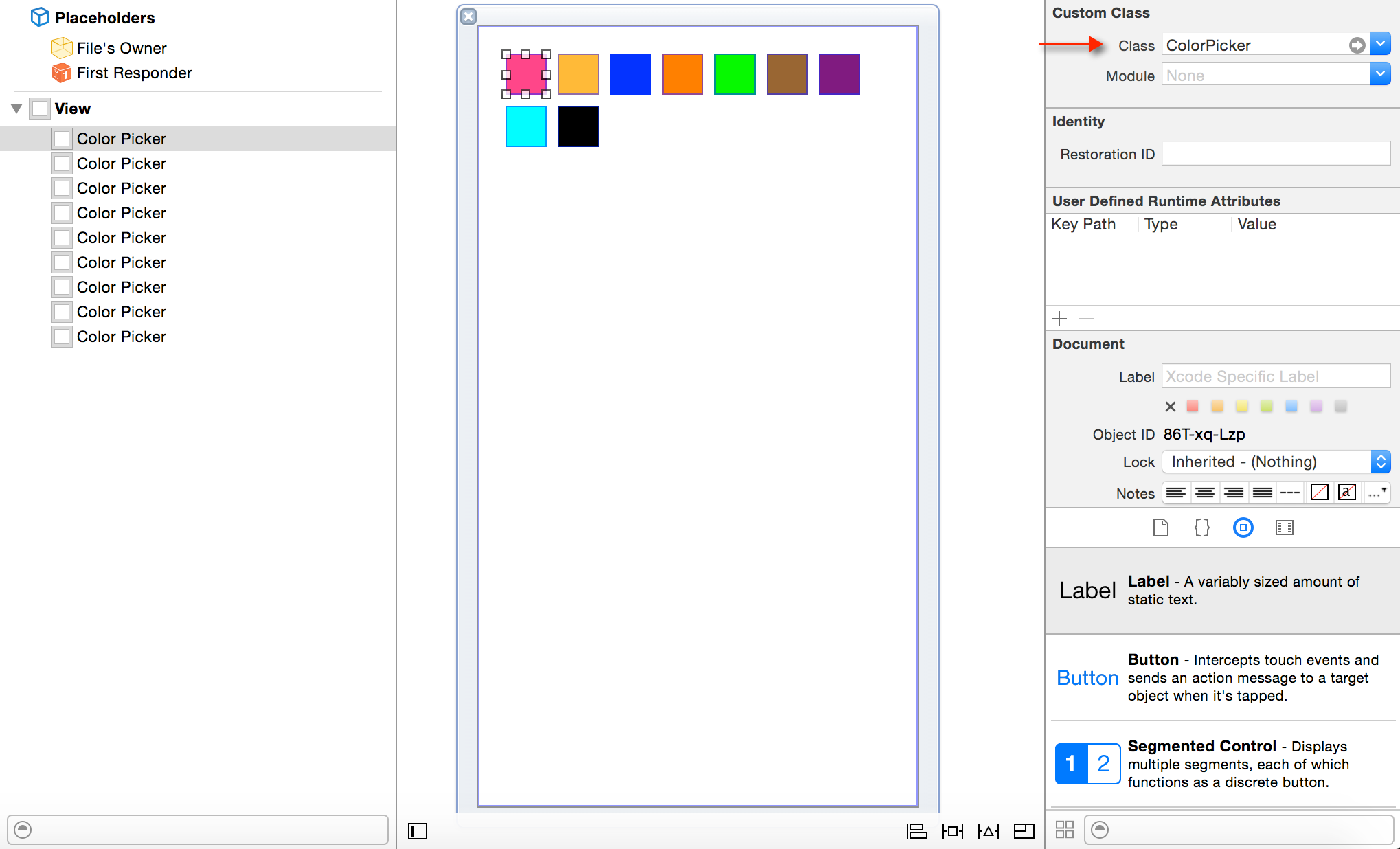
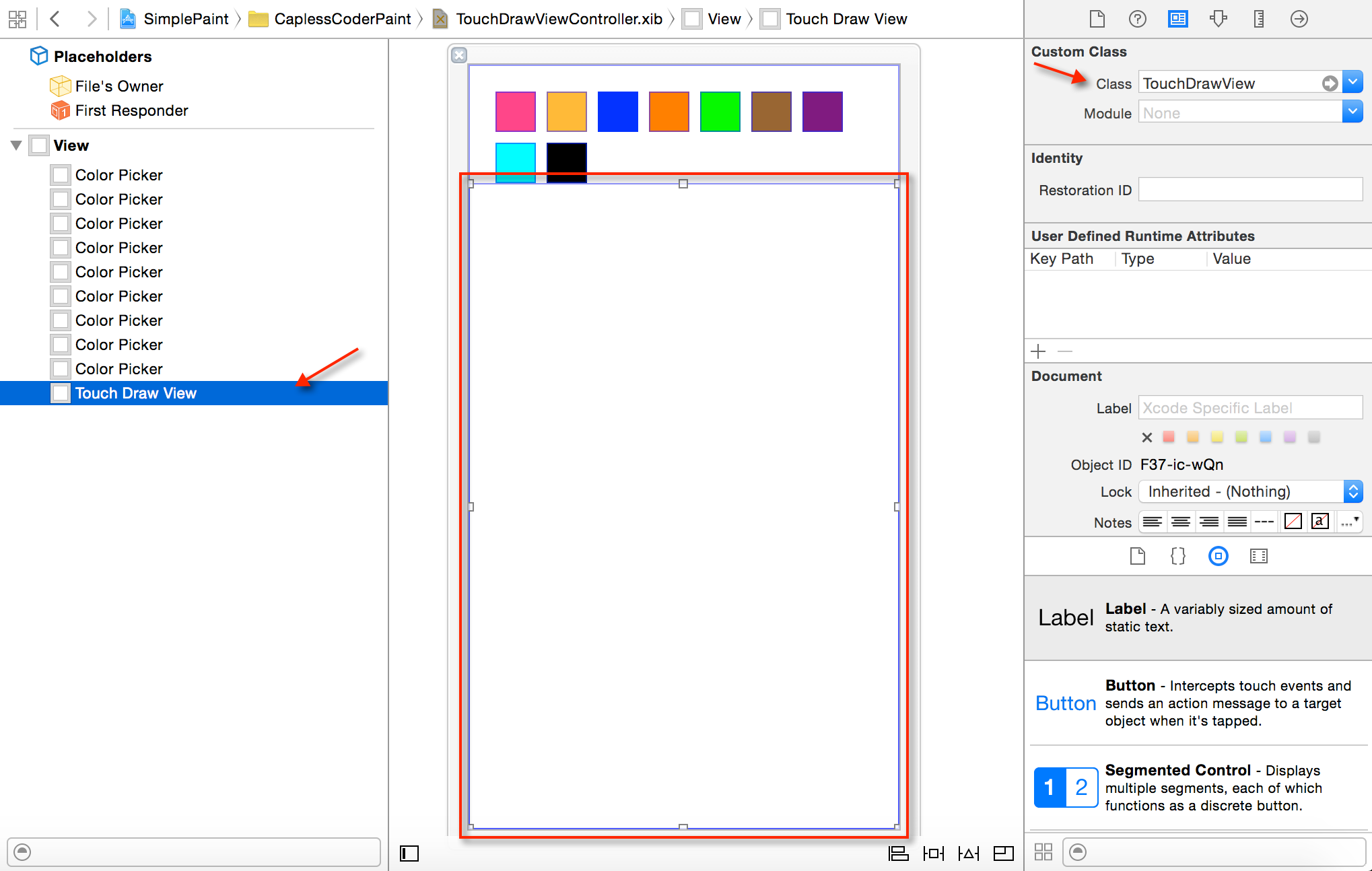
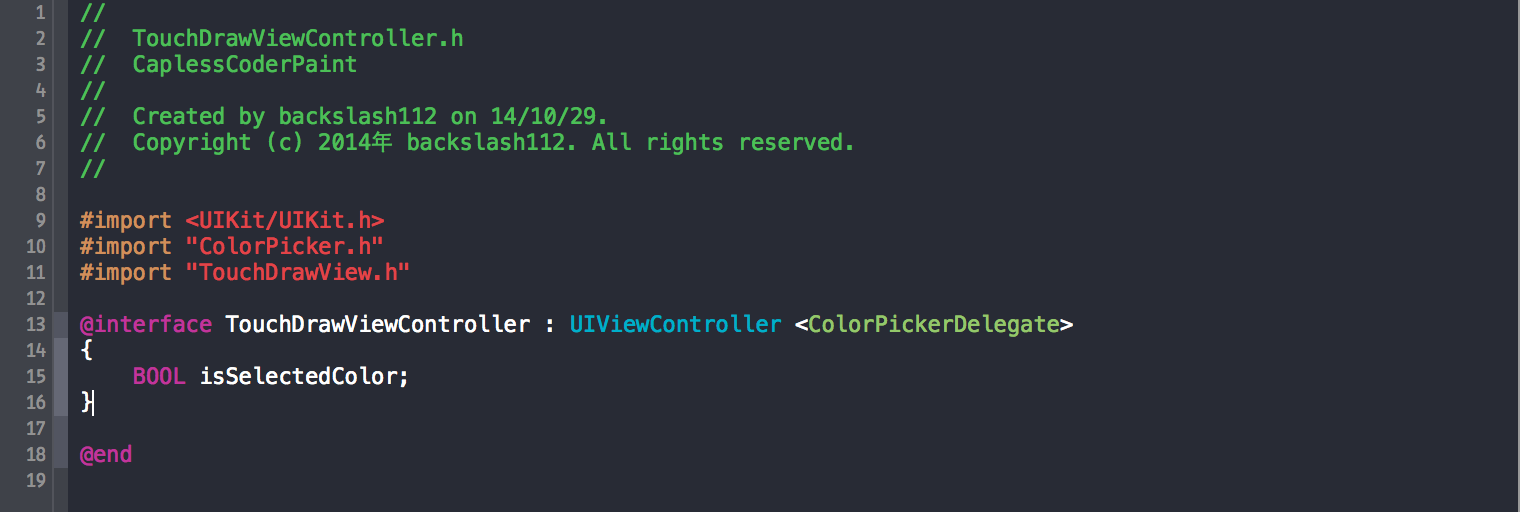
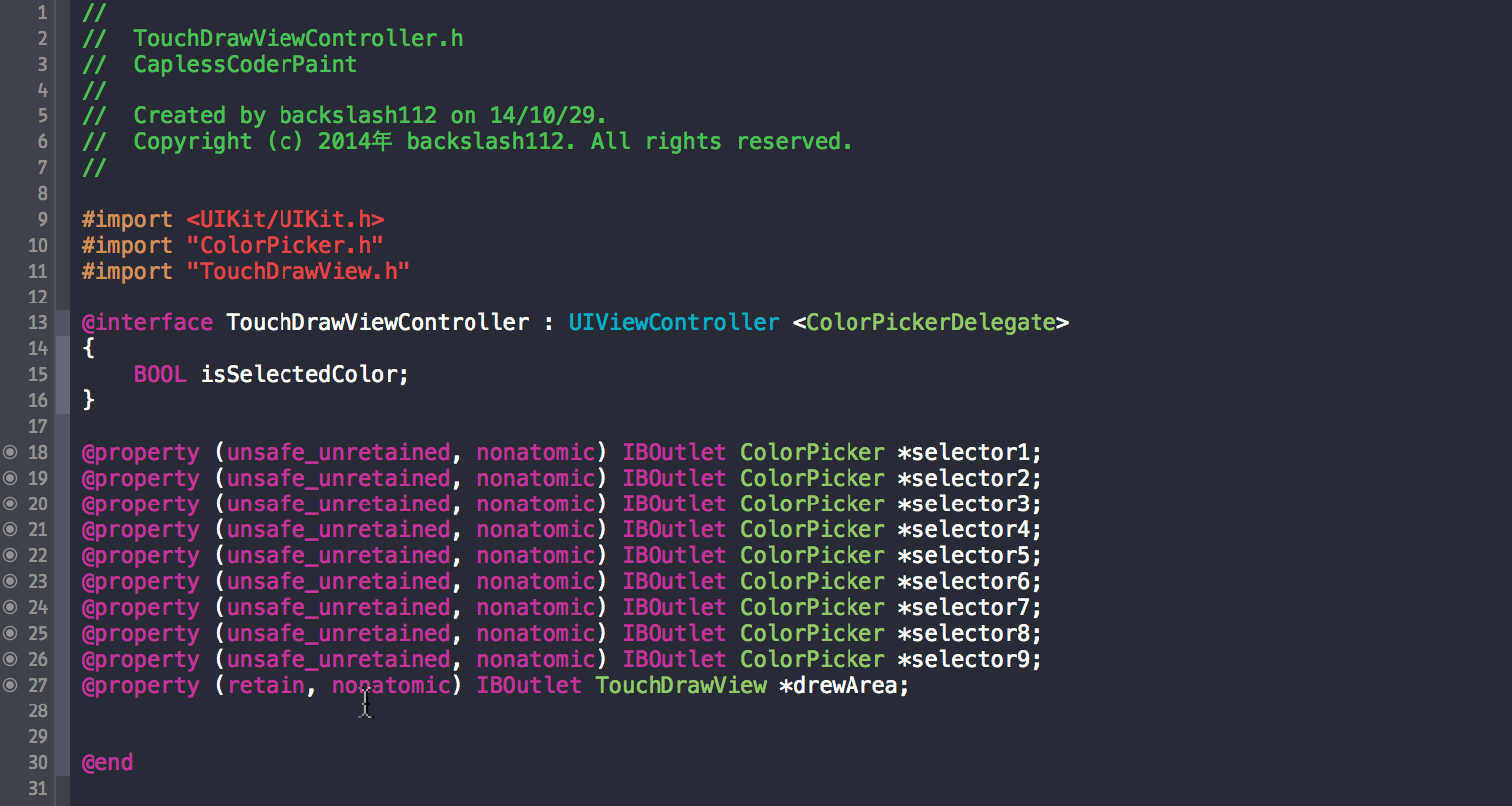
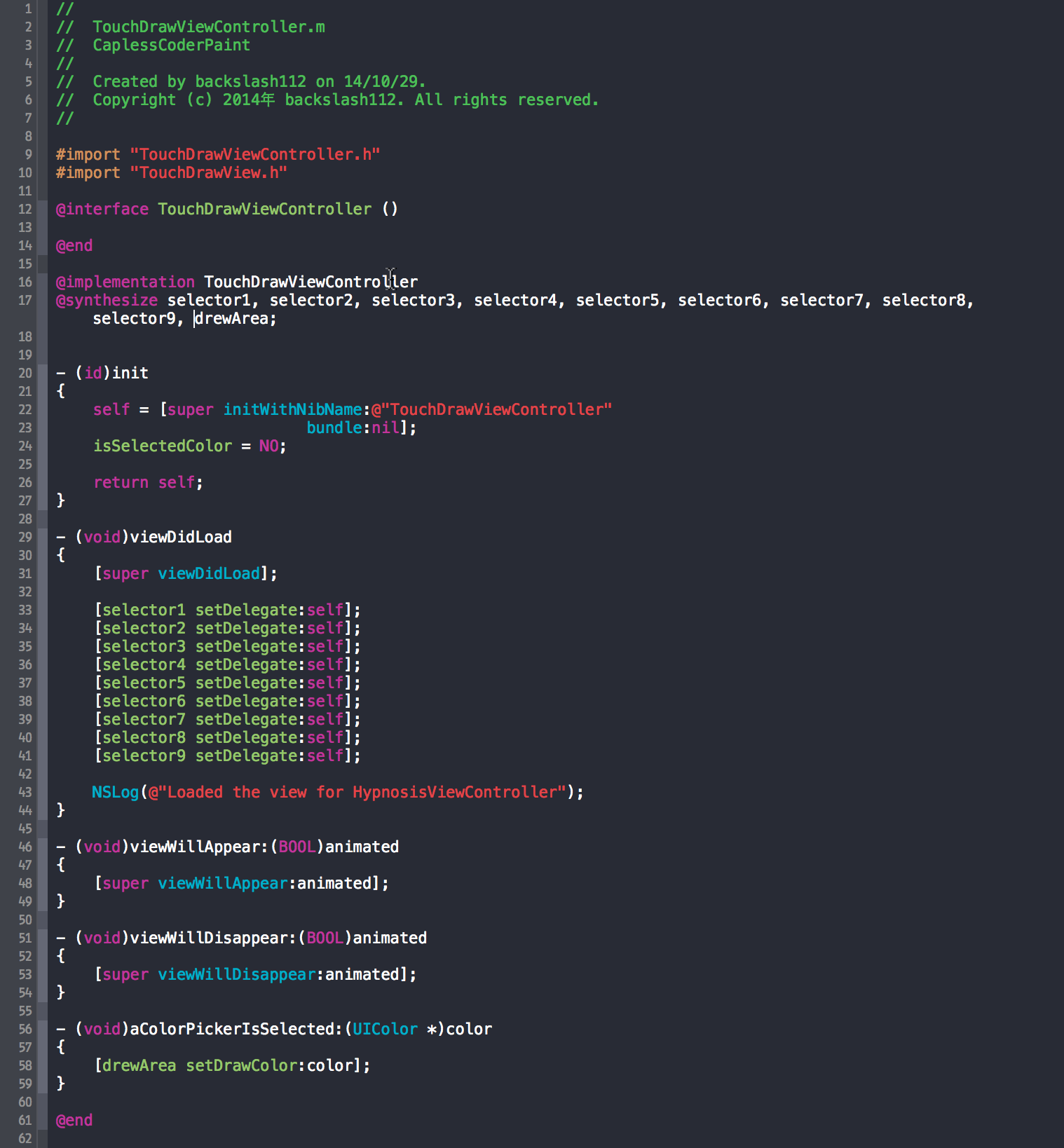
相关源代码:github
在iOS中实现一个简单的画板App的更多相关文章
- 请问IOS中做一个手机网站的app壳复杂吗?
公司开发了一个平台,手机网站已经做出来了,想开发一个苹果应用app,但公司没人会IOS开发,为了减小成本,现在想直接做一个壳来加载手机网站,请问在ios中复杂吗?是否有相应的控件直接加载url就行? ...
- (一)在HTML页面中实现一个简单的Tab
在HTML页面中实现一个简单的Tab 为了充分利用有限的HTML页面空间,经常会采用类似与TabControl的效果通过切换来显示更多的内容.本文将采用一种最为简单的方法来实现类似如Tab页切换的效果 ...
- 用 Vue 做一个简单的购物app
前言 最近在学习Vue的使用.看了官方文档之后,感觉挺有意思的.于是着手做了一个简单的购物app.h5 与原生 app 交互的原理这是我第一次在这个网站上写分享,如有不当之处,请多多指教. 一整个项目 ...
- express 写一个简单的web app
之前写过一个简单的web app, 能够完成注册登录,展示列表,CURD 但是版本好像旧了,今天想写一个简单的API 供移动端调用 1.下载最新的node https://nodejs.org/zh- ...
- 转载 -- iOS中SDK的简单封装与使用
一.功能总述 在博客开始的第一部分,我们先来看一下我们最终要实现的效果.下图中所表述的就是我们今天博客中要做的事情,下方的App One和App Two都植入了我们将要封装的LoginSDK, 两个A ...
- iOS 中CoreData的简单使用
原文链接:http://www.jianshu.com/p/4411f507dd9f 介绍:本文介绍的CoreData不在AppDelegate中创建,在程序中新建工程使用,即创建本地数据库,缓存数据 ...
- 在eclipse中配置一个简单的spring入门项目
spring是一个很优秀的基于Java的轻量级开源框架,为了解决企业级应用的复杂性而创建的,spring不仅可用于服务器端开发,从简单性.可测试性和松耦合性的角度,任何java应用程序都可以利用这个思 ...
- iOS 中多线程的简单使用
iOS中常用的多线程操作有( NSThread, NSOperation GCD ) 为了能更直观的展现多线程操作在SB中做如下的界面布局: 当点击下载的时候从网络上下载图片: - (void)loa ...
- 如何在Liferay 7中创建一个简单的JSF Portlet
这个将在Liferay IDE 3.1 M3的发布版中提供创建的选项,但是你也可以通过命令行来创建. 1.这是Liferay JSF团队的官网:http://liferayfaces.org/ 你能在 ...
随机推荐
- shell简介
Shell作为命令语言,它交互式地解释和执行用户输入的命令:作为程序设计语言,它定义了各种变量和参数,并提供了许多在高级语言中才具有的控制结构,包括循环和分支. shell使用的熟练程度反映了用户对U ...
- Could not create SSL connection through proxy serve-svn
RA layer request failedsvn: Unable to connect to a repository at URL xxxxxx 最后:Could not create SSL ...
- docker for mac 学习记录
docker基本命令 docker run -d -p 80:80 --name webserver nginx 运行容器并起别名 docker ps 展示目前启动的容器 docker ps -a 展 ...
- Android -- 真正的 高仿微信 打开网页的进度条效果
(本博客为原创,http://www.cnblogs.com/linguanh/) 目录: 一,为什么说是真正的高仿? 二,为什么要搞缓慢效果? 三,我的实现思路 四,代码,内含注释 五,使用方法与截 ...
- 微信小程序前端源码逻辑和工作流
看完微信小程序的前端代码真的让我热血沸腾啊,代码逻辑和设计一目了然,没有多余的东西,真的是大道至简. 废话不多说,直接分析前端代码.个人观点,难免有疏漏,仅供参考. 文件基本结构: 先看入口app.j ...
- STM32F429 LCD程序移植
STM32F429自带LCD驱动器,这一具有功能给我等纠结于屏幕驱动的程序员带来了很大的福音.有经验的读者一定有过这样的经历,用FSMC驱动带由控制器的屏幕时候,一旦驱动芯片更换,则需要重新针对此驱动 ...
- Redis配置文件redis.conf
1.地址 2.Units单位 1 配置大小单位,开头定义了一些基本的度量单位,只支持bytes,不支持bit 2 对大小写不敏感 3.includes包含
- mysql 赋予用户权限
# 赋予权限MySQL> grant 权限参数 on 数据库名称.表名称 to 用户名@用户地址 identified by '用户密码'; # 立即生效权限MySQL> flush pr ...
- jQuery 的选择器常用的元素查找方法
jQuery 的选择器常用的元素查找方法 基本选择器: $("#myELement") 选择id值等于myElement的元素,id值不能重复在文档中只能有一个id值是myE ...
- 免费SSL证书 之Let’s Encrypt申请与部署(Windows Nginx)
我着着皇帝的新衣,但是你看不见 有一颗愿意等待的心,说明你对未来充满希望.有一颗充满希望的心,那么等待又算什么.人就是在等待与希望中度过,我们永远要对未来充满信心! 读在最前面: 1.本文案例为 ...