
Zbar 大图像分析
博客转载自:https://blog.csdn.net/sunflower_boy/article/details/50429252
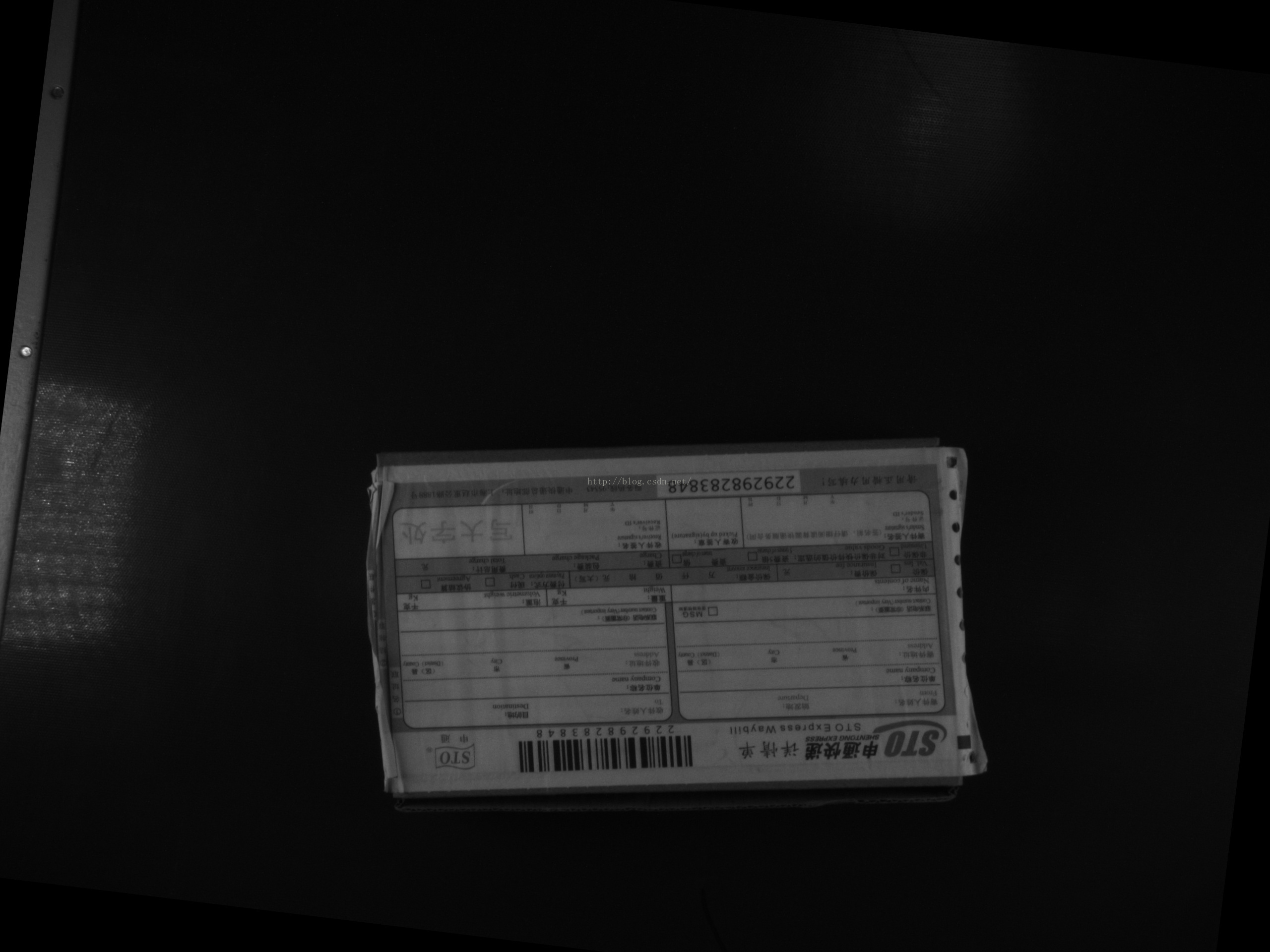
测试条件
测试图像:2560x1920pixels

联想 IdeaPad Z470

英特尔 Core i3-2310M @ 2.10GHz 双核

2 GB ( 三星 DDR3 1333MHz )

Ubuntu 15.04
测试程序
import re

import commands

picname = '1553520702.jpg'

regex = re.compile(r'\d+\.?\d*\sseconds')

f=open('timeresult.txt','w')

cmdlist = ['zbarimg ',

           'zbarimg -Sdisable -Scode128.enable ',

           'zbarimg -Sno-position ',

           'zbarimg -Sy-density=10 ',

           'zbarimg -Sy-density=20 ',

           'zbarimg -Sy-density=40 ',

           'zbarimg -Sy-density=10 -Sx-density=10 ',

           'zbarimg -Sy-density=10 -Sx-density=20 ',

           'zbarimg -Sy-density=10 -Sx-density=40 ',

           'zbarimg -Sy-density=10 -Sx-density=0 ',

           'zbarimg -Sy-density=20 -Sx-density=0 ',

           'zbarimg -Sy-density=40 -Sx-density=0 ',

           'zbarimg -Sy-density=40 -Sx-density=0 \

-Sdisable -Scode128.enable -Sno-position ',

          ]

for i in range(len(cmdlist)):

   cmdstr = cmdlist[i] + picname

   print cmdstr+':'

   f.write(cmdstr+':')

   for j in range(1,6):

     cmdout = commands.getoutput(cmdstr)

     timelist = regex.findall(cmdout)

     if timelist:

        timestr = timelist[0]

        timestr = timestr[:len(timestr)-7]

     else:

        timestr = '-1'

     print timestr

     f.write(timestr)

   print  '\n'

   f.write('\n')

f.close()
输出结果
zbarimg .jpg:0.63 0.61 0.59 0.62 0.6

zbarimg -Sdisable -Scode128.enable .jpg:0.56 0.61 0.55 0.56 0.55

zbarimg -Sno-position .jpg:0.59 0.6 0.62 0.6 0.62

zbarimg -Sy-density= .jpg:0.42 0.43 0.41 0.42 0.42

zbarimg -Sy-density= .jpg:0.42 0.4 0.41 0.41 0.4

zbarimg -Sy-density= .jpg:0.4 0.4 0.42 0.4 0.39

zbarimg -Sy-density= -Sx-density= .jpg:0.2 0.2 0.21 0.23 0.21

zbarimg -Sy-density= -Sx-density= .jpg:0.2 0.2 0.19 0.19 0.21

zbarimg -Sy-density= -Sx-density= .jpg:0.19 0.2 0.21 0.2 0.19

zbarimg -Sy-density= -Sx-density= .jpg:0.18 0.18 0.18 0.18 0.18

zbarimg -Sy-density= -Sx-density= .jpg:0.17 0.17 0.17 0.18 0.16

zbarimg -Sy-density= -Sx-density= .jpg:0.16 0.16 0.17 0.16 0.16

zbarimg -Sy-density= -Sx-density= -Sdisable -Scode128.enable -Sno-position .jpg:0.16 0.16 0.16 0.16 0.17
man zbarimg查看配置信息
ZBARIMG(1)                    ZBar Barcode Reader                   ZBARIMG(1)

NAME

       zbarimg - scan and decode bar codes from image file(s)

SYNOPSIS

       zbarimg [-qv] [--quiet] [--verbose[=n]]

               {-dD | --display | --nodisplay | --xml | --noxml |

               -S[symbology.]config[=value] | --set [symbology.]config[=value]

               | image...}

       zbarimg {-h | --help | --version}

DESCRIPTION

       For each specified image file zbarimg scans the image for bar codes and

       prints any decoded data to stdout. Images may optionally be displayed

       to the screen.

       The underlying library currently supports EAN-13 (including UPC and

       ISBN subsets), EAN-8, Code 128, Code 39, and Interleaved 2 of 5

       symbologies. The specific type of each detected symbol is printed with

       the decoded data.

       Note that "image" in this context refers to any format supported by

       ImageMagick, including many vector formats such as PDF and PostScript.

       Keep in mind that vector formats are rasterized before scanning;

       manually rasterize vector images before scanning to avoid

       unintentionally corrupting embedded barcode bitmaps.

OPTIONS

       This program follows the usual GNU command line syntax. Single letter

       options may be bundled, long options start with two dashes (`-´).

       -h, --help

           Print a short help message describing command line options to

           standard output and exit

       --version

           Print program version information to standard output and exit

       -v, --verbose[=n]

           Increase debug output level. Multiple -v options create more spew.

           Alternatively specify n to set the debug level directly

       -S[symbology.]config[=value], --set [symbology.]config[=value]

           Set decoder configuration option config for symbology to value.

           value defaults to 1 if omitted.  symbology is one of ean13, ean8,

           upca, upce, isbn13, isbn10, i25, code39, code128 or the special

           value *. If symbology is omitted or *, the config will be set for

           all applicable symbologies. These are the currently recognized

           configs. Prefix a config with "no-" to negate it. Not all configs

           are appropriate for every symbology.

           enable

               Control decoding/reporting of a symbology. For symbologies

               which are just subsets of ean13 (upca, upce, isbn13, isbn10),

               this config controls whether the subsets are detected and

               reported as such. These special cases are disabled by default,

               all other symbologies default to enabled

           disable

               Antonym for enable

           emit-check

               Control whether check digits are included in the decoded

               output. Enabled by default. This config does not apply for

               code128, which never returns the check digit. It also not apply

               for cases where the check digit is disabled (see add-check).

               Check digits are currently not implemented for i25 or code39

           add-check

               Enable decode and verification of a check digit for symbologies

               where it is optional: this will include code39 and i25, neither

               of which implements the check digit yet

           ascii

               Enable escape sequences that encode the full ASCII character

               set. This would apply to code39, except that it´s not

               implemented either...

           position

               Enable collection of symbol position information. Enabled by

               default. Currently, the position information is unusable, so

               you can save a few cycles by disabling this.

           min-length=n, max-length=n

               Bound the number of decoded characters in a valid symbol. If a

               decode result is outside the configured min/max range

               (inclusive), it will not be reported. Set to 0 to disable the

               corresponding check. This setting applies to variable-length

               symbologies: i25, code39, code128 and pdf417.  min-length

               defaults to 6 for i25 and 1 for code39 (per Code 39

               autodiscrimination recommendation); all others default to 0

           x-density=n, y-density=n

               Adjust the density of the scanner passes. Lower values scan

               more of the image at the cost of decreased performance. Setting

               to 0 disables scanning along that axis. Defaults are both 1.

       -q, --quiet

           Quiet operation; only output decoded symbol data. specifically this

           disables the statistics line printed (to stderr) before exiting, as

           well as the warning message printed (also to stderr) when no

           barcodes are found in an image

       -d, --display, -D, --nodisplay

           Enable/disable display of subsequent image files, until next

           --display or --nodisplay is encountered. This option may appear

           multiple times to enable display of specific images. Image display

           is disabled by default

       --xml, --noxml

           Enable/disable result output using an XML format. This format wraps

           the raw data from the symbol with information about the scan (such

           as page indices) in an easy to parse format. The latest schema is

           available from http://zbar.sourceforge.net/2008/barcode.xsd.

       --raw

           Enable raw symbol data output. This format prints symbol data

           separated by newlines without the additional symbology type

           information that is printed by default

EXAMPLES

       Scan a PNG image of a UPC bar code symbol and pass resulting data to a

       script that searches for the code in a database and does something

       useful with it:

           zbarimg product.png | upcrpc.py

       The upcrpc.py example script included in the examples/ subdirectory of

       the distribution will make an XMLRPC call to a popular internet UPC

       database and print the product description if found.

       Scan a JPEG image containing several barcodes and display the image in

       a window, also disabling recognition of Interleaved 2 of 5 codes to

       prevent confusion with other symbologies or background noise:

           zbarimg --display -Si25.disable label.jpg

       Look in a scanned document only for Code 39, using XML output format so

       the page numbers are available. To enable only Code 39, first all

       symbologies are disabled, then Code 39 is re-enabled:

           zbarimg --xml -Sdisable -Scode39.enable scan.tiff

SEE ALSO

       zbarcam(1)

       http://zbar.sf.net/

BUGS

       See http://sf.net/tracker/?group_id=189236&atid=928515

AUTHOR

       Jeff Brown <spadix@users.sourceforge.net>

           Lead developer

COPYRIGHT

       Copyright © 2007-2009 Jeff Brown

       All Rights Reserved

zbar-0.10                         2009-10-23                        ZBARIMG(1)
Zbar 大图像分析的更多相关文章
- 《JAVA语言程序设计》上课笔记
教学目标:1.使学生了解JAVA课程的性质.定位.作用:为什么要学习JAVA?让学生知道如何学好JAVA: 教学内容: 一. 问几个问题 1. 你们到这里来干什么 ...
- Atitit 图像处理和计算机视觉的分类 三部分 图像处理 图像分析 计算机视觉
Atitit 图像处理和计算机视觉的分类 三部分 图像处理 图像分析 计算机视觉 1.1. 按照当前流行的分类方法,可以分为以下三部分:三部分 图像处理 图像分析 计算机视觉1 1.2. 图像处理需要 ...
- (转) OpenCV学习笔记大集锦 与 图像视觉博客资源2之MIT斯坦福CMU
首页 视界智尚 算法技术 每日技术 来打我呀 注册 OpenCV学习笔记大集锦 整理了我所了解的有关OpenCV的学习笔记.原理分析.使用例程等相关的博文.排序不分先后,随机整理的 ...
- 264分析两大利器:264VISA和Elecard StreamEye Tools
学了264有将近3个月有余,好多时候都在学习老毕的书和反复看JM86的代码,最近才找到264分析两大利器:264VISA和Elecard StreamEye Tools.不由得感叹,恨不逢同时. 简单 ...
- [原]Hadoop海量视频、图像分析分布式处理总结
在刚刚入手视频图像分析时,有点不知所措,后来经过查找了很多资料.本篇文章主要叙述图像的分析处理,至于视频,实际上视频本身就是一个大文件,hadoop对于大文件处理是高效的,所以在MapReduce的处 ...
- 二维码开源库zbar、zxing使用心得
首先说明我的测试场景是“识别打印在纸上的二维码”,在扫描结果中寻找二维码并进行识别,而不是直接让摄像头对着二维码扫描. zbar和zxing用的都是自己从github上clone的c++源码/接口编译 ...
- 第二篇:智能电网(Smart Grid)中的数据工程与大数据案例分析
前言 上篇文章中讲到,在智能电网的控制与管理侧中,数据的分析和挖掘.可视化等工作属于核心环节.除此之外,二次侧中需要对数据进行采集,数据共享平台的搭建显然也涉及到数据的管理.那么在智能电网领域中,数据 ...
- 大数据测试之初识Hadoop
大数据测试之初识Hadoop POPTEST老李认为测试开发工程师是面向测试的开发,也就是说,写代码就是为完成测试任务服务的,写自动化测试(性能自动化,功能自动化,安全自动化,接口自动化等等)的cas ...
- (iOS)关于zbar扫描条形码,所搭载的设备
四个月之前写的,现在发出来. 最近在开发一款程序的时候,功能要求扫描条形码. 现在最流行的扫描条形码的开源代码有zbar和zxing两种,可以支持多种一维和二维码. 之前了解过zbar,所以这次试用z ...
随机推荐
- Mybatis_总结_06_用_插件开发
一.前言 Mybatis采用责任链模式,通过动态代理组织多个插件(拦截器),通过这些插件可以改变Mybatis的默认行为(诸如SQL重写之类的),由于插件会深入到Mybatis的核心,因此在编写自己的 ...
- hdoj-3791-二叉搜索树(二叉搜索树模板题)
#include <cstring> #include <cstdio> #include <iostream> using namespace std; type ...
- nyoj-1011-So Easy[II] (多边形面积求解)
题目链接 /* Name:nyoj-1011-So Easy[II] Copyright: Author: Date: 2018/4/26 17:12:09 Description: 将多边形,从第一 ...
- POJ--1094--Sorting It All Out||NYOJ--349--Sorting It All Out(拓扑排序)
NYOJ的数据水一点,POJ过了是真的过了 /* 拓扑排序模板题: 每次输入都要判断有环与有序的情况,如果存在环路或者已经有序可以输出则跳过下面的输入 判断有序,通过是否在一个以上的入度为0的点,存在 ...
- JFreeChart - 简记
一.步骤:(发现另一位博主写的更详细:https://www.cnblogs.com/dmir/p/4976550.html) 创建数据集(准备数据) 根据数据集生成JFreeChart对象,并对其做 ...
- UVA - 1471 Defense Lines (set/bit/lis)
紫薯例题+1. 题意:给你一个长度为n(n<=200000)的序列a[n],求删除一个连续子序列后的可能的最长连续上升子序列的长度. 首先对序列进行分段,每一段连续的子序列的元素递增,设L[i] ...
- LeetCode 251. Flatten 2D Vector
原题链接在这里:https://leetcode.com/problems/flatten-2d-vector/ 题目: Implement an iterator to flatten a 2d v ...
- 【LeetCode】001. TwoSum
题目: Given an array of integers, return indices of the two numbers such that they add up to a specifi ...
- 使用bat文件实现批量重命名功能
在生活中我们总会碰到对大量文件进行重命名操作,这时如果一个一个的,选取文件→右键→重命名→选取文件,这样操作势必会浪费大量时间. 现在小编就告诉大家一个使用bat文件(命令行)的方法,快速对文件进行重 ...
- Django基础(五)
Django admin 自带的验证: from django.contrib.auth.decorators import login_required from django.contrib.au ...