
Guide to make CentOS 7 the perfect desktop
原文地址: http://www.dedoimedo.com/computers/fedora-pimp.html
My original review of CentOS 7 was less enthusiastic than I hoped for. That is because CentOS 7 did not quite deliver the punch that I expected. Truth to be told, this is the one operating system I am most excited about. Mint and Ubuntu are friendlier, but CentOS carries with it the solid confidence of old royalty.
Another glitch that came to bear in my review was that extra repositories with all that golden content you want were not ready. And so, I could not test most of the juicy stuff that we all need, like music, games and the rest. Now though, we can finally do that. This is the one guide that will transform CentOS into a truly remarkable desktop lean mean killing machine.

Enable additional repositories
We will use sources provided by Nux, the guy who maintains several RedHat Linux family repositories. He has also created Stella, a remarkable spinoff of CentOS 6, with everything enabled out of the box. With the help from this man, we will be able to transform CentOS 7 into a total pimp.
What you need to do is download two RPM and install them. Repo management, as I've shown you on a bunch of occasions in the past. This will unveil the magic. Unlock the hidden levels. God mode. IDDQD. Yeah!
rpm -Uvh http://dl.fedoraproject.org/pub/epel/beta/7/x86_64/
epel-release-7-0.2.noarch.rpm
rpm -Uvh http://li.nux.ro/download/nux/dextop/el7/x86_64/
nux-dextop-release-0-1.el7.nux.noarch.rpm
Steam
Let's start with this great gaming platform. Because of the Glibc
dependencies, Steam could not be installed in the older RedHat 6 family and its 2.6.18 kernel + glibc version.
But here, yeah baby yeah.
yum install steam


Skype
Another nice and easy choice. The new version 4.3 also looks quite neat.
yum install skype

Google Chrome
This was also discontinued at some point for the older RedHat family, due to Glibc dependencies. We no longer
face that obstacle. On a side note, Firefox wise, there's really no need to do anything special, you get the
ESR releases, so all is well there. With Chrome, we need a dedicated
repository, much like we did in CentOS 6.
For 32-bit systems:
[google]
name=Google - i386
baseurl=http://dl.google.com/linux/rpm/stable/i386
enabled=1
gpgcheck=1
gpgkey=https://dl-ssl.google.com/linux/linux_signing_key.pub
For 64-bit systems:
[google64]
name=Google - x86_64
baseurl=http://dl.google.com/linux/rpm/stable/x86_64
enabled=1
gpgcheck=1
gpgkey=https://dl-ssl.google.com/linux/linux_signing_key.pub
Now, you can install Google Chrome using the yum command line. There are several releases, but you probably
want the stable branch:
yum install google-chrome-stable

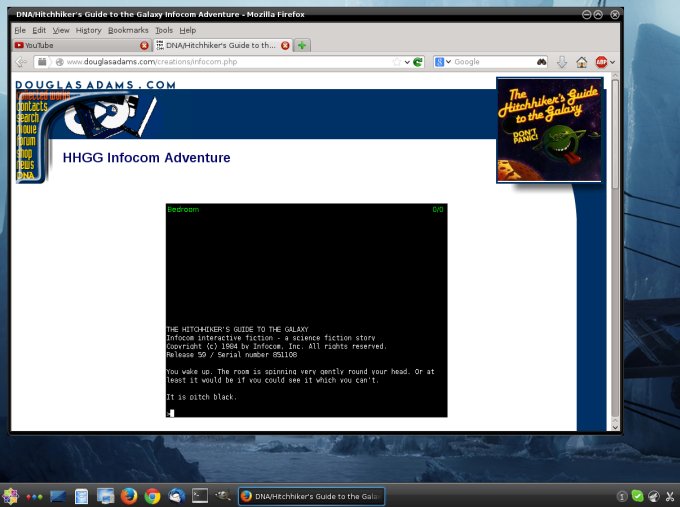
Java
OpenJDK framework is available in the repositories, including the browser plugins. Install and enjoy, as much
as Java can be enjoyed really.
yum install java
Flash
This is quite interesting. There's no Flash in Nux's repo, but you can go to Adobe's official site and download
the YUM package. It's an RPM that installs a repo file under /etc/yum.repos.d, so you actually get a Flash
repository and updates.

rpm -Uvh adobe-release-x86_64-1.0-1.noarch.rpm
warning: adobe-release-x86_64-1.0-1.noarch.rpm: Header V3 DSA/SHA1
Signature, key ID f6777c67: NOKEY
Preparing... ############# [100%])
Updating / installing...
1:adobe-release-x86_64-1.0-1 ############# [100%])
And if you search, you will see this:

Then, you install with:
yum install flash-plugin

MP3 support
Now, to get the right codecs for music, you will need to install the good and ugly Gstreamer plugins. To be on
the safe side, try the following packages, including both the older 0.1 and the new 1.0 frameworks, plus
ffmpeg:
yum install gstreamer gstreamer1 gstreamer-ffmpeg gstreamer-plugins-good gstreamer-plugins-ugly

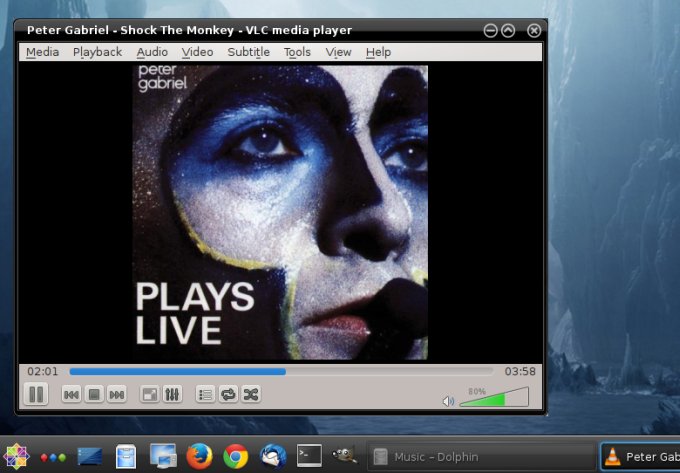
VideoLAN (VLC)
You must get this fine player:
yum install vlc
LibreOffice
The office suite is also sort of a must, no:
yum install libreoffice

LyX
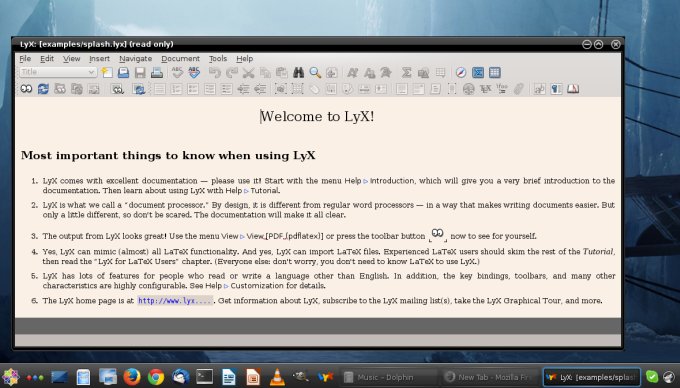
But if you want to write documents the right way, then you have to use LyX, a frontend for LaTeX, the text processor from
another dimension. Forget Word, Writer and such. That's for kids.
yum install lyx
GIMP
For pictures and whatnot!
yum install gimp

Transmission
This is an excellent little BitTorrent P2P client. And it's here without any great fussing.
yum install transmission

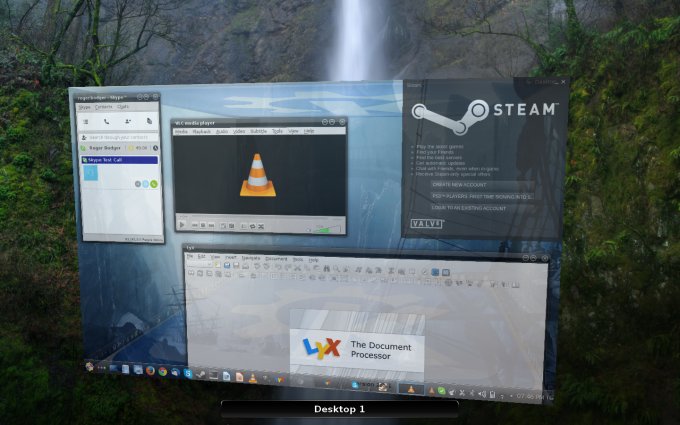
What else? A desktop + desktop effects gallery!
Well, we did see a few neat tricks the last time. Samba sharing and access to NTFS devices, read and write,
works fine, and so does auto-mounting of NTFS-formatted external disk. No problem with SSD, which the test machine has two thereof. Wireless, both 2.4GHz and 5GHz networks. And of
course, desktop effects work just fine. Shall we demonstrate.

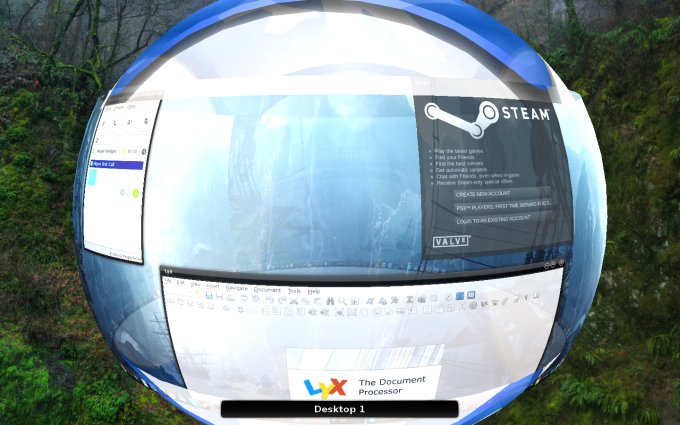

Surely there's more?
But of course! We have not done everything yet. Like Nvidia drivers for instance. Do not worry, we will be
having a few separate tutorials addressing some of the other, more delicate topics. However, my CentOS 6 Nvidia
guide is still 100% relevant. And then, there's printing, too.
More reading
If you care, here's more splendid RedHat and CentOS 6 stuff:
The ultimate Scientific Linux pimping guide
The essential Fedora pimping guide
How to make CentOS 6 into a perfect desktop
CentOS 6 pimping guides - parts two and three
CentOS 6 in my production setup
CentOS 6 & SSD stuff
Conclusion
There we go. CentOS 7 has regained its awesomeness again. Had I not tested the distro so early, I would never
have encountered those initial woes and niggles. But the operating system has redeemed itself. And I do take
back my comment on speed and performance. It's lean, lithe, it flies. YUM is a monster, it's incredibly fast.
The desktop is smooth and responsive, far beyond its expected KDE flair. An excellent job, this one.
With a bit of third-party help, CentOS 7 is a modern, relevant, elegant and fully featured distribution with
all the perks, goodies and advantages you find in most popular Debian family releases. Plus ten years of
robustness. Plus more. Still more. I am totally pleased, and now it's time to expand my usage of this
Fedora-19-based gem, because it has everything you need: a modern kernel, stability and tons of great apps.
Bloody good.
Cheers.
Guide to make CentOS 7 the perfect desktop的更多相关文章
- P6 Professional Installation and Configuration Guide (Microsoft SQL Server Database) 16 R1
P6 Professional Installation and Configuration Guide (Microsoft SQL Server Database) 16 R1 May ...
- CentOS 7下PXE+Kickstart无人值守安装操作系统
1.简介 1.1. 什么是PXE PXE(Pre-boot Execution Environment,预启动执行环境)是由Intel公司开发的最新技术,工作于Client/Server的网络模式,支 ...
- 用 Redis Desktop Manager 远程连接 redis 数据库。
环境: 本机OS:window 10(本机没有安装redis) redis 服务器:centos 7 使用 Redis Desktop Manager 工具远程连接 redis. Redis Desk ...
- 发福利了!!超过100本的linux免费书籍
New Books Kindle Fire App Development Essentials iPhone iOS 6 Development Essentials CentOS 6 Essent ...
- Linux常用命令学习7---(磁盘管理df du、磁盘的分区和格式化fdisk parted)
1.磁盘管理 在服务器的维护中,我们需要关心服务器的磁盘使用了多少.还有多少的剩余空间.某个文件有多大.某个文件夹内的所有文件在一起一共占用的多少空间……问题.以便我们在合适的时机为服务器添加硬 ...
- 编译安装apache-2.4.18
apache安装时, 必须要apr和apr-util, 这两个包是必须的 当下载apache的版本过高, 如: apache-2.4.18, 那么要求的apr或apu=apr-util版本将至少在1. ...
- gnome/KDE安装,gnome出现问题,重新安装nvdia驱动
重新安装显示gtx745驱动NVIDIA-Linux-x86_64-346.59.run, yum groupremove kde-desktop yum groupinstall "Des ...
- CloudStack 云计算平台框架
前言 CloudStack 和OpenStack 一样都是IaaS层 开源框架,可以管理XenServer.ESXI.KVM.OVM等主流虚拟机,相对OpenStack比较简单.稳定: 二.Cloud ...
- CentOS_5.5_安装GCC编译LiME
1 概述 近期遇到个使用CentOS 5.5的系统,生产环境没有GCC.GDB.要对这台机器抓取关键内存回去用volatility分析. 思路1:使用工具Dump某个进程的内存.使用cat /proc ...
随机推荐
- 成功解决Tomcat-JDBC-MySQL乱码
0.MySQL-JDBC驱动文档 官方解释 1.数据库的字符编码和表内字段的编码 在MySQL中数据库的字符编码和表内字段的编码的要指定为utf8(utf8_general_ci) 2.jsp中 pa ...
- C++: 单例模式和缺陷
C++: 单例模式和缺陷 实现一个单例模式 1 class Singleton { 2 private: 3 Singleton() { cout << " ...
- 关于DataTables一些小结
最近项目中使用了DataTables,故小结了一下. 导入CSS文件<link rel="stylesheet" href="<%=base %>/js ...
- UIViewController中各方法调用顺序及功能详解
UIViewController中各方法调用顺序及功能详解 UIViewController中loadView, viewDidLoad, viewWillUnload, viewDidUnload, ...
- 李洪强iOS开发之【零基础学习iOS开发】【02-C语言】06-变量与内存
在前面一节中简单介绍了变量的使用,当我们定义一个变量的时候,系统就会为变量分配一块存储空间.而变量的数值在内存中是以二进制的形式存储的,这讲来深入研究变量在内存中的一些存储细节. 一.字节和地址 为了 ...
- Android:控件ListView列表项与适配器结合使用
Listview是用来展示一些重复性的数据用的,比如一些列表集合数据展示到手机,需要适配器作为载体获取数据,最后将数据填充到布局. ListView里面的每个子项Item可以使一个字符串,也可以是一个 ...
- sqlmap批量扫描burpsuite请求日志记录
sqlmap可以批量扫描包含有request的日志文件,而request日志文件可以通过burpsuite来获取, 因此通过sqlmap结合burpsuite工具,可以更加高效的对应用程序是否存在SQ ...
- 爬虫实现(hpricot)
1.基本代码 在gemfile中加入gem "hpricot",bundler install之后,在application.rb中require "hpricot&qu ...
- Managed C++中使用Nullable<T>
非null值表示和C#的用法一样. Nullable<int> a = 1; null值的表示: Nullable<int> a = Nullable<int>() ...
- POJ3921
搜索 每次找出最短路 如果小于等于k 那么必定这里有一点是要被删掉的 枚举这个最短路径上的每一个点 (一般不会超过20) 将其相邻边删除 用dijskra求最短路径并且保存即可 深度搜索 #inclu ...