
"html富文本"组件:<richtext> —— 快应用原生组件




<template>

    <div class="container-full">

        <richtext type="html">{{content}}</richtext>

    </div>

</template>

<style lang="less">

    @import '../Common/styles/container.less';

</style>

<script>

    export default {

        private: {

            content: <div class="item-content"  style="background-color: #FFFFFF">

             <style>h1{color: red;}</style>

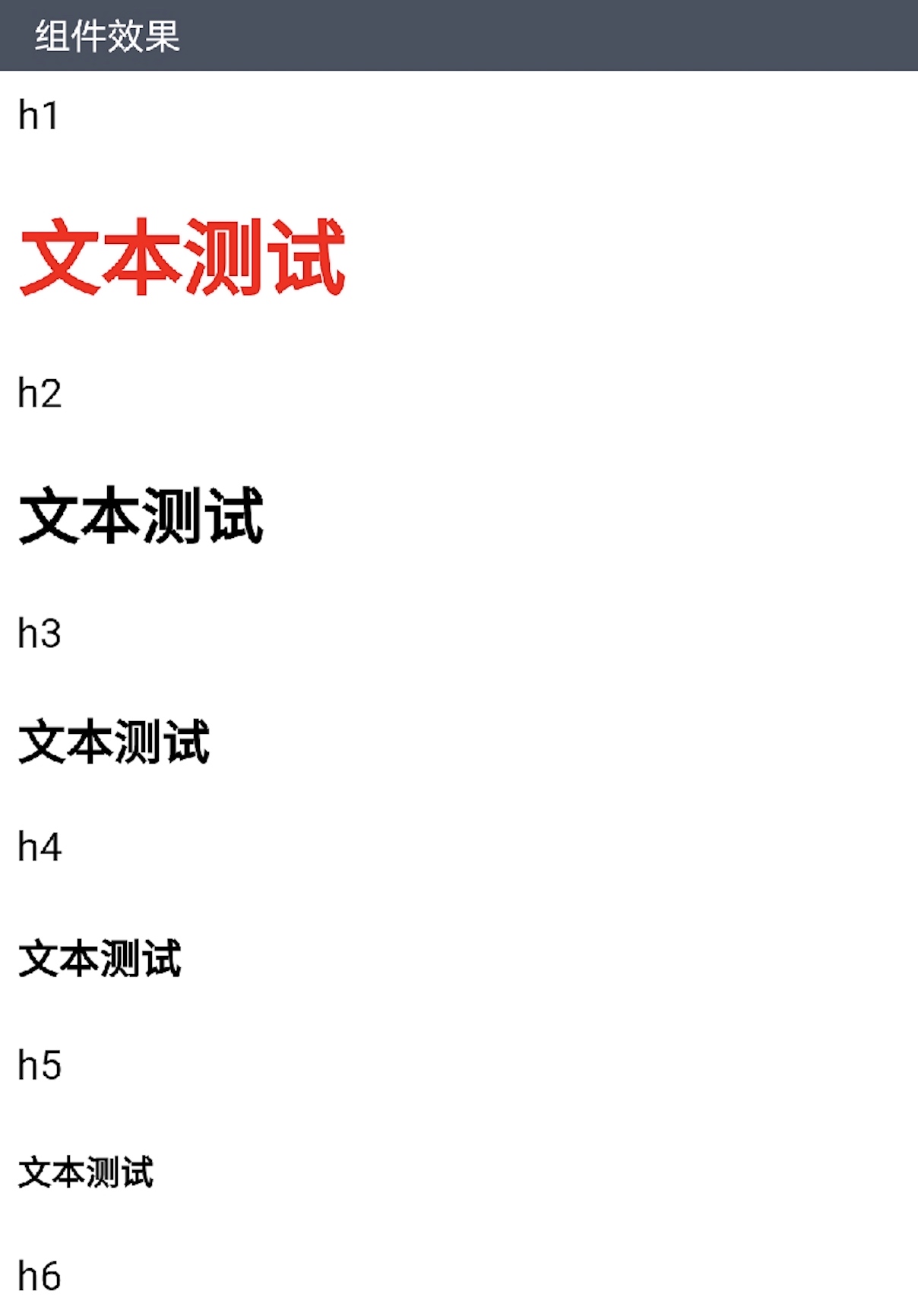
             <p class="item-title">h1</p>

             <h1>文本测试</h1>

             <p class="item-title">h2</p>

             <h2>文本测试</h2>

             <p class="item-title">h3</p>

             <h3>文本测试</h3>

             <p class="item-title">h4</p>

             <h4>文本测试</h4>

             <p class="item-title">h5</p>

             <h5>文本测试</h5>

             <p class="item-title">h6</p>

             <h6>文本测试</h6>

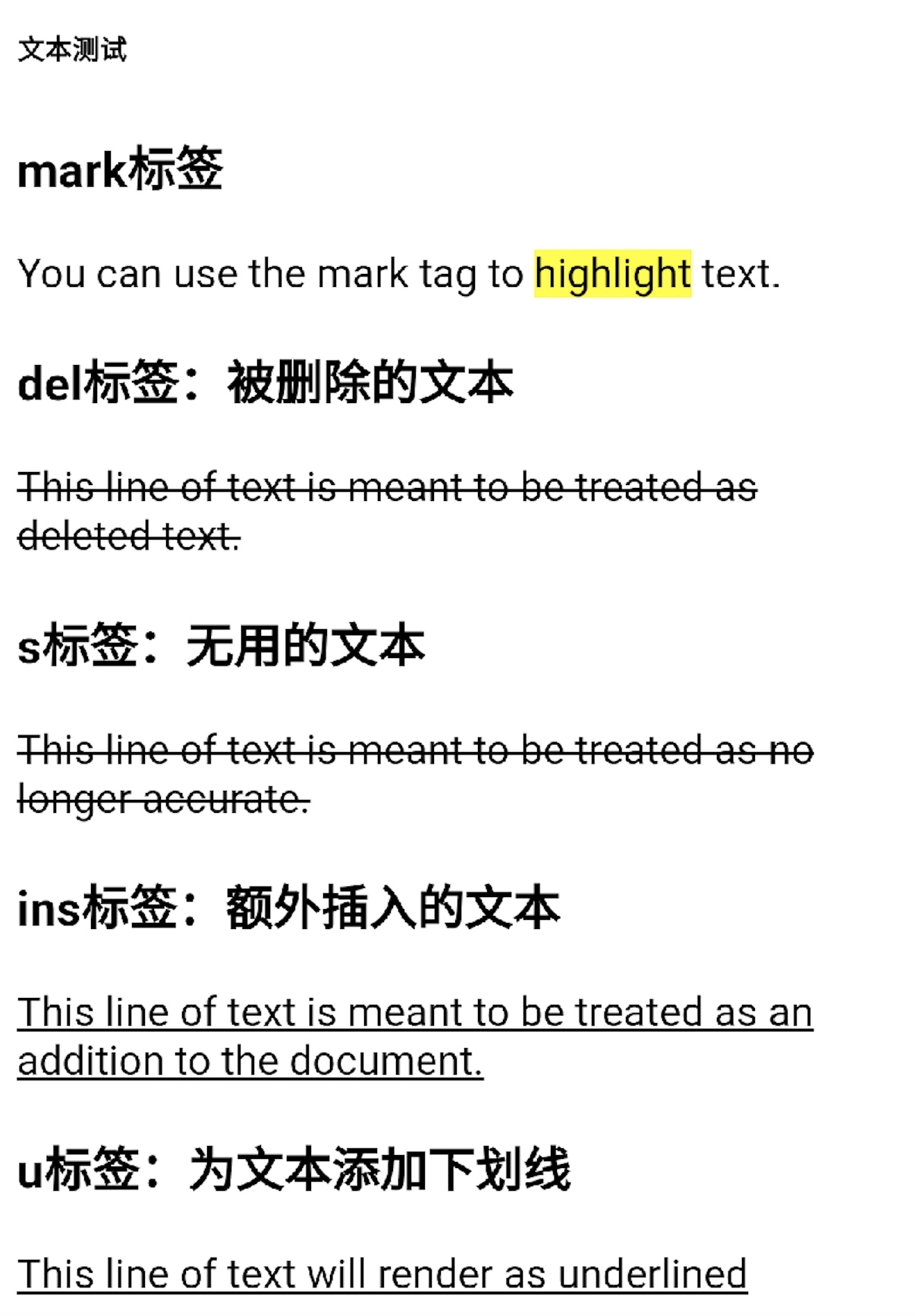
             <h3 class="item-title">mark标签</h3>

             You can use the mark tag to <mark>highlight</mark> text.

             <h3 class="item-title">del标签:被删除的文本</h3>

             <del>This line of text is meant to be treated as deleted text.</del>

             <h3 class="item-title">s标签:无用的文本</h3>

             <s>This line of text is meant to be treated as no longer accurate.</s>

             <h3 class="item-title">ins标签:额外插入的文本</h3>

             <ins>This line of text is meant to be treated as an addition to the document.</ins>

             <h3 class="item-title">u标签:为文本添加下划线</h3>

             <u>This line of text will render as underlined</u>

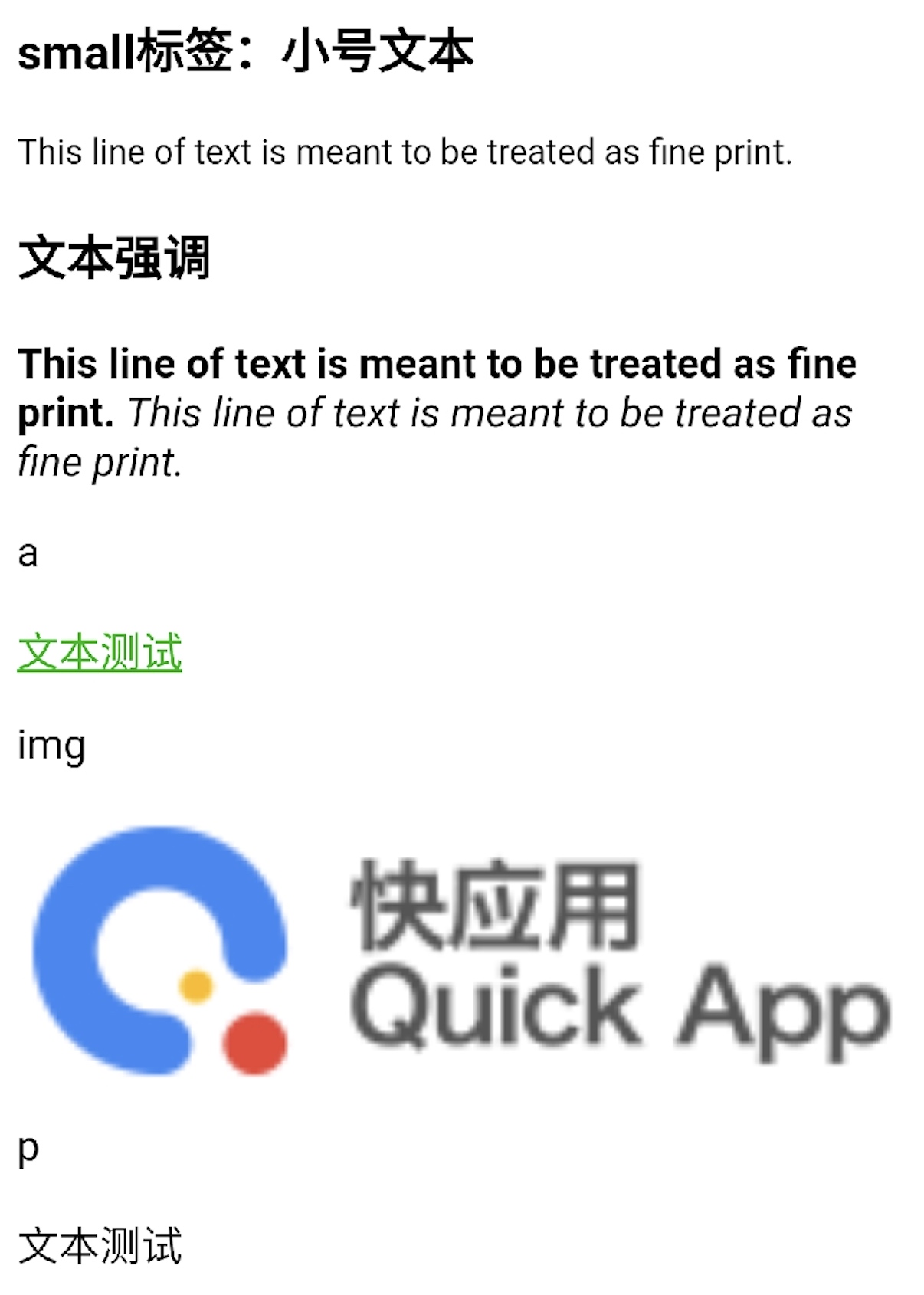
             <h3 class="item-title">small标签:小号文本</h3>

             <small>This line of text is meant to be treated as fine print.</small>

             <h3 class="item-title">文本强调</h3>

             <strong>This line of text is meant to be treated as fine print.</strong>

             <em>This line of text is meant to be treated as fine print.</em>

             <p class="item-title">a</p>

             <div>

               <a href="https://www.quickapp.cn/" style="color: #09ba07;text-decoration: underline">文本测试</a>

             </div>

             <p class="item-title">img</p>

             <div>

               <img src="https://bbs.quickapp.cn/template/dingzhi_x_oneplus/dingzhi/logo.png" style="width: 100%;"/>

             </div>

             <p class="item-title">p</p>

             <p>文本测试</p>

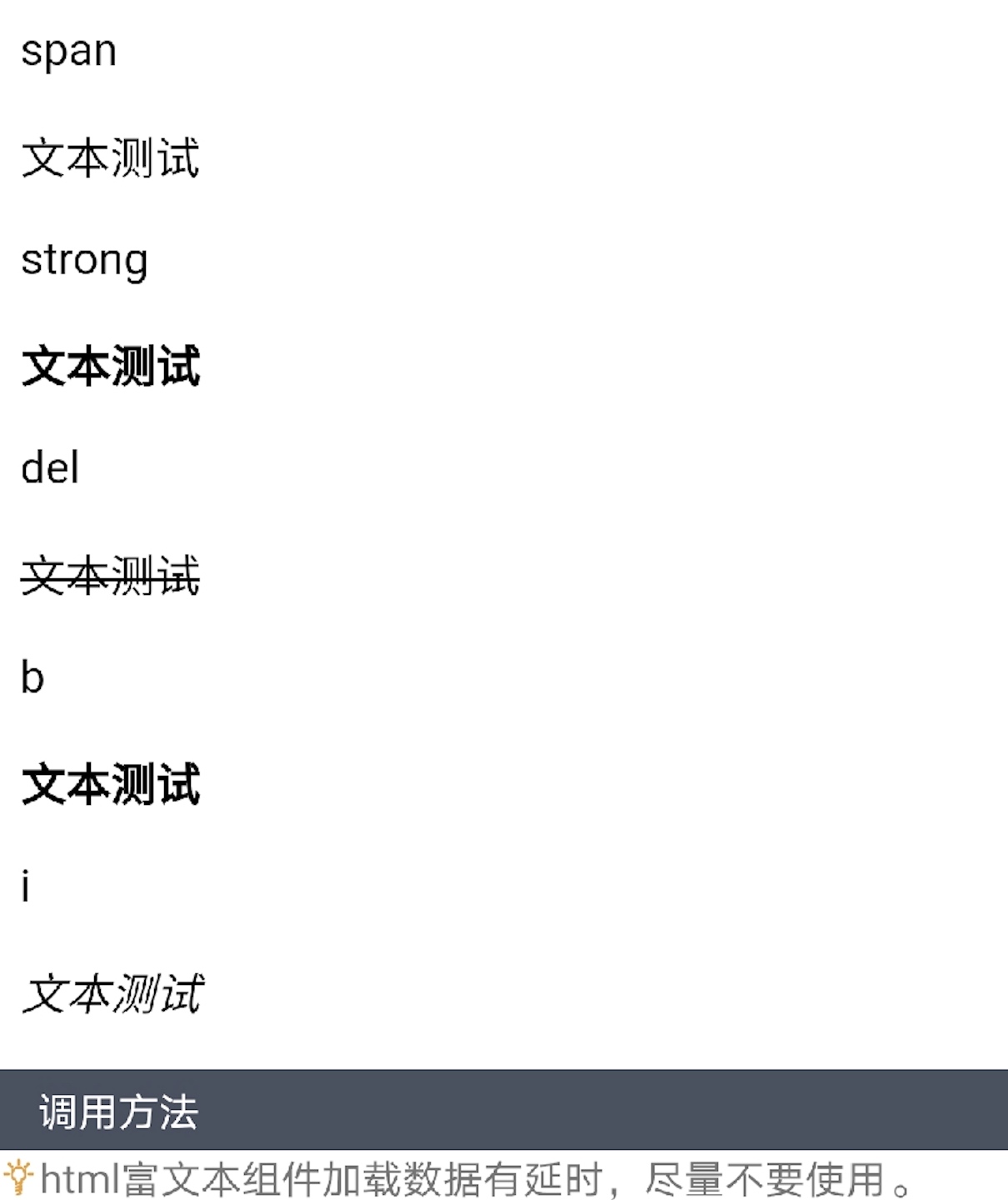
             <p class="item-title">span</p>

             <p><span>文本测试</span></p>

             <p class="item-title">strong</p>

             <p><strong>文本测试</strong></p>

             <p class="item-title">del</p>

             <p><del>文本测试</del></p>

             <p class="item-title">b</p>

             <p><b>文本测试</b></p>

             <p class="item-title">i</p>

             <p><i>文本测试</i></p>

           </div>

           }

<script>
扫码体验
 

"html富文本"组件:<richtext> —— 快应用原生组件的更多相关文章
- "格式化的文本"组件:<span> —— 快应用原生组件
 `<template> <div class="container"> <text><span class="success ...
- "文本"组件:<text> —— 快应用原生组件
 <template> <div class="container"> <text>H-UI</text> </div> ...
- 2.15 富文本(richtext)
2.15 富文本(richtext) 前言 富文本编辑框是做web自动化最常见的场景,有很多小伙伴不知从何下手,本篇以博客园的编辑器为例,解决如何定位富文本,输入文本内容一.加载配置 1 ...
- zx-editor 移动端(HTML5)富文本编辑器,可与原生App混合(hybrid)开发
ZxEditor 移动端HTML文档(富文本)编辑器,支持图文混排.引用.大标题.无序列表,字体颜色.加粗.斜体. 可用于独立web项目开发,也可以用于与原生App混合(hybrid)开发. 源码地址 ...
- ueditor富文本编辑器使用百度地图自定义动态地图组件及兼容https及http协议
ueditor富文本编辑器默认支持百度地图组件,但是如果导入动态地图后会加很多默认的地图组件在上面.如果需要自定义动态地图的组件则需要修改ueditor特定的html. ueditor百度地图组件所在 ...
- "多行文本"组件:<multi> —— 快应用组件库H-UI
 <import name="multi" src="../Common/ui/h-ui/text/c_text_multi"></impo ...
- 给web项目整合富文本编辑器
给jsp页面整合富文本编辑器下载——删除多余的组件——加入到项目中——参照案例来完成整合步骤:1. 解压zip文件,将所有文件复制到Tomcat的webapps/kindeditor目录下. 2. 将 ...
- (转)淘淘商城系列——KindEditor富文本编辑器的使用
http://blog.csdn.net/yerenyuan_pku/article/details/72809794 通过上文的学习,我们知道了怎样解决KindEditor富文本编辑器上传图片时的浏 ...
- (转)学习淘淘商城第二十二课(KindEditor富文本编辑器的使用)
http://blog.csdn.net/u012453843/article/details/70184155 上节课我们一起学习了怎样解决KindEditor富文本编辑器上传图片的浏览器兼容性问题 ...
随机推荐
- oracle --游标详解(转)
转自:http://blog.csdn.net/liyong199012/article/details/8948952 游标的概念: 游标是SQL的一个内存工作区,由系统或用户以变量的形式定 ...
- 【TIJ4】第四章全部习题
第四章 没啥好说的...... 4.1 package ex0401; //[4.1]写一个程序打印从1到100的值 public class PrintOneToHundred { public s ...
- 最详细的 Spring Boot 多模块开发与排坑指南
创建项目 创建一个 SpringBoot 项目非常的简单,简单到这里根本不用再提.你可以在使用 IDEA 新建项目时直接选择 Spring Initlalize 创建一个 Spring Boot 项目 ...
- Core + Vue 后台管理基础框架8——Swagger文档
1.前言 作为前后端分离的项目,或者说但凡涉及到对外服务的后端,一个自描述,跟代码实时同步的文档是极其重要的.说到这儿,想起了几年前在XX速运,每天写完代码,还要给APP团队更新文档的惨痛经历.给人家 ...
- Java中请优先使用try-with-resources而非try-finally
Java中请优先使用try-with-resources而非try-finally Java库包含了很多需要手工调用close方法来关闭的资源.比如说InputStream.OutputStream及 ...
- VMware 虚拟机正在使用中
1.出现报错信息: 2.找到安装目录下面的.lck后缀文件夹(如有多个则全部删除) 3.删除此文件夹 4.成功开启虚拟机
- 阿里淘宝的S1级别bug,到底是谁的锅?
3月25日,阿里的淘宝APP在IOS系统上出现BUG: 在打开淘宝APP以后,用户就会收到系统弹窗通知:“您使用的程序是测试/内测版本,将于当地时间2020-03-28到期,到期后将无法使用,请尽快下 ...
- ORM常用字段及方式
创建小型数据库 模型层 ORM常用字段 AutoField int自增列,必须填入参数 primary_key=True.当model中如果没有自增列,则自动会创建一个列名为id的列. Integer ...
- CF1324E Sleeping Schedule 题解
原题链接 简要题意: 每次可以将 \(a_i\) 减 \(1\) 或不变.求让 \(a_i\) 的前缀和 \(\% h\) 的值在 \([l,r]\) 区间中的最多的个数. E题是个水dp,也不怎样 ...
- CTF_WriteUp_HTTP基本认证(Basic access authentication)
HTTP基本认证 在HTTP中,基本认证(英语:Basic access authentication)是允许http用户代理(如:网页浏览器)在请求时,提供用户名和密码 的一种方式.HTTP基本认证 ...