
"html富文本"组件:<richtext> —— 快应用原生组件




<template>

    <div class="container-full">

        <richtext type="html">{{content}}</richtext>

    </div>

</template>

<style lang="less">

    @import '../Common/styles/container.less';

</style>

<script>

    export default {

        private: {

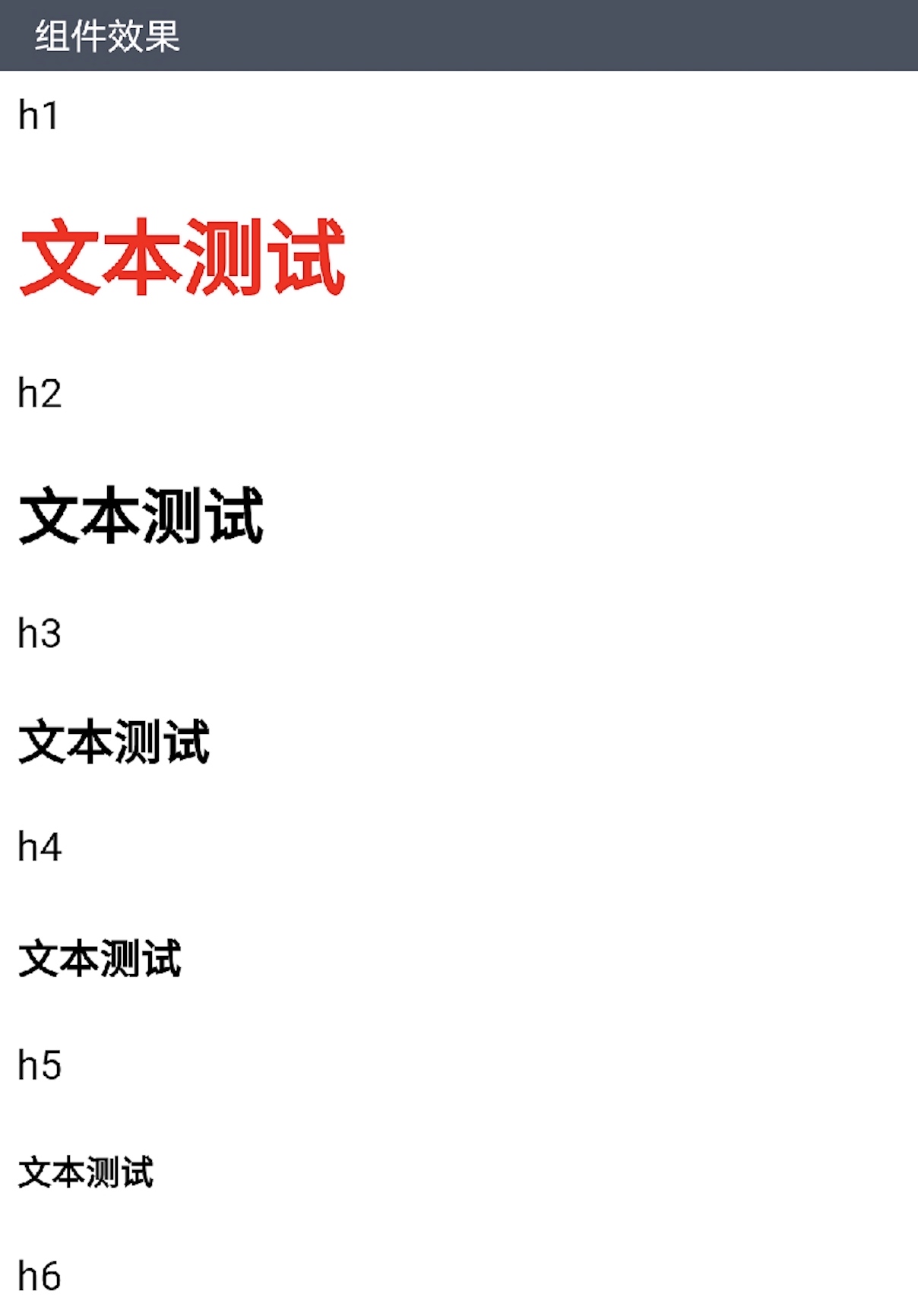
            content: <div class="item-content"  style="background-color: #FFFFFF">

             <style>h1{color: red;}</style>

             <p class="item-title">h1</p>

             <h1>文本测试</h1>

             <p class="item-title">h2</p>

             <h2>文本测试</h2>

             <p class="item-title">h3</p>

             <h3>文本测试</h3>

             <p class="item-title">h4</p>

             <h4>文本测试</h4>

             <p class="item-title">h5</p>

             <h5>文本测试</h5>

             <p class="item-title">h6</p>

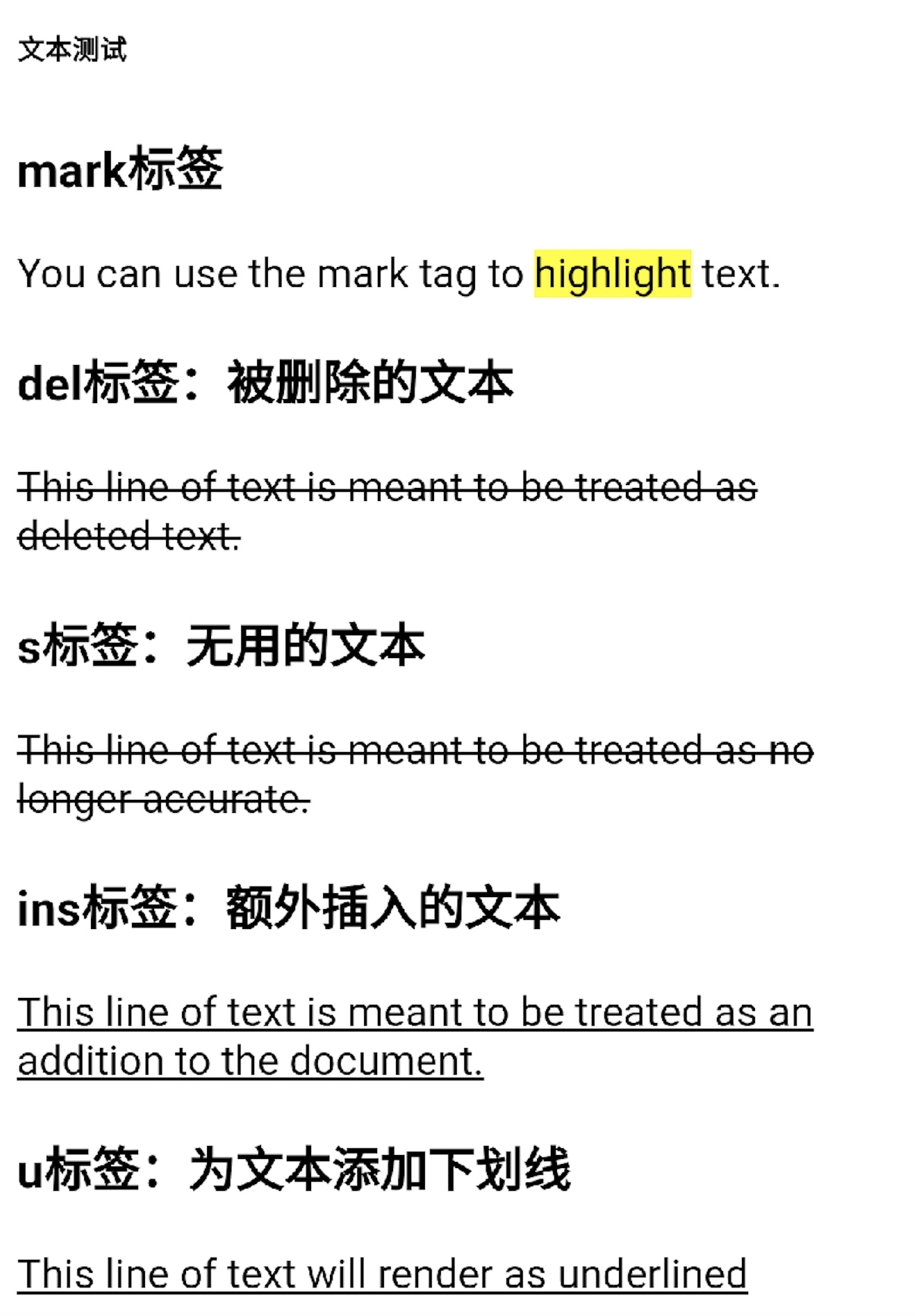
             <h6>文本测试</h6>

             <h3 class="item-title">mark标签</h3>

             You can use the mark tag to <mark>highlight</mark> text.

             <h3 class="item-title">del标签:被删除的文本</h3>

             <del>This line of text is meant to be treated as deleted text.</del>

             <h3 class="item-title">s标签:无用的文本</h3>

             <s>This line of text is meant to be treated as no longer accurate.</s>

             <h3 class="item-title">ins标签:额外插入的文本</h3>

             <ins>This line of text is meant to be treated as an addition to the document.</ins>

             <h3 class="item-title">u标签:为文本添加下划线</h3>

             <u>This line of text will render as underlined</u>

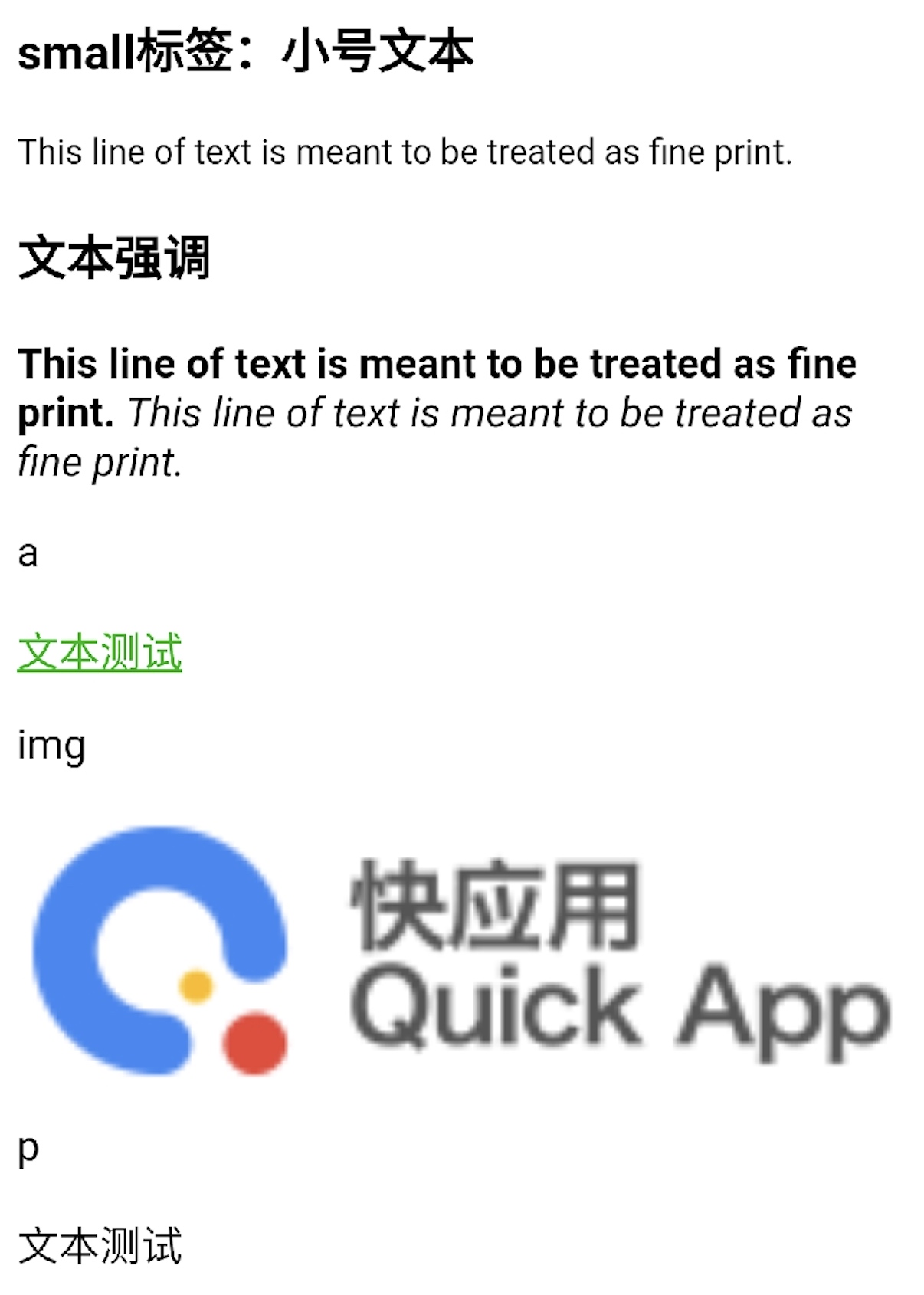
             <h3 class="item-title">small标签:小号文本</h3>

             <small>This line of text is meant to be treated as fine print.</small>

             <h3 class="item-title">文本强调</h3>

             <strong>This line of text is meant to be treated as fine print.</strong>

             <em>This line of text is meant to be treated as fine print.</em>

             <p class="item-title">a</p>

             <div>

               <a href="https://www.quickapp.cn/" style="color: #09ba07;text-decoration: underline">文本测试</a>

             </div>

             <p class="item-title">img</p>

             <div>

               <img src="https://bbs.quickapp.cn/template/dingzhi_x_oneplus/dingzhi/logo.png" style="width: 100%;"/>

             </div>

             <p class="item-title">p</p>

             <p>文本测试</p>

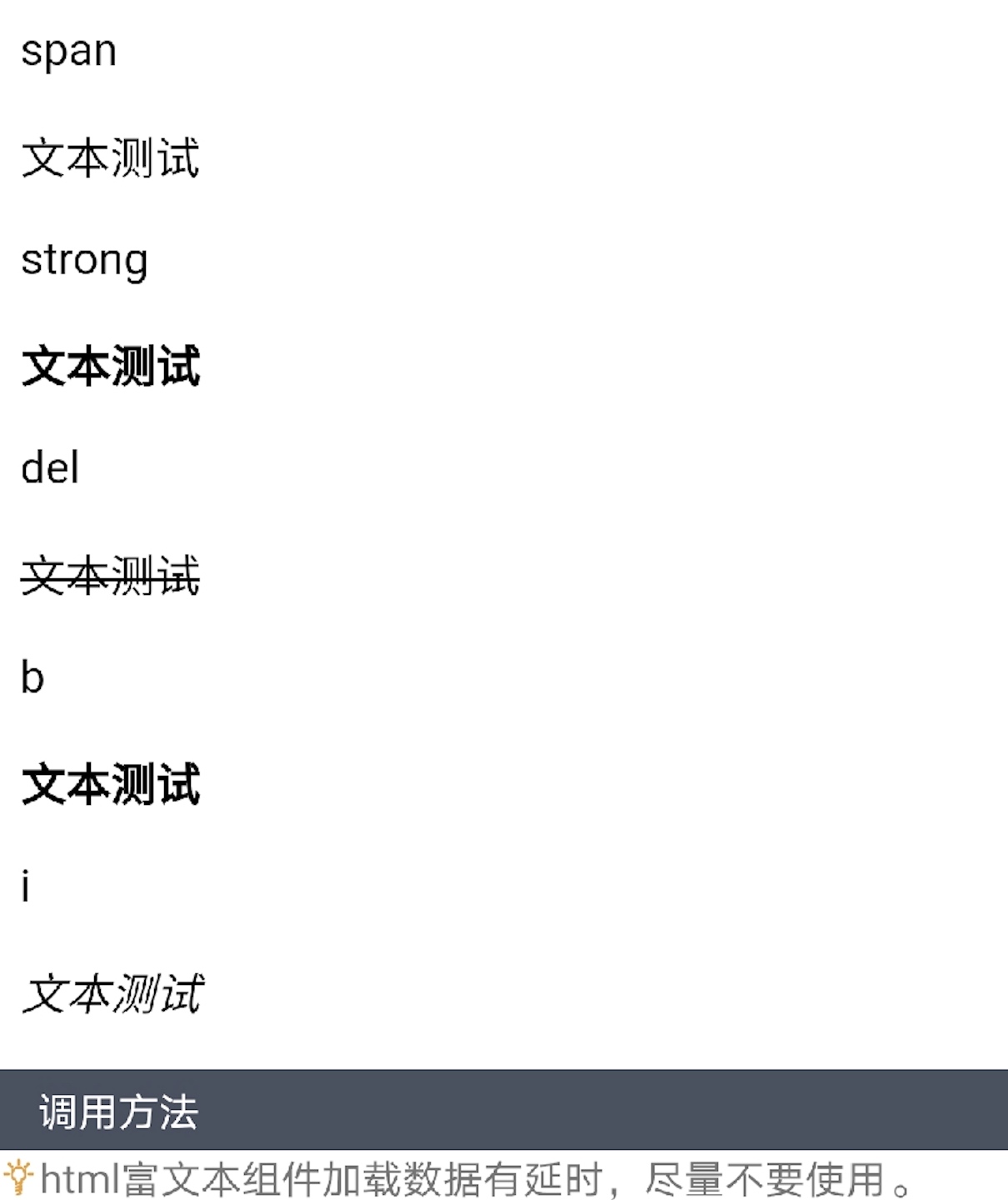
             <p class="item-title">span</p>

             <p><span>文本测试</span></p>

             <p class="item-title">strong</p>

             <p><strong>文本测试</strong></p>

             <p class="item-title">del</p>

             <p><del>文本测试</del></p>

             <p class="item-title">b</p>

             <p><b>文本测试</b></p>

             <p class="item-title">i</p>

             <p><i>文本测试</i></p>

           </div>

           }

<script>
扫码体验
 

"html富文本"组件:<richtext> —— 快应用原生组件的更多相关文章
- "格式化的文本"组件:<span> —— 快应用原生组件
 `<template> <div class="container"> <text><span class="success ...
- "文本"组件:<text> —— 快应用原生组件
 <template> <div class="container"> <text>H-UI</text> </div> ...
- 2.15 富文本(richtext)
2.15 富文本(richtext) 前言 富文本编辑框是做web自动化最常见的场景,有很多小伙伴不知从何下手,本篇以博客园的编辑器为例,解决如何定位富文本,输入文本内容一.加载配置 1 ...
- zx-editor 移动端(HTML5)富文本编辑器,可与原生App混合(hybrid)开发
ZxEditor 移动端HTML文档(富文本)编辑器,支持图文混排.引用.大标题.无序列表,字体颜色.加粗.斜体. 可用于独立web项目开发,也可以用于与原生App混合(hybrid)开发. 源码地址 ...
- ueditor富文本编辑器使用百度地图自定义动态地图组件及兼容https及http协议
ueditor富文本编辑器默认支持百度地图组件,但是如果导入动态地图后会加很多默认的地图组件在上面.如果需要自定义动态地图的组件则需要修改ueditor特定的html. ueditor百度地图组件所在 ...
- "多行文本"组件:<multi> —— 快应用组件库H-UI
 <import name="multi" src="../Common/ui/h-ui/text/c_text_multi"></impo ...
- 给web项目整合富文本编辑器
给jsp页面整合富文本编辑器下载——删除多余的组件——加入到项目中——参照案例来完成整合步骤:1. 解压zip文件,将所有文件复制到Tomcat的webapps/kindeditor目录下. 2. 将 ...
- (转)淘淘商城系列——KindEditor富文本编辑器的使用
http://blog.csdn.net/yerenyuan_pku/article/details/72809794 通过上文的学习,我们知道了怎样解决KindEditor富文本编辑器上传图片时的浏 ...
- (转)学习淘淘商城第二十二课(KindEditor富文本编辑器的使用)
http://blog.csdn.net/u012453843/article/details/70184155 上节课我们一起学习了怎样解决KindEditor富文本编辑器上传图片的浏览器兼容性问题 ...
随机推荐
- isEmpty 判空函数 内部分别判断是 null 空数组 等
import { oneOf, isEmpty } from '@/libs/tools' export const isEmpty = (value) => { if (value == nu ...
- Spring框架——IOC 自动装载
IOC自动装载有两种形式 <?xml version="1.0" encoding="UTF-8"?> <beans xmlns=" ...
- 解决tinyint映射成boolean/byte的问题
前言 最近受疫情的影响,公司要做一个类似一码通的系统为客户服务.由我来进行表的设计.创建表之后需要逆向生成Java的entity.mapper.mapper.xml.由于我在数据库中定义了大量 tin ...
- eclipse操作快捷键
Eclipse最全快捷键,熟悉快捷键可以帮助开发事半功倍,节省更多的时间来用于做有意义的事情. Ctrl+1 快速修复(最经典的快捷键,就不用多说了) Ctrl+D: 删除当前行 Ctrl+Alt+↓ ...
- Python-生成器实现简单的"生产者消费者"模型
一.使用生成器实现简单的生产者消费者模型, 1.效果截屏 代码如下: import time def consumer(name): print('%s 开始买手机' %name) while Tru ...
- python编写“求最大值”
# 求最大值 def large(*num): # 定义一个large函数,函数的参数为可变参数 ma = num[0] # 初始化最大值 for n in num: if ma < n: # ...
- 补充JavaScript
1 JavaScript概述 1.1 ECMAScript和Javascript的关系 1996年11月,JavaScript的创造者--Netscape公司,决定将JavaScript提交给国际标准 ...
- 封装WebSocket(建立链接、主动关闭)
一.前言 近期项目里需做一个在线聊天功能,就想要在对话的时候建立socket链接.又因为聊天只是其中一个部分,在它外面还有一些全局的消息通知需要接收,因此也需要建立socket链接.在该项目里不仅一处 ...
- MySQL5.7 import表结构报错超出表空间界限
事后测试了一下,一下方法就是垃圾,看看可以,别跟着学!!! 数据库重启后,问题依然暴露出来了,参数什么的都是扯,擦 记录一个困扰我好几天的问题.先贴上报错: space name jxtms/Cost ...
- HTTP 请求状态码
200 请求成功 304 从缓存中读取 302 + 响应头中定义location: 重定向 // 自定义重定向 @RequestMapping("/customRedirecti ...