
Oracle enterprise linux系统的安装以及ORACLE12C的安装
本文所用到的所有参数均位于文后附录中
进入安装配置目录
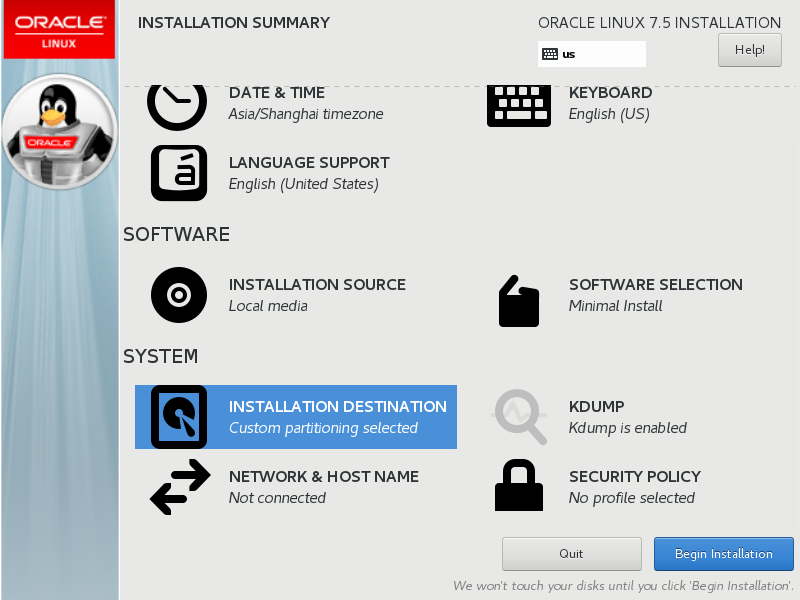
分区选择i will configure partitioning
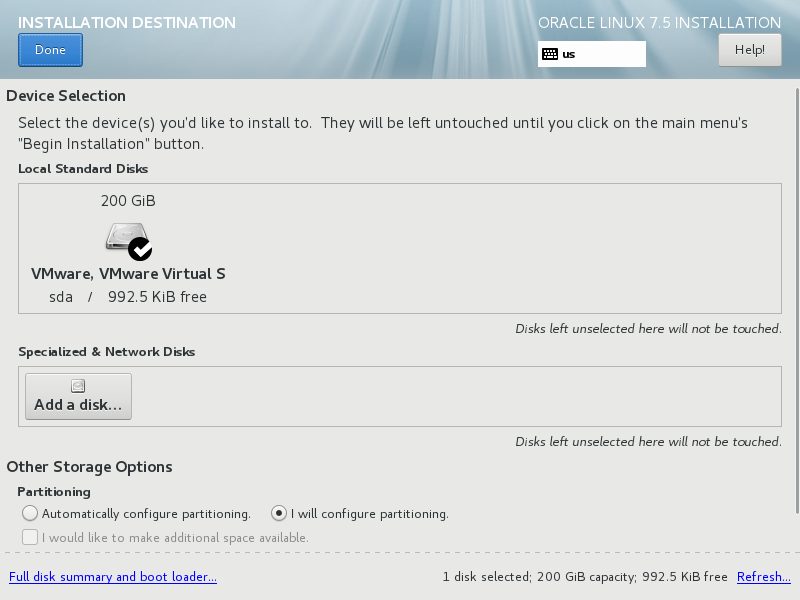
之后选择 请为我分区
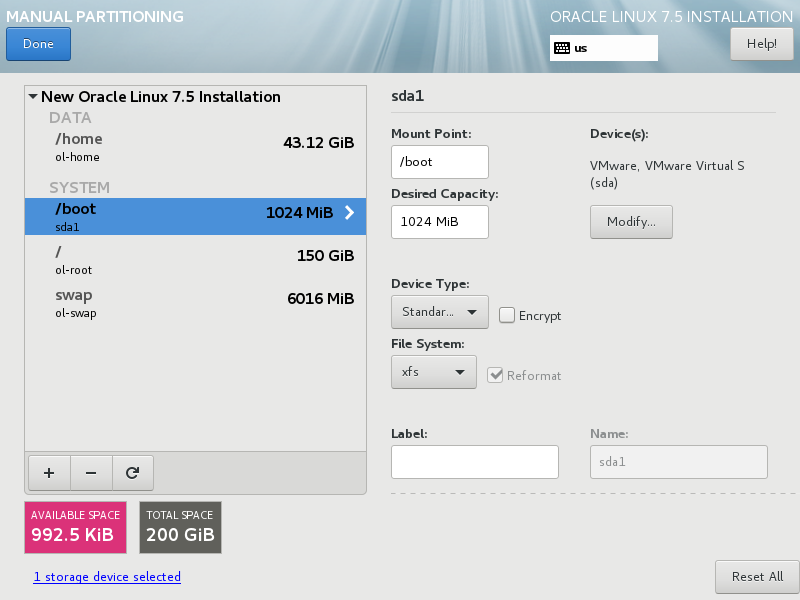
关闭KDUMP
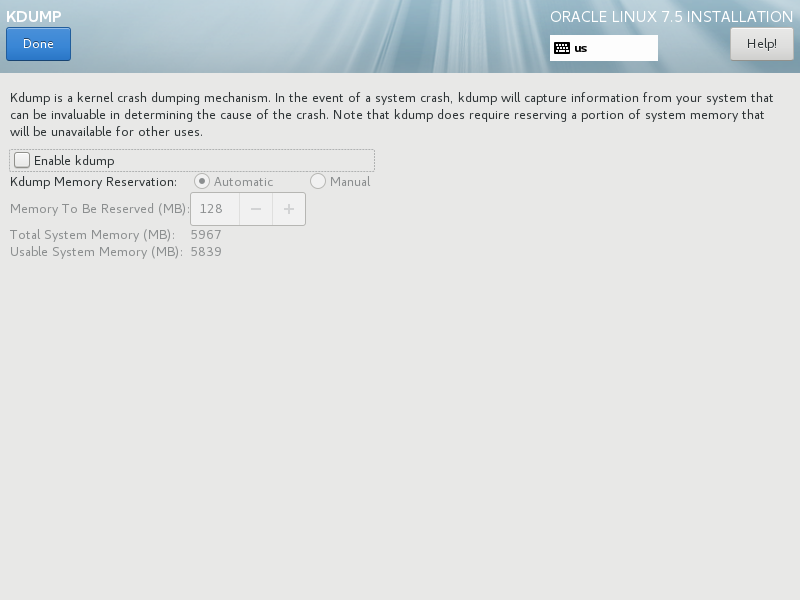
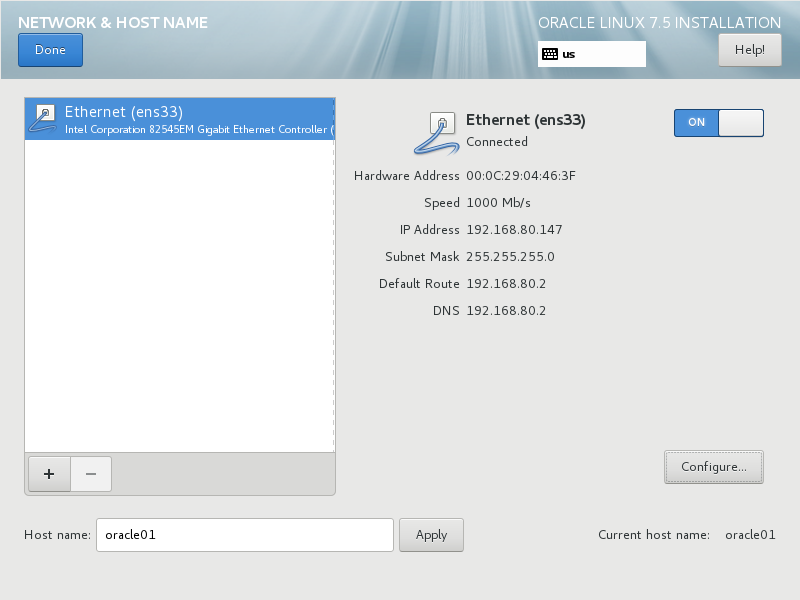
更改主机名,打开网络连接
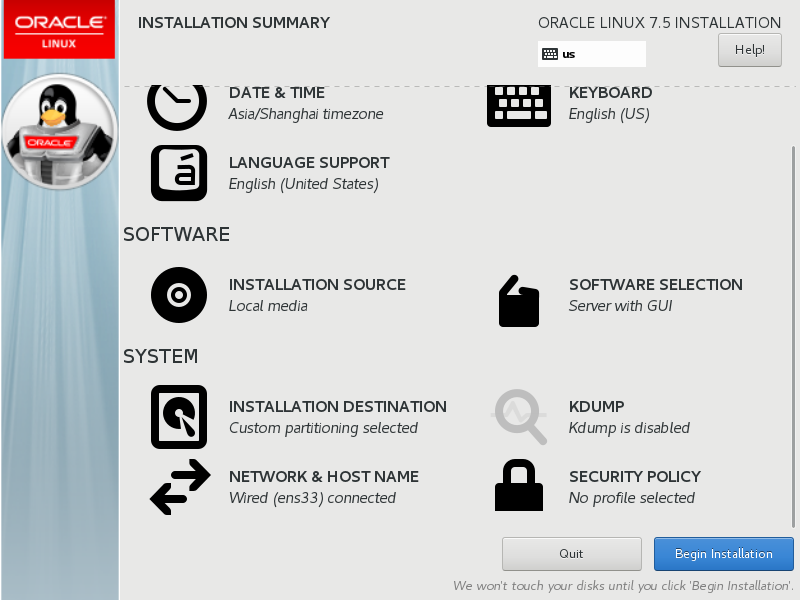
在软件安装中选择GNOME桌面以及server with gui
之后执行安装
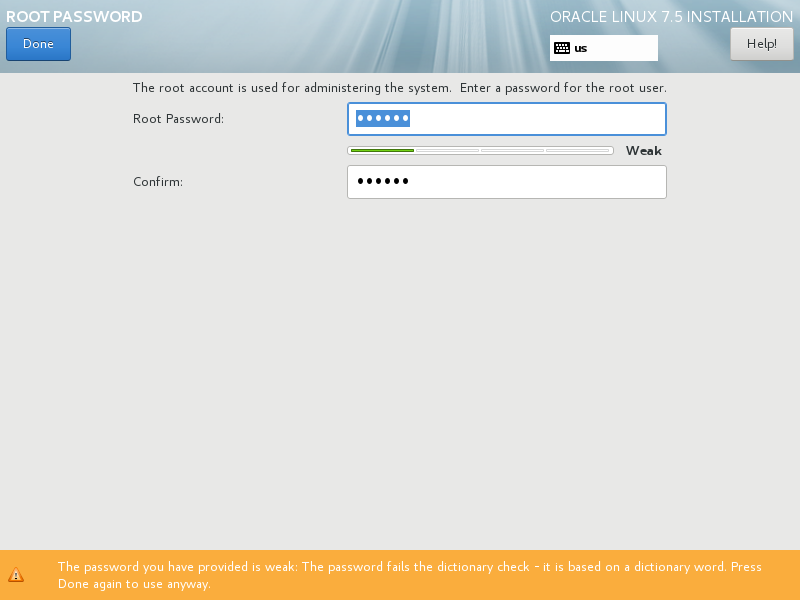
设定root密码
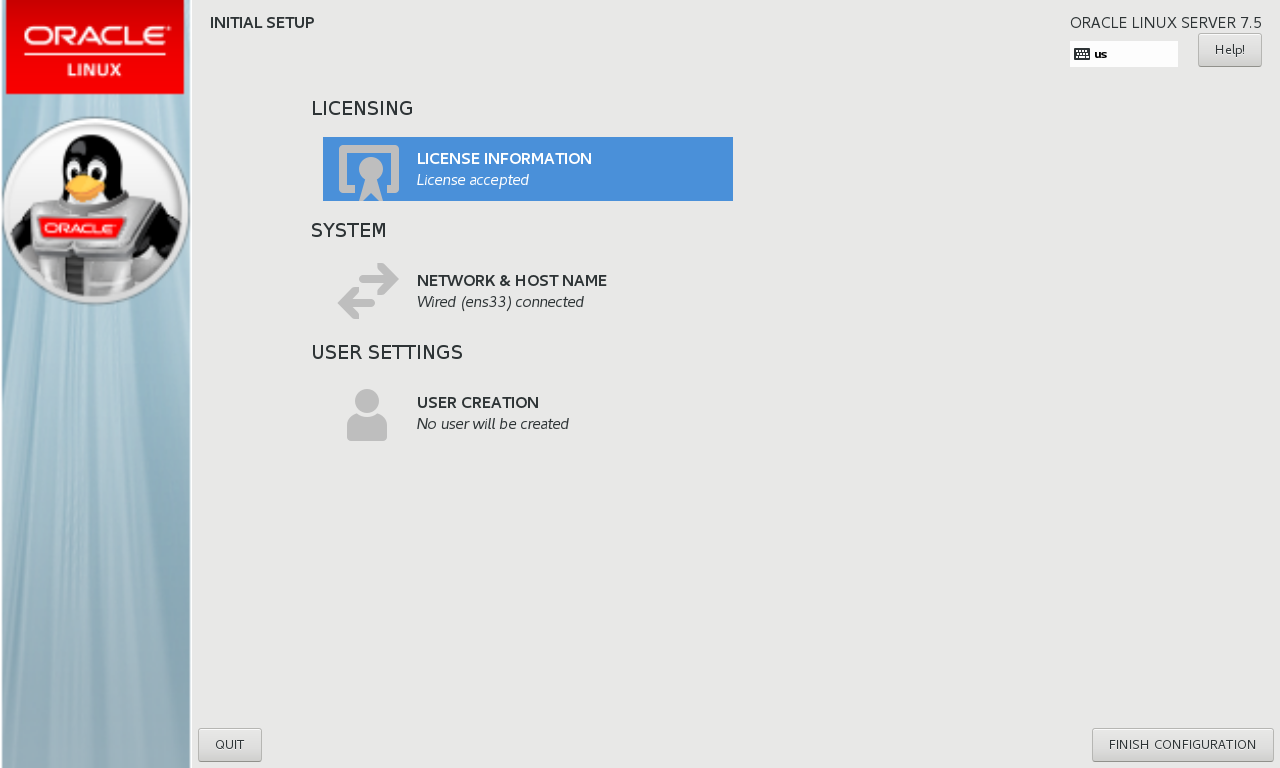
选择接受许可证协议
进行语言选择
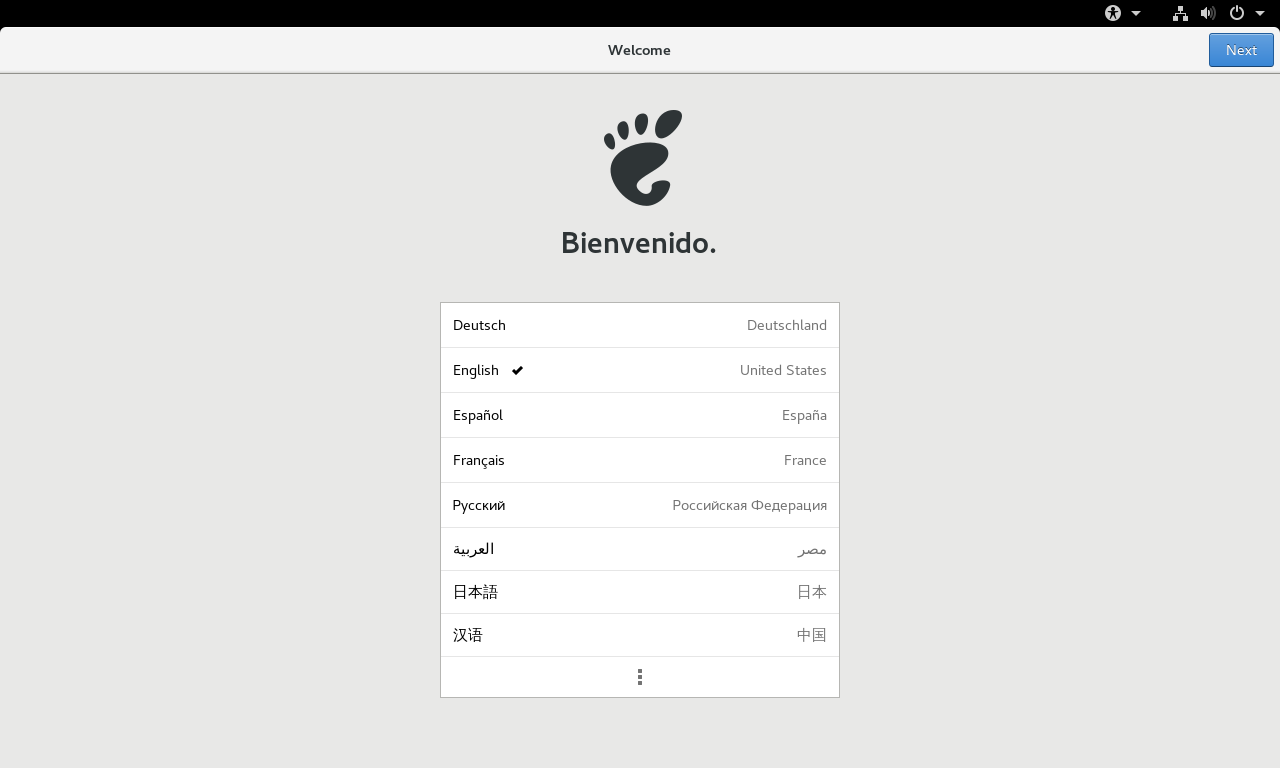
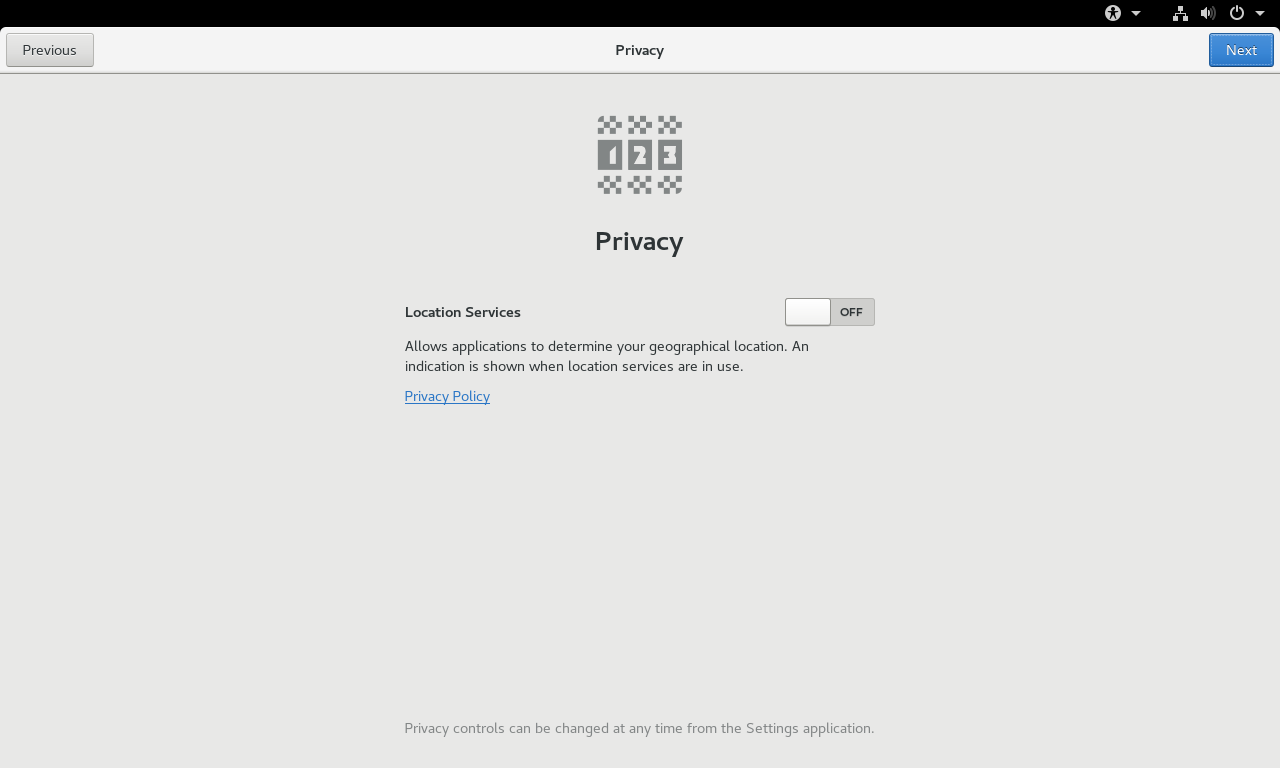
关闭隐私
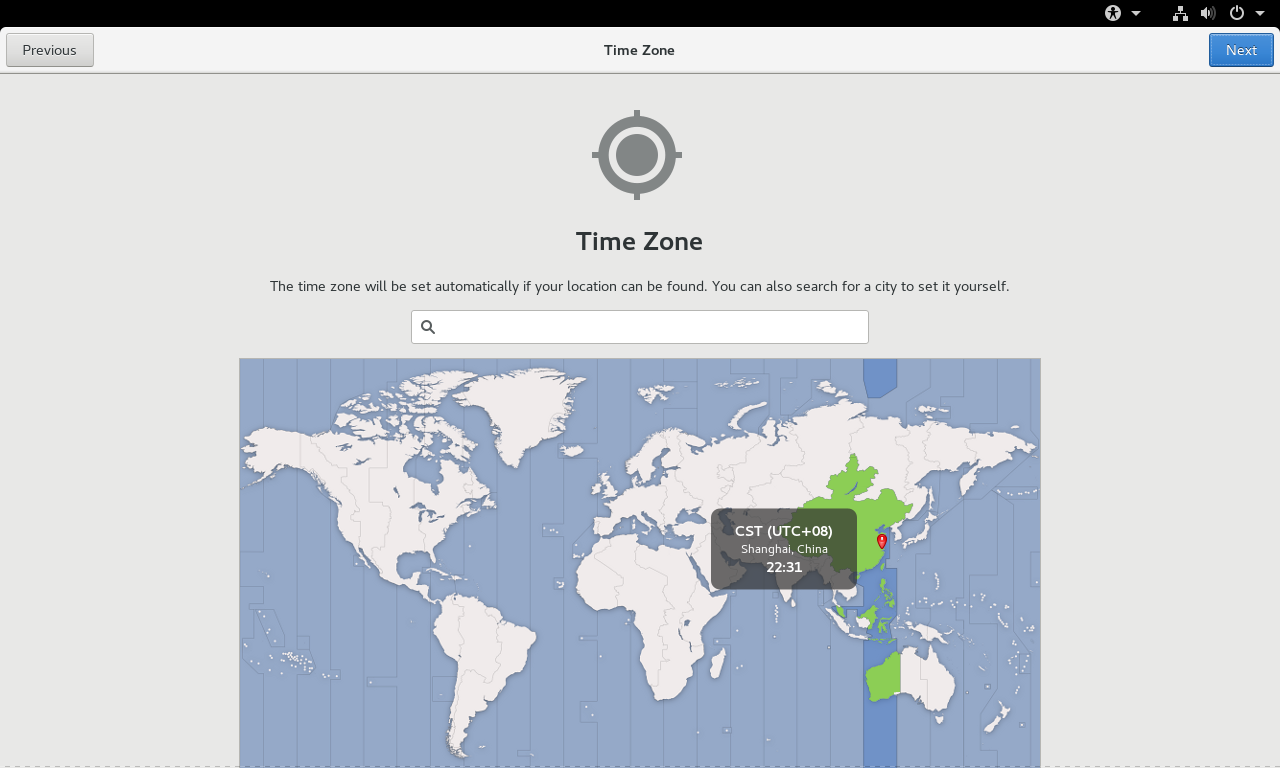
选择时区
输入姓名
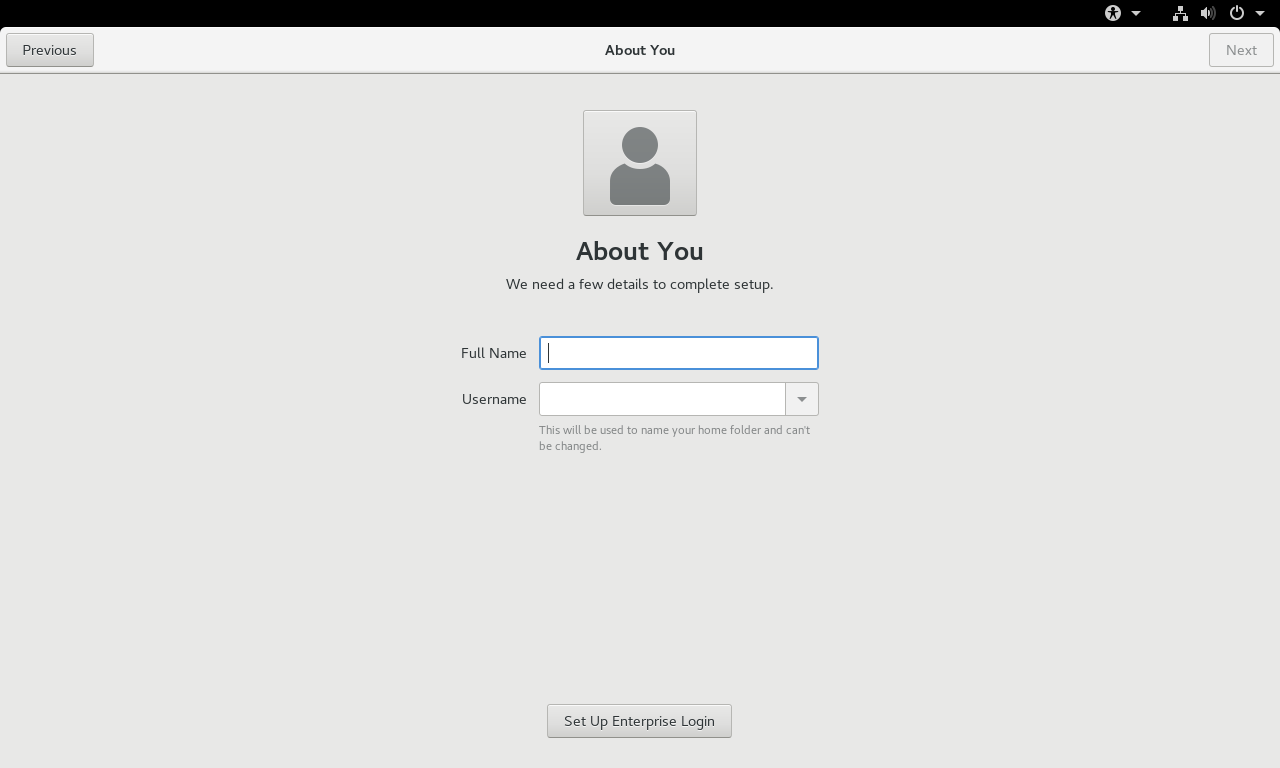
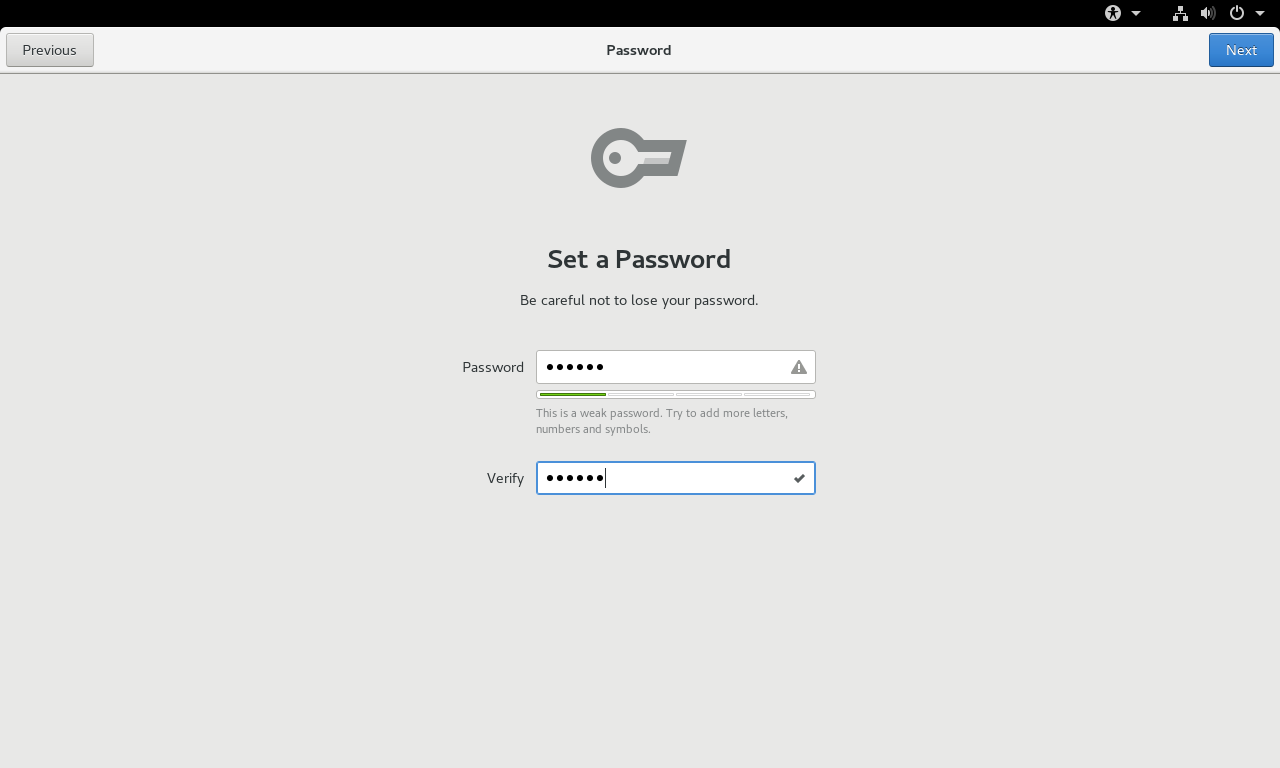
设定密码
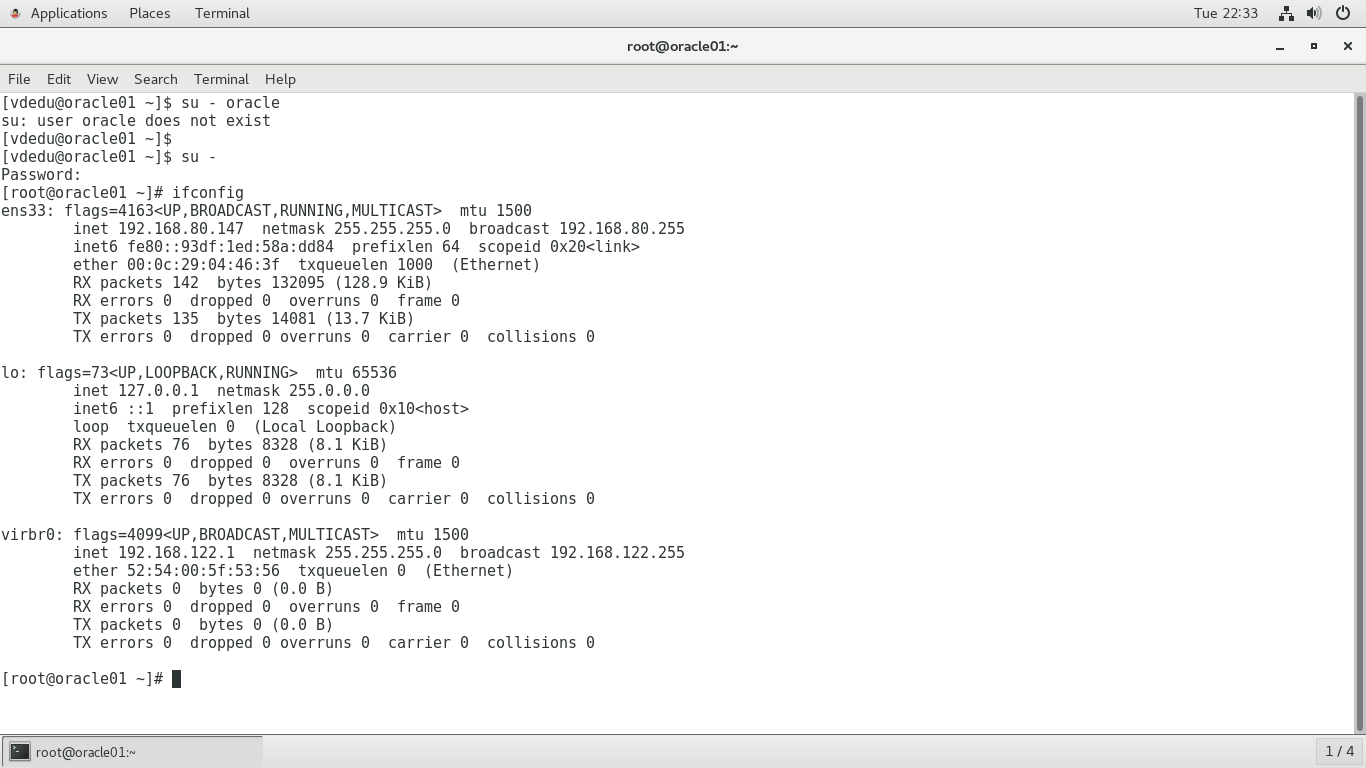
切换到root用户,查看IP
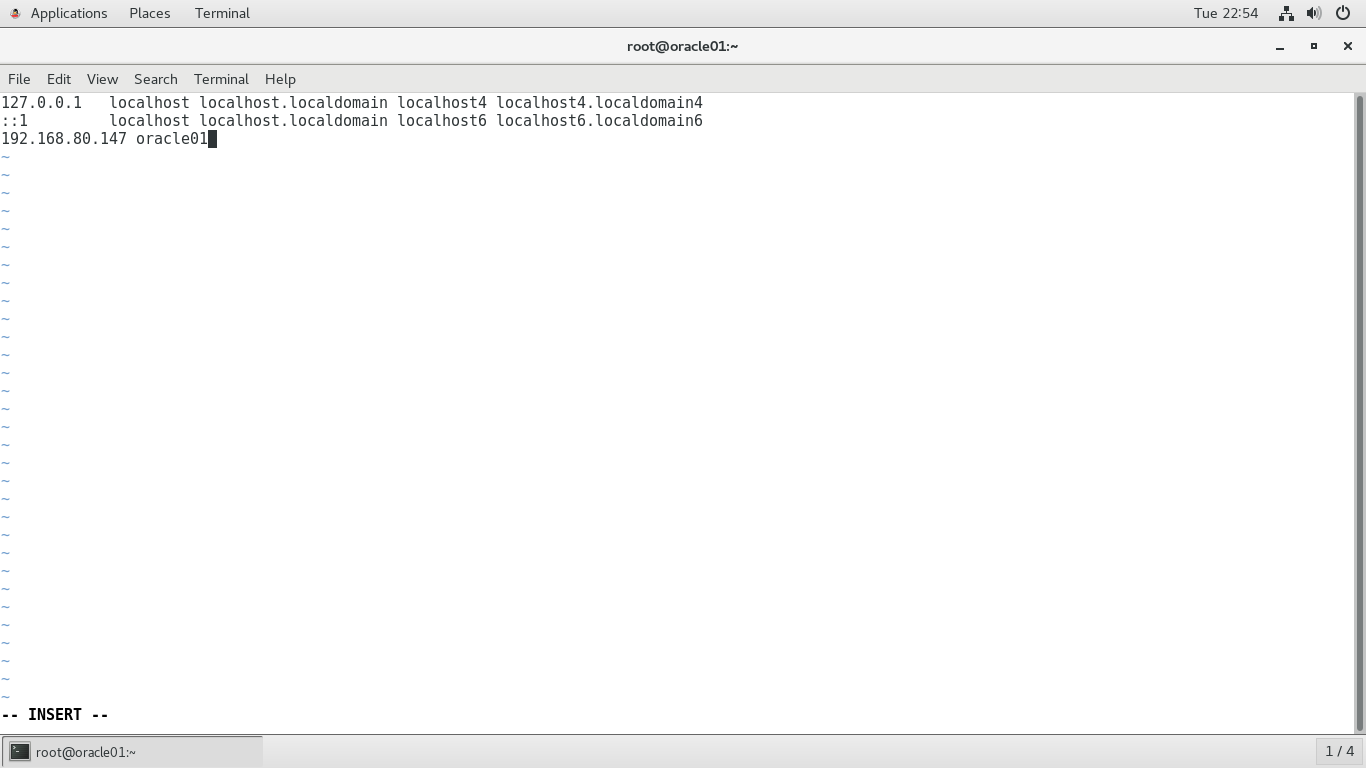
进入/etc/hosts,写入主机名和IP地址
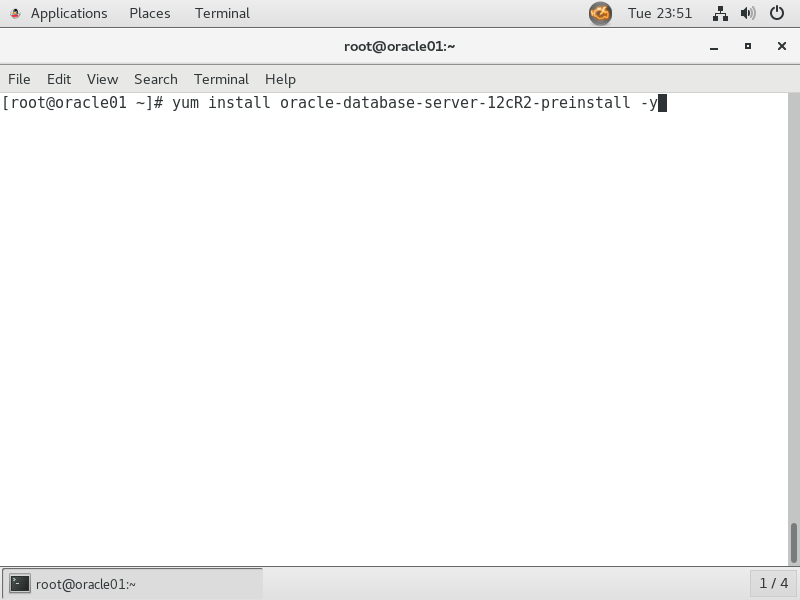
进行YUM安装
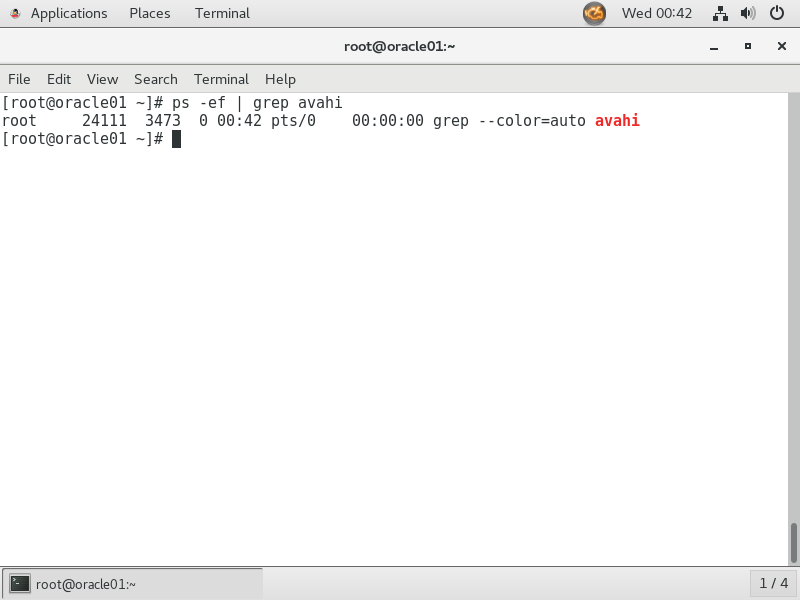
检查进程是否开启
[root@localhost ~]# kill -9 823
[root@localhost ~]# ps -ef | grep avahi
root 16794 16206 0 10:27 pts/0 00:00:00 grep --color=auto avahi
关闭该进程
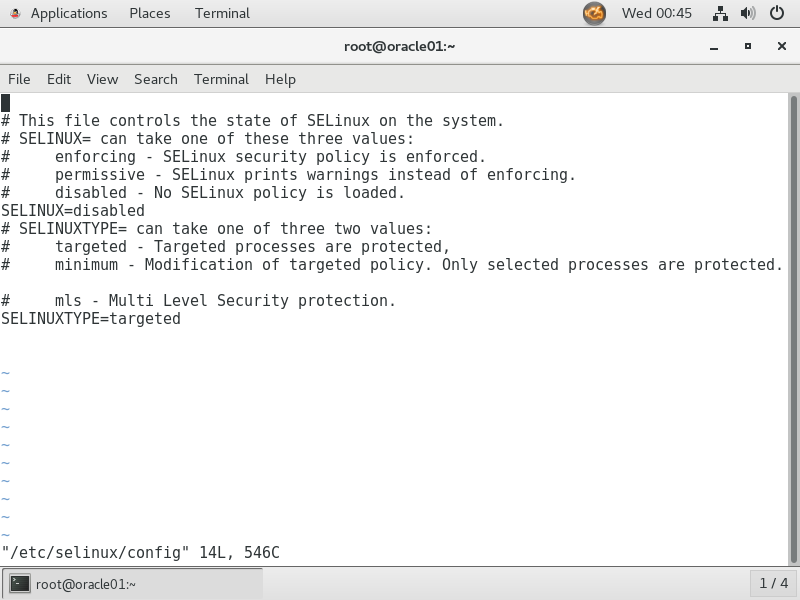
/etc/selinux/config
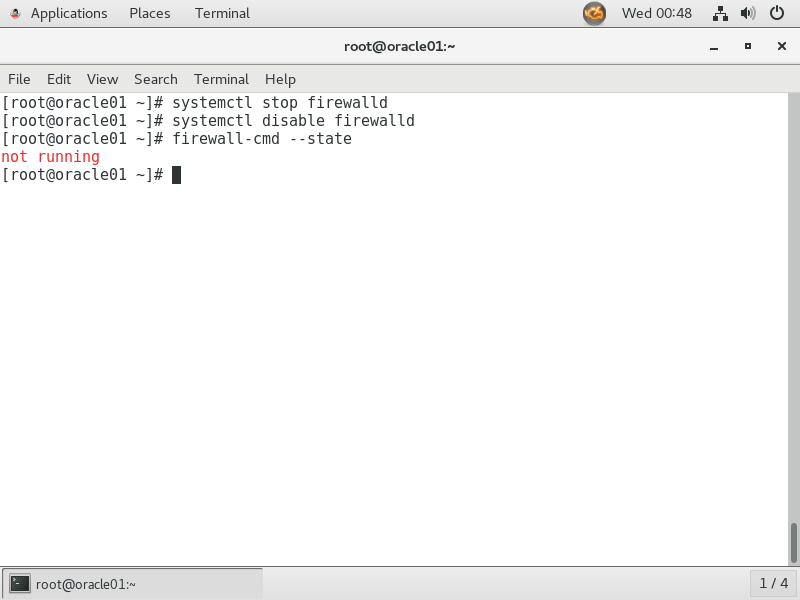
关闭防火墙
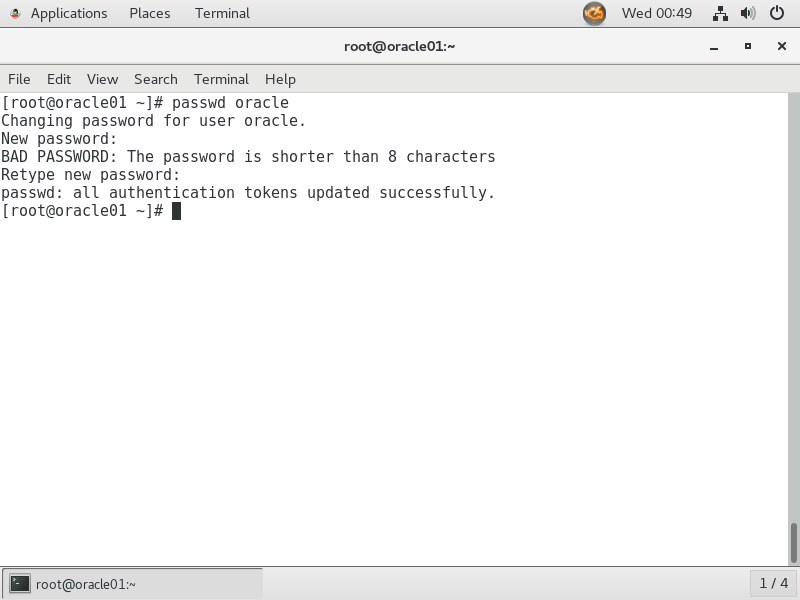
修改oracle用户密码
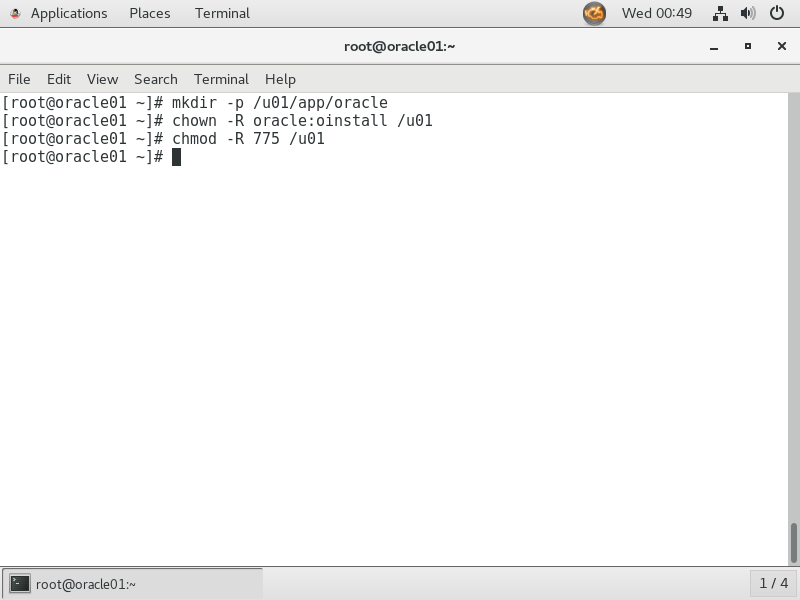
修改用户和权限
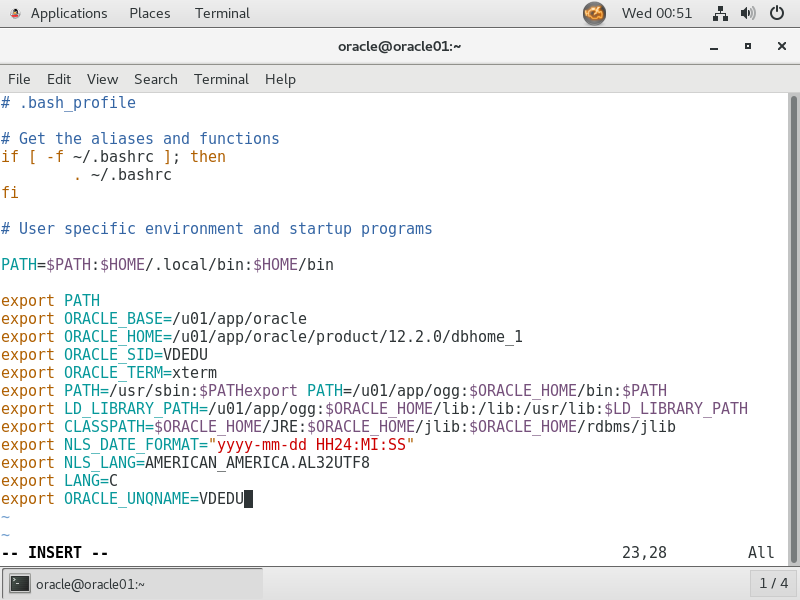
切换到ORACLE用户进入.bash_profile
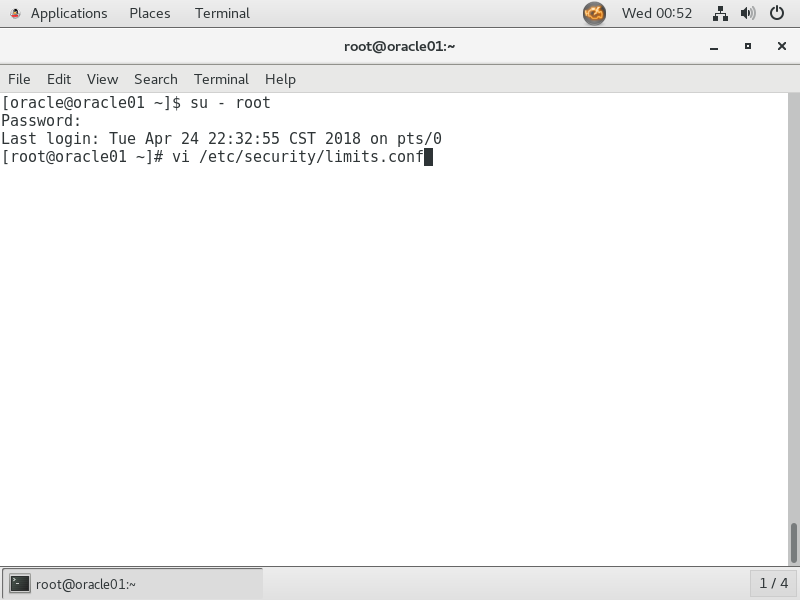
切换到root用户,进入Limits.conf
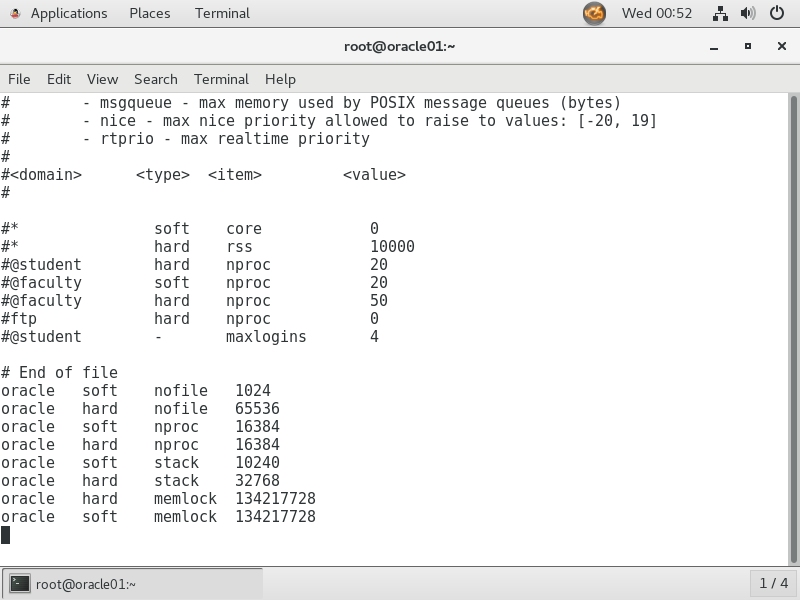
修改为如下参数
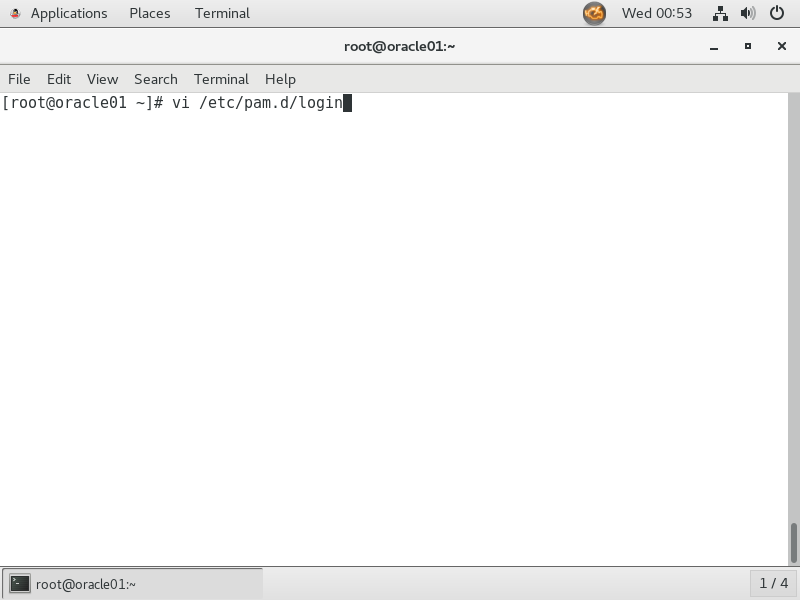
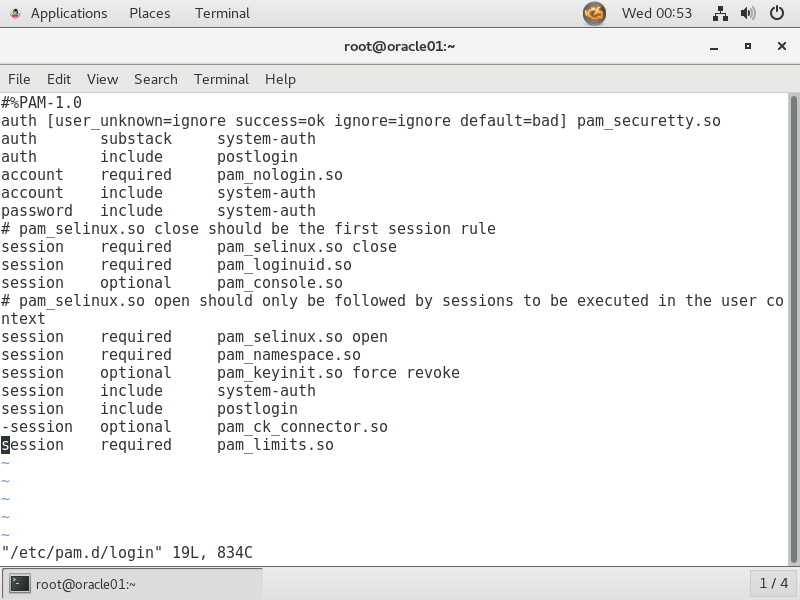
进入login文件
修改为以下参数
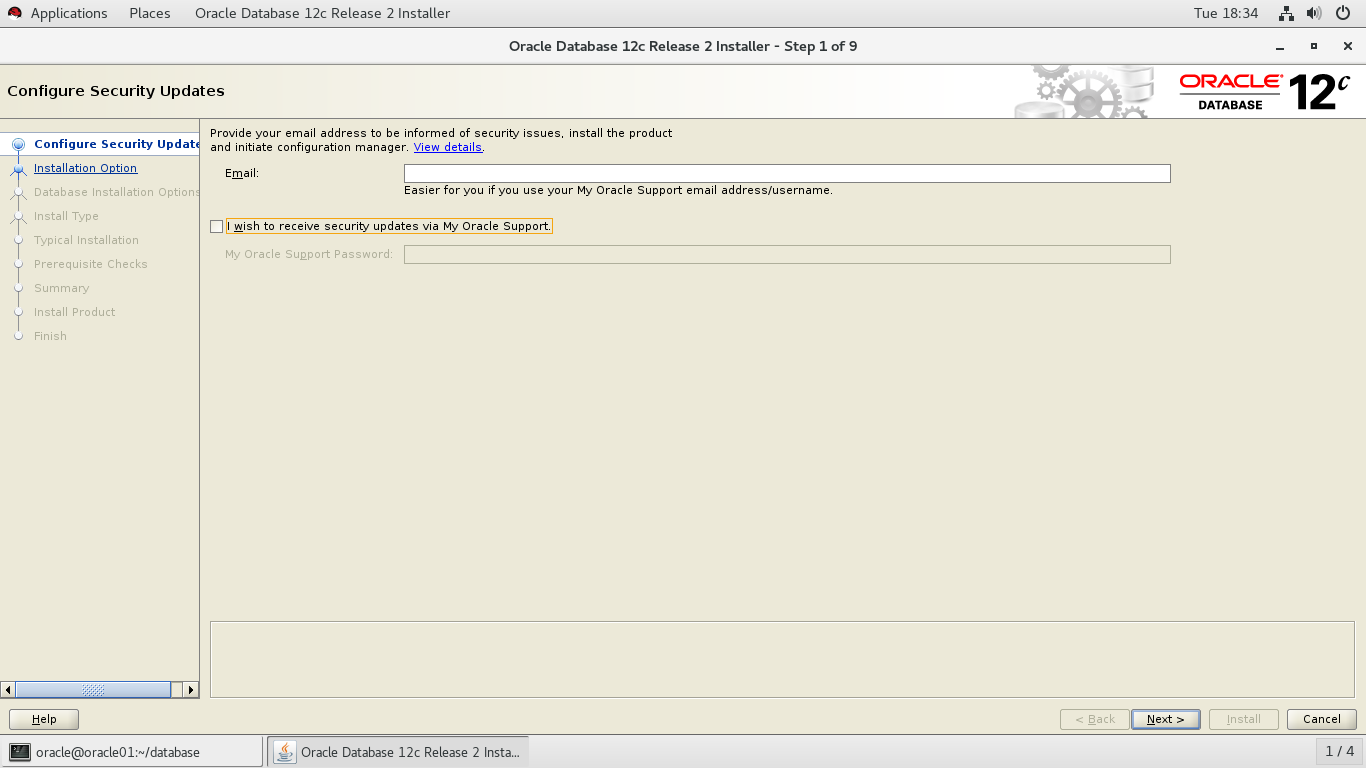
解压ORACLE12C的安装包,启动runInstaller
选择不接受更新
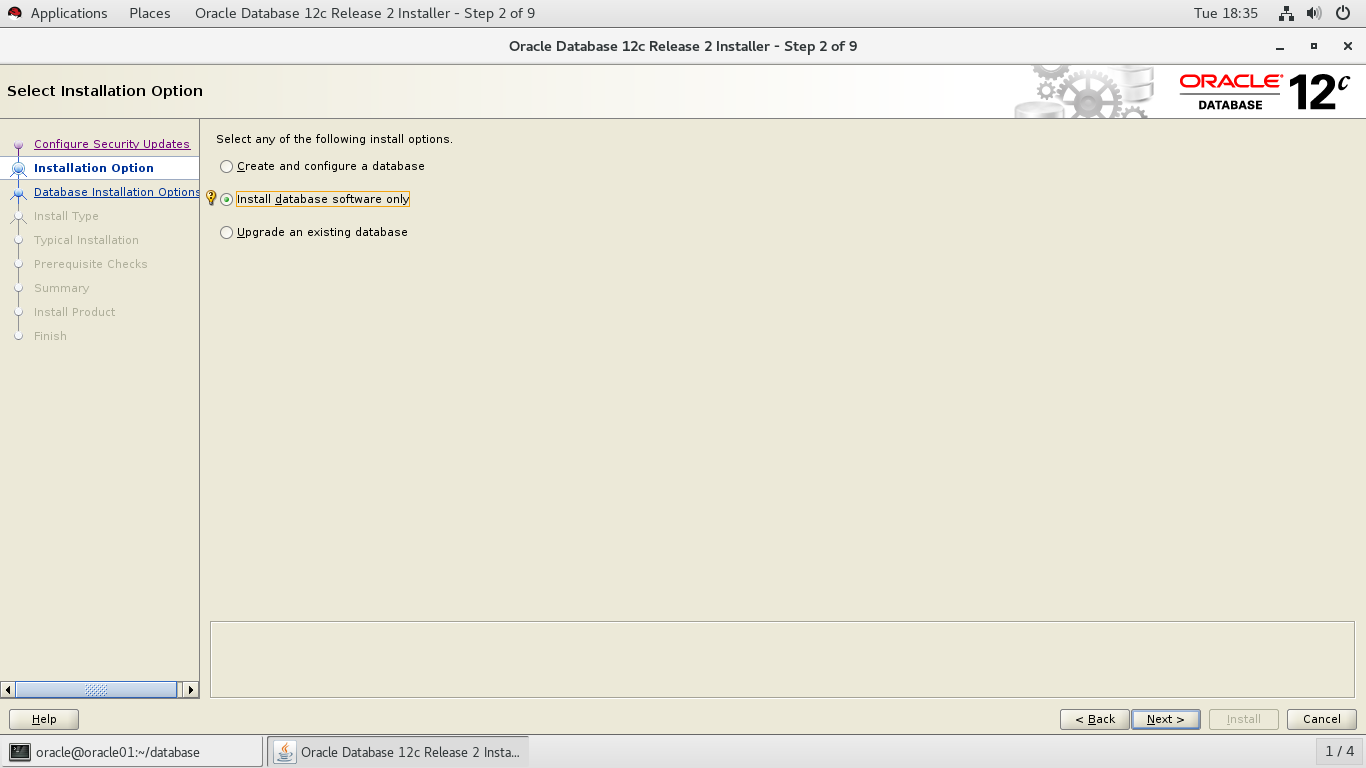
仅安装数据库软件
选择单实例数据库
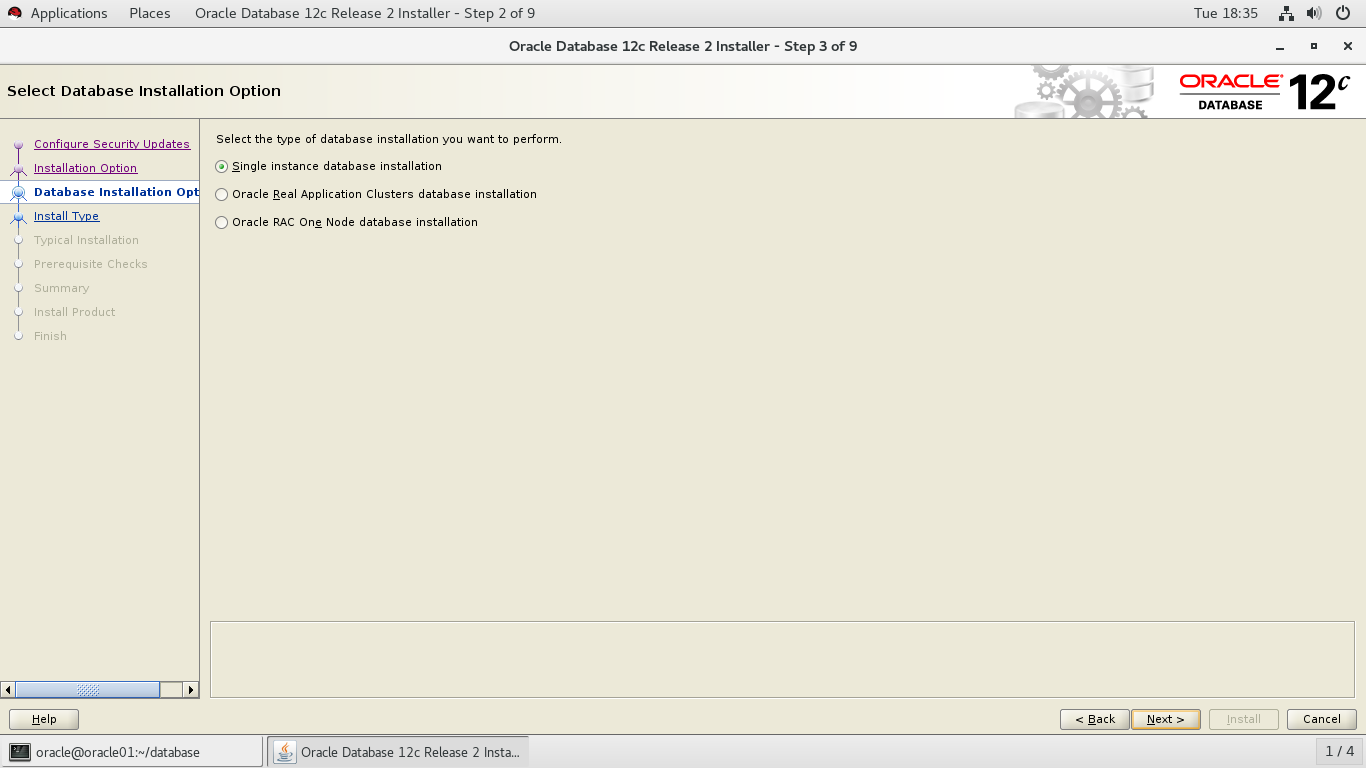
选择企业版
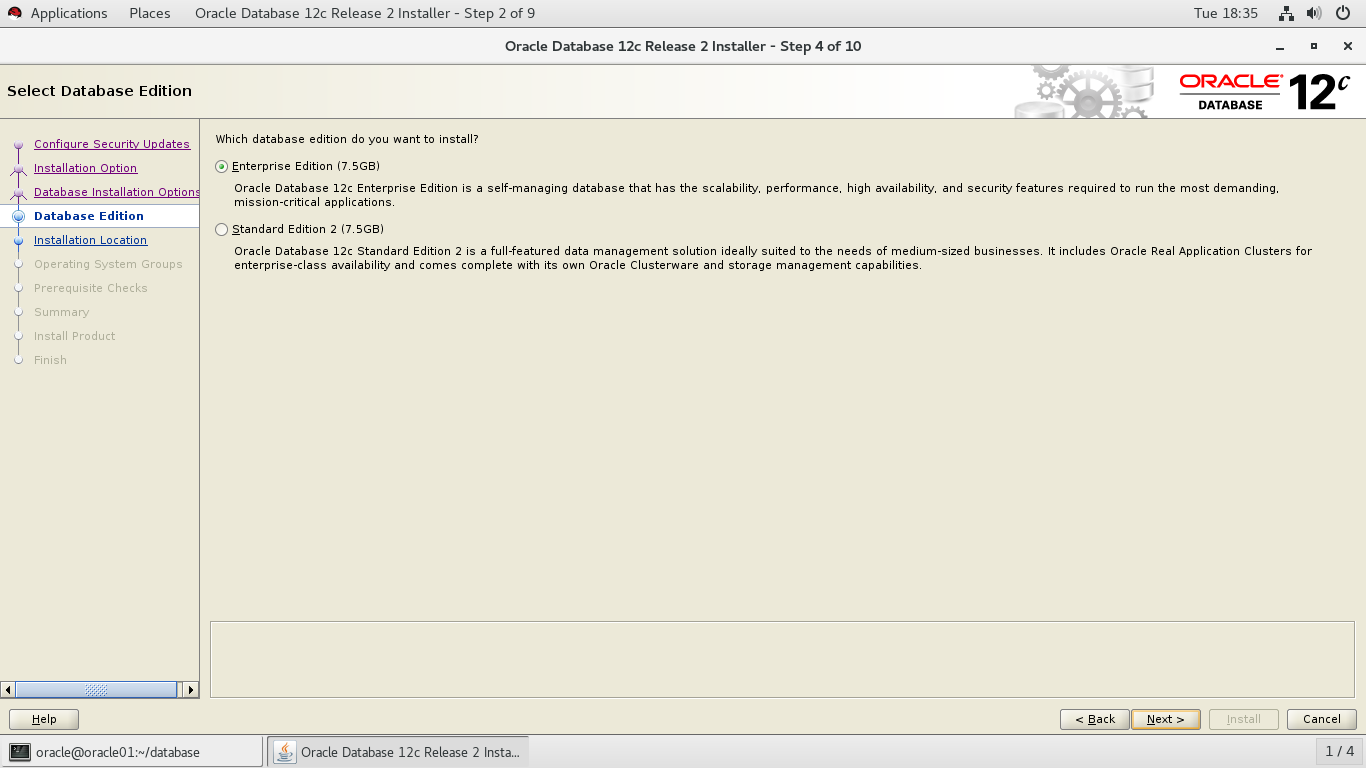
默认选择
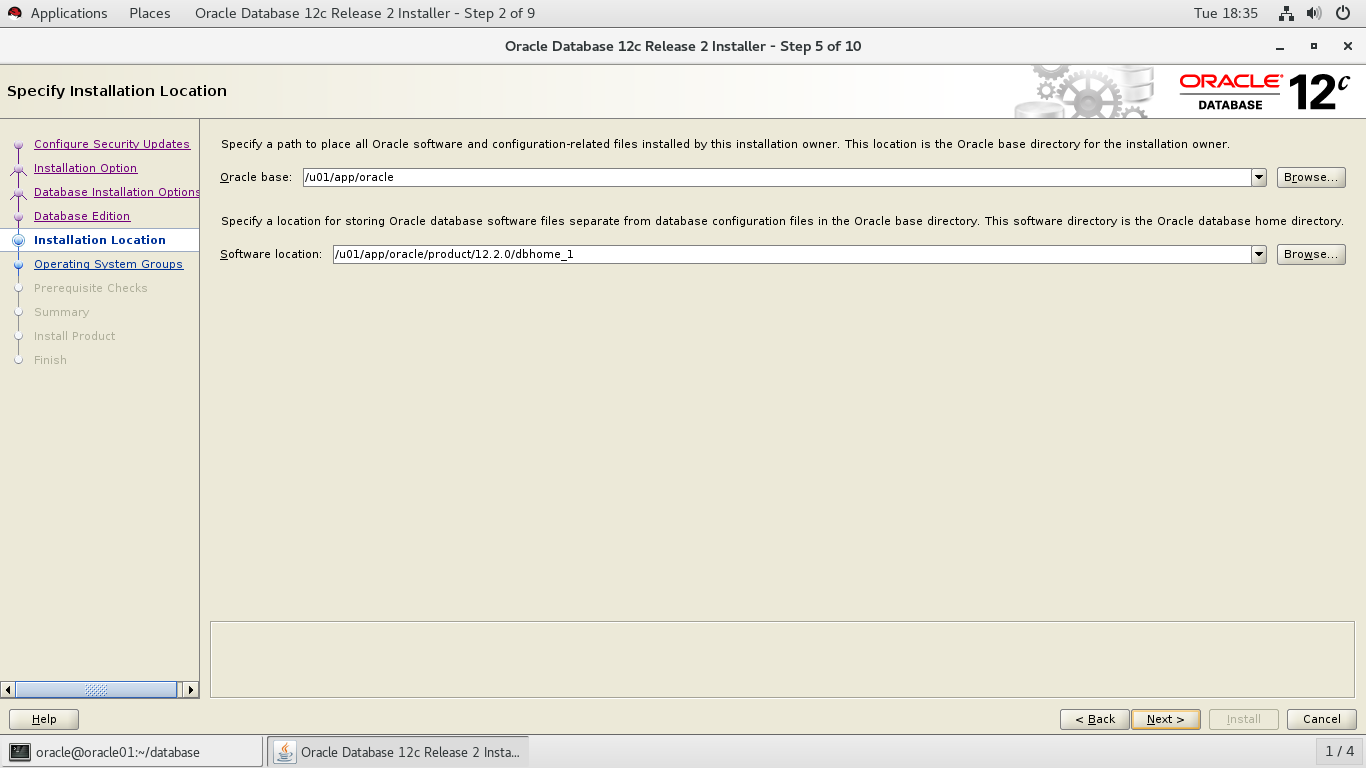
默认选择
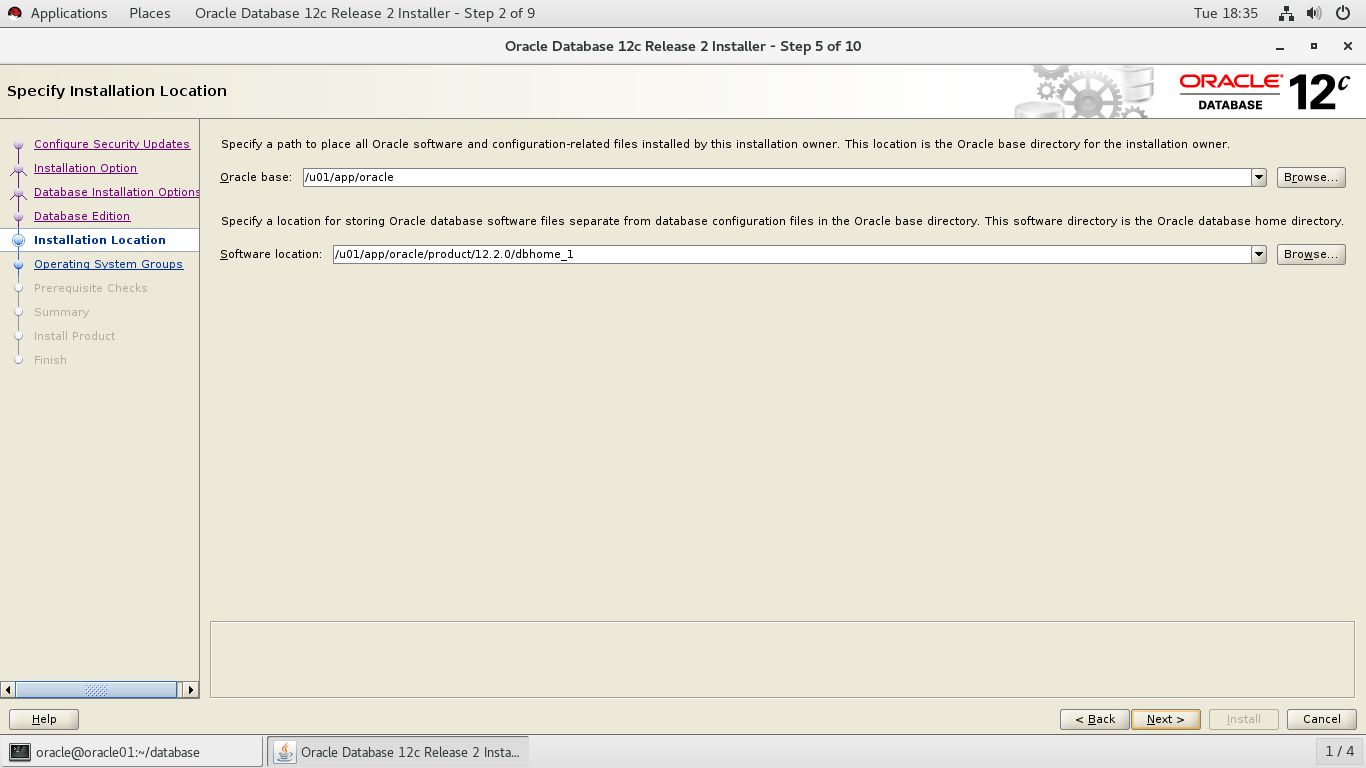
默认选择
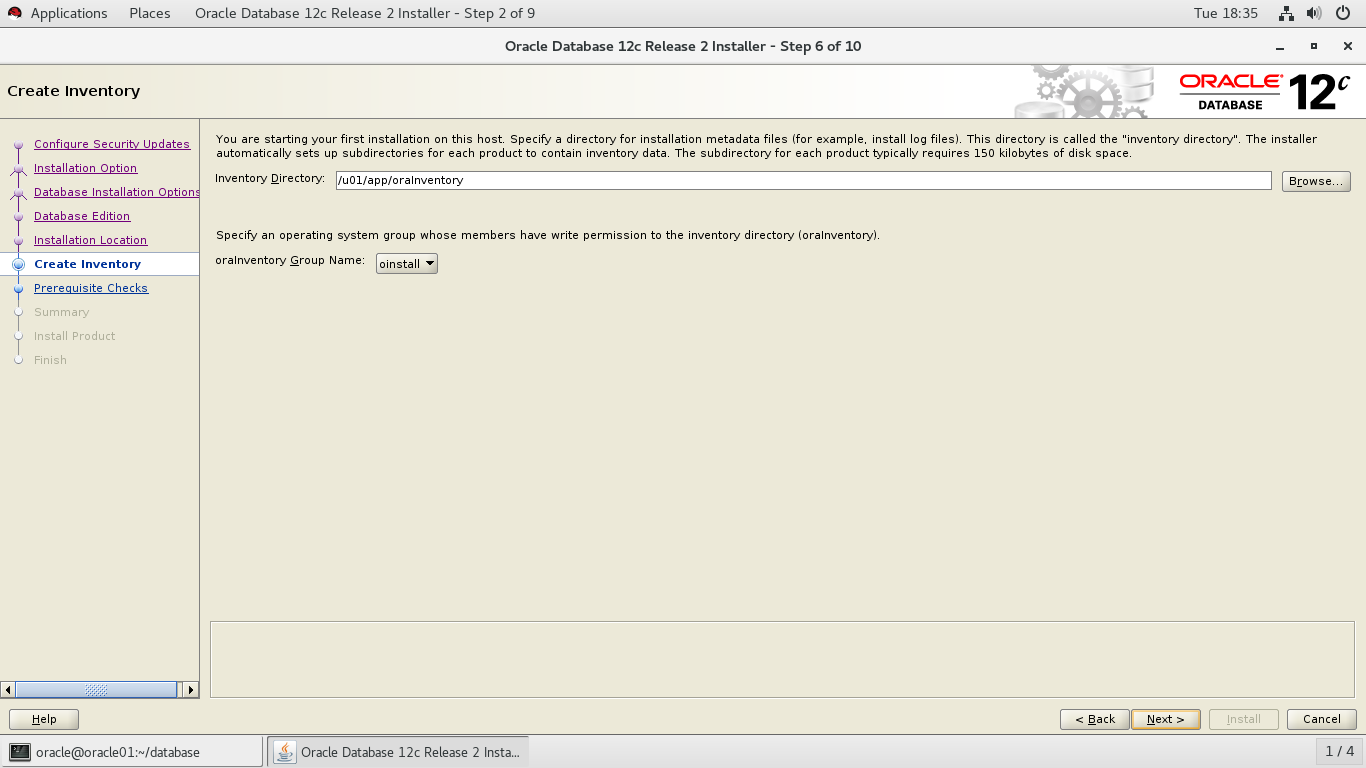
默认选择
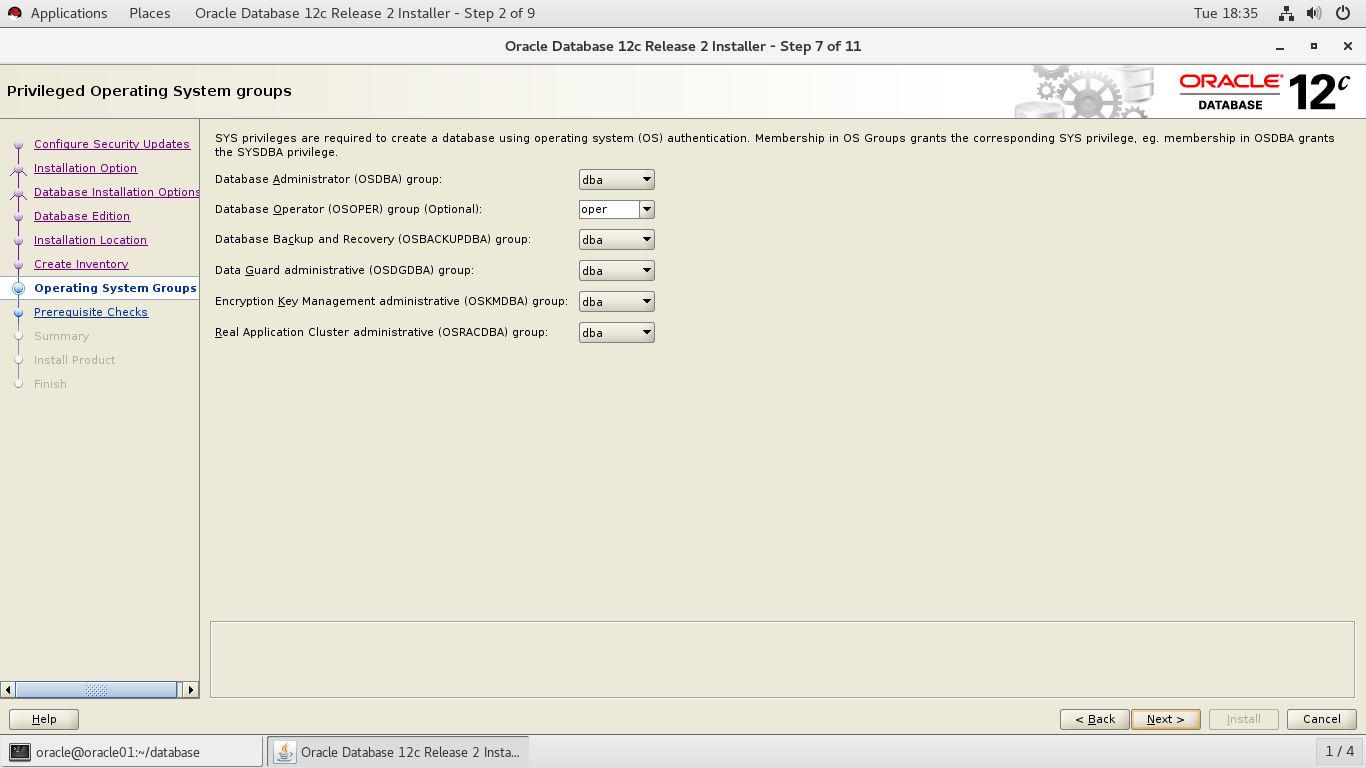
选择安装
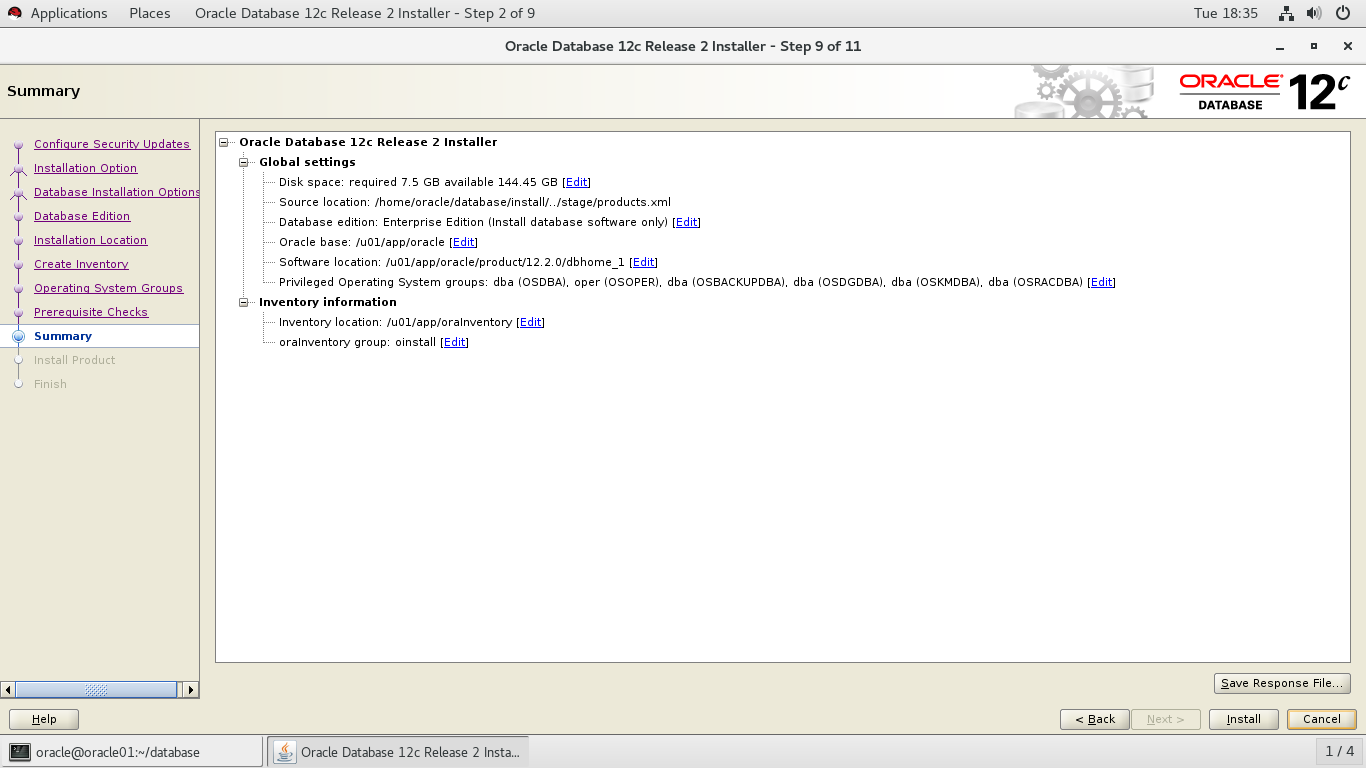
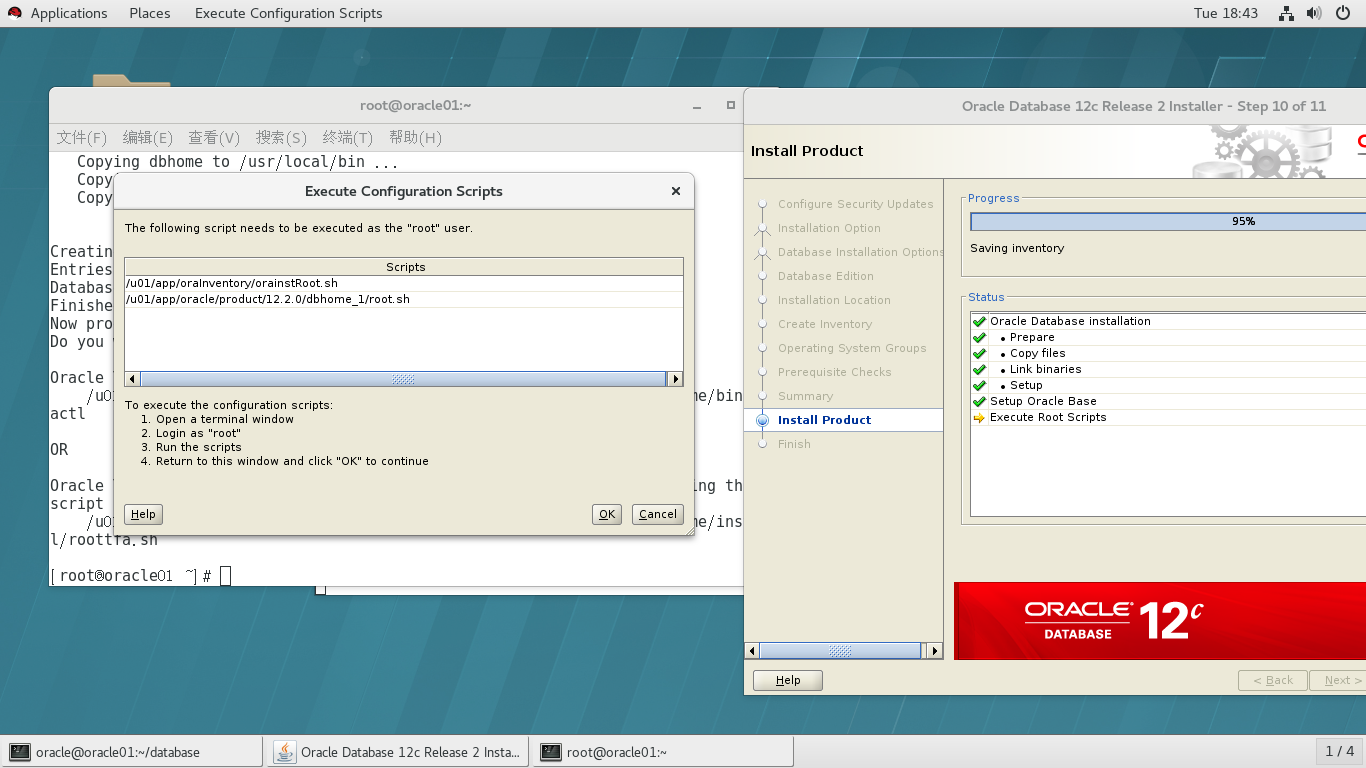
在终端中输入代码
启动监听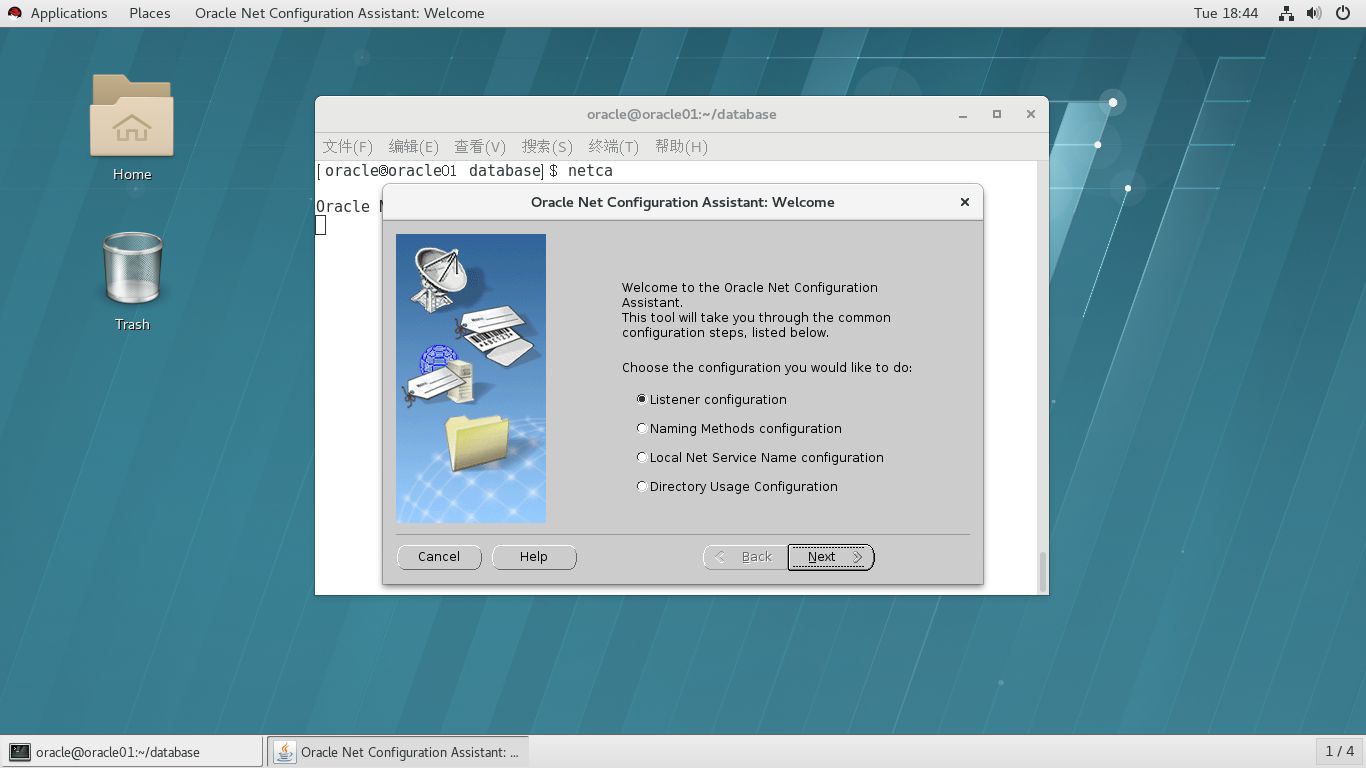
启动数据库配置,选择创建一个数据库
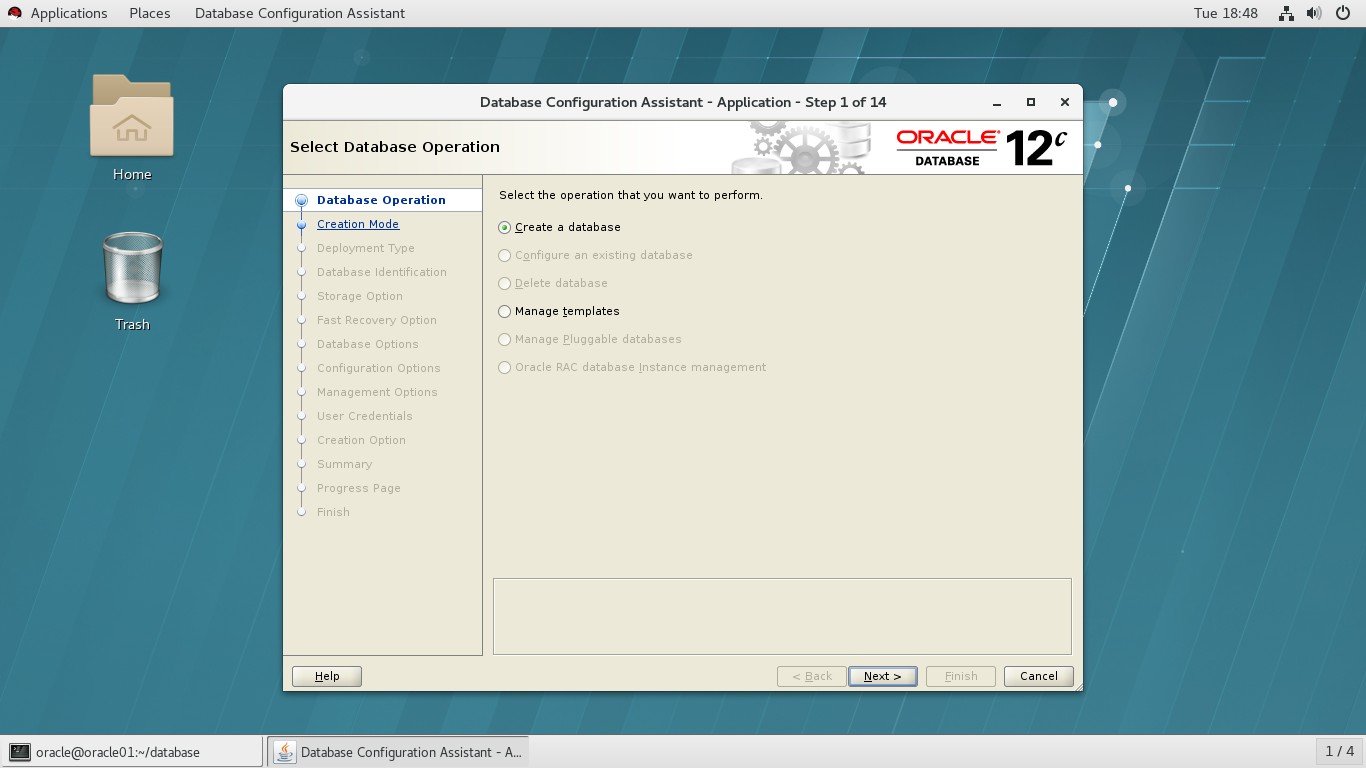
选择跳过配置
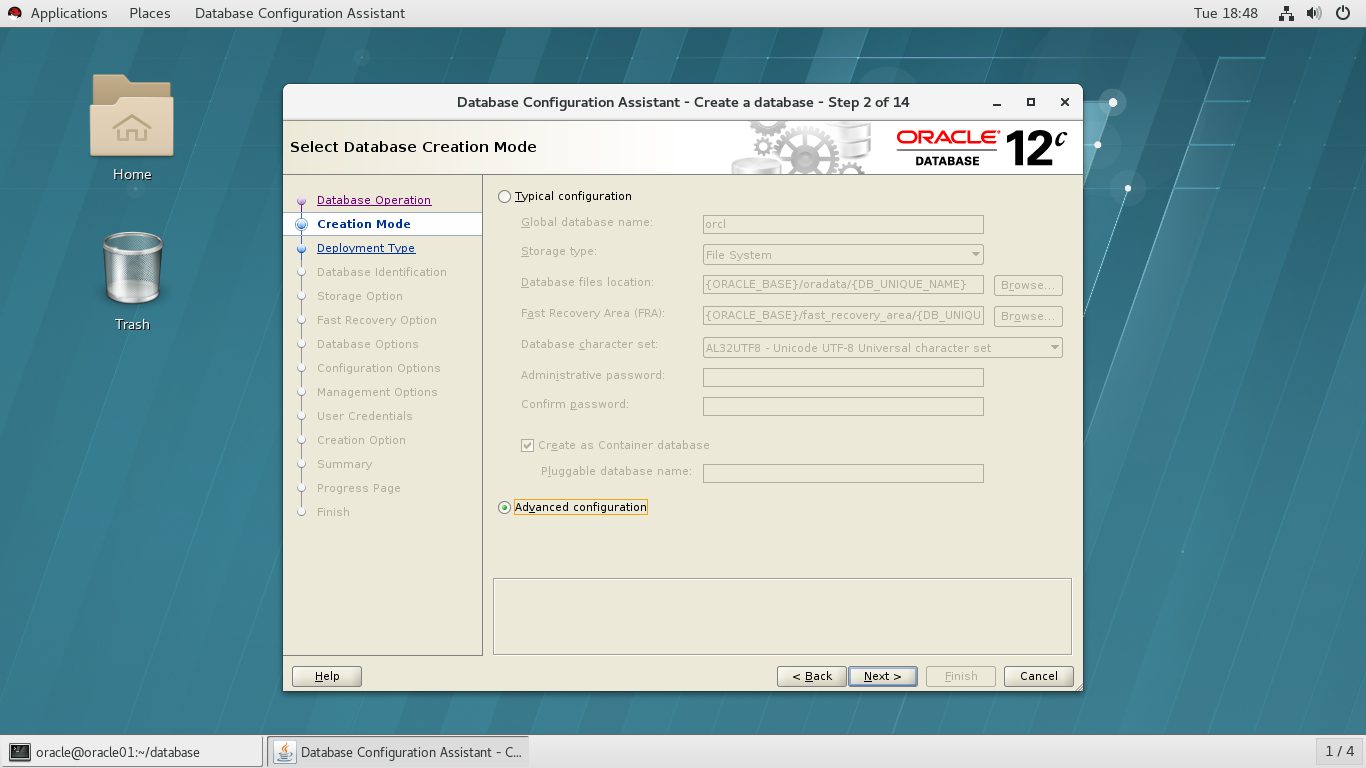
选择第二项
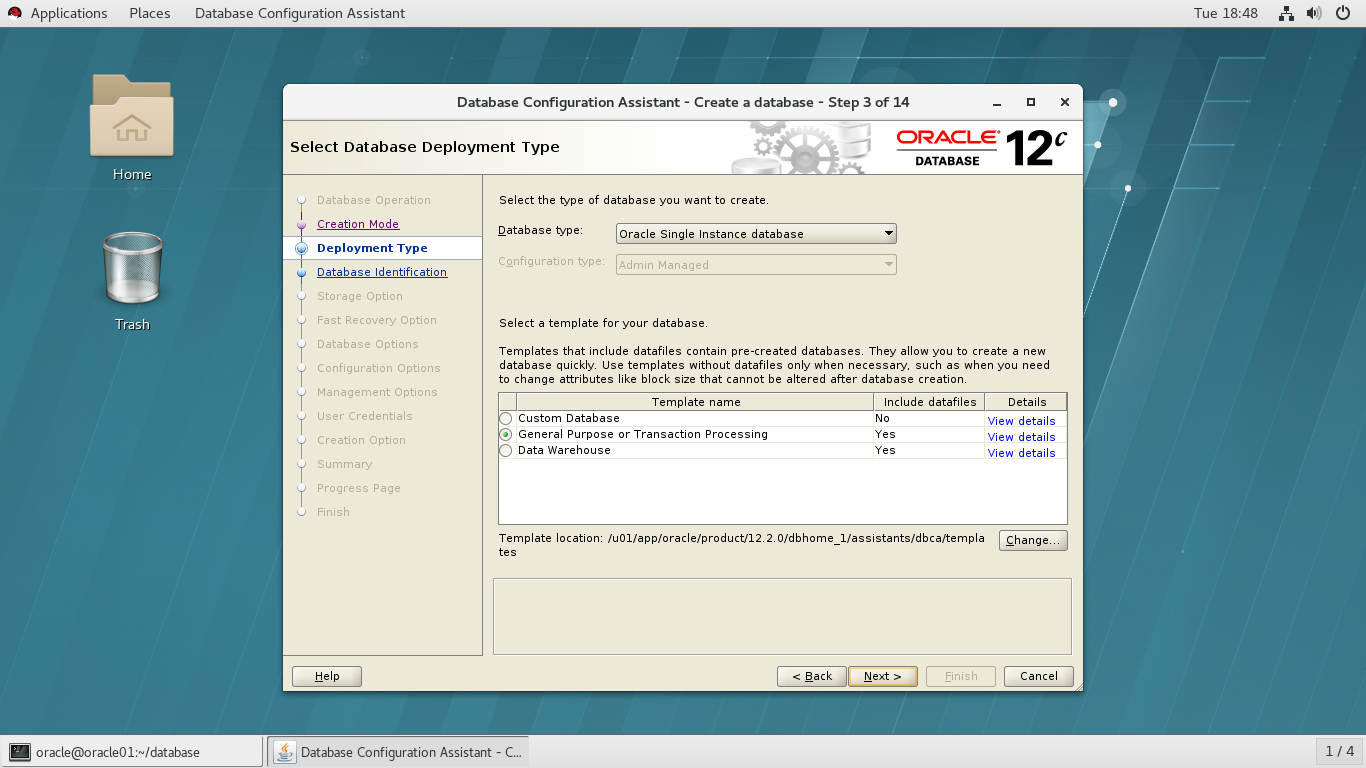
输入数据库名和SID
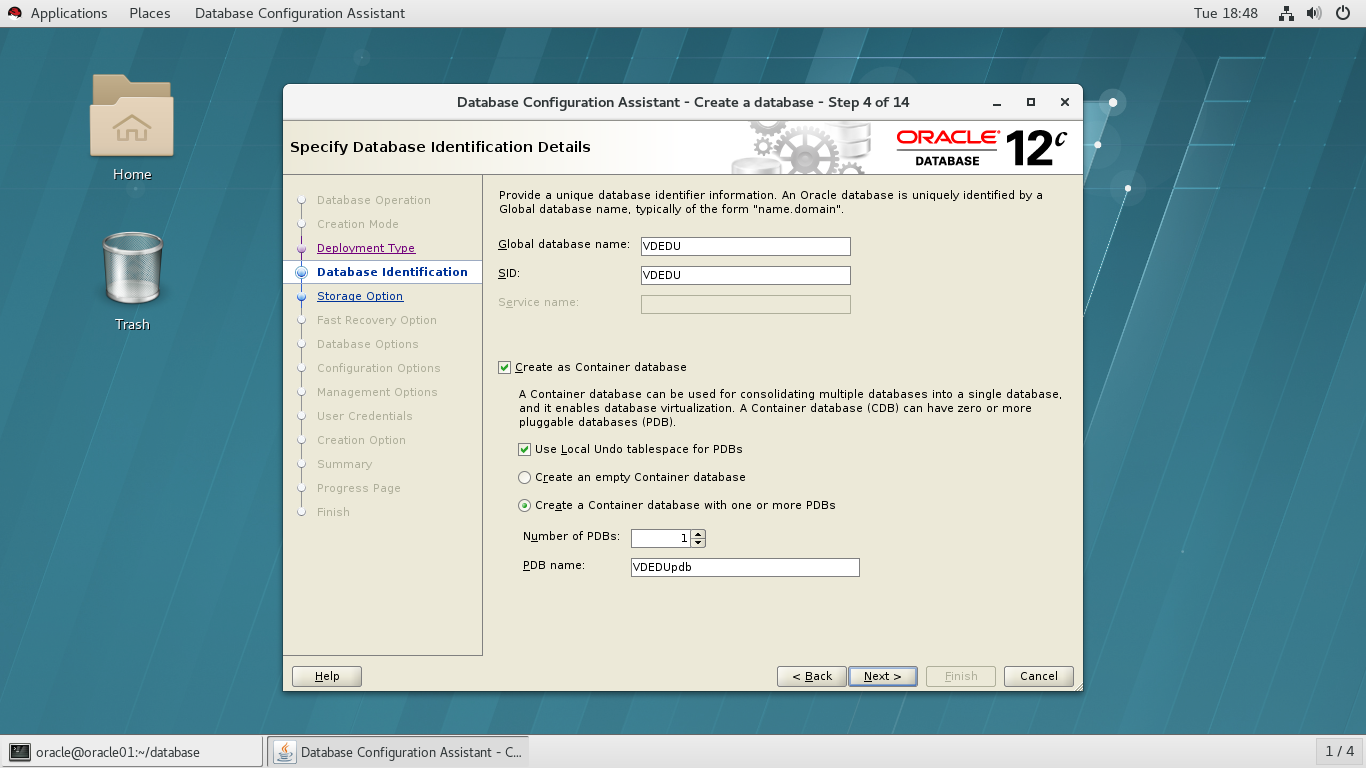
默认选择
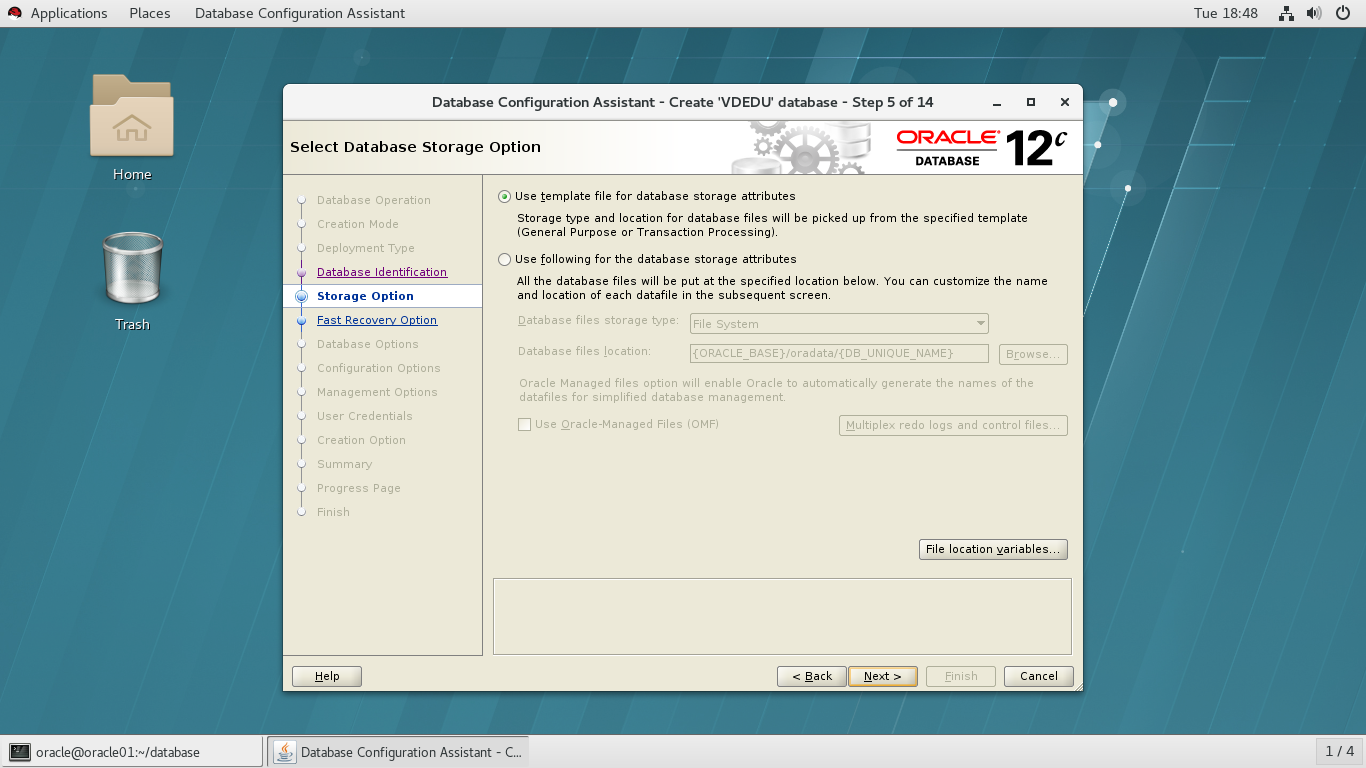
默认选择
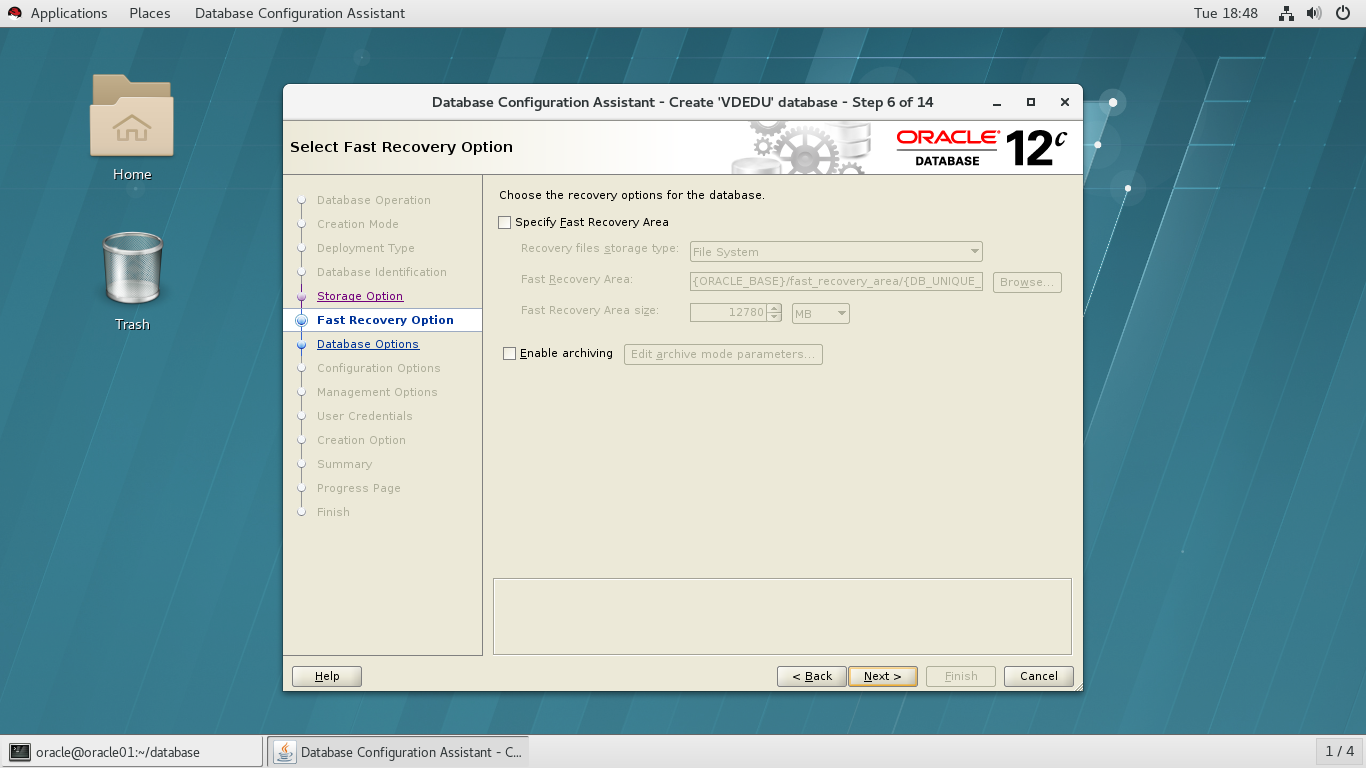
默认选择
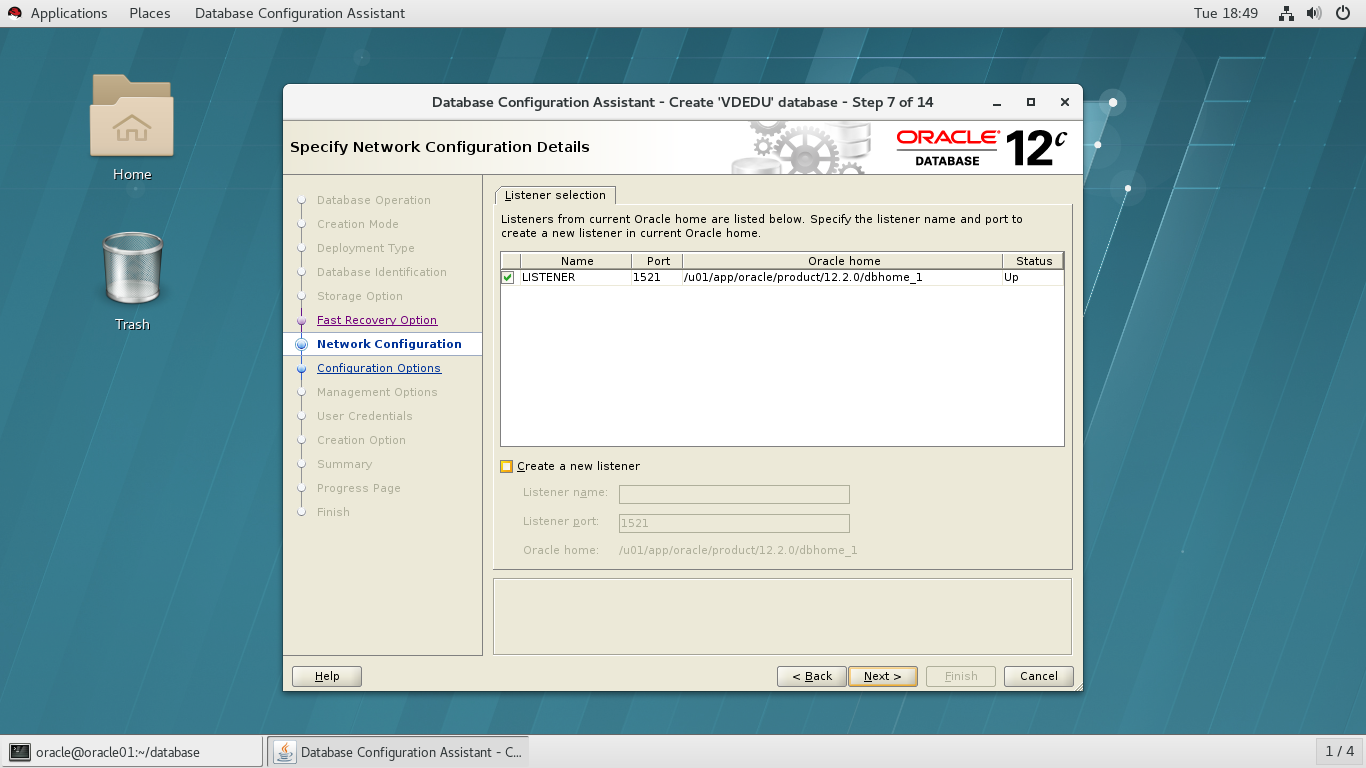
默认选择
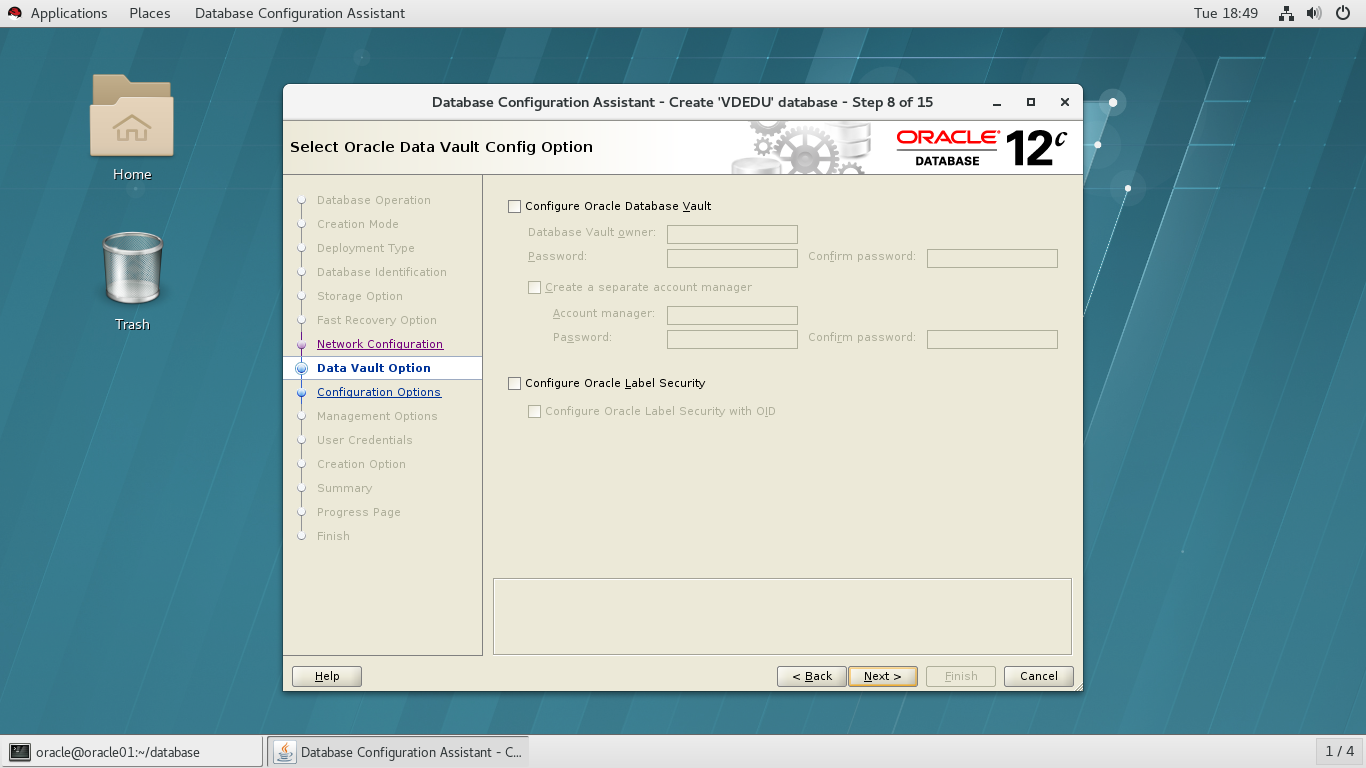
选择字符集,选择第三项
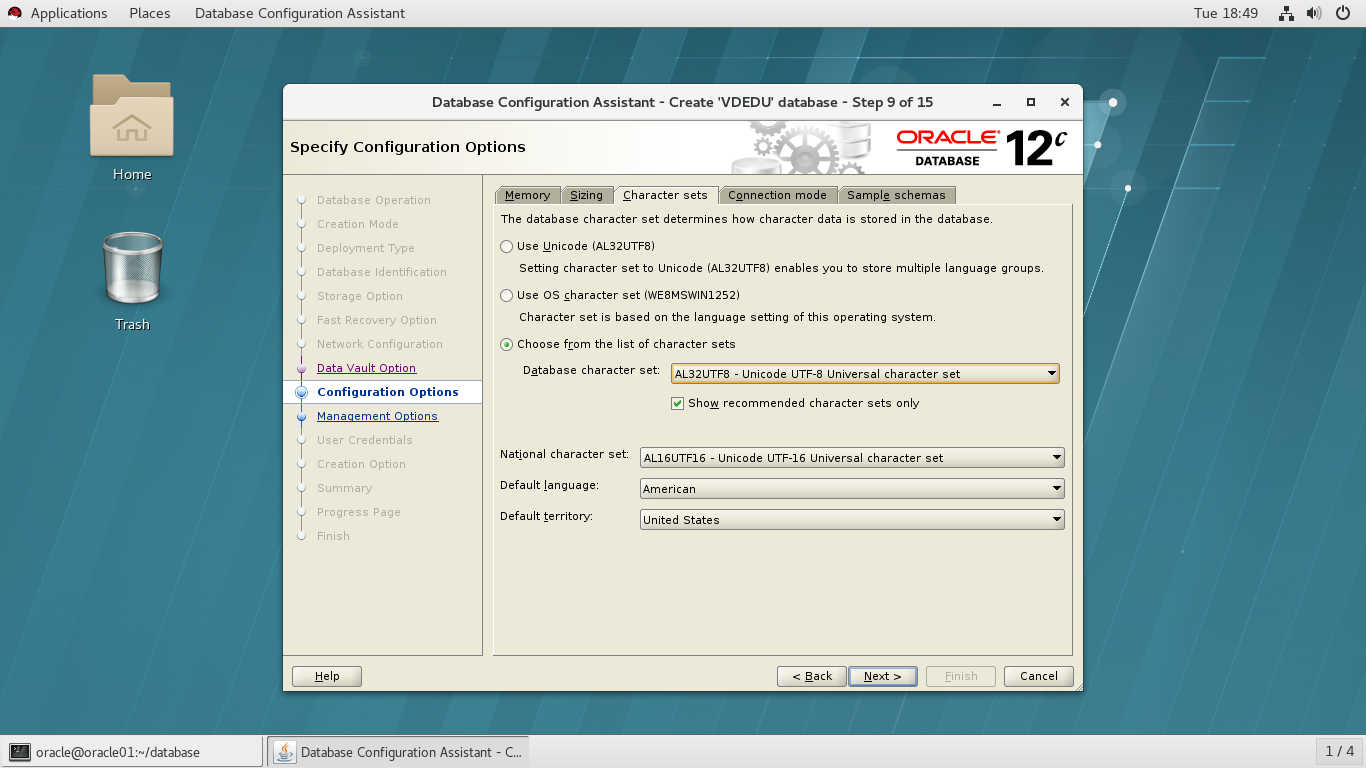
端口默认5500
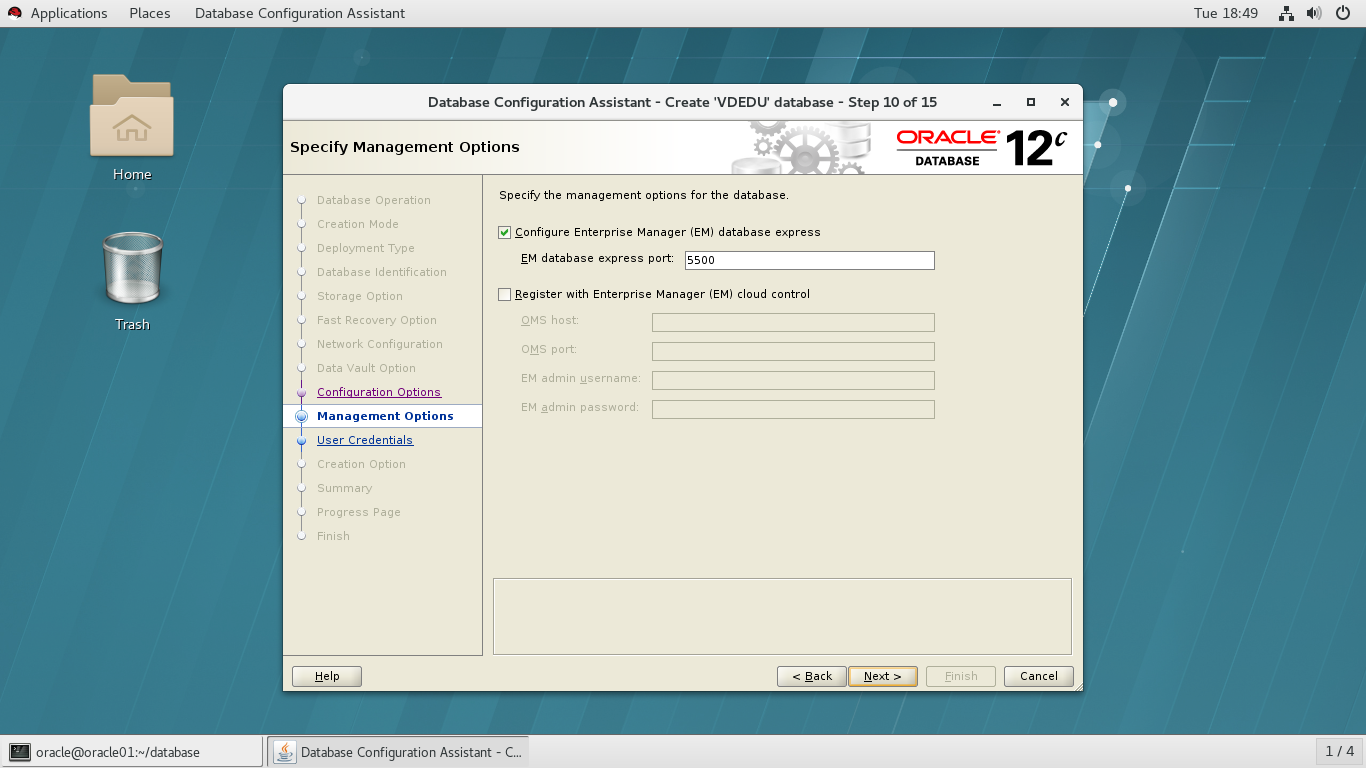
输入密码
选择创建数据库
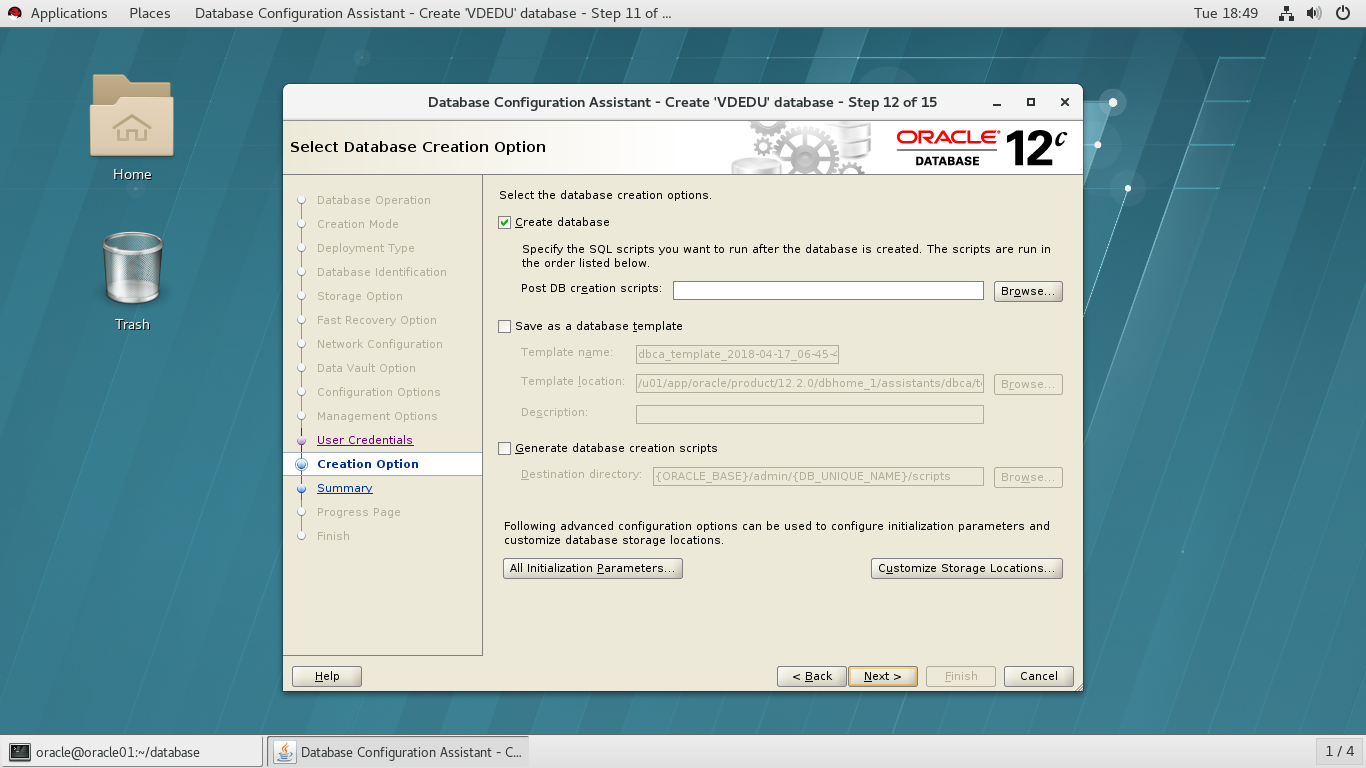
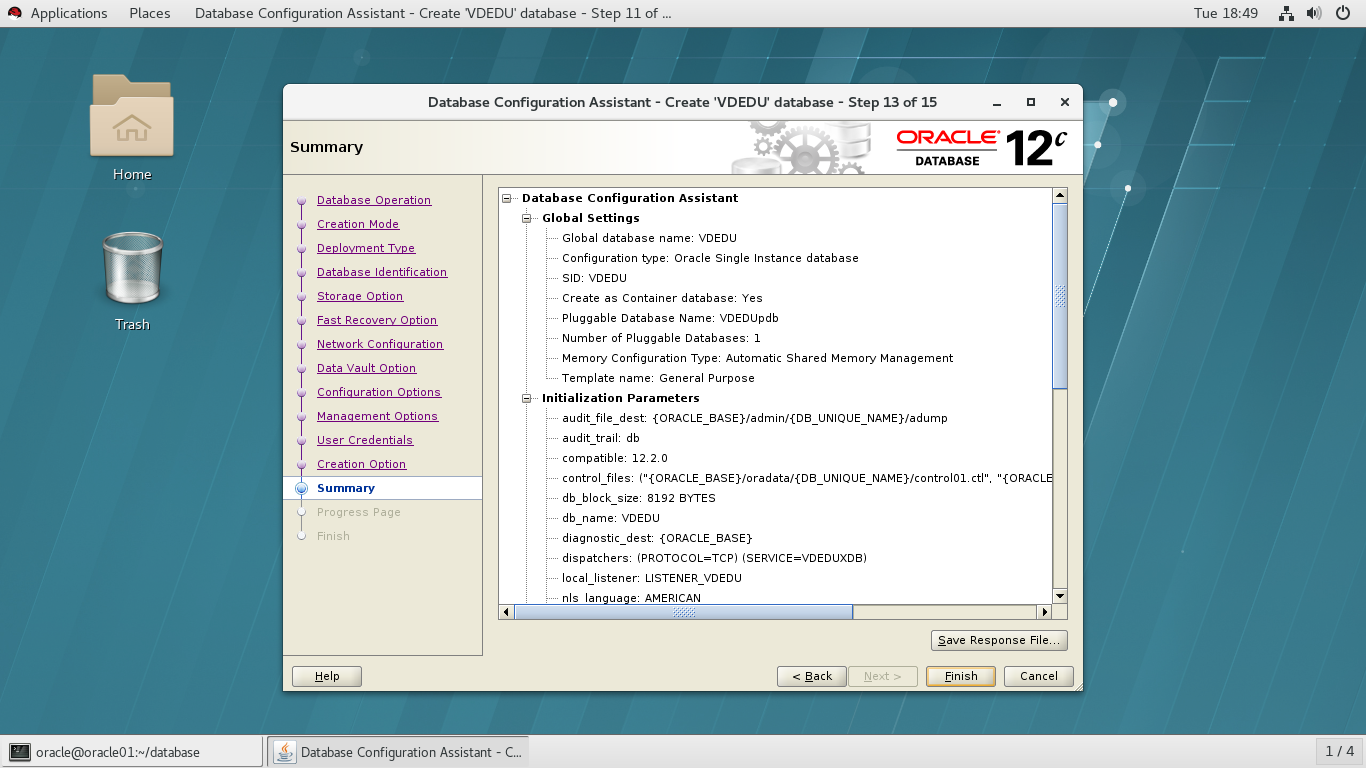
选择安装
附录
[root@oracle01 ~]# yum install oracle-database-server-12cR2-preinstall -y
Loaded plugins: langpacks, ulninfo
Resolving Dependencies
--> Running transaction check
---> Package oracle-database-server-12cR2-preinstall.x86_64 0:1.0-3.el7 will be installed
--> Processing Dependency: compat-libcap1 for package: oracle-database-server-12cR2-preinstall-1.0-3.el7.x86_64
--> Processing Dependency: ksh for package: oracle-database-server-12cR2-preinstall-1.0-3.el7.x86_64
--> Processing Dependency: libaio-devel for package: oracle-database-server-12cR2-preinstall-1.0-3.el7.x86_64
--> Processing Dependency: compat-libstdc++-33 for package: oracle-database-server-12cR2-preinstall-1.0-3.el7.x86_64
--> Running transaction check
---> Package compat-libcap1.x86_64 0:1.10-7.el7 will be installed
---> Package compat-libstdc++-33.x86_64 0:3.2.3-72.el7 will be installed
---> Package ksh.x86_64 0:20120801-137.0.1.el7 will be installed
---> Package libaio-devel.x86_64 0:0.3.109-13.el7 will be installed
--> Finished Dependency Resolution
Dependencies Resolved
======================================================================================================================================================
Package Arch Version Repository Size
======================================================================================================================================================
Installing:
oracle-database-server-12cR2-preinstall x86_64 1.0-3.el7 ol7_latest 19 k
Installing for dependencies:
compat-libcap1 x86_64 1.10-7.el7 ol7_latest 17 k
compat-libstdc++-33 x86_64 3.2.3-72.el7 ol7_latest 190 k
ksh x86_64 20120801-137.0.1.el7 ol7_latest 881 k
libaio-devel x86_64 0.3.109-13.el7 ol7_latest 12 k
Transaction Summary
======================================================================================================================================================
Install 1 Package (+4 Dependent packages)
Total download size: 1.1 M
Installed size: 4.0 M
Downloading packages:
warning: /var/cache/yum/x86_64/7Server/ol7_latest/packages/compat-libcap1-1.10-7.el7.x86_64.rpm: Header V3 RSA/SHA256 Signature, key ID ec551f03: NOKEY
Public key for compat-libcap1-1.10-7.el7.x86_64.rpm is not installed
(1/5): compat-libcap1-1.10-7.el7.x86_64.rpm | 17 kB 00:00:02
(2/5): compat-libstdc++-33-3.2.3-72.el7.x86_64.rpm | 190 kB 00:00:03
(3/5): libaio-devel-0.3.109-13.el7.x86_64.rpm | 12 kB 00:00:01
(4/5): oracle-database-server-12cR2-preinstall-1.0-3.el7.x86_64.rpm | 19 kB 00:00:00
(5/5): ksh-20120801-137.0.1.el7.x86_64.rpm | 881 kB 00:00:04
------------------------------------------------------------------------------------------------------------------------------------------------------
Total 166 kB/s | 1.1 MB 00:00:06
Retrieving key from file:///etc/pki/rpm-gpg/RPM-GPG-KEY-oracle
Importing GPG key 0xEC551F03:
Userid : "Oracle OSS group (Open Source Software group) <build@oss.oracle.com>"
Fingerprint: 4214 4123 fecf c55b 9086 313d 72f9 7b74 ec55 1f03
Package : 7:oraclelinux-release-7.5-1.0.3.el7.x86_64 (@anaconda/7.5)
From : /etc/pki/rpm-gpg/RPM-GPG-KEY-oracle
Running transaction check
Running transaction test
Transaction test succeeded
Running transaction
Installing : ksh-20120801-137.0.1.el7.x86_64 1/5
Installing : compat-libstdc++-33-3.2.3-72.el7.x86_64 2/5
Installing : compat-libcap1-1.10-7.el7.x86_64 3/5
Installing : libaio-devel-0.3.109-13.el7.x86_64 4/5
Installing : oracle-database-server-12cR2-preinstall-1.0-3.el7.x86_64 5/5
Verifying : libaio-devel-0.3.109-13.el7.x86_64 1/5
Verifying : compat-libcap1-1.10-7.el7.x86_64 2/5
Verifying : compat-libstdc++-33-3.2.3-72.el7.x86_64 3/5
Verifying : oracle-database-server-12cR2-preinstall-1.0-3.el7.x86_64 4/5
Verifying : ksh-20120801-137.0.1.el7.x86_64 5/5
Installed:
oracle-database-server-12cR2-preinstall.x86_64 0:1.0-3.el7
Dependency Installed:
compat-libcap1.x86_64 0:1.10-7.el7 compat-libstdc++-33.x86_64 0:3.2.3-72.el7 ksh.x86_64 0:20120801-137.0.1.el7 libaio-devel.x86_64 0:0.3.109-13.el7
Complete!
systemctl disable avahi-daemon.service 关闭进程
[root@localhost ~]# chkconfig avahi-daemon off
注意:正在将请求转发到“systemctl disable avahi-daemon.service”。
Removed symlink /etc/systemd/system/multi-user.target.wants/avahi-daemon.service.
Removed symlink /etc/systemd/system/sockets.target.wants/avahi-daemon.socket.
Removed symlink /etc/systemd/system/dbus-org.freedesktop.Avahi.service.
[root@localhost ~]# ps -ef | grep avahi
avahi 823 1 0 10:06 ? 00:00:00 avahi-daemon: running [linux.local]
avahi 859 823 0 10:06 ? 00:00:00 avahi-daemon: chroot helper
root 16790 16206 0 10:27 pts/0 00:00:00 grep --color=auto avahi
[root@localhost ~]# kill -9 823
[root@localhost ~]# ps -ef | grep avahi
root 16794 16206 0 10:27 pts/0 00:00:00 grep --color=auto avahi
vi /etc/selinux/config
# This file controls the state of SELinux on the system.
# SELINUX= can take one of these three values:# enforcing - SELinux security policy is enforced.
# permissive - SELinux prints warnings instead of enforcing.
# disabled - No SELinux policy is loaded.
SELINUX=disabled
# SELINUXTYPE= can take one of these two values:
# targeted - Targeted processes are protected,
# mls - Multi Level Security protection.
[root@localhost ~]# systemctl stop firewalld
[root@localhost ~]# systemctl disable firewalld
Removed symlink /etc/systemd/system/multi-user.target.wants/firewalld.service.
Removed symlink /etc/systemd/system/dbus-org.fedoraproject.FirewallD1.service.
[root@db12c ~]# firewall-cmd --state
not running
passwd oracle
mkdir -p /u01/app/oracle
chown -R oracle:oinstall /u01
chmod -R 775 /u01
ls -lR /u01
su - oracle
vi .bash_profile
export ORACLE_BASE=/u01/app/oracle
export ORACLE_HOME=/u01/app/oracle/product/12.2.0/dbhome_1
export ORACLE_SID=VDEDU
export ORACLE_TERM=xterm
export PATH=/usr/sbin:$PATHexport PATH=/u01/app/ogg:$ORACLE_HOME/bin:$PATH
export LD_LIBRARY_PATH=/u01/app/ogg:$ORACLE_HOME/lib:/lib:/usr/lib:$LD_LIBRARY_PATH
export CLASSPATH=$ORACLE_HOME/JRE:$ORACLE_HOME/jlib:$ORACLE_HOME/rdbms/jlib
export NLS_DATE_FORMAT="yyyy-mm-dd HH24:MI:SS"
export NLS_LANG=AMERICAN_AMERICA.AL32UTF8
export LANG=C
export ORACLE_UNQNAME=kingsql
su - root
#vi /etc/security/limits.conf
//加入下面参数
oracle soft nofile 1024
oracle hard nofile 65536
oracle soft nproc 16384
oracle hard nproc 16384
oracle soft stack 10240
oracle hard stack 32768
oracle hard memlock 134217728
oracle soft memlock 134217728
[root@meihailetest1 ~]#vi /etc/pam.d/login
//加入下面参数
session required pam_limits.so
vi /etc/hosts
127.0.0.1 localhost localhost.localdomain localhost4 localhost4.localdomain4::1
localhost localhost.localdomain localhost6 localhost6.localdomain6
192.168.242.133 dbora12c
vi /etc/hostname
dbora12c
Oracle enterprise linux系统的安装以及ORACLE12C的安装的更多相关文章
- Oracle Enterprise Linux 64-bit下安装apache-tomcat-7.0.53步骤
測试环境:VMware Workstation v9.0.2软件中安装好Oracle Enterprise Linux 5.8 64-bit虚拟机 安装软件:jdk-7u40-linux-x64.rp ...
- [书接上一回]在Oracle Enterprise Linux (v5.7) 中安装DB - (4/4)
选择自己创建的安装数据库路径. Sample Schemas 打钩. 调整内存大小. 选择官方建议的字符集编码. 是否创建创建的脚本,如需要请打钩. 脚本生成成功. 创建成功,如需要,则可以管理数据库 ...
- [好好学习]在VMware中安装Oracle Enterprise Linux (v5.7) - (5/5)
- [好好学习]在VMware中安装Oracle Enterprise Linux (v5.7) - (4/5)
- [好好学习]在VMware中安装Oracle Enterprise Linux (v5.7) - (1/5)
在想到Oracle Enterprise Linux,第一时间就是在Oracle官网上找到资源,但是,出现以下图片
- [书接上一回]在Oracle Enterprise Linux (v5.7) 中安装DB - (3/4)
安装p10404530_112030_Linux-x86-64_6of7.zip解压下的example. 修改软件路径,为dbhome_1. 安装好数据,则可以进行快照操作! 删除安装文件. 输入db ...
- [书接上一回]在Oracle Enterprise Linux (v5.7) 中安装DB - (1/4)
在上一回中,我们安装了OEL了,现在就要安装Oracle数据. 首先登录root用户,输入账号密码或,输入命令行:startx,启动图形界面. 先将虚拟机中插入光碟(Enterprise-R5-U7- ...
- [书接上一回]在Oracle Enterprise Linux (v5.7) 中安装DB - (2/4)
在最后一行,书写shmfs /dev/shm tmpfs size=2g 0 用来调高数据库运行是的内存分配问题. 创建需要的路径和分配权限. 设置 oracle 用户环境参数. 修改标头显示的部分. ...
- [好好学习]在VMware中安装Oracle Enterprise Linux (v5.7) - (3/5)
进入OEL
随机推荐
- MyBatis入门程序之表关联
一.一对一查询(ResultType比较简单,只需要指向扩展的类:ResultMap逐个匹配比较麻烦,可以配置属性autoMapping="true",还可以可以实现延迟加载) 1 ...
- 【Python】TF环境
1.pip show pip 2.python -m pip install --upgrade pip 3.conda list 4.pip install tensorflow 5.pip ins ...
- Spring中神奇@aotuWrited
好久没有写博客了,放假就是充电学习的时候,的确一直是这样做的.来给自己一点掌声.我们还是进入今天的主题吧. 我们自己写代码一般会向下面这样干啊,因为这样简单,其余交给spring去做吧.Spring会 ...
- Android开发-- 使用ADT23 的一些问题
在使用最新版ADT 23进行android学习时发现一些问题: 1.通过设置intent的action来启动另外一个activity时,会出现No Activity found to handle I ...
- codeforces水题100道 第八题 Codeforces Round #274 (Div. 2) A. Expression (math)
题目链接:http://www.codeforces.com/problemset/problem/479/A题意:给你三个数a,b,c,使用+,*,()使得表达式的值最大.C++代码: #inclu ...
- 解决3 字节的 UTF-8 序列的字节 3 无效
maven项目编译正常,运行时候报以下错误: 3 字节的 UTF-8 序列的字节 3 无效 仔细看这个错误的详细信息,会发现是某个xml文件中字符识别的问题,解决办法如下: 在pom.xml中添加以下 ...
- J2EE学习篇之--Struts1详解
今天来看一下Struts1的相关知识,其实Struts现在是出名的,每个Web开发者都会知道的,也是现在比较流行的框架,下面就来看一下我们为什么要用Struts框架呢? 摘要 1.建立在mvc这种好的 ...
- IDEA试用期结束激活问题
1.试用期结束,出现IDEA License Activation界面 2.IntelliJ Idea 2017 免费激活方法 方法1. 到网站 http://idea.lanyus.com/ 获取注 ...
- 【docker】 追加端口映射时 报错 WARNING: IPv4 forwarding is disabled. Networking will not work.
解决办法: vi /etc/sysctl.conf 添加如下代码: net.ipv4.ip_forward= 重启network服务 systemctl restart network 查看: sys ...
- 【linux】 scrapy : Could not find a version that satisfies the requirement Twisted>=13.1.0 (from Scrapy) (from versions: )
centos7 + python3 安装 scrapy 时候报错,错误信息如下: Could not find a version that satisfies the requirement Twi ...