
2023-03-09:用golang调用ffmpeg,将流媒体数据(以RTMP为例)保存成本地文件(以flv为例)。
2023-03-09:用golang调用ffmpeg,将流媒体数据(以RTMP为例)保存成本地文件(以flv为例)。
答案2023-03-09:
这是最简单的收流器。本文记录一个最简单的基于FFmpeg的收流器。收流器和推流器的作用正好相反:推流器用于将本地文件以流媒体的形式发送出去,而收流器用于将流媒体内容保存为本地文件。
本文记录的推流器可以将RTMP流媒体保存成为一个本地的FLV文件。由于FFmpeg本身支持很多的流媒体协议和封装格式,所以也支持其它的封装格式和流媒体协议。
使用 github.com/moonfdd/ffmpeg-go 库,收流器的代码写在了这个库里,基于雷霄骅的代码修改。
需要修改代码里的rtmp地址,不然程序会报错。
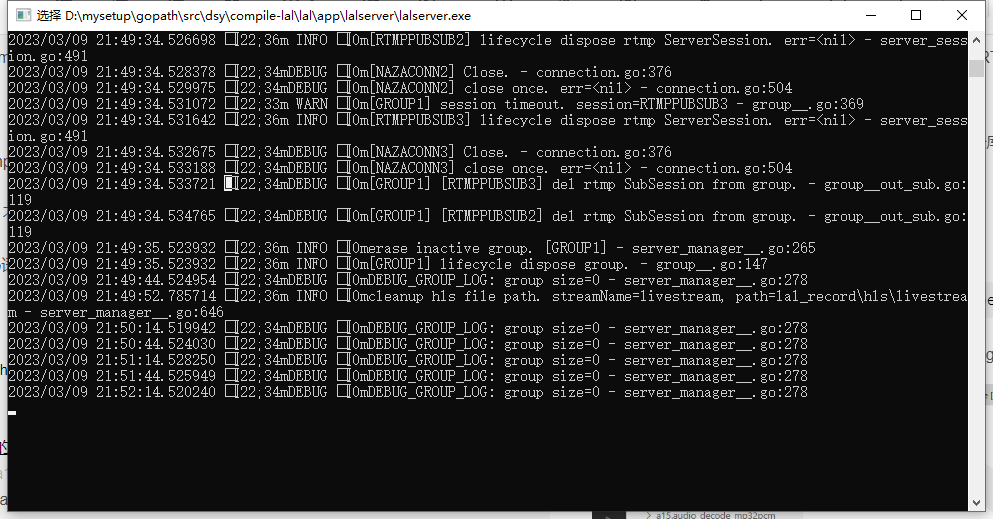
一、先启动lalserver。lal是go语言开源的流媒体服务器。
二、执行命令:
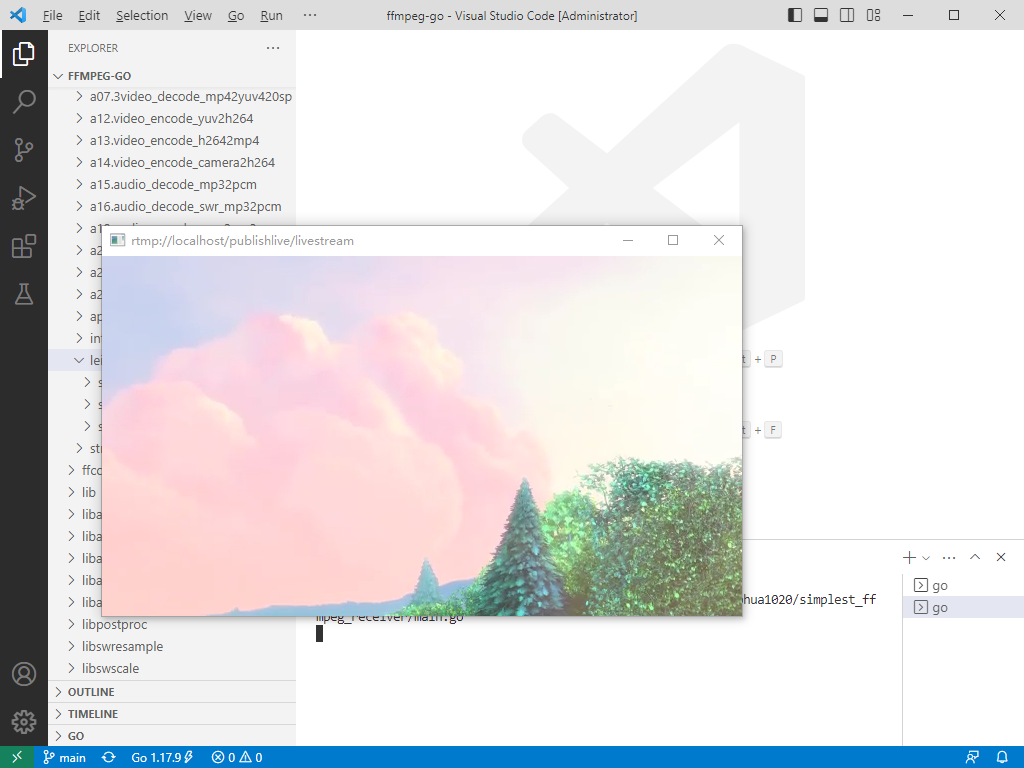
go run ./examples/leixiaohua1020/simplest_ffmpeg_streamer/main.go

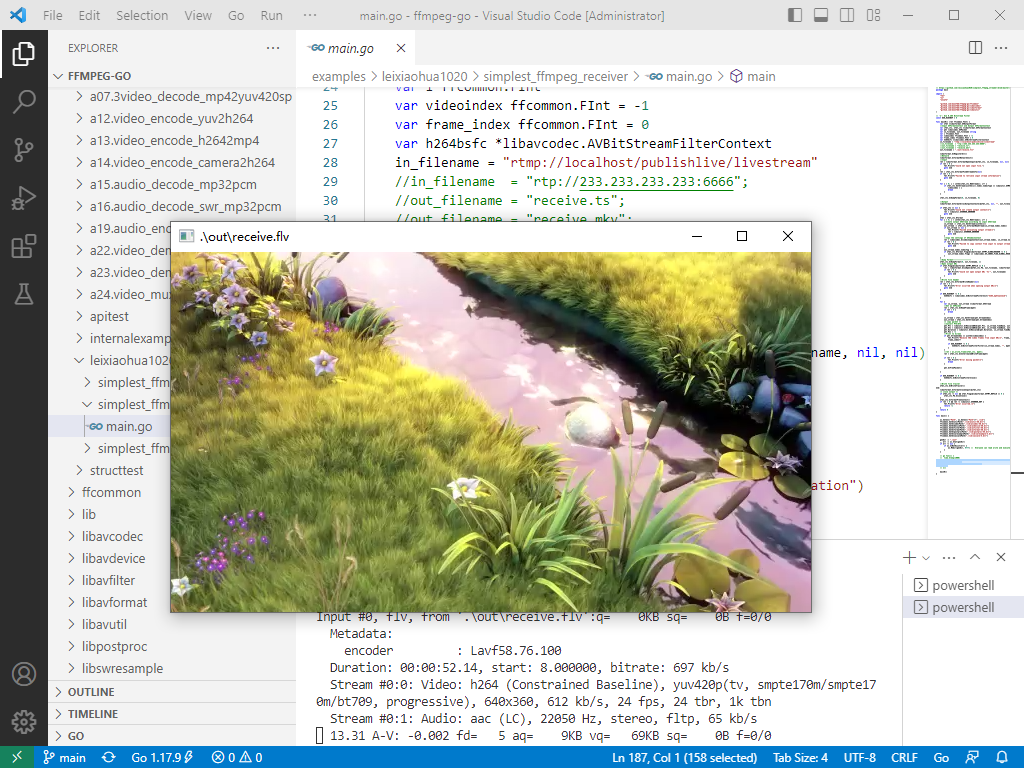
go run ./examples/leixiaohua1020/simplest_ffmpeg_receiver/main.go

./lib/ffplay ./out/receive.flv
参考了雷霄骅的基于libx265的视频编码器,代码用golang编写。代码如下:
// https://github.com/leixiaohua1020/simplest_ffmpeg_streamer/blob/master/simplest_ffmpeg_receiver/simplest_ffmpeg_receiver.cpp

package main

import (

	"fmt"

	"os"

	"unsafe"

	"github.com/moonfdd/ffmpeg-go/ffcommon"

	"github.com/moonfdd/ffmpeg-go/libavcodec"

	"github.com/moonfdd/ffmpeg-go/libavformat"

	"github.com/moonfdd/ffmpeg-go/libavutil"

)

// '1': Use H.264 Bitstream Filter

const USE_H264BSF = 0

func main0() (ret ffcommon.FInt) {

	var ofmt *libavformat.AVOutputFormat

	//Input AVFormatContext and Output AVFormatContext

	var ifmt_ctx, ofmt_ctx *libavformat.AVFormatContext

	var pkt libavcodec.AVPacket

	var in_filename, out_filename string

	var i ffcommon.FInt

	var videoindex ffcommon.FInt = -1

	var frame_index ffcommon.FInt = 0

	var h264bsfc *libavcodec.AVBitStreamFilterContext

	in_filename = "rtmp://localhost/publishlive/livestream"

	//in_filename  = "rtp://233.233.233.233:6666";

	//out_filename = "receive.ts";

	//out_filename = "receive.mkv";

	out_filename = "./out/receive.flv"

	libavformat.AvRegisterAll()

	//Network

	libavformat.AvformatNetworkInit()

	//Input

	ret = libavformat.AvformatOpenInput(&ifmt_ctx, in_filename, nil, nil)

	if ret < 0 {

		fmt.Printf("Could not open input file.")

		goto end

	}

	ret = ifmt_ctx.AvformatFindStreamInfo(nil)

	if ret < 0 {

		fmt.Printf("Failed to retrieve input stream information")

		goto end

	}

	for i = 0; i < int32(ifmt_ctx.NbStreams); i++ {

		if ifmt_ctx.GetStream(uint32(i)).Codec.CodecType == libavutil.AVMEDIA_TYPE_VIDEO {

			videoindex = i

			break

		}

	}

	ifmt_ctx.AvDumpFormat(0, in_filename, 0)

	//Output

	libavformat.AvformatAllocOutputContext2(&ofmt_ctx, nil, "", out_filename) //RTMP

	if ofmt_ctx == nil {

		fmt.Printf("Could not create output context\n")

		ret = libavutil.AVERROR_UNKNOWN

		goto end

	}

	ofmt = ofmt_ctx.Oformat

	for i = 0; i < int32(ifmt_ctx.NbStreams); i++ {

		//Create output AVStream according to input AVStream

		in_stream := ifmt_ctx.GetStream(uint32(i))

		out_stream := ofmt_ctx.AvformatNewStream(in_stream.Codec.Codec)

		if out_stream == nil {

			fmt.Printf("Failed allocating output stream\n")

			ret = libavutil.AVERROR_UNKNOWN

			goto end

		}

		//Copy the settings of AVCodecContext

		ret = libavcodec.AvcodecCopyContext(out_stream.Codec, in_stream.Codec)

		if ret < 0 {

			fmt.Printf("Failed to copy context from input to output stream codec context\n")

			goto end

		}

		out_stream.Codec.CodecTag = 0

		if ofmt_ctx.Oformat.Flags&libavformat.AVFMT_GLOBALHEADER != 0 {

			out_stream.Codec.Flags |= libavcodec.AV_CODEC_FLAG_GLOBAL_HEADER

		}

	}

	//Dump Format------------------

	ofmt_ctx.AvDumpFormat(0, out_filename, 1)

	//Open output URL

	if ofmt.Flags&libavformat.AVFMT_NOFILE == 0 {

		ret = libavformat.AvioOpen(&ofmt_ctx.Pb, out_filename, libavformat.AVIO_FLAG_WRITE)

		if ret < 0 {

			fmt.Printf("Could not open output URL '%s'", out_filename)

			goto end

		}

	}

	//Write file header

	ret = ofmt_ctx.AvformatWriteHeader(nil)

	if ret < 0 {

		fmt.Printf("Error occurred when opening output URL\n")

		goto end

	}

	if USE_H264BSF != 0 {

		h264bsfc = libavcodec.AvBitstreamFilterInit("h264_mp4toannexb")

	}

	for {

		var in_stream, out_stream *libavformat.AVStream

		//Get an AVPacket

		ret = ifmt_ctx.AvReadFrame(&pkt)

		if ret < 0 {

			break

		}

		in_stream = ifmt_ctx.GetStream(pkt.StreamIndex)

		out_stream = ofmt_ctx.GetStream(pkt.StreamIndex)

		/* copy packet */

		//Convert PTS/DTS

		pkt.Pts = libavutil.AvRescaleQRnd(pkt.Pts, in_stream.TimeBase, out_stream.TimeBase, libavutil.AV_ROUND_NEAR_INF|libavutil.AV_ROUND_PASS_MINMAX)

		pkt.Dts = libavutil.AvRescaleQRnd(pkt.Dts, in_stream.TimeBase, out_stream.TimeBase, libavutil.AV_ROUND_NEAR_INF|libavutil.AV_ROUND_PASS_MINMAX)

		pkt.Duration = libavutil.AvRescaleQ(pkt.Duration, in_stream.TimeBase, out_stream.TimeBase)

		pkt.Pos = -1

		//Print to Screen

		if pkt.StreamIndex == uint32(videoindex) {

			fmt.Printf("Receive %8d video frames from input URL\n", frame_index)

			frame_index++

			if USE_H264BSF != 0 {

				h264bsfc.AvBitstreamFilterFilter(in_stream.Codec, "", &pkt.Data, (*int32)(unsafe.Pointer(&pkt.Size)), pkt.Data, int32(pkt.Size), 0)

			}

		}

		//ret = av_write_frame(ofmt_ctx, &pkt);

		ret = ofmt_ctx.AvInterleavedWriteFrame(&pkt)

		if ret < 0 {

			fmt.Printf("Error muxing packet\n")

			break

		}

		pkt.AvFreePacket()

	}

	if USE_H264BSF != 0 {

		h264bsfc.AvBitstreamFilterClose()

	}

	//Write file trailer

	ofmt_ctx.AvWriteTrailer()

end:

	libavformat.AvformatCloseInput(&ifmt_ctx)

	/* close output */

	if ofmt_ctx != nil && ofmt.Flags&libavformat.AVFMT_NOFILE == 0 {

		ofmt_ctx.Pb.AvioClose()

	}

	ofmt_ctx.AvformatFreeContext()

	if ret < 0 && ret != libavutil.AVERROR_EOF {

		fmt.Printf("Error occurred.\n")

		return -1

	}

	return 0

}

func main() {

	os.Setenv("Path", os.Getenv("Path")+";./lib")

	ffcommon.SetAvutilPath("./lib/avutil-56.dll")

	ffcommon.SetAvcodecPath("./lib/avcodec-58.dll")

	ffcommon.SetAvdevicePath("./lib/avdevice-58.dll")

	ffcommon.SetAvfilterPath("./lib/avfilter-56.dll")

	ffcommon.SetAvformatPath("./lib/avformat-58.dll")

	ffcommon.SetAvpostprocPath("./lib/postproc-55.dll")

	ffcommon.SetAvswresamplePath("./lib/swresample-3.dll")

	ffcommon.SetAvswscalePath("./lib/swscale-5.dll")

	genDir := "./out"

	_, err := os.Stat(genDir)

	if err != nil {

		if os.IsNotExist(err) {

			os.Mkdir(genDir, 0777) //  Everyone can read write and execute

		}

	}

	// go func() {

	// 	time.Sleep(1000)

	// 	exec.Command("./lib/ffplay.exe", "rtmp://localhost/publishlive/livestream").Output()

	// 	if err != nil {

	// 		fmt.Println("play err = ", err)

	// 	}

	// }()

	main0()

}
2023-03-09:用golang调用ffmpeg,将流媒体数据(以RTMP为例)保存成本地文件(以flv为例)。的更多相关文章
- C# WPF 调用FFMPEG实现“SORRY 为所欲为/王境泽”表情包GIF生成软件
C# WPF 调用FFMPEG实现“SORRY 为所欲为/王境泽”表情包GIF生成 1,调用ffmpeg将外挂字幕“嵌入”视频中,保存副本: 2,调用ffmpeg将副本视频导出为gif图片. 参考资料 ...
- 全面总结: Golang 调用 C/C++,例子式教程
作者:林冠宏 / 指尖下的幽灵 掘金:https://juejin.im/user/587f0dfe128fe100570ce2d8 博客:http://www.cnblogs.com/linguan ...
- Golang 调用 C/C++,例子式教程
大部分人学习或者使用某样东西,喜欢在直观上看到动手后的结果,才会有继续下去的兴趣. 前言: Golang 调用 C/C++ 的教程网上很多,就我目前所看到的,个人见解就是比较乱,坑也很多.希望本文能在 ...
- golang调用c++的dll库文件
最近使用golang调用c++的dll库文件,简单了解了一下,特作此笔记:一.DLL 的编制与具体的编程语言及编译器无关 dll分com的dll和动态dll,Com组件dll:不管是何种语言写的都可以 ...
- bash shell,调用ffmpeg定期截图
#!/bin/bash #获取当前目录中所有m3u8文件,并 var=$(ls |grep '.m3u8'|cut -d '.' -f1) #死循环 = ] do #循环每个文件 for stream ...
- 在visual studio 2010中调用ffmpeg
转自:http://blog.sina.com.cn/s/blog_4178f4bf01018wqh.html 最近几天一直在折腾ffmpeg,在网上也查了许多资料,费了不少劲,现在在这里和大家分享一 ...
- c++调用ffmpeg
在自己编译好ffmpeg库后,已经迫不及待的想尝试用vs2010来调用ffmpeg,在开始调用的时候遇到了些问题,但还是解决了. 配置vs 1.右键工程-属性,在然后选择 配置属性 -> C/C ...
- NET 2.0(C#)调用ffmpeg处理视频的方法
另外:ffmpeg的net封装库 http://www.intuitive.sk/fflib/ NET 2.0 调用FFMPEG,并异步读取输出信息的代码...public void ConvertV ...
- Java调用FFmpeg进行视频处理及Builder设计模式的应用
1.FFmpeg是什么 FFmpeg(https://www.ffmpeg.org)是一套可以用来记录.转换数字音频.视频,并能将其转化为流的开源计算机程序.它用来干吗呢?视频采集.视频格式转化.视频 ...
- PHP 调用ffmpeg
PHP 调用ffmpeg linux ffmpeg安装,tar文件安装一直出错,一直无语 php-ffmpeg安装, tar文件安装也一直出错,一直无语 最后直接在系统上安装ffmpeg sudo a ...
随机推荐
- DB2生成UUID, CONCAT (HEX (RAND ()), HEX (RAND ())) 排坑
DB2中没有提供生成UUID的方法,一般我们常用的是CONCAT (HEX (RAND ()), HEX (RAND ())) 来生成UUID,但是大量生成的时候会产生重复数据,导致我们的唯一索引报错 ...
- lua脚本概述
1.lua脚本非常简单,轻量级,易于c/c++调用 2. 协程 是什么,与线程有啥区别 ??
- MySQL如何指定字符集和排序规则?
在MySQL中,可以使用以下两种方式指定字符集和排序规则: 创建数据库或表时指定字符集和排序规则 在创建数据库或表时,可以使用 CHARACTER SET 和 COLLATE 选项指定字符集和排序规则 ...
- Sitecore 应用与介绍
前言 因为工作需要,开始了 sitecore 之旅,在使用之中碰到了许多问题,后续开始写一下关于 sitecore 的文章. sitecore 官网:https://www.sitecore.com/ ...
- 密码破解-john的使用
john类似于hashcat一样,也是一款密码破解方式,john跟专注于系统密码的破解,并且和hashcat一样在kali中自带 hash请见hash的简单使用 重要的参数 --wordlist=字典 ...
- Bootstarp5第二弹
四.网格系统 网格系统根据设备屏幕尺寸大小分为6类: col-<!--任意屏幕--> col-sm-<!--平板 - 屏幕宽度等于或大于 576px.--> col-md-&l ...
- [数据分析与可视化] Python绘制数据地图1-GeoPandas入门指北
本文主要介绍GeoPandas的基本使用方法,以绘制简单的地图.GeoPandas是一个Python开源项目,旨在提供丰富而简单的地理空间数据处理接口.GeoPandas扩展了Pandas的数据类型, ...
- Linux 硬盘存储和文件系统介绍
一:硬盘存储 1.存储类型 根据存储的可以将存储分为内存和外存两类. 内存:又叫做主存储器,计算机中所有程序的运行都是在内存中进行. 外存:又叫做辅助存储器,因为内存容量小且断电会丢失所有数据.所以磁 ...
- C++温故补缺(十九):atomic类
atomic 参考:c++11 多线程(3)atomic 总结 - 简书.c++11 atomic Npgw的博客.C++11 并发指南系列 - Haippy - 博客园. atomic_flag a ...
- [网络]公共网络安全漏洞库: CVE / CNCVE
本文博主的经历与该博文处理绿盟科技安全评估的系统漏洞 - 博客园的经历相同: 处理[第三方网络安全公司]给[公司产品]的[客户的服务器]扫描后生成的[安全漏洞报告]. 1 前言 以网络安全行业中最大的 ...