
co-dialog弹出框组件-版本v2.0.0
co-dialog theme 访问git:co-dialog 版本v2.0.0
主题2
coog.app('.theme2').use({

   title: 'JUST CHECKING.',

   message: 'Delete your account?' + "<p style='font-size:12px;'>This action is final and you will be unable to recover any data</p>",

   isDrag: true,

   layout: 'center',

   titleColor: '#865FDF',

   closeColor: '#865FDF',

   showCancleButton: true,

   confirmButtonText: 'YES',

   cancleButtonText: 'NO',

   footerText: "",

   confirmButtonBackground: '#865FDF',

   cancleButtonBackground: '#865FDF',

   confirmButtonColor: '#fff',

   onHeaderBefore: function (node) {

      this.style.backgroundColor = "#fff"

      this.style.borderBottom = "1px solid #ddd"

   },

   onFooterBefore: function (node) {

      this.style.backgroundColor = "#865FDF"

      this.style.marginBottom = '0'

      this.style.padding = '10px 0'

   },

   confirmCallback: function () {

      coog.app(".test3").use({

         titleColor: '#45B680',

         title: 'Return Results',

         message: 'Success Delete',

         confirmButtonText: 'YES',

         confirmCallback: function () {

            coog.app('.test').show()

         }

      })

      .show()

   }

})

.show()

主题3
coog

.app('.theme3')

.use({

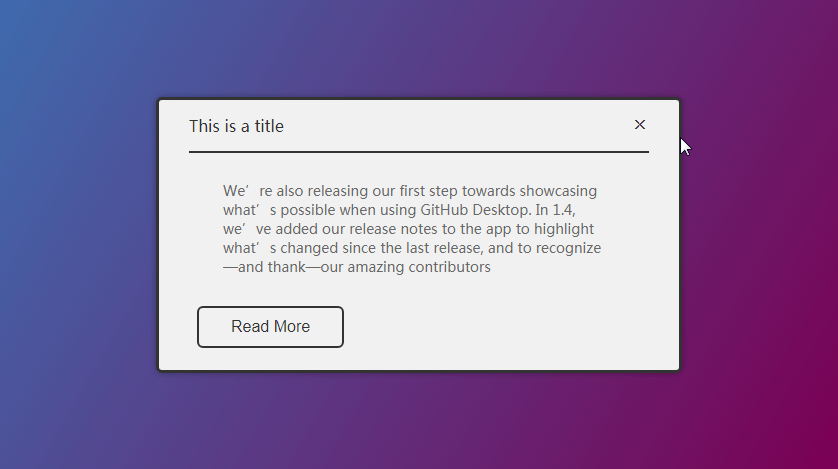
    title: 'This is a title',

    message: 'We’re also releasing our first step towards showcasing what’s possible when using GitHub Desktop. In 1.4, we’ve added our release notes to the app to highlight what’s changed since the last release, and to recognize—and thank—our amazing contributors',

    isClose: true,

    isDrag: true,

    layout: 'center',

    animation: false,

    customAnimation: 'slideInDown',

    titleColor: '#333',

    closeColor: '#333',

    confirmButtonText: "Read More",

    confirmButtonColor: '#333',

    animation: false,

    customAnimation: 'swing',

    onDialogBefore: function () {

       this.style.background = "#F1F1F1";

       this.style.border = "3px solid #333";

    },

    onHeaderBefore: function () {

       this.style.background = "#F1F1F1";

       this.style.borderBottom = "2px solid #333";

       this.style.margin = "0 30px";

       this.style.paddingLeft = "0";

       this.style.paddingRight = "0";

    },

    onBodyBefore: function () {

       this.style.fontSize = "14px";

       this.style.textAlign = "left";

    },

    onFooterBefore: function () {

       this.style.float = 'left'

       this.style.marginLeft = '30px'

    },

    methods: function () {

       this.footer.$refs.button.children[0].style.background = "transparent";

       this.footer.$refs.button.children[0].style.border = "2px solid #333"

    }

})

.show();
主题4
coog

.app('.theme4')

.use({

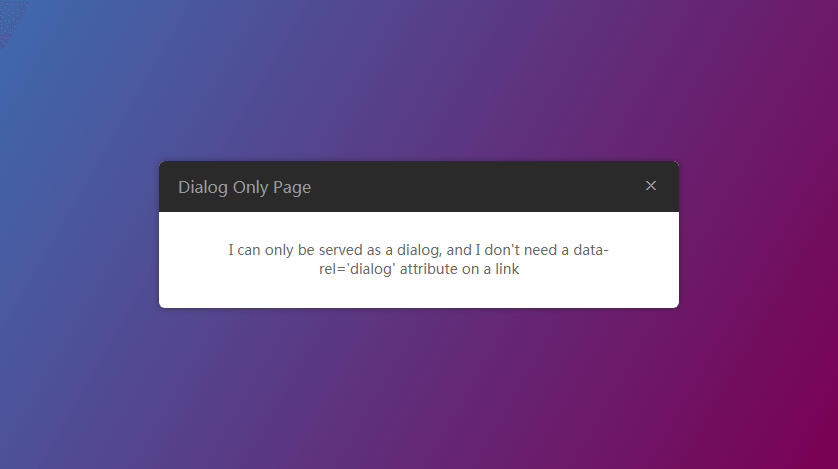
    title: 'Dialog Only Page',

    message: "I can only be served as a dialog, and I don't need a data-rel='dialog' attribute on a link",

    isClose: true,

    isDrag: true,

    layout: 'center',

    animation: false,

    customAnimation: 'bounceInLeft',

    showConfirmButton: false,

    onHeaderBefore: function (){

      this.style.background = "#2A2A2A"

    },

    onBodyBefore: function (){

      this.style.fontSize = "14px"

    },

})

.show();
以下访问官网:https://koringz.github.io/co-dialog/index
浏览器默认的alert弹出框
alert("默认alert功能")

这是一个基础的弹出框
coog.app(".base").use("这是一个基础的弹出框").show()

co-dialog弹出框
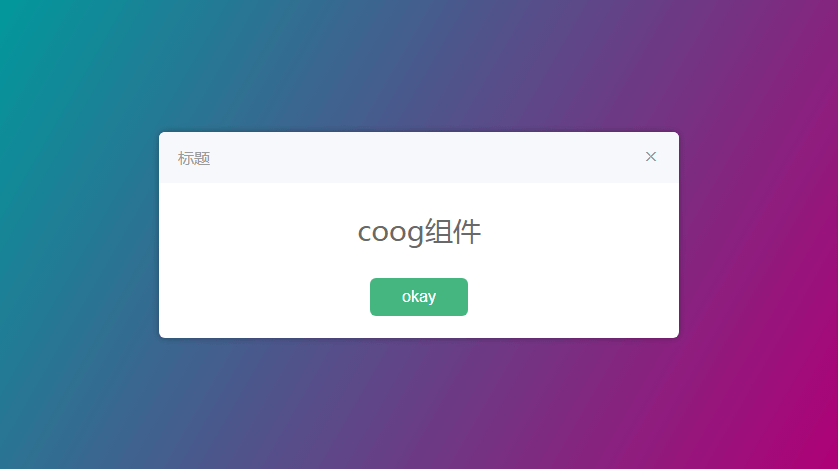
coog.app(".alert").use(

 "标题",

 "这是一个CoDialog组件",

 "OK"

).show()
你可以拖动我一下
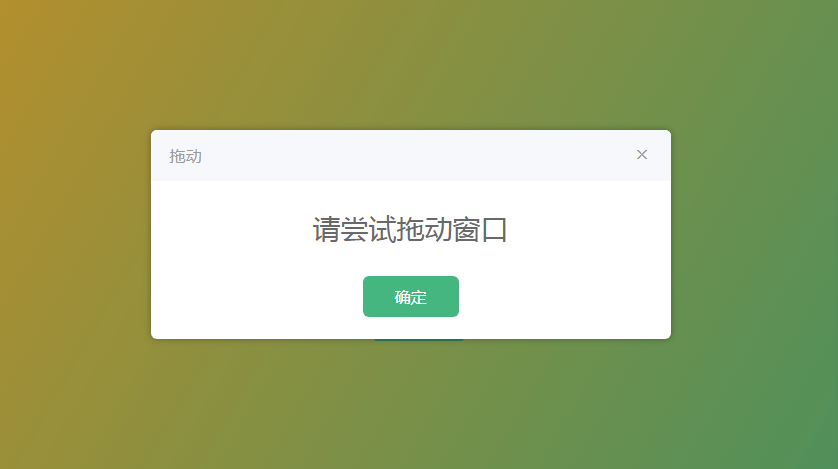
coog.app(".try-drag").use({

    title: "拖动-isDrag",

    message: "请尝试拖动窗口",

    isDrag: true,

}).show()
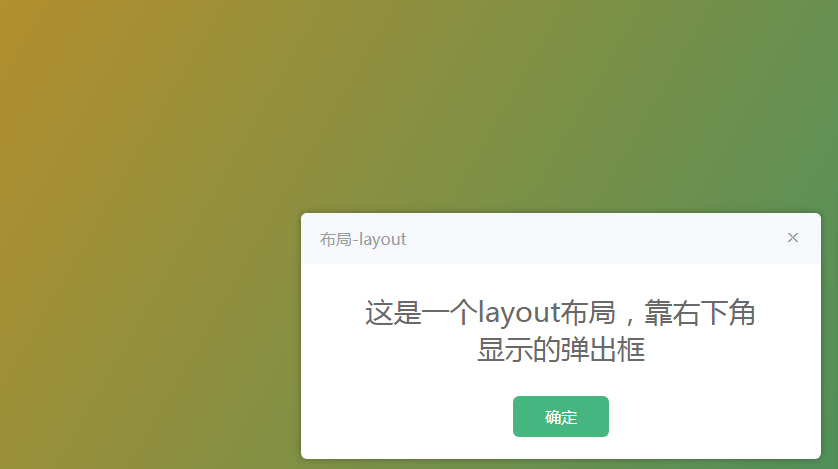
这是一个layout布局,靠右下角显示的弹出框
coog.app(".layout-right-bottom").use({

    title: "布局-layout",

    message: "这是一个layout布局,靠右下角显示的弹出框",

    layout: "right bottom",

}).show()
超时自动关闭
coog.app(".timeout").use({

    title: "超时-timeout",

    message: "超时自动关闭",

    timeout: 2000,

}).show()

显示取消按钮和功能
coog.app(".show-cancle").use({

    title: "取消-show-cancle",

    message: "显示取消按钮和功能",

    showCancleButton: true,

    isGesture: true,

    isDrag: true,

}).show()

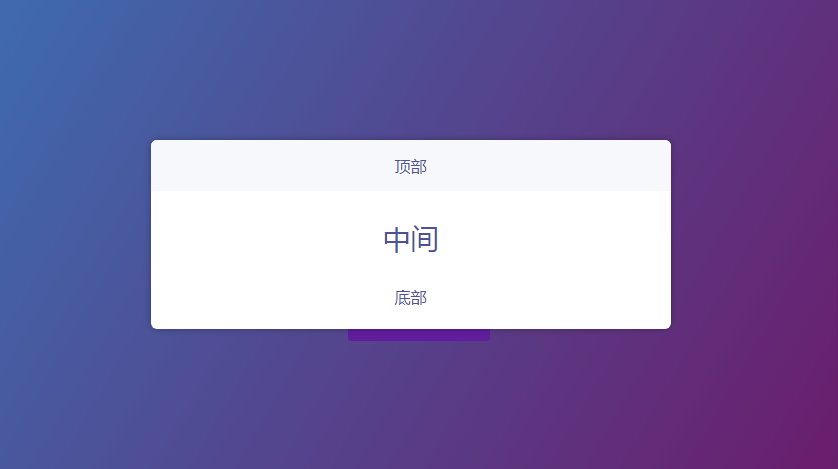
弹出框内容自定义
coog.app(".custom").use({

    isGesture: true,

    isDrag: true,

    onHeaderBefore: function  () {

     this.innerHTML = "<span ref='top'>顶部</span>"

   },

    onBodyBefore: function  () {

     this.innerHTML = "<span ref='middle'>中间</span>"

   },

    onFooterBefore: function  () {

     this.innerHTML = "<span ref='bottom'>底部</span>"

   },

    methods: function  () {

     this.header.$refs.top.style.color =  "#4E5198"

     this.body.$refs.middle.style.color =  "#4E5198"

     this.footer.$refs.bottom.style.color =  "#4E5198"

   }

}).show()
自定义动画
coog.app(".customAnimation").use({

    title: "自定义动画-customAnimation",

    message: "基于animated.css类实现自定义动画",

    isClose: true,

    layout: "center",

    isDrag: true,

    animation: false,

    customAnimation: "slideInDown",

}).show()

确认回调函数
coog.app(".confirmCallback").use({

    title: "确认回调-confirmCallback",

    message: "你想清除确认回调函数吗?",

    showCancleButton: true,

    confirmCallback: function  () {

     coog.app(".confirm-clear-callback").use("你已确定清除").show()

   },

}).show()
没有图片 线上地址 https://koringz.github.io/co-dialog/index
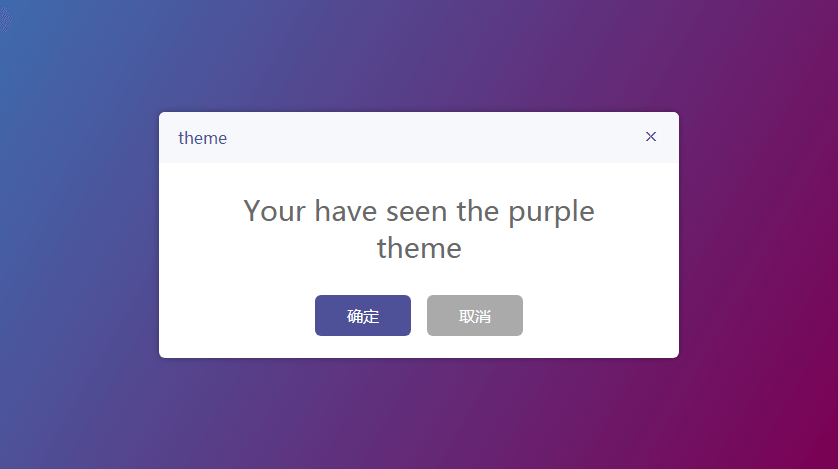
紫色主题
coog.app(".theme-purple").use({

    title: "紫色主题-purple-theme",

    message: "Your have seen the purple theme",

    layout: "right top",

    isGesture: true,

    isDrag: true,

    titleColor: "#4E5198",

    closeColor: "#4E5198",

    showCancleButton: true,

    confirmButtonBackground: "#4E5198",

    cancleButtonText: "Confirm",

    confirmButtonText: "Cancle",

}).show()
co-dialog弹出框组件-版本v2.0.0的更多相关文章
- co-dialog弹出框组件-版本v2.0.1
具体案例查看co-dialog:https://koringz.github.io/co-dialog/index.html 2.0.1版本优化项,代码压缩,修复PC和移动端自适应,修复显示弹出框浏览 ...
- vue--vant组件库Dialog弹出框
安装vant UI框架: cnpm install vant –-save-dev 导入组件-在main.js里: import Vant from 'vant'; import'vant/lib/v ...
- 关于隐式创建vue实例实现简化弹出框组件显示步骤
我们在使用vue写alert组件的时候,经常是定义了一个alert.vue,然后引入alert.vue,然后配置参数等等,非常繁琐,那有没有一种方式可以像window.alert("内容&q ...
- Flex AIR自定义Mobile的弹出框组件
做Flex Mobile开发的人应该知道,Flex为手机应用并没有提供弹出框组件,需要自定义. 通过查找文档.资料,我做出一个效果还算不错的弹出框组件,可以适用于手机设备上,不多讲,直接贴源码,相信对 ...
- 基于Vue.js PC桌面端弹出框组件|vue自定义弹层组件|vue模态框
vue.js构建的轻量级PC网页端交互式弹层组件VLayer. 前段时间有分享过一个vue移动端弹窗组件,今天给大家分享一个最近开发的vue pc端弹出层组件. VLayer 一款集Alert.Dia ...
- 使用easeui dialog弹出框中使用CKeditor多次加载后无法编辑问题
问题呈现:弹出框页面 <tr class="addtr"> <th>内容</th> <td> <!-- <textare ...
- ReactNative: 使用弹出框组件ActionSheetIOS组件
一.简介 在上一篇文章中,详细介绍了对话框组件,除此之外,React-Native系统还给开发者提供了一个弹框框组件ActionSheetIOS组件,它的弹出方式与对框框不同,它是从底部弹出,与iOS ...
- vue在element-ui的dialog弹出框中加入百度地图
参考:https://blog.csdn.net/u012724595/article/details/82703579 <!-- gps弹窗 --> <el-dialog v-di ...
- JQuery EasyUI dialog弹出框的 close 和 destroy
开发项目中(使用JQuery EasyUI),根据业务需要重叠弹出多个提示框的情况,会出现如下情况:页面出现两个div模块调用同一个弹出页面,页面的数据接受框元素不能实时存储数据解决方案: 使用$(t ...
随机推荐
- PAT 1087【二级最短路】
二级最短路+二级最短路,就是DP过程吧. 代码稍微注释一些,毕竟贴代码不好.. #include<bits/stdc++.h> using namespace std; typedef l ...
- hdu1695(莫比乌斯反演模板)
题目链接: http://acm.hdu.edu.cn/showproblem.php?pid=1695 题意: 对于 a, b, c, d, k . 有 x 属于 [a, b], y 属于 [c, ...
- CF 984C Finite or not? (数论)
CF 984C Finite or not? (数论) 给定T(T<=1e5)组数据,每组数据给出十进制表示下的整数p,q,b,求问p/q在b进制意义下是否是有限小数. 首先我们先把p/q约分一 ...
- 关于特殊目录如com null无法删除的处理办法
1.把以下批处理做成一个del.bat放在桌面 del /f /a /q \\?\%1 rd /s /q \\?\%1 2.需要删除的文件或者文件夹拉到这个文件上就可以了 可以删除没有属性项目中没有安 ...
- 乐字节Java8核心特性之Optional类
大家好啊,上次小乐给大家介绍了Java8最最重要的一个特性——Stream流,点击可以回顾哦. Optional<T>类(java.util.Optional)是一个容器类,代表一个值存在 ...
- Spring【基础】-注解-转载
站在巨人的肩膀上,感谢! https://blog.csdn.net/chjttony/ 1.在java开发领域,Spring相对于EJB来说是一种轻量级的,非侵入性的Java开发框架, 曾经有两本很 ...
- 安居客scrapy房产信息爬取到数据可视化(下)-可视化代码
接上篇:安居客scrapy房产信息爬取到数据可视化(下)-可视化代码,可视化的实现~ 先看看保存的数据吧~ 本人之前都是习惯把爬到的数据保存到本地json文件, 这次保存到数据库后发现使用mongod ...
- GUI的最终选择 Tkinter(一):Tkinter最初体验
EasyGui就是一个简单的文字交互界面模块,从今天开始来开始学习Tkinter Tkinter是Python标准的Gui库,它实际是建立在Tk技术上的,Tk最初是为Tcl(一门工具名语言)所涉及的, ...
- Python Class __init__ __del__ 构造,析构过程解析【转】
转载自: http://blog.csdn.net/bbdxf/article/details/25774763 最近学习<Python参考手册>即<Learning Python& ...
- 【Windows】命令行查询占用端口信息
Windows上查询443端口被占用的信息: NETSTAT.EXE -nao | findstr "443" 查询结果 杀掉进程: tskill 2888