
装完B就跑,这几个Linux指令真的Diǎo
本文介绍一些有趣的指令,实用或者可以装逼,不妨自己也来试试看;
文章目录
1 故事的开局
周末到了,部门里几个小伙伴约好了一起去吃小龙虾,这次说好杰哥请客,大家都迫不及待地下了楼,但是迟迟等不到杰哥;
诚哥抱怨到:这家伙,一天磨磨唧唧的不知道整个啥,等一下卖完了。
我们索性打了电话,弹了语音,依然没有回应,怎么回事,大家面面相觑,
小杨忽然补充道:最近996强度这么大,不会累倒,嗝屁了吧,不然一起上去看看吧。
于是我们一起上了楼。刚进办公室,发现杰哥端坐在电脑前,目不转睛,双手在键盘上疯狂输出;
我:还在搞啥呢?等你半天了,不见人。
杰哥看到我们过来,脸上露出了猥琐的笑容,挥着手招呼我们过去;
他说道:来得正好,给你们看点好东西。
2 杰哥的表演
2.1 sl
杰哥:先给你们看一下呼啸而过的火车;
安装指令如下;
sduo apt-get install sl
执行结果如下:

2.2 htop
杰哥:图形化Linux系统性能监测工具,6不6;
安装指令如下;
sduo apt-get install htop
执行结果如下;

2.3 gcp
杰哥:以前用cp复制文件总是看不懂进度,现在它来了,gcp给你解决烦恼;
安装指令如下;
sudo apt-get install gcp
执行结果如下;

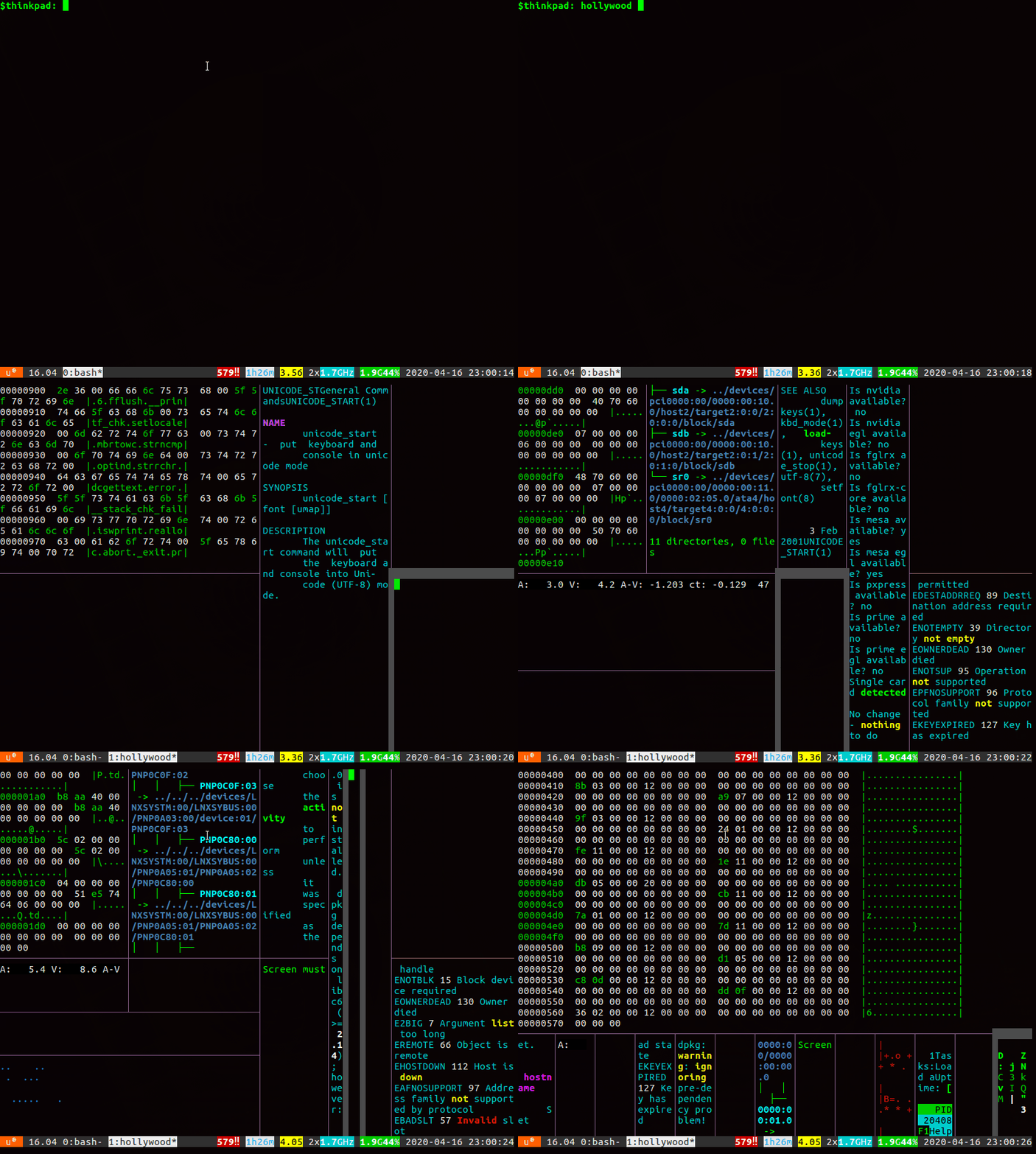
2.4 hollywood
杰哥:无形装逼,最为致命,这个指令可以满足你们的需求,且看;
安装指令如下;
sudo apt-get install hollywood
执行结果如下;
2.5 cmatrix
杰哥:看过黑客帝国没,今天让你们看一下一条指令撸字符雨;
安装指令如下;
sudo apt-get install cmatrix
执行结果如下;

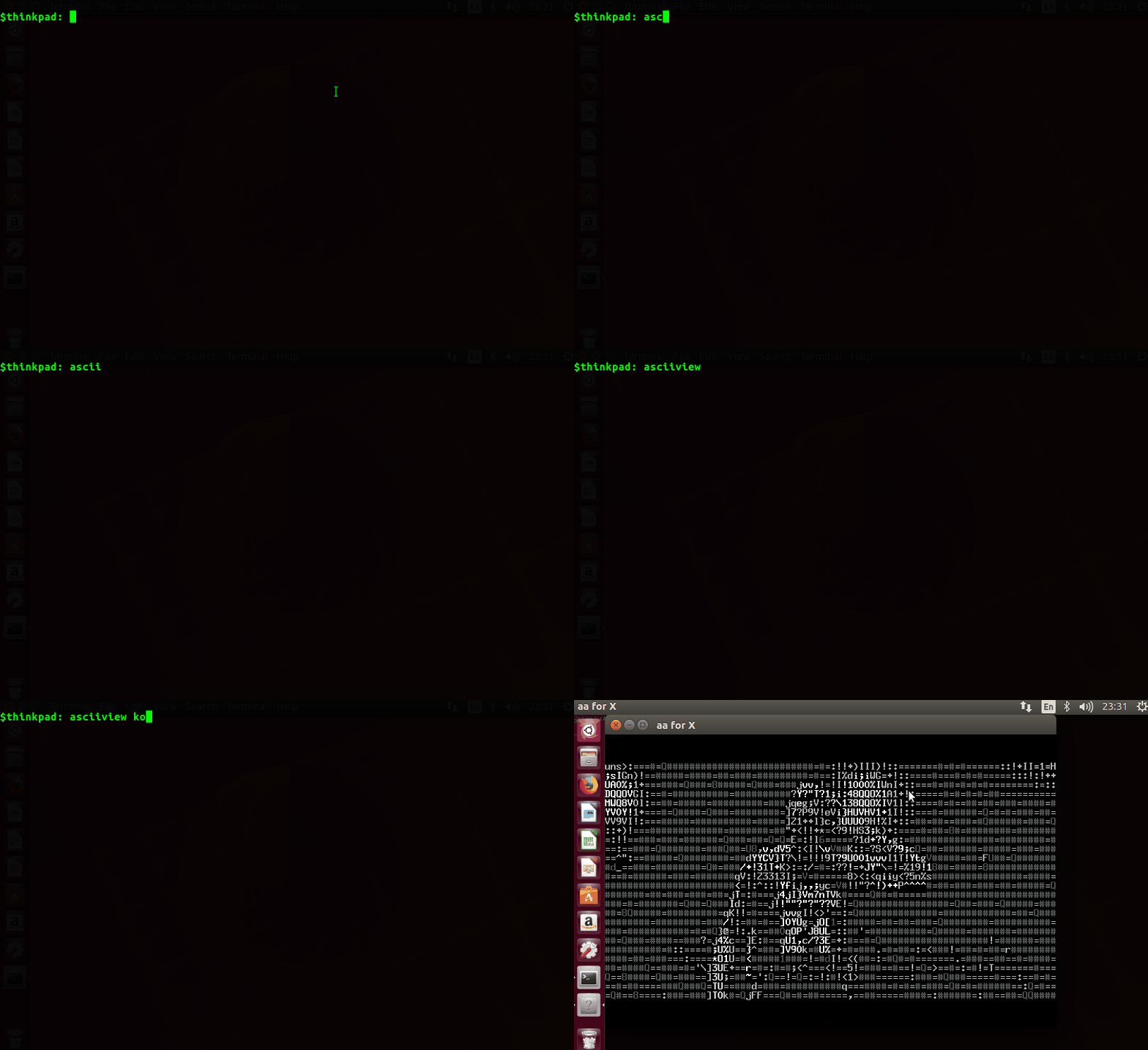
2.6 asciiview
杰哥:黑与白的世界依然可以五彩缤纷,致敬蜗壳;
安装指令如下;
sudo apt-get install aview imagemagick

asciiview kobe.jpg
执行结果如下;

2.7 ninvaders
杰哥:上班划个水,太空侵略者玩一下也不错;
安装指令如下;
sudo apt-get install ninvaders
执行结果如下;

2.8 bastet
杰哥:游戏暂时介绍两个吧,玩物丧志,俄罗斯方块了解一下;
安装指令如下;
sudo apt-get install bastet
执行结果如下;

2.9 pipe
杰哥:你们还别不服,我手撸的pipe脚本,炫不炫?
脚本如下所示;
#!/bin/bash

# The author of the original script is unknown to me. The first entry I can

# find was posted at 2010-03-21 09:50:09 on Arch Linux Forums (doesn't mean the

# poster is the author at all):

#

#   Post your handy self made command line utilities (Page 37) / Programming & Scripting / Arch Linux Forums

#

# I, Yu-Jie Lin, made a few changes and additions:

#

#   -p, -t, -R, and -C

#

#   Screenshot: http://flic.kr/p/dRnLVj

#   Screencast: http://youtu.be/5XnGSFg_gTk

#

# And push the commits to Gist:

#

#   https://gist.github.com/4689307

#

# I, Devin Samarin, made a few changes and additions:

#

#   -r can be 0 to mean "no limit".

#   Reset cursor visibility after done.

#   Cleanup for those people who want to quit with ^C

#

#   Pushed the changes to https://gist.github.com/4725048

#   hole1: https://gist.githubusercontent.com/livibetter/4689307/raw/949e43fe2962c2c97c8b1d974ff93dd053d9bd37/pipes.sh

#   hole2: Fun On The Terminal Part 2

p=1

f=75 s=13 r=2000 t=0

w=$(tput cols) h=$(tput lines)

# ab -> idx = a*4 + b

# 0: up, 1: right, 2: down, 3: left

# 00 means going up   , then going up   -> ┃

# 12 means going right, then going down -> ┓

sets=(

    "┃┏ ┓┛━┓  ┗┃┛┗ ┏━"

    "│╭ ╮╯─╮  ╰│╯╰ ╭─"

    "│┌ ┐┘─┐  └│┘└ ┌─"

    "║╔ ╗╝═╗  ╚║╝╚ ╔═"

)

v="${sets[0]}"

RNDSTART=0

NOCOLOR=0

OPTIND=1

while getopts "p:t:f:s:r:RCh" arg; do

case $arg in

    p) ((p=(OPTARG>0)?OPTARG:p));;

    t) ((OPTARG>=0 && OPTARG<${#sets[@]})) && v="${sets[OPTARG]}";;

    f) ((f=(OPTARG>19 && OPTARG<101)?OPTARG:f));;

    s) ((s=(OPTARG>4 && OPTARG<16 )?OPTARG:s));;

    r) ((r=(OPTARG>=0)?OPTARG:r));;

    R) RNDSTART=1;;

    C) NOCOLOR=1;;

    h) echo -e "Usage: $(basename $0) [OPTION]..."

        echo -e "Animated pipes terminal screensaver.\n"

        echo -e " -p [1-]\tnumber of pipes (D=1)."

        echo -e " -t [0-$((${#sets[@]} - 1))]\ttype of pipes (D=0)."

        echo -e " -f [20-100]\tframerate (D=75)."

        echo -e " -s [5-15]\tprobability of a straight fitting (D=13)."

        echo -e " -r LIMIT\treset after x characters, 0 if no limit (D=2000)."

        echo -e " -R \t\trandom starting point."

        echo -e " -C \t\tno color."

        echo -e " -h\t\thelp (this screen).\n"

        exit 0;;

    esac

done

cleanup() {

    tput rmcup

    tput cnorm

    exit 0

}

trap cleanup SIGHUP SIGINT SIGTERM

for (( i=1; i<=p; i++ )); do

    c[i]=$((i%8)) n[i]=0 l[i]=0

    ((x[i]=RNDSTART==1?RANDOM*w/32768:w/2))

    ((y[i]=RNDSTART==1?RANDOM*h/32768:h/2))

done

tput smcup

tput reset

tput civis

while ! read -t0.0$((1000/f)) -n1; do

    for (( i=1; i<=p; i++ )); do

        # New position:

        ((${l[i]}%2)) && ((x[i]+=-${l[i]}+2,1)) || ((y[i]+=${l[i]}-1))

        # Loop on edges (change color on loop):

        ((${x[i]}>w||${x[i]}<0||${y[i]}>h||${y[i]}<0)) && ((c[i]=RANDOM%8))

        ((x[i]=(x[i]+w)%w))

        ((y[i]=(y[i]+h)%h))

        # New random direction:

        ((n[i]=RANDOM%s-1))

        ((n[i]=(${n[i]}>1||${n[i]}==0)?${l[i]}:${l[i]}+${n[i]}))

        ((n[i]=(${n[i]}<0)?3:${n[i]}%4))

        # Print:

        tput cup ${y[i]} ${x[i]}

        [[ $NOCOLOR == 0 ]] && echo -ne "\033[1;3${c[i]}m"

        echo -n "${v:l[i]*4+n[i]:1}"

        l[i]=${n[i]}

    done

    ((r>0 && t*p>=r)) && tput reset && tput civis && t=0 || ((t++))

done

cleanup
执行结果如下;

2.10 oneko
杰哥:我还在这里养了一只猫,你们看看,可以追着鼠标跑。
安装指令如下;
sudo apt-get install oneko
执行结果如下;

3 博主的炸弹
杰哥 秀完这几个指令,得意地说:怎么样?怎么样!!牛不牛逼?Diao不Diao?
扬帆 不屑地说:除了装逼,这几个指令还能干点啥?我就问你?
诚哥 忽然补刀:啥也不是。
我:杰哥,时间差不多了,等一下龙虾卖完了。
杰哥却依然端坐:我这还有几个指令没秀,马上马上。
我心想:莫非杰哥不想请这顿龙虾,这是缓兵之计?为了兄弟们的龙虾,我得拿出炸弹
装完B就跑,这几个Linux指令真的Diǎo的更多相关文章
- 转:装完Centos7提示Initial setup of CentOS Linux 7 (core)
在用U盘装完CentOS后,重新开机启动后显示: Initial setup of CentOS Linux 7 (core) 1) [x] Creat user 2) [!] License inf ...
- 装完Centos7提示Initial setup of CentOS Linux 7 (core)
在用U盘装完CentOS后,重新开机启动后显示: Initial setup of CentOS Linux 7 (core) 1) [x] Creat user 2) [!] License inf ...
- 装完Centos7提示Initial setup of CentOS Linux 7 (core)(转载)
http://www.th7.cn/system/lin/201603/156762.shtml
- [转]装完CentOS后,重新开机启动后显示: Initial setup of CentOS Linux 7 (core)
转:装完Centos7提示Initial setup of CentOS Linux 7 (core) 在用U盘装完CentOS后,重新开机启动后显示: Initial setup of Cent ...
- 重回ubutntu12.04小记(装完ubuntu做的几件事)
原来一直是在windows下用虚拟机跑redhat 和debian 做实验和一些工程,以前也装过ubuntu和windows双系统,但是换电脑后,就一直懒得捣鼓了. 现在,由于长期需要在linux上做 ...
- 装完RHEL7后,重新开机启动后显示:Initial setup of CentOS Linux 7 (core) 提示license报错
装完RHEL7后,重新开机启动后显示: 1) [x] Creat user 2) [!] License information (no user will be created) (license ...
- ubuntu,装完PYTHON3 pip3 install 报错
ubuntu,装完PYTHON3 pip3 install 报错CalledProcessError: Command 'lsb_release -a' returned non-zero exit ...
- mac用BootCamp装windows装完之后驱动问题
刚装完会有一个临时盘里面找到BootCamp文件夹然后运行setup.exe,装完即可.
- mysql装完计算机管理里面没mysql服务怎么解决(转)
mysql装完计算机管理里面没mysql服务怎么解决 2017年07月04日 09:32:51 XC_Echizen 阅读数:7335 标签: mysql计算机mysql服务找不到mysql服务 更多 ...
随机推荐
- Android应用架构分析
一.res目录: 1.属性:Android必需: 2.作用:存放Android项目的各种资源文件.这些资源会自动生成R.java. 2.1.layout:存放界面布局文件. 2.2.strings.x ...
- 时间格式的转化 vue与js 年月日 时分秒
首先使用原生转化的方法 第一种 //时间转换 dateStr(d, sign) { //如果没有传递符号,给一个默认的符号 if (!sign) { sign = '-' } //获取d里面年月日时分 ...
- Daily Scrum 12/16/2015
Process: Dong&Minlong : 继续对Oxford Speech 接口进行调试,并且完成了相应工作的转接. Yandong@Zhaoyang: 完成了对一些Bug的修复工作,程 ...
- 判断一个字符串是否是合法IP地址
# -*- coding: utf-8 -*- """ @File:test06_判断ip地址是否合法.py @E-mail:364942727@qq.com @Time ...
- Numpy学习-(1)
记录我学习Numpy过程 1. 介绍 (1)NumPy(Numerical Python) 是 Python 语言的一个扩展程序库,支持大量的维度数组与矩阵运算,此外也针对数组运算提供大量的数学函数库 ...
- Linux命令:chown
说明: 将指定文件的拥有者改为指定的用户或组. 语法: chown [-cfhvR] [--help] [--version] user[:group] file... 参数: user : 新的文件 ...
- ESI web学习记录
Ezbypass 解出 放在php新特性的文章最后了,利用json反序列化脚本绕过disable_functions来get flag Ezupload 没解出 登陆页面查看源代码发现,备份文件泄露. ...
- redis: Set集合类型(五)
Set里面的值是不能重复的 Set设置值(头部):sadd myset hello Set获取值:smembers myset 检查Set是否包含某个元素:sismember myset hello ...
- SpringCloud-Gateway 网关路由、断言、过滤
Gateway 简介 是什么? Spring Cloud 全家桶中有个很重要的组件:网关.在 1.x 版本中使用的是 Zuul 网关,但是到了 2.x,由于Zuul的升级不断跳票,Spring Clo ...
- ArangoDB 3.5:流事务API、搜索性能大幅提升、最短路径功能
ArangoDB 3.5 发布了.ArangoDB 是一个分布式原生的多模型数据库,具有灵活的文档.图形和键值数据模型.使用方便的 SQL 查询语言或 JavaScript 扩展构建高性能应用程序. ...