
JMeter压测MongoDB
1、下载mongo-java-driver驱动
官方驱动:
https://mongodb.github.io/mongo-java-driver/
或者Maven:
https://mvnrepository.com/artifact/org.mongodb/mongo-java-driver
<!-- https://mvnrepository.com/artifact/org.mongodb/mongo-java-driver -->
<dependency>
    <groupId>org.mongodb</groupId>
    <artifactId>mongo-java-driver</artifactId>
    <version>3.8.2</version>
</dependency>
把mongo-java-driver-3.8.2.jar放到/usr/local/jmeter/apache-jmeter-5.1.1/lib/ext目录下
rm -rf mongo-java-driver-2.11.3.jar
# 删除/usr/local/jmeter/apache-jmeter-5.1.1/lib目录中旧版本的mongo-java-driver jar包
2、在MongoDB中创建jmeter_test库与blazemeter_tutorial集合
3、编写脚本,采用JSR223 Sampler
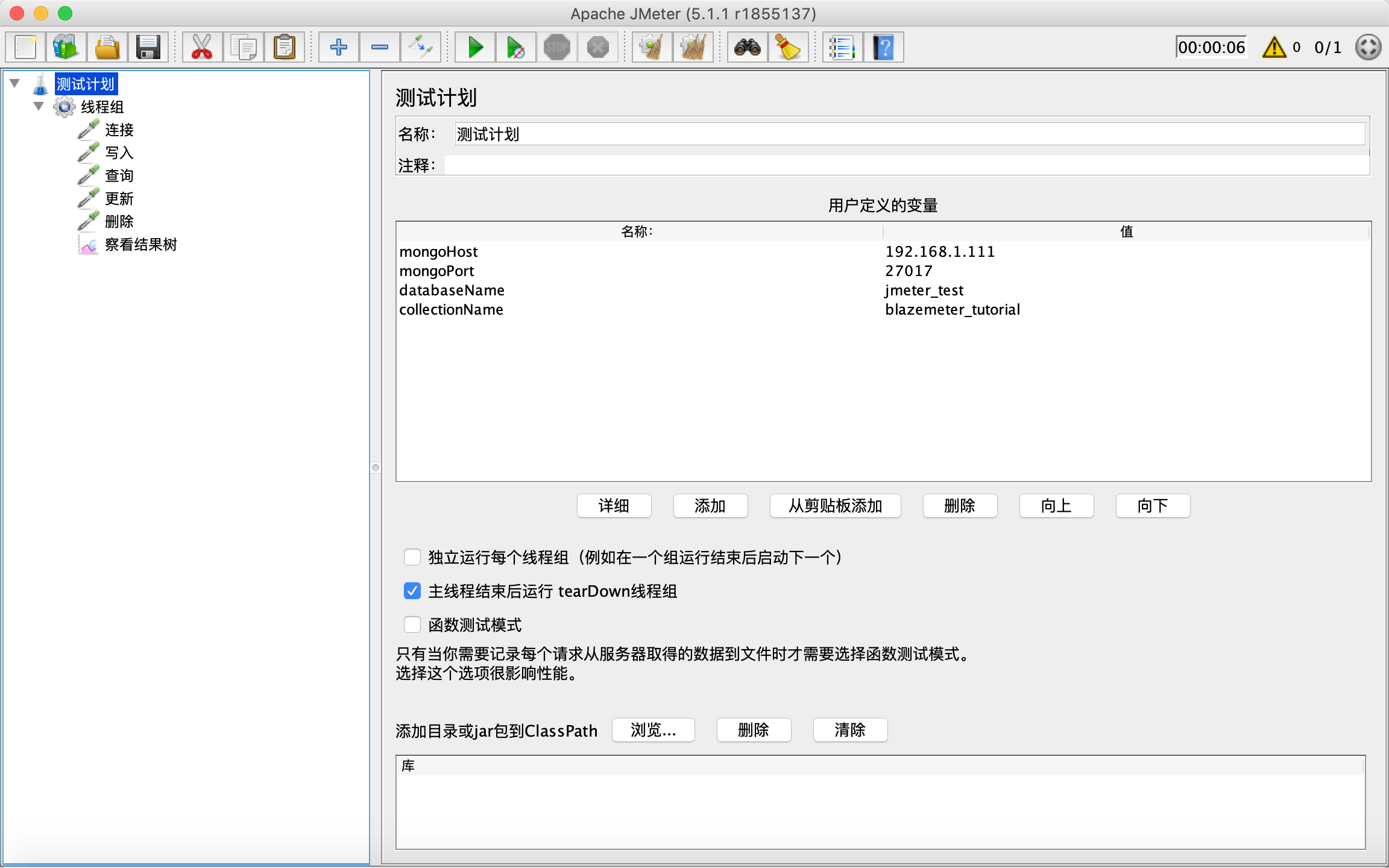
| 名称 | 值 |
| mongoHost | 192.168.1.111 |
| mongoPort | 27017 |
| databaseName | jmeter_test |
| collectionName | blazemeter_tutorial |
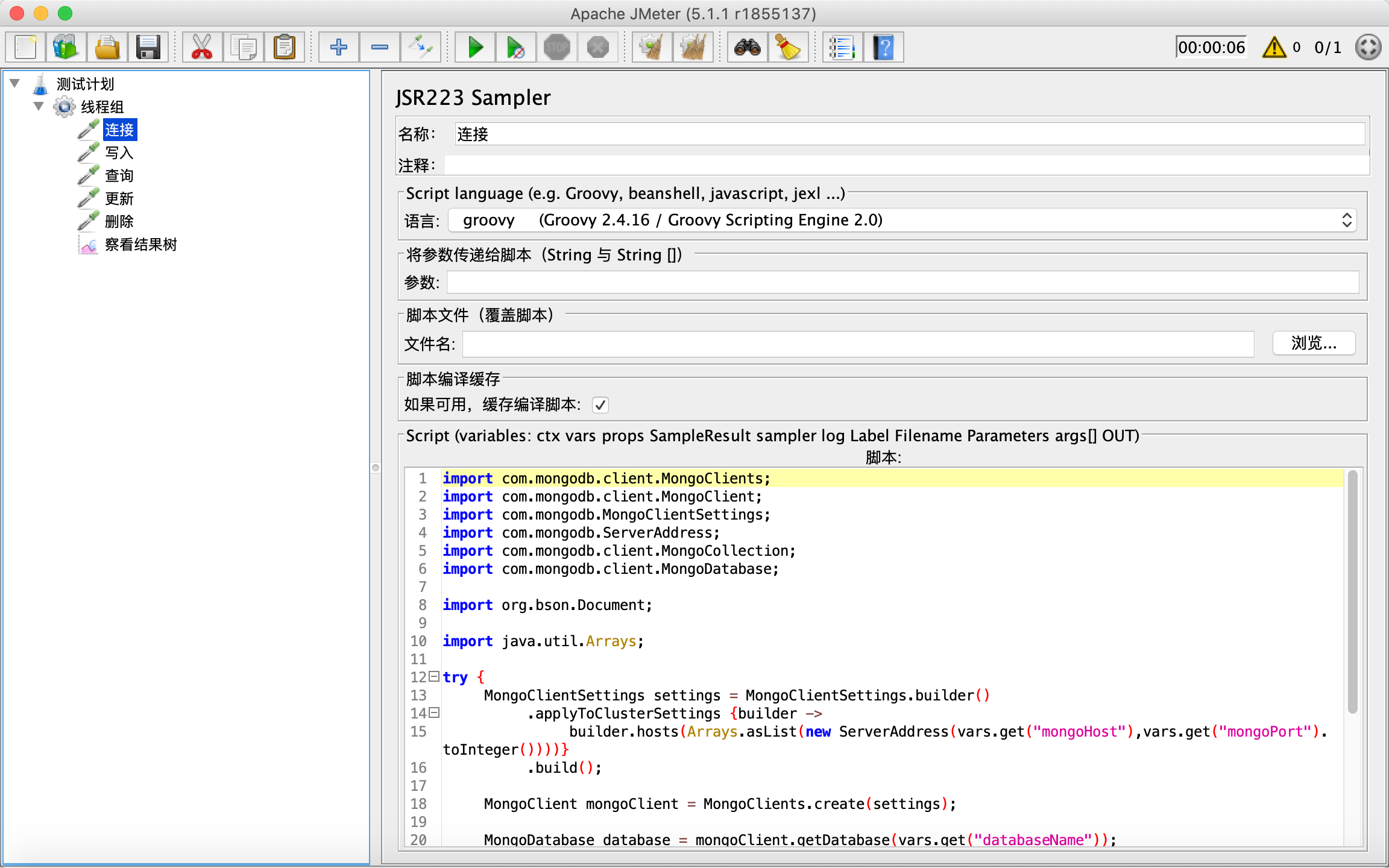
import com.mongodb.client.MongoClients;

import com.mongodb.client.MongoClient;

import com.mongodb.MongoClientSettings;

import com.mongodb.ServerAddress;

import com.mongodb.client.MongoCollection;

import com.mongodb.client.MongoDatabase;

import org.bson.Document;

import java.util.Arrays;

try {

	MongoClientSettings settings = MongoClientSettings.builder()

		.applyToClusterSettings {builder ->

			builder.hosts(Arrays.asList(new ServerAddress(vars.get("mongoHost"),vars.get("mongoPort").toInteger())))}

		.build();

	MongoClient mongoClient = MongoClients.create(settings);

	MongoDatabase database = mongoClient.getDatabase(vars.get("databaseName"));

	MongoCollection<Document> collection = database.getCollection(vars.get("collectionName"));

	vars.putObject("collection", collection);

	return "Connected to " + vars.get("collectionName");

}

catch (Exception e) {

	SampleResult.setSuccessful(false);

	SampleResult.setResponseCode("500");

	SampleResult.setResponseMessage("Exception: " + e);

}
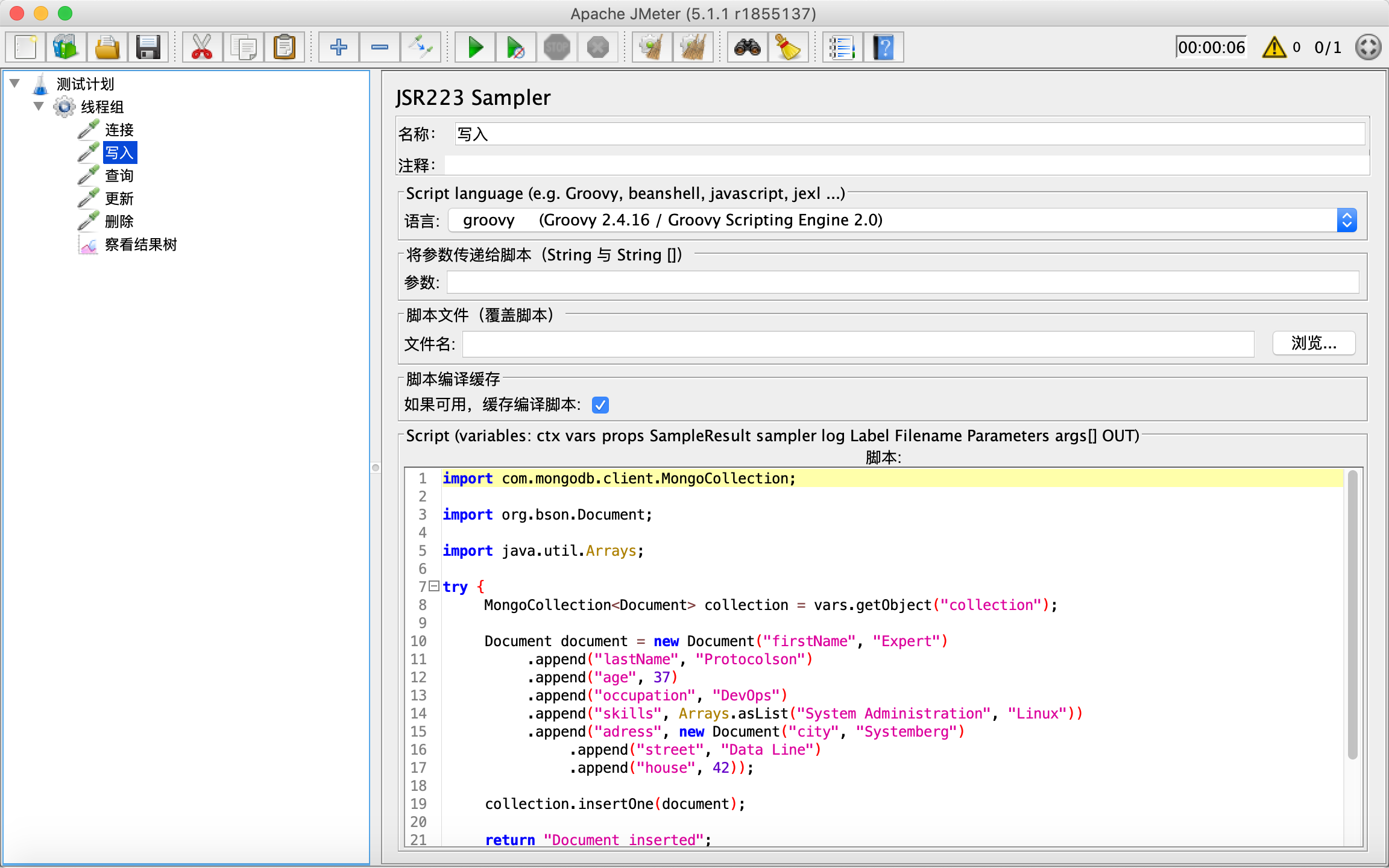
import com.mongodb.client.MongoCollection;

import org.bson.Document;

import java.util.Arrays;

try {

	MongoCollection<Document> collection = vars.getObject("collection");

	Document document = new Document("firstName", "Expert")

		.append("lastName", "Protocolson")

		.append("age", 37)

		.append("occupation", "DevOps")

		.append("skills", Arrays.asList("System Administration", "Linux"))

		.append("adress", new Document("city", "Systemberg")

			.append("street", "Data Line")

			.append("house", 42));

	collection.insertOne(document);

	return "Document inserted";

}

catch (Exception e) {

	SampleResult.setSuccessful(false);

	SampleResult.setResponseCode("500");

	SampleResult.setResponseMessage("Exception: " + e);

}
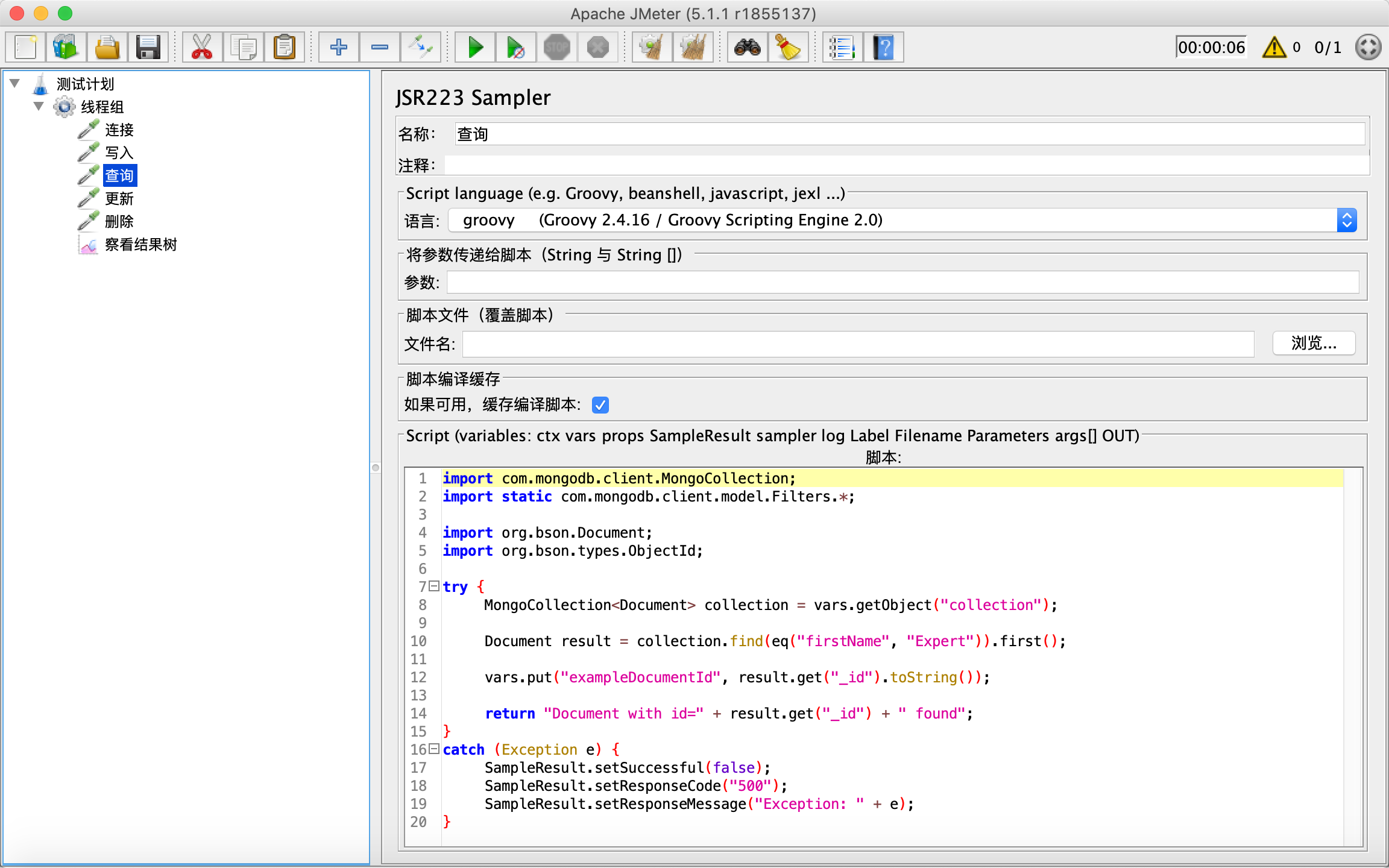
import com.mongodb.client.MongoCollection;

import static com.mongodb.client.model.Filters.*;

import org.bson.Document;

import org.bson.types.ObjectId;

try {

	MongoCollection<Document> collection = vars.getObject("collection");

	Document result = collection.find(eq("firstName", "Expert")).first();

	vars.put("exampleDocumentId", result.get("_id").toString());

	return "Document with id=" + result.get("_id") + " found";

}

catch (Exception e) {

	SampleResult.setSuccessful(false);

	SampleResult.setResponseCode("500");

	SampleResult.setResponseMessage("Exception: " + e);

}

import com.mongodb.client.MongoCollection;

import static com.mongodb.client.model.Filters.*;

import static com.mongodb.client.model.Updates.*;

import org.bson.Document;

import org.bson.types.ObjectId;

try {

	MongoCollection<Document> collection = vars.getObject("collection");

	collection.updateOne(

		eq("_id", new ObjectId(vars.get("exampleDocumentId"))),

		combine(set("occupation", "Project Manager"), set("adress.city", "New Codeshire"), currentDate("lastModified")));

	return "Document with id=" + vars.get("exampleDocumentId") + " modified";

}

catch (Exception e) {

	SampleResult.setSuccessful(false);

	SampleResult.setResponseCode("500");

	SampleResult.setResponseMessage("Exception: " + e);

}
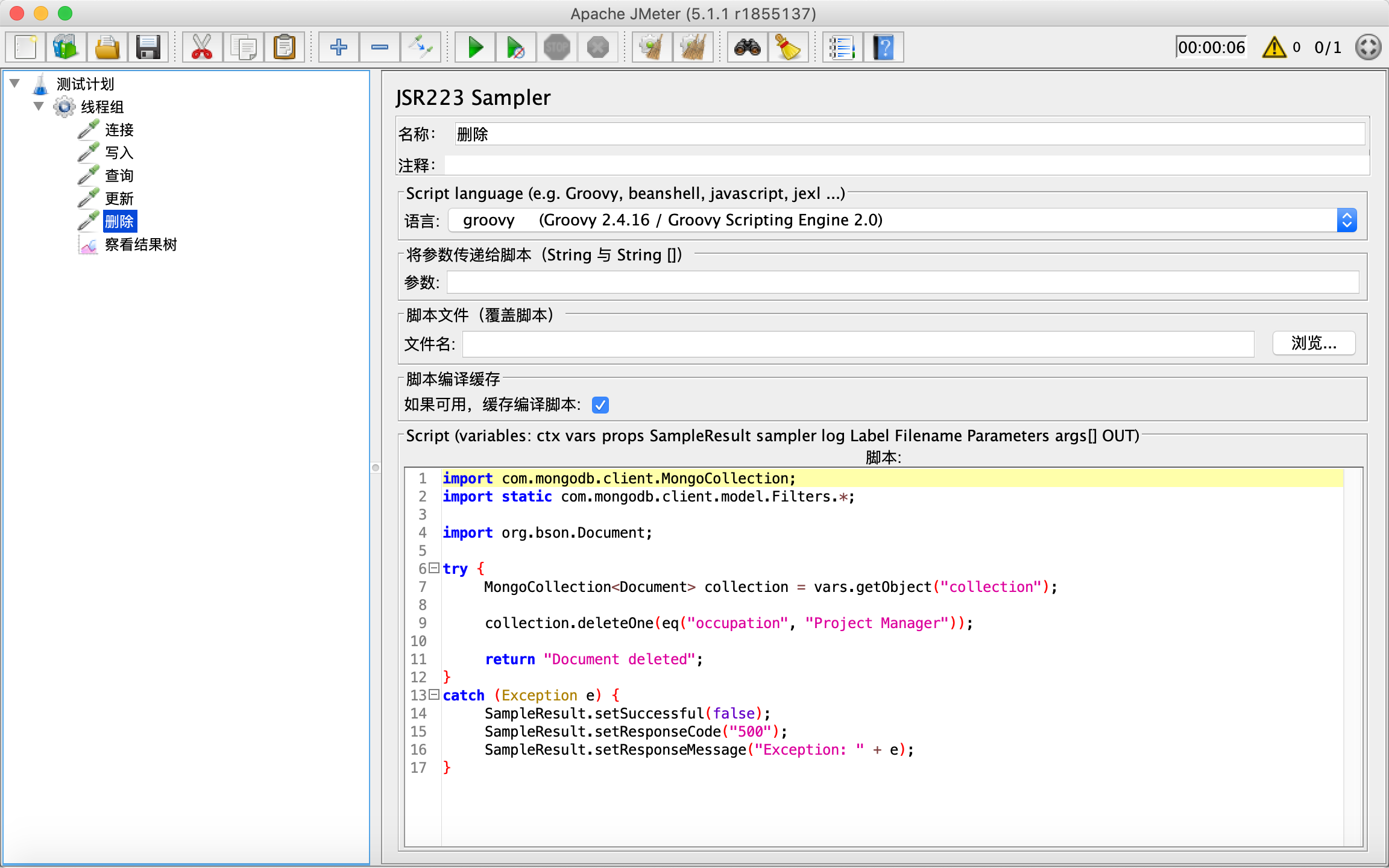
import com.mongodb.client.MongoCollection;

import static com.mongodb.client.model.Filters.*;

import org.bson.Document;

try {

	MongoCollection<Document> collection = vars.getObject("collection");

	collection.deleteOne(eq("occupation", "Project Manager"));

	return "Document deleted";

}

catch (Exception e) {

	SampleResult.setSuccessful(false);

	SampleResult.setResponseCode("500");

	SampleResult.setResponseMessage("Exception: " + e);

}
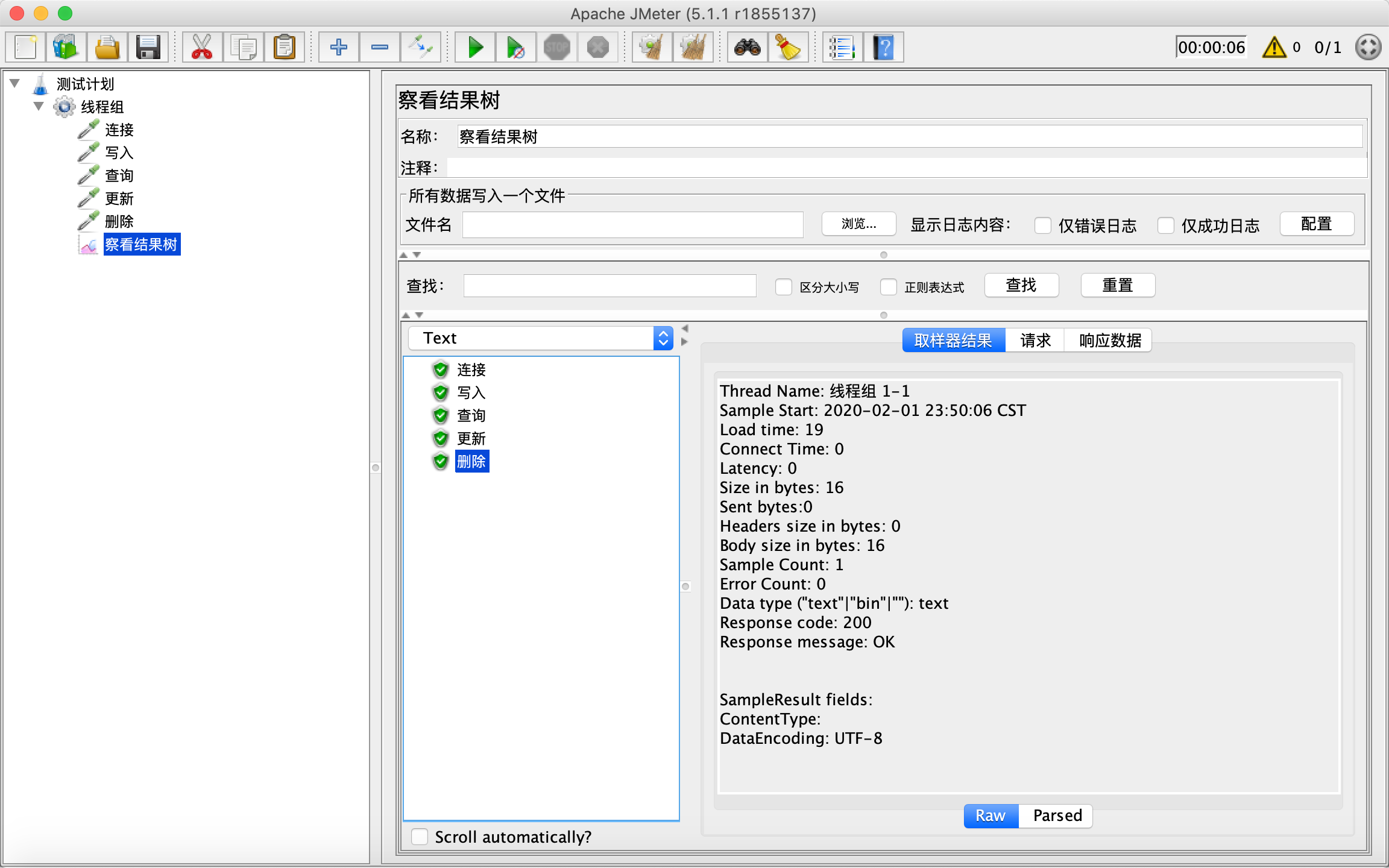
JMeter压测MongoDB的更多相关文章
- jmeter压测app
使用代理的方式,录制app端脚本,之后用jmeter压测就没啥好说的了 1.电脑端谷歌设置本地代理(端口号为8888) 2.jmeter设置HTTP代理服务器(端口号为8888) 3.手机端wifi设 ...
- JMeter压测基础(三)——Mysql数据库
JMeter压测基础(三)——Mysql数据库 环境准备 mysql驱动 JMeter jdbc配置 JMeter jdbc请求 1.下载mysql驱动:mysql-connector-java.ja ...
- jmeter压测参数设定(转)
jmeter压测参数设定 一.基本公式 线程数 = QPS * time: 注:QPS--每秒完成请求的个数:time--每个请求响应完成平均需要时间: 故QPS * time就是所有请求完成响应所需 ...
- jmeter压测、操作数据库、分布式linux下运行、webservice接口测试、charles抓包
一.jmeter压测 在线程组中设置好,然后添加http请求,t添加聚合报告查看压力测试结果,如图: 一般压测时间10-15分钟,如果是稳定性测试,一般n*12小时,这些并发用户一直在请求. tps: ...
- jmeter压测之添加负载机
jmeter压测基本介绍一般基准测试(基准测试时间一般为5分钟)后压测的时间是10-15分钟: 实施测试之前要拿到测试指标 例如:tps要达到多少响应时间要达到多少并发数要达到多少TPS :服务端每秒 ...
- jmeter 压测duobbo接口,施压客户端自己把自己压死了
jmeter 压测duobbo接口,jmeter代码不合理,导致每执行一次请求,会调用一次消耗内存的实例化.导致越压越慢,请求发不出去.这个时候需要考虑修改代码了. 截图中,tps越来越少. 原来初始 ...
- jmeter压测-负载配置
jmeter 压测 一般压测的时间是10-15分钟 TPS:服务端每秒钟处理的请求数 越大越好 响应时间 :越短越好 并发用户数 也就是多少并发 指标给你:tps要达到多少 响应时间要达到多少 并 ...
- JMeter压测“java.net.BindException: Address already in use: connect”解决方法
之前在windows机上用JMeter压测,50并发下出现大量接口报“java.net.BindException: Address already in use: connect”错误. 从字面的意 ...
- jmeter压测学习1-window环境准备与案例
前言 最近用jmeter做一些接口的压力测试,记录下使用过程中遇到的一些问题. 在使用window机器做并发压测的时候,发现并发数设置100的时候,会出现报错:java.net.SocketExcep ...
随机推荐
- [Redis-CentOS7]Redis字符串操作(二)
登录Redis # redis-cli 127.0.0.1:6379> 添加字符串 EX 超期时间60s 127.0.0.1:6379> set username 'leoshi' OK ...
- web前后端交互,nodejs
手机赚钱怎么赚,给大家推荐一个手机赚钱APP汇总平台:手指乐(http://www.szhile.com/),辛苦搬砖之余用闲余时间动动手指,就可以日赚数百元 web前后端交互 前后端交互可以采用混合 ...
- 使用PropTypes进行类型检查
原文地址 1.组件特殊属性——propTypes 对Component设置propTypes属性,可以为Component的props属性进行类型检查. import PropTypes from ' ...
- Azure Media Services -可提供视频点播(VOD)
Azure Media Services 提供直播/VOD点播相关的功能. •提供编码和打包以适用于各种设备播放视频(IOS/Android/web等). •向大量在线观众流式传输实时直播,例如活动 ...
- 在pycharm中如何设置代码对齐竖线
方法:启动pycharm软件,打开一个文件,点 file 菜单,选择 settings,在弹出的setting菜单中依次选择editor-->general-->appearance,然后 ...
- Node中使用MongoDB
简介 MongoDB 中文文档 MongoDB是一个介于关系数据库和非关系数据库(nosql)之间的产品,是非关系数据库当中功能最丰富,最像关系数据库的. Mongoose 在Node中可以使用 Mo ...
- Electron+Vue – 基础学习(1): 创建项目
Electron 和 Vue 都是干啥的,就不做过多介绍了,可以去官网瞅瞅.下面总结 Electron+Vue 创建项目,Electron + Vue 创建项目实际上相当于:创建Vue项目 + Ele ...
- vue_day01
Vue_day01 1. 认识vue 1.1 什么是vue (1)Vue是构建界面的渐进式的js框架 (2)只关注视图层, 采用自底向上增量开发的设计. (3)Vue 的目标是通过尽可能简单的 API ...
- 阿里云K8S下玩.NET CORE 3.1
1. 创建阿里云K8S集群,本文以标准托管集群为例 1.1 创建一个 2台 centos 2core 4G的 k8s 集群 1.2 创建成功的模样 2. 创建 asp.net core webapi项 ...
- Charles抓包工具的破解以及使用
一.破解 官网下载Charles 下载Charles.jar ,然后按照后在Charles→lib中替换掉Charles.jar 链接:https://pan.baidu.com/s/1XZ-aZI5 ...