
taotao用户登录(及登录成功后的回调url处理)
后台Controller:
package com.taotao.sso.controller;

import org.springframework.stereotype.Controller;

import org.springframework.ui.Model;

import org.springframework.web.bind.annotation.RequestMapping;

//页面跳转Controller

@Controller

@RequestMapping("/page")

public class PageController {

    //跳转到注册页面

    @RequestMapping("/register")

    public String showRegister() {

        return "register";

    }

    /**

     * 跳转到登录页面

     * @param redirect 登录成功后跳转的回调页面url

     * @param model

     * @return

     */

    @RequestMapping("/login")

    public String showLogin(String redirect,Model model) {

        model.addAttribute("redirect", redirect);

        return "login";

    }

}
前台jsp:
<%@ page language="java" contentType="text/html; charset=UTF-8" pageEncoding="UTF-8"%>
<%@ page trimDirectiveWhitespaces="true" %>
<!DOCTYPE html PUBLIC "-//W3C//DTD XHTML 1.0 Transitional//EN" "http://www.w3.org/TR/xhtml1/DTD/xhtml1-transitional.dtd">
<html xmlns="http://www.w3.org/1999/xhtml">
<head>
<meta http-equiv="Content-Type" content="text/html; charset=gb2312"/>
<title>登录淘淘</title>
<link type="text/css" rel="stylesheet" href="/css/login.css"/>
<script type="text/javascript" src="/js/jquery-1.6.4.js"></script>
</head>
<body>
<div class="w">
<div id="logo">
<a href="http://localhost:8082" clstag="passport|keycount|login|01">
<img src="/images/taotao-logo.gif" alt="淘淘" width="170" height="60"/>
</a><b></b>
</div>
</div>
<form id="formlogin" method="post" onsubmit="return false;">
<div class=" w1" id="entry">
<div class="mc " id="bgDiv">
<div id="entry-bg" clstag="passport|keycount|login|02" style="width: 511px; height: 455px; position: absolute; left: -44px; top: -44px; background: url(/images/544a11d3Na5a3d566.png) 0px 0px no-repeat;">
</div>
<div class="form ">
<div class="item fore1">
<span>用户名</span>
<div class="item-ifo">
<input type="text" id="loginname" name="username" class="text" tabindex="1" autocomplete="off"/>
<div class="i-name ico"></div>
<label id="loginname_succeed" class="blank invisible"></label>
<label id="loginname_error" class="hide"><b></b></label>
</div>
</div>
<script type="text/javascript">
setTimeout(function () {
if (!$("#loginname").val()) {
$("#loginname").get(0).focus();
}
}, 0);
</script>
<div id="capslock"><i></i><s></s>键盘大写锁定已打开,请注意大小写</div>
<div class="item fore2">
<span>密码</span>
<div class="item-ifo">
<input type="password" id="nloginpwd" name="password" class="text" tabindex="2" autocomplete="off"/>
<div class="i-pass ico"></div>
<label id="loginpwd_succeed" class="blank invisible"></label>
<label id="loginpwd_error" class="hide"></label>
</div>
</div>
<div class="item login-btn2013">
<input type="button" class="btn-img btn-entry" id="loginsubmit" value="登录" tabindex="8" clstag="passport|keycount|login|06"/>
</div>
</div>
</div>
<div class="free-regist">
<span><a href="/page/register" clstag="passport|keycount|login|08">免费注册>></a></span>
</div>
</div>
</form>
<script type="text/javascript">
var redirectUrl = "${redirect}";
var LOGIN = {
checkInput:function() {
if ($("#loginname").val() == "") {
alert("用户名不能为空");
$("#loginname").focus();
return false;
}
if ($("#nloginpwd").val() == "") {
alert("密码不能为空");
$("#nloginpwd").focus();
return false;
}
return true;
},
doLogin:function() {
$.post("/user/login", $("#formlogin").serialize(),function(data){
if (data.status == 200) {
alert("登录成功!");
if (redirectUrl == "") {//如果没有回调跳转到首页
location.href = "http://localhost:8082";
} else { //有回调,跳转到回调页面
location.href = redirectUrl;
}
} else {
alert("登录失败,原因是:" + data.msg);
$("#loginname").select();
}
});
},
login:function() {
if (this.checkInput()) {
this.doLogin();
}
} };
$(function(){
$("#loginsubmit").click(function(){
LOGIN.login();
});
});
</script>
</body>
</html>
页面:
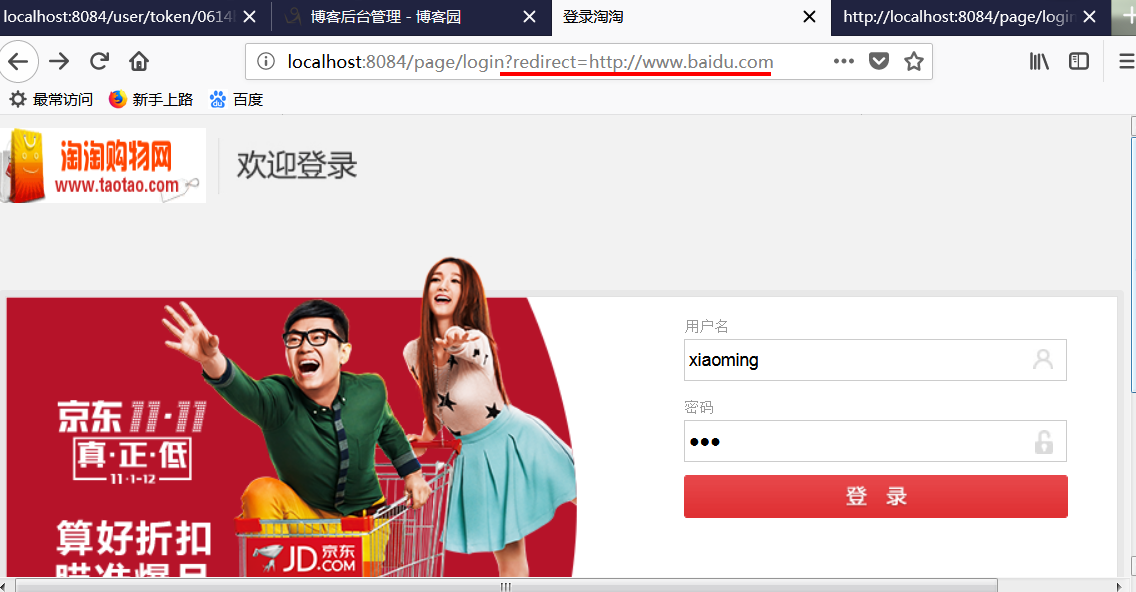
如果有回调参数,则,输入用户名,密码后,点登录成功确认,会跳转到回调页面:
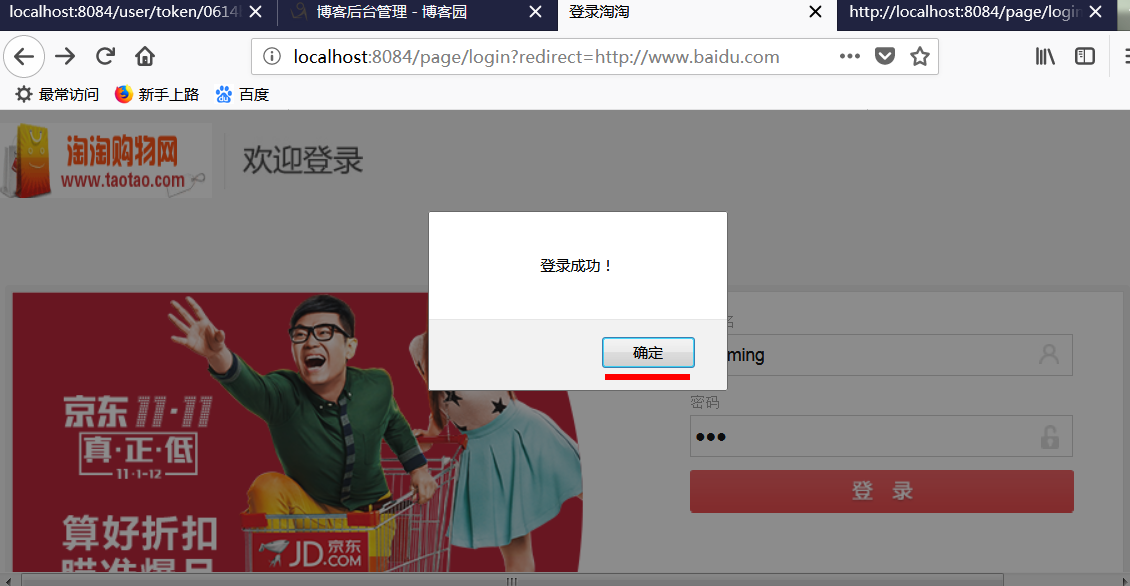
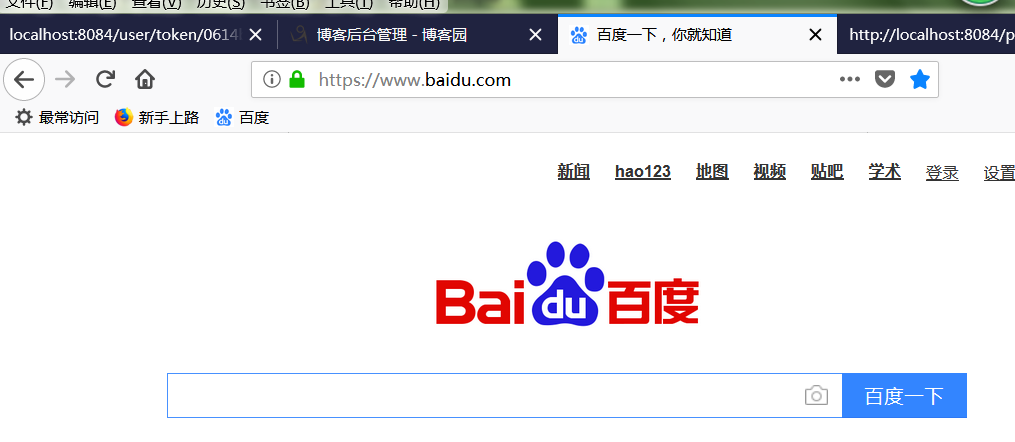
点确定:会跳转到百度:
taotao用户登录(及登录成功后的回调url处理)的更多相关文章
- miniui表格load数据成功后,回调函数,其中setData要用如下方法
init: function () { mini.parse(); this.grid = mini.get("jsDatagrid"); var grid1 = mini.get ...
- Android 集成ShareSDK分享QQ或空间成功后,回调却不执行的原因
AndroidMainifest.xml中的如箭头所示的id一定要与assets下ShareSDK.xml中配置的QQ的AppId一定要相同. 如下图
- IdentityServer4 登录成功后,跳转到原来页面
IdentityServer4 登录成功后,默认会跳转到Config.Client配置的RedirectUris地址http://localhost:5003/callback.html,用于获取 T ...
- httpclient 怎么带上登录成功后返回的cookie值访问下一页面
我是只很菜很菜的小鸟.刚上班,有这个一个需求.要我抓取别的网站的数据. 我根据用户密码登录一个网站成功后,生成一个cookie值.我已经获取到了.然后要带上这个cookie值进行下一页面的访问 ...
- 登录&单点登录介绍
COOKIE & SESSION & TOKEN 主要用来跟踪会话,识别用户所用.cookie 是客户端,session 是服务端的. 因为 http 是无状态协议,每一次的访问都不知 ...
- .net mvc 用jquery ajax成功后页面跳转。
$.ajax({ //url: 'http://192.168.0.102/webApiDemo/api/WebApiTest/PostStudentInforOnePara', //url: &qu ...
- cas 3.5.2 登录成功后,如何返回用户更多信息?
国内私募机构九鼎控股打造APP,来就送 20元现金领取地址:http://jdb.jiudingcapital.com/phone.html内部邀请码:C8E245J (不写邀请码,没有现金送)国内私 ...
- taotao用户登录springMVC拦截器的实现
在springMVC中写拦截器,只需要两步: 一.写 java 拦截器类,实现 interceptor 拦截器接口. 二.在 springMVC 的xml配置文件中,配置我们创建的拦截器对象及其拦截目 ...
- [原]基于CAS实现单点登录(SSO):登录成功后,cas client如何返回更多用户信息
从cas server登录成功后,默认只能从casclient得到用户名.但程序中也可能遇到需要得到更多如姓名,手机号,email等更多用户信息的情况. cas client拿到用户名后再到数据库中查 ...
随机推荐
- 网站漏洞修复之最新版本UEditor漏洞
UEditor于近日被曝出高危漏洞,包括目前官方UEditor 1.4.3.3 最新版本,都受到此漏洞的影响,ueditor是百度官方技术团队开发的一套前端编辑器,可以上传图片,写文字,支持自定义的h ...
- C语言实例解析精粹学习笔记——36(模拟社会关系)
实例: 设计一个模拟社会关系的数据结构,每个人的信息用结构表示,包含名字.性别和指向父亲.母亲.配偶.子女的指针(只限两个子女).要求编写以下函数: (1)增加一个新人的函数 (2)建立人与人之间关系 ...
- R语言学习笔记(十二):零碎知识点(31-35)
31--round(),floor()和ceiling() round()四舍五入取整 floor()向下取整 ceiling()向上取整 > round(3.5) [1] 4 > flo ...
- python2.7练习小例子(八)
8):题目:输出 9*9 乘法口诀表. 程序分析:分行与列考虑,共9行9列,i控制行,j控制列. 程序源代码: #!/usr/bin/python # -*- coding: ...
- java 第六章 面向对象基础
1.面向对象编程思想 面向过程编程 传统的C语言属于面向过程编程.面向过程解决问题的思路:通常是分析出解决问题所需要的步骤,然后用方法把这些步骤一步一步实现,最后一个一个依次调用方法来解决. 面向过程 ...
- Nginx一直报504超时,配置相关参数好了
相关参数:large_client_header_buffers 4 16k;client_max_body_size 30m;client_body_buffer_size 128k;proxy_c ...
- 【转】mui 通过JSON动态的生成列表
<script type="text/template" id="radio-tigan"> <%for(var i=0;i<recor ...
- guacamole实现剪切复制
主要功能是实现把堡垒机的内容复制到浏览器端,把浏览器端的文本复制到堡垒机上. 借助一个中间的文本框,现将堡垒机内容复制到一个文本框,然后把文本框内容复制出来.或者将需要传递到堡垒机的内容先复制到文本框 ...
- 了解url
我对自己知道关于url的编码和解码的一些进行了一下整理. 我们的例子是百度翻译的地址: http://fanyi.baidu.com/translate#en/zh/The%20%22%3F%20ar ...
- Git 使用 粗糙记录
版本控制应该是每一个开发人员应该会的东西,奈何,学校没有学习,随着写代码的时间的加长,越来月觉得版本控制的必要性了. 记得在实习的公司,同一痛的都是SVN. 至于GIt和SVN的区别,直接看连接 ht ...