
UICollectionViews有了简单的重排功能
一、前言
我是UICollectionView的忠实粉丝。这个类比起它的老哥UITableView类具有更高的可定制性。现在我用collection view的次数要比用table view还多。随着iOS9的到来,它支持简单的重排。在此之前,重排不可能有现成的方法,同时这样做也是件痛苦的工作。现在让我们来看看API,你可以在下载本项目源码,看具体的实现过程。
二、实现过程
添加简单重排的最简单的方式是用UICollectionViewController。它现在有了一个新的属性叫installsStandardGestureForInteractiveMovement(为交互式移动工作设置标准手势),这个属性的添加使得我们可以用标准手势来对cell单元进行重新排序。该属性默认值为true,这意味着我们只需要重载一个方法就可以让它正常工作。
override func collectionView(collectionView: UICollectionView,

    moveItemAtIndexPath sourceIndexPath: NSIndexPath,

    toIndexPath destinationIndexPath: NSIndexPath) {

    // move your data order

}
Collection view推断每个item(元素)可以被移动,因为moveItemAtIndexPath函数被重载了。
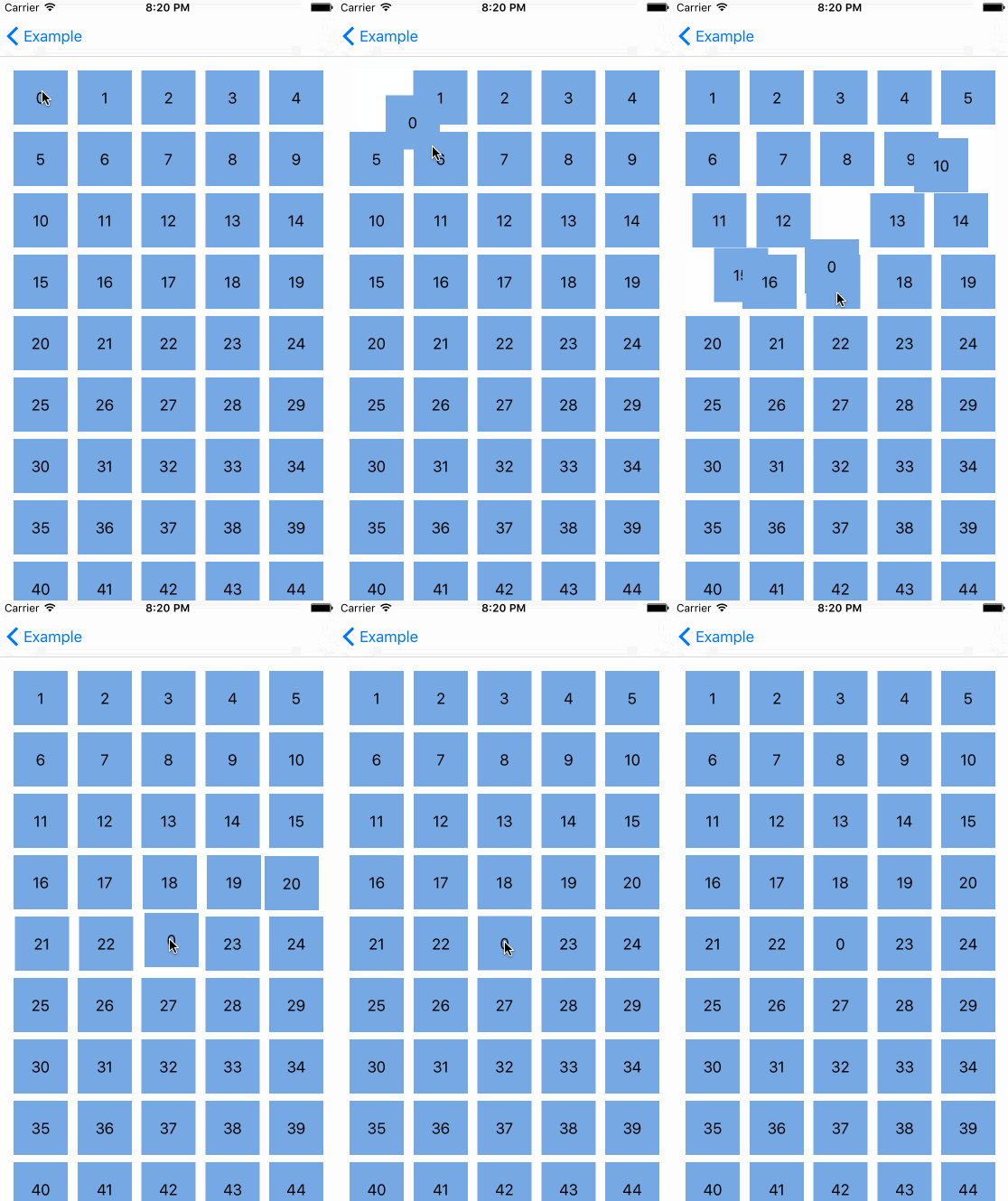
当我们想使用一个带有collection view的简单的UIViewController时,事情变得更加复杂。我们还需要实现之前提到的UICollectionViewDataSource的方法,但我们需要重写installsStandardGestureForInteractiveMovement。别担心,这些也很容易被支持。UILongPressGestureRecognizer是一个持续的、完全支持平移的手势识别器。
override func viewDidLoad() {

    super.viewDidLoad()

            longPressGesture = UILongPressGestureRecognizer(target: self, action: "handleLongGesture:")

        self.collectionView.addGestureRecognizer(longPressGesture)

}

    func handleLongGesture(gesture: UILongPressGestureRecognizer) {

        switch(gesture.state) {

        case UIGestureRecognizerState.Began:

            guard let selectedIndexPath = self.collectionView.indexPathForItemAtPoint(gesture.locationInView(self.collectionView)) else {

                break

            }

            collectionView.beginInteractiveMovementForItemAtIndexPath(selectedIndexPath)

        case UIGestureRecognizerState.Changed:

            collectionView.updateInteractiveMovementTargetPosition(gesture.locationInView(gesture.view!))

        case UIGestureRecognizerState.Ended:

            collectionView.endInteractiveMovement()

        default:

            collectionView.cancelInteractiveMovement()

        }

    }
我们储存了被选择的索引路径,这个路径从 longPressGesture handler(长按手势处理器)中获得,这个路径还取决于它是否有任何我们允许的,跟平移手势相关的值。接下来我们根据手势状态调用一些新的 collection view 方法:
beginInteractiveMovementForItemAtIndexPath(indexPath: NSIndexPath)?开始在特定的索引路径上对cell(单元)进行Interactive Movement(交互式移动工作)。updateInteractiveMovementTargetPosition(targetPosition: CGPoint)?在手势作用期间更新交互移动的目标位置。】endInteractiveMovement()?在完成手势动作后,结束交互式移动cancelInteractiveMovement()?取消Interactive Movement。
这让处理平移手势更容易理解了。
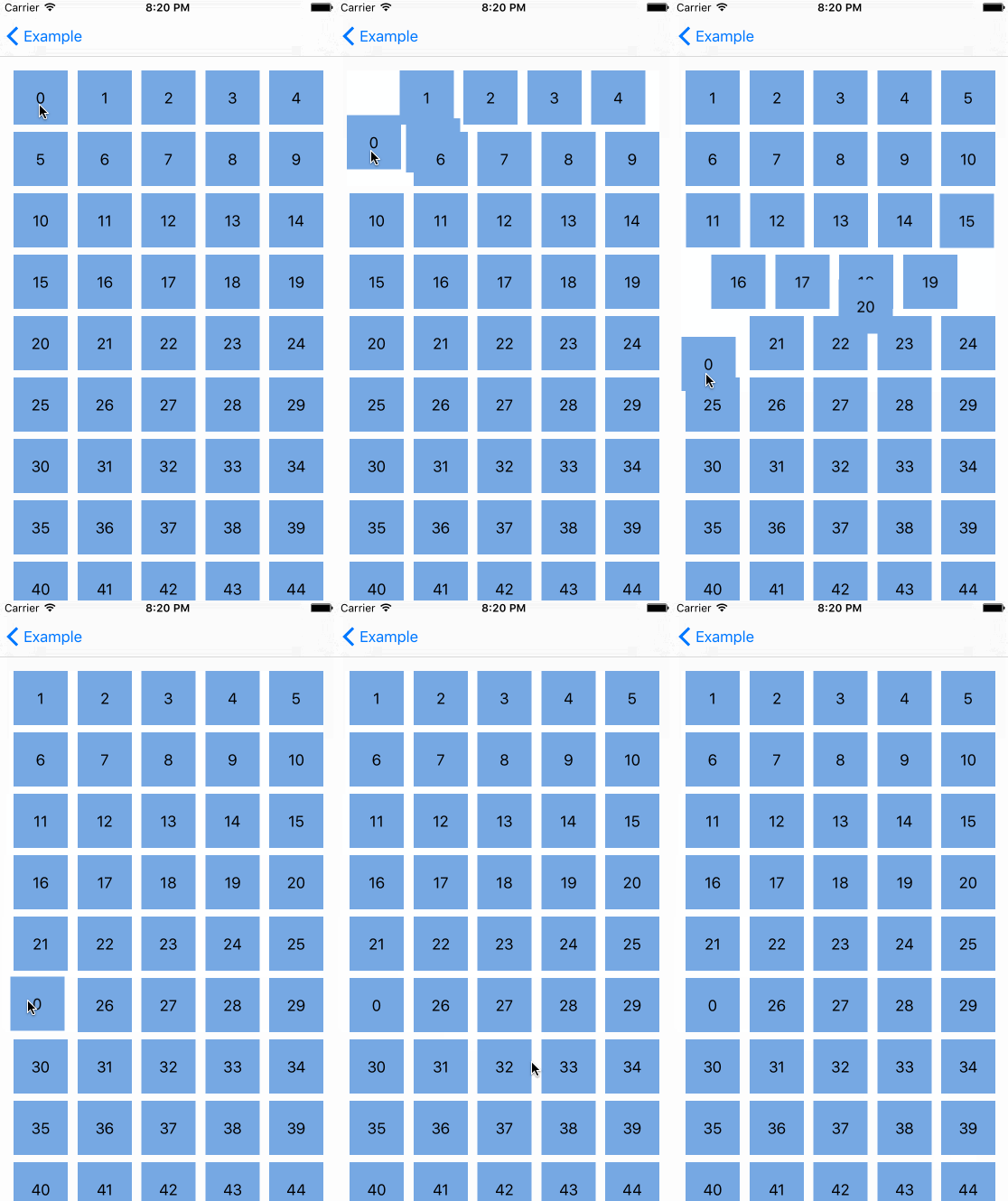
机器反应跟标准的 UICollectionViewController 一样,真的很酷,但是还有更酷的--我们能对自定义的 collection view layout(collection集合视图布局)申请重排,下面是在 waterfall layout(瀑布布局)里对 Interactive Movement 的测试。
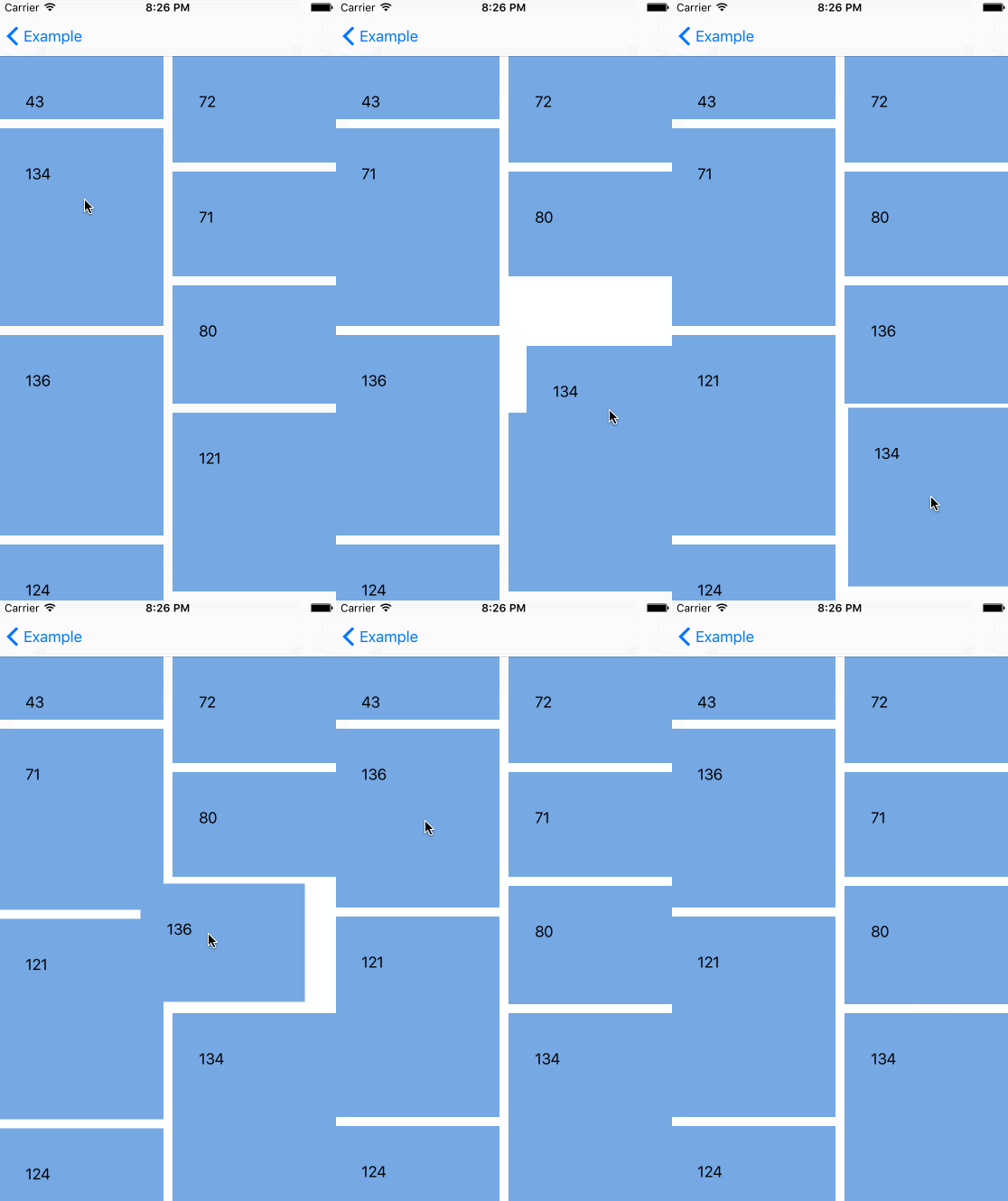
嗯哼,看起来很酷,但如果我们不想在移动 cell(单元)的时候改变它们的大小,那该怎么做?被选择的 cell(单元)的大小在 Interactive Movement 期间应该保持原样。这是可行的。UICollectionViewLayout 有附加的方法来处理重排。
func invalidationContextForInteractivelyMovingItems(targetIndexPaths: [NSIndexPath],

    withTargetPosition targetPosition: CGPoint,

    previousIndexPaths: [NSIndexPath],

    previousPosition: CGPoint) -> UICollectionViewLayoutInvalidationContext

func invalidationContextForEndingInteractiveMovementOfItemsToFinalIndexPaths(indexPaths: [NSIndexPath],

    previousIndexPaths: [NSIndexPath],

    movementCancelled: Bool) -> UICollectionViewLayoutInvalidationContext
第一个函数在元素的 Interactive Movement 期间被调用,它带有 target(目标元素)和先前的 cell 的indexPaths(索引地址)。第二个与第一个函数类似,但它只在 Interactive Movement 结束后才调用。通过这些知识我们能通过一点小窍门,实现我们的需求。
internal override func invalidationContextForInteractivelyMovingItems(targetIndexPaths: [NSIndexPath],

    withTargetPosition targetPosition: CGPoint,

    previousIndexPaths: [NSIndexPath],

    previousPosition: CGPoint) -> UICollectionViewLayoutInvalidationContext {

    var context = super.invalidationContextForInteractivelyMovingItems(targetIndexPaths,

        withTargetPosition: targetPosition, previousIndexPaths: previousIndexPaths,

        previousPosition: previousPosition)

    self.delegate?.collectionView!(self.collectionView!, moveItemAtIndexPath: previousIndexPaths[0],

        toIndexPath: targetIndexPaths[0])

    return context

}
取得当前正在移动的cell的之前的和目标索引路径,然后调用 UICollectionViewDataSource 方法来移动这些 item(元素)。
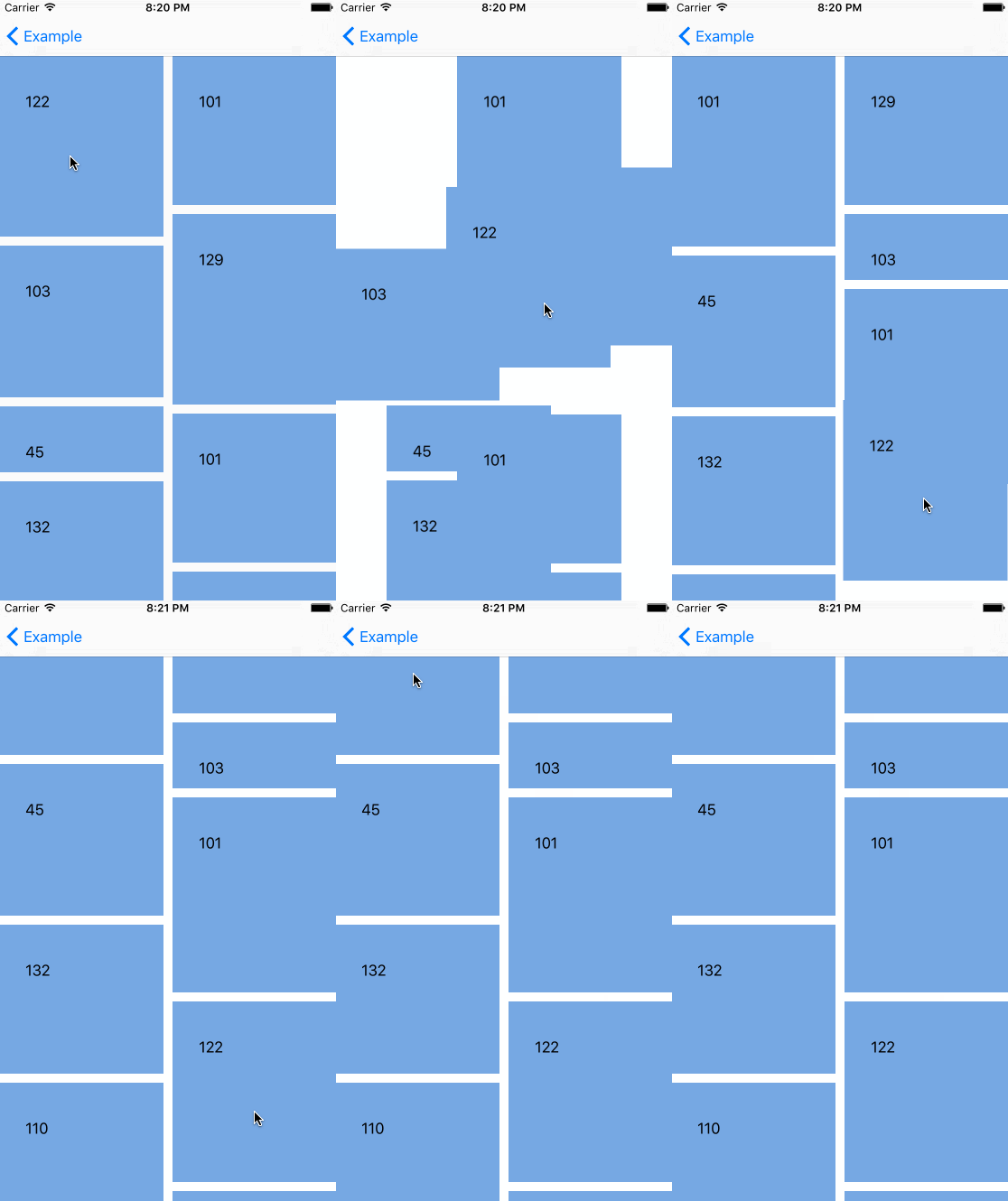
毫无疑问,collection view的重排是一个出色的附加功能,UIKit前端框架工程师干得漂亮!
UICollectionViews有了简单的重排功能的更多相关文章
- 现在,UICollectionViews有了简单的重排功能
原文:UICollectionViews Now Have Easy Reordering 我是UICollectionView的忠实粉丝.这个类比起它的老哥UITableView类具有更高的可定制性 ...
- ASP.NET MVC 学习4、Controller中添加SearchIndex页面,实现简单的查询功能
参考:http://www.asp.net/mvc/tutorials/mvc-4/getting-started-with-aspnet-mvc4/examining-the-edit-method ...
- Web---创建Servlet的3种方式、简单的用户注册功能
说明: 创建Servlet的方式,在上篇博客中,已经用了方式1(实现Servlet接口),接下来本节讲的是另外2种方式. 上篇博客地址:http://blog.csdn.net/qq_26525215 ...
- js+html+css简单的互动功能页面(2015知道几乎尖笔试题)http://v.youku.com/v_show/id_XMTI0ODQ5NTAyOA==.html?from=y1.7-1.2
js+html+css实现简单页面交互功能(2015知乎前端笔试题) http://v.youku.com/v_show/id_XMTI0ODQ5NTAyOA==.html? from=y1.7-1. ...
- Spring 学习——基于Spring WebSocket 和STOMP实现简单的聊天功能
本篇主要讲解如何使用Spring websocket 和STOMP搭建一个简单的聊天功能项目,里面使用到的技术,如websocket和STOMP等会简单介绍,不会太深,如果对相关介绍不是很了解的,请自 ...
- Django文件上传三种方式以及简单预览功能
主要内容: 一.文件长传的三种方式 二.简单预览功能实现 一.form表单上传 1.页面代码 <!DOCTYPE html> <html lang="en"> ...
- 运用socket实现简单的ssh功能
在python socket知识点中已经对socket进行了初步的了解,那现在就使用这些知识来实现一个简单的ssh(Secure Shell)功能. 首先同样是建立两个端(服务器端和客户端) 需求是: ...
- Jenkins实现简单的CI功能
步骤一:安装JDK.Tomcat,小儿科的东西不在此详细描述 步骤二:下载安装Jenkins下载链接:https://jenkins.io/download/ 步骤三:将下载的jenkins.war部 ...
- jQuery实现简单前端搜索功能
<!DOCTYPE html> <html lang="en"> <head> <meta charset="UTF-8&quo ...
随机推荐
- [BZOJ2555]SubString LCT+后缀自动机
2555: SubString Time Limit: 30 Sec Memory Limit: 512 MBSubmit: 3253 Solved: 975[Submit][Status][Di ...
- 转载] magento 产品数据表结构
原文地址:http://blog.sina.com.cn/s/blog_9302097a010120l4.html 数据库-- 产品数据库表结构分析 product 1数据库实体表:catalog_p ...
- Django中遇到的mysql问题
最近在用Django写个网站,连接mysql的时候出现了几个问题,总结一下 写好setting.py和models.py后,syncdb都没什么问题,在测试后台发表文章的时候就出错了,本来是测试mar ...
- uestc1633
uestc1633 题意 给你一个大小为 \(n\) 的集合 \(S\) ,集合里有 \(n\) 个互不相同正整数,有 \(q\) 个询问,每次询问是否能选择 \(S\) 中的一些数字 ( 同一个数字 ...
- English distilled
[ Any question about the job]关于辞职原因 1. What are the main objectives and responsibilities of the posi ...
- POJ 2115 C Looooops(Exgcd)
[题目链接] http://poj.org/problem?id=2115 [题目大意] 求for (variable = A; variable != B; variable += C)的循环次数, ...
- POJ 1113 Wall(凸包)
[题目链接] http://poj.org/problem?id=1113 [题目大意] 给出一个城堡,要求求出距城堡距离大于L的地方建围墙将城堡围起来求所要围墙的长度 [题解] 画图易得答案为凸包的 ...
- lua的luasocket程序
-- load namespace local socket = require("socket") -- create a TCP socket and bind it to t ...
- 泳池迷宫(p24)
/*2018年8月26日15:55:29作者:冰樱梦page-24泳池迷宫*/public class swiming{public static void main(String[] args){i ...
- 【MySQL笔记】: unable to connect to remote host. catalog download has failed.
安装完MySQL之后,它每天凌晨启动一个Intaller任务,甚是烦人: 这是一个Windows的计划服务,在这里删除即可,开始/附件/系统工具/任务计划程序,把mysql的定时任务计划取消/删除 ...