
springboot学习1
gradle环境配置
https://www.w3cschool.cn/gradle/ctgm1htw.html
Spring profile 多环境配置管理
参考:https://www.cnblogs.com/pangguoming/p/5888871.html
本地、测试、开发、产品等不同环境文件配置
现象
如果在开发时进行一些数据库测试,希望链接到一个测试的数据库,以避免对开发数据库的影响。
开发时的某些配置比如log4j日志的级别,和生产环境又有所区别。
各种此类的需求,让我希望有一个简单的切换开发环境的好办法。
解决
现在spring3.1也给我们带来了profile,可以方便快速的切换环境。
使用也是非常方便。只要在applicationContext.xml中添加下边的内容,就可以了
<!-- 开发环境配置文件 -->
    <beans profile="test">
        <context:property-placeholder location="/WEB-INF/test-orm.properties" />
    </beans>

    <!-- 本地环境配置文件 -->
    <beans profile="local">
        <context:property-placeholder location="/WEB-INF/local-orm.properties" />
    </beans>
profile的定义一定要在文档的最下边,否则会有异常。整个xml的结构大概是这样
激活 profile
spring 为我们提供了大量的激活 profile 的方法,可以通过代码来激活,也可以通过系统环境变量、JVM参数、servlet上下文参数来定义 spring.profiles.active 参数激活 profile,这里我们通过定义 JVM 参数实现。
1、ENV方式:
ConfigurableEnvironment.setActiveProfiles("test")
2、JVM参数方式:
tomcat 中 catalina.bat(.sh中不用“set”) 添加JAVA_OPS。通过设置active选择不同配置文件
set JAVA_OPTS="-Dspring.profiles.active=test"
eclipse 中启动tomcat。项目右键 run as –> run configuration–>Arguments–> VM arguments中添加。local配置文件不必上传git追踪管理
-Dspring.profiles.active="local"
3、web.xml方式:
<init-param>
  <param-name>spring.profiles.active</param-name>
  <param-value>production</param-value>
</init-param>
4、标注方式(junit单元测试非常实用):
@ActiveProfiles({"unittest","productprofile"})
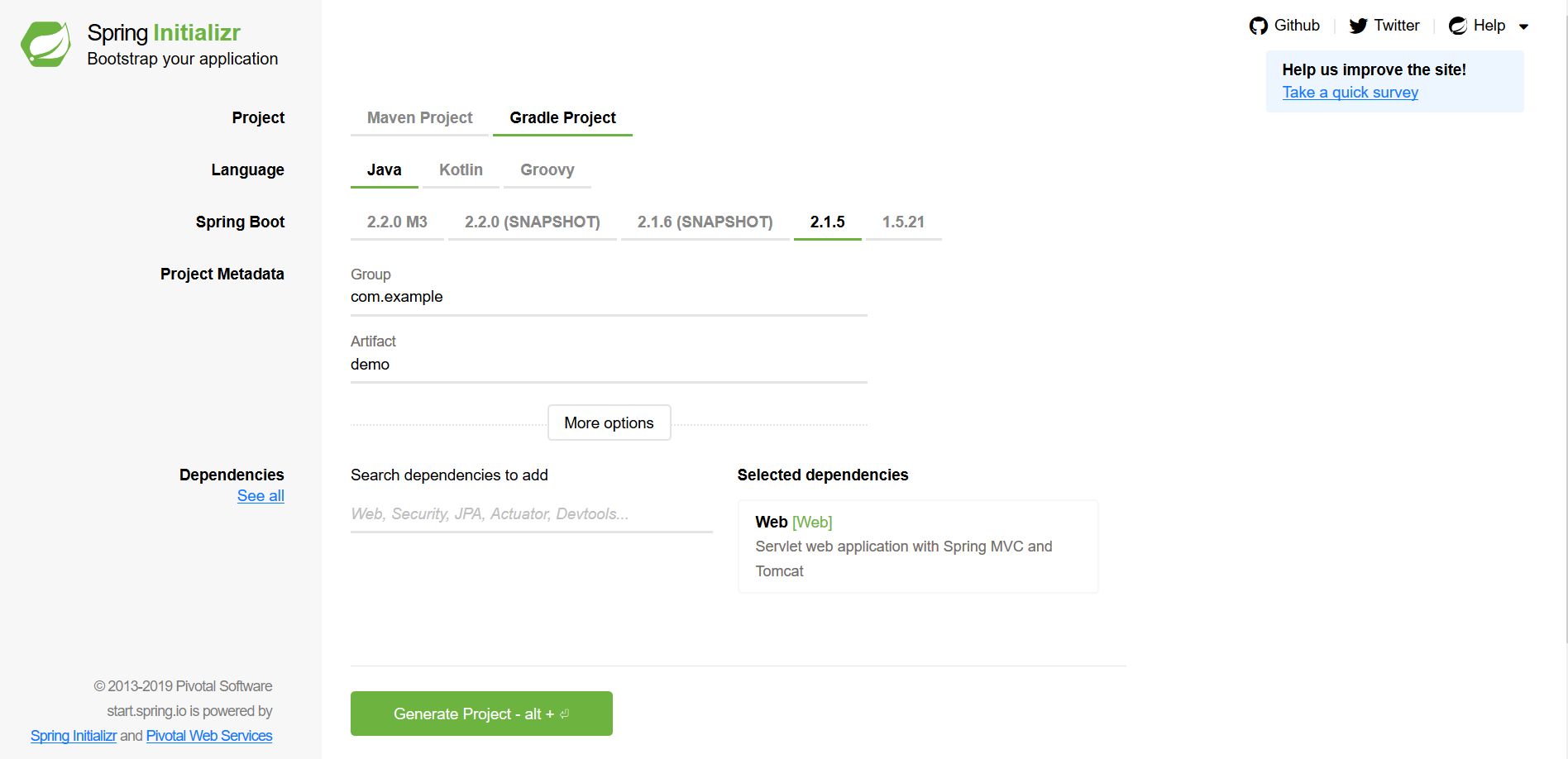
下载项目demo
链接:https://start.spring.io/
gradle命令行构建项目
E:\myfiles\springboot\helloworld>gradle build
E:\myfiles\springboot\helloworld\build\libs>java -jar demo-1.0.0.jar
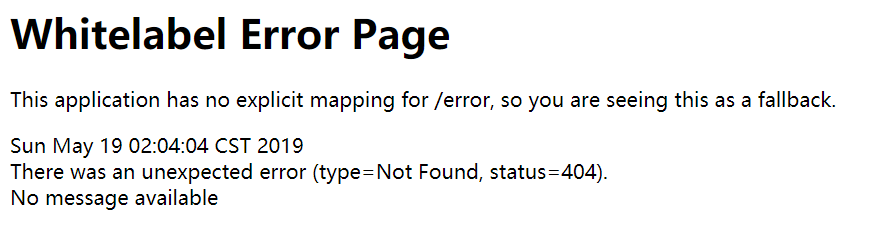
访问 localhost:8080
build.gradle文件配置
plugins {
    id 'org.springframework.boot' version '2.1.5.RELEASE'
    id 'java'
}

apply plugin: 'io.spring.dependency-management'

group = 'com.example'
version = '1.0.0'//版本号根据需要改
sourceCompatibility = '1.8'//编译时的jdk版本

repositories {
    //mavenCentral()
    maven {url 'http://maven.aliyun.com/nexus/content/groups/public/'}//配置阿里云仓库
}
//依赖
dependencies {
    implementation 'org.springframework.boot:spring-boot-starter-web'
    testImplementation 'org.springframework.boot:spring-boot-starter-test'
}
springboot学习1的更多相关文章
- springboot 学习资源推荐
springboot 是什么?对于构建生产就绪的Spring应用程序有一个看法. Spring Boot优先于配置的惯例,旨在让您尽快启动和运行.(这是springboot的官方介绍) 我们为什么要学 ...
- Springboot学习记录1--概念介绍以及环境搭建
摘要:springboot学习记录,环境搭建: 官方文档地址:https://docs.spring.io/spring-boot/docs/current-SNAPSHOT/reference/ht ...
- SpringBoot学习笔记
SpringBoot个人感觉比SpringMVC还要好用的一个框架,很多注解配置可以非常灵活的在代码中运用起来: springBoot学习笔记: .一.aop: 新建一个类HttpAspect,类上添 ...
- springboot学习(一)——helloworld
以下内容,如有问题,烦请指出,谢谢 springboot出来也很久了,以前零散地学习了不少,不过很长时间了都没有在实际中使用过了,忘了不少,因此要最近准备抽时间系统的学习积累下springboot,给 ...
- SpringBoot学习(3)-SpringBoot添加支持CORS跨域访问
SpringBoot学习(3)-SpringBoot添加支持CORS跨域访问 https://blog.csdn.net/yft_android/article/details/80307672
- Springboot学习07-数据源Druid
Springboot学习07-数据源Druid 关键字 Druid 前言 学习笔记 正文 1-Druid是什么 Druid是阿里巴巴开源平台上的一个项目,整个项目由数据库连接池.插件框架和SQL解析器 ...
- Springboot学习06-Spring AOP封装接口自定义校验
Springboot学习06-Spring AOP封装接口自定义校验 关键字 BindingResult.Spring AOP.自定义注解.自定义异常处理.ConstraintValidator 前言 ...
- Springboot学习05-自定义错误页面完整分析
Springboot学习06-自定义错误页面完整分析 前言 接着上一篇博客,继续分析Springboot错误页面问题 正文 1-自定义浏览器错误页面(只要将自己的错误页面放在指定的路径下即可) 1-1 ...
- Springboot学习04-默认错误页面加载机制源码分析
Springboot学习04-默认错误页面加载机制源码分析 前沿 希望通过本文的学习,对错误页面的加载机制有这更神的理解 正文 1-Springboot错误页面展示 2-Springboot默认错误处 ...
- Springboot学习笔记(六)-配置化注入
前言 前面写过一个Springboot学习笔记(一)-线程池的简化及使用,发现有个缺陷,打个比方,我这个线程池写在一个公用服务中,各项参数都定死了,现在有两个服务要调用它,一个服务的线程数通常很多,而 ...
随机推荐
- Mysql 实用语句记录
都是工作中遇到的需求,但不是常用sql,特此记录,方便以后使用: 1.将指定列的数据拼起来存到某一列 UPDATE table_name SET b_col_name=CONCAT(b_col_nam ...
- Linux高级调试与优化——同时抓取coredump和maps文件
Linux内核源码 Documentation/sysctl/kernel.txt core_pattern: core_pattern: core_pattern is used to specif ...
- kolla-ansible-----cinder存储配置
对接lvm后端存储 1.创建vg 可以使用裸盘或者可以采用Das.iscsi-san.fc-san等方式经存储映射到宿主机本地,然后在进行如下操作 (a)创建LVM 物理卷 /dev/sdb pvcr ...
- 常用IDE 教程(IntelliJ IDEA、Android Studio、Chrome)
1.IntelliJ IDEA 使用教程 http://wiki.jikexueyuan.com/project/intellij-idea-tutorial/ 2.Chrome 开发工具指南 htt ...
- jenkins docker 发布
分享下怎么使用jenkins 发布 docker 首先准备docker的相关部分 docker tomcat基础镜像,这边使用centos7做系统,dockerfile如下: #tomcat基础镜 ...
- Hibernate初了解
Hibernate是一个开放源代码的对象关系映射框架, 它对JDBC进行了非常轻量级的对象封装,使得Java程序员可以随心所欲的使用对象编程思维来操纵数据库. Hibernate可以应用在任何使用JD ...
- LeetCode.1018-可被5整除的二进制数(Binary Prefix Divisible By 5)
这是小川的第379次更新,第407篇原创 01 看题和准备 今天介绍的是LeetCode算法题中Easy级别的第241题(顺位题号是1018).给定0和1的数组A,考虑N_i:从A[0]到A[i]的第 ...
- gitlab ssh 免密登录
打开本地git 使用 ssh-keygen 工具 输入命令 ssh-keygen -t rsa -C '你的邮箱账号' 接下来输入密码 确认密码 找到目录 找到公钥 在 gitlab 用户设置 ...
- AGC035 B - Even Degrees【思维·树形结构的妙用】
题目传送门 一句话题意: 首先,每一条边会产生1个入度,1个出度,因此,如果边的数量是奇数的话,图的所有节点的总出度就是奇数,不可能每个节点的出度都是偶数,因此无解. 有解时,我们先找出原图中的一棵生 ...
- 【神经网络与深度学习】深度学习实战——caffe windows 下训练自己的网络模型
1.相关准备 1.1 手写数字数据集 这篇博客上有.jpg格式的图片下载,附带标签信息,有需要的自行下载,博客附带百度云盘下载地址(手写数字.jpg 格式):http://blog.csdn.net/ ...