
170706、springboot编程之文件上传
使用thymleaf模板,自行导入依赖!
一、单文件上传
1、编写单文件上传页面singleFile.html
<!DOCTYPE html>

<html xmlns="http://www.w3.org/1999/xhtml" xmlns:th="http://www.thymeleaf.org"

      xmlns:sec="http://www.thymeleaf.org/thymeleaf-extras-springsecurity3">

<head>

    <title>单文件上传</title>

</head>

<body>

    <form method="post" enctype="multipart/form-data" action="/singleUpload">

        <p>选择文件:<input type="file" name="file"/></p>

        <p><input type="submit" th:value="上传"/></p>

    </form>

</body>

</html>
2、编写FileUploadController.java
package com.rick.apps.controller;

import com.rick.common.ResultJson;

import org.springframework.stereotype.Controller;

import org.springframework.web.bind.annotation.*;

import org.springframework.web.multipart.MultipartFile;

import java.io.BufferedOutputStream;

import java.io.File;

import java.io.FileOutputStream;

/**

 * Desc :  文件上传

 * User : RICK

 * Time : 2017/8/23 9:36

  */

@Controller

public class FileUploadController {

    /**

     * Desc :  跳转单文件上传页面

     * User : RICK

     * Time : 2017/8/23 9:37

      */

    @RequestMapping("/singleFile")

    public String singleFile(){

        System.out.println("-------------------");

        return"/singleFile";

    }

    /**

     * Desc : 单文件上传

     *  注意:不指定上传目录,默认是上传到项目的根目录

     * User : RICK

     * Time : 2017/8/23 9:40

      */

    @ResponseBody

    @PostMapping("/singleUpload")

    public ResultJson singleUpload(@RequestParam("file")MultipartFile file){

        if (!file.isEmpty()){

            try {

                BufferedOutputStream out = new BufferedOutputStream(new FileOutputStream(new File(file.getOriginalFilename())));

                out.write(file.getBytes());

                out.flush();

                out.close();

            } catch(Exception e){

                e.printStackTrace();

                return ResultJson.buildFailInstance("上传失败");

            }

        } else {

            return ResultJson.buildFailInstance("上传失败,文件为空!");

        }

        return ResultJson.buildSuccessInstance();

    }

}
3、编写文件上传的设置
package com.rick;

import org.springframework.boot.SpringApplication;

import org.springframework.boot.autoconfigure.SpringBootApplication;

import org.springframework.boot.context.properties.EnableConfigurationProperties;

import org.springframework.boot.web.servlet.MultipartConfigFactory;

import org.springframework.boot.web.servlet.ServletComponentScan;

import org.springframework.context.annotation.Bean;

import javax.servlet.MultipartConfigElement;

@SpringBootApplication

@EnableConfigurationProperties

@ServletComponentScan

public class SpringbootEdu01Application {

    public static void main(String[] args) {

        SpringApplication.run(SpringbootEdu01Application.class, args);

    }

    /**

     * Desc :  设置文件上传的基本配置

     * User : RICK

     * Time : 2017/8/23 10:11

      */

    @Bean

    public MultipartConfigElement multipartConfigElement(){

        MultipartConfigFactory factory = new MultipartConfigFactory();

        //设置文件大小限制 ,超了,页面会抛出异常信息,这时候就需要进行异常信息的处理了;

        factory.setMaxFileSize("1MB");//KB,MB

        //设置总上传数据总大小

        factory.setMaxRequestSize("10MB");////KB,MB

        //设置文件存放位置

//        factory.setLocation("d:\\files");

        return factory.createMultipartConfig();

    }

}
4、启动项目测试
访问http://localhost:8080/singleFile出现文件上传页面

选择要上传的文件,点击上传
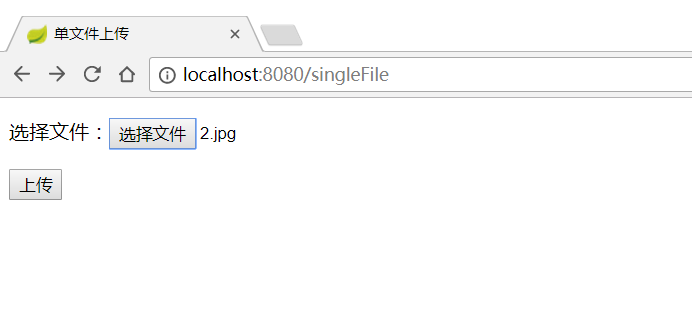

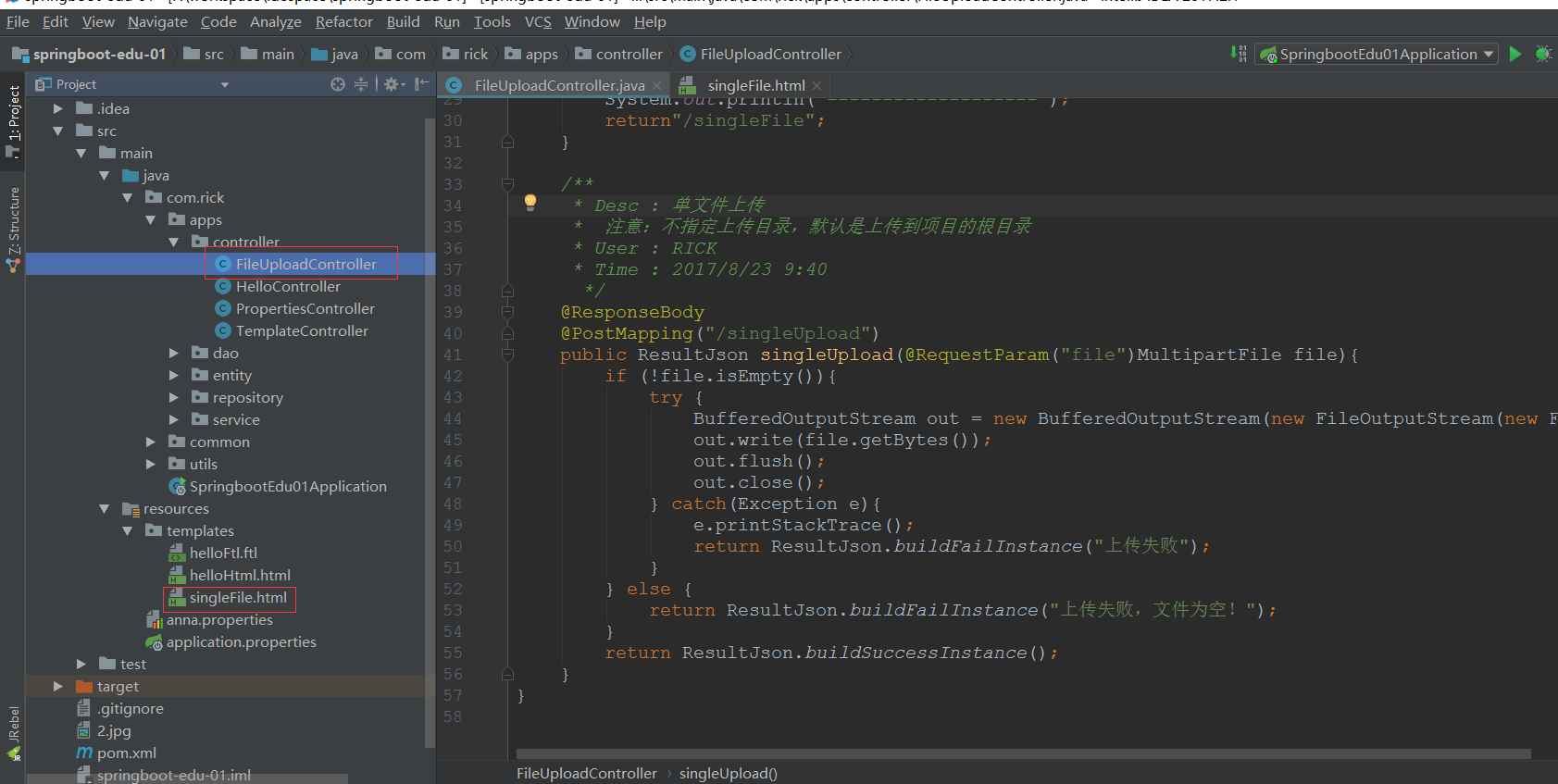
上传成功,到项目根目录下查看文件是否存在

项目清单:
二、多文件上传
1、编写多文件上传页面multFile.html
<!DOCTYPE html>

<html lang="en">

<head>

    <title>多文件上传</title>

</head>

<body>

    <form method="post" enctype="multipart/form-data" action="/multUpload">

        <p>文件1:<input type="file" name="file" /></p>

        <p>文件2:<input type="file" name="file" /></p>

        <p>文件3:<input type="file" name="file" /></p>

        <p><input type="submit" value="上传" /></p>

    </form>

</body>

</html>
2、编写多文件上传后台代码FileUploadController.java
package com.rick.apps.controller;

import com.rick.common.ResultJson;

import org.springframework.stereotype.Controller;

import org.springframework.web.bind.annotation.*;

import org.springframework.web.multipart.MultipartFile;

import org.springframework.web.multipart.MultipartHttpServletRequest;

import javax.servlet.http.HttpServletRequest;

import java.io.BufferedOutputStream;

import java.io.File;

import java.io.FileOutputStream;

import java.util.List;

/**

 * Desc :  文件上传

 * User : RICK

 * Time : 2017/8/23 9:36

  */

@Controller

public class FileUploadController {

    /**

     * Desc :  跳转单文件上传页面

     * User : RICK

     * Time : 2017/8/23 9:37

      */

    @RequestMapping("/singleFile")

    public String singleFile(){

        return"/singleFile";

    }

    /**

     * Desc : 单文件上传

     *  注意:不指定上传目录,默认是上传到项目的根目录

     * User : RICK

     * Time : 2017/8/23 9:40

      */

    @ResponseBody

    @PostMapping("/singleUpload")

    public ResultJson singleUpload(@RequestParam("file")MultipartFile file){

        if (!file.isEmpty()){

            try {

                BufferedOutputStream out = new BufferedOutputStream(new FileOutputStream(new File(file.getOriginalFilename())));

                out.write(file.getBytes());

                out.flush();

                out.close();

            } catch(Exception e){

                e.printStackTrace();

                return ResultJson.buildFailInstance("上传失败");

            }

        } else {

            return ResultJson.buildFailInstance("上传失败,文件为空!");

        }

        return ResultJson.buildSuccessInstance();

    }

    /**

     * Desc :  跳转多文件上传页面

     * User : RICK

     * Time : 2017/8/23 9:37

     */

    @RequestMapping("/multFile")

    public String multFile(){

        return"/multFile";

    }

    /**

     * Desc :  多文件上传

     *  主要是使用了MultipartHttpServletRequest和MultipartFile

     * User : RICK

     * Time : 2017/8/23 10:17

      */

    @ResponseBody

    @PostMapping("/multUpload")

    public ResultJson multUpload(HttpServletRequest request){

        try {

            List<MultipartFile> files = ((MultipartHttpServletRequest)request).getFiles("file");

            MultipartFile file = null;

            BufferedOutputStream stream = null;

            for (int i=0;i<files.size();i++){

                file = files.get(i);

                if(!file.isEmpty()){

                    byte[] bytes = file.getBytes();

                    stream = new BufferedOutputStream(new FileOutputStream(new File(file.getOriginalFilename())));

                    stream.write(bytes);

                    stream.flush();

                    stream.close();

                }

            }

        } catch(Exception e){

            e.printStackTrace();

            return ResultJson.buildFailInstance("上传失败");

        }

        return ResultJson.buildSuccessInstance();

    }

}
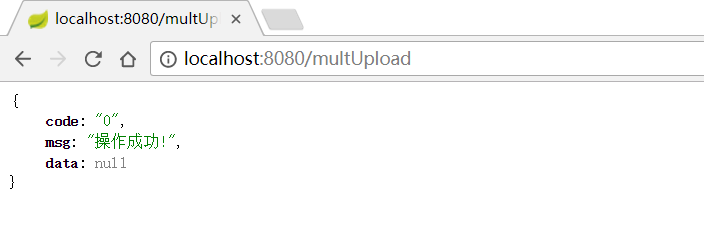
3、启动项目测试,http://localhost:8080/multFile
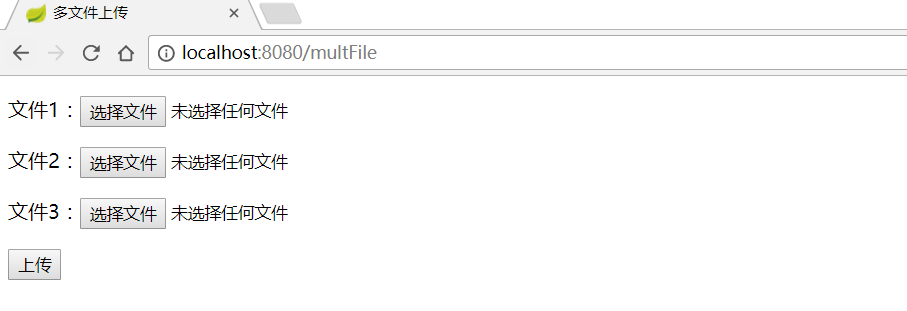
选择文件
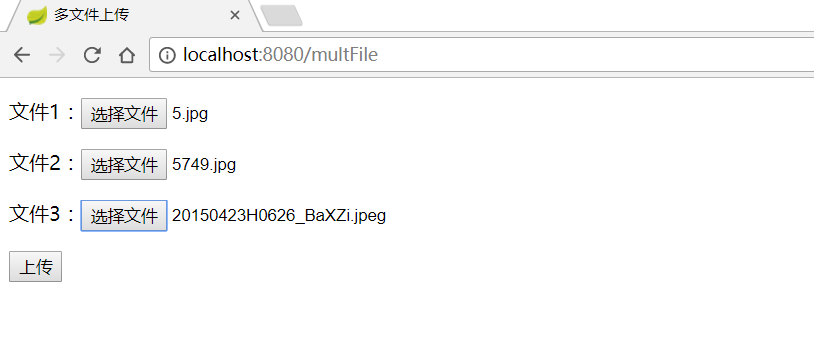
点击上传
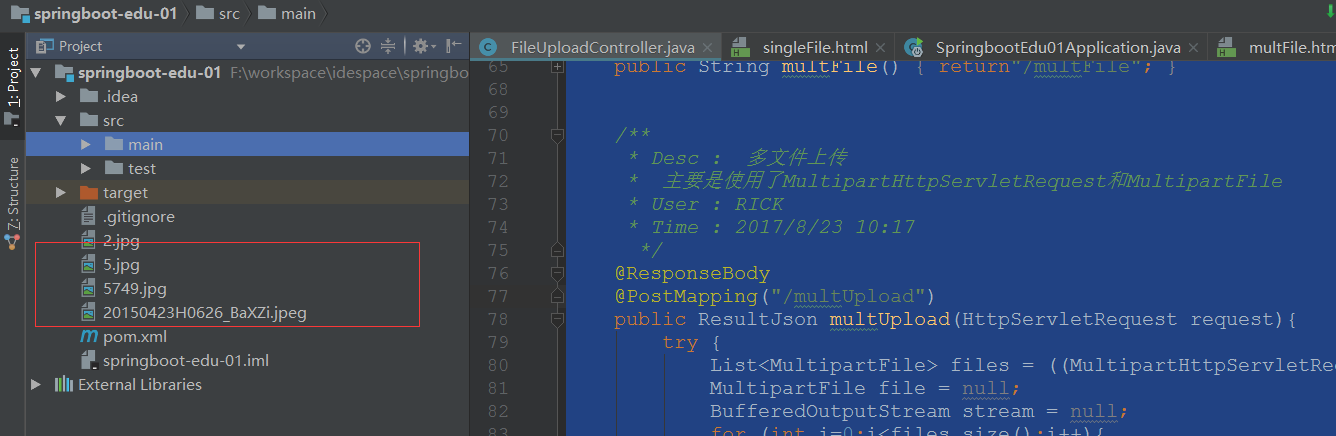
到项目根目录下查看文件是否上传成功
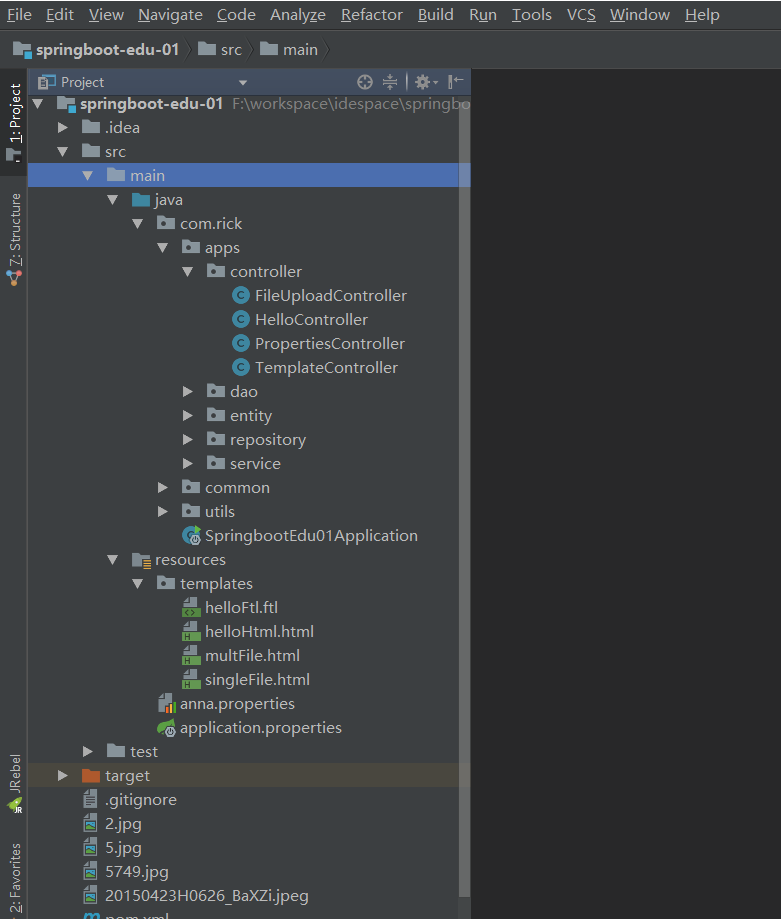
项目清单:
170706、springboot编程之文件上传的更多相关文章
- Windows环境下用C#编程将文件上传至阿里云OSS笔记
Windows环境下用C#编程将文件上传至阿里云OSS笔记 本系列文章由ex_net(张建波)编写,转载请注明出处. http://blog.csdn.net/ex_net/article/detai ...
- SpringBoot项目实现文件上传和邮件发送
前言 本篇文章主要介绍的是SpringBoot项目实现文件上传和邮件发送的功能. SpringBoot 文件上传 说明:如果想直接获取工程那么可以直接跳到底部,通过链接下载工程代码. 开发准备 环境要 ...
- Springboot如何启用文件上传功能
网上的文章在写 "springboot文件上传" 时,都让你加上模版引擎,我只想说,我用不上,加模版引擎,你是觉得我脑子坏了,还是觉得我拿不动刀了. springboot如何启用文 ...
- iOS-网络编程(二)文件上传和断点离线下载
一. iOS中发送HTTP请求的方案 在iOS中,我们常用发送HTTP请求的方案有苹果原生(自带)NSURLConnection:用法简单,最古老最经典最直接的一种方案 (iOS 9.0弃用)NSUR ...
- SpringBoot+BootStrap多文件上传到本地
1.application.yml文件配置 # 文件大小 MB必须大写 # maxFileSize 是单个文件大小 # maxRequestSize是设置总上传的数据大小 spring: servle ...
- SpringBoot之KindEditor文件上传
后端核心代码如下: package com.blog.springboot.controller; import java.io.BufferedOutputStream; import java.i ...
- springboot+vue实现文件上传
https://blog.csdn.net/mqingo/article/details/84869841 技术: 后端:springboot 前端框架:vue 数据库:mysql pom.xml: ...
- SpringBoot: 6.文件上传(转)
1.编写页面uploadFile.html <!DOCTYPE html> <html lang="en"> <head> <meta c ...
- Springboot(九).多文件上传下载文件(并将url存入数据库表中)
一. 文件上传 这里我们使用request.getSession().getServletContext().getRealPath("/static")的方式来设置文件的存储 ...
随机推荐
- 查找——图文翔解HashTree(哈希树)
引 在各种数据结构(线性表.树等)中,记录在结构中的相对位置是随机的.因此在机构中查找记录的时须要进行一系列和keyword的比較.这一类的查找方法建立在"比較"的基础上.查找的效 ...
- par函数的las参数-控制x轴和y轴标签的方向
las 参数控制x轴和y轴的刻度线上的标签与两条轴的防线,可选值为0,1,2,3 0为默认值,代表始终与刻度线平行,代码示例: par(las = 0) plot(1:5, 1:5, main = & ...
- git for c#, commit本地,pushserver
//ok private static void push() { string wkDir = @"E:\DotNet2010\单位project\Git.Client\lib2Test\ ...
- 7 -- Spring的基本用法 -- 3... Spring 的核心机制 : 依赖注入
7.3 Spring 的核心机制 : 依赖注入 Spring 框架的核心功能有两个. Spring容器作为超级大工厂,负责创建.管理所有的Java对象,这些Java对象被称为Bean. Spring容 ...
- Exception in thread "main" java.lang.NoSuchMethodError: org.testng.TestNG.configure(Lorg/testng/CommandLineArgs;)V
TestNG运行时报以下错误: Exception in thread "main" java.lang.NoSuchMethodError: org.testng.TestNG. ...
- leetcode -- permutation 总结
leetcode上关于permutation有如下几题 Permutation Sequence Next Permutation Permutations Permutations II
- OpenGL超级宝典总结(二)2D/3D笛卡尔坐标、坐标裁剪、纹理坐标、MVP转换等概念
如果你想把图形渲染在正确的位置上,那么坐标的设置就很重要了.在OpenGL中,与坐标相关的主要有笛卡尔坐标.坐标裁剪.纹理坐标.MVP(Model View Projection)转换. 1.笛卡尔坐 ...
- UITextView 实现placeholder的方法
本文转载至 http://www.cnblogs.com/easonoutlook/archive/2012/12/28/2837665.html 在UITextField中自带placeholder ...
- 如何提高AJAX客户端响应速度
AJAX的出现极大的改变了Web应用客户端的操作模式,它使的用户可以在全心工作时不必频繁的忍受那令人厌恶的页面刷新.理论上AJAX技术在很大的程度上可以减少用户操作的等待时间,同时节约网络上的数据流量 ...
- iGson
头文件 #import <Foundation/Foundation.h> #import <objc/runtime.h> #import "NSString+Ut ...