
flutter填坑之旅(环境搭建篇--mac系统)
上次配置过Mac到flutter环境,但是由于最近系统更新了,什么都没了又得从新配置,发现自己竟然好多都忘记了,看来还是得把它记下来才行
在Mac上安装并运行Flutter 最低要求:
- 操作系统:macOS(64-bit)
- 磁盘空间:700MB(不包括Xcode或者Android Studio的磁盘空间)
- 工具:Flutter 依赖 这些命令行工具
bash curl git 2.x mkdir rm unzip which(可以使用检测一下没有都安装上免得后期出问题)
mac安装git可以参考https://www.jianshu.com/p/7edb6b838a2e
一、设置 Flutter 镜像
配置flutter国内镜像
// 直接到用户目录 下 运行 open -e .bash_profile 在文件中增加如下

export PUB_HOSTED_URL=https://pub.flutter-io.cn

export FLUTTER_STORAGE_BASE_URL=https://storage.flutter-io.cn
注意这个镜像地址不能保证永远可以用,得随时关注Useing Flutter in China这个官网
二、获取Flutter SDK
2.1 下载flutter sdk
flutter官网获取对应得flutter sdk https://flutter.dev/docs/development/tools/sdk/releases?tab=macos
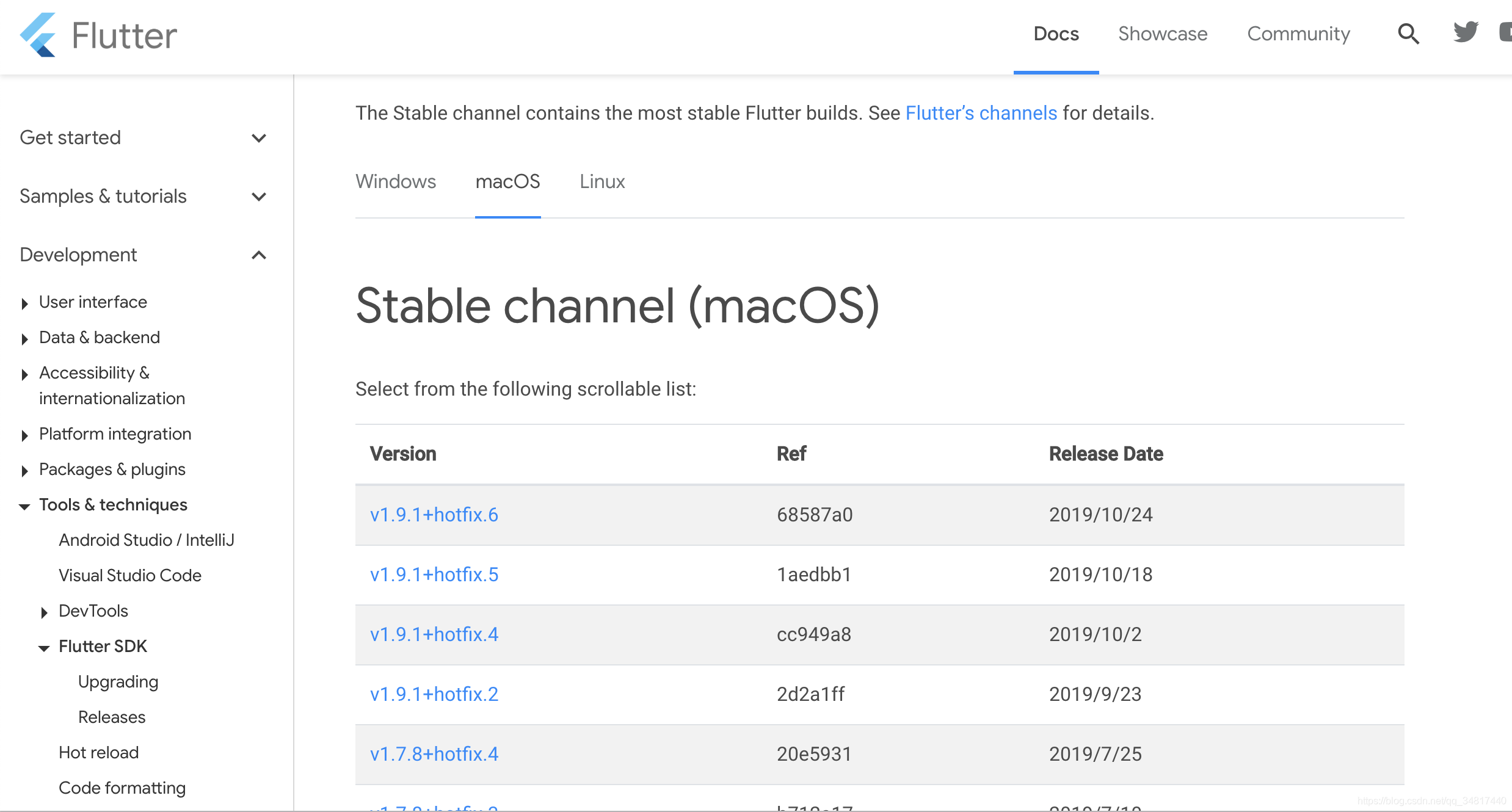
推荐最好下载 stable channel这个稳定版本

2.2 解压
## development 这个根据自己实际得目录更改

$ cd ~/development

## 下面~/ 后得目录和下载得flutter版本根据自己实际名称更改

$ unzip ~/Downloads/flutter_macos_v1.2.1-stable.zip
具体操作:
taodeMacBook-Pro:~ tao$ cd ~/dev-flutter/

taodeMacBook-Pro:dev-flutter tao$ ls

android-sdk

taodeMacBook-Pro:dev-flutter tao$ unzip ~/Downloads/flutter_macos_v1.7.8+hotfix.4-stable.zip

taodeMacBook-Pro:dev-flutter tao$ ls

android-sdk	flutter

taodeMacBook-Pro:dev-flutter tao$

taodeMacBook-Pro:dev-flutter tao$ ls flutter/

AUTHORS			README.md		examples

CODE_OF_CONDUCT.md	analysis_options.yaml	flutter_console.bat

CONTRIBUTING.md		bin			flutter_root.iml

LICENSE			dartdoc_options.yaml	packages

PATENTS			dev			version

taodeMacBook-Pro:dev-flutter tao$
2.3 添加flutter相关工具到path中
export PATH="$PATH:`pwd`/flutter/bin"
该命令只是一次性的,对当前对terminal 设置里一个flutter的环境变量,等关闭里电脑下次又得重新设置,想要设置个永久性的还是要
将解压得路径配置到.bash_profile中去
输入命令打开.bash_profile
taodeMacBook-Pro:dev-flutter tao$ open ~/.bash_profile

taodeMacBook-Pro:dev-flutter tao$
在最后增加如下内容:
export PATH=/Users/tao/dev-flutter/flutter/bin:$PATH

export ANDROID_HOME="/Users/tao/Library/Android/sdk"

export PATH=${PATH}:${ANDROID_HOME}/tools

export PATH=${PATH}:${ANDROID_HOME}/platform-tools

export PUB_HOSTED_URL=https://pub.flutter-io.cn

export FLUTTER_STORAGE_BASE_URL=https://storage.flutter-io.cnexport PATH="/usr/local/opt/gettext/bin:$PATH"
其中export PATH=/Users/tao/dev-flutter/flutter/bin:$PATH 这个是配置的flutter
解压的目录(需要指定到flutter下面到bin目录下)
其中export ANDROID_HOME="/Users/tao/Library/Android/sdk"配置里Android sdk 路径
taodeMacBook-Pro:dev-flutter tao$ flutter doctor

  ╔════════════════════════════════════════════════════════════════════════════╗

  ║ A new version of Flutter is available!                                     ║

  ║                                                                            ║

  ║ To update to the latest version, run "flutter upgrade".                    ║

  ╚════════════════════════════════════════════════════════════════════════════╝

Doctor summary (to see all details, run flutter doctor -v):

[!] Flutter (Channel stable, v1.7.8+hotfix.4, on Mac OS X 10.15 19A602, locale

    zh-Hans-CN)

    ✗ Downloaded executables cannot execute on host.

      See https://github.com/flutter/flutter/issues/6207 for more information

[✓] Android toolchain - develop for Android devices (Android SDK version 29.0.2)

[!] Xcode - develop for iOS and macOS (Xcode 11.1)

    ✗ CocoaPods not installed.

        CocoaPods is used to retrieve the iOS and macOS platform side's plugin

        code that responds to your plugin usage on the Dart side.

        Without CocoaPods, plugins will not work on iOS or macOS.

        For more info, see https://flutter.dev/platform-plugins

      To install:

        brew install cocoapods

        pod setup

[✓] iOS tools - develop for iOS devices

[✓] Android Studio (version 3.5)

[✓] IntelliJ IDEA Ultimate Edition (version 2018.3.4)

[!] Connected device

    ! No devices available

! Doctor found issues in 3 categories.

taodeMacBook-Pro:dev-flutter tao$
运行flutter doctor 进行环境检测,会发现用很多依赖缺失,根据提示一一安装
但是还有一个提示我的mac和我下载的flutter好像不兼容
Doctor summary (to see all details, run flutter doctor -v):

[!] Flutter (Channel stable, v1.7.8+hotfix.4, on Mac OS X 10.15 19A602, locale

    zh-Hans-CN)

    ✗ Downloaded executables cannot execute on host.

      See https://github.com/flutter/flutter/issues/6207 for more information
直接运行flutter upgrade 安装个最新版本的就好了
taodeMacBook-Pro:dev-flutter tao$ flutter upgrade

Upgrading Flutter from /Users/tao/dev-flutter/flutter...

../../third_party/dart/runtime/bin/snapshot_utils.cc: 149: error: Failed to memory map snapshot: /Users/tao/dev-flutter/flutter/bin/cache/dart-sdk/bin/snapshots/kernel-service.dart.snapshot

version=2.4.0 (Wed Jun 19 11:53:45 2019 +0200) on "macos_x64"

thread=5891, isolate=(null)(0x0)
注意️命令中请使用 sudo 否则有些会提示错误
像这个 执行个flutter doctor都报错
taodeMacBook-Pro:repos tao$ flutter doctor

Failed to write the version file to the artifact cache: "FileSystemException:

Cannot open file, path = '/Users/tao/dev-flutter/flutter/version' (OS Error:

Permission denied, errno = 13)".

Please ensure you have permissions in the artifact cache directory.

Failed to write the version file
废话少说继续吧…
## 在执行一次

taodeMacBook-Pro:dev-flutter tao$ sudo flutter doctor -v

   Woah! You appear to be trying to run flutter as root.

   We strongly recommend running the flutter tool without superuser privileges.

  /

Downloading Dart SDK from Flutter engine d004bcd4d619fc3574761d63d7cf7b7291332c79...

  % Total    % Received % Xferd  Average Speed   Time    Time     Time  Current

                                 Dload  Upload   Total   Spent    Left  Speed

100  121M  100  121M    0     0  4763k      0  0:00:26  0:00:26 --:--:-- 3986k

## 这里还会有很多下载,就不贴了

## 最后会显示flutter及dart 版本信息和缺失的依赖

taodeMacBook-Pro:dev-flutter tao$ sudo flutter doctor

Password:

   Woah! You appear to be trying to run flutter as root.

   We strongly recommend running the flutter tool without superuser privileges.

  /

Downloading Dart SDK from Flutter engine b863200c37df4ed378042de11c4e9ff34e4e58c9...

  % Total    % Received % Xferd  Average Speed   Time    Time     Time  Current

                                 Dload  Upload   Total   Spent    Left  Speed

100  263M  100  263M    0     0  5236k      0  0:00:51  0:00:51 --:--:-- 5379k

Building flutter tool...

Doctor summary (to see all details, run flutter doctor -v):

[✓] Flutter (Channel stable, v1.9.1+hotfix.6, on Mac OS X 10.15 19A602, locale

    zh-Hans-CN)

[✓] Android toolchain - develop for Android devices (Android SDK version 29.0.2)

[!] Xcode - develop for iOS and macOS (Xcode 11.1)

    ✗ CocoaPods installed but not working.

        You appear to have CocoaPods installed but it is not working.

        This can happen if the version of Ruby that CocoaPods was installed with

        is different from the one being used to invoke it.

        This can usually be fixed by re-installing CocoaPods. For more info, see

        https://github.com/flutter/flutter/issues/14293.

      To re-install CocoaPods, run:

        sudo gem install cocoapods

[✓] Android Studio (version 3.5)

[✓] IntelliJ IDEA Ultimate Edition (version 2018.3.4)

[!] Connected device

    ! No devices available

! Doctor found issues in 2 categories.
看提示好像还差一个cocoapods 再手工装一个
注意️Mac 中文件查找使用 which directoryName 而不建议使用 find ~/ -name 'directoryName'
sudo gem install cocoapods
但是会发现执行了如上命令几次依然提示通用错误,解决方法是
taodeMacBook-Pro:dev-flutter tao$ cd ~/.cocoapods/repos

taodeMacBook-Pro:repos tao$ git clone https://mirrors.tuna.tsinghua.edu.cn/git/CocoaPods/Specs.git master

fatal: 目标路径 'master' 已经存在,并且不是一个空目录。

taodeMacBook-Pro:repos tao$ ls

master

taodeMacBook-Pro:repos tao$ rm -rf master/

taodeMacBook-Pro:repos tao$

taodeMacBook-Pro:repos tao$

taodeMacBook-Pro:repos tao$ git clone https://mirrors.tuna.tsinghua.edu.cn/git/CocoaPods/Specs.git master

正克隆到 'master'...
手动删除老版本,克隆新版本
这个方法最后证实是失败的…
 brew reinstall libimobiledevice

 brew install --HEAD libimobiledevice

 brew upgrade cocoapods
全部都又执行了一次,最后依然报错麻麻但,不晓得咋搞,ruby我东重新装过了
最后我去官网从新下载了个flutter_macos_v1.9.1+hotfix.5-stable.zip
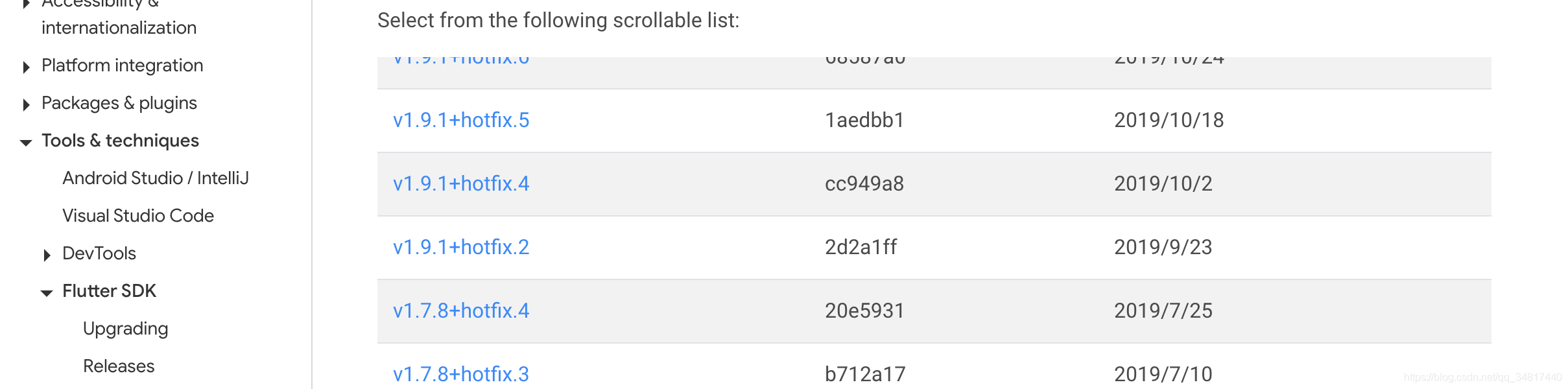
然后解压测试了妈蛋垃圾问题(推测是Mac版本兼容问题,出错都版本是10.14.1 而目前最新都版本为10.15.1)
taodeMacBook-Pro:dev-flutter tao$ unzip ~/Downloads/flutter_macos_v1.9.1+hotfix.5-stable.zip

taodeMacBook-Pro:dev-flutter tao$ flutter doctor

Doctor summary (to see all details, run flutter doctor -v):

[✓] Flutter (Channel stable, v1.9.1+hotfix.5, on Mac OS X 10.15.1 19B88, locale zh-Hans-CN)

[✓] Android toolchain - develop for Android devices (Android SDK version 29.0.2)

[✓] Xcode - develop for iOS and macOS (Xcode 11.1)

[✓] Android Studio (version 3.5)

[✓] IntelliJ IDEA Ultimate Edition (version 2018.3.4)

[!] Connected device

    ! No devices available

! Doctor found issues in 1 category.
还有输入flutter doctor 会提示
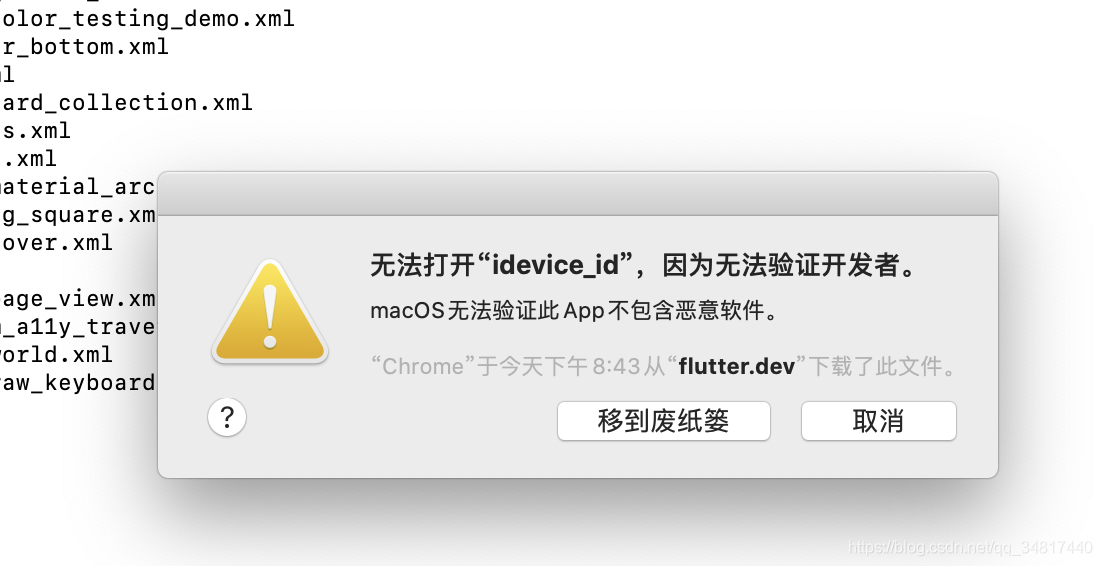
这个千万别点击 移到废纸篓;那样flutter运行就会出问题了
三、IOS开发环境设置
3.1 Xcode 安装
1、直接去Apple store 下载 对应得Xcode 然后安装这个没有什么说的
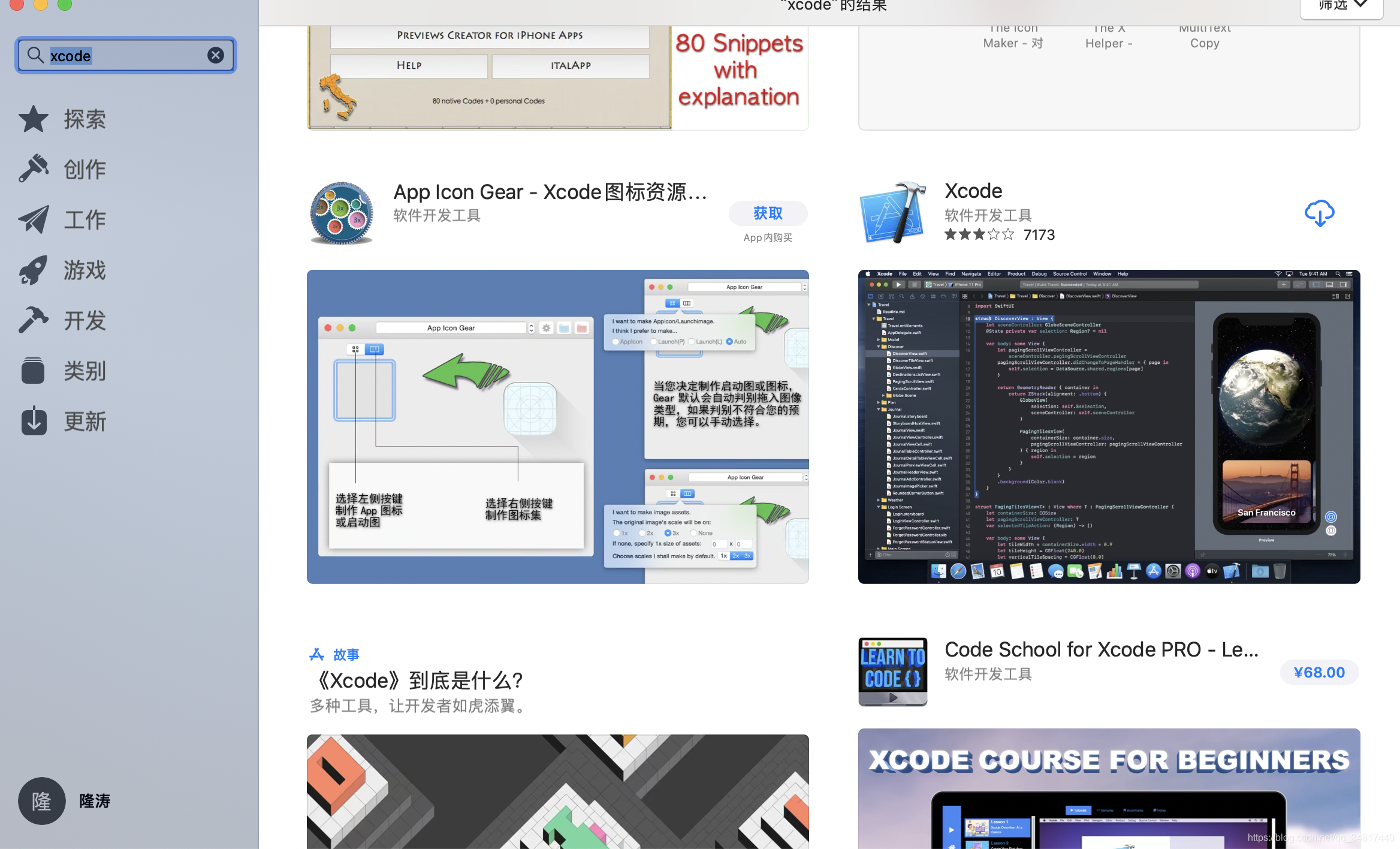
点击下载得图标
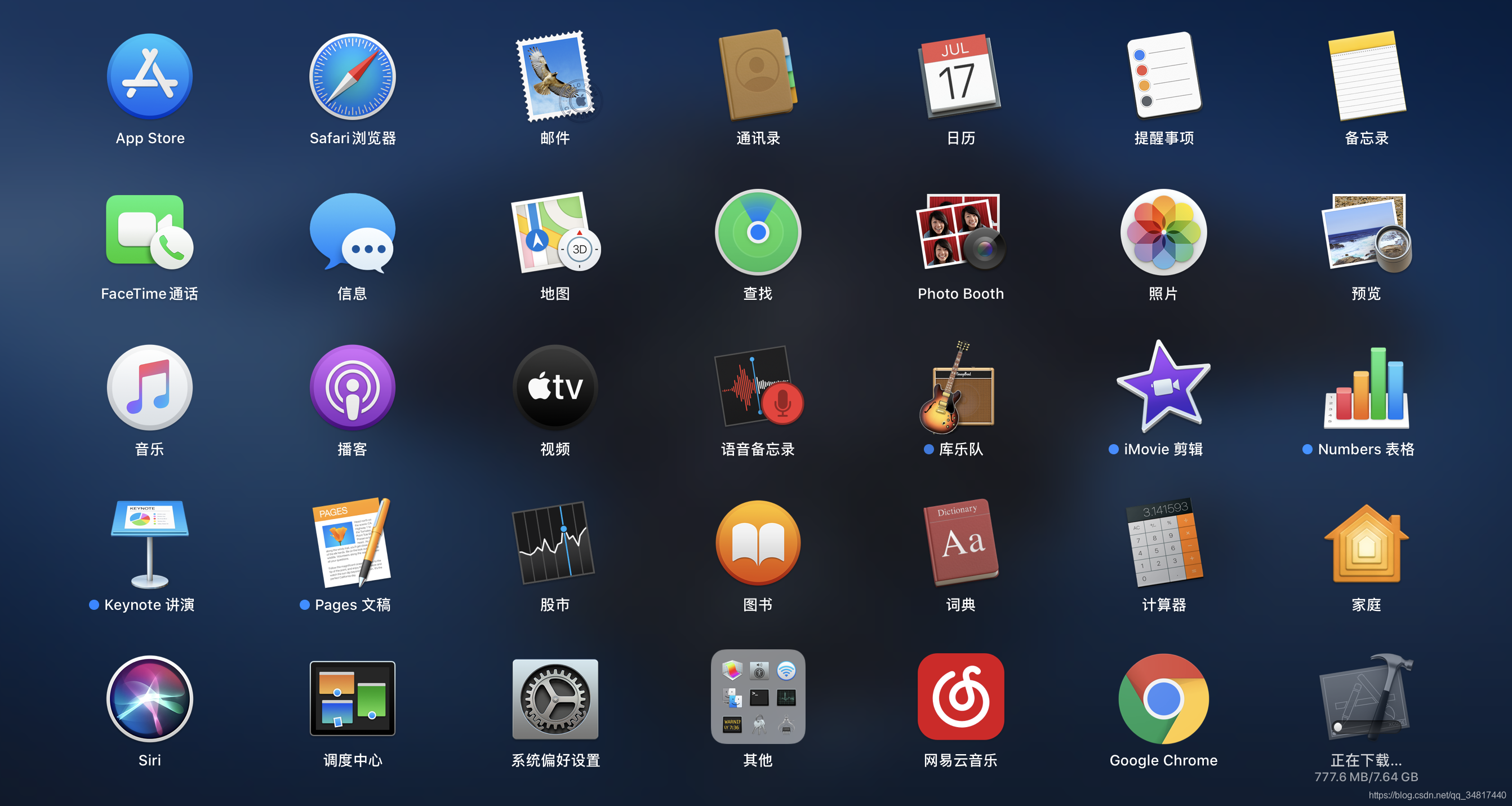
在启动台里得右下角你会看见一个正在下载得xcode
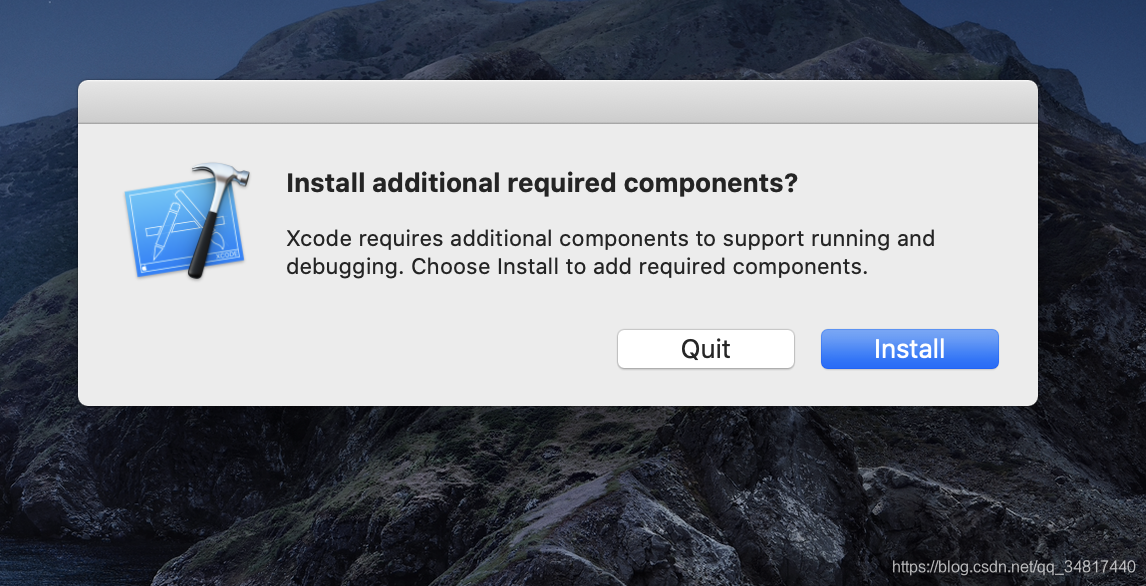
安装完成再安装些必须的组件
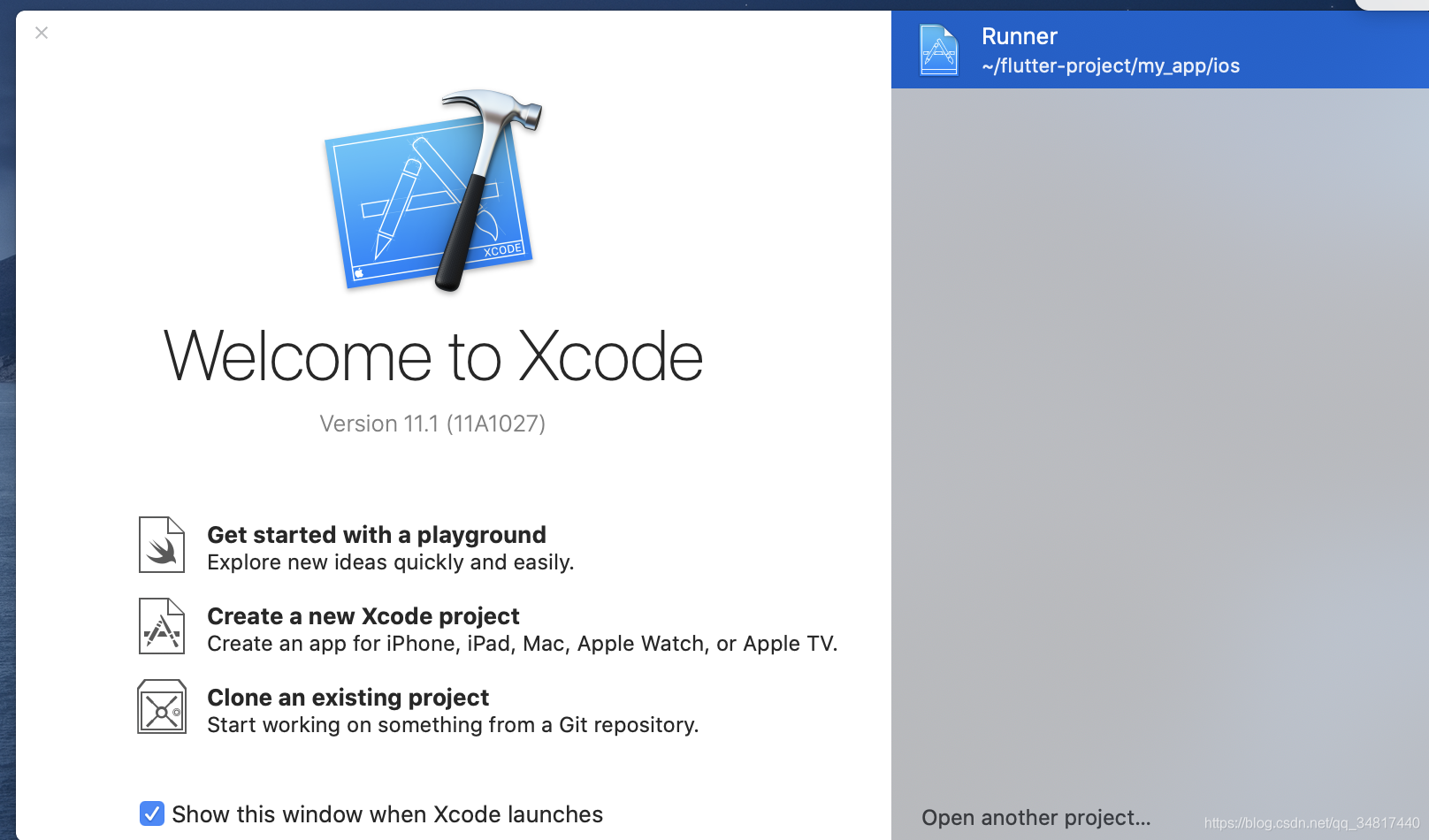
2、配置Xcode 命令行工具以使用新安装得Xcode版本
$ sudo xcode-select --switch /Applications/Xcode.app/Contents/Developer
注意/Applications/Xcode.app/Contents/Developer 对应得是自己得Xcode 得安装路径
3、 打开Xcode 许可协议,执行如下命令
$ sudo xcodebuild -license
3.2 设置iOS 模拟器
使用命令开启iOS模拟器
$ sudo open -a Simulator
四、Android开发环境设置
官网下载 android studio :https://developer.android.google.cn/studio)
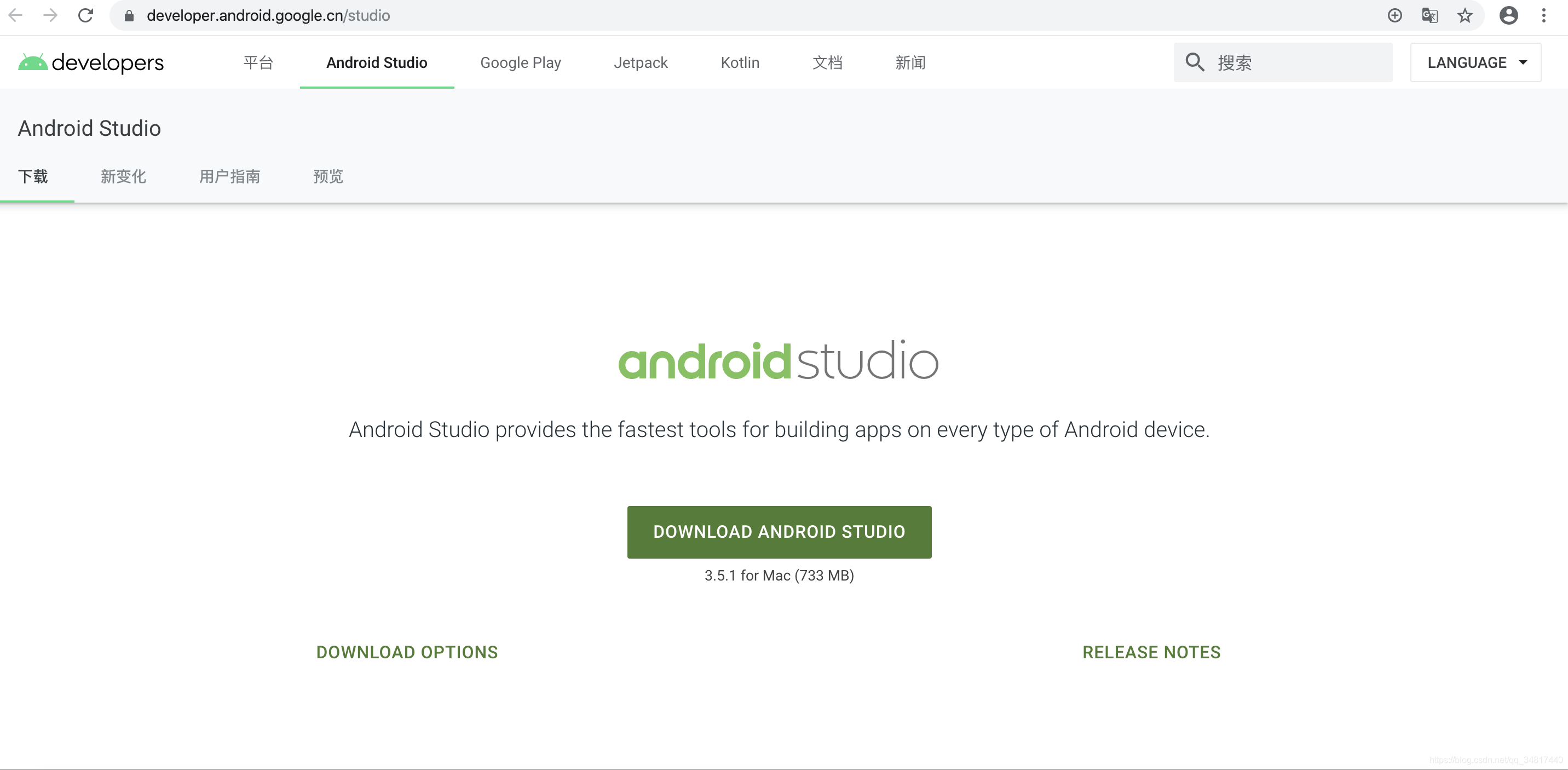
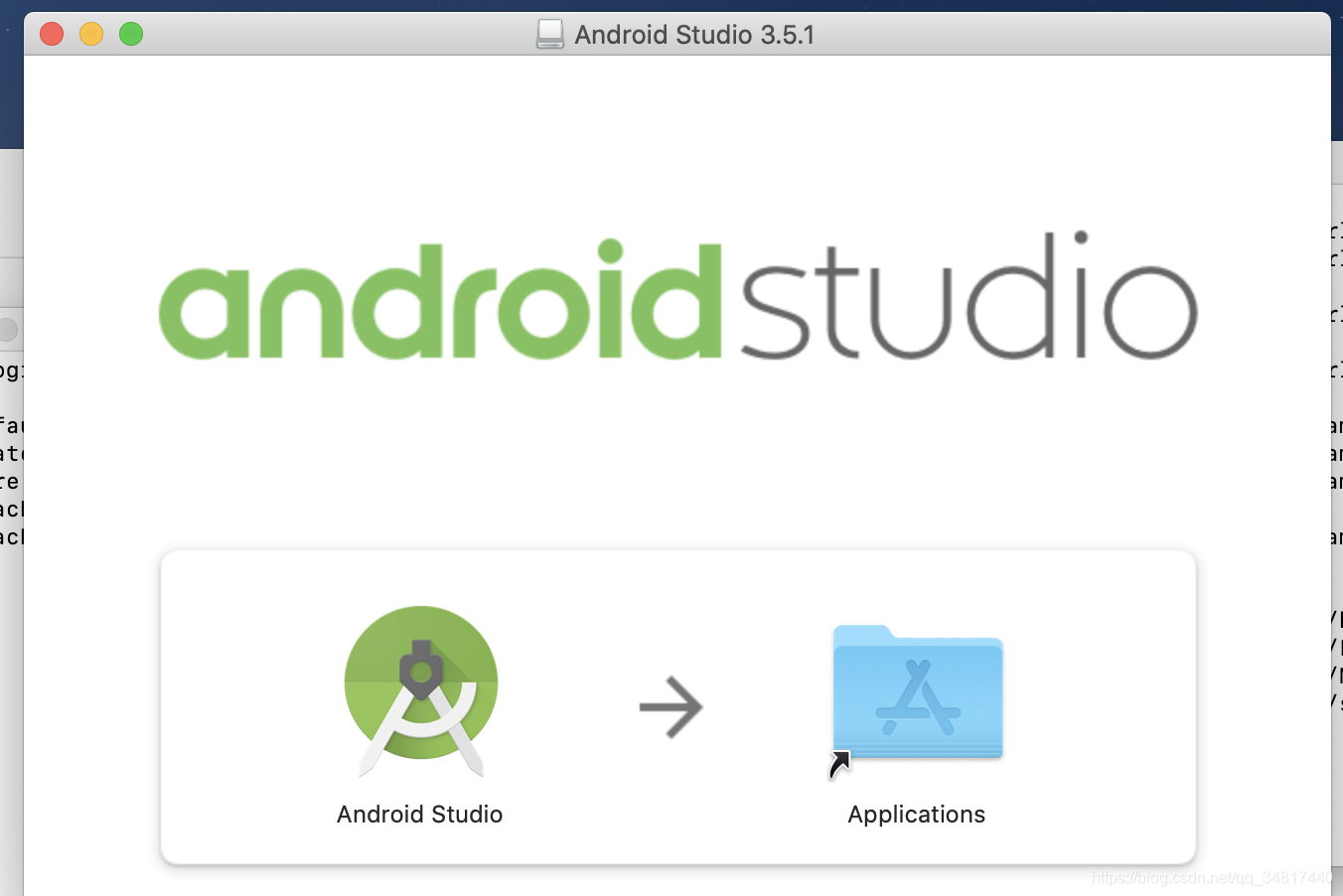
下载完成直接点着左边得Android Studio 拖到右边得Applications文件里去,他就会提示你安装了
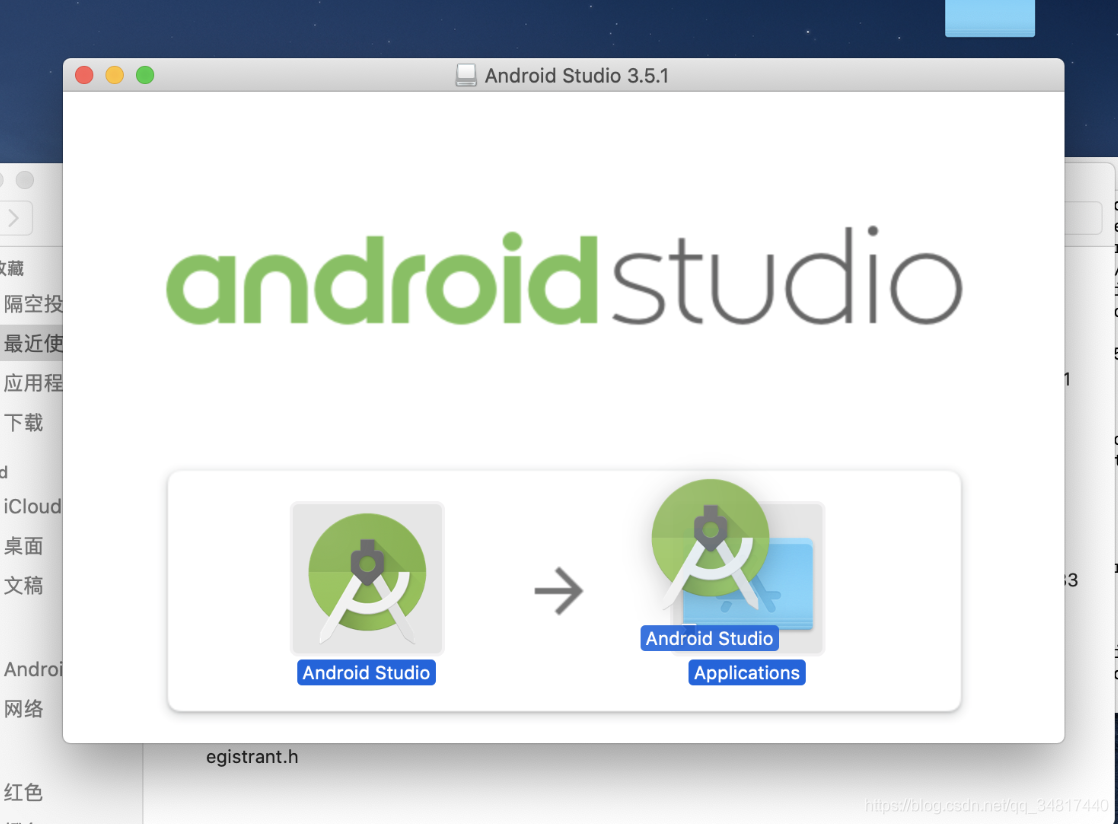
接下来就是下一步下一步直到安装结束
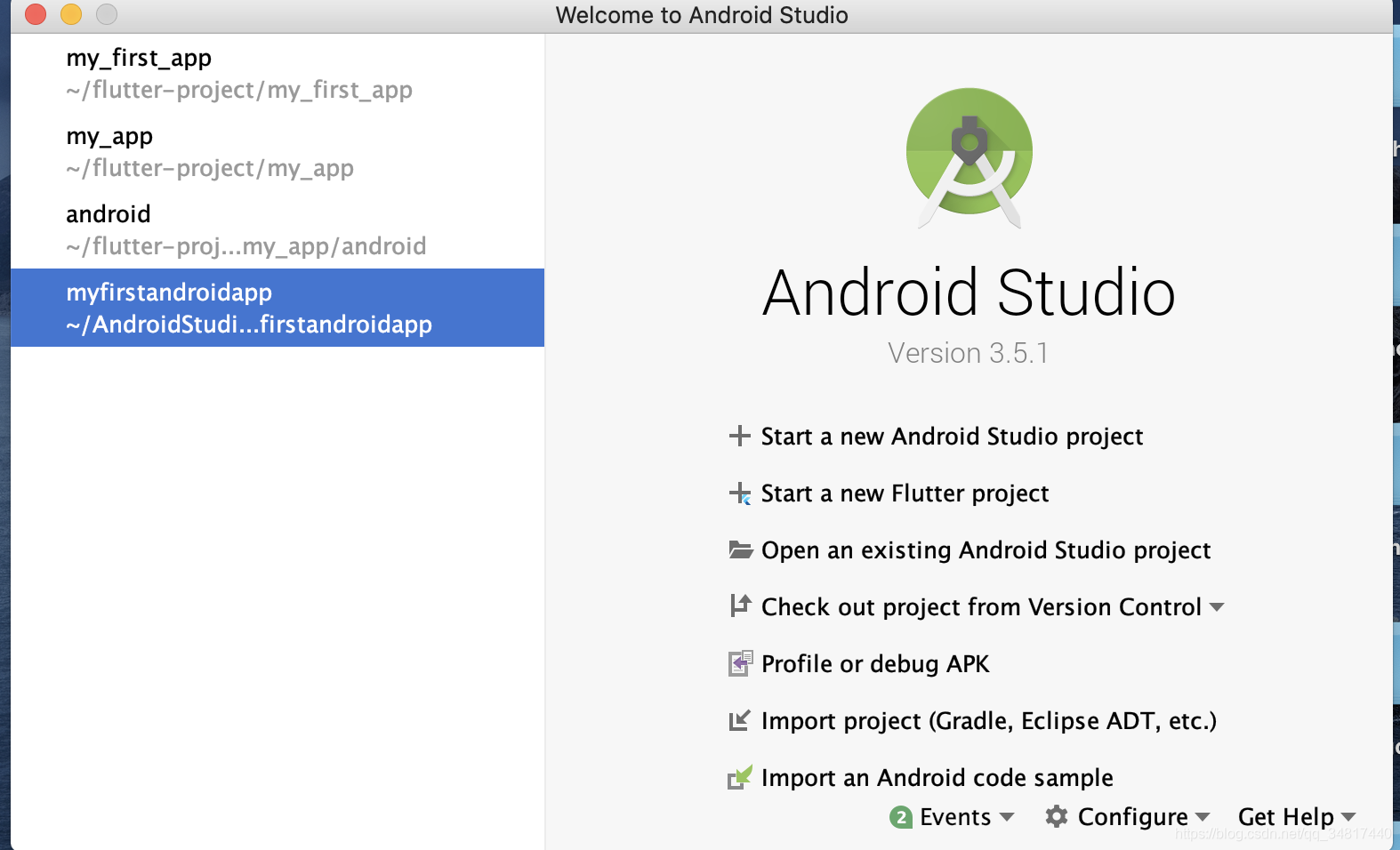
安装完成后记得配置安装dart和flutter 插件
 配置dart 配置dart
|
 配置dart 配置dart
|
五、新建项目
控制台执行 flutter create proj_name
taodeMacBook-Pro:flutter-project tao$ flutter create my_first_app_test

  my_first_app_test/.idea/workspace.xml (created)

Running "flutter pub get" in my_first_app_test...                   3.1s

Wrote 65 files.

All done!

[✓] Flutter is fully installed. (Channel stable, v1.9.1+hotfix.5, on Mac OS X

    10.15.1 19B88, locale zh-Hans-CN)

[✓] Android toolchain - develop for Android devices is fully installed. (Android

    SDK version 29.0.2)

[✓] Xcode - develop for iOS and macOS is fully installed. (Xcode 11.1)

[✓] Android Studio is fully installed. (version 3.5)

[✓] IntelliJ IDEA Ultimate Edition is fully installed. (version 2018.3.4)

[!] Connected device is not available.

Run "flutter doctor" for information about installing additional components.

In order to run your application, type:

  $ cd my_first_app_test

  $ flutter run

Your application code is in my_first_app_test/lib/main.dart.
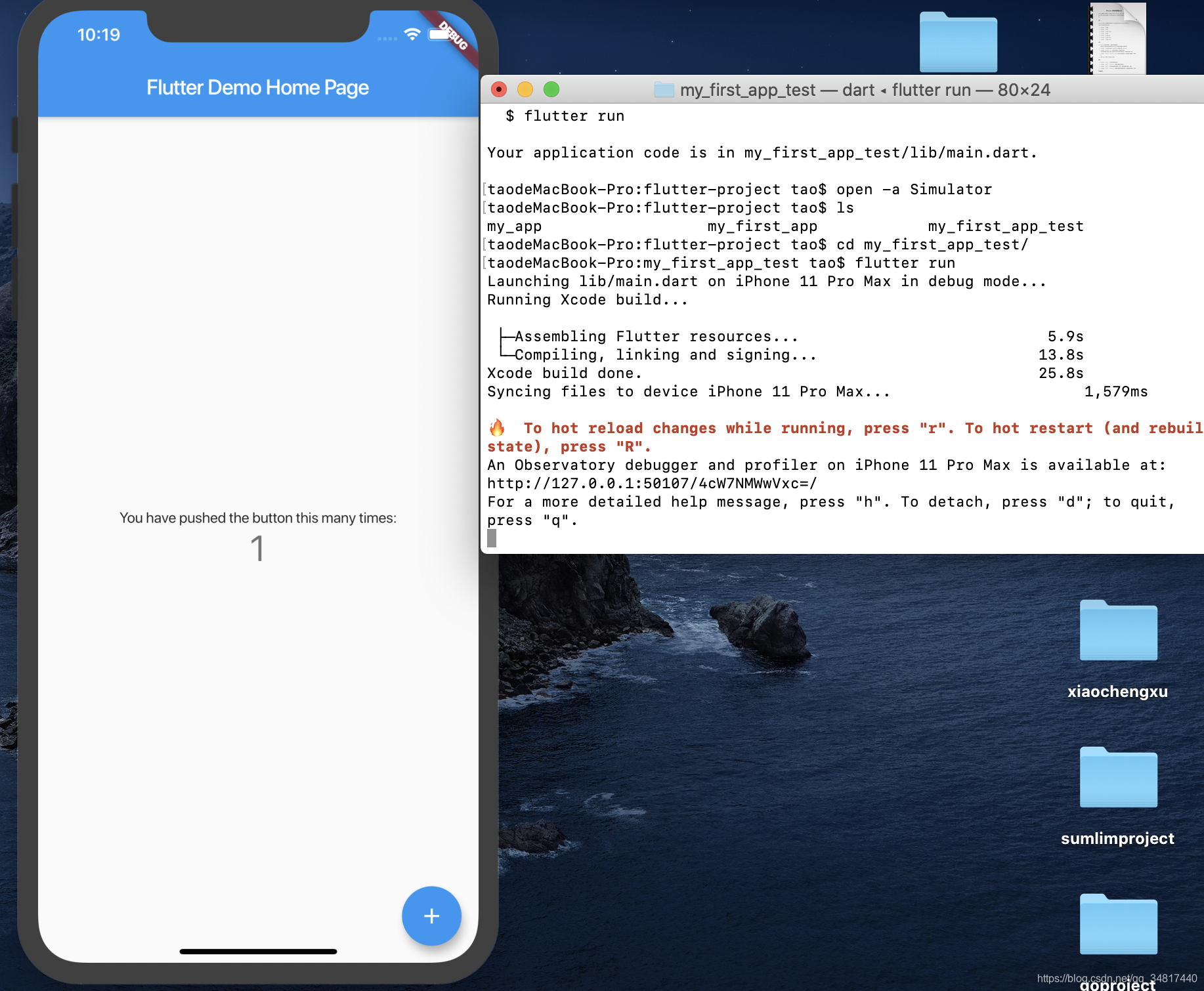
然后flutter run直接来跑一哈
## 启动iOS模拟器

taodeMacBook-Pro:flutter-project tao$ open -a Simulator

taodeMacBook-Pro:flutter-project tao$ ls

my_app			my_first_app		my_first_app_test

taodeMacBook-Pro:flutter-project tao$ cd my_first_app_test/

taodeMacBook-Pro:my_first_app_test tao$ flutter run
flutter填坑之旅(环境搭建篇--mac系统)的更多相关文章
- React Native填坑之旅--HTTP请求篇
如果不能从头到尾的建立一个RN应用,那么RN将失色不少.本以为HTTP请求部分需要使用Native的实现,Android和iOS各回各家,各调各库了.Google了一下之后居然RN可以使用fetch库 ...
- Macaca环境搭建(四)----mac系统macaca安装
一.安装Homebrew 命令:/usr/bin/ruby -e "$(curl -fsSL https://raw.githubusercontent.com/Homebrew/insta ...
- React Native填坑之旅--与Native通信之iOS篇
终于开始新一篇的填坑之旅了.RN厉害的一个地方就是RN可以和Native组件通信.这个Native组件包括native的库和自定义视图,我们今天主要设计的内容是native库方面的只是.自定义视图的使 ...
- React Native填坑之旅--Flow篇(番外)
flow不是React Native必会的技能,但是作为正式的产品开发优势很有必要掌握的技能之一.所以,算是RN填坑之旅系列的番外篇. Flow是一个静态的检查类型检查工具,设计之初的目的就是为了可以 ...
- React Native填坑之旅--布局篇
代码在这里: https://github.com/future-challenger/petshop/tree/master/client/petshop/src/controller 回头看看RN ...
- 使用vue开发微信公众号下SPA站点的填坑之旅
原文发表于本人博客,点击进入使用vue开发微信公众号下SPA站点的填坑之旅 本文为我创业过程中,开发项目的填坑之旅.作为一个技术宅男,我的项目是做一个微信公众号,前后端全部自己搞定,不浪费国家一分钱^ ...
- https填坑之旅
Boss说,我们买了个权威证书,不如做全站式的https吧,让用户打开主页就能看到受信任的绿标.于是我们就开始了填坑之旅. [只上主域好不好?] 不好...console会报出一大堆warning因为 ...
- stm32填坑之旅 - stm32f103c8t6点亮板载贴片蓝色LED
转载请注明:https://www.cnblogs.com/rockyf/p/11691622.html 开篇 开篇一定要精彩,不然路人不理睬!下述是笔者作为arm小白的填坑之旅 没错,这个之前一直从 ...
- Android开发环境搭建篇详尽的教程实例汇
原文链接:http://android.eoe.cn/topic/android_sdk 一.android开发环境搭建图文教程整理篇: 1.Android开发环境搭建全程演示(jdk+eclip+a ...
- bootstrap-table填坑之旅<一>认识bootstrap-table
应公司需求,改版公司ERP的数据显示样式.由于前期开发的样式是bootstrap,所以选bootstrap-table理所当然(也是因为看了bootstrap-table官网的example功能强大, ...
随机推荐
- mysql5.7修改数据库密码&开通外界访问
mysql修改数据库密码(版本5.7.33) 参考博客: 改密码:https://blog.csdn.net/m0_37482190/article/details/86635339 允许外界访问:h ...
- MVVM模型 && 数据代理
MVVM模型 观察发现 data中所有属性,最后都出现在vm身上 vm身上所有属性及Vue原型身上所有属性,在Vue模板中都可以直接使用 Vue中的数据代理 通过vm对象来代理data对象中属性的操作 ...
- 设计一款可扩展和基于windows系统的一键处理表格小工具思路
原创总结/朱季谦 设计一款可扩展和基于windows系统的一键处理表格小工具思路 日常开发当中,业务人员经常会遇到一些重复性整理表格的事情,这时候,就可以通过一些方式进行自动化程序处理,提高工作(摸鱼 ...
- markdown空格缩进以及HTML空格实体
参考链接:https://www.jianshu.com/p/31eade263e7a https://www.cnblogs.com/naixil/p/13193364.html
- .NET应用系统的国际化-基于Roslyn抽取词条、更新代码
上篇文章我们介绍了 VUE+.NET应用系统的国际化-多语言词条服务 系统国际化改造整体设计思路如下: 提供一个工具,识别前后端代码中的中文,形成多语言词条,按语言.界面.模块统一管理多有的多语言词条 ...
- Flink 1.0 ProgramInvocationException: Job failed ConnectException: 拒绝连接 (Connection refused)
[问题描述]:[root@hadoop1 flink-1.10.1]# bin/flink run examples/streaming/SocketWindowWordCount.jar --po ...
- Moebius兼容AlwaysOn
背景 数据库是信息化的基石,支撑着整个业务系统,发挥着非常重要的作用,被喻为"IT的心脏".因此,让数据库安全.稳定.高效地运行已经成为IT管理者必须要面对的问题.数据库在底层架构 ...
- Python 中 is 和 == 的区别
is 和 == 的区别 相信学过 Python 小伙伴们都知道 is 和 == 都是用来比较 Python 对象的,但是区别就是 is 比较需要对象的值和内存地址都相等 == 比较只需要对象的值相等就 ...
- vue3 封装el-table时,构造$children(类式写法)
由于业务需求(组件封装),需要在获取el-table下面的el-table-column实例 在 vue2.x 当中直接使用this.$children就可以获取到该实例 但是 vue3.x 弃用了$ ...
- 【ACM数论】和式变换技术,也许是最好的讲解之一
在做数论题时,往往需要进行和式变换,然后变换成我们可以处理的和式,再针对和式做筛法.整除分块等操作. 本文将介绍一些常见的和式变换技术. 以下出现的概念大部分为个人总结,未必是学术界/竞赛界的统一说法 ...