
RichText实现动态输入关键字高亮颜色显示
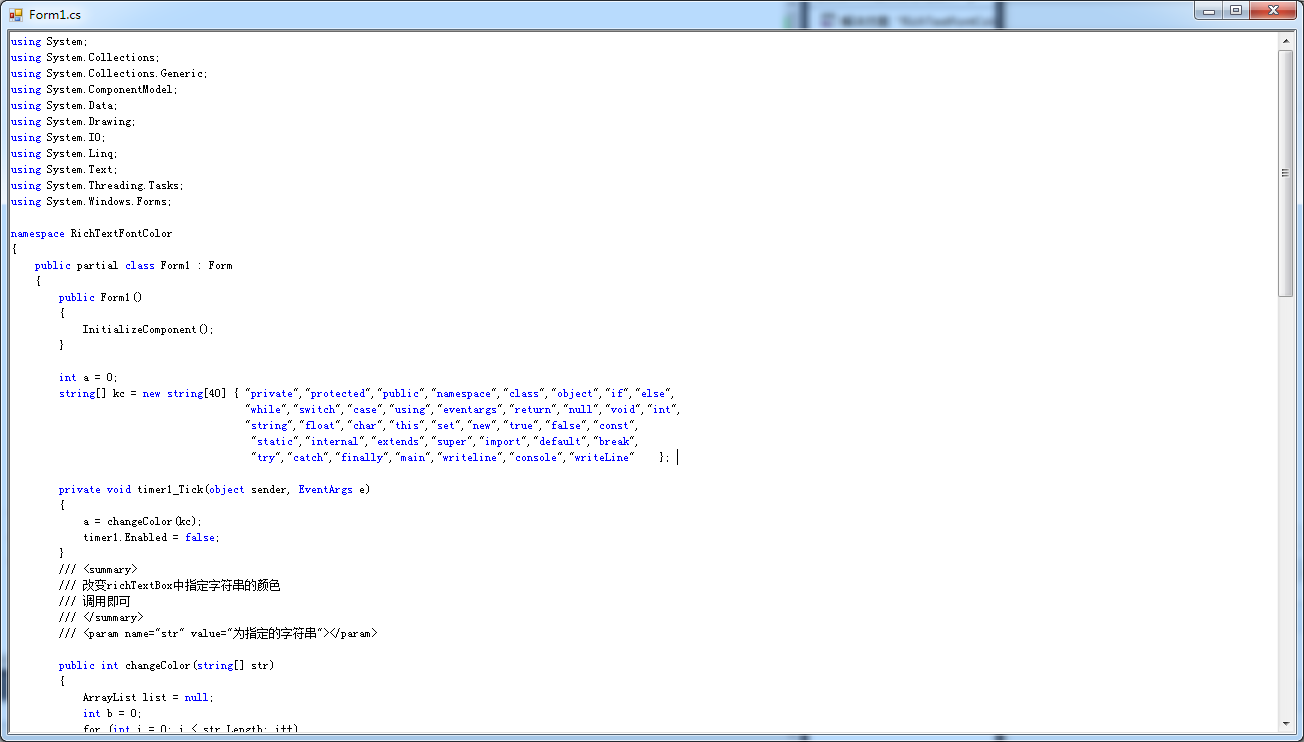
        int a = 0;

        string[] kc = new string[40] { "private","protected","public","namespace","class","object","if","else",

                                       "while","switch","case","using","eventargs","return","null","void","int",

                                       "string","float","char","this","set","new","true","false","const",

                                        "static","internal","extends","super","import","default","break",

                                        "try","catch","finally","main","writeline","console","writeLine"    };

        private void timer1_Tick(object sender, EventArgs e)

        {

            a = changeColor(kc);

            timer1.Enabled = false;

        }

        /// <summary>

        /// 改变richTextBox中指定字符串的颜色

        /// 调用即可

        /// </summary>

        /// <param name="str" value="为指定的字符串"></param>

        public int changeColor(string[] str)

        {

            ArrayList list = null;

            int b = 0;

            for (int i = 0; i < str.Length; i++)

            {

                list = getIndexArray(richTextBox1.Text.ToLower(), str[i]);

                b += list.Count;

            }

            for (int i = 0; i < str.Length; i++)

            {

                list = getIndexArray(richTextBox1.Text.ToLower(), str[i]);

                if (list.Count == 0)

                {

                    continue;

                }

                if (a == b)

                {

                    richTextBox1.SelectionColor = Color.Empty;

                    return b;

                }

                for (int j = 0; j < list.Count; j++)

                {

                    int index = (int)list[j];

                    richTextBox1.Select(index, str[i].Length);

                    richTextBox1.SelectionColor = Color.Blue;

                    this.richTextBox1.Focus();

                    //设置光标的位置到文本尾

                    this.richTextBox1.Select(this.richTextBox1.TextLength, 0);

                    //滚动到控件光标处

                    this.richTextBox1.ScrollToCaret();

                    richTextBox1.SelectionColor = Color.Empty;

                }

            }

            return b;

        }

        public ArrayList getIndexArray(String inputStr, String findStr)

        {

            ArrayList list = new ArrayList();

            int start = 0;

            while (start < inputStr.Length)

            {

                int index = inputStr.IndexOf(findStr, start);

                if (index >= 0)

                {

                    list.Add(index);

                    start = index + findStr.Length;

                }

                else

                {

                    break;

                }

            }

            return list;

        }

        private void textBox1_TextChanged(object sender, EventArgs e)

        {

            timer1.Enabled = true;

        }
RichText实现动态输入关键字高亮颜色显示的更多相关文章
- IOS_SearchBar搜索栏及关键字高亮
搜索框的效果演示: 这个就是所谓的搜索框了,那么接下来我们看看如何使用代码来实现这个功能. 我所使用的数据是英雄联盟的英雄名单,是一个JSON数据的txt文件, JSON数据的处理代码如下所示: ? ...
- 在 Angular 中实现搜索关键字高亮
在 Angular 中,我们不应该试图直接修改 DOM 的内容,当需要更新 DOM 内容的时候,应该修改的其实是我们的数据模型,也就是 $scope 中的数据,Angular 会帮助我们将修改之后的数 ...
- C#,WPF中使用多文本显示数据,并对其数据进行关键字高亮等操作
需求:针对多文本信息显示,我们需要对其内容中的某些关键字或者某行进行高亮显示,并用不同颜色显示. 分析:在C#中,首先要进行多文本信息显示,可以RichTextBox(不要使用TextBox)控件,该 ...
- 如何实现IOS_SearchBar搜索栏及关键字高亮
搜索框的效果演示: 这个就是所谓的搜索框了,那么接下来我们看看如何使用代码来实现这个功能. 我所使用的数据是英雄联盟的英雄名单,是一个JSON数据的txt文件, JSON数据的处理代码如下所示: // ...
- 使用EditText+ListView并结合TextWatcher实现输入关键字筛选数据
想必大家应该遇到过这样的情况,当点击Spinner控件后弹出的列表内容超多,一个一个滑动着去寻找所要的项很麻烦,尤其是当自己知道想要选择的内容,这时候如果我们只需要输入某些关键字,就可以讲上百条数据筛 ...
- wpf CollectionViewSource与ListBox的折叠、分组显示,及输入关键字 Filter的筛选
在wpf中虽然ObservableCollection<T>作为ListBox的Itemsource,很好,很强大!但是CollectionViewSource与ListBox才是天作之合 ...
- 两种方法实现text输入框中“请输入关键字”的提醒
<!DOCTYPE html> <html lang="en"> <head> <meta charset="UTF-8&quo ...
- 基于scrapy框架输入关键字爬取有关贴吧帖子
基于scrapy框架输入关键字爬取有关贴吧帖子 站点分析 首先进入一个贴吧,要想达到输入关键词爬取爬取指定贴吧,必然需要利用搜索引擎 点进看到有四种搜索方式,分别试一次,观察url变化 我们得知: 搜 ...
- Python:输入关键字进行百度搜索并爬取搜索结果
学习自:手把手教你用Python爬取百度搜索结果并保存 - 云+社区 - 腾讯云 如何利用python模拟百度搜索,Python交流,技术交流区,鱼C论坛 指定关键字,对其进行百度搜索,保存搜索结果, ...
随机推荐
- UA 广告 All In One
UA 广告 All In One UA 广告是什么 广告投放 / 市场营销 互联网营销和分析专用名词速览 http://www.chinawebanalytics.cn/digital-marketi ...
- Emoji of github & twitter
Emoji cheat sheet http://www.emoji-cheat-sheet.com/ https://github.com/xgqfrms/emoji-cheat-sheet.com ...
- vue & arrow function error
vue & arrow function error <template> <div class="home"> <img alt=" ...
- JWT & JSON Web Tokens
JSON Web Tokens https://jwt.io json web token example https://jwt.io/introduction/ https://medium.co ...
- 微信小程序-云开发实战教程
微信小程序-云开发实战教程 云函数,云存储,云数据库,云调用 https://developers.weixin.qq.com/miniprogram/dev/wxcloud/basis/gettin ...
- Node.js & BFF & FaaS
Node.js & BFF & FaaS server https://github.com/PacktPublishing/Node.js-Web-Development-Fourt ...
- js assert
js assert console.assert The console.assert() method writes an error message to the console if the a ...
- GeoJSON feature & Mapbox segments
GeoJSON feature & Mapbox segments custom JSON format ??? { "rows": [], "props&quo ...
- git 强制提交 & 覆盖 origin/master
git 强制提交 & 覆盖 origin/master git 强制提交本地分支覆盖远程分支 # git push origin 分支名 --force # local $ git push ...
- 在线预览word,excel,ppt
https://view.officeapps.live.com/op/view.aspx?src=服务器地址微软提供的地址拼接自己的可以预览了拼接自己的服务器地址可以在线预览