
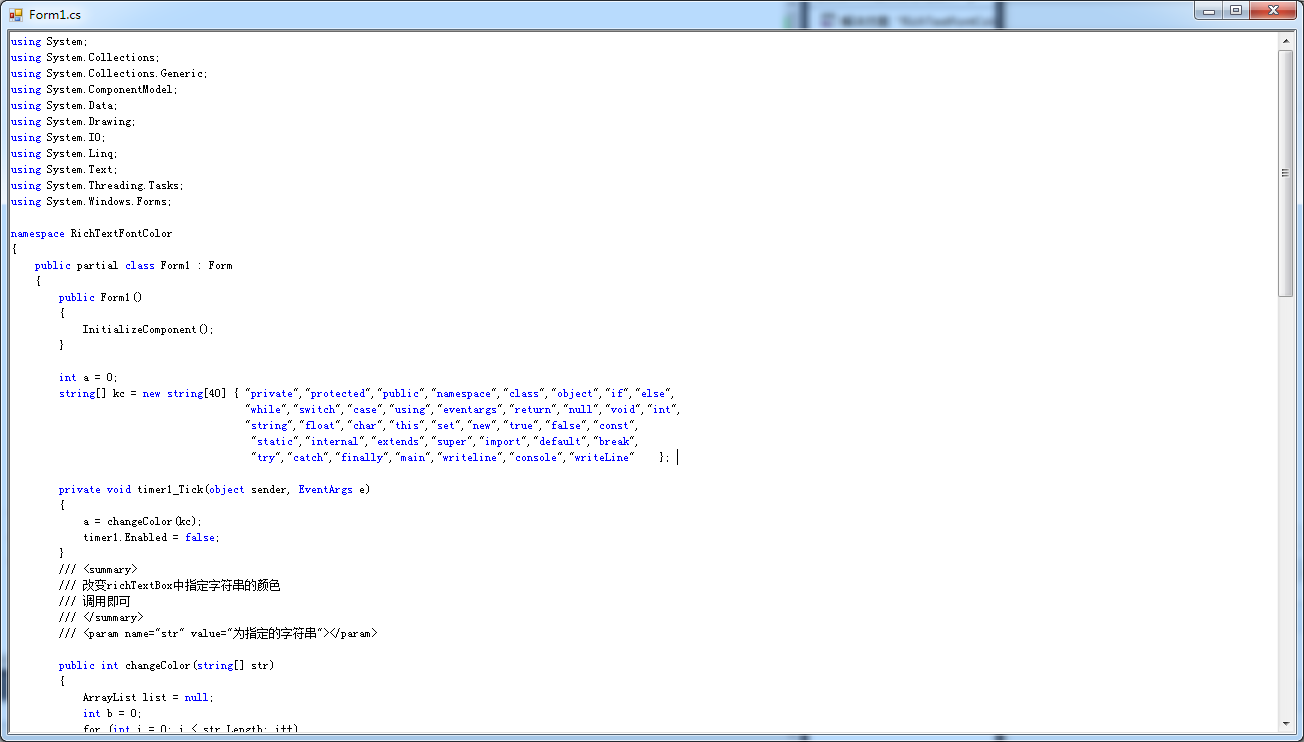
RichText实现动态输入关键字高亮颜色显示
        int a = 0;

        string[] kc = new string[40] { "private","protected","public","namespace","class","object","if","else",

                                       "while","switch","case","using","eventargs","return","null","void","int",

                                       "string","float","char","this","set","new","true","false","const",

                                        "static","internal","extends","super","import","default","break",

                                        "try","catch","finally","main","writeline","console","writeLine"    };

        private void timer1_Tick(object sender, EventArgs e)

        {

            a = changeColor(kc);

            timer1.Enabled = false;

        }

        /// <summary>

        /// 改变richTextBox中指定字符串的颜色

        /// 调用即可

        /// </summary>

        /// <param name="str" value="为指定的字符串"></param>

        public int changeColor(string[] str)

        {

            ArrayList list = null;

            int b = 0;

            for (int i = 0; i < str.Length; i++)

            {

                list = getIndexArray(richTextBox1.Text.ToLower(), str[i]);

                b += list.Count;

            }

            for (int i = 0; i < str.Length; i++)

            {

                list = getIndexArray(richTextBox1.Text.ToLower(), str[i]);

                if (list.Count == 0)

                {

                    continue;

                }

                if (a == b)

                {

                    richTextBox1.SelectionColor = Color.Empty;

                    return b;

                }

                for (int j = 0; j < list.Count; j++)

                {

                    int index = (int)list[j];

                    richTextBox1.Select(index, str[i].Length);

                    richTextBox1.SelectionColor = Color.Blue;

                    this.richTextBox1.Focus();

                    //设置光标的位置到文本尾

                    this.richTextBox1.Select(this.richTextBox1.TextLength, 0);

                    //滚动到控件光标处

                    this.richTextBox1.ScrollToCaret();

                    richTextBox1.SelectionColor = Color.Empty;

                }

            }

            return b;

        }

        public ArrayList getIndexArray(String inputStr, String findStr)

        {

            ArrayList list = new ArrayList();

            int start = 0;

            while (start < inputStr.Length)

            {

                int index = inputStr.IndexOf(findStr, start);

                if (index >= 0)

                {

                    list.Add(index);

                    start = index + findStr.Length;

                }

                else

                {

                    break;

                }

            }

            return list;

        }

        private void textBox1_TextChanged(object sender, EventArgs e)

        {

            timer1.Enabled = true;

        }
RichText实现动态输入关键字高亮颜色显示的更多相关文章
- IOS_SearchBar搜索栏及关键字高亮
搜索框的效果演示: 这个就是所谓的搜索框了,那么接下来我们看看如何使用代码来实现这个功能. 我所使用的数据是英雄联盟的英雄名单,是一个JSON数据的txt文件, JSON数据的处理代码如下所示: ? ...
- 在 Angular 中实现搜索关键字高亮
在 Angular 中,我们不应该试图直接修改 DOM 的内容,当需要更新 DOM 内容的时候,应该修改的其实是我们的数据模型,也就是 $scope 中的数据,Angular 会帮助我们将修改之后的数 ...
- C#,WPF中使用多文本显示数据,并对其数据进行关键字高亮等操作
需求:针对多文本信息显示,我们需要对其内容中的某些关键字或者某行进行高亮显示,并用不同颜色显示. 分析:在C#中,首先要进行多文本信息显示,可以RichTextBox(不要使用TextBox)控件,该 ...
- 如何实现IOS_SearchBar搜索栏及关键字高亮
搜索框的效果演示: 这个就是所谓的搜索框了,那么接下来我们看看如何使用代码来实现这个功能. 我所使用的数据是英雄联盟的英雄名单,是一个JSON数据的txt文件, JSON数据的处理代码如下所示: // ...
- 使用EditText+ListView并结合TextWatcher实现输入关键字筛选数据
想必大家应该遇到过这样的情况,当点击Spinner控件后弹出的列表内容超多,一个一个滑动着去寻找所要的项很麻烦,尤其是当自己知道想要选择的内容,这时候如果我们只需要输入某些关键字,就可以讲上百条数据筛 ...
- wpf CollectionViewSource与ListBox的折叠、分组显示,及输入关键字 Filter的筛选
在wpf中虽然ObservableCollection<T>作为ListBox的Itemsource,很好,很强大!但是CollectionViewSource与ListBox才是天作之合 ...
- 两种方法实现text输入框中“请输入关键字”的提醒
<!DOCTYPE html> <html lang="en"> <head> <meta charset="UTF-8&quo ...
- 基于scrapy框架输入关键字爬取有关贴吧帖子
基于scrapy框架输入关键字爬取有关贴吧帖子 站点分析 首先进入一个贴吧,要想达到输入关键词爬取爬取指定贴吧,必然需要利用搜索引擎 点进看到有四种搜索方式,分别试一次,观察url变化 我们得知: 搜 ...
- Python:输入关键字进行百度搜索并爬取搜索结果
学习自:手把手教你用Python爬取百度搜索结果并保存 - 云+社区 - 腾讯云 如何利用python模拟百度搜索,Python交流,技术交流区,鱼C论坛 指定关键字,对其进行百度搜索,保存搜索结果, ...
随机推荐
- C# 类(3)
方法重载 和python类似,在调用函数的时候可以指定默认参数,car("Jeep",color="red") 方法重载就是 可以定义几个同名的函数,然后带有不 ...
- Shell 编程快速上手
Shell 编程快速上手 test.sh #!/bin/sh cd ~ mkdir shell_tut cd shell_tut for ((i=0; i<10; i++)); do touch ...
- GitHub new features 2020 All In One
GitHub new features 2020 All In One Discussions Discussions is the space for your community to have ...
- 末日余晖 PC 版 下载
末日余晖 PC 版 下载 <末日余晖>(英文名:Farlight 84)一款废土题材的射击游戏 Farlight 84 Official Trailer Farlight 84 官方预告片 ...
- CSS selector All In One
CSS selector All In One CSS selector https://developer.mozilla.org/en-US/docs/Web/CSS/CSS_Selectors ...
- TypeORM Entity
TypeORM Entity Entity Entity is a class that maps to a database table when using SQL database(or col ...
- Android Studio & Flutter Plugins & Dart plugins
Android Studio & Flutter Plugins & Dart plugins https://flutter.dev/docs/get-started/editor? ...
- git 强制提交 & 覆盖 origin/master
git 强制提交 & 覆盖 origin/master git 强制提交本地分支覆盖远程分支 # git push origin 分支名 --force # local $ git push ...
- 加州金融专访NGK,就NGK DeFi+展开讨论
近日,加利福尼亚金融日报联合数家知名媒体就DeFi+行业专访了NGK团队代表特德惠斯基. 首先,加利福尼亚金融日报专栏记者迈尔斯表示,目前区块链领域,去中心化金融(DeFi+)的概念是目前市场上面最火 ...
- 记一个关于std::unordered_map并发访问的BUG
前言 刷题刷得头疼,水篇blog.这个BUG是我大约一个月前,在做15445实现lock_manager的时候遇到的一个很恶劣但很愚蠢的BUG,排查 + 摸鱼大概花了我三天的时间,根本原因是我在使用s ...