
推荐15个最好用的 JavaScript 代码压缩工具
JavaScript 代码压缩是指去除源代码里的所有不必要的字符,而不改变其功能的过程。这些不必要的字符通常包括空格字符,换行字符,注释以及块分隔符等用来增加可读性的代码,但并不需要它来执行。
在这篇文章中,我们选择了15个最好用的 JavaScript 压缩工具,有简单的在线转换器,GUI工具和命令行界面等。
1. JavaScript Minifier
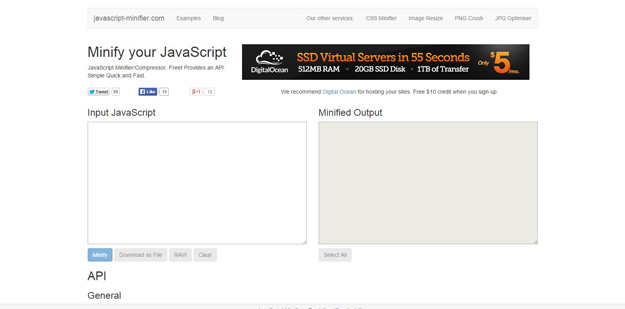
It is a nice looking tool with an API to minify your js code.
2. JSMIni
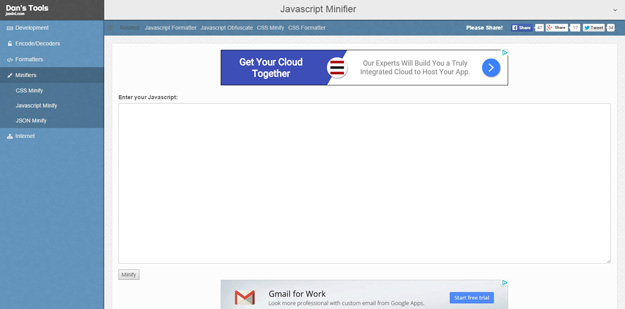
If you want to minify your JavaScript or jQuery files quickly and easily, turn to jsMini. Just copy and paste your source code, select whether you want basic or full compression, and then minify your code.
3. JSCompress
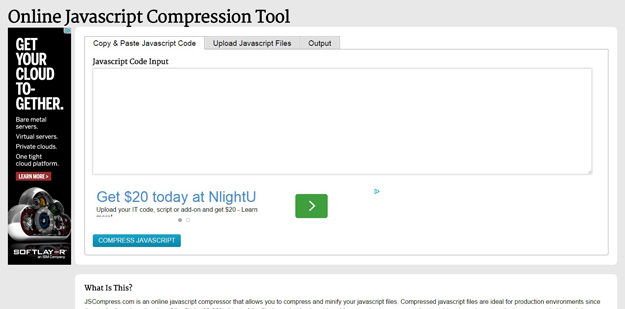
JSCompress.com is an online javascript compressor that allows you to compress and minify your javascript files. Compressed javascript files are ideal for production environments since they typically reduce the size of the file by 30-90%. Most of the filesize reduction is achieved by removing comments and extra whitespace characters that are not needed by web browsers or visitors.
4. Minifier
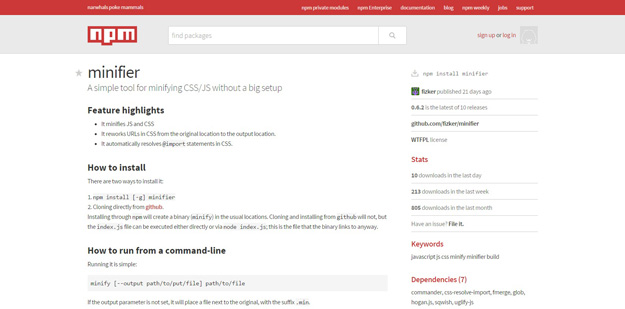
A simple tool for minifying CSS/JS without a big setup. It reworks URLs in CSS from the original location to the output location. It automatically resolves @import statements in CSS.
5. Gulp.js

Gulp.js is the streaming build system. It’s use of streams and code-over-configuration makes for a simpler and more intuitive build. By preferring code over configuration, gulp keeps simple things simple and makes complex tasks manageable. By harnassing the power of node’s streams you get fast builds that don’t write intermediary files to disk. Gulp’s strict plugin guidelines assure plugins stay simple and work the way you expect.
6. Uglifyjs
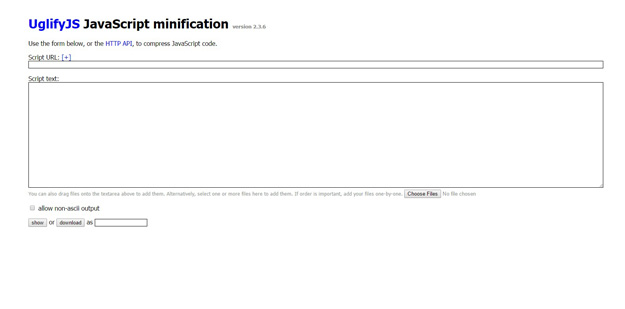
This package implements a general-purpose JavaScript parser/compressor/beautifier toolkit. It is developed on NodeJS, but it should work on any JavaScript platform supporting the CommonJS module system (and if your platform of choice doesn’t support CommonJS, you can easily implement it, or discard the exports.* lines from UglifyJS sources).
7. Grunt
Grunt is a task-based command line build tool for JavaScript projects. It has the following predefined tasks that you can use in your project: Concatenate files, Validate files with JSHint, Minify files with UglifyJS, Run unit tests with node unit and etc.
8. Koala
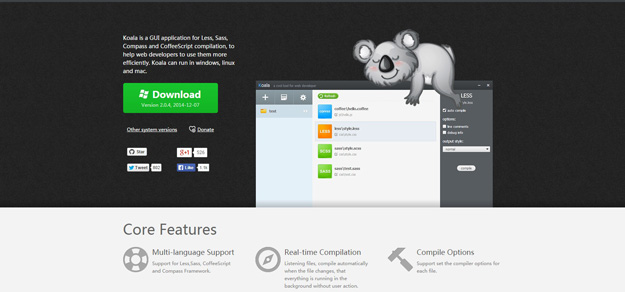
Koala is a GUI application for Less, Sass, Compass and CoffeeScript compilation, to help web developers to use them more efficiently. Koala can run in windows, linux and mac.
9. Prepros
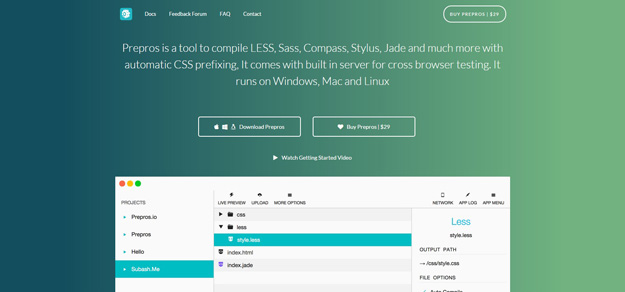
Prepros is a tool to compile LESS, Sass, Compass, Stylus, Jade and much more with automatic CSS prefixing, It comes with built in server for cross browser testing. It runs on windows, mac and linux.
10. Ajax Minifier
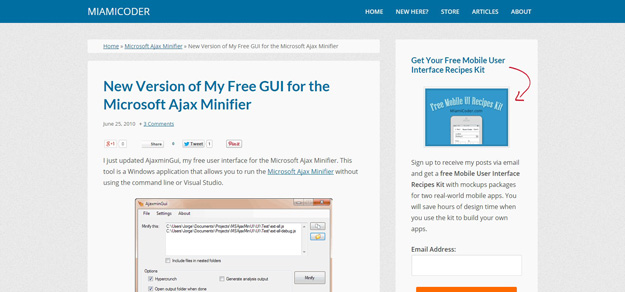
This tool is a Windows application that allows you to run the Microsoft Ajax Minifier without using the command line or Visual Studio. It minifies all javascript files in a folder and nested folders, minify individual javascript files, enable/disable the minifier’s hypercrunch and analysis options and many more.
11. Smaller
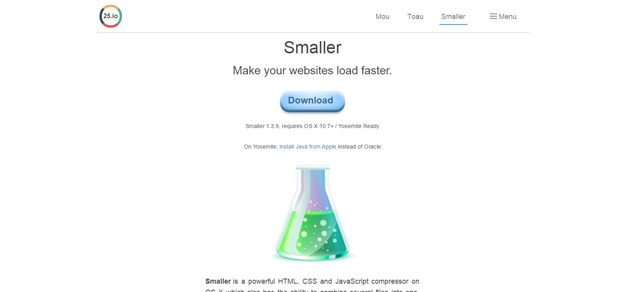
Smaller is a powerful HTML, CSS and JavaScript compressor on OS X which also has the ability to combine several files into one. Compress your files and make your websites load faster.
12. Ultra Minifier
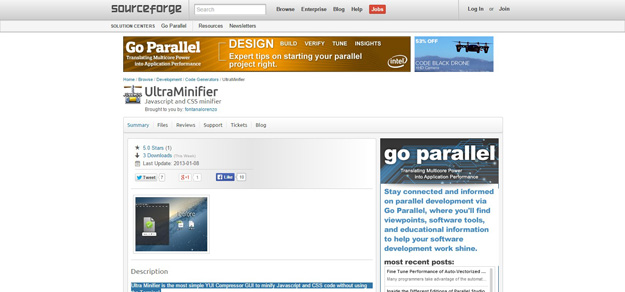
Ultra Minifier is the most simple YUI Compressor GUI to minify Javascript and CSS code without using the Terminal.
13. Require JS
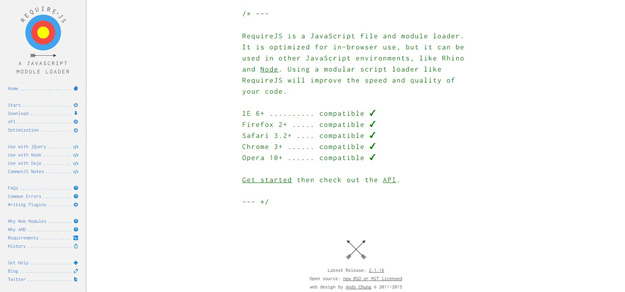
RequireJS is a JavaScript file and module loader. It is optimized for in-browser use, but it can be used in other JavaScript environments, like Rhino and Node. Using a modular script loader like RequireJS will improve the speed and quality of your code. It includes an optimization tool you can run as part of your packaging steps for deploying your code. The optimization tool can combine and minify your JavaScript files to allow for better performance.
14. Online JavaScript/CSS Compressor
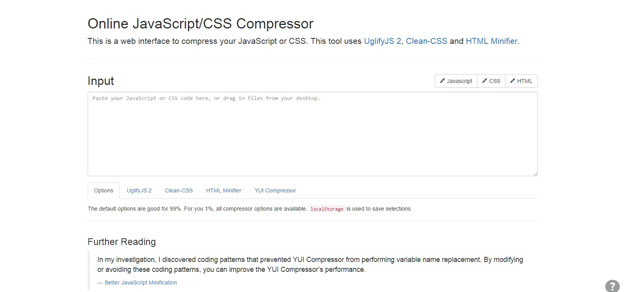
This is a web interface to compress your JavaScript or CSS. This tool uses UglifyJS 2, Clean-CSS and HTML Minifier.
15. Minify
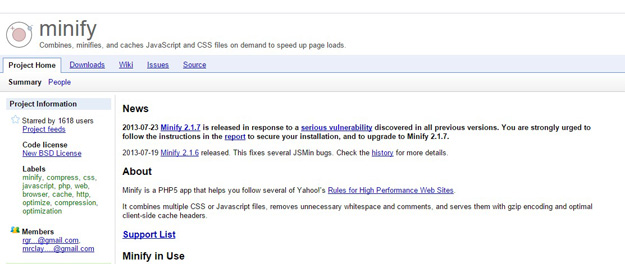
Minify is a PHP5 app that helps you follow several of Yahoo!’s Rules for High Performance Web Sites. It combines multiple CSS or Javascript files, removes unnecessary whitespace and comments, and serves them with gzip encoding and optimal client-side cache headers.
本文链接:推荐15个最好用的 JavaScript 代码压缩工具
编译来源:梦想天空 ◆ 关注前端开发技术 ◆ 分享网页设计资源
推荐15个最好用的 JavaScript 代码压缩工具的更多相关文章
- JavaScript代码压缩工具UglifyJS和Google Closure Compiler的基本用法
网上搜索了,目前主流的Js代码压缩工具主要有Uglify.YUI Compressor.Google Closure Compiler,简单试用了UglifyJS 和Google Closure Co ...
- 推荐10 个短小却超实用的 JavaScript 代码段
1. 判断日期是否有效 JavaScript中自带的日期函数还是太过简单,很难满足真实项目中对不同日期格式进行解析和判断的需要.jQuery也有一些第三方库来使日期相关的处理变得简单,但有时你可能只需 ...
- 使用 Promises 编写更优雅的 JavaScript 代码
你可能已经无意中听说过 Promises,很多人都在讨论它,使用它,但你不知道为什么它们如此特别.难道你不能使用回调么?有什么了特别的?在本文中,我们一起来看看 Promises 是什么以及如何使用它 ...
- 编写快速、高效的JavaScript代码
许多Javascript引擎都是为了快速运行大型的JavaScript程序而特别设 计的,例如Google的V8引擎(Chrome浏览器,Node均使用该引擎).在开发过程中,如果你关心你程序的内存和 ...
- 引爆你的Javascript代码进化
转自:http://www.hicss.net/evolve-your-javascript-code/ 方才在程序里看到一段JS代码,写法极为高明,私心想着若是其按照规范来写,定可培养对这门语言的理 ...
- 引爆你的Javascript代码进化 (转)
转自 海玉的博客 方才在程序里看到一段JS代码,写法极为高明,私心想着若是其按照规范来写,定可培养对这门语言的理解,对JS编程能力提高必是极好的.说人话:丫代码写的太乱,看的窝火! 最近闲暇无事,准备 ...
- Google JavaScript代码风格指南
Google JavaScript代码风格指南 修正版本 2.28 Aaron Whyte Bob Jervis Dan Pupius Eric Arvidsson Fritz Schneider R ...
- 如何将 JavaScript 代码添加到网页中,以及 <script> 标签的属性
Hello, world! 本教程的这一部分内容是关于 JavaScript 语言本身的. 但是,我们需要一个工作环境来运行我们的脚本,由于本教程是在线的,所以浏览器是一个不错的选择.我们会尽可能少地 ...
- 高级Javascript代码
Javascript是一门很吊的语言,我可能学了假的JavaScript,哈哈,大家还有什么推荐的,补充送那啥邀请码. 本文秉承着:你看不懂是你SB,我写的代码就要牛逼. 1.单行写一个评级组件 &q ...
随机推荐
- 有关binlog的那点事(mysql5.7.13)
binlog作为mysql中最重要的日志之一,能实现异常恢复以及主从复制. 我们主要讨论的是主从复制中的binlog,这里将以mysql5.7.13的源码为主要依据来分析binlog. 在主从复制中, ...
- Java基础-输入输出-3.编写BinIoDemo.java的Java应用程序,程序完成的功能是:完成1.doc文件的复制,复制以后的文件的名称为自己的学号姓名.doc。
3.编写BinIoDemo.java的Java应用程序,程序完成的功能是:完成1.doc文件的复制,复制以后的文件的名称为自己的学号姓名.doc. try { FileInputStream in = ...
- iOS中怎么存储照片到自定义相册
在市场上主流App中,大多数App都具有存储图片到自己App的相册中.苹果提供的方法只能存储图片到系统相册,下面讲一下怎么实现: 实现思路: 1.对系统相册进行操作的前提必须导入#import &l ...
- 使用Ubuntu 12.04作为日常电脑环境
搜狗输入法出来之后,我觉得有必要写一篇博客说明一下,如何使用Ubuntu作为日常的电脑系统.我使用的Ubuntu版本是12.04,没有使用Ubuntukylin,因为的电脑比较老,使用那个版本,电脑有 ...
- 高级javascript---原型和原型继承
高级javascript---原型和原型继承 在 JavaScript 中,prototype 是函数的一个属性,同时也是由构造函数创建的对象的一个属性. 函数的原型为对象. 它主要在函数用作构造函数 ...
- WebStorm文件类型关联设置
无意中创造了一个没有扩展名的文件,我选择了错误的文件类型关联.是js类型的,我却选成了文本,Ws每次编辑类型就成了txt文本,这个问题让我很苦恼,以下是我的解决方案. 错选的弹出框如下: 解决方案如下 ...
- 在C#中使用Spire.doc对word的操作总结
在C#中使用Spire.doc对word的操作总结 在最近的工程中我们要处理一些word文档.通过在网上的大量搜索,我发现大多数软件功能不是不完整就是有重复.极少数可以完全实现的word组件又要收费. ...
- 附录D 安装ZooKeeper
D.1 安装ZooKeeper D.1.1 下载ZooKeeper ZooKeeper是Apache基金会的一个开源.分布式应用程序协调服务,是Google的Chubby一个开源的实现.它是 ...
- 关于《selenium2自动测试实战--基于Python语言》
关于本书的类型: 首先在我看来技术书分为两类,一类是“思想”,一类是“操作手册”. 对于思想类的书,一般作者有很多年经验积累,这类书需要细读与品位.高手读了会深有体会,豁然开朗.新手读了不止所云,甚至 ...
- 关于一道PHP面试题的解法
参照一个int型数组,如int[] a1=new int[]{10,9,10,20,15,3,9,8,7,1,1},编写一个方法,要求输出不重复,且降序的拼接字符串(连接字符用逗号),如上数组,输出的 ...