
#WEB安全基础 : HTML/CSS | 0x2初识a标签
教你点厉害玩意,尝尝HTML的厉害!
我为了这节课写了一些东西,你来看看


这是images文件夹里的东西

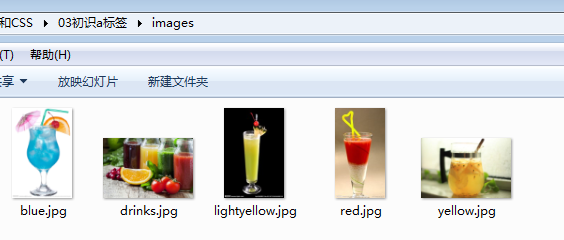
废话少说,看代码
这是index.html的
 <html>
 <head>
 <title>Head First Lounge</title>
 </head>
 <body>
 <h1>Welcome to the New and Impproved Head First Lounge</h1>
 <img src = "images/drinks.jpg" alt ="果汁" title = "果汁">
 <p>
 Join us any evening for refershing <a href = "elixir.html" title ="elixirs" target = "_blank">elixirs</a>
 </p>        <!--target = _blank是在新标签打开链接-->
 <h2>Directions</h2>
 <p>
 You'll find us right the center of downtown Webbille. If you need help finding us, check out our <a href = "directions.html" title = "directions" target = "_blank">detailes directions</a>
 Come join us!
 </p>
 </body>
 </html>
这是它的效果

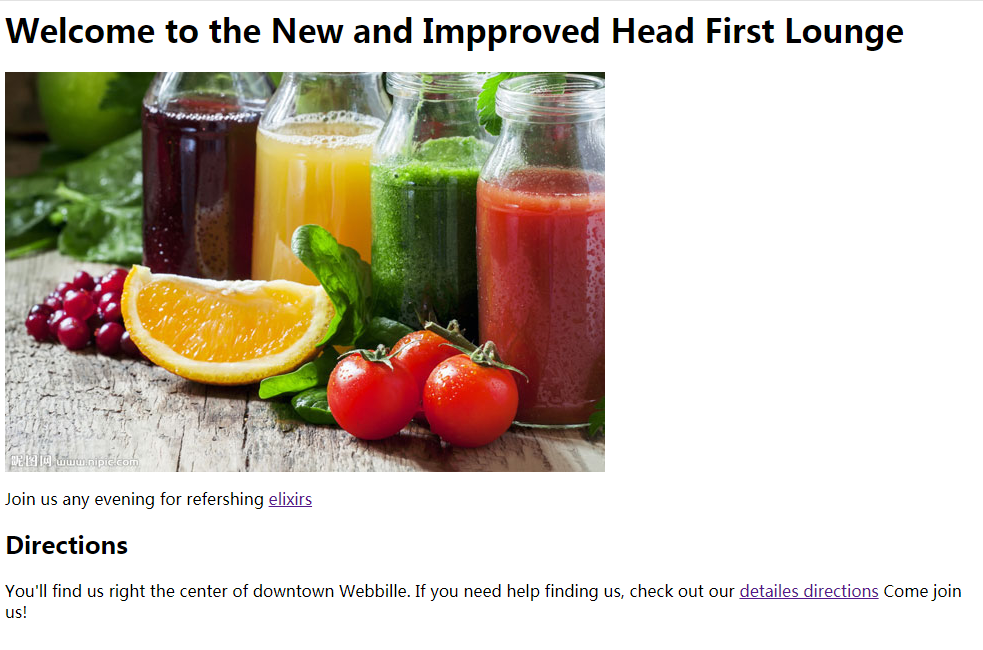
看见detailes directions了吗?那是个链接,点击它,看看会发生什么
聪明的你不用想就知道,对吧?
它在新窗口打开了另一个网页


这是directions.html,以下是代码
<html>
<head>
<title>Head First Lounge Directions</title>
</head>
<body>
<h1>Directions</h1>
<p>
Take the 305 S exit to Webville - go 0.4 mi
</p>
<p>
Continue on 305 - go 12 mi
</p>
<p>
Turn right at Structure A ve N - go 0.6 mi
</p>
<p>
Turn right and head toward Structure A ve N - go 0.0 mi
</p>
<p>
Turn right at Structure A ve N - go 0.7 mi
</p>
<p>
Continue on Structure A ve S - go 0.2 mi
</p>
<p>
Turn right at SW Persebtation Way - go 0.0 mi
</p>
<p><a href = "index.html" title = "回到主页面">回到主页面</p>
</body>
</html>
点击回到主页面,就会回到index.html
别忘了主页面还有一个elixir呢,别忘了点它,它不会受伤的(除非你用自己的手捅破屏幕)

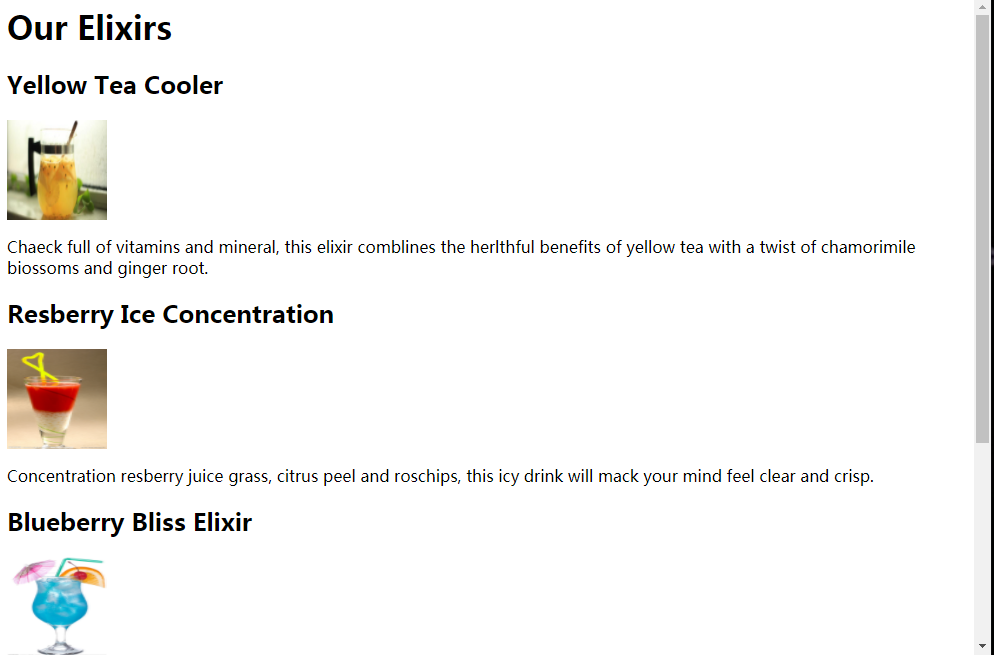
这就是elixir.html页面
以下是它的代码
<html>
<head>
<title>Head First Lounge Elixirs</title>
</head>
<body>
<h1>Our Elixirs</h1>
<h2>Yellow Tea Cooler</h2>
<img src = "images/yellow.jpg" width = "100" height = "100">
<p>
Chaeck full of vitamins and mineral, this elixir comblines the herlthful benefits of yellow tea with a twist of chamorimile biossoms and ginger root.
</p>
<h2>Resberry Ice Concentration</h2>
<img src = "images/red.jpg" width = "100" height = "100">
<p>
Concentration resberry juice grass, citrus peel and roschips, this icy drink will mack your mind feel clear and crisp.
</p>
<h2>Blueberry Bliss Elixir</h2>
<img src = "images/blue.jpg" width = "100" height = "100">
<p>
Blueberry and chreey essence mixed into a base of elderflower herb tea will put you in a relexd state of bliss in no time.
</p>
<h2>Cranberry Antioxdant Blast</h2>
<img src = "images/lightyellow.jpg" width = "100" height = "100">
<p>
Wake up to the flavors of cranberry and hibiscus in this vitamin C rich elixir.
</p>
<p>
<a href = "index.html" title = "回到主页面">回到主页面
</p>
</body>
</html>
怎么样,别被强有力a标签吓到了
//本系列教程基于《Head First HTML与CSS(第二版)》,此书国内各大购物网站皆可购买
转载请注明出处 by:M_ZPHr
最后修改日期:2019-01-16
#WEB安全基础 : HTML/CSS | 0x2初识a标签的更多相关文章
- #WEB安全基础 : HTML/CSS | 0x1初识CSS
"我受够这些难看的网页了,我怎么才能让它变得好看点?"你说. 我答道:"看来你得学点CSS了" 学习这些东西只有一个原则,就是用你的脑袋想,用你的眼睛看,用的你 ...
- #WEB安全基础 : HTML/CSS | 文章索引
本系列讲解WEB安全所需要的HTML和CSS #WEB安全基础 : HTML/CSS | 0x0 我的第一个网页 #WEB安全基础 : HTML/CSS | 0x1初识CSS #WEB安全基础 : H ...
- #WEB安全基础 : HTML/CSS | 0x3文件夹管理网站
没有头脑的管理方式会酿成大灾难,应该使用文件夹管理网站 这是一个典型的管理方法,现在传授给你,听好了 下面是0x3初识a标签里使用的网站的目录,我把它重新配置了一下
- 前端基础之CSS的引入+HTML标签选择器+CSS操作属性
clear:left/ringt属性 CSS:语法形式上由选择器+以及一条或多条声明组成:选择器查找到指定的html标签后,使用css属性设置html标签的样式: ...
- #WEB安全基础 : HTML/CSS | 0x11 浅谈GET和POST
HTTP中的GET和POST请求方法 我上次提到了GET和POST,现在就让你来认识一下这些新朋友 请看图 POST和GET都是将用户输入到浏览器的数据发送给服务器,不过采用了两种不同的方式,POST ...
- #WEB安全基础 : HTML/CSS | 0x10实现交互_表单
先看看表单如何工作吧 请求 响应 简要工作流程: 浏览器加载页面 用户输入数据 用户提交表单 服务器响应 概念都清楚了,我们来写表单吧 只有一个html文件 这是显示 你可以向空白框框 ...
- #WEB安全基础 : HTML/CSS | 0x8CSS进阶
你以为自己学这么点CSS就厉害了? 学点新东西吧,让你的网页更漂亮 我们只需要用到图片和网页 这是index.html的代码 <html> <head> <title ...
- #WEB安全基础 : HTML/CSS | 0x7HTML5和W3C验证
标准,标准,什么都有标准 你听说过HTML5吗?这是一个新版本,当然也有新标准 我只准备了一个index.html文件 以下是代码 <!DOCTYPE html> <!--告诉浏览器 ...
- Web前端基础(5):CSS(二)
1. 盒模型 在CSS中,"box model"这一术语是用来设计和布局时使用,然后在网页中基本上都会显示一些方方正正的盒子.我们称为这种盒子叫盒模型. 盒模型有两种:标准模型和I ...
随机推荐
- Java线程小刀牛试
线程简介 什么是线程 现代操作系统调度的最小单元是线程,也叫轻量级进程(Light Weight Process),在一个进程里可以创建多个线程,这些线程都拥有各自的计数器.堆栈和局部变量等属性,并且 ...
- Kali学习笔记10:端口扫描详解(下)
上一篇先是介绍了UDP的端口扫描,又谈了TCP的不完全连接端口扫描 https://www.cnblogs.com/xuyiqing/p/9389276.html 接下来我们看看TCP的全连接端口扫描 ...
- CI-CD平台搭建过程整理
Coding ---> gitlab --->jenkins ---> maven(nexus) ---> 编译构建成image ---> Harbor ---> ...
- 机器学习入门06 - 训练集和测试集 (Training and Test Sets)
原文链接:https://developers.google.com/machine-learning/crash-course/training-and-test-sets 测试集是用于评估根据训练 ...
- 机器学习入门04 - 使用TensorFlow的起始步骤 (First Steps with TensorFlow)
原文链接:https://developers.google.com/machine-learning/crash-course/first-steps-with-tensorflow/ 1- 工具包 ...
- Xamarin.Android 解决打开软键盘导致底部菜单上移问题
在界面布局中有EditText控件,该控件一旦获取焦点则打开软键盘,如果布局中有底部菜单,那么底部菜单可能会被软键盘顶在其上面,看如下效果: 解决方法:在活动绑定界面之前写上下段代码即可 Window ...
- mesos支持gpu代码分析以及capos支持gpu实现
这篇文章涉及mesos如何在原生的mesoscontainerizer和docker containerizer上支持gpu的,以及如果自己实现一个mesos之上的framework capos支持g ...
- Android--UI之ListView
前言 今天讲解一下Android平台下ListView控件的开发,在本篇博客中,将介绍ListView的一些常用属性.方法及事件,还会讲解ListView在开发中常用的几种方式,以及使用不通用的适配器 ...
- Hibernate实体类注解中如何忽略某些字段的映射
使用注解 @Transient在该字段上 例如: @Transient private int name: 这样在映射数据表和对象关系时候就不会报在表中不存在该字段的问题:
- 打成Jar包后运行报错 Unable to locate Spring NamespaceHandler for XML schema namespace
MAVEN项目,在IDEA中运行正常,但是把它打成jar包后再运行就会出现异常: Exception in thread "main" org.springframework. ...