
面试突击75:SpringBoot 有几种读取配置文件的方法?
Spring Boot 中读取配置文件有以下 5 种方法:
- 使用 @Value 读取配置文件。
- 使用 @ConfigurationProperties 读取配置文件。
- 使用 Environment 读取配置文件。
- 使用 @PropertySource 读取配置文件。
- 使用原生方式读取配置文件。
它们的具体使用方法如下,为了方便测试,我们在 Spring Boot 配置文件 application.properties 添加以下内容:
profile.name=Spring Boot Profile

profile.desc=Spring Boot Profile Desc.
1.使用 @Value 读取配置文件
使用 @Value 可以读取单个配置项,如下代码所示:
@SpringBootApplication

public class DemoApplication implements InitializingBean {

    @Value("${profile.name}")

    private String name;

    public static void main(String[] args) {

        SpringApplication.run(DemoApplication.class, args);

    }

    @Override

    public void afterPropertiesSet() throws Exception {

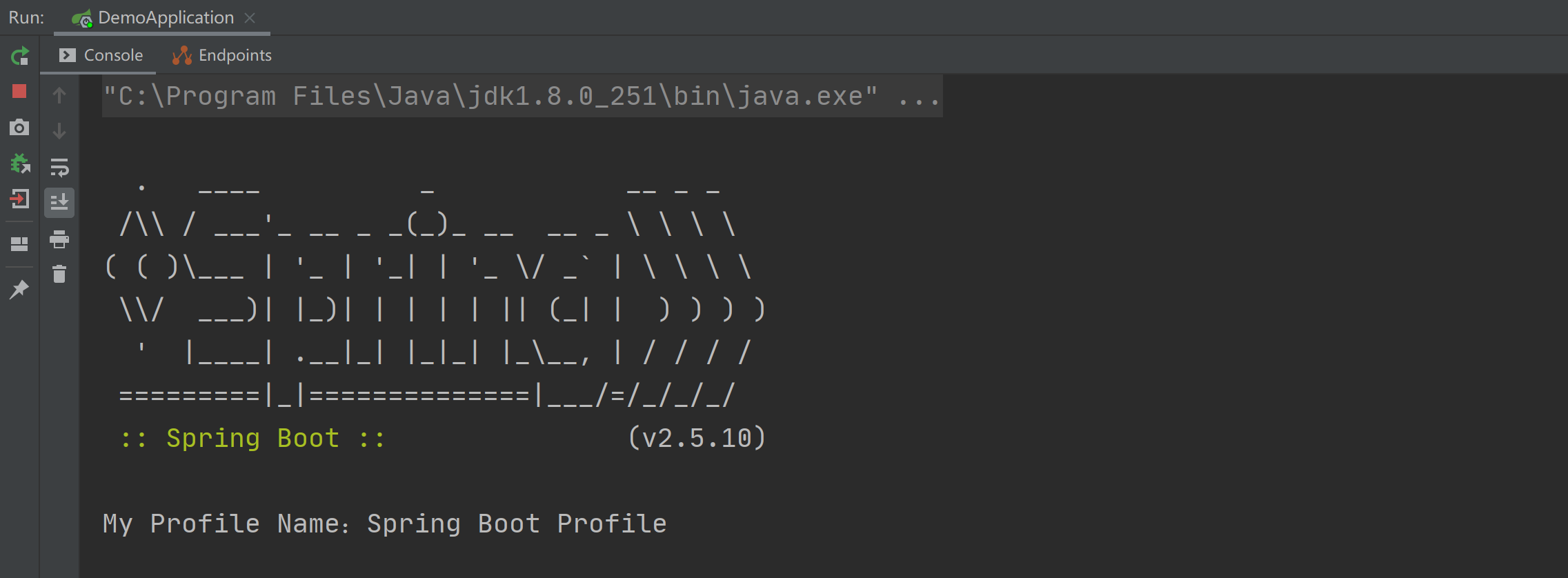
        System.out.println("My Profile Name:" + name);

    }

}
以上程序的执行结果如下图所示:
2.使用 @ConfigurationProperties 读取配置文件
@ConfigurationProperties 和 @Value 的使用略微不同,@Value 是读取单个配置项的,而 @ConfigurationProperties 是读取一组配置项的,我们可以使用 @ConfigurationProperties 加实体类读取一组配置项,如下代码所示:
import lombok.Data;

import org.springframework.boot.context.properties.ConfigurationProperties;

import org.springframework.stereotype.Component;

@Component

@ConfigurationProperties(prefix = "profile")

@Data

public class Profile {

    private String name;

    private String desc;

}
其中 prefix 表示读取一组配置项的根 name,相当于 Java 中的类名,最后再把此配置类,注入到某一个类中就可以使用了,如下代码所示:
@SpringBootApplication

public class DemoApplication implements InitializingBean {

    @Autowired

    private Profile profile;

    public static void main(String[] args) {

        SpringApplication.run(DemoApplication.class, args);

    }

    @Override

    public void afterPropertiesSet() throws Exception {

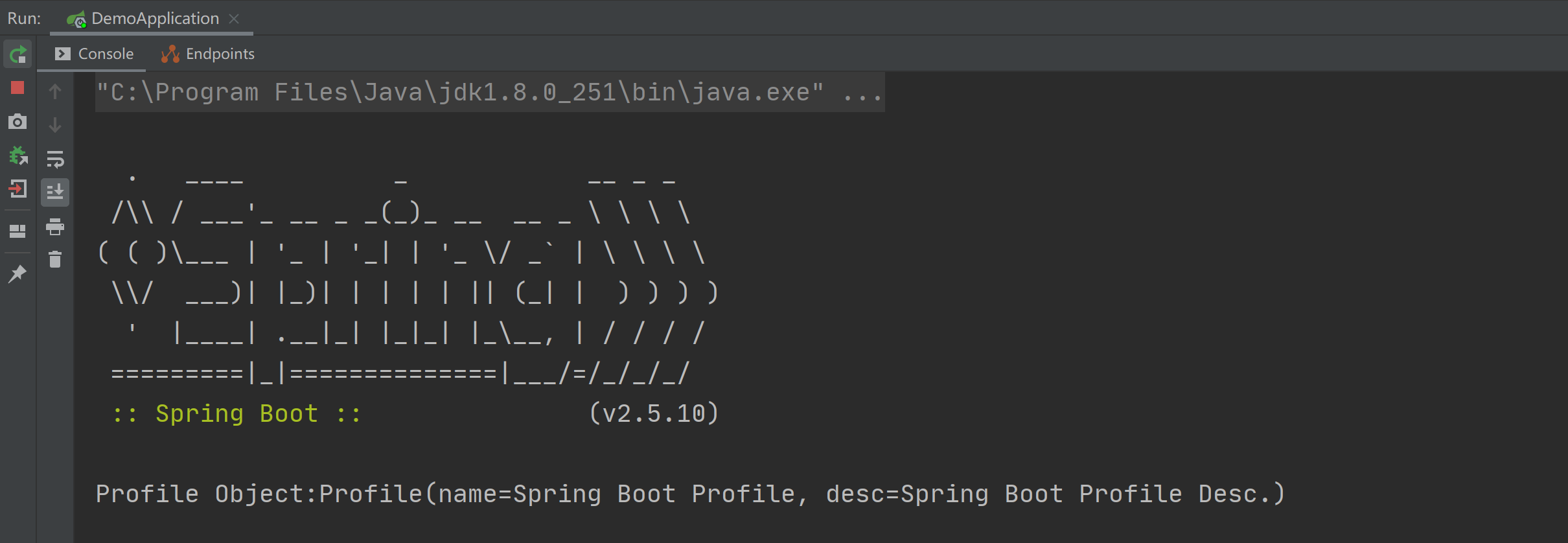
        System.out.println("Profile Object:" + profile);

    }

}
以上程序的执行结果如下图所示:
3.使用 Environment 读取配置文件
Environment 是 Spring Core 中的一个用于读取配置文件的类,将此类使用 @Autowired 注入到类中就可以使用它的 getProperty 方法来获取某个配置项的值了,如下代码所示:
import org.springframework.beans.factory.InitializingBean;

import org.springframework.beans.factory.annotation.Autowired;

import org.springframework.boot.SpringApplication;

import org.springframework.boot.autoconfigure.SpringBootApplication;

import org.springframework.core.env.Environment;

@SpringBootApplication

public class DemoApplication implements InitializingBean {

    @Autowired

    private Environment environment;

    public static void main(String[] args) {

        SpringApplication.run(DemoApplication.class, args);

    }

    @Override

    public void afterPropertiesSet() throws Exception {

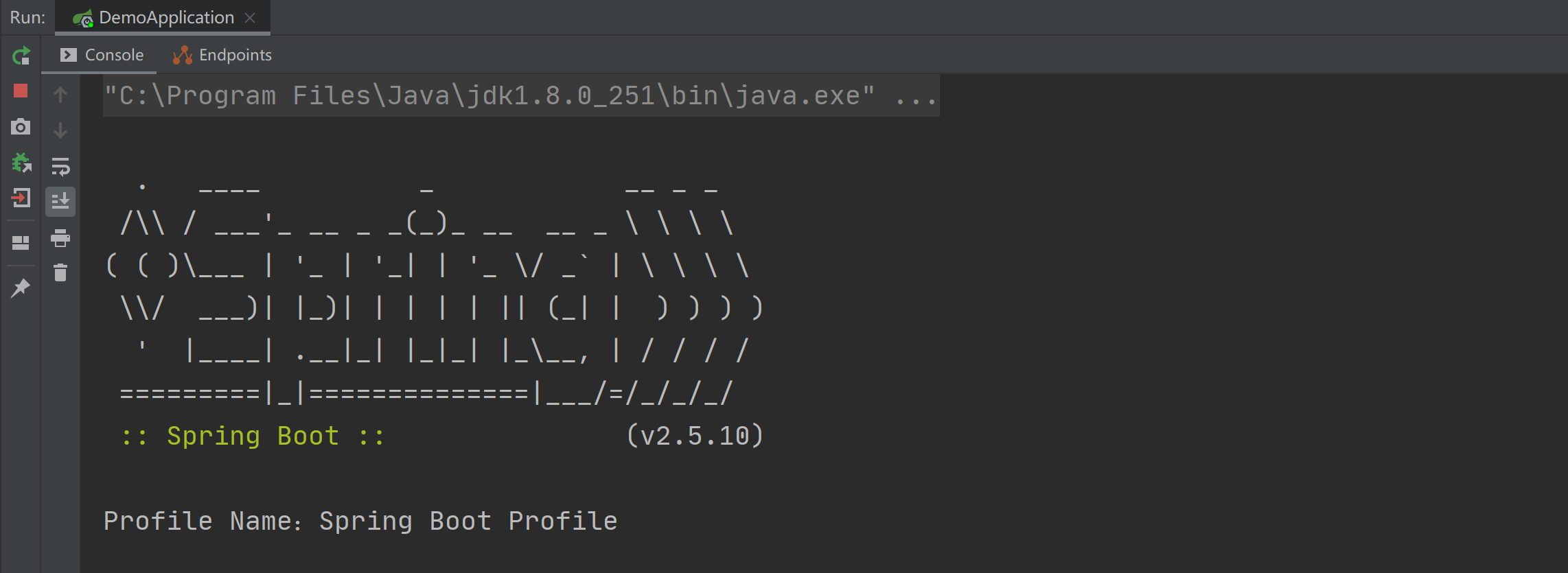
        System.out.println("Profile Name:" + environment.getProperty("profile.name"));

    }

}
以上程序的执行结果如下图所示:
4.使用 @PropertySource 读取配置文件
使用 @PropertySource 注解可以用来指定读取某个配置文件,比如指定读取 application.properties 配置文件的配置内容,具体实现代码如下:
@SpringBootApplication

@PropertySource("classpath:application.properties")

public class DemoApplication implements InitializingBean {

    @Value("${profile.name}")

    private String name;

    public static void main(String[] args) {

        SpringApplication.run(DemoApplication.class, args);

    }

    @Override

    public void afterPropertiesSet() throws Exception {

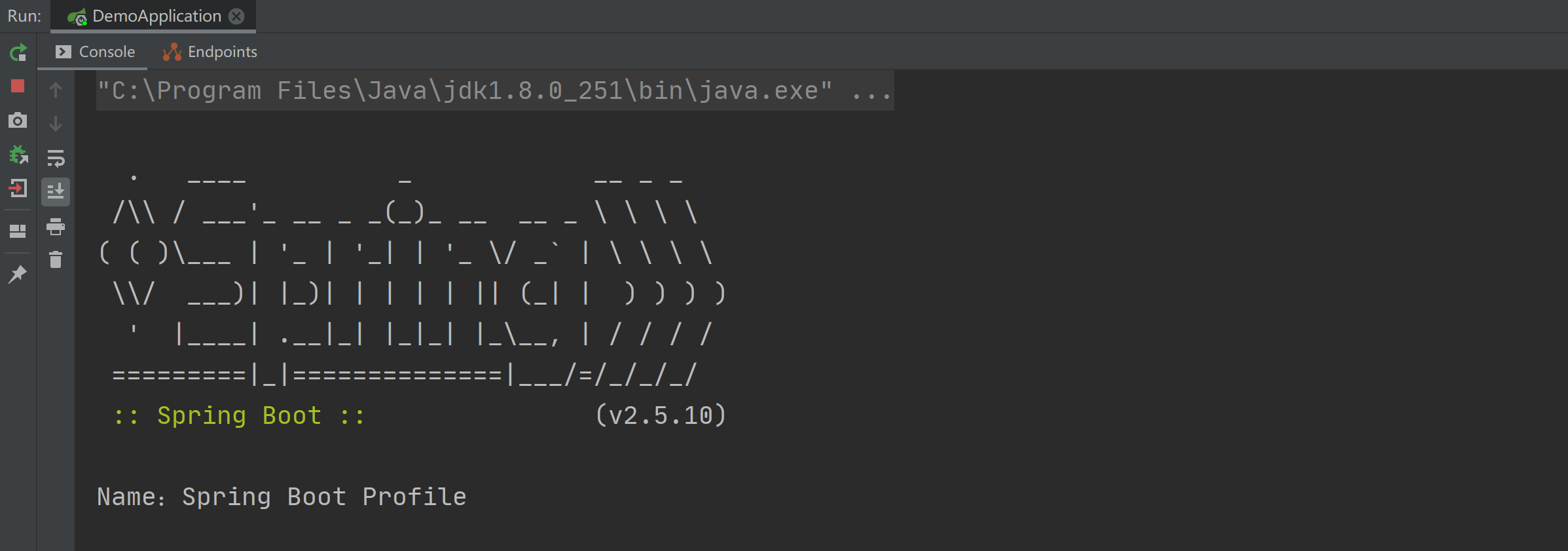
        System.out.println("Name:" + name);

    }

}
以上程序的执行结果如下图所示:
中文乱码
如果配置文件中出现中文乱码的情况,可通过指定编码格式的方式来解决中文乱码的问题,具体实现如下:
@PropertySource(value = "dev.properties", encoding = "utf-8")
注意事项
@PropertySource 注解默认是只支持 properties 格式配置文件的读取的。
5.使用原生方式读取配置文件
我们还可以使用最原始的方式 Properties 对象来读取配置文件,如下代码所示:
import org.springframework.beans.factory.InitializingBean;

import org.springframework.boot.SpringApplication;

import org.springframework.boot.autoconfigure.SpringBootApplication;

import java.io.IOException;

import java.io.InputStreamReader;

import java.nio.charset.StandardCharsets;

import java.util.Properties;

@SpringBootApplication

public class DemoApplication implements InitializingBean {

    public static void main(String[] args) {

        SpringApplication.run(DemoApplication.class, args);

    }

    @Override

    public void afterPropertiesSet() throws Exception {

        Properties props = new Properties();

        try {

            InputStreamReader inputStreamReader = new InputStreamReader(

                    this.getClass().getClassLoader().getResourceAsStream("application.properties"),

                    StandardCharsets.UTF_8);

            props.load(inputStreamReader);

        } catch (IOException e1) {

            System.out.println(e1);

        }

        System.out.println("Properties Name:" + props.getProperty("profile.name"));

    }

}
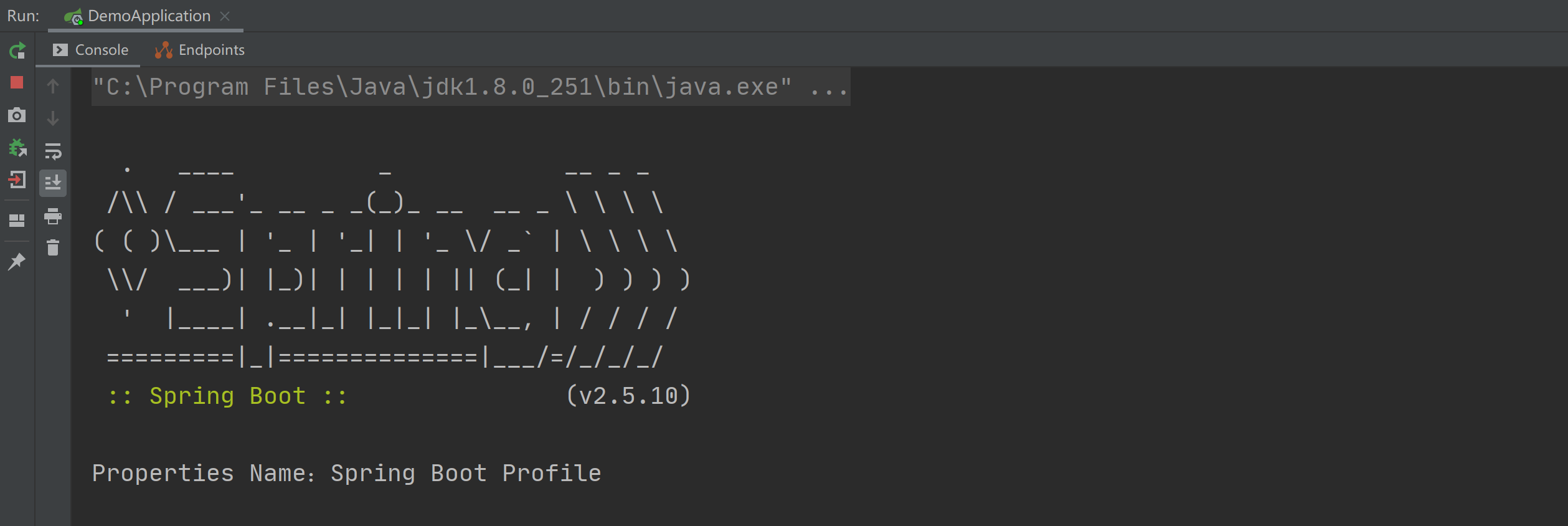
以上程序的执行结果如下图所示:
总结
在 Spring Boot 中读取配置文件有以下 5 种方法:
- 使用 @Value 读取配置文件。
- 使用 @ConfigurationProperties 读取配置文件。
- 使用 @PropertySource 读取配置文件。
- 使用 Environment 读取配置文件。
- 使用原生方式读取配置文件。
其中最常用的是前 3 种,如果读取某一个配置项可使用 @Value,如果读取一组配置项可使用 @ConfigurationProperties,如果要指定读取某一个具体的配置文件可使用 @PropertySource 来指定。
是非审之于己,毁誉听之于人,得失安之于数。
公众号:Java面试真题解析
面试突击75:SpringBoot 有几种读取配置文件的方法?的更多相关文章
- SpringBoot学习笔记:读取配置文件
SpringBoot学习笔记:读取配置文件 配置文件 在以往的项目中,我们主要通过XML文件进行框架配置,业务的相关配置会放在属性文件中,然后通过一个属性读取的工具类来读取配置信息.在SpringBo ...
- SpringBoot:四种读取properties文件的方式
前言 在项目开发中经常会用到配置文件,配置文件的存在解决了很大一份重复的工作.今天就分享四种在Springboot中获取配置文件的方式. 注:前三种测试配置文件为springboot默认的applic ...
- springboot中使用@Value读取配置文件
一.配置文件配置 直接配置 在src/main/resources下添加配置文件application.properties 例如修改端口号 #端口号 server.port=8089 分环境配置 在 ...
- Shell读取配置文件的方法
参考:http://www.cnblogs.com/binbinjx/p/5680214.html 做批量软件安装自动化时,都喜欢用配置文件的方式改变参数,那怎么通过shell读取配置文件的配置呢?参 ...
- Log4j 2.0读取配置文件的方法
log4j中配置日志文件存放的位置不一定在src下面,即根目录下.这个时候我们需要解决如何加载配置文件的问题.在log4j1.x中解决的方法就比较多了.如:PropertyConfigurator.c ...
- 【面试突击】-SpringBoot面试题(一)
Spring Boot 是微服务中最好的 Java 框架. 我们建议你能够成为一名 Spring Boot 的专家. 问题一 Spring Boot.Spring MVC 和 Spring 有什么区别 ...
- SpringBoot两种读取配置文件的方式
方式一 @Value("${custom.group}") private String customGroup; 方式二 @Autowired private Environme ...
- springboot @Value 类中读取配置文件 .properties null 原因和解决方案
问题:在一个工具类中,通过@Value来映射配置文件的值,得到的总是null 原因:不能用new工具类的方式,应该是用容器注册(@Autowried)的方式使用此工具类,就能得到配置文件里的值 上代码 ...
- java中读取配置文件的方法
转自:http://blog.csdn.net/stypace/article/details/38414871 一.使用org.apache.commons.configuration 需要使用的是 ...
随机推荐
- 20212115朱时鸿-关于python技能树以及markdown编辑器的测评
csdn的链接:https://blog.csdn.net/m0_68116569/article/details/124049366 计算机连接:https://gitee.com/zhu-shih ...
- DataX异构数据源离线同步工具json文件配置说明
DataX 是阿里开源的一个异构数据源离线同步工具,致力于实现包括关系型数据库(MySQL.Oracle等).HDFS.Hive.ODPS.HBase.FTP等各种异构数据源之间稳定高效的数据同步功能 ...
- django框架11
内容概要 用户登录之后跳转到用户登录之前想要访问的页面 django操作cookie补充 django操作session django操作session补充 CBV添加装饰器 django中间件 自定 ...
- SQL语句修改MySQL用户密码
SQL语句修改MySQL用户密码 前言 上数据库安全实验课,用命令行和DataGrip试图修改用户密码,一直语法报错.最后用Navicat才修改成功,预览Navicat的SQL语句,发现语句和网上都不 ...
- JS:!非
取非运算符: 开关思想:0为false,1为true: 把一个变量中保存一个布尔值 然后在业务执行时,修改这个变量的值: 为取反 然后通过变量的值执行分支业务 例子: var a = "12 ...
- 如何修改servlet的创建时机?
在xml中使用<load-on-startup>标签 当标签里为正整数时意味着服务器启动时创建 当为负数时(默认负数)意味着第一次访问时创建 顺带说一下service设置变量时的问题尽量在 ...
- grafana整合zabbix
1. 安装grafana wget https://dl.grafana.com/oss/release/grafana-7.5.7-1.x86_64.rpm rpm -i --nodeps graf ...
- MySQL十种锁,一篇文章带你全解析
MySQL有两个核心的知识点,索引和锁.前几篇文章已经详细讲解了MySQL索引实现机制,今天再一起学习一下MySQL的锁. 1 为什么要加锁? 当多个事务并发操作同一批数据的时候,如果不加锁,就无法保 ...
- Navicat中查询mysql版本
SELECT VERSION( ) FROM DUAL
- 基于单层决策树的AdaBoost算法原理+python实现
这里整理一下实验课实现的基于单层决策树的弱分类器的AdaBoost算法. 由于是初学,实验课在找资料的时候看到别人的代码中有太多英文的缩写,不容易看懂,而且还要同时看代码实现的细节.算法的原理什么的, ...