
面试突击75:SpringBoot 有几种读取配置文件的方法?
Spring Boot 中读取配置文件有以下 5 种方法:
- 使用 @Value 读取配置文件。
- 使用 @ConfigurationProperties 读取配置文件。
- 使用 Environment 读取配置文件。
- 使用 @PropertySource 读取配置文件。
- 使用原生方式读取配置文件。
它们的具体使用方法如下,为了方便测试,我们在 Spring Boot 配置文件 application.properties 添加以下内容:
profile.name=Spring Boot Profile

profile.desc=Spring Boot Profile Desc.
1.使用 @Value 读取配置文件
使用 @Value 可以读取单个配置项,如下代码所示:
@SpringBootApplication

public class DemoApplication implements InitializingBean {

    @Value("${profile.name}")

    private String name;

    public static void main(String[] args) {

        SpringApplication.run(DemoApplication.class, args);

    }

    @Override

    public void afterPropertiesSet() throws Exception {

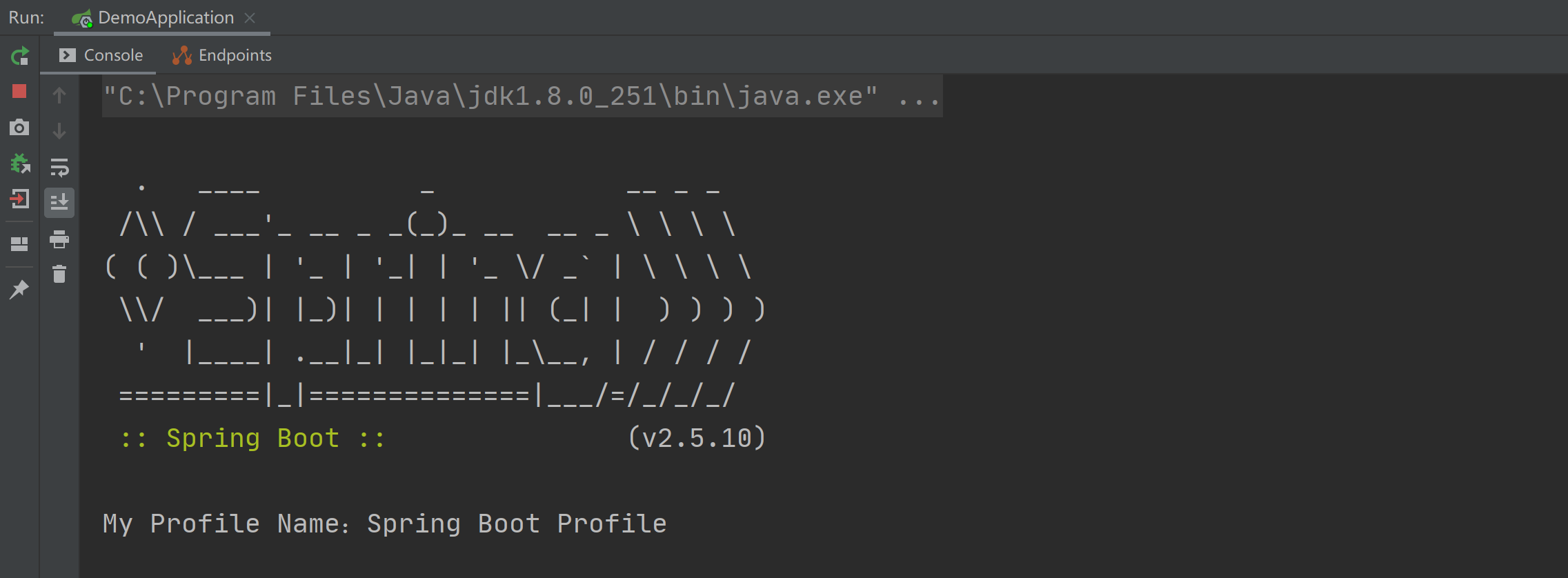
        System.out.println("My Profile Name:" + name);

    }

}
以上程序的执行结果如下图所示:
2.使用 @ConfigurationProperties 读取配置文件
@ConfigurationProperties 和 @Value 的使用略微不同,@Value 是读取单个配置项的,而 @ConfigurationProperties 是读取一组配置项的,我们可以使用 @ConfigurationProperties 加实体类读取一组配置项,如下代码所示:
import lombok.Data;

import org.springframework.boot.context.properties.ConfigurationProperties;

import org.springframework.stereotype.Component;

@Component

@ConfigurationProperties(prefix = "profile")

@Data

public class Profile {

    private String name;

    private String desc;

}
其中 prefix 表示读取一组配置项的根 name,相当于 Java 中的类名,最后再把此配置类,注入到某一个类中就可以使用了,如下代码所示:
@SpringBootApplication

public class DemoApplication implements InitializingBean {

    @Autowired

    private Profile profile;

    public static void main(String[] args) {

        SpringApplication.run(DemoApplication.class, args);

    }

    @Override

    public void afterPropertiesSet() throws Exception {

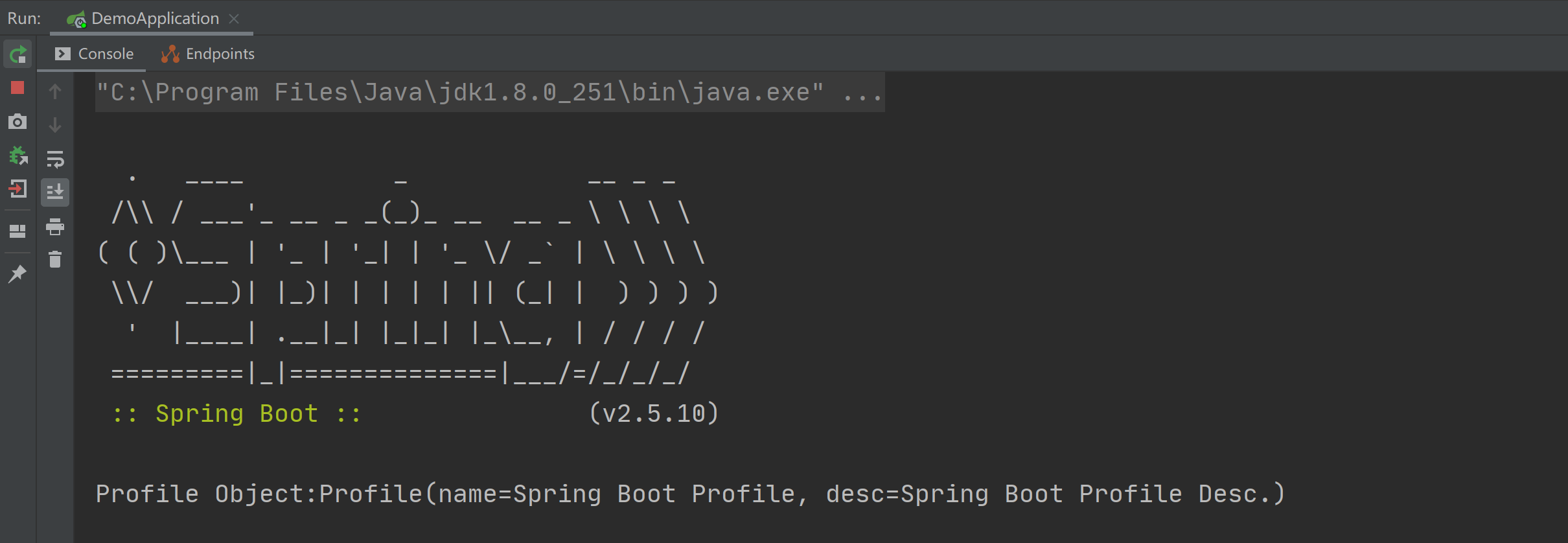
        System.out.println("Profile Object:" + profile);

    }

}
以上程序的执行结果如下图所示:
3.使用 Environment 读取配置文件
Environment 是 Spring Core 中的一个用于读取配置文件的类,将此类使用 @Autowired 注入到类中就可以使用它的 getProperty 方法来获取某个配置项的值了,如下代码所示:
import org.springframework.beans.factory.InitializingBean;

import org.springframework.beans.factory.annotation.Autowired;

import org.springframework.boot.SpringApplication;

import org.springframework.boot.autoconfigure.SpringBootApplication;

import org.springframework.core.env.Environment;

@SpringBootApplication

public class DemoApplication implements InitializingBean {

    @Autowired

    private Environment environment;

    public static void main(String[] args) {

        SpringApplication.run(DemoApplication.class, args);

    }

    @Override

    public void afterPropertiesSet() throws Exception {

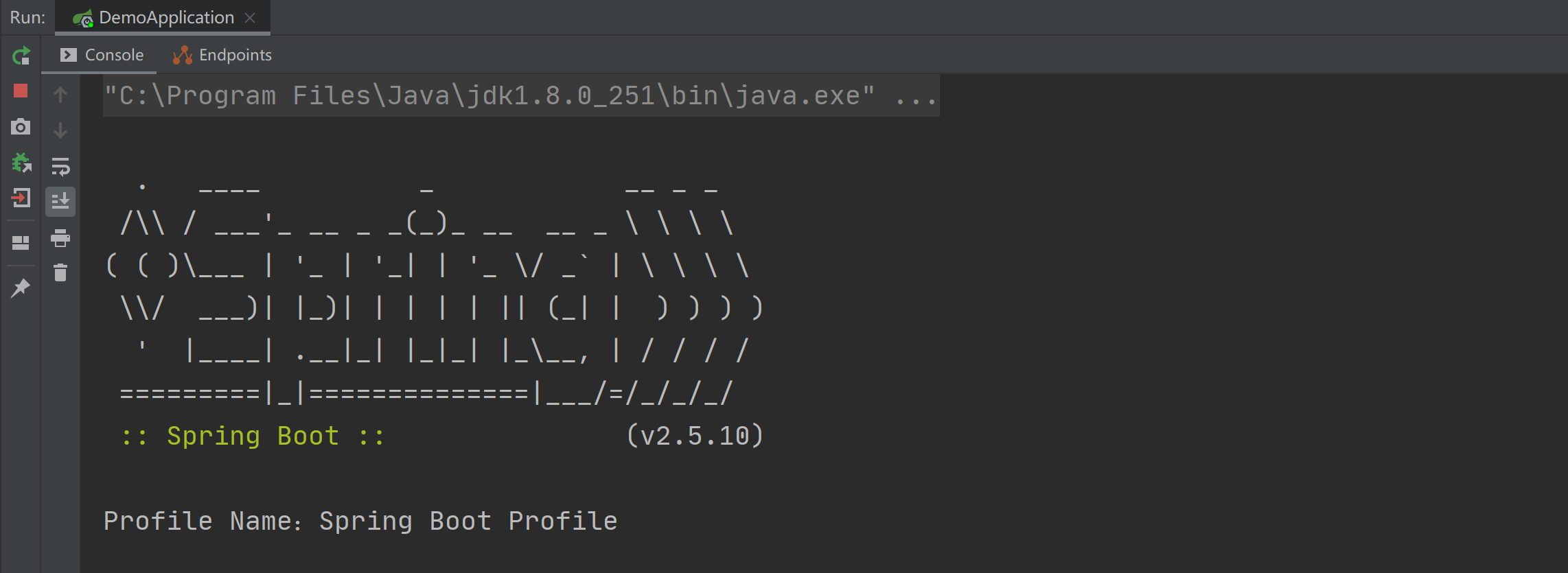
        System.out.println("Profile Name:" + environment.getProperty("profile.name"));

    }

}
以上程序的执行结果如下图所示:
4.使用 @PropertySource 读取配置文件
使用 @PropertySource 注解可以用来指定读取某个配置文件,比如指定读取 application.properties 配置文件的配置内容,具体实现代码如下:
@SpringBootApplication

@PropertySource("classpath:application.properties")

public class DemoApplication implements InitializingBean {

    @Value("${profile.name}")

    private String name;

    public static void main(String[] args) {

        SpringApplication.run(DemoApplication.class, args);

    }

    @Override

    public void afterPropertiesSet() throws Exception {

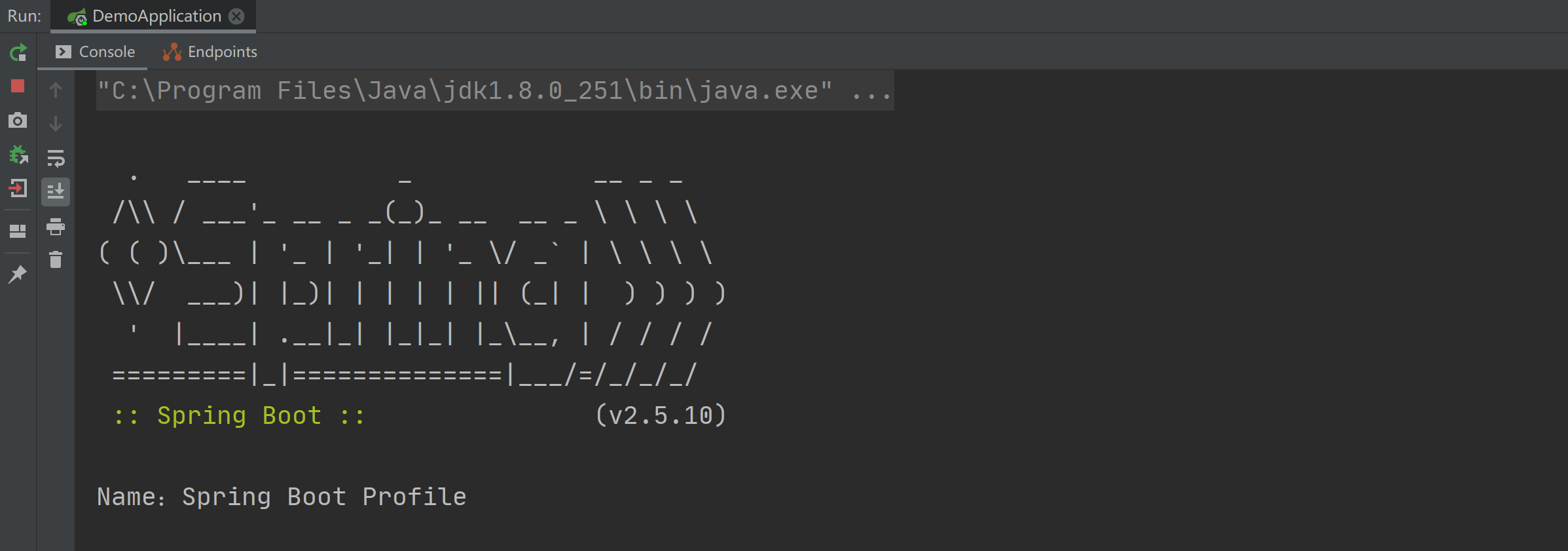
        System.out.println("Name:" + name);

    }

}
以上程序的执行结果如下图所示:
中文乱码
如果配置文件中出现中文乱码的情况,可通过指定编码格式的方式来解决中文乱码的问题,具体实现如下:
@PropertySource(value = "dev.properties", encoding = "utf-8")
注意事项
@PropertySource 注解默认是只支持 properties 格式配置文件的读取的。
5.使用原生方式读取配置文件
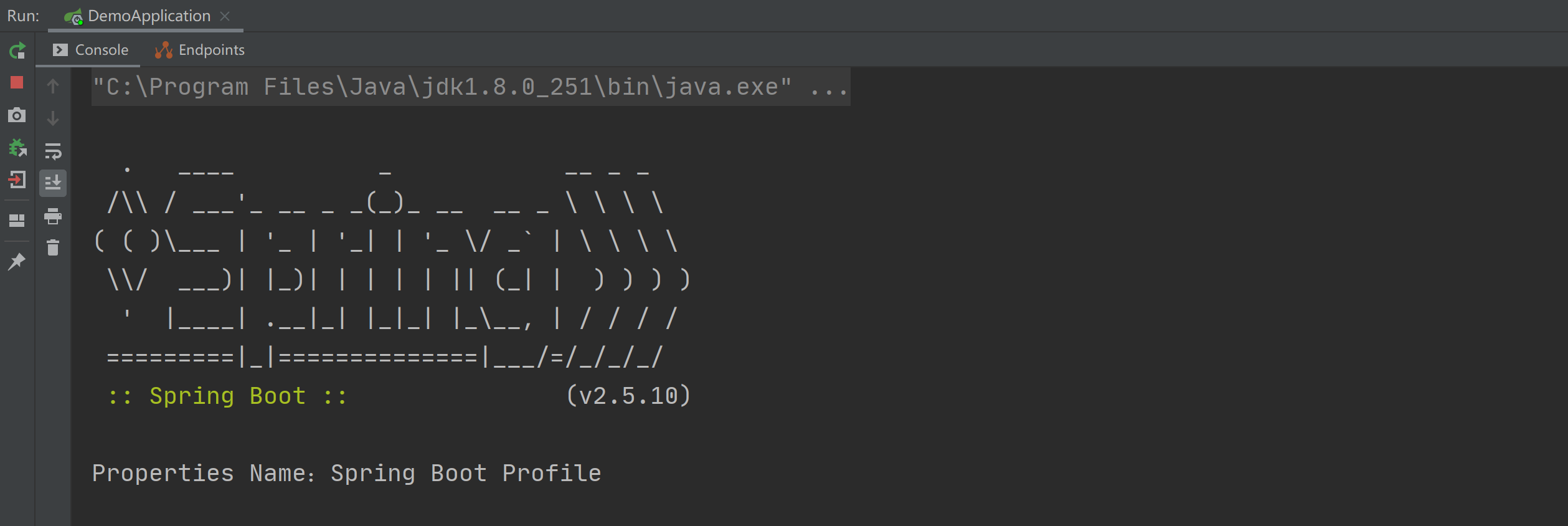
我们还可以使用最原始的方式 Properties 对象来读取配置文件,如下代码所示:
import org.springframework.beans.factory.InitializingBean;

import org.springframework.boot.SpringApplication;

import org.springframework.boot.autoconfigure.SpringBootApplication;

import java.io.IOException;

import java.io.InputStreamReader;

import java.nio.charset.StandardCharsets;

import java.util.Properties;

@SpringBootApplication

public class DemoApplication implements InitializingBean {

    public static void main(String[] args) {

        SpringApplication.run(DemoApplication.class, args);

    }

    @Override

    public void afterPropertiesSet() throws Exception {

        Properties props = new Properties();

        try {

            InputStreamReader inputStreamReader = new InputStreamReader(

                    this.getClass().getClassLoader().getResourceAsStream("application.properties"),

                    StandardCharsets.UTF_8);

            props.load(inputStreamReader);

        } catch (IOException e1) {

            System.out.println(e1);

        }

        System.out.println("Properties Name:" + props.getProperty("profile.name"));

    }

}
以上程序的执行结果如下图所示:
总结
在 Spring Boot 中读取配置文件有以下 5 种方法:
- 使用 @Value 读取配置文件。
- 使用 @ConfigurationProperties 读取配置文件。
- 使用 @PropertySource 读取配置文件。
- 使用 Environment 读取配置文件。
- 使用原生方式读取配置文件。
其中最常用的是前 3 种,如果读取某一个配置项可使用 @Value,如果读取一组配置项可使用 @ConfigurationProperties,如果要指定读取某一个具体的配置文件可使用 @PropertySource 来指定。
是非审之于己,毁誉听之于人,得失安之于数。
公众号:Java面试真题解析
面试突击75:SpringBoot 有几种读取配置文件的方法?的更多相关文章
- SpringBoot学习笔记:读取配置文件
SpringBoot学习笔记:读取配置文件 配置文件 在以往的项目中,我们主要通过XML文件进行框架配置,业务的相关配置会放在属性文件中,然后通过一个属性读取的工具类来读取配置信息.在SpringBo ...
- SpringBoot:四种读取properties文件的方式
前言 在项目开发中经常会用到配置文件,配置文件的存在解决了很大一份重复的工作.今天就分享四种在Springboot中获取配置文件的方式. 注:前三种测试配置文件为springboot默认的applic ...
- springboot中使用@Value读取配置文件
一.配置文件配置 直接配置 在src/main/resources下添加配置文件application.properties 例如修改端口号 #端口号 server.port=8089 分环境配置 在 ...
- Shell读取配置文件的方法
参考:http://www.cnblogs.com/binbinjx/p/5680214.html 做批量软件安装自动化时,都喜欢用配置文件的方式改变参数,那怎么通过shell读取配置文件的配置呢?参 ...
- Log4j 2.0读取配置文件的方法
log4j中配置日志文件存放的位置不一定在src下面,即根目录下.这个时候我们需要解决如何加载配置文件的问题.在log4j1.x中解决的方法就比较多了.如:PropertyConfigurator.c ...
- 【面试突击】-SpringBoot面试题(一)
Spring Boot 是微服务中最好的 Java 框架. 我们建议你能够成为一名 Spring Boot 的专家. 问题一 Spring Boot.Spring MVC 和 Spring 有什么区别 ...
- SpringBoot两种读取配置文件的方式
方式一 @Value("${custom.group}") private String customGroup; 方式二 @Autowired private Environme ...
- springboot @Value 类中读取配置文件 .properties null 原因和解决方案
问题:在一个工具类中,通过@Value来映射配置文件的值,得到的总是null 原因:不能用new工具类的方式,应该是用容器注册(@Autowried)的方式使用此工具类,就能得到配置文件里的值 上代码 ...
- java中读取配置文件的方法
转自:http://blog.csdn.net/stypace/article/details/38414871 一.使用org.apache.commons.configuration 需要使用的是 ...
随机推荐
- 创建NuGet本地包源
NuGet 是免费.开源的包管理开发工具,专注于在 .NET 应用开发过程中,简单地合并第三方的组件库.使用Visual Studio 可以很方便地将类库等项目打包发布,最简单的办法是上传到Nuget ...
- python常用标准库(os系统模块、shutil文件操作模块)
常用的标准库 系统模块 import os 系统模块用于对系统进行操作. 常用方法 os模块的常用方法有数十种之多,本文中只选出最常用的几种,其余的还有权限操作.文件的删除创建等详细资料可以参考官方文 ...
- Java 多线程共享模型之管程(上)
主线程与守护线程 默认情况下,Java 进程需要等待所有线程都运行结束,才会结束.有一种特殊的线程叫做守护线程,只要其它非守护线程运行结束了,即使守护线程的代码没有执行完,也会强制结束. packag ...
- NodeJS全栈开发利器:CabloyJS究竟是什么
CabloyJS CabloyJS是一款顶级NodeJS全栈业务开发框架, 基于KoaJS + EggJS + VueJS + Framework7 文档 官网 && 文档 演示 PC ...
- 编程式导航路由跳转到当前路由(参数不变), 多次执行会抛出NavigationDuplicated的警告错误?
注意:编程式导航(push|replace)才会有这种情况的异常,声明式导航是没有这种问题,因为声明式导航内部已经解决这种问题. 这种异常,对于程序没有任何影响的. 为什么会出现这种现象: 由于vue ...
- Java开发学习(五)----bean的生命周期
一.什么是生命周期 首先理解下什么是生命周期? 从创建到消亡的完整过程,例如人从出生到死亡的整个过程就是一个生命周期. bean生命周期是什么? bean对象从创建到销毁的整体过程. bean生命周期 ...
- Eclipse历史版本下载和选择对应的java版本
下载Eclipse 官网: https://www.eclipse.org/ 直达 直接进入连接:https://www.eclipse.org/downloads/packages/installe ...
- Java 泛型中的通配符
本文内容如下: 1. 什么是类型擦除 2.常用的 ?, T, E, K, V, N的含义 3.上界通配符 < ?extends E> 4.下界通配符 < ?super E> 5 ...
- 线程池:ThreadPoolExcutor源码阅读
ThreadPoolExcutor源码流程图:(图片较大,下载再看比较方便) 线程池里的二进制奥秘 前言: 线程池的五种状态state(RUNNING.SHUTDOWN.STOP.TIDYING.TE ...
- MES 系统介绍
MES系统是一套面向制造企业车间执行层的生产信息化管理系统.MES可以为企业提供包括制造数据管理.计划排程管理.生产调度管理.库存管理.质量管理.人力资源管理.工作中心/设备管理.工具工装管理.采购管 ...