
利用jquery 实现菜单控制对应视图的显示与隐藏
效果:
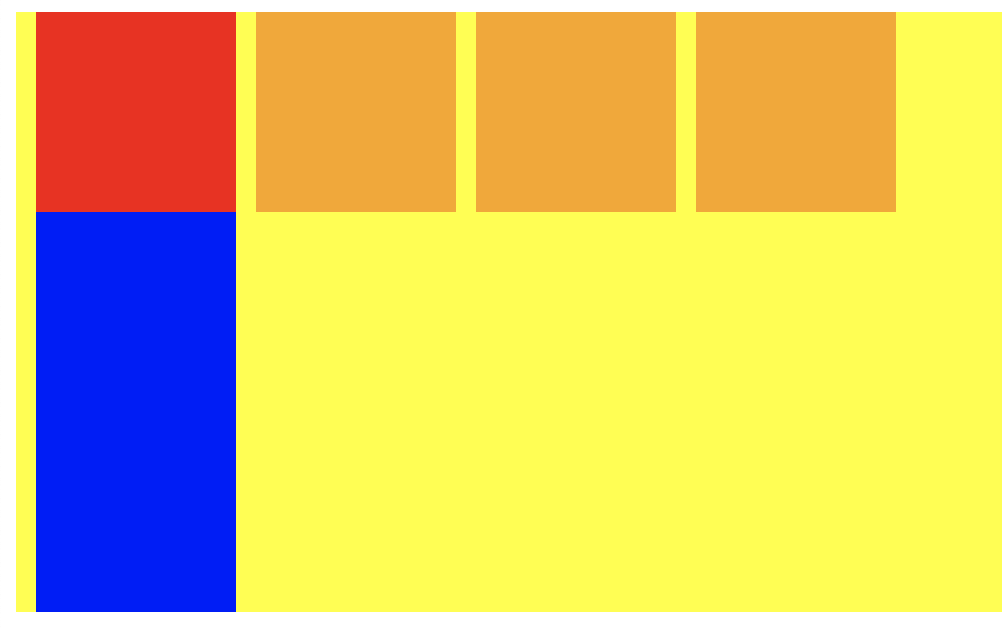
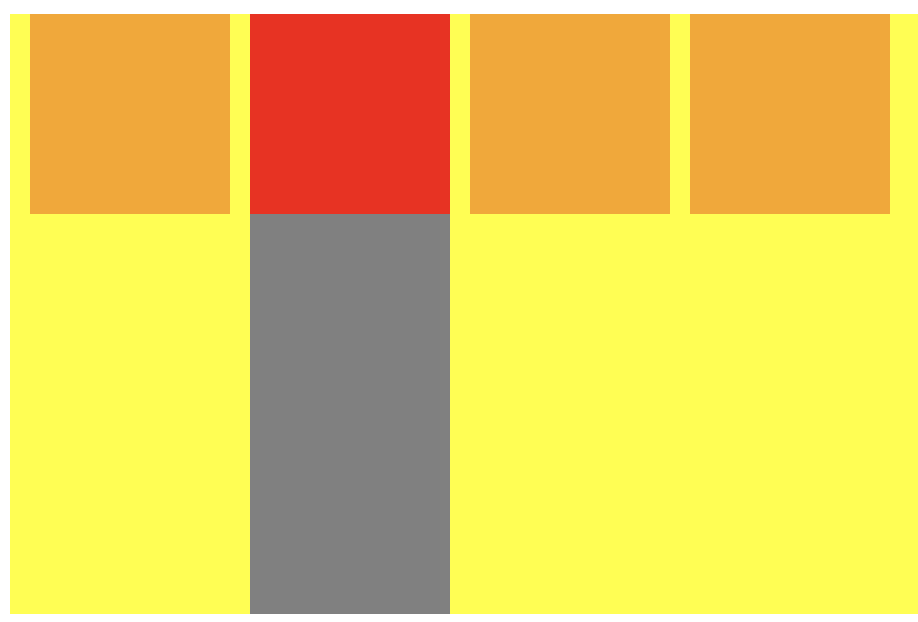
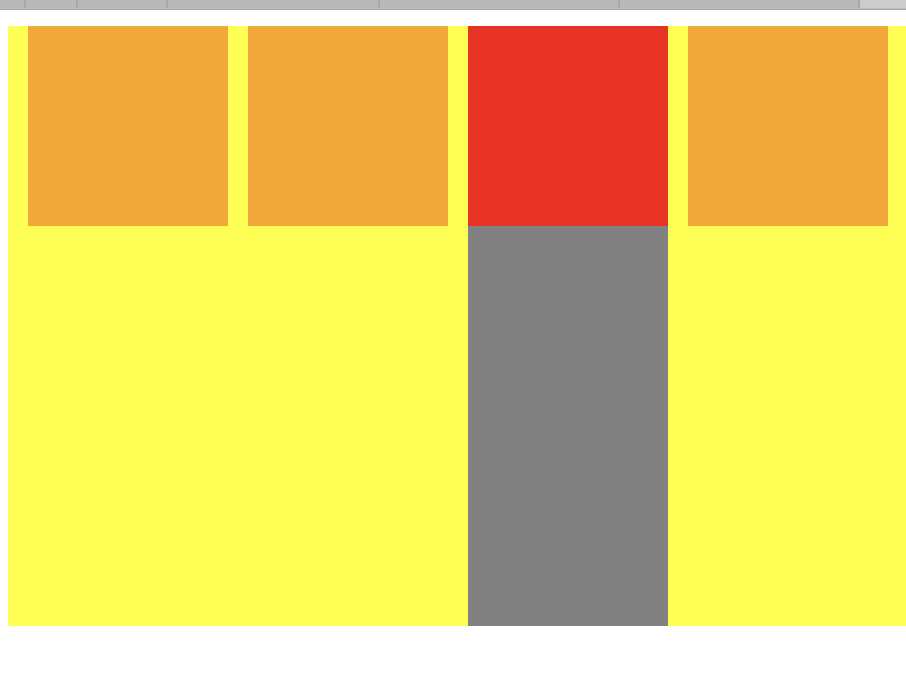
<!DOCTYPE html>

<html lang="en" dir="ltr">

  <head>

    <meta charset="utf-8">

    <title></title>

    <script type="text/javascript" src="./js/jquery-1.12.4.min.js" ></script>

    <script type="text/javascript">

    $(document).ready(function(){

      $(".top div").click(function(){

        //var arr = $(".top div");

        switch ($(this).index()) {

          case 0:

            console.log('0');

            $(".top1").addClass("topSelect");

            // 使用siblings获取被操作元素之外的同级元素,然后使用remove()删除

            $(this).siblings().removeClass("topSelect");

            $(".bottom1").removeClass("bottom-no-select").siblings().addClass('bottom-no-select');

            break;

          case 1:

            console.log('1');

            $(".top2").addClass("topSelect");

            // 使用siblings获取被点击元素之外的同级元素,然后使用remove()删除

            $(this).siblings().removeClass("topSelect");

            $(".bottom2").removeClass("bottom-no-select").siblings().addClass('bottom-no-select');

            break;

          case 2:

            console.log('2');

            $(".top3").addClass("topSelect");

            // 使用siblings获取被点击元素之外的同级元素,然后使用remove()删除

            $(this).siblings().removeClass("topSelect");

            $(".bottom3").removeClass("bottom-no-select").siblings().addClass('bottom-no-select');

            break;

          case 3:

            console.log('3');

            $(".top4").addClass("topSelect");

            // 使用siblings获取被点击元素之外的同级元素,然后使用remove()删除

            $(this).siblings().removeClass("topSelect");

            $(".bottom4").removeClass("bottom-no-select").siblings().addClass('bottom-no-select');

            break;

          default:

        }

        });

      });

      // $(function(){

      //

      // });

    </script>

    <style media="screen">

      .top{

        background-color: yellow;

        width: 100%;

        height: 100px;

        display: flex;

        flex-direction: row;

      }

      .top1{

        background-color: orange;

        width: 100px;

        height: 100%;

        margin-left: 10px;

      }

      .top2{

        background-color: orange;

        width: 100px;

        height: 100%;

        margin-left: 10px;

      }

      .top3{

        background-color: orange;

        width: 100px;

        height: 100%;

        margin-left: 10px;

      }

      .top4{

        background-color: orange;

        width: 100px;

        height: 100%;

        margin-left: 10px;

      }

      .bottom{

        background-color: yellow;

        width: 100%;

        height: 200px;

        display: flex;

        flex-direction: row;

      }

      .bottom1{

        background-color: gray;

        width: 100px;

        height: 100%;

        margin-left: 10px;

      }

      .bottom11{

        background-color: blue;

        width: 100%;

        height: 100%;

      }

      .bottom2{

        background-color: gray;

        width: 100px;

        height: 100%;

        margin-left: 10px;

      }

      .bottom3{

        background-color: gray;

        width: 100px;

        height: 100%;

        margin-left: 10px;

      }

      .bottom4{

        background-color: gray;

        width: 100px;

        height: 100%;

        margin-left: 10px;

      }

      .topSelect{

        background-color: red;

      }

      .bottom-no-select{

        /* display:none; */

        /* background-color: rgba(255,255,255,0); */

        opacity: 0;

      }

    </style>

  </head>

  <body>

    <div class="top">

      <div class="top1 topSelect">

      </div>

      <div class="top2">

      </div>

      <div class="top3">

      </div>

      <div class="top4">

      </div>

    </div>

    <div class="bottom">

      <div class="bottom1">

        <div class="bottom11">

        </div>

      </div>

      <div class="bottom2 bottom-no-select">

      </div>

      <div class="bottom3 bottom-no-select">

      </div>

      <div class="bottom4 bottom-no-select">

      </div>

    </div>

  </body>

</html>
$(this).index() 表示同级中当前选取的元素的下标
$(".top1").addClass("topSelect"); 表示给某个标签添加一个类
$(this).siblings().removeClass("topSelect"); 使用siblings获取被操作元素之外的同级元素,然后使用remove()删除
$(function(){

   // code fill

});

等价

jQuery(function(){

   // code fill

});

等价

$(document).ready(function () {

    // code fill

});
利用jquery 实现菜单控制对应视图的显示与隐藏的更多相关文章
- jQuery将物体居中,并且转换显示和隐藏
今天来给大家贴一段代码,代码的作用就是利用jQuery将物体居中,并且转换显示和隐藏: 首先建立一个div标签并且写好css样式,具体如下 然后我想要的效果是当我点击了button这个按钮,test可 ...
- 利用来JS控制页面控件显示和隐藏有两种方法
利用来JS控制页面控件显示和隐藏有两种方法,两种方法分别利用HTML的style中的两个属性,两种方法的不同之处在于控件隐藏后是否还在页面上占空位. 方法一: 1 2 document.getEle ...
- JS控制HTML元素的显示和隐藏
JS控制HTML元素的显示和隐藏 利用来JS控制页面控件显示和隐藏有两种方法,两种方法分别利用HTML的style中的两个属性,两种方法的不同之处在于控件隐藏后是否还在页面上占空位. 方法一: 1 2 ...
- 使用JavaScript控制HTML元素的显示和隐藏
利用来JS控制页面控件显示和隐藏有两种方法,两种方法分别利用HTML的style中的两个属性,两种方法的不同之处在于控件隐藏后是否还在页面上占空位. 方法一: document.getElementB ...
- jquery怎么实现点击一个按钮控制一个div的显示和隐藏
示例html 1 2 <div class="abc" style="display:none"></div> <input ty ...
- 控制HTML元素的显示与隐藏——display和visibility
有些时候我们需要根据某些条件来控制Web页面中的HTML元素显示还是隐藏,可以通过display或visibility来实现.通过下面的例子了解display和visibility的区别,简单的例子代 ...
- iOS之 利用通知(NSNotificationCenter)获取键盘的高度,以及显示和隐藏键盘时修改界面的注意事项
我们在开发中会遇到这样的情况:调用键盘时需要界面有一个调整,避免键盘遮掩输入框. 但实现时你会发现,在不同的手机上键盘的高度是不同的.这里列举一下: //获取键盘的高度 /* iphone 6: 中文 ...
- jquery总结06-动画事件01-基础显示和隐藏
动画事件 .hide(option) 动画隐藏 会保存元素的原始属性值 $("#a2").hide({ duration: 3000, complete: function() ...
- jquery 点击按钮实现listbox的显示与隐藏,点击其他地方按钮外的地方,隐藏listbox
本来不知道如何获取服务器的控件的,这下知道可以这么做了,所以记录下来.... <asp:ImageButton ID="alltime" ImageUrl="ima ...
随机推荐
- Tomcat开机自启动,通过服务名重启
1.将Tomcat注册为服务2.服务开机自启动3.修改Tomcat进程名(待补充)4.通过命令查看日志,不需要进入到日志目录(待补充)5.tomcat进程守护(待补充) 1. 安装tomcat, 此处 ...
- Java十大bug之——包冲突
找bug就像破案,有的bug简单,有的bug复杂,还有的bug隐藏的令人难以发现. 一个逻辑上看起来一切都正常,结果确有问题,且怎么分析都感觉自己写的没问题的情况——包冲突 遇到这个bug最开始没有任 ...
- RuntimeError: Model class user.models.User doesn't declare an explicit app_label and isn't in an application in INSTALLED_APPS.
Django 2.x版本迁移数据库报这个错误,user表使用的Django的验证系统 本来就想改一下用户表的表名,莫名的报了个这个错误,在网上找到了解决办法 打开user应用模块下的apps.py文件 ...
- python-day37(正式学习)
前景回顾 抢票系统的代码优化,使用了Lock类 from multiprocessing import Process,Lock import os,time,json with open('user ...
- python基本数据类型零碎知识点
...
- IntelliJ IDEA setup JDK无效
参考 问题现象:功能全部爆红,总是提示“setup JDK”,设置JDK后无效.但程序能够正常编译和运行. 解决方法: File -> Invalidate Caches/Restart -& ...
- tomcat搭建webDav
工具准备: tomcat-8.0.53 前言:由于工作需要,希望自己搭建webdav服务端,刚开始用windowsServer 2012 R2版本自带的IIS服务器搭建,搭建好之后浏览器可以访问,但无 ...
- springboot mongodb jpa常用方法整理
官方文档https://docs.spring.io/spring-data/data-mongodb/docs/current/reference/html/index.html 查询: ***** ...
- JQuery事件(2)
jQuery 事件 下面是 jQuery 中事件方法的一些例子: Event 函数 绑定函数至 $(document).ready(function) 将函数绑定到文档的就绪事件(当文档完成加载时) ...
- Hadoop网页监控配置
接之前的内容http://www.cnblogs.com/jourluohua/p/8734406.html 在之前那的内容中,仅实现了Hadoop的安装和运行,距离实际使用还有很远.现在先完成一个小 ...