
touch-paint
效果如下
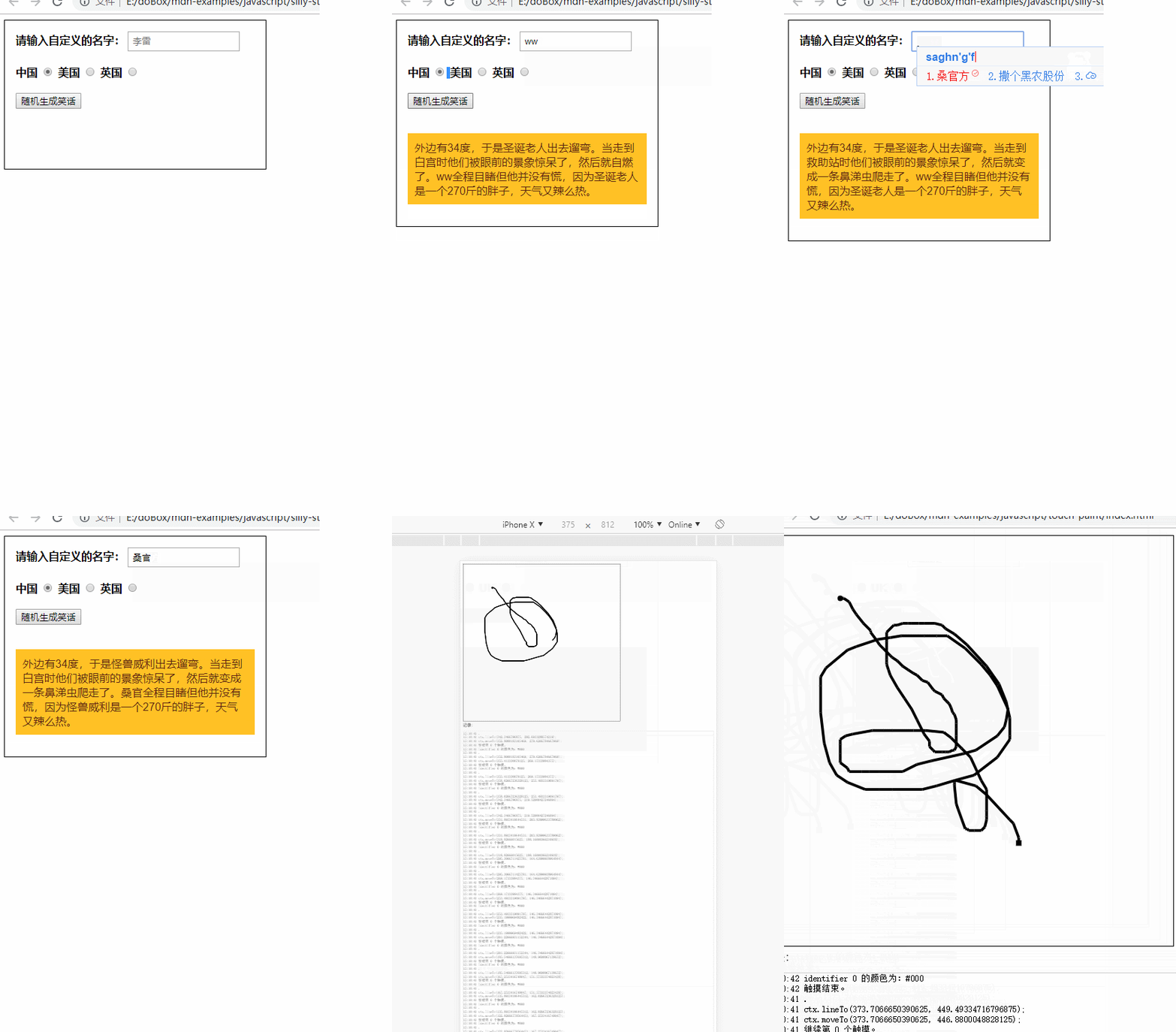
代码如下:
//index.html

<!DOCTYPE html>

<html lang="zh-CN">

<head>

  <meta charset="utf-8">

  <title>触摸事件</title>

  <link href="style.css" rel="stylesheet" type="text/css" />

  <script src="main.js" defer></script>

</head>

<body>

  <canvas id="canvas">

    当前浏览器不支持 canvas 元素

  </canvas>

  <br>记录:

  <pre id="log"></pre>

</body>

</html>
//main.js

const ongoingTouches = [];

const el = document.getElementById("canvas");

const ctx = el.getContext("2d");

window.onload = () => {

  el.width = 600;

  el.height = 600;

  el.addEventListener("touchstart", handleStart, false);

  el.addEventListener("touchend", handleEnd, false);

  el.addEventListener("touchcancel", handleCancel, false);

  el.addEventListener("touchmove", handleMove, false);

  log("初始化成功。");

};

function handleStart(evt) {

  evt.preventDefault();

  log("触摸开始。");

  const touches = evt.changedTouches;

  for (let i = 0; i < touches.length; i++) {

    log("开始第 " + i + " 个触摸 ...");

    ongoingTouches.push(copyTouch(touches[i]));

    ctx.beginPath();

    ctx.fillStyle = colorForTouch(touches[i]);

    ctx.arc(touches[i].pageX, touches[i].pageY, 4, 0, 2 * Math.PI, false);

    // 在起点画一个圆

    ctx.fill();

    log("第 " + i + " 个触摸已开始。");

  }

}

function handleMove(evt) {

  evt.preventDefault();

  const touches = evt.changedTouches;

  for (let i = 0; i < touches.length; i++) {

    const color = colorForTouch(touches[i]);

    const idx = ongoingTouchIndexById(touches[i].identifier);

    if (idx >= 0) {

      log("继续第 " + idx + " 个触摸。");

      ctx.beginPath();

      log("ctx.moveTo(" + ongoingTouches[idx].pageX + ", " +

                          ongoingTouches[idx].pageY + ");");

      ctx.moveTo(ongoingTouches[idx].pageX, ongoingTouches[idx].pageY);

      ctx.lineWidth = 4;

      ctx.fillStyle = color;

      log("ctx.lineTo(" + touches[i].pageX + ", " + touches[i].pageY + ");");

      ctx.lineTo(touches[i].pageX, touches[i].pageY);

      ctx.strokeStyle = color;

      ctx.stroke();

      ongoingTouches.splice(idx, 1, copyTouch(touches[i]));  // 切换到新触摸

      log(".");

    } else {

      log("无法确定下一个触摸点。");

    }

  }

}

function handleEnd(evt) {

  evt.preventDefault();

  log("触摸结束。");

  const touches = evt.changedTouches;

  for (let i = 0; i < touches.length; i++) {

    const color = colorForTouch(touches[i]);

    const idx = ongoingTouchIndexById(touches[i].identifier);

    if (idx >= 0) {

      ctx.lineWidth = 4;

      ctx.fillStyle = color;

      ctx.beginPath();

      ctx.moveTo(ongoingTouches[idx].pageX, ongoingTouches[idx].pageY);

      ctx.lineTo(touches[i].pageX, touches[i].pageY);

      ctx.fillRect(touches[i].pageX - 4, touches[i].pageY - 4, 8, 8);

      // 在终点画一个正方形

      ongoingTouches.splice(idx, 1);  // 用完后移除

    } else {

      log("无法确定下一个触摸点。");

    }

  }

}

function handleCancel(evt) {

  evt.preventDefault();

  log("触摸取消。");

  const touches = evt.changedTouches;

  for (let i = 0; i < touches.length; i++) {

    const idx = ongoingTouchIndexById(touches[i].identifier);

    ongoingTouches.splice(idx, 1);  // 用完后删除

  }

}

// 以下是便捷函数

function colorForTouch(touch) {

  const r = (touch.identifier % 16).toString(16);

  const g = (Math.floor(touch.identifier / 3) % 16).toString(16);

  const b = (Math.floor(touch.identifier / 7) % 16).toString(16);

  const color = "#" + r + g + b;

  log("identifier " + touch.identifier + " 的颜色为:" + color);

  return color;

}

function copyTouch(touch) {

  return {

     identifier: touch.identifier,

     pageX: touch.pageX,

     pageY: touch.pageY

  };

}

function ongoingTouchIndexById(idToFind) {

  for (let i = 0; i < ongoingTouches.length; i++) {

    const id = ongoingTouches[i].identifier;

    if (id == idToFind) {

      return i;

    }

  }

  return -1;    // 未找到

}

function log(msg) {

  const p = document.getElementById('log');

  p.innerHTML =

    new Date().toString().substring(16, 24) + ' ' + msg + "\n" + p.innerHTML;

}
//style.css

body {

    padding: 0;

    margin: 10px

}

svg:not(:root) {

    display: block

}

.playable-code {

    background-color: #f4f7f8;

    border: none;

    border-left: 6px solid #558abb;

    border-width: medium medium medium 6px;

    color: #4d4e53;

    height: 100px;

    width: 90%;

    padding: 10px 10px 0

}

.playable-canvas {

    border: 1px solid #4d4e53;

    border-radius: 2px

}

.playable-buttons {

    text-align: right;

    width: 90%;

    padding: 5px 10px 5px 26px

}

#canvas {

    border: 1px solid #000;

}

#log {

    border: 1px solid #ccc;

}
touch-paint的更多相关文章
- 【appium】根据accessibility_id定位元素
如何获得AccessibilityId 可以通过UIAutomatorViewer或者Appium Inspector获得.Accessibility ID在Android上面就等同于contentD ...
- android中自定义view---实现竖直方向的文字功能,文字方向朝上,同时提供接口,判断当前touch的是哪个字符,并改变颜色
android自定义view,实现竖直方向的文字功能,文字方向朝上,同时提供接口,判断当前touch的是哪个字符,并改变颜色. 由于时间比较仓促,因此没有对代码进行过多的优化,功能远远不如androi ...
- Android事件处理第一节(View对Touch事件的处理)
http://ipjmc.iteye.com/blog/1694146 在Android里Touch是很常用的事件,尤其实在自定义控件中,要实现一些动态的效果,往往要对Touch进行处理.Androi ...
- Android Touch事件之一:Touch事件在父ViewGroup和子View之间的传递篇
2015-11-26 17:00:22 前言:Android的Touch事件传递和View的实现紧密相连,因此理解Touch事件的传递,有助于我们更好的理解View的工作原理. 1. 几个重要的方法: ...
- Xamarin.Forms实现touch事件
Xamarin.Forms的View没有touch事件,只能自己实现 首先,在共享项目里面,放入这几个类,结构大概是这样的: using System; using Xamarin.Forms; na ...
- 详解Paint的setXfermode(Xfermode xfermode)
一.setXfermode(Xfermode xfermode) Xfermode国外有大神称之为过渡模式,这种翻译比较贴切但恐怕不易理解,大家也可以直接称之为图像混合模式,因为所谓的“过渡”其实就是 ...
- android Canvas 和 Paint用法
自定义view里面的onDraw方法,在这里我们可以绘制各种图形,onDraw里面有两个API我们需要了解清楚他们的用法:Canvas 和 Paint. Canvas翻译成中文就是画布的意思,Canv ...
- mkdir,rmdir,cp,rm,mv,cat,touch用法
一.mkdir新建目录 1.进入tmp目录,查看该目录下面的子目录 [root@localhost ~]# cd /tmp[root@localhost tmp]# lshsperfdata_root ...
- UC浏览器中touch事件的异常记录
以前也在UC上面栽过几个坑,不过都是页面显示方面的.上个周的时候,商品详情页重做,要添加个上拉显示详情的效果. 有两个条件需要判断: 1.是否到达底部: 2.到达底部之后拖动的y轴距离. 效果写完后, ...
- 移动端web开发,click touch tap区别
转自: http://blog.csdn.net/sly94/article/details/51701188 移动端用tap时会有穿透问题 一:click与tap比较 click与tap都会触发点击 ...
随机推荐
- Django的分页和中间件
一.分页 Django的分页器(paginator) view.py from django.shortcuts import render,HttpResponse # Create your vi ...
- 在eclipse中spring的xml配置文件标签中class路径全限定名自动提示设置
这个自动提示其实很简单,没有网上说的那些要在help下的Install中输入网址来下载更新一堆东西那么复杂. 只需要打开Help — — >Eclipse Marketplace... 然后在该 ...
- pip 安装 MySQL-python 报错
报错一:EnvironmentError: mysql_config not found 解决:yum install mysql-devel 报错二:Python.h No such file or ...
- QTP 自动化测试--点滴 获取datatable数值/dafault文件位置
0 设置default.xls文件位置 右键项目-settings-resources-datatable-选择 数据表的位置如图 心得:同一个项目-分成多个测试项目-这些测试项目可以共用同一张数据表 ...
- css多列居中
https://jingyan.baidu.com/article/36d6ed1f67d58f1bcf488393.html
- html5 表單輸入類型
輸入類型有:email,url,number,range,Date pickers(工作機制是什麼),search, 有相關類型的輸入域,會對域進行驗證. 不同的瀏覽器並不一定都支持所有的輸入類型.
- 模型的CURD操作
class Index { public function index() { return '<h3>欢迎来到PHP中文网</h3>'; } public function ...
- Vue入门基础
前面的话 Vue中文文档写得很好,界面清爽,内容翔实.但文档毕竟不是教程,文档一上来出现了大量的新概念,对于新手而言,并不友好.个人还是比较喜欢类似于<JS高级程序设计>的风格,从浅入深, ...
- 【python练习题】程序7
#题目:将一个列表的数据复制到另一个列表中. l = [1,2,3,4,5,6,7,8] m = [] m = l[:] print (m)
- reshape
reshape 编辑 reshape是一种函数,函数可以重新调整矩阵的行数.列数.维数.在matlab命令窗口中键入doc reshape或help reshape即可获得该函数的帮助信息. B = ...