
django cbv
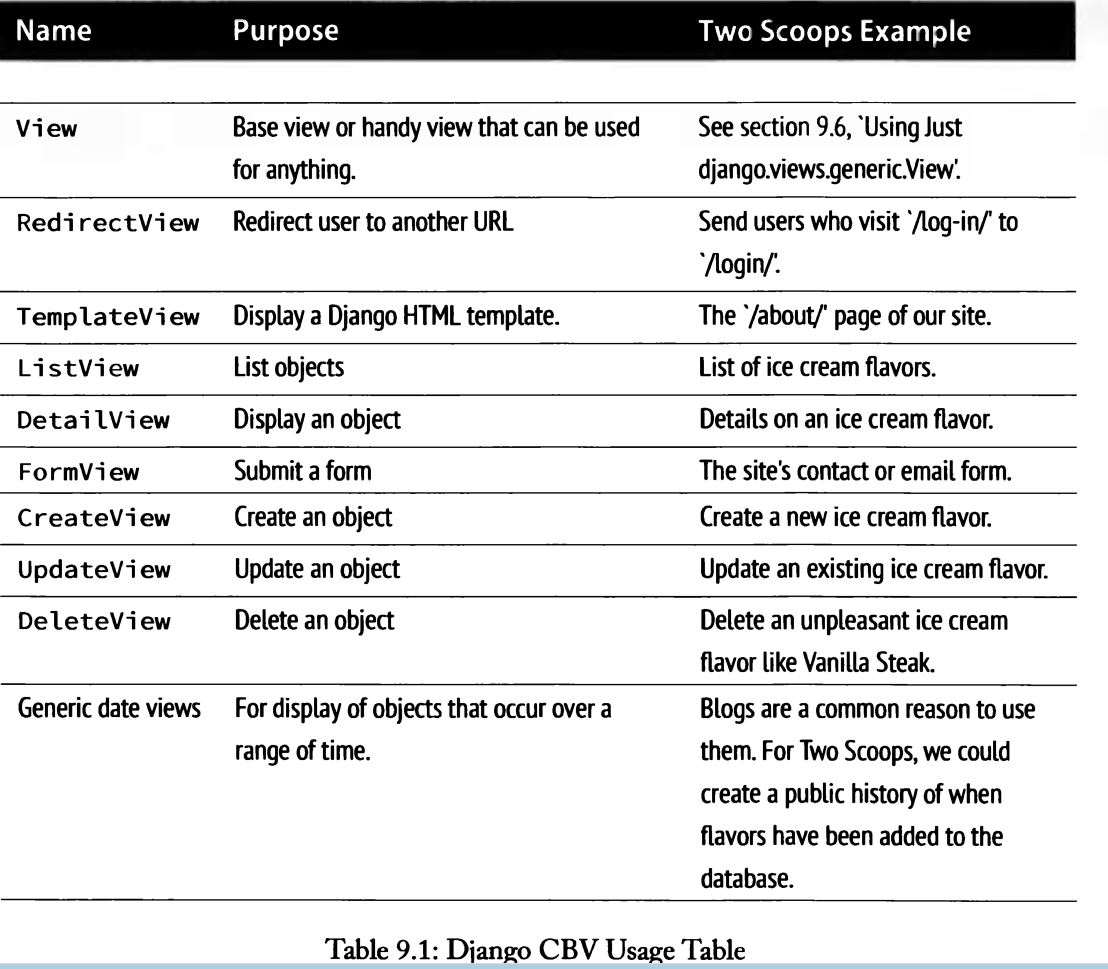
django 提供了一系列现成的类视图,他们都继承自一个 View 基类(django.views.generic.base.View)。在这个基类里实现了与 URLs 的接口(as_view)、请求方法匹配(dispatch)和一些其他的基本功能。比如 RedirectView 实现了一个简单的 HTTP 重定向,TemplateView 给 View 添加了一个渲染模板的功能。
简单用法:
from django.conf.urls import patterns

from django.views.generic import TemplateView

urlpatterns = patterns('',

    (r'^about/', TemplateView.as_view(template_name="about.html")),

)
子类化通用视图,
一个 AboutView,他覆盖了 TemplateView 的模板属性和获取 Context 方法(这是使用 TemplateView 的一般做法):
from django.views.generic import TemplateView

class AboutView(TemplateView):

    template_name = "about.html"

    def get_context_data(self, **kwargs):

        context = super(AboutView, self).get_context_data(**kwargs)

        #alter context

        return context
ListView:
from django.views.generic import ListView

from books.models import Publisher

class PublisherList(ListView):

    model = Publisher
它会自动去寻找publiser_list.html页面作为模板,并在里面渲染{{publisher_list}}作为变量.
对数据模型进行筛选:
from django.views.generic import ListView

from books.models import Book

class BookList(ListView):

    queryset = Book.objects.order_by('-publication_date')

    context_object_name = 'book_list'
如果要进行传参的话:
# urls.py

from django.conf.urls import patterns

from books.views import PublisherBookList

urlpatterns = patterns('',

    (r'^books/([\w-]+)/$', PublisherBookList.as_view()),

)

# views.py

from django.shortcuts import get_object_or_404

from django.views.generic import ListView

from books.models import Book, Publisher

class PublisherBookList(ListView):

    template_name = 'books/books_by_publisher.html'

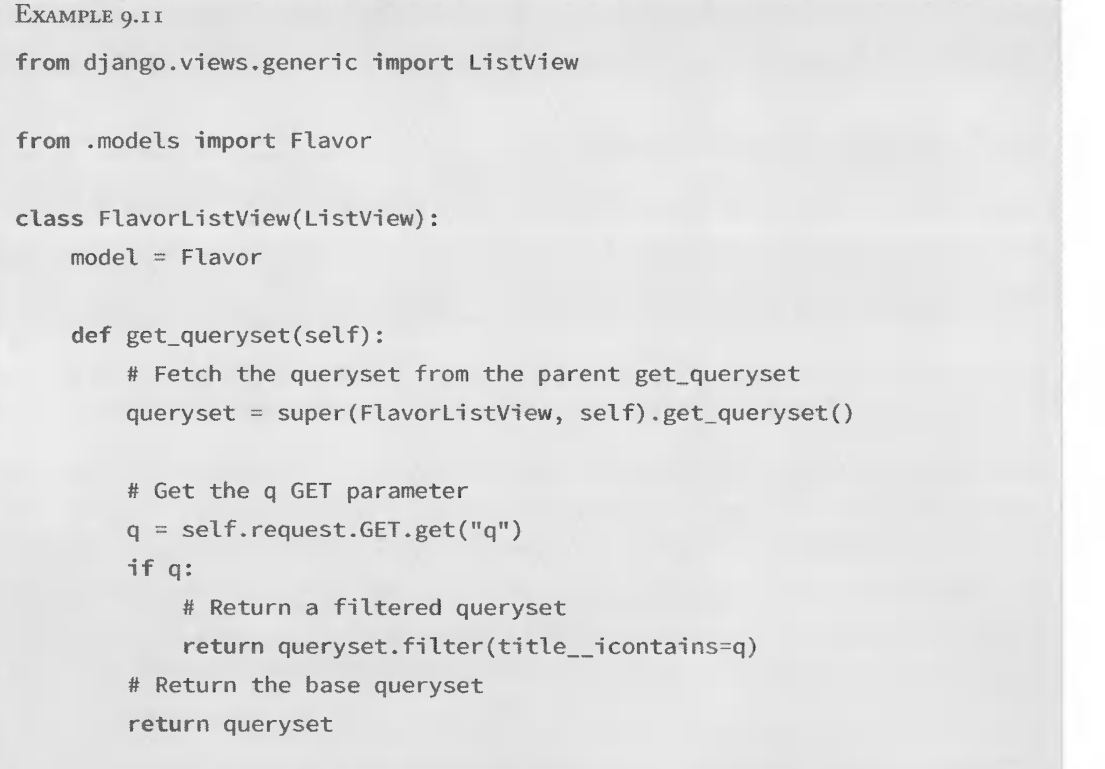
    def get_queryset(self):

        self.publisher = get_object_or_404(Publisher, name=self.args[0])

        return Book.objects.filter(publisher=self.publisher)
保存时候的小动作:
# models.py

from django.db import models

class Author(models.Model):

    salutation = models.CharField(max_length=10)

    name = models.CharField(max_length=200)

    email = models.EmailField()

    headshot = models.ImageField(upload_to='author_headshots')

    last_accessed = models.DateTimeField()

#URLConf

from django.conf.urls import patterns, url

from books.views import AuthorDetailView

urlpatterns = patterns('',

    #...

    url(r'^authors/(?P<pk>\d+)/$', AuthorDetailView.as_view(), name='author-detail'),

)

#View

from django.views.generic import DetailView

from django.utils import timezone

from books.models import Author

class AuthorDetailView(DetailView):

    queryset = Author.objects.all()

    def get_object(self):

        # Call the superclass

        object = super(AuthorDetailView, self).get_object()

        # Record the last accessed date

        object.last_accessed = timezone.now()

        object.save()

        # Return the object

        return object

#Model
def get_absolute_url(self):
    return reverse('student:systemMessageDetail', args=[self.pk])
包含post,get方法:
from django.http import HttpResponse

from django.views.generic import View

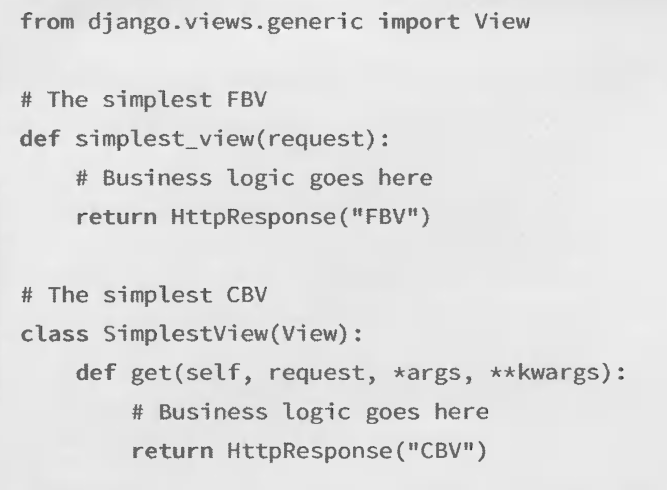
class MyView(View):

    def get(self, request):

        # <view logic>

        return HttpResponse('result')
一个简单的contact form
# forms.py

from django import forms

class ContactForm(forms.Form):

    name = forms.CharField()

    message = forms.CharField(widget=forms.Textarea)

    def send_email(self):

        # 使用 self.cleaned_data 字典来发送一封邮件

        pass

# views.py

from myapp.forms import ContactForm

from django.views.generic.edit import FormView

class ContactView(FormView):

    template_name = 'contact.html'

    form_class = ContactForm

    success_url = '/thanks/'

    def form_valid(self, form):

        # 当有效的数据被 POST 进来以后,本方法就会被调用

        # 本方法应当返回一个 HttpResponse.

        form.send_email()

        return super(ContactView, self).form_valid(form)
转载自http://www.pythontip.com/blog/post/12172/
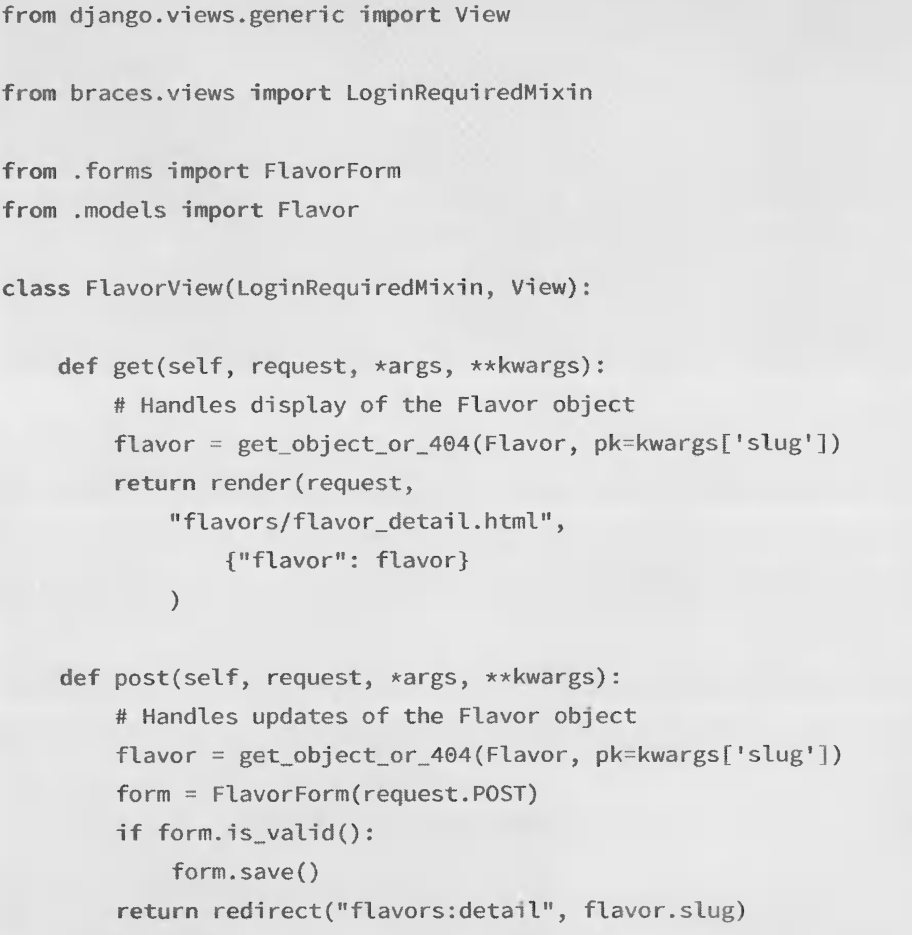
一个简单的view
django cbv的更多相关文章
- Python/Django(CBV/FBV/ORM操作)
Python/Django(CBV/FBV/ORM操作) CBV:url对应的类(模式) ##====================================CBV操作============ ...
- 源码解析Django CBV的本质
Django CBV模式的源码解析 通常来说,http请求的本质就是基于Socket Django的视图函数,可以基于FBV模式,也可以基于CBV模式. 基于FBV的模式就是在Django的路由映射表 ...
- Django CBV和FBV
Django CBV和FBV Django内部CBV内部接收方法操作: 1.通过客户端返回的请求头RequestMethod与RequesrtURL,会以字符串形式发送到服务器端. 2.取到值后通过d ...
- DRF框架(一)——restful接口规范、基于规范下使用原生django接口查询和增加、原生Django CBV请求生命周期源码分析、drf请求生命周期源码分析、请求模块request、渲染模块render
DRF框架 全称:django-rest framework 知识点 1.接口:什么是接口.restful接口规范 2.CBV生命周期源码 - 基于restful规范下的CBV接口 3.请求组件 ...
- django CBV视图源码分析
典型FBV视图例子 url路由系统 from django.conf.urls import url from django.contrib import admin from luffycity.v ...
- Python Django CBV下的通用视图函数
ListView TemplateView DetailView 之前的代码实例基本上都是基于FBV的模式来撰写的,好处么,当然就是简单粗暴..正如: def index(request): retu ...
- $Django cbv源码分析 djangorestframework框架之APIView源码分析
1 CBV的源码分析 #视图 class login (View): pass #路由 url(r'^books/$', views.login.as_view()) #阅读源码: #左侧工程栏--- ...
- [django]cbv方式
cbv的方式 1.简单的url from django.views.generic import TemplateView path('', TemplateView.as_view(template ...
- django ----CBV中加装饰器
CBV中加装饰器 from django import views from django.utils.decorators import method_decorator def login_aut ...
- django CBV和FBV写法总结
一.FBV function base views 平常我们的写法,一个URL对应一个视图函数 二.CBV 1.url 配置 path('test/',views.CBVTest.as_views() ...
随机推荐
- smarty如何处理状态值的显示
比如状态,有效或者无效.这个数据库中保存的是1或者2这样的字段. 显示在列表的时候不能是1或者2吧. 以前,我都是在后台foreach,处理的.感觉处理之后,前台就不灵活了.这个值就被替换成了文字. ...
- 翻纸牌游戏(dfs回溯)
翻纸牌游戏 Time Limit : 9000/3000ms (Java/Other) Memory Limit : 32768/32768K (Java/Other) Total Submiss ...
- openGl学习之加入颜色
OpenGL 支持两种颜色模式:一种是 RGBA模式.一种是 颜色索引模式. 不管哪种颜色模式.计算机都必须为每个像素保存一些数据,即通过每个像素的颜色,来改变总体图形的颜色.不同的是. RGBA 模 ...
- sql 查询所有数据库、表名、表字段总结
ms sql server 1.查询所有表select [id], [name] from [sysobjects] where [type] = 'u' order by [name]2.查询所有数 ...
- iOS 时钟动画
在iOS开发中,定时器NSTimer并不能够准确的出发,通常使用NSTimer只能控制不需要精确处理的操作,而CADisplayLink就是在每次屏幕刷新时,通知系统.CADisplayLink最大的 ...
- 关于反射的一个小问题---.NetFrameWork版本不一样导致不同的系统的问题
背景: 近期项目中用到发射,本人的电脑上是安装了.NetFrameWork 4.5,然后用着发射蛮顺溜的,啪啪,三下五除二,项目完成了,然后提交测试了,测试的电脑是虚拟机上安装了xp系统,然后.Net ...
- mysq数据库管理工具navicat基本使用方法
navicat是mysql数据库的客户端查询管理工具,本文详细的介绍了该软件的基本使用方法 本文转自 http://hejiawangjava.iteye.com/blog/2245758 sql是操 ...
- wamp+thinkphp环境配置
下载wamp并安装,启动wamp,会出现一个小图标,然后点击它——>Start All Services.我点击之后是橙色,不是绿色.绿色代表成功启动.我是IIS占用了80端口的缘故,所以我修改 ...
- C++面向对象类的书写相关细节梳理
类的问题 继承类的原因:为了添加或者替换功能. 1. 继承时重写类的方法 v 替换功能 ① 将所有方法都设置为virtual(虚函数),以防万一. Virtual:经验表明最好将所有方法都设置为vir ...
- If We Were a Child Again
Description The Problem The first project for the poor student was to make a calculator that can jus ...